Introduction
Presenting a marketing plan can be a key moment in getting your ideas approved and funded. Whether you’re speaking to your boss, clients, or investors, a strong presentation makes all the difference. In this blog, you’ll learn how to organize your content, support it with research, and present it in a way that’s simple, powerful, and easy to follow.
What Is a Marketing Plan Presentation?
A marketing plan presentation is a simple and clear explanation of your company’s marketing goals and how you plan to reach them. You use visuals and spoken words to show your strategy, target audience, budget, and expected results. It helps decision-makers understand your plan and give their approval.
Step 1: Know Your Audience First
Before you start making your slides, understand who you’re talking to. Your content will change depending on whether your audience prefers facts, creativity, or strategy.
Why It’s Important:
- Helps you choose the right language and tone
- Increases connection and interest
- Makes your ideas feel more relevant
Ask Yourself:
- Are they top-level decision-makers or a creative team?
- Do they like numbers, stories, or design?
- What concerns or questions might they have?
Step 2: Start With a Clear Executive Summary
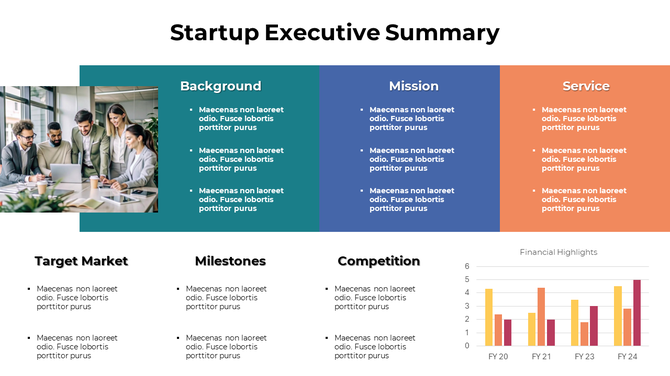
Your first slide should explain the plan in a short, simple way. It’s your chance to grab their attention and show them why they should care.
What to Include:
- What the plan is about
- Who the plan is for
- How long the campaign will run
- What success will look like
Tip: Use short sentences and avoid complex words. Your summary should answer, “What is this plan, and why does it matter?”
Step 3: Use Research to Build Trust
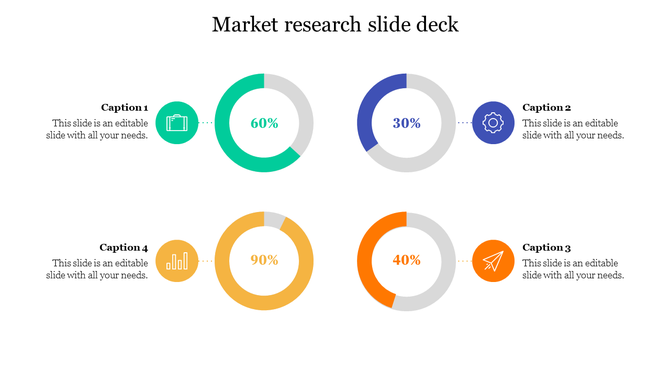
When you support your plan with research, people are more likely to believe in it. Research shows that your plan is based on facts, not just opinions.
What to Share:
- Who your customers are (personas)
- Industry trends and patterns
- What your competitors are doing
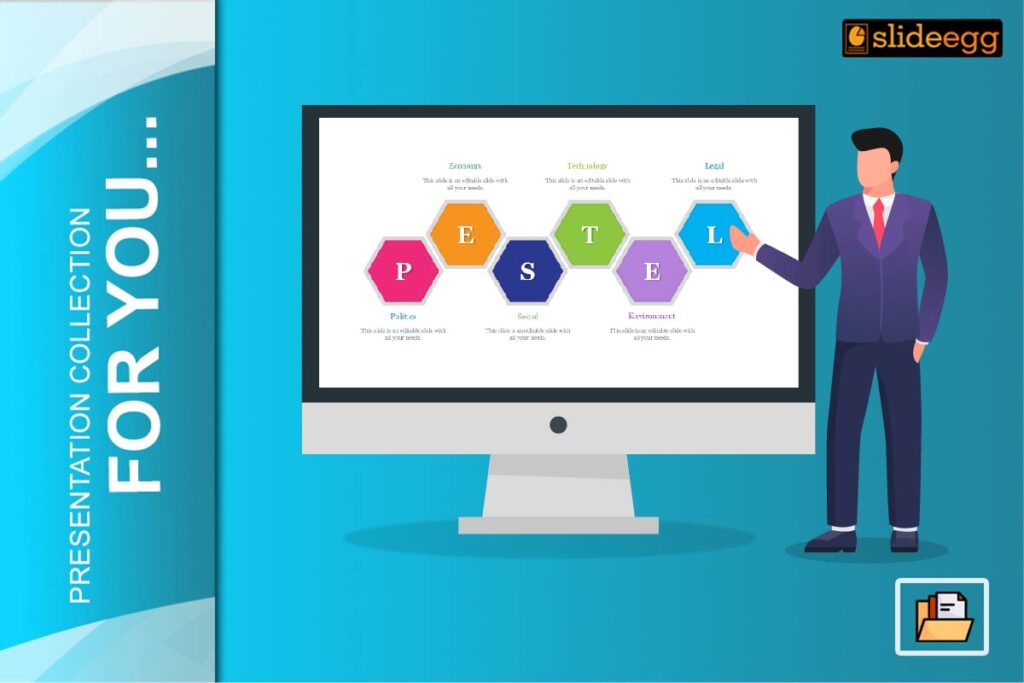
- SWOT or PEST analysis
Tip: Use visuals like charts or graphs to make the data easy to understand.
Step 4: Explain Marketing Goals with Precision
Your goals should be clear and realistic. Don’t use general terms—say exactly what you want to achieve and when.
Use SMART Goals:
- Specific: What exactly do you want?
- Measurable: Can you track progress?
- Achievable: Is it realistic?
- Relevant: Does it support the bigger plan?
- Time-bound: Set a deadline
Example Goals:
- Get 2,000 new email sign-ups in 2 months
- Raise website traffic by 25% this quarter
- Get 500 leads from a paid campaign
Step 5: Outline Your Marketing Strategies
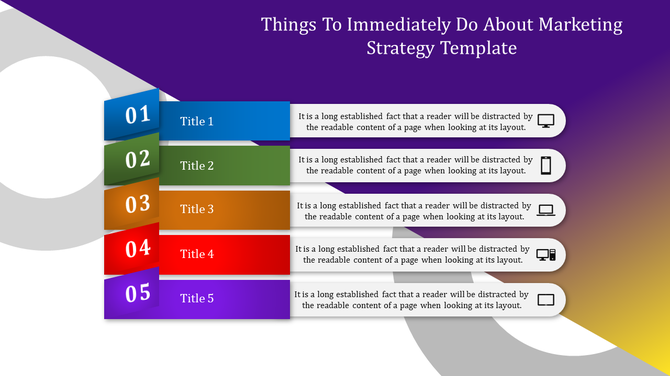
This is where you explain how you will achieve your goals. Break your plan into parts so it’s easy to understand.
Key Strategy Areas:
- Content Marketing: Articles, videos, ebooks
- Social Media: Paid posts, daily content, engagement
- Email Marketing: Weekly newsletters, special offers
- SEO & Ads: Google Ads, keyword ranking
- Partnerships: Working with influencers or other brands
Tip: Use one slide per strategy and add icons or short visuals.
Step 6: Budget and Resource Planning
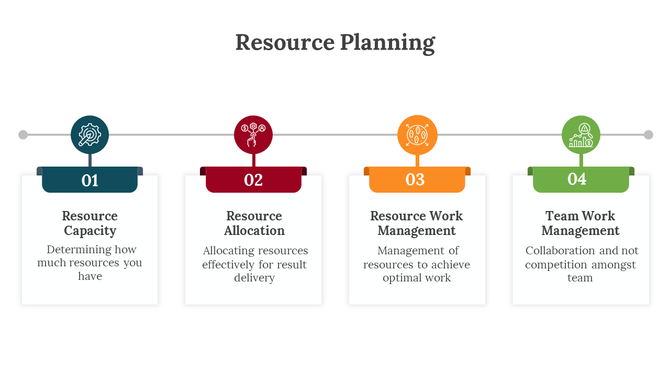
Tell your audience how much the plan will cost and what tools or people you need. A clear budget builds trust.
Include:
- How money is split across channels
- What tools you’ll use (like email software or CRM)
- Who will do the work (internal team or freelancers)
Tip: Show the budget using simple pie charts or bar graphs.
Step 7: KPIs and Success Metrics
Let your audience know how you’ll measure success. Use simple and clear metrics that everyone can understand.
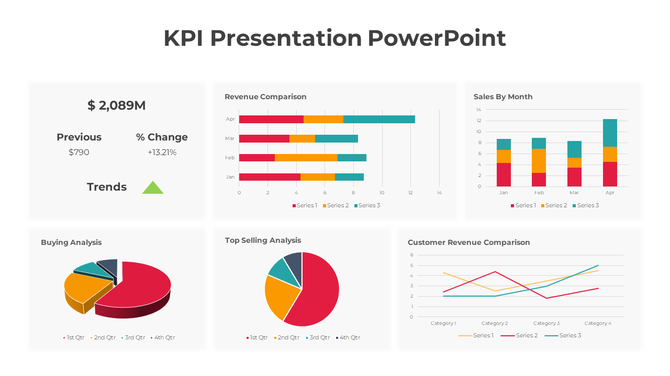
Track with KPIs like:
- Cost per Lead (CPL)
- Customer Acquisition Cost (CAC)
- Click-through and conversion rates
- Return on Ad Spend (ROAS)
Tip: Add a slide titled “How will we know if this plan is working?”
Step 8: End with a Confident Call-to-Action
Finish strong. Ask your audience for what you need—approval, feedback, or budget.
Wrap Up with:
- A quick summary of your main points
- The value this plan brings to the business
- A clear next step (e.g., approval or feedback)
Tip: Add a slide that says: “What should the audience do next?”
Presentation Design Tips
Even the best message can get lost without good design. Keep your slides clean, simple, and easy to read. If you’re short on time, a presentation design service can help you create a great deck in no time.
Slide Design Tips:
- Keep one main idea per slide
- Use big fonts and readable colors
- Stick to one or two fonts
- Add charts, icons, or images
- Leave space (whitespace) to avoid clutter
Templates That Can Help
PowerPoint Presentation Templates save time and make your slides look more professional. Use them for:
- Strategy overviews
- Budget slides
- Timelines
- KPI dashboards
They help keep everything neat and consistent. Explore the best business PowerPoint presentation slides for your next presentation.
Conclusion
A great marketing plan presentation doesn’t need to be complicated. Focus on what matters—clear goals, smart strategies, strong research, and confident delivery. Make it easy to follow and use simple visuals. With this approach, your plan will not just be seen—it will be approved.
FAQs
1. What should a marketing plan presentation include?
Goals, strategies, research, timeline, KPIs, and budget.
2. How many slides are ideal for a marketing plan?
10 to 15 slides is usually enough.
3. How can visuals help in a marketing plan presentation?
They make ideas easier to understand and remember.
4. Should I customize the plan for each audience?
Yes, it improves your chances of getting approval.
5. What’s the best way to end a marketing plan presentation?
Summarize your points and clearly ask for the next step.