
Quick Tips Before We Start ⬣ You can’t directly add a Vimeo video like YouTube in Google Slides.⬣ But don’t…
Quick Tips: Google Slides Pixel Sizes Made Easy ✅ Standard Google Slide = 1280 x 720 pixels (16:9 ratio)✅ Widescreen…
Quick Tips for Google Slides Zoom Control ✓ Use the Ctrl + Plus key to zoom in quickly.✓ Press Ctrl…
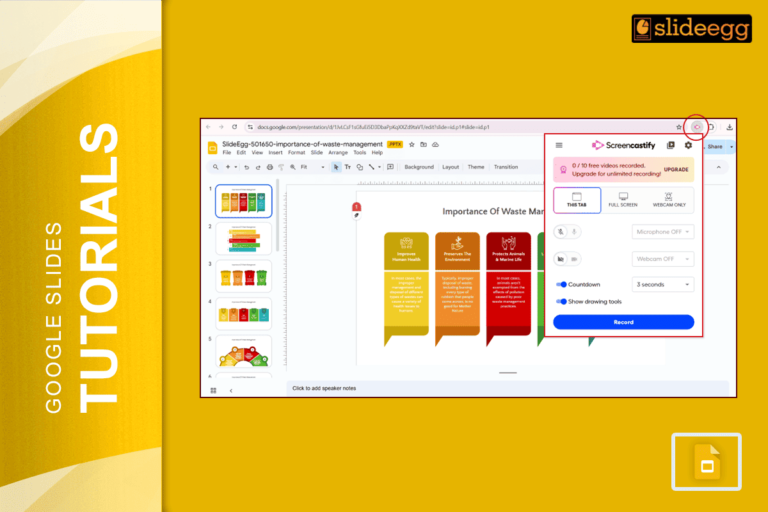
Quick Tips to Use Screencastify with Google Slides ✅ Open your Google Slides presentation.✅ Add the Screencastify extension to your…
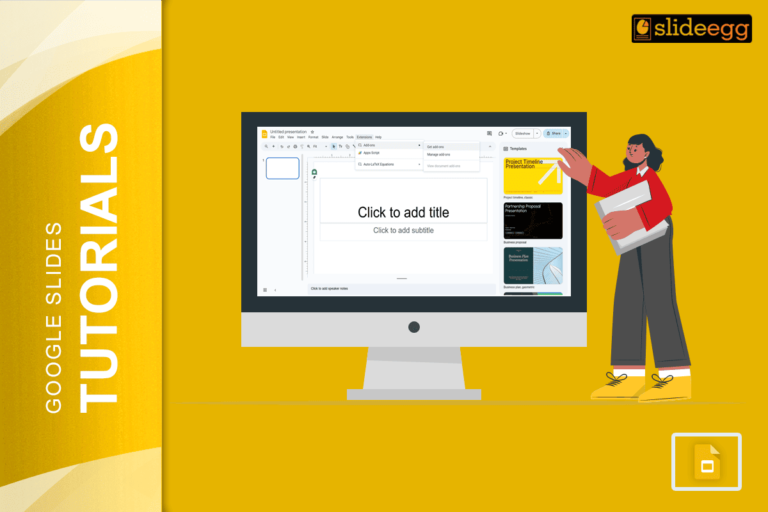
Easy Steps to Use Pear Deck with Google Slides ✅ Open Google Slides.✅ Install the Pear Deck Add-on.✅ Create or…

Quick Tips to Add LaTeX in Google Slides:✅ Use CodeCogs or QuickLaTeX to generate LaTeX equations as images.✅ Just copy-paste…
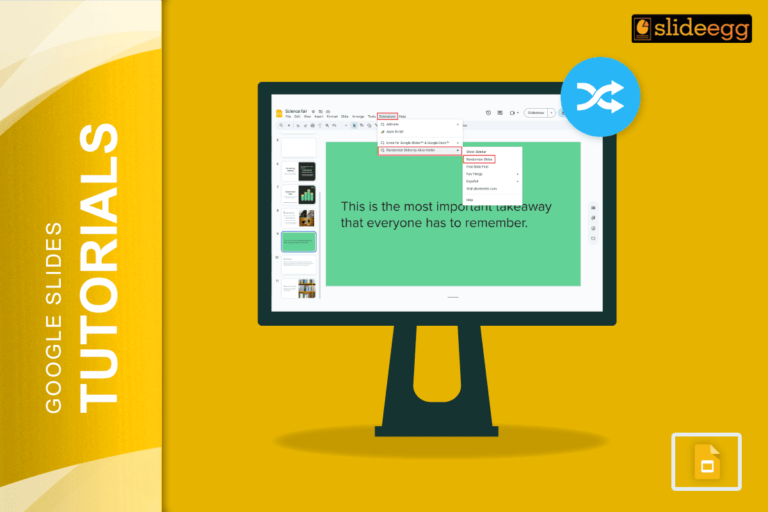
Quick Tips for Shuffling Slides in Google Slides ✅ Open slide panel – Click on the slide list on the…
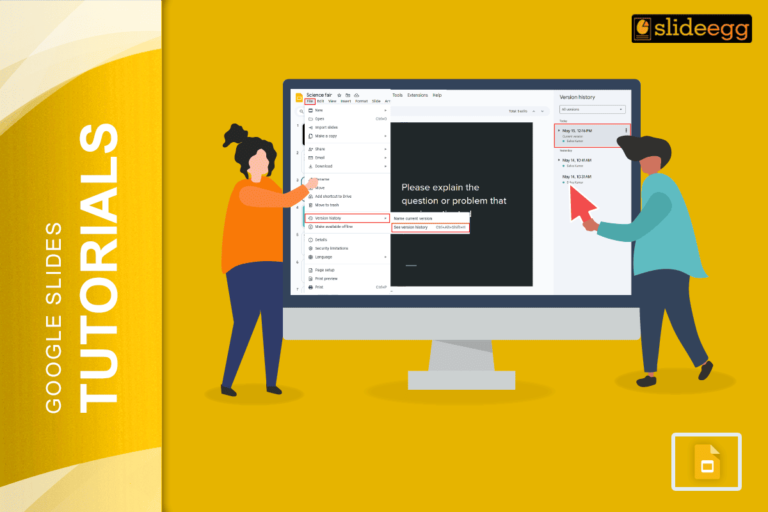
👇 Quick Tips: Google Slides Edit History at a Glance ✅ Click the clock icon near the Share button.✅ Or…
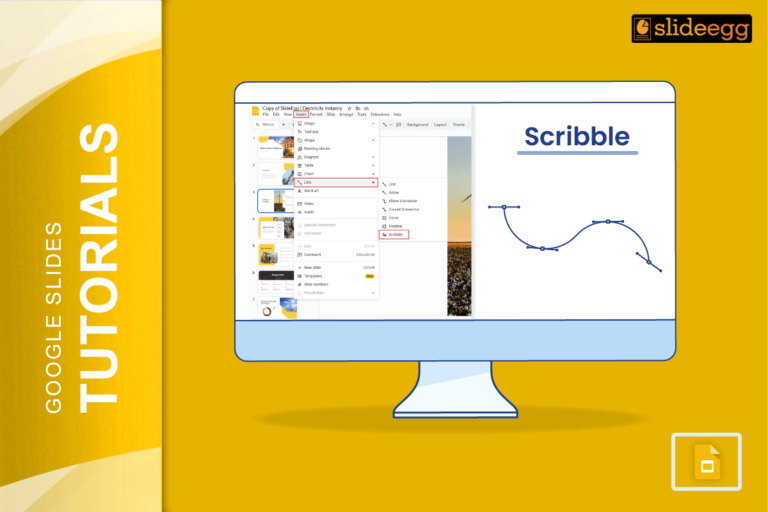
Quick Tips for Scribbling on Google Slides ✏️ Use the scribble tool from the toolbar.✏️ Pick bright colors for better…
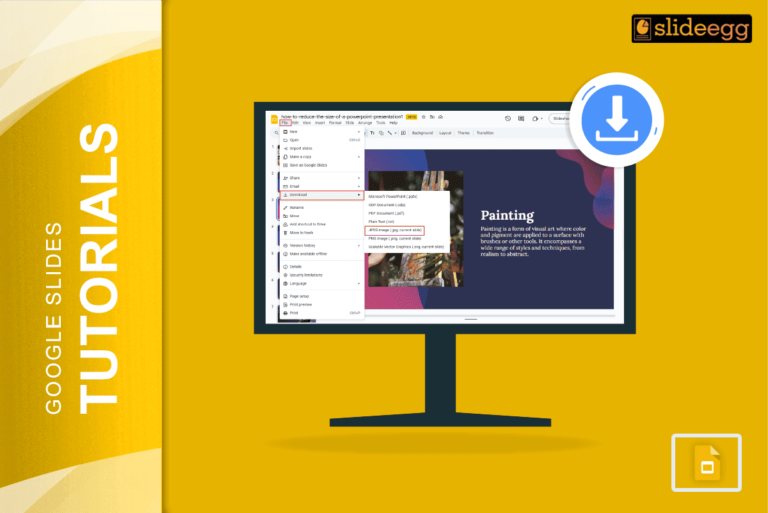
Quick Steps to Save Google Slides as JPEG 📥Open your Google Slides presentation.📥Click “File” in the top menu.📥Select “Download” from…
Recent Blogs

Most founders spend months building the idea, but only a few days building the presentation. That gap shows....

Simple Steps to Create a Decision Tree in Google Slides✅Open Google Slides and choose a blank slide.✅Click Insert...

Whether you are presenting at a grand rounds session, a national cardiology conference, or a departmental case review,...