
Slidea Logo
Try it now — the new, easy way to turn your slides into an interactive experience.
Explore Now

Stunning Questions PowerPoint Templates & Google Slides

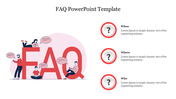
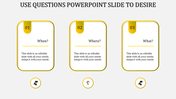
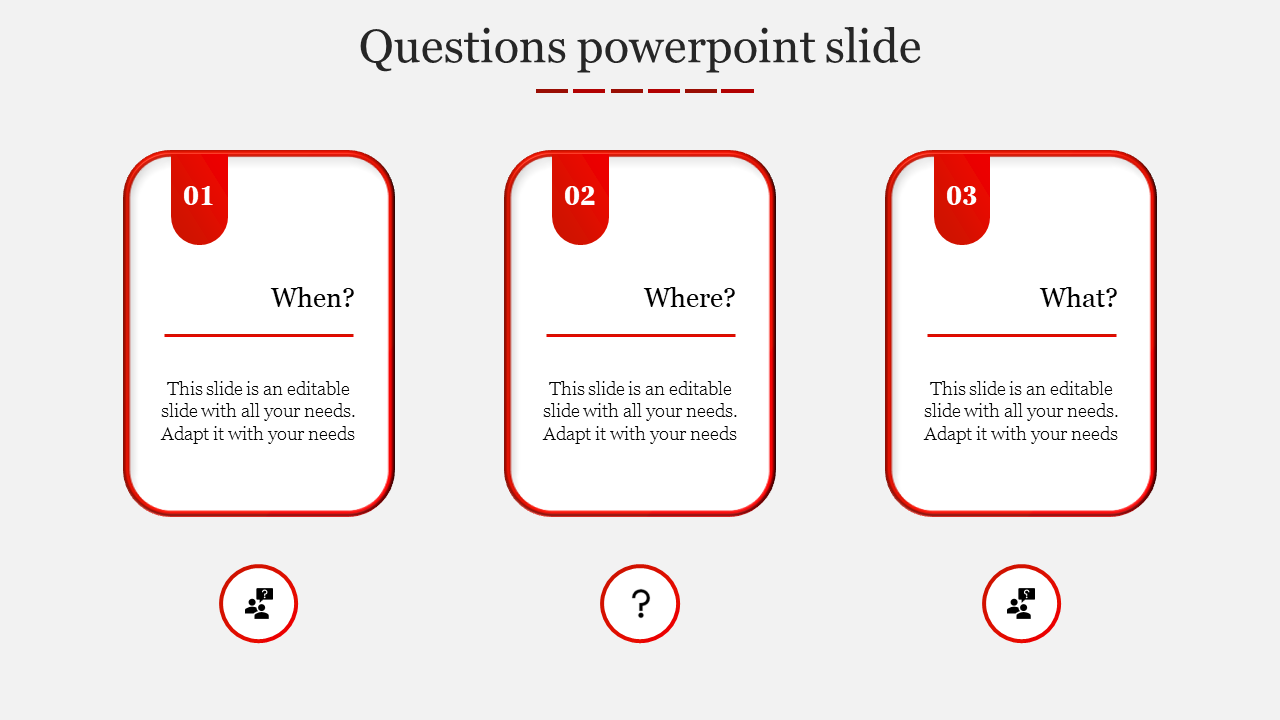
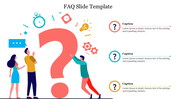
Slide with three question cards labeled when, where, and what, each with a placeholder text.
P.ID : 28142
    690 views
    70 Downloads
    Get Custom Slides by Experts
    Enhance Your Presentations with Add-ins
    Google Slides Add-in
    Access templates directly in Google Slides
    Microsoft PowerPoint Add-in
    Access templates directly in PowerPoint
    GPT Add-on
    AI-powered presentation assistance

    Questions Powerpoint Slide — PowerPoint Template

    Spending hours building slides from scratch is time you don't have. A ready-made, fully editable template gets you to a polished presentation in minutes — not hours.

    This questions powerpoint slide gives you a clean, fully editable presentation slide that's ready to use the moment you download it. The slide features slide with three question cards labeled when, where, and what, each with a placeholder text. It's structured around a 3-part visual framework — giving your audience a clear, logical sequence to follow. Drop it into your deck, replace the placeholder text, and you're done.

    What's Inside

    A focused single-slide design — built for one strong visual message, fast to customize — text, colors, icons, and layout are all yours to adjust. Design variations include: Questions, Any Questions, Question Mark, Questions Session. Match your brand, adapt the layout, change the colors — it takes minutes, not hours.

    Who This Is For

    Built for professionals, students, educators, and anyone who needs a polished, ready-to-use presentation template. No design background needed — just open, edit, and present.

    Formats & Download

    Available for PowerPoint. Download instantly — no design skills required. Everything is fully customizable to match your brand or topic.

    Key Features

    • Fully editable — text, colors, icons, and layout
    • Compatible with PowerPoint
    • 16:9 widescreen format — presentation-ready
    • Clean, professional design — no clutter
    • Premium — instant download access

    Explore more FAQ templates to find the right fit for your next presentation.
    Advertisement

    You May Also Like These PowerPoint Templates

    Add to Wishlist
    Download
    AI Customize
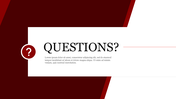
    Slide featuring a bold question text and symbol with a red and white color with text area.
    Add to Wishlist
    Download
    AI Customize
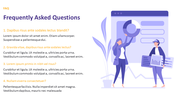
    FAQ slide with four questions in orange text and detailed answers, alongside an illustration of people.
    Add to Wishlist
    Download
    AI Customize
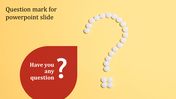
    A creative design with a yellow background, featuring a question mark made of small white circles with a red speech bubble.
    Add to Wishlist
    Download
    AI Customize
    Bold red text in the center with faded question marks in the background and bordered with a thin red line.
    Free
    Add to Wishlist
    Download
    AI Customize
    Illustrated FAQ slide featuring a large text and characters interacting with question bubbles and icons with text areas.
    Add to Wishlist
    Download
    AI Customize
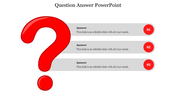
    A slide with a large red question mark and three answer sections. It includes placeholder text, with numbered red circles.
    Add to Wishlist
    Download
    AI Customize
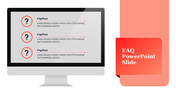
    Slide with a computer monitor displaying three question mark icons with text, alongside a red banner with title.
    Add to Wishlist
    Download
    AI Customize
    A large white question mark in the center with five numbered colorful circles with text arranged around it.
    Add to Wishlist
    Download
    AI Customize
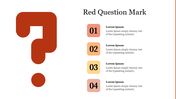
    Large red question mark on the left, with four numbered text boxes in yellow, and orange shaes on the right.
    Add to Wishlist
    Download
    AI Customize
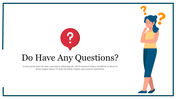
    A white slide with an illustration of a confused woman and a large question mark icon beside the title text area to the left.
    Free
    Add to Wishlist
    Download
    AI Customize
    Three yellow bordered cards with numbered tabs, each containing a question, arranged horizontally with icons below.
    Add to Wishlist
    Download
    AI Customize
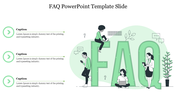
    FAQ slide featuring three captions on the left with green arrow icons and a large text in the center.
    Add to Wishlist
    Download
    AI Customize
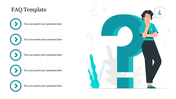
    Illustration of a person beside a large teal question mark, with five circular icons and text on the left.
    Add to Wishlist
    Download
    AI Customize
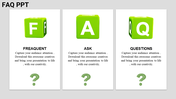
    Three vertical white boxes, each containing green cubes labeled with letters, text and question mark at the bottom.
    Add to Wishlist
    Download
    AI Customize
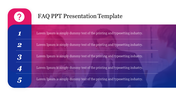
    FAQ  slide with five numbered sections for text, featuring a gradient background and a question mark icon on the left.
    Add to Wishlist
    Download
    AI Customize
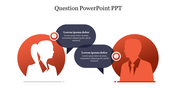
    Silhouettes of a woman and a man in red circles with speech bubbles in between, featuring question and info icons.
    Add to Wishlist
    Download
    AI Customize
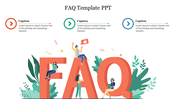
    Colorful FAQ slide with characters interacting around giant letters, accompanied by captions at the top.
    Add to Wishlist
    Download
    AI Customize
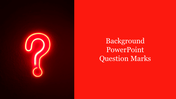
    Slide featuring a glowing question mark against a black background, paired with a bold red section containing text.
    Add to Wishlist
    Download
    AI Customize
    Slide with three question cards labeled when, where, and what, each with a placeholder text.