Compare Presentation Templates
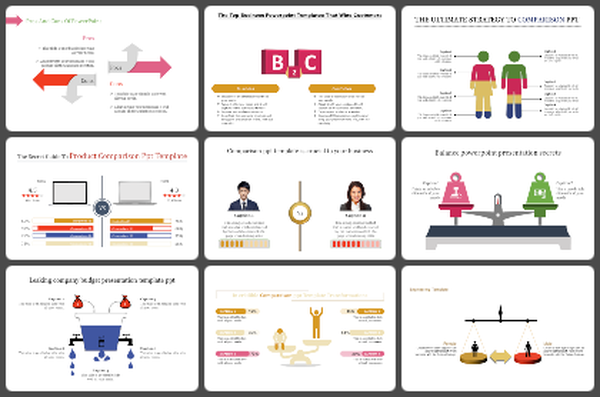
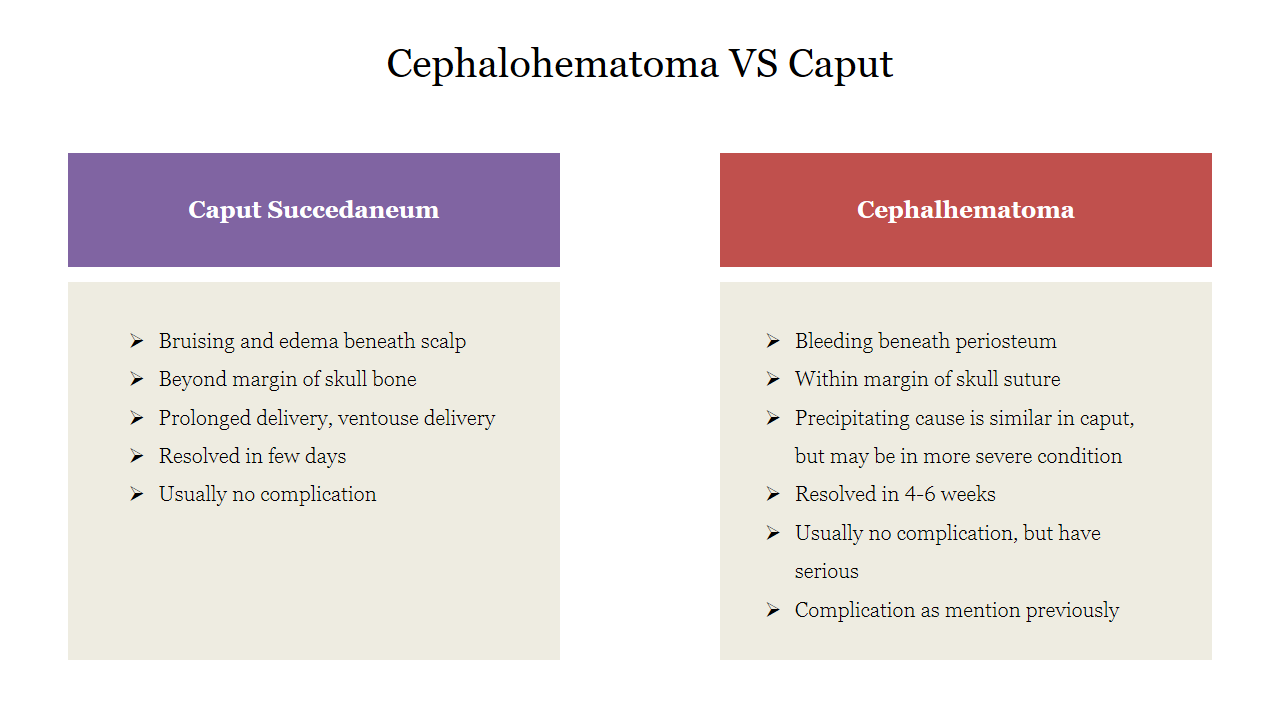
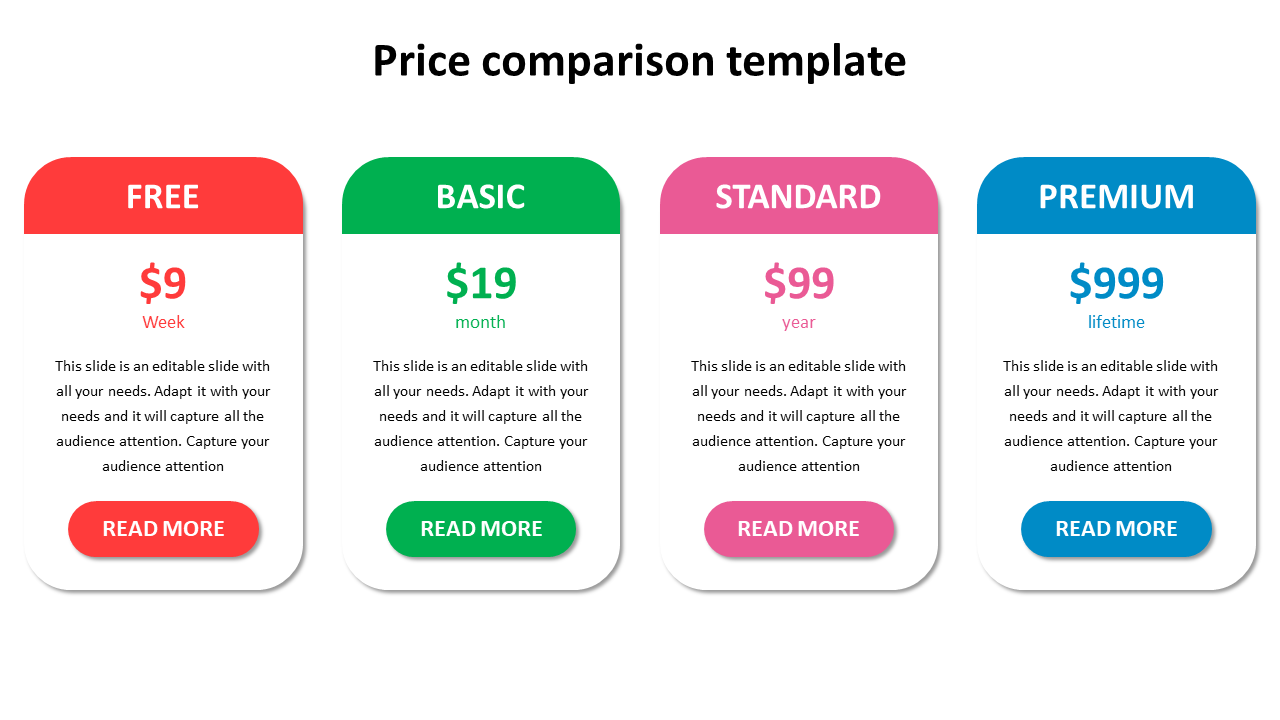
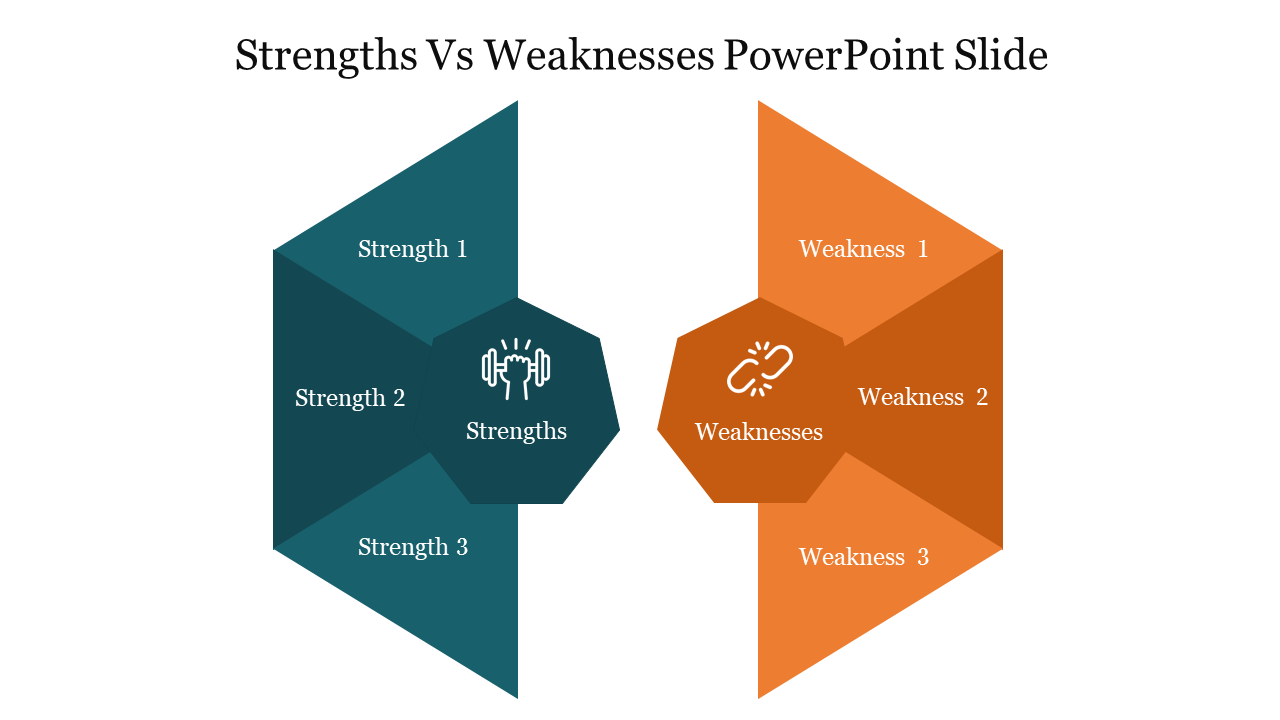
Need to compare what you're doing to your competitors? Why not put a little inspiration in between? Make your job easier with these powerful Free Comparison PowerPoint Templates and Google Slides Themes. As an expert, do not worry! Every cloud has a silver lining!


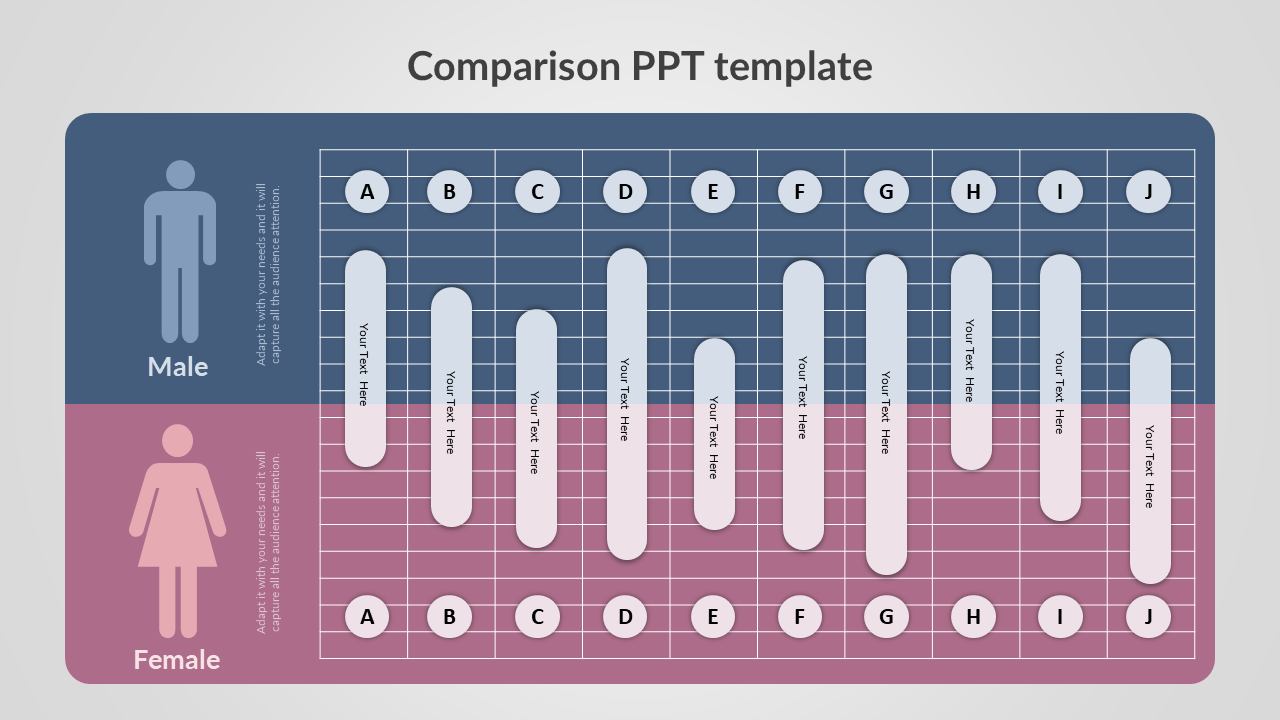
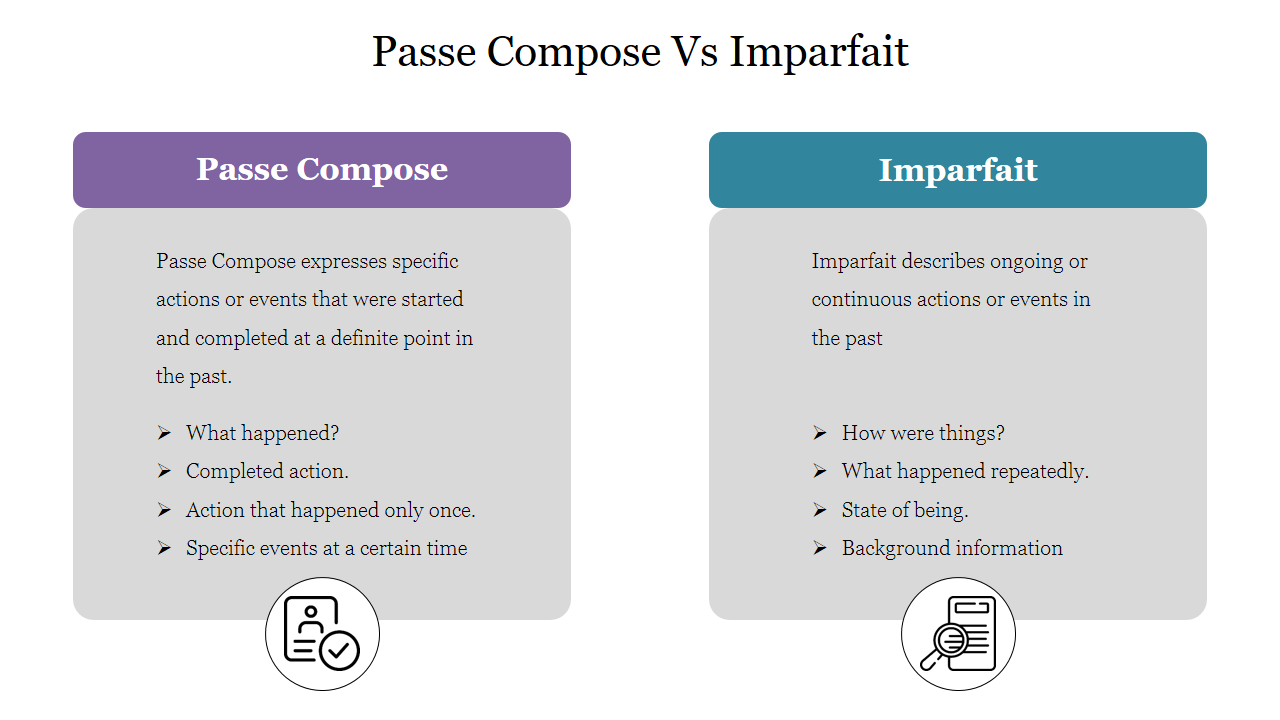
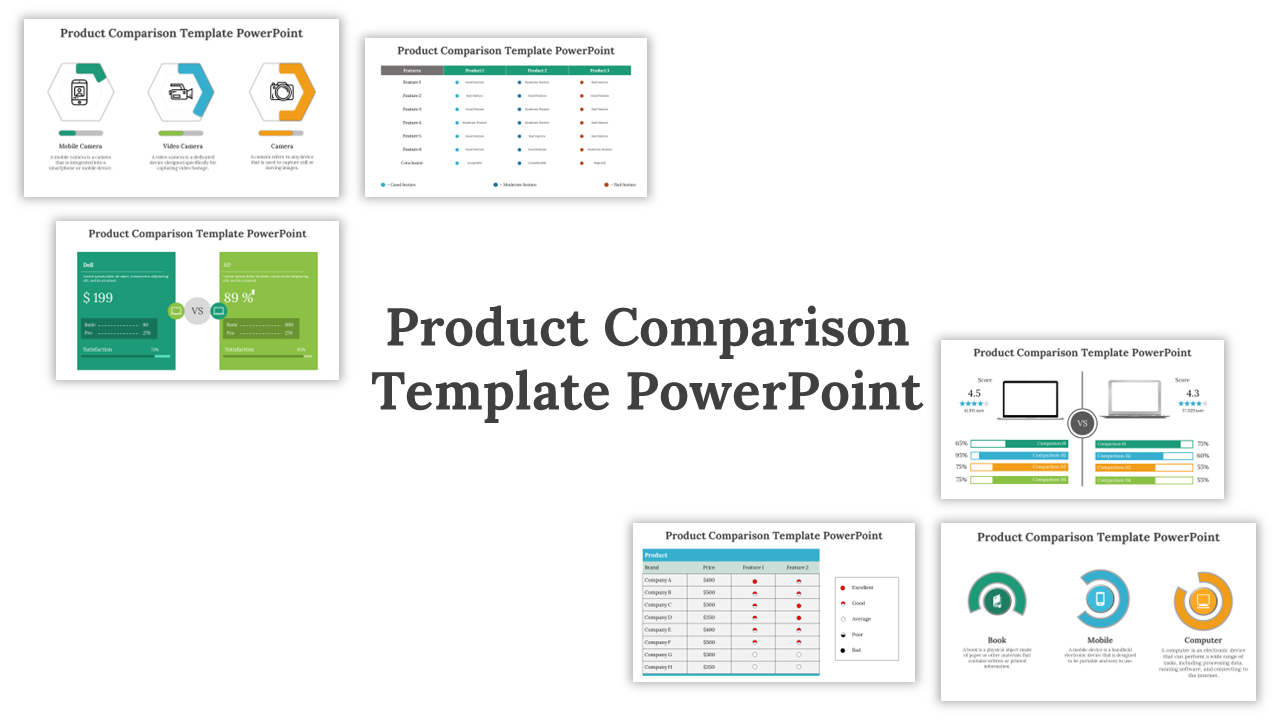
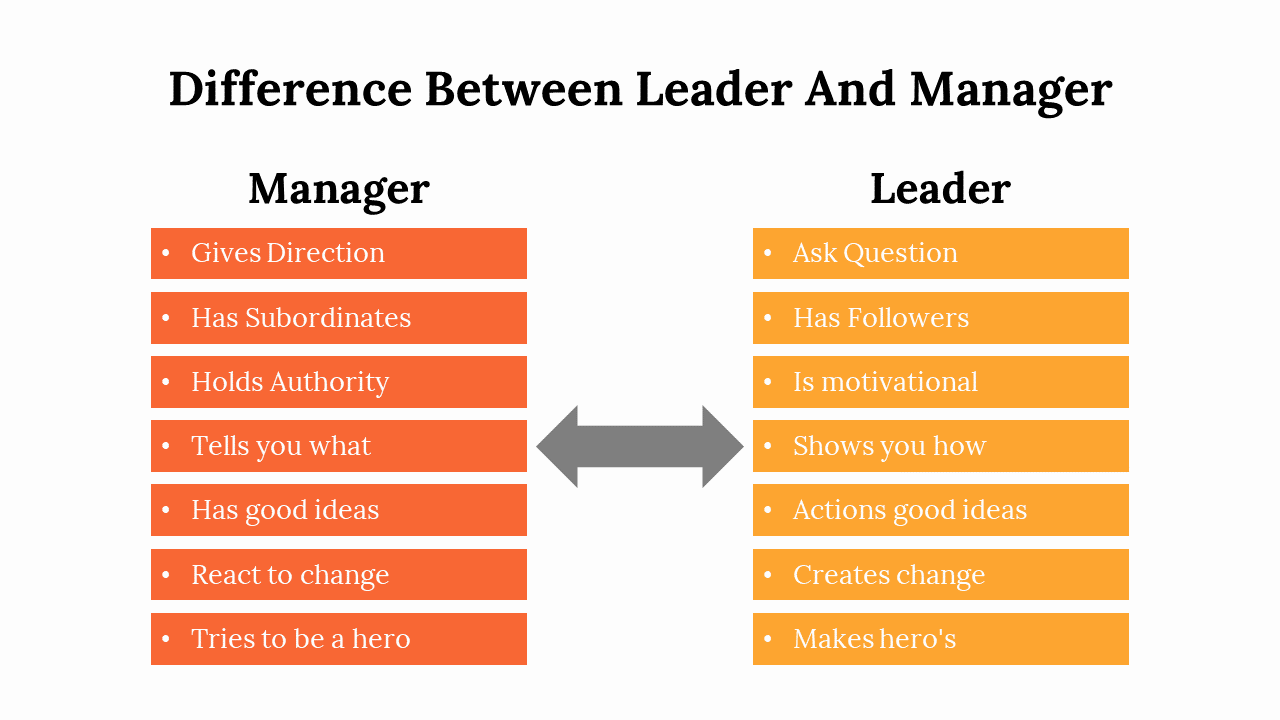
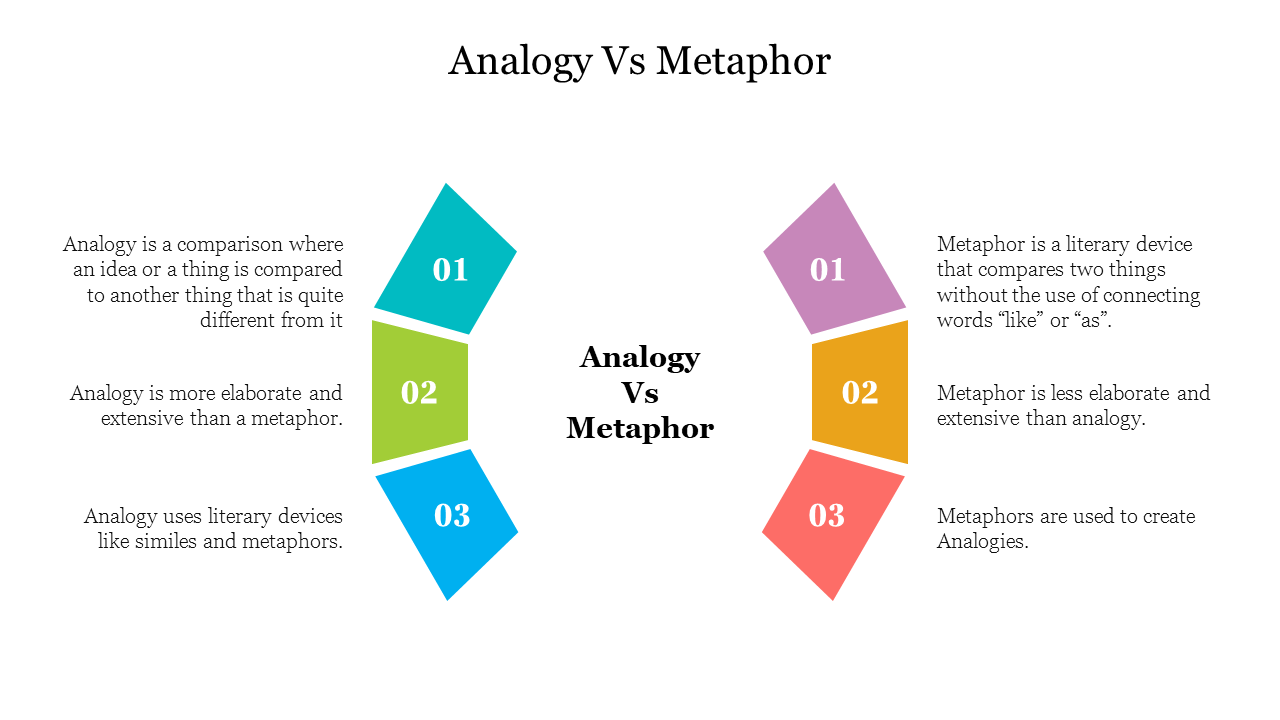
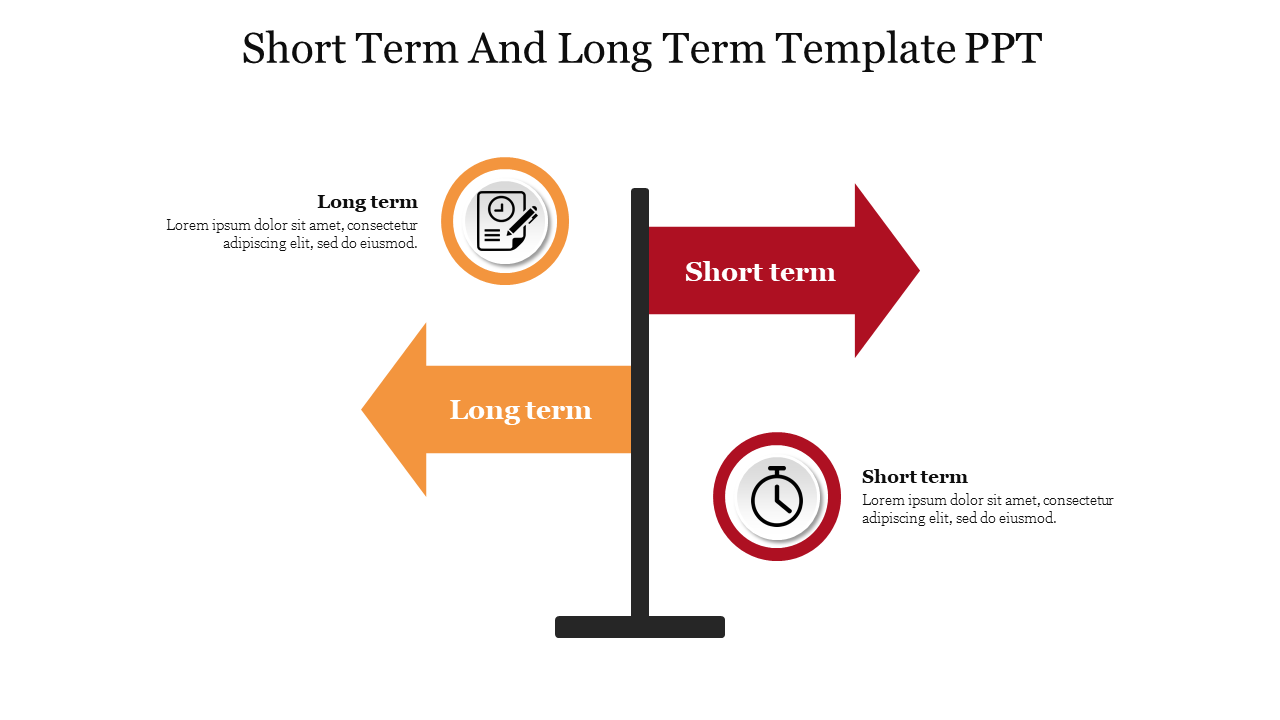
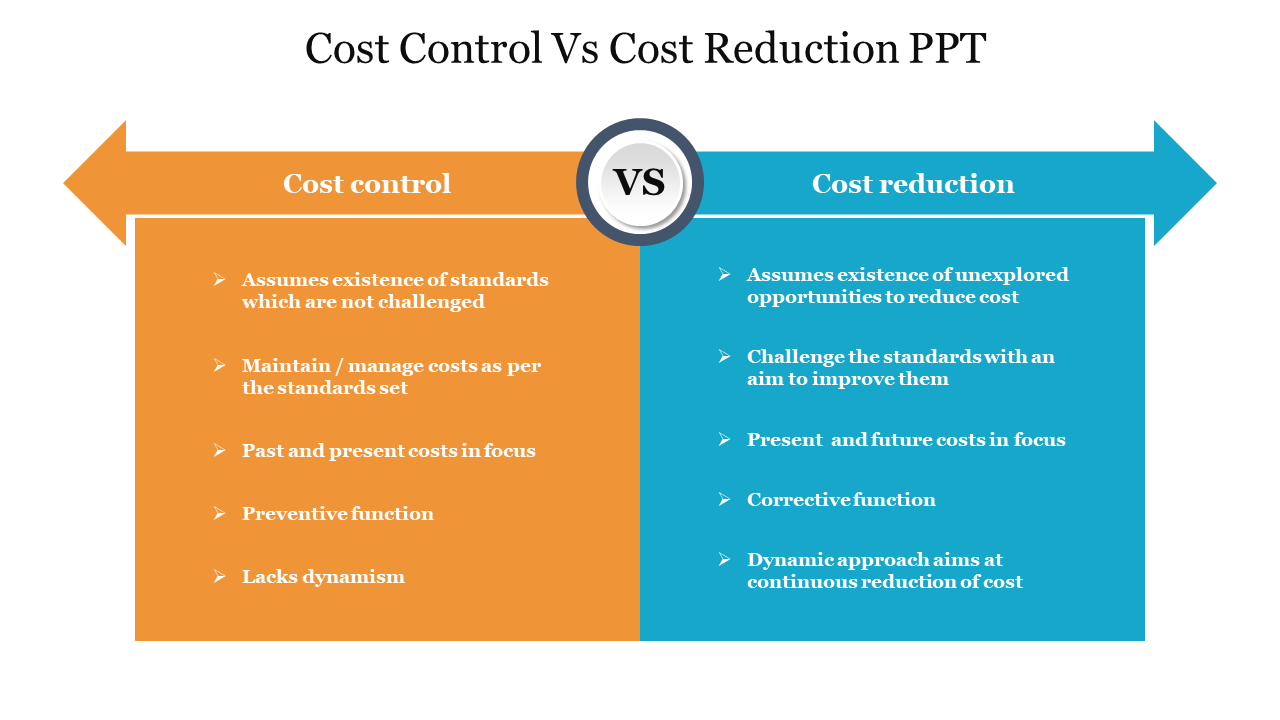
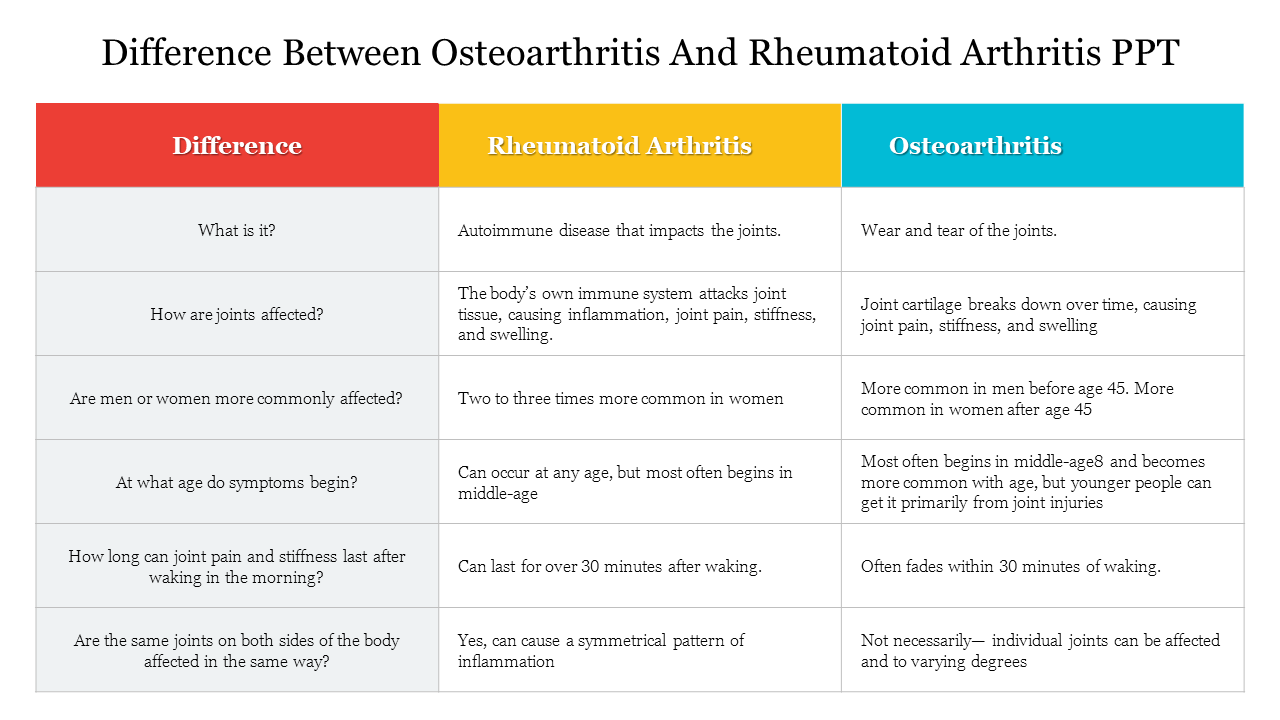
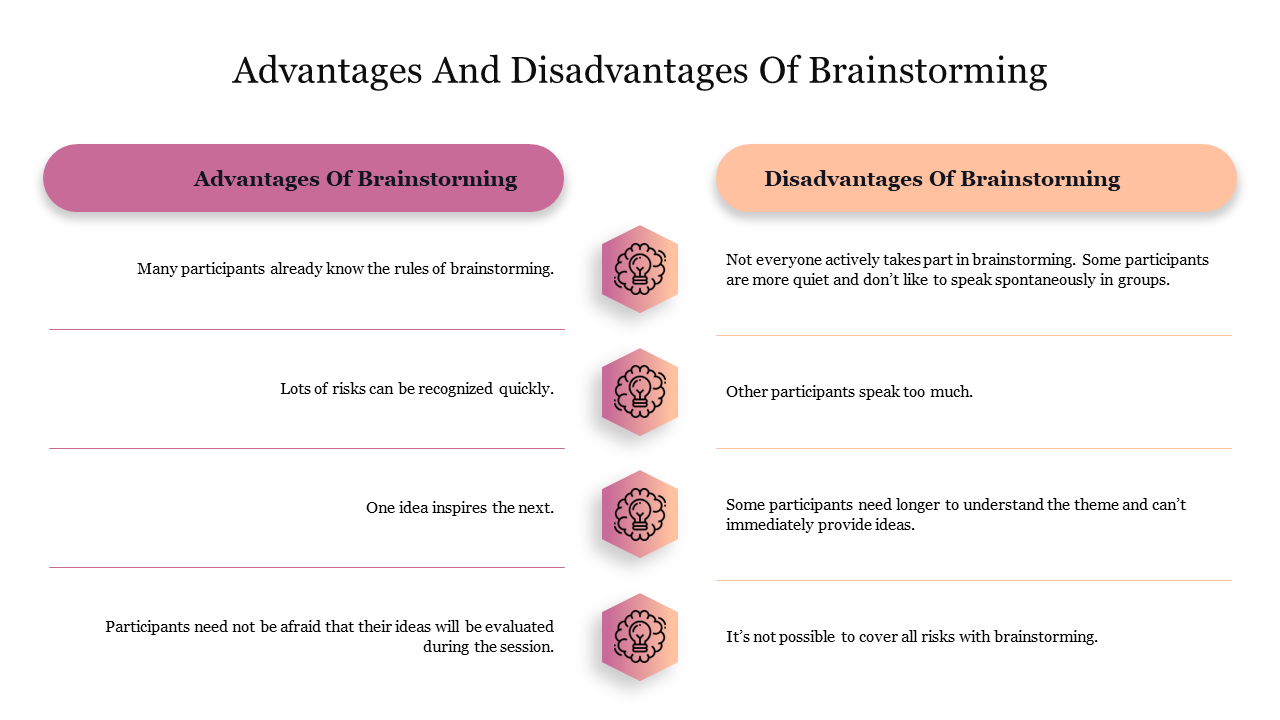
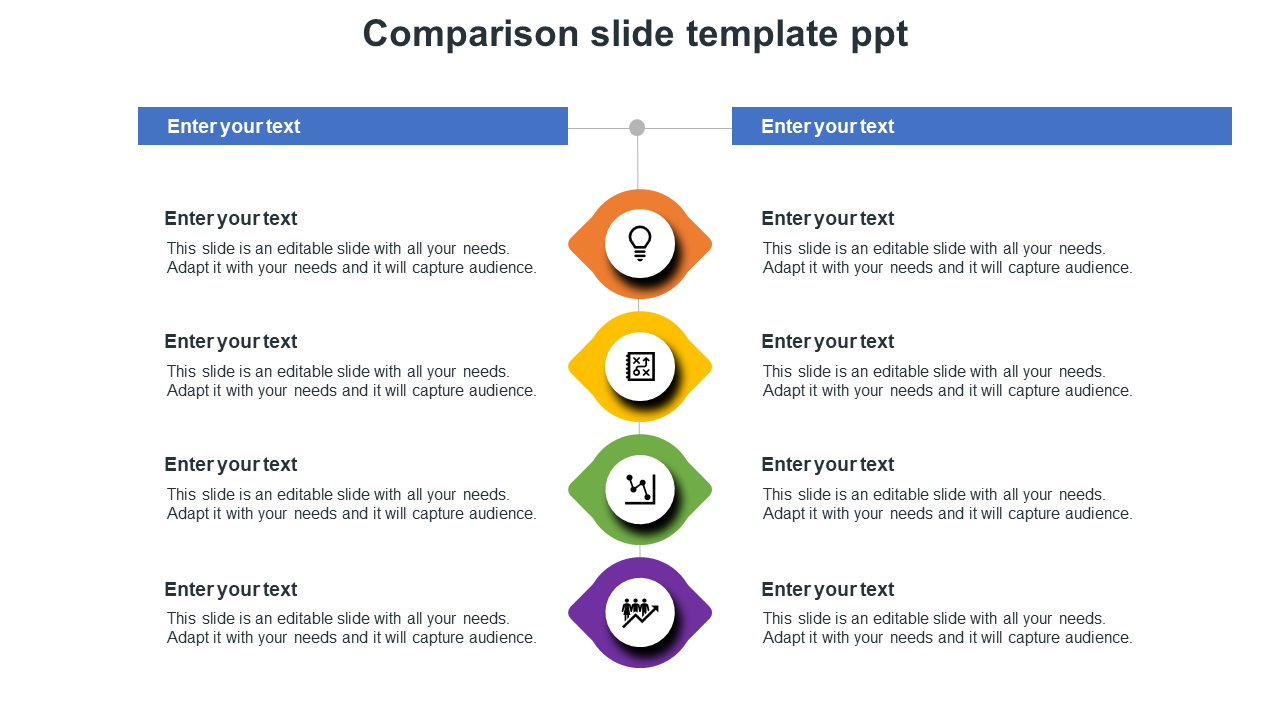
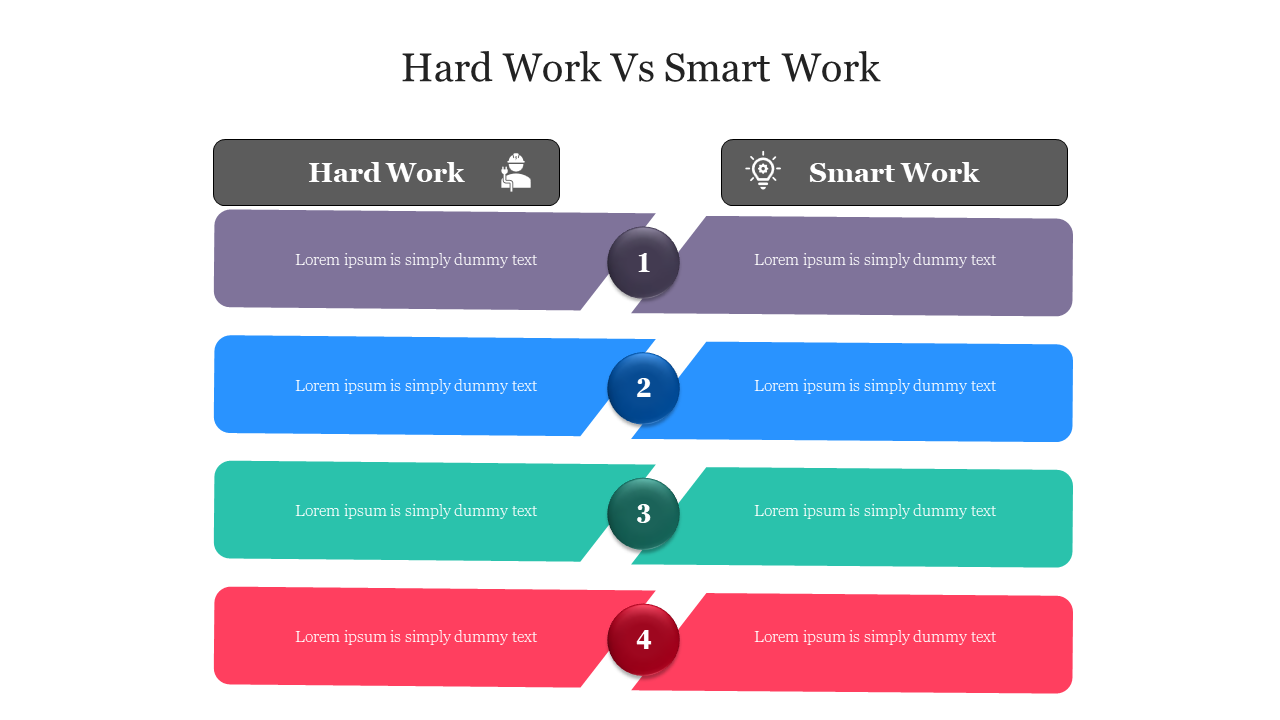
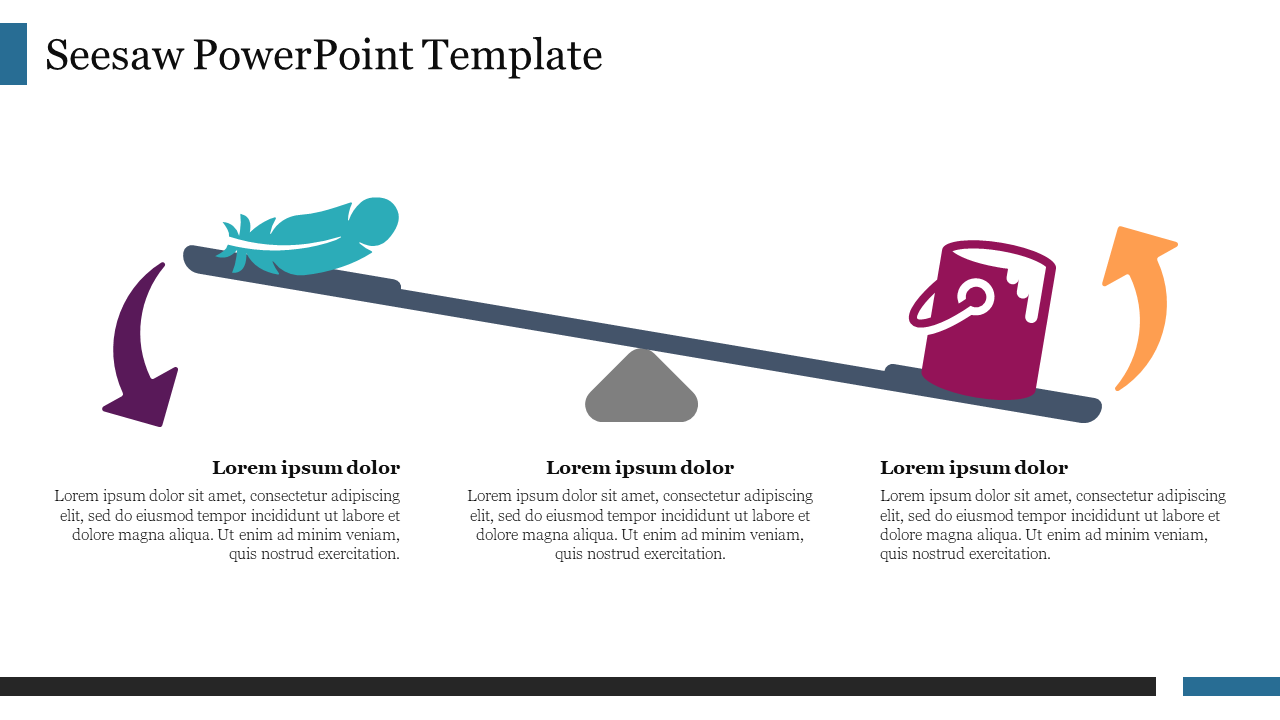
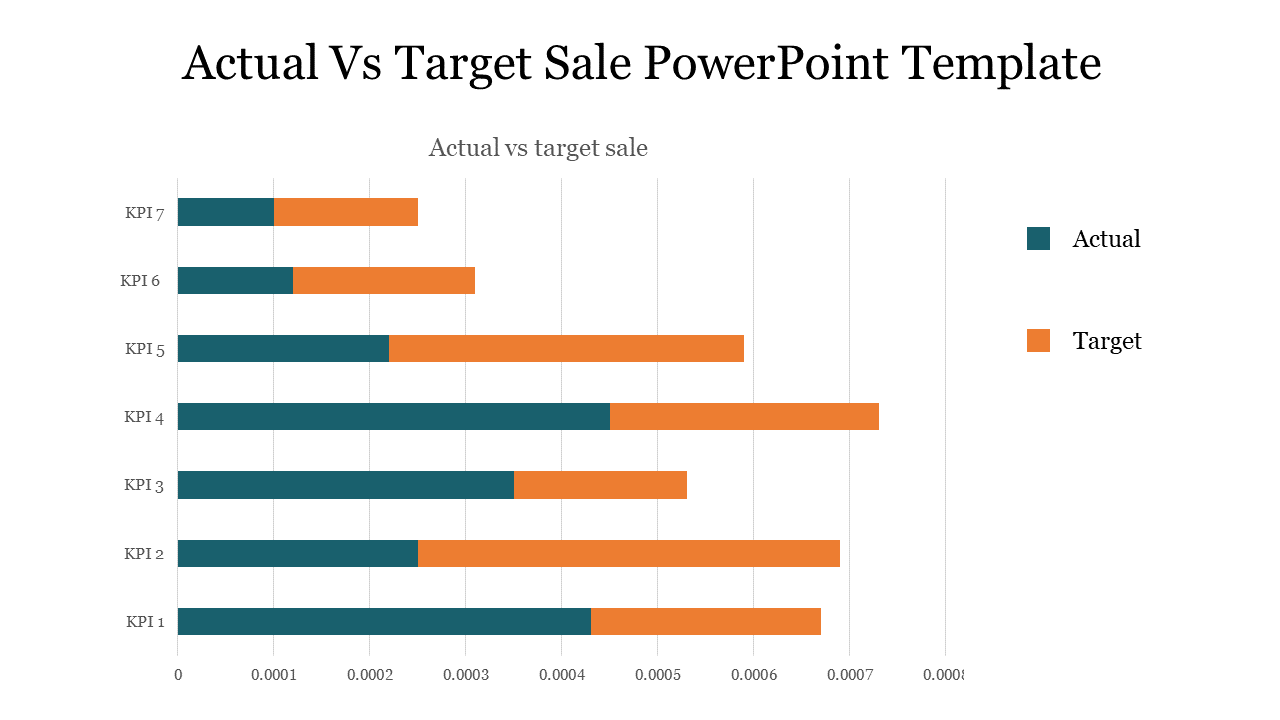
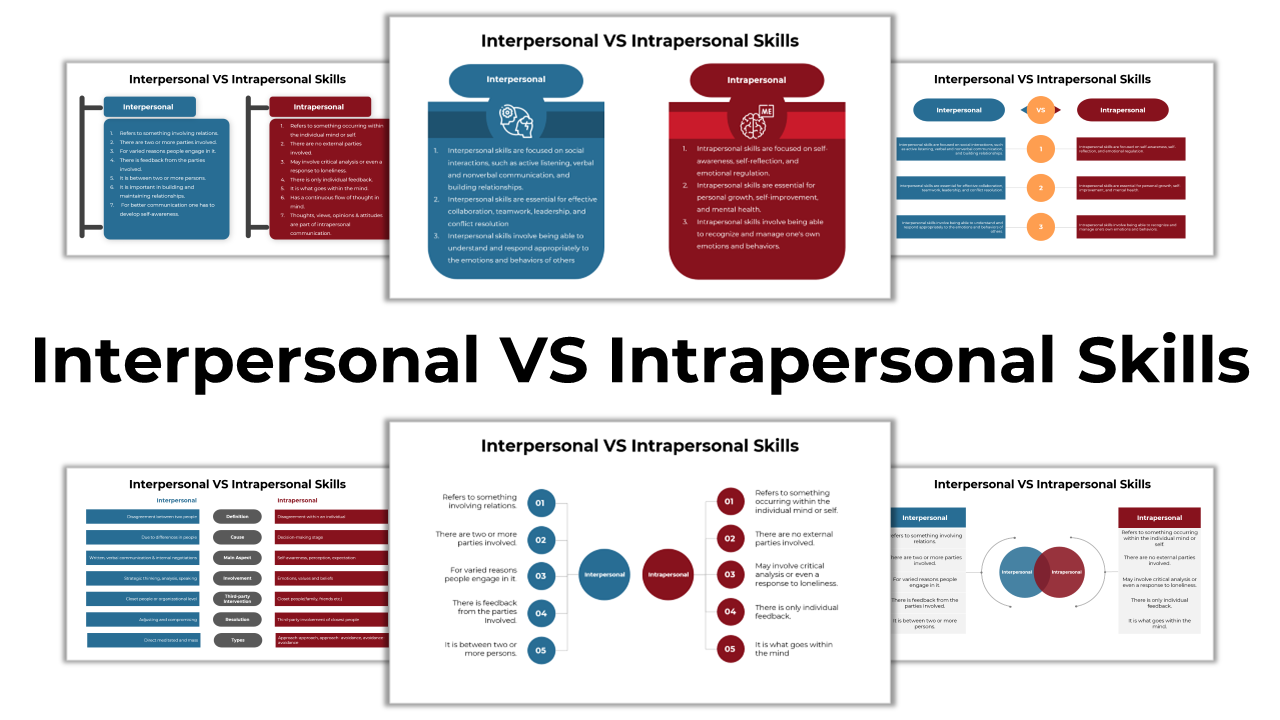

- Royalty-Free: No need to worry about copyright issues. Our slides are yours to use without any extra hassle.
- 100% Editable: Tailor the slides to fit your unique needs. Customize colors, fonts, and content effortlessly.
- Multiple Formats and Orientations: Whether you prefer the standard 4:3 or the widescreen 16:9, and whether you like portrait or landscape, we've got you covered.
- Free Slides Available: Try our free compare slide templates to test the quality before purchase.
Become an expert with SlideEgg

We're here to help you!
Are the comparison slides compatible with both PowerPoint and Google Slides?
Yes, absolutely! Our templates are designed to be compatible with both PowerPoint and Google Slides. This ensures that you can seamlessly create and present your comparisons on the platform that suits you best.
Can I use these slides for commercial purposes?
Yes, you can. All our templates come with a royalty-free license, allowing you to use them for both personal and commercial projects without worrying about additional fees or licensing complications.
How often is the library updated with new comparison slides?
Our template library is regularly updated with new comparison slides, ensuring that you have access to the latest and most engaging design options.
Are there any free comparison slides available?
Absolutely! We believe in letting you explore the quality of our templates before committing. We offer a selection of free comparison slides that you can download and use to get a feel for our design style and functionality.
Can I customize the colors and fonts of the slides to match my brand?
Yes, customization is a key feature of our slides. You can easily adjust the colors, fonts, and other design elements of our slides to align with your brand identity and create a cohesive presentation.
How do I download and access these slides?
Accessing our slides is simple. Once you've selected the desired template, click on the download button.