
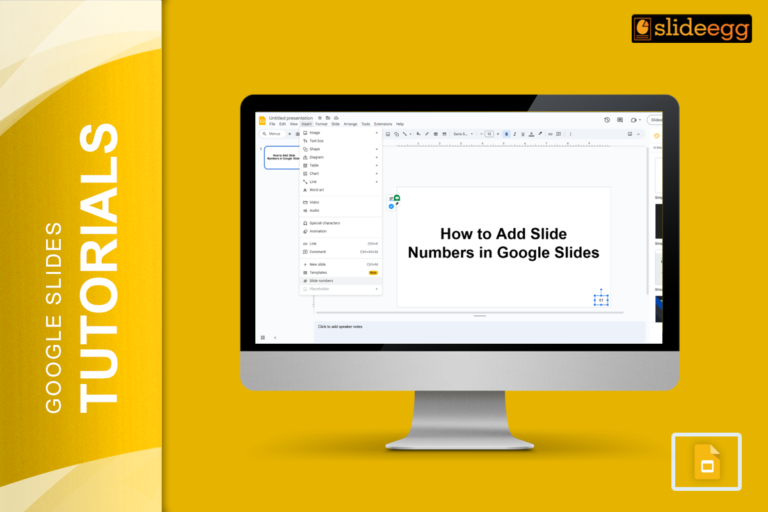
“Small details make a big difference.” Adding slide numbers to your presentation might seem like a minor task, but it…
If you’re working on a presentation and need to add some tables to present data neatly, Google Slides makes this…
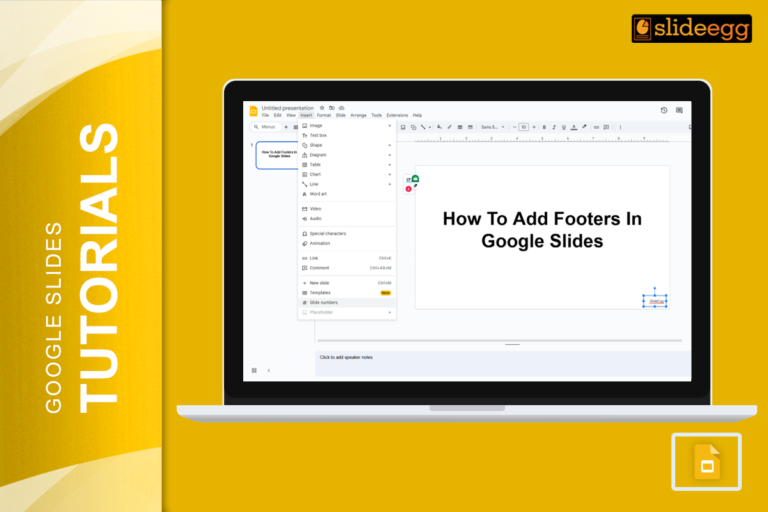
Ever looked at a stunning presentation and wondered how it all looks so neat and professional? Well, one of the…
Editing audio or music in Google Slides might seem a bit tricky at first, but it’s easier than you think.…
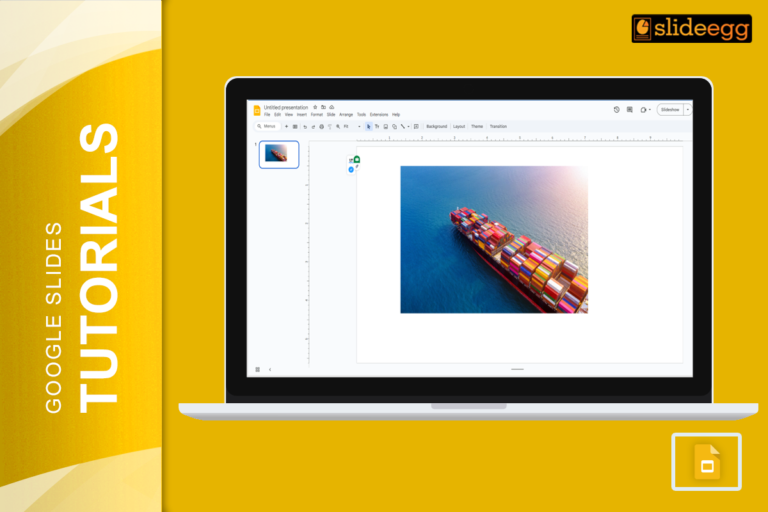
Adding captions to images in Google Slides can greatly enhance your presentations by providing context and ensuring your audience gets…
Adding buttons is a fantastic way to make your slides interactive and engaging. Plus, it’s super easy! Let’s walk through…
Adding a video to your presentation can really make it pop, right? But sometimes, you might run into trouble getting…
Google Slides is the trusted companion for many of our presentations. But what happens when it hits us with an…
When you start using Google Slides, one of the first things you might wonder is about the slide dimensions. By…
Creating presentations is an art, and just like any artist needs the right tools, so do presenters. Enter Google Slides—a…
Recent Blogs

Most founders spend months building the idea, but only a few days building the presentation. That gap shows....

Simple Steps to Create a Decision Tree in Google Slides✅Open Google Slides and choose a blank slide.✅Click Insert...

Whether you are presenting at a grand rounds session, a national cardiology conference, or a departmental case review,...