

Ever had a pile of ideas that seemed to go off in all directions? Google Slides is here to bring…

“Design is not just what it looks like and feels like. Design is how it works.” – Steve Jobs. Creating…
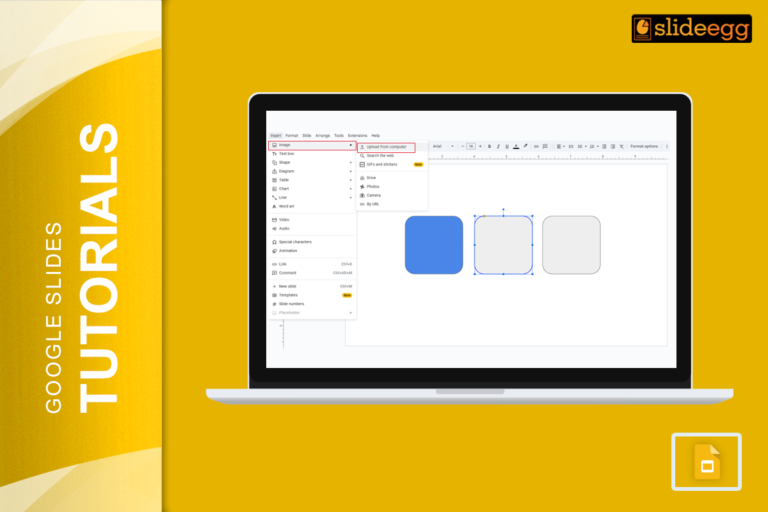
Creating a presentation that stands out can be a challenge, especially when you want to keep your audience engaged. One…
“A picture is worth a thousand words.” This old saying perfectly captures the power of visuals. In presentations, a well-placed…
A quick and easy way to spice things up is by embedding YouTube videos into your Google Slides. It’s a…
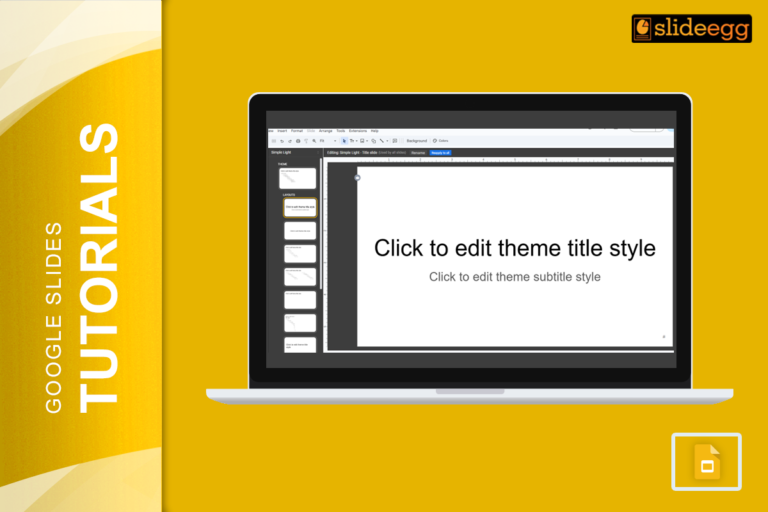
Master Slide is like a blueprint for your entire presentation. By editing the master slide, you can set a unified…

Images are powerful, and they need to fit just right in your slides. But what happens when you have an…
“Keynote or Google Slides—which one should I use?” Keynote is a fantastic tool for creating sleek, professional-looking slides, but Google…
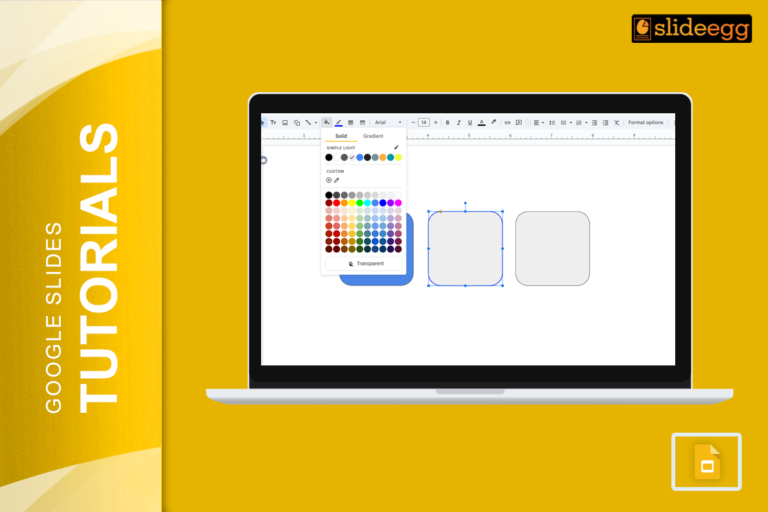
“Colors speak louder than words.” In presentations, the right colors can completely transform the way your audience reacts to your…
Converting Canva designs to Google Slides can often feel like attempting to fit a square peg into a round hole.…
Recent Blogs

Most founders spend months building the idea, but only a few days building the presentation. That gap shows....

Simple Steps to Create a Decision Tree in Google Slides✅Open Google Slides and choose a blank slide.✅Click Insert...

Whether you are presenting at a grand rounds session, a national cardiology conference, or a departmental case review,...