
Rapid Tips to Bend Text in Google Slides1. Use Word Art – Insert “Word Art” and manually adjust its shape.2.…
Quick Outline to Animate Text in Google SlidesHere’s a quick overview of how to animate text in Google Slides: ✔…
Quick Tips to Animate Bullet Points in Google SlidesHere are the key steps to animate bullet points in Google Slides:…
Quick Tips for Adding Sound Effects in Google Slides:🎵 Use Google Drive: Upload the sound effects to Google Drive before…

Quick Tips to Insert Pictures in Google Slides:* Click “Insert” → “Image” → Choose your source (Upload from computer, Google…
Quick Tips: What Audio Files Does Google Slides Support?Before we dive into the details, here’s a quick rundown of the…
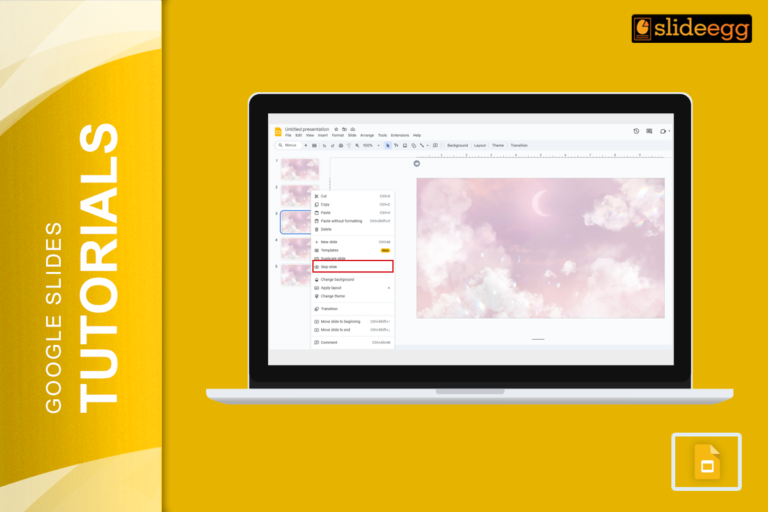
Quick Tips for Skipping and Unskipping Slides in Google Slides🔹 To skip a slide: Right-click on the slide in the…
Quick Tips to Screen Record Google Slides* Use built-in screen recording tools on Windows or Mac (like Xbox Game Bar…
🟢 Quick & Easy Method to Save a Google Slide as an ImageIf you’re in a hurry, here’s the fastest…

Quick Tips for Mirroring an Image in Google Slides Before we dive into the details, here’s a quick summary of…
Recent Blogs

Most founders spend months building the idea, but only a few days building the presentation. That gap shows....

Simple Steps to Create a Decision Tree in Google Slides✅Open Google Slides and choose a blank slide.✅Click Insert...

Whether you are presenting at a grand rounds session, a national cardiology conference, or a departmental case review,...