
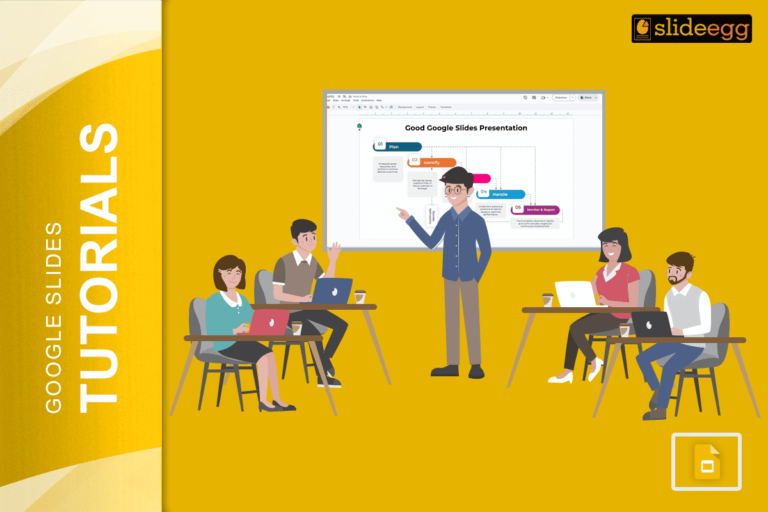
Smart Tips for an Engaging Google Slides Presentation✅ Start with a Plan – Outline your key points before you begin.✅…
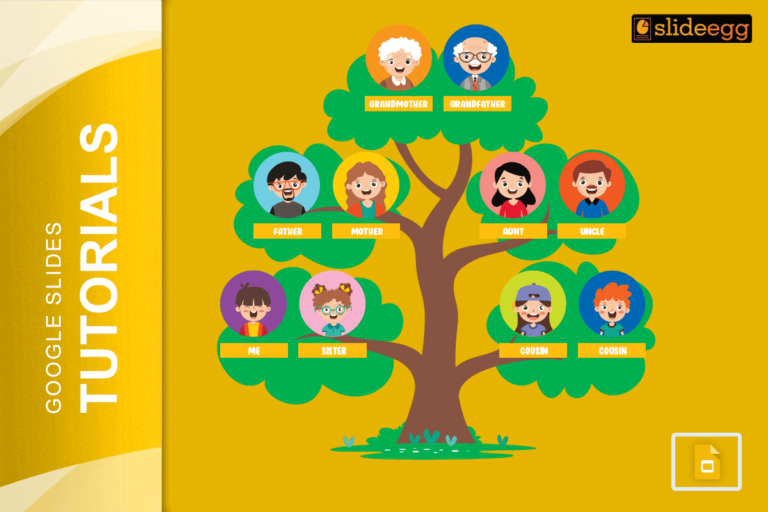
Key Tips for Building Your Family Tree on Google Slides: Before we learn in detail, here are some quick steps…
Quick Tips to Lock a Slide in Google Slides 🔒 Convert Slide to Image – Download the slide as a…

Quick Tips to Add a Checkbox in Google SlidesBefore we dive into the detailed steps, here’s a quick rundown: ✅Use…

Quick Tips to Group Slides in Google Slides Grouping slides helps you stay organized, especially when working on big presentations.…
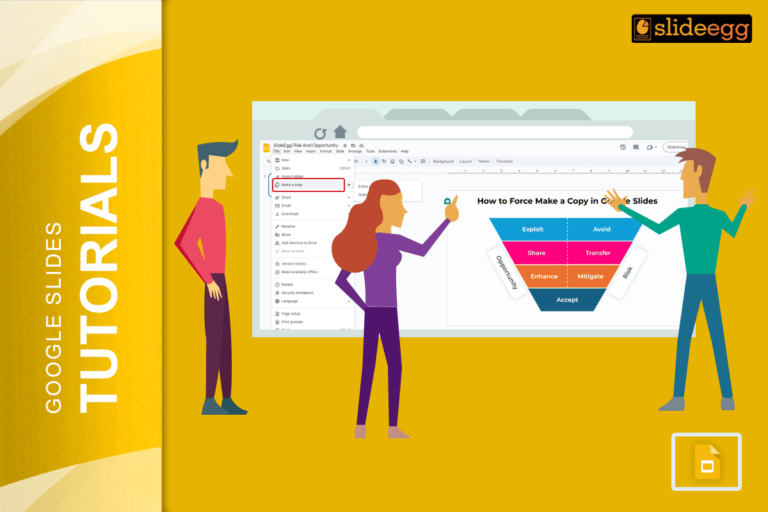
Quick Steps to Force Copy Google Slides:📌Open your Google Slides presentation.📌Copy the URL from the address bar.📌Replace “edit” with “copy”…

Quick Tips to Fade Background in Google Slides✔ Step 1: Open your Google Slides presentation.✔ Step 2: Click on the…

Quick Tips to Copy and Paste in Google SlidesWant to copy and paste text, images, or slides in Google Slides?…

Quick Tips to Change Image Shape in Google SlidesWant to make your slides more creative? Here’s a quick way to…
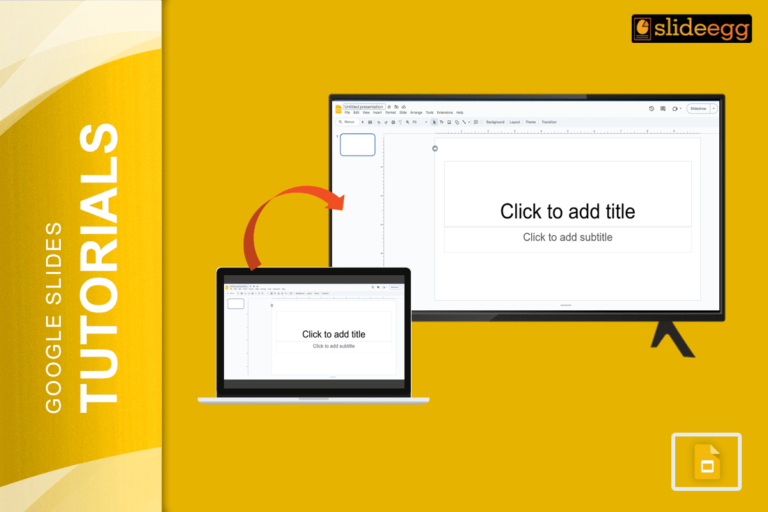
Quick Tips to Cast Google Slides to TVWant to show your Google Slides on a big TV screen? Here’s a…
Recent Blogs

Most founders spend months building the idea, but only a few days building the presentation. That gap shows....

Simple Steps to Create a Decision Tree in Google Slides✅Open Google Slides and choose a blank slide.✅Click Insert...

Whether you are presenting at a grand rounds session, a national cardiology conference, or a departmental case review,...