
Quick Tips: How to Add a Clock to Google Slides ✅ Go to Google Slides✅ Click Insert > Text box…
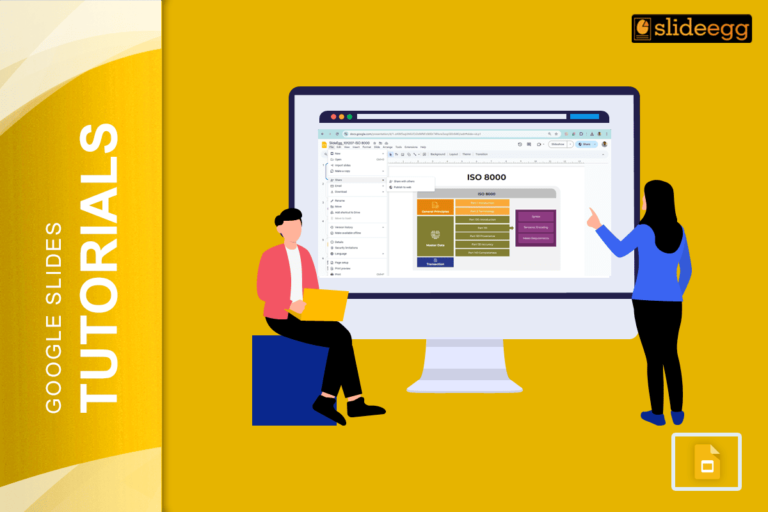
Quick Tips: How to Share Google Slides in Presentation Mode ✅ Open your Google Slides deck✅ Click on the “Present”…
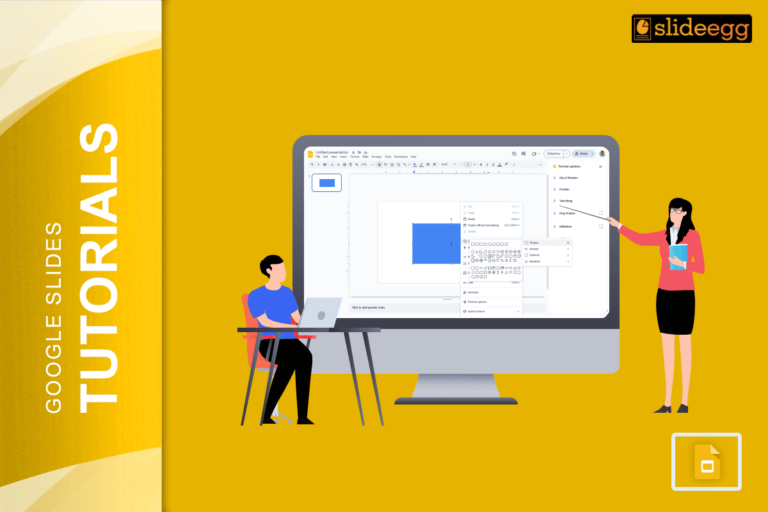
Quick Tips: How to Round Corners in Google Slides (Super Easy Steps!)✅ Click the shape on your slide.✅ Look for…
Quick Tips to Rotate Text in Google Slides✅ Click the text box you want to rotate✅ Find the blue circular…
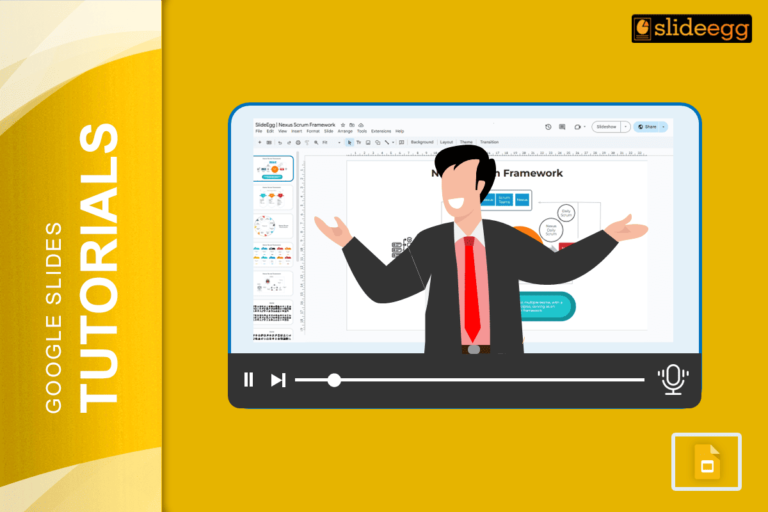
✅ Quick Tips to Record a Google Slides Presentation with Voice-Over* Open your Google Slides on Chrome browser.* Click Extensions…

🔥 Quick Tips to Put an Image Behind Text in Google Slides1️⃣ Insert an Image – Click “Insert” → “Image”…
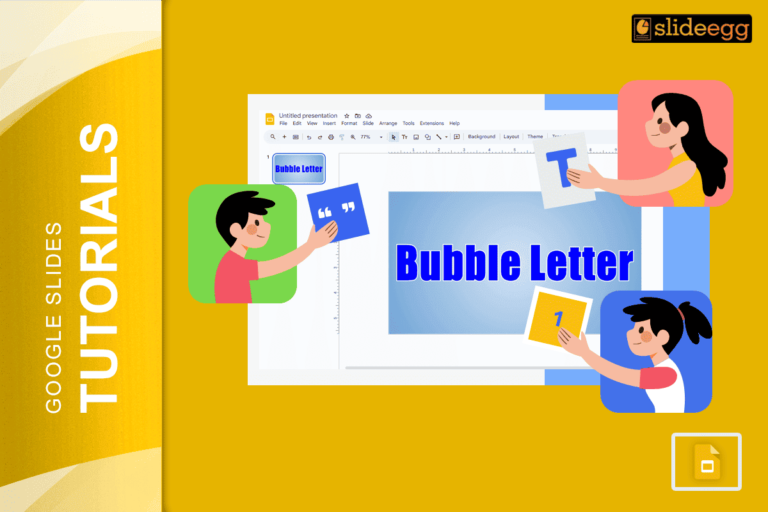
💡 Quick Tips for Bubble Letters in Google Slides ✅ Use WordArt – The easiest way to create bubble-style text.✅…
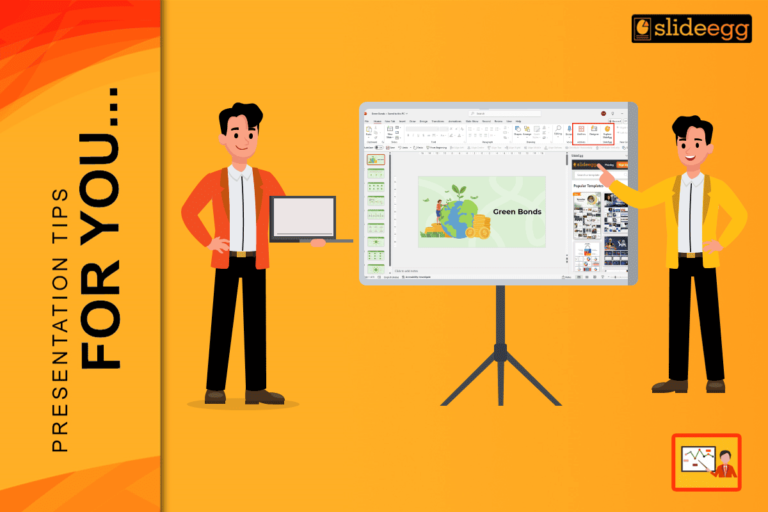
Quick Tips: How to Use the SlideEgg PowerPoint Add-in✅ Open Microsoft PowerPoint and go to the “Home” tab.🔍 Click on…
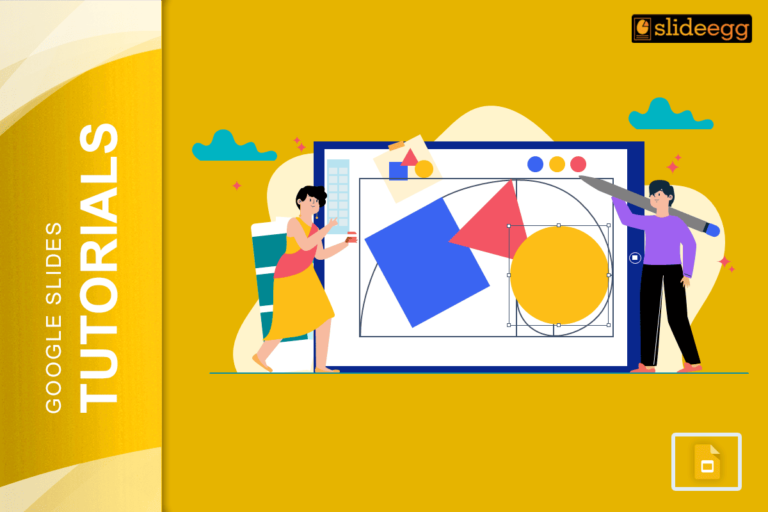
💡 Easy Tricks to Make a Shape Transparent in Google Slides1️⃣ Click on the shape you want to edit.2️⃣ Open…
🎯 Quick & Simple Tricks for Making a Google Slides Photo SlideshowHere are some quick tips to make your slideshow-making…
Recent Blogs
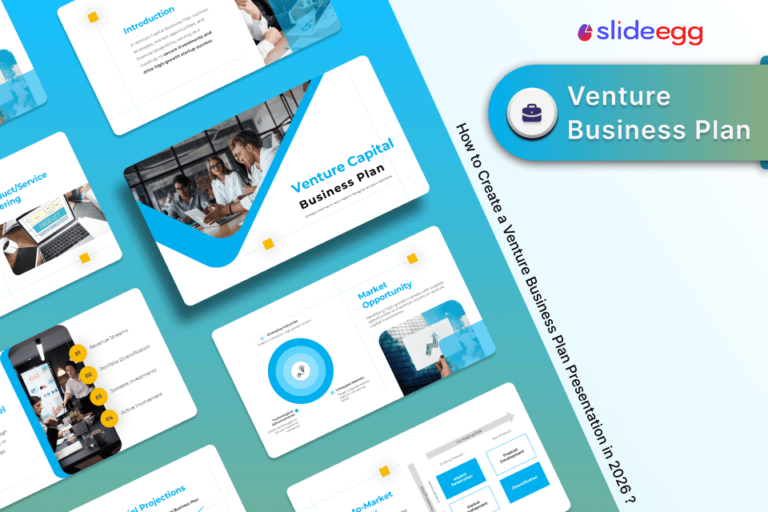
Most founders spend months building the idea, but only a few days building the presentation. That gap shows....

Simple Steps to Create a Decision Tree in Google Slides✅Open Google Slides and choose a blank slide.✅Click Insert...

Whether you are presenting at a grand rounds session, a national cardiology conference, or a departmental case review,...