8 Step Training Model PowerPoint And Google Slides
 Canva
Canva

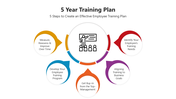


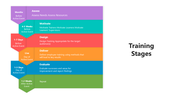
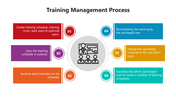
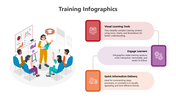
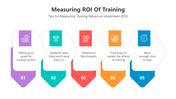
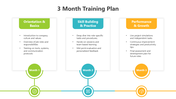
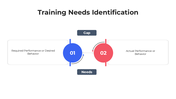

8 Step Training Model PPT, Google Slides, And Canva Template
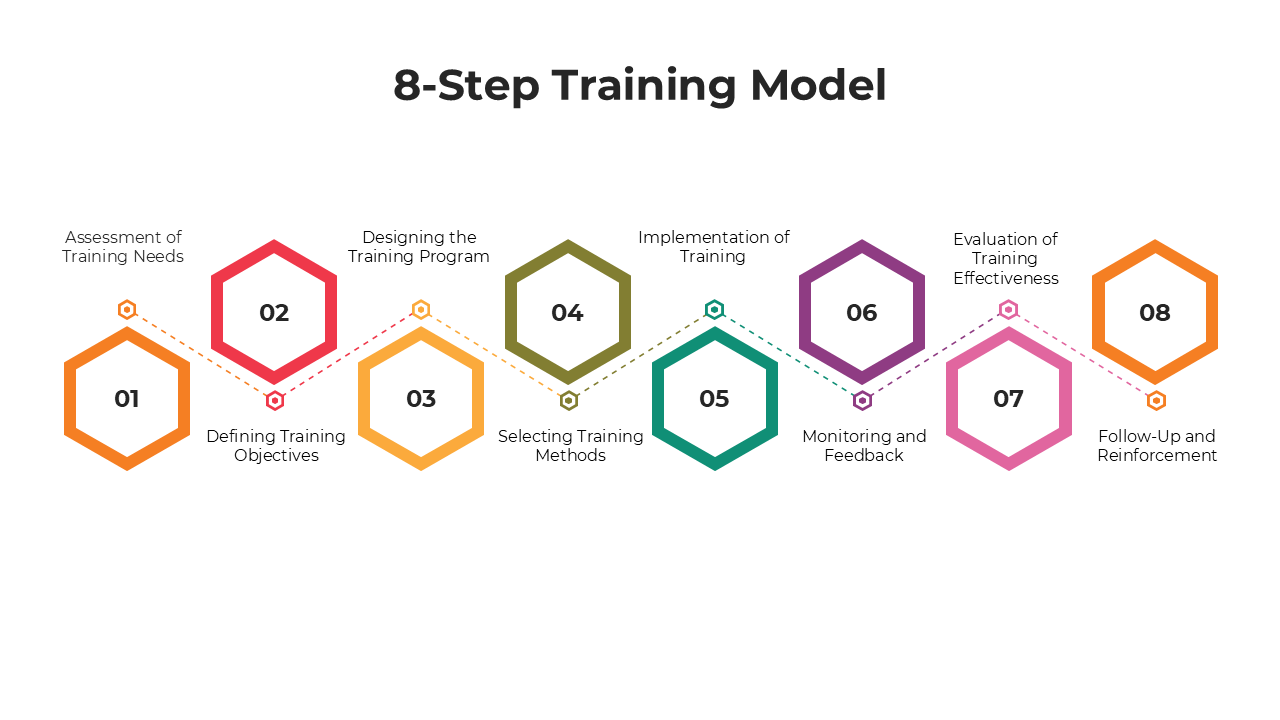
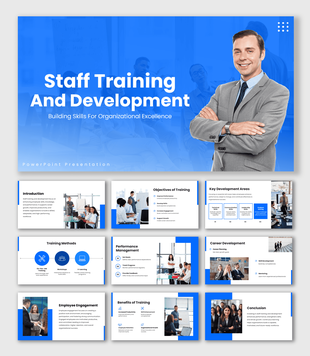
The 8 Step Training Model is a structured framework used to design, implement, and evaluate effective training programs. This 13-slide PowerPoint platform uses diagrams, flowcharts, and customizable layouts to guide users through each step—perfect for planning professional development and aligning learning goals with business objectives.
Purpose Of The Slides
These slides simplify the training development process by visualizing each step of the model. They support training design decisions, performance evaluations, and the communication of learning strategies. Whether it’s internal training programs or educational instruction, this platform helps teams understand and implement the proven training lifecycle.
Who Can Use It?
This platform is ideal for HR professionals, training managers, instructional designers, educators, and business students. Use it in workshops, strategy sessions, or classroom settings to explain and apply the 8-step training model with clarity, structure, and visual engagement.
Special Key Features
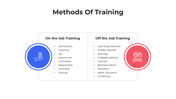
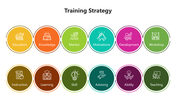
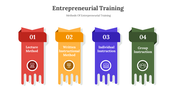
This template includes editable process diagrams, icons, goal-setting layouts, and evaluation views. It’s fully compatible with PowerPoint and Google Slides, giving professionals a practical tool to present complete training models clearly, efficiently, and effectively.
Features of this template
- 100% customizable slides and easy to download.
- The slides contain 16:9 and 4:3 formats.
- Easy to change the colors quickly.
- Highly compatible with PowerPoint, Google Slides, and Canva templates.









You May Also Like These PowerPoint Templates
Showing20 of69,218 templates