Training Phases PowerPoint Presentation And Google Slides


 Canva
Canva
Training Phases PowerPoint, Google Slides, and Canva Template
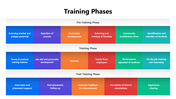
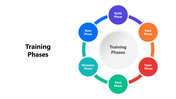
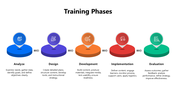
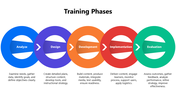
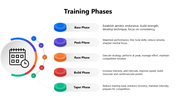
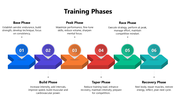
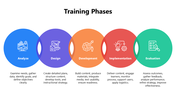
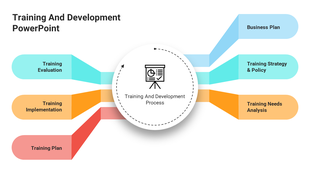
Training Phases represent the essential steps involved in designing, delivering, and evaluating an effective learning program. These typically include the four key stages: assessment, planning, implementation, and evaluation. Whether used for corporate onboarding, skill development, or academic instruction, clearly understanding each phase helps improve learning outcomes and ensures measurable progress.
Purpose Of The Slides
This infographic-based slide visually presents each stage of the training process in a clean and organized format. The layout helps break down complex ideas such as training needs analysis, instructional design, content delivery, and post-training feedback. It's ideal for simplifying structured concepts into an easy-to-follow, professional design.
Who Can Use It?
This slide is ideal for corporate trainers, HR professionals, learning and development managers, education students, instructional designers, and university faculty. It’s perfect for classroom teaching, team meetings, onboarding programs, and leadership development sessions.
Special Key Features
Part of a 15-slide deck with multi-color themes, this slide features editable infographic elements, smart visuals, and intuitive design, allowing quick customization while keeping your content presentation-ready. Download the Training Phases infographic slide today and present your learning strategy with precision, clarity, and a modern visual edge!
Features of this template
- 100% customizable slides and easy to download.
- The slides contain 16:9 and 4:3 formats.
- Easy to change the colors quickly.
- Highly compatible with PowerPoint, Google Slides, and Canva templates.



You May Also Like These PowerPoint Templates










Showing36 of69,218 templates