Free - Editable 4 Node Hexagon Process SmartArt PowerPoint Slide
Free
 Canva
Canva
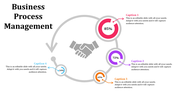
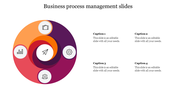
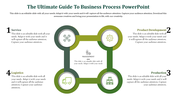
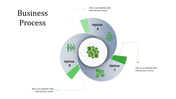
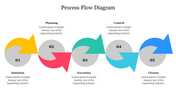
SmartArt Process PowerPoint Templates and Google Slides
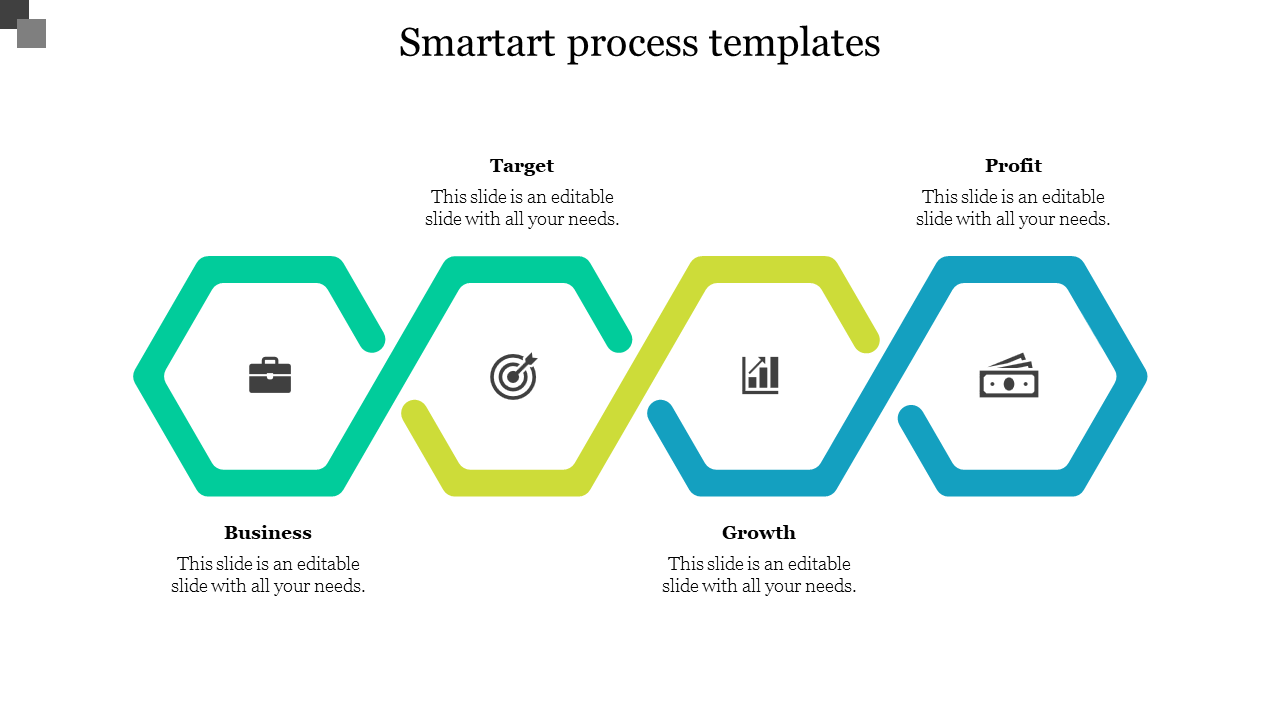
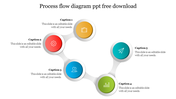
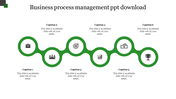
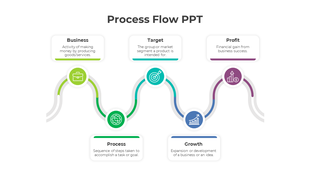
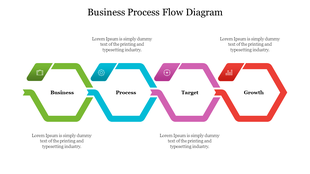
Move beyond basic native office graphics with this professional 4-node hexagon process slide. Engineered as a high-fidelity alternative to standard SmartArt, this infinity-loop layout is designed to visualize continuous business cycles. The horizontal flow is pre-configured with four critical milestones—Business, Target, Growth, and Profit—allowing you to present a complete strategic narrative in a single, clean visual.
Key Features & "Visual Skin" Capability
AI-Ready Information Skin: This template serves as the ideal "visual skin" for ChatGPT or Gemini outputs. Simply ask your AI to "summarize the 4 phases of our business model" and paste the short summaries directly into the color-coded hexagon nodes for an instant design upgrade.
- 4-Step Professional Flow: Features a vibrant, sequential gradient of Teal, Green, Lime, and Sky Blue to guide the audience’s eye through your process.
Standalone Vector Icons: Includes industry-standard icons for strategy planning:
Briefcase: For organizational or business foundations.
- Target: For goal setting and KPI tracking.
- Bar Chart: For growth metrics and data analysis.
- Banknotes: For final profit and ROI summaries.
Strategic Use Cases
- Quarterly Business Reviews (QBRs): Summarize the journey from initial targets to year-end profits.
- Startup Growth Strategy: Visualize the repetitive loop of hitting targets to drive sustainable business growth.
- Operational Workflows: Define 4 key stages of a new project lifecycle for team onboarding.
Frequently Asked Questions
- Is this better than built-in SmartArt? Yes. Unlike native SmartArt, this is a custom vector illustration. It offers more sophisticated shadows, gradients, and a modern "Infinity" layout that native tools cannot replicate.
- How much text can each node hold? Each hexagon is optimized for concise data. To maintain the professional look, we recommend a 1-word title and a 10-15 word description per node.
- Can I use this for free? Yes, this specific template is part of our Free Collection, available for instant download in 16:9 and 4:3 formats.









You May Also Like These PowerPoint Templates


Showing20 of69,218 templates