4900+ Timeline Presentation Templates
Timeline information is everywhere but unorganized. Dates float. Milestones lack context. Dependencies are invisible. Without structure showing sequence and relationships, understanding is impossible.
Editor's Choice (1 of5)
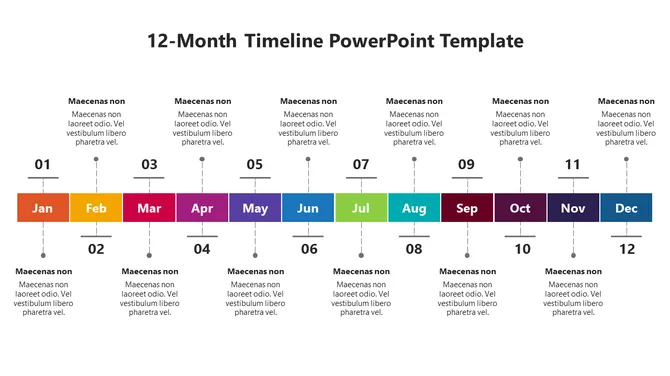
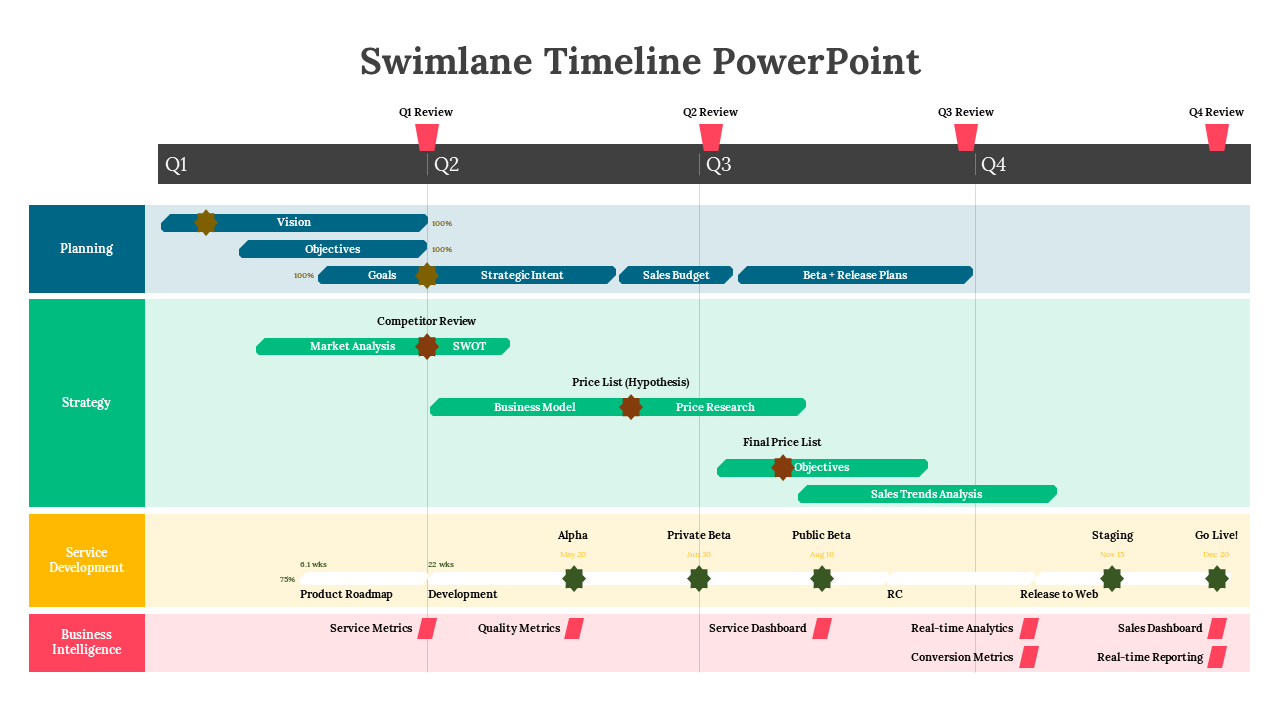
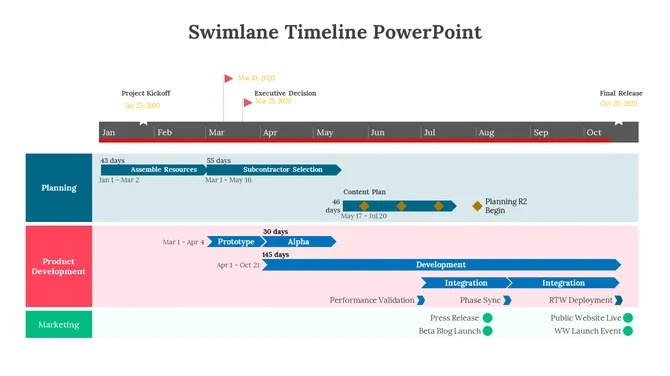
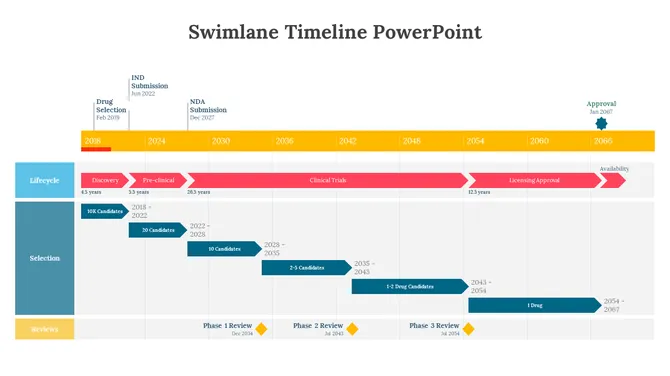
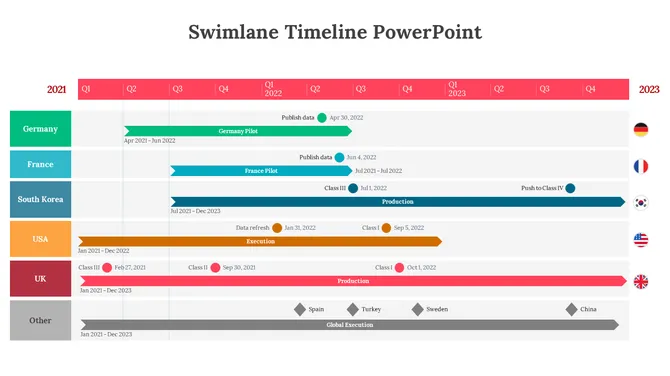
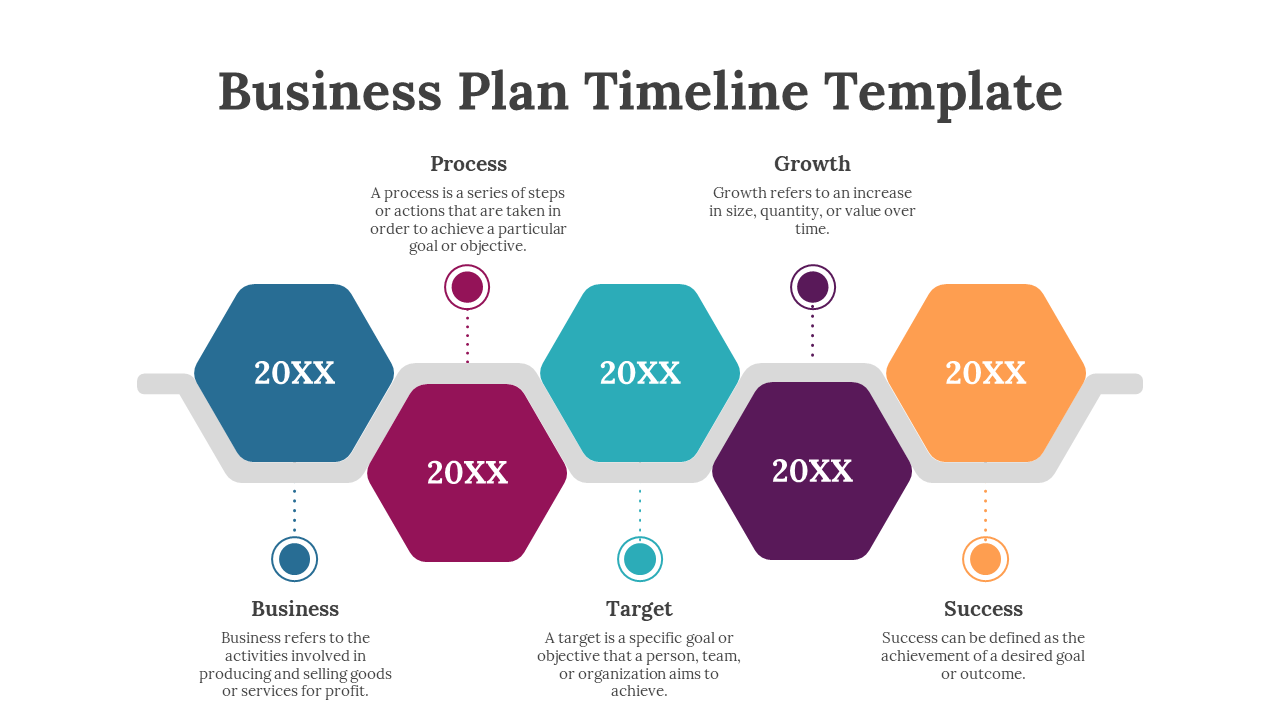
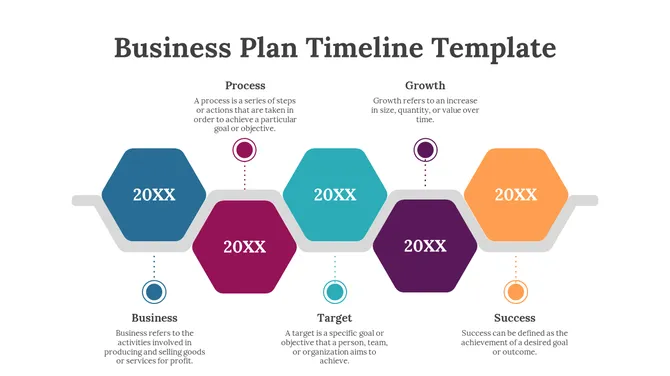
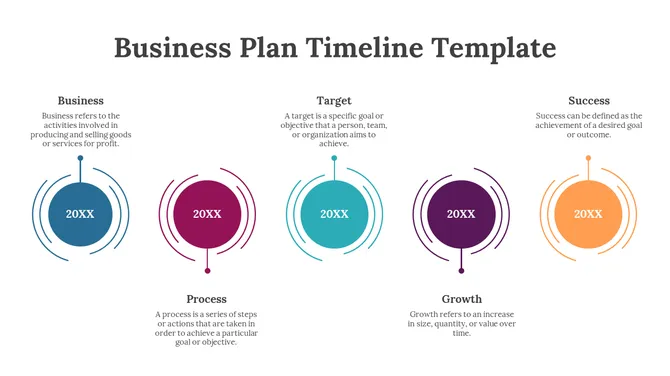
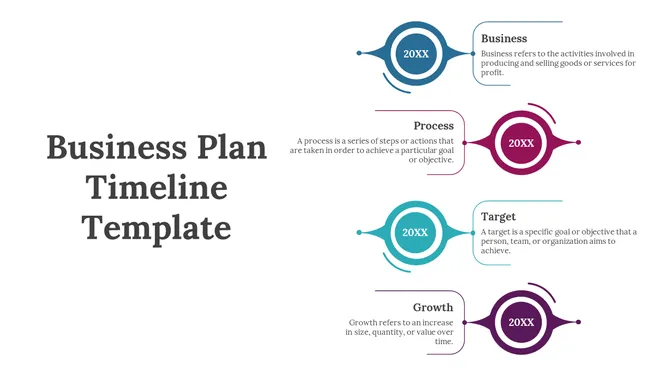
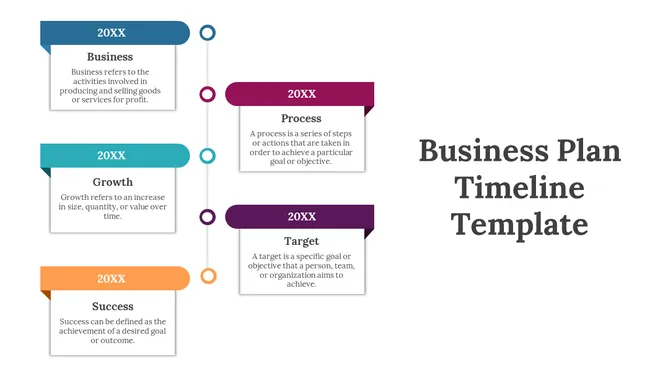
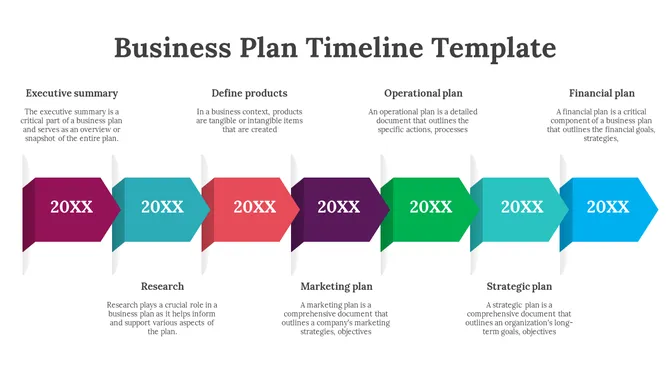
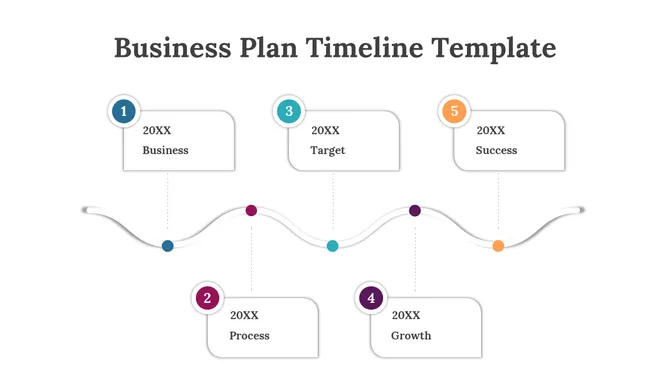
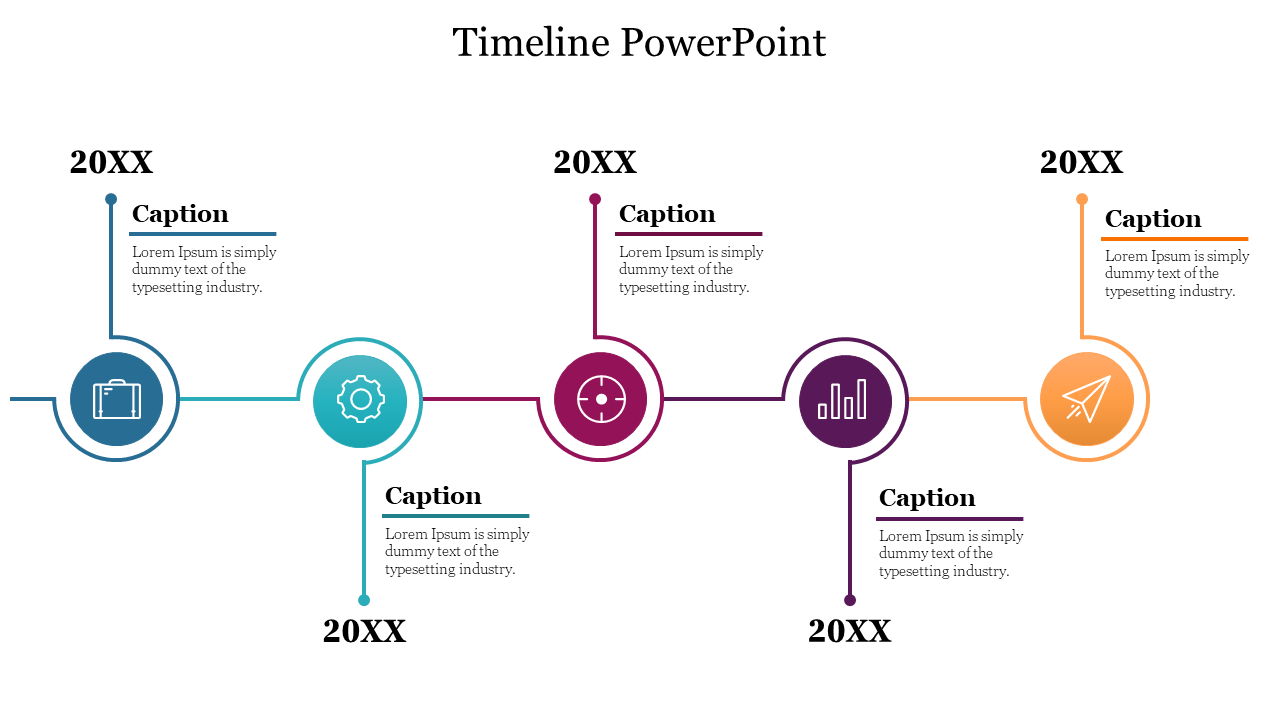
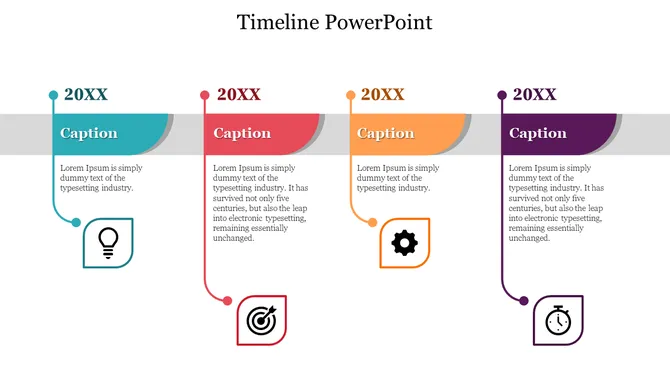
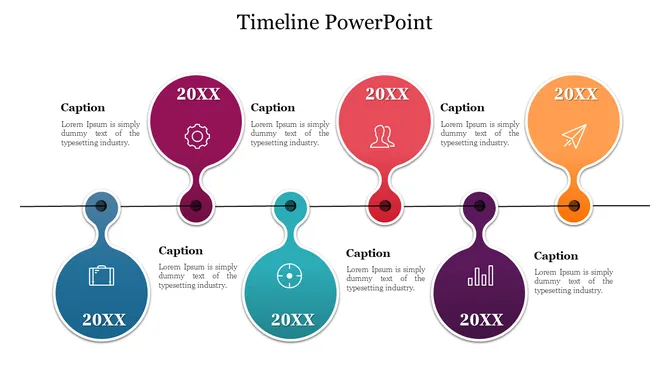
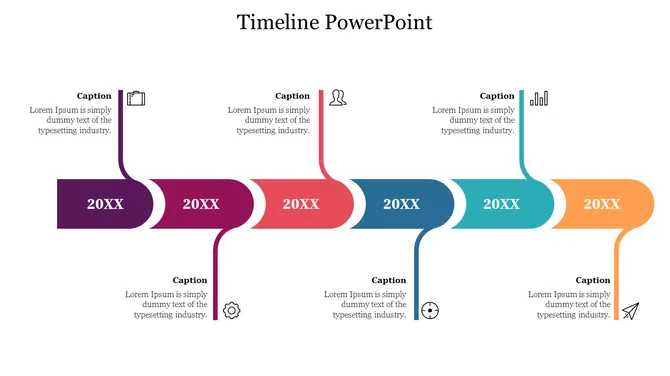
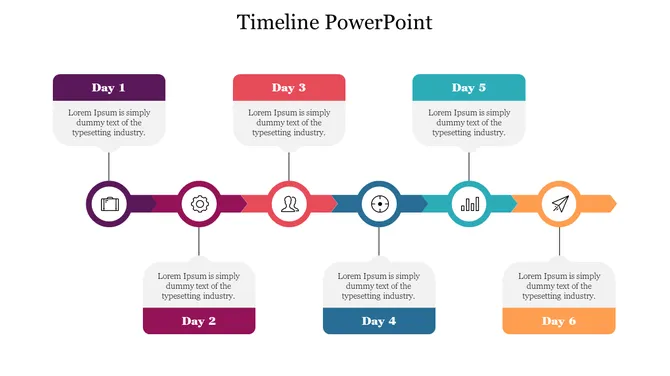
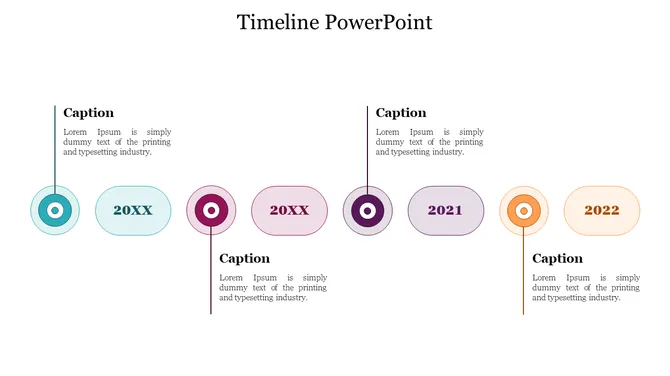
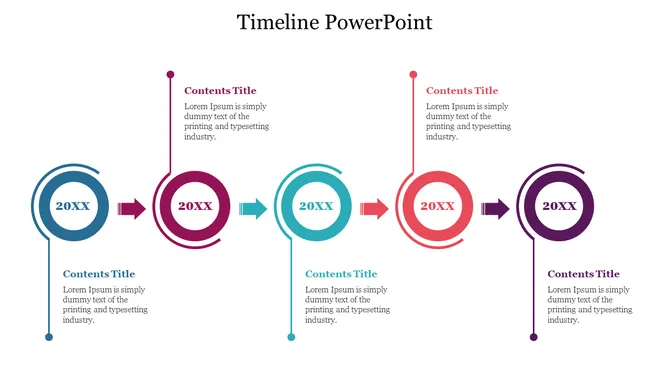
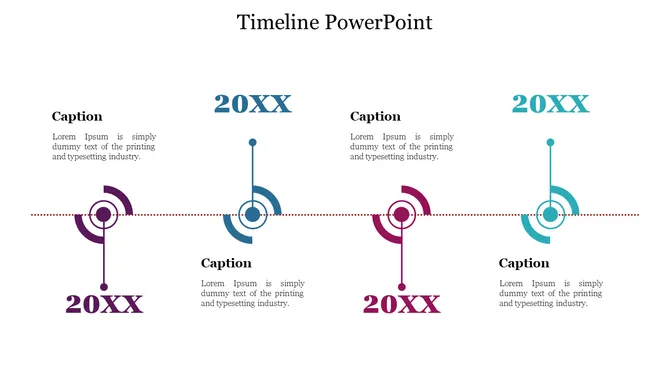
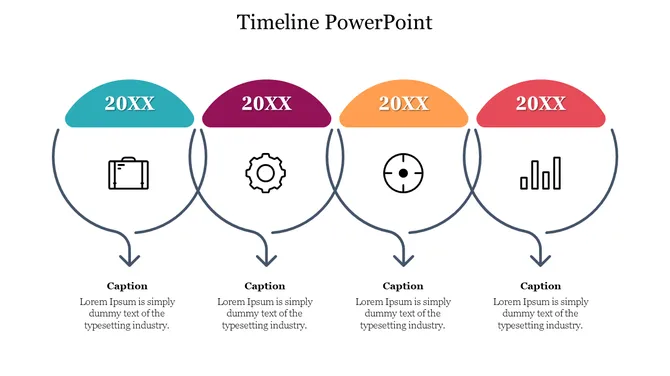
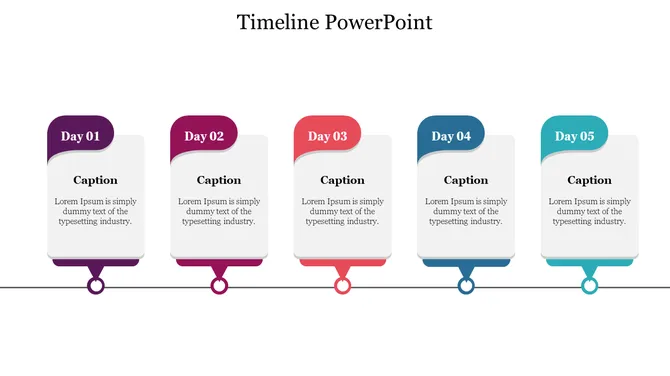
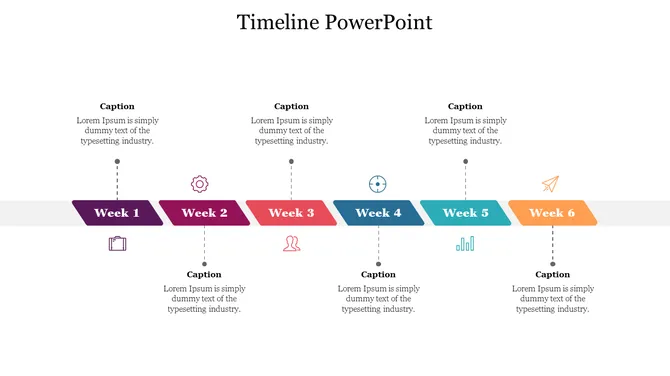
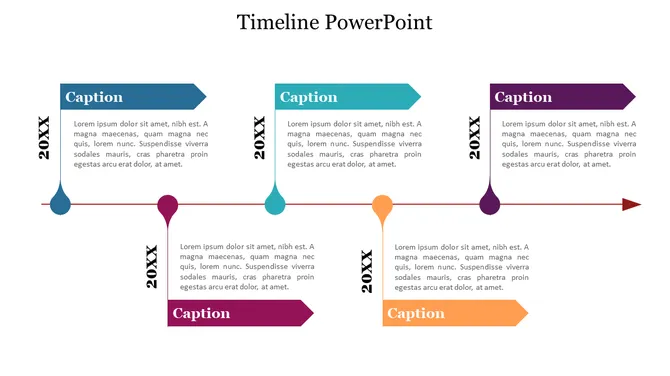
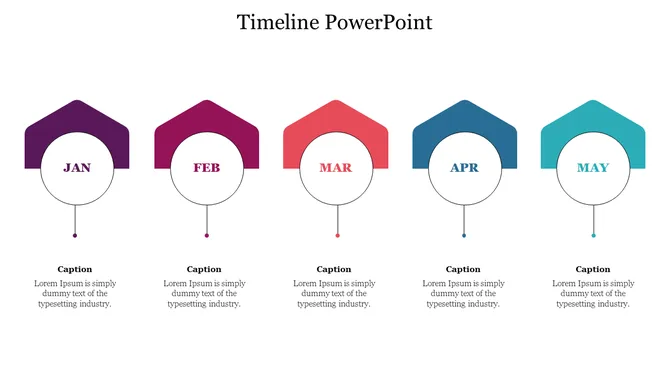
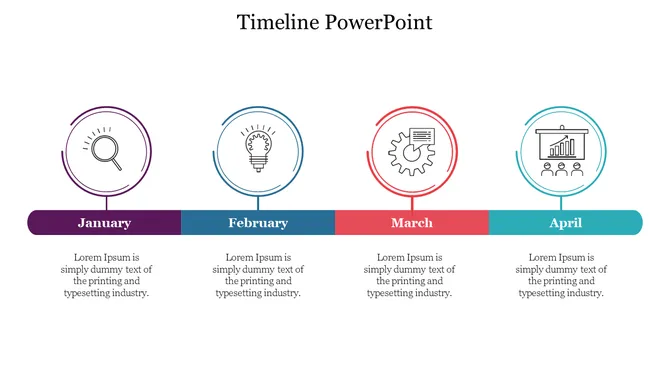
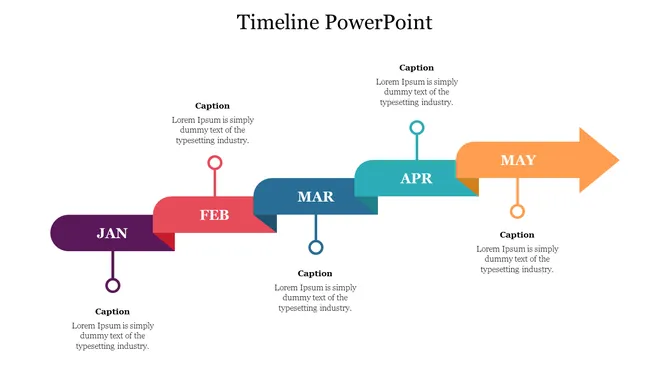
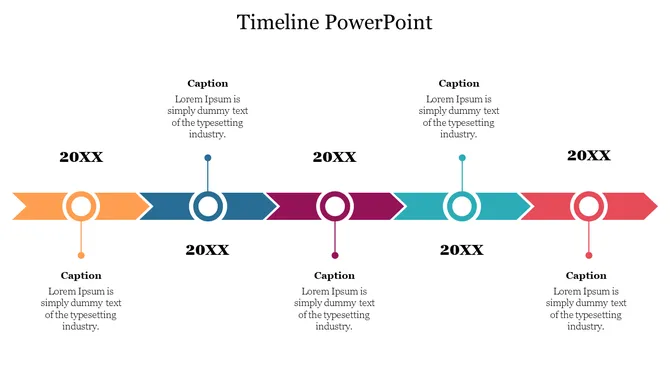
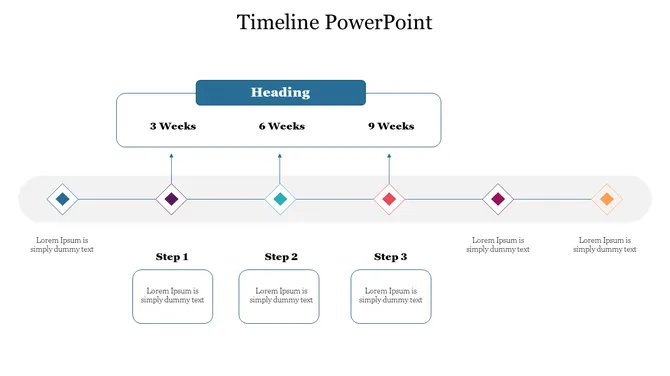
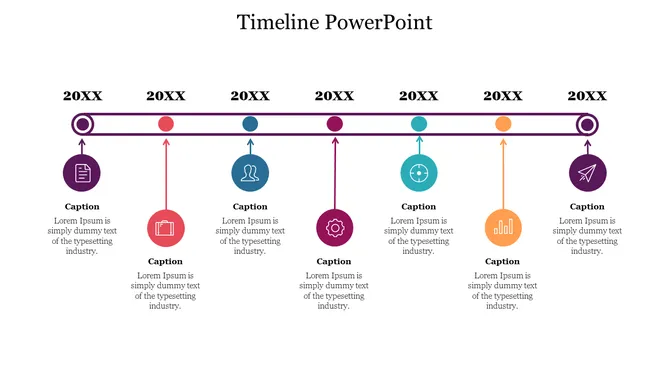
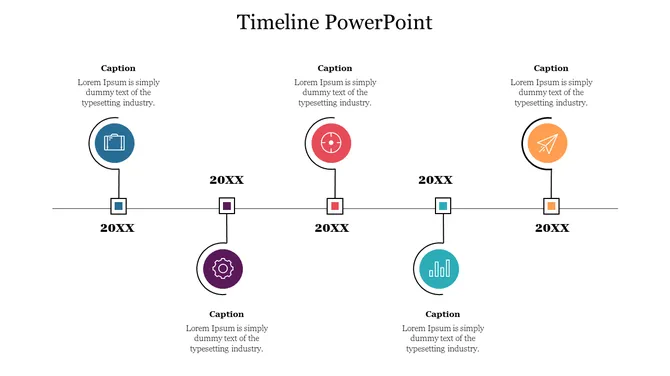
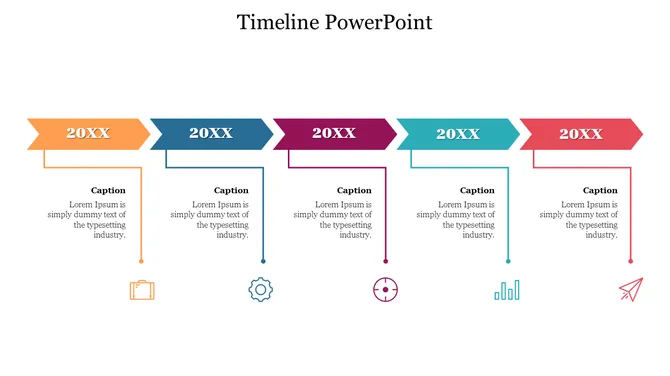
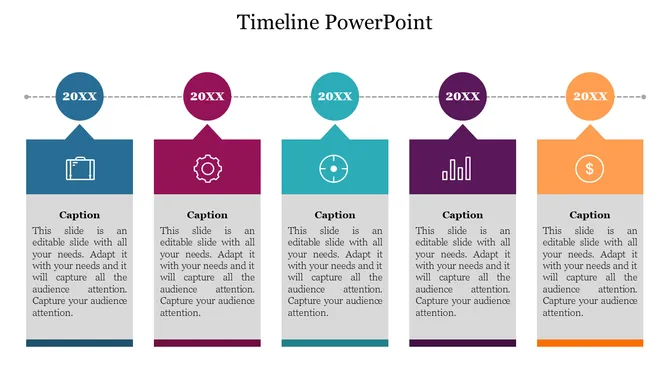
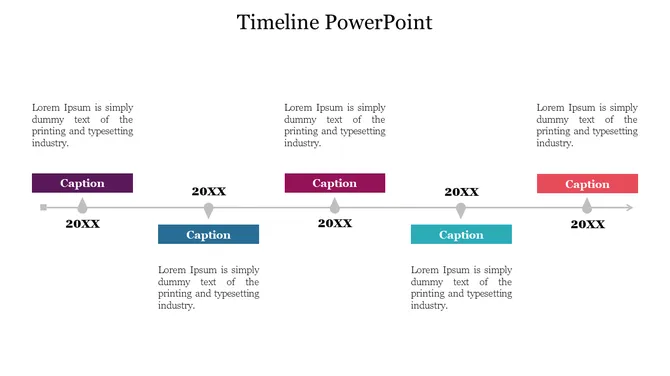
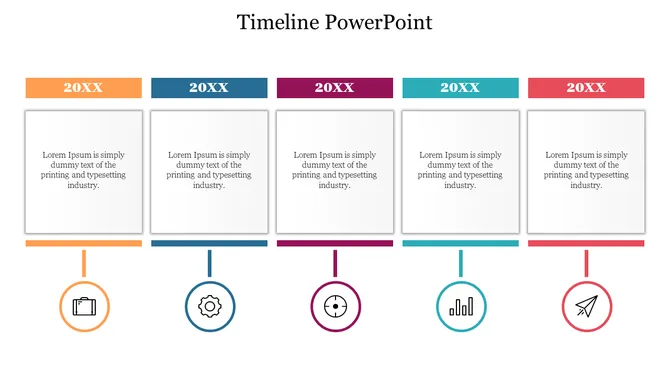
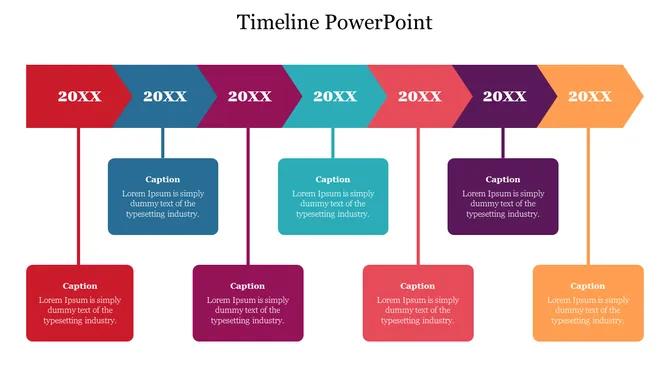

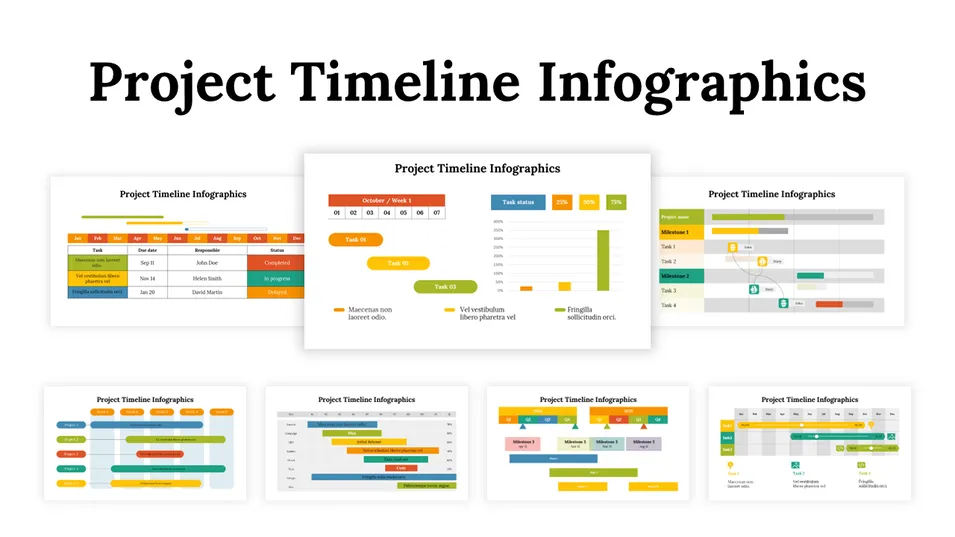
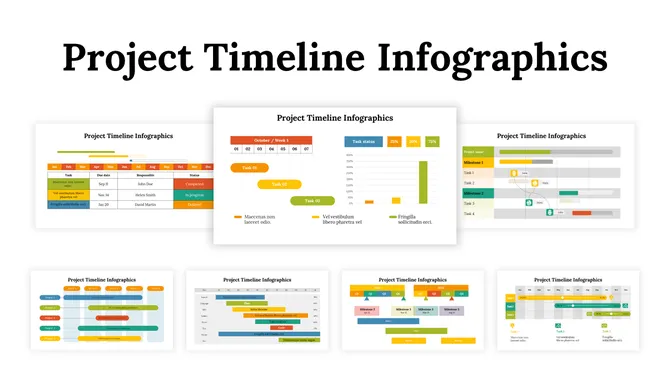
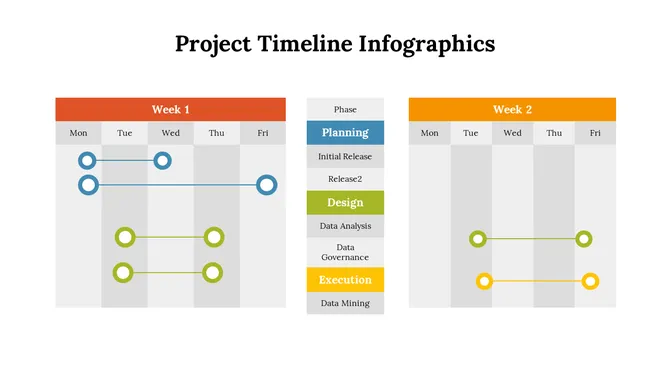
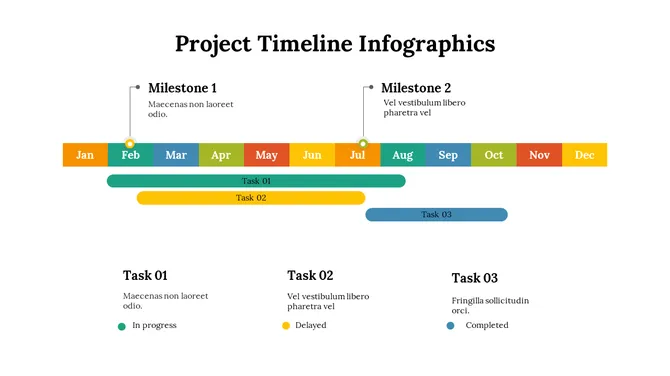
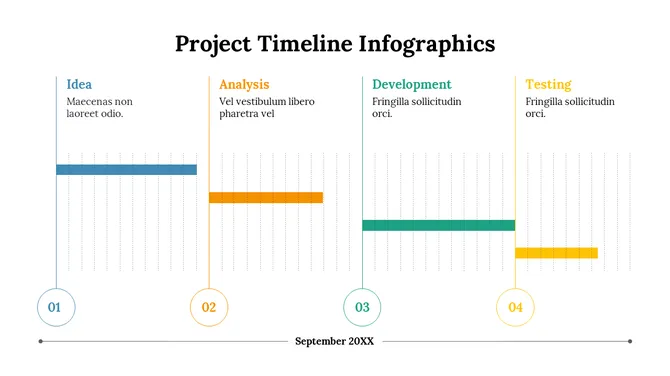
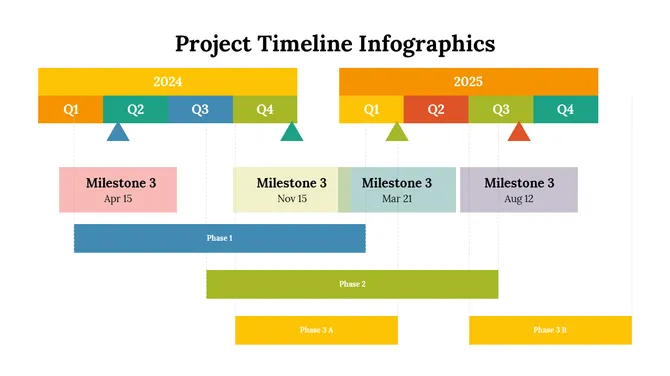
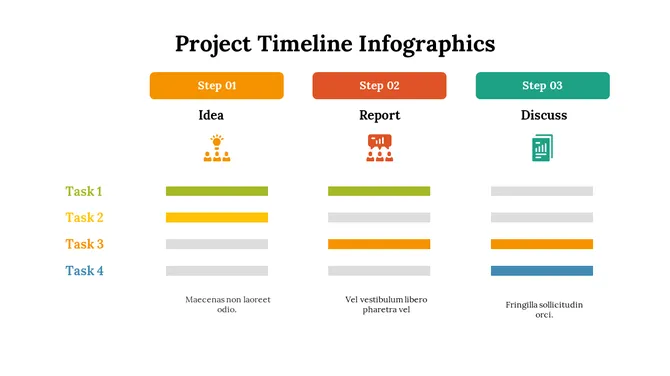
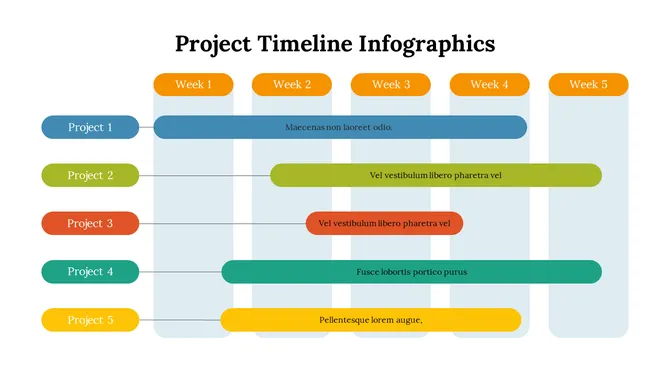
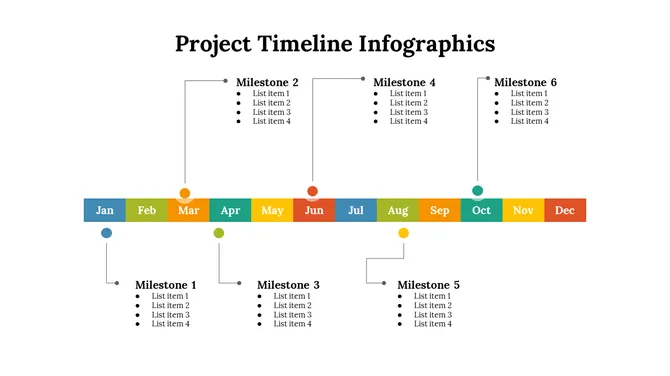
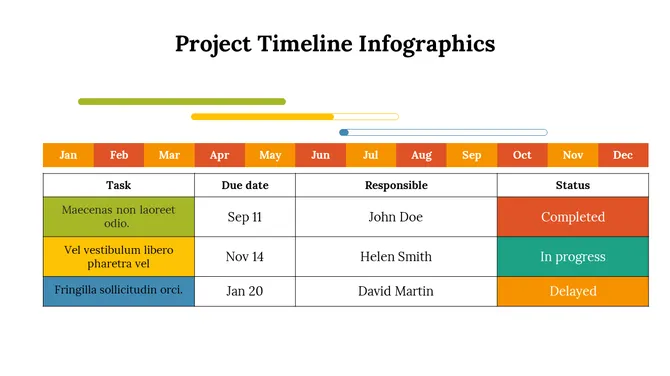
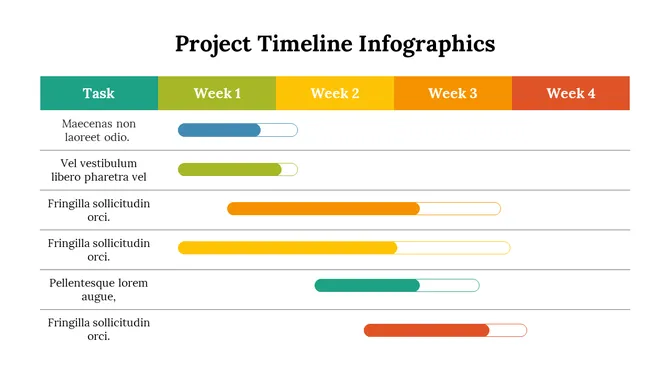
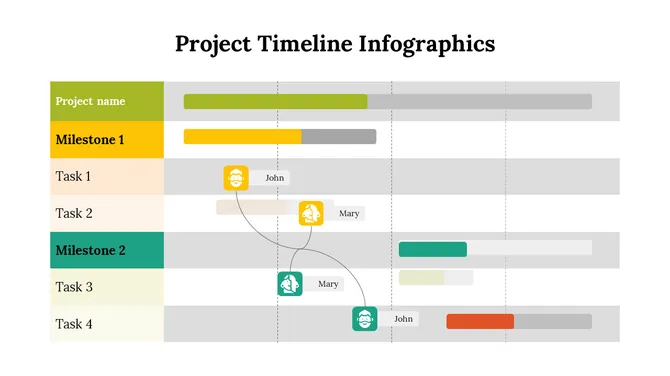
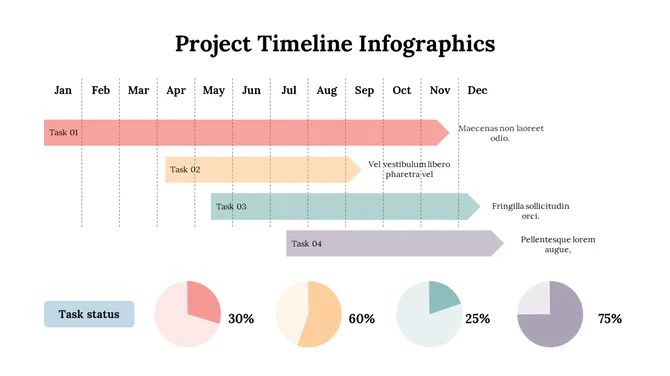
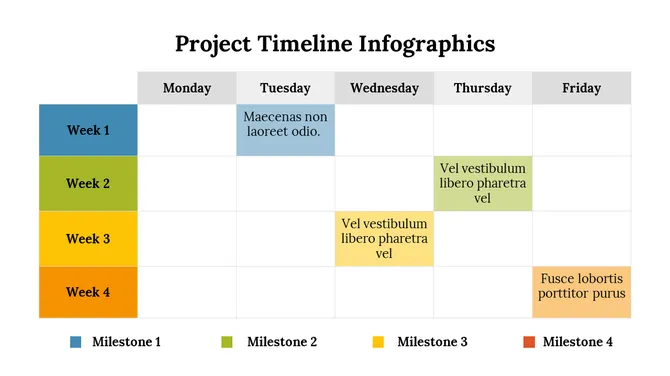
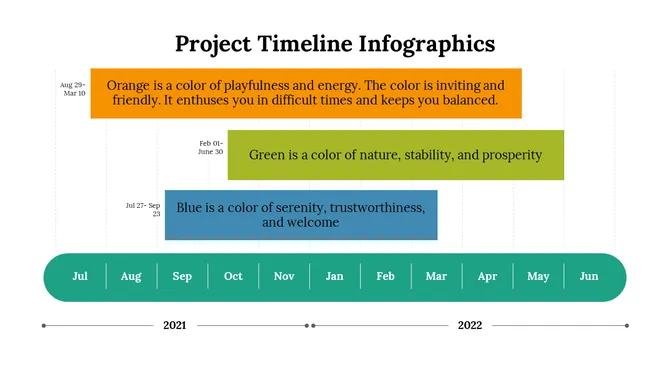
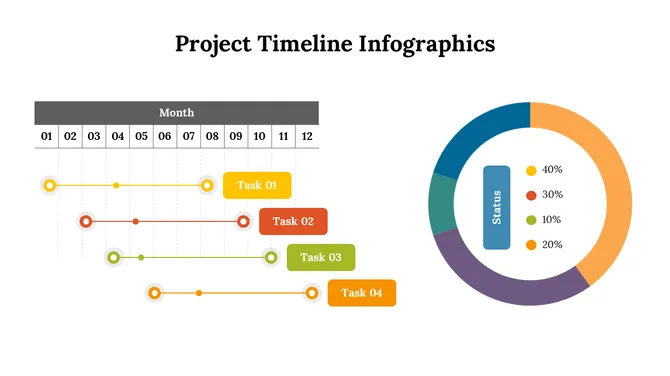
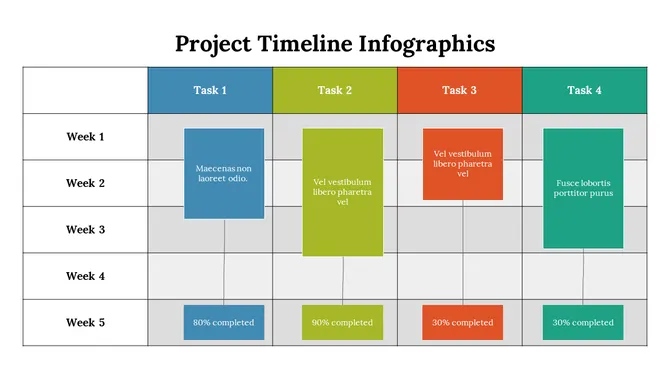
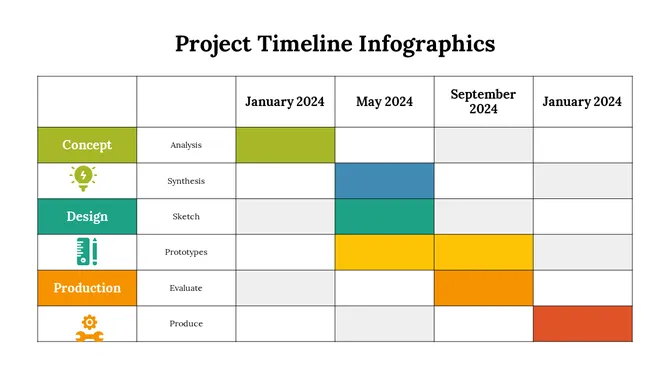
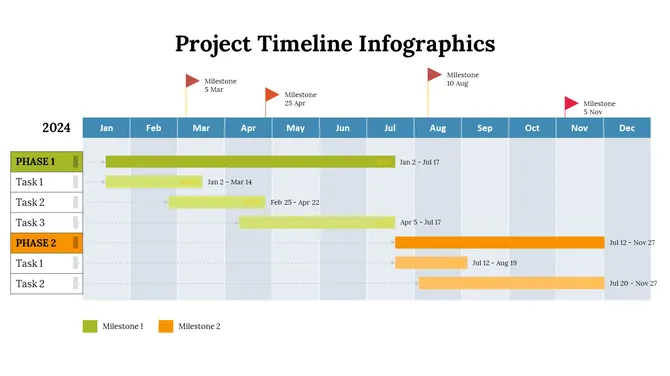
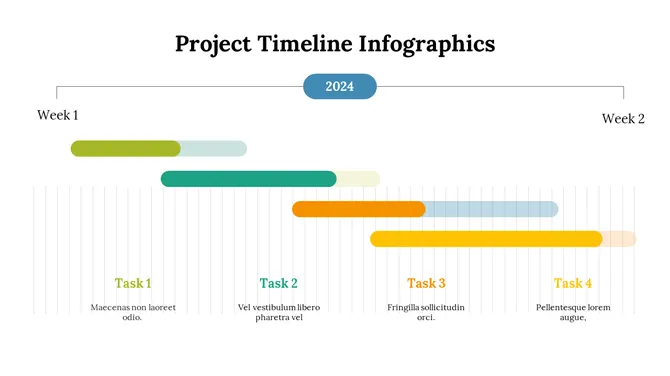
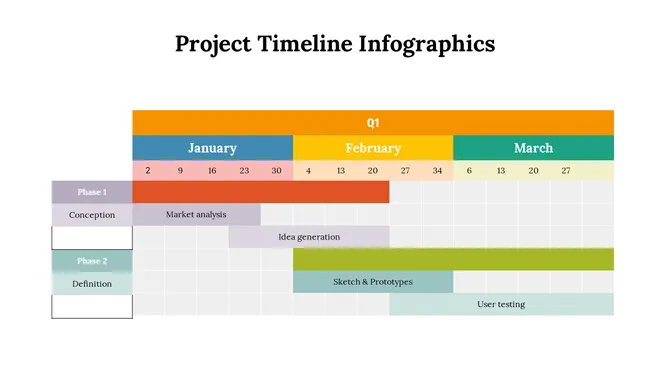
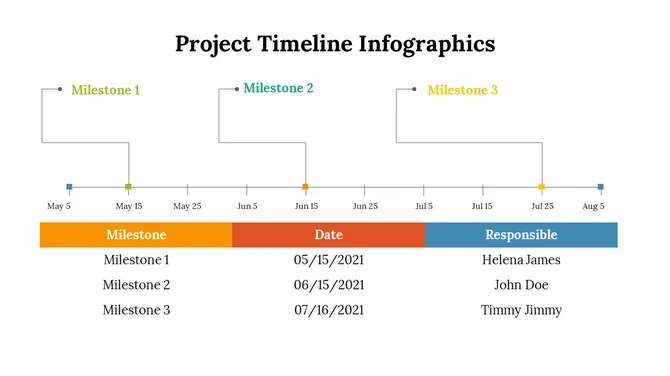
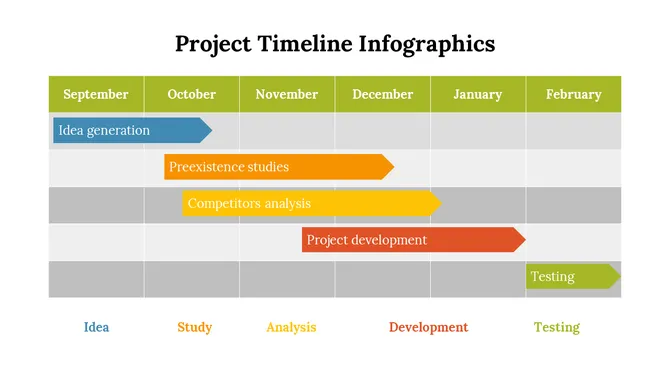
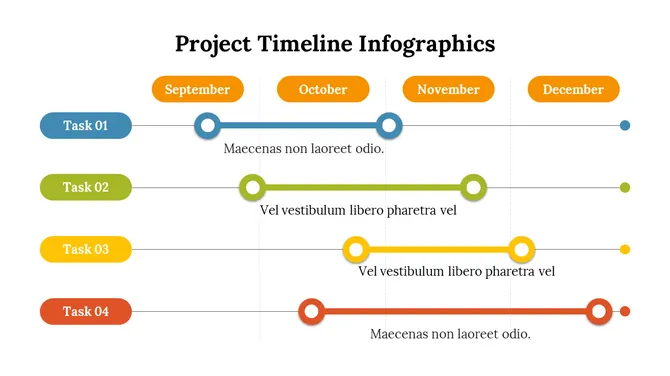
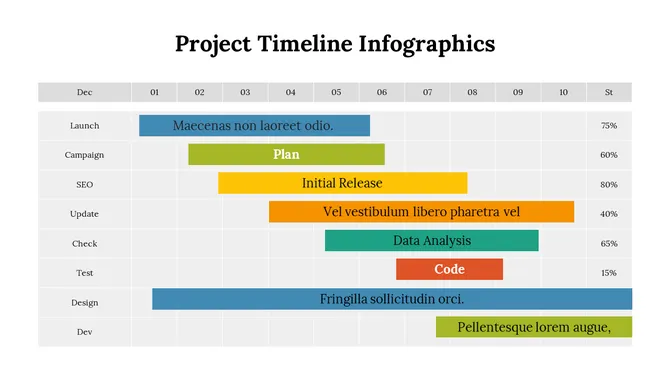
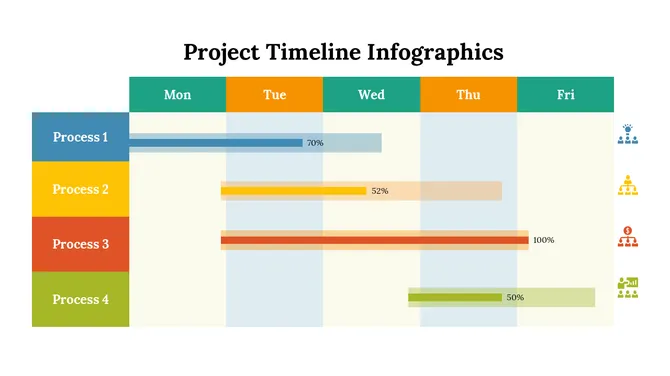
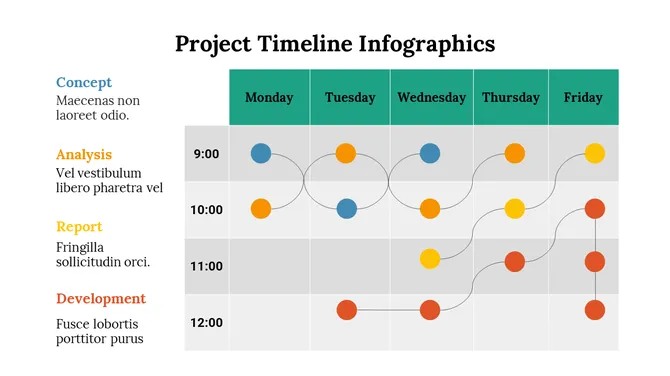
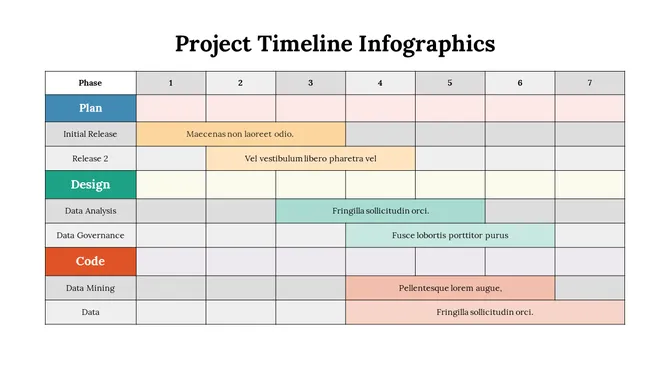
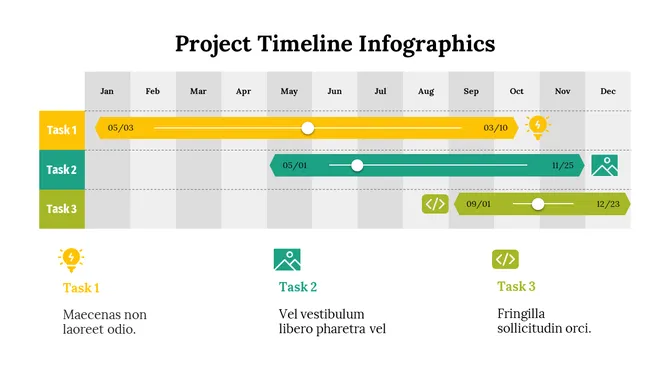
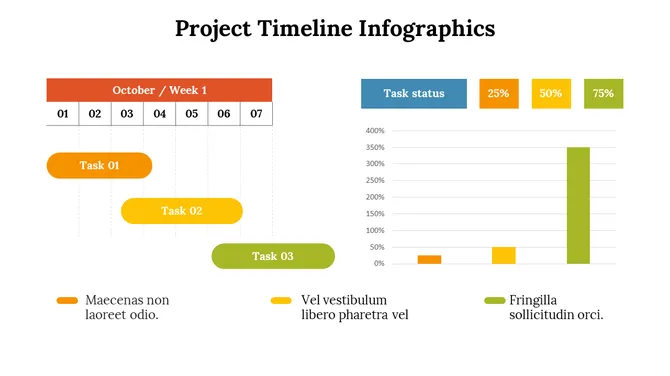
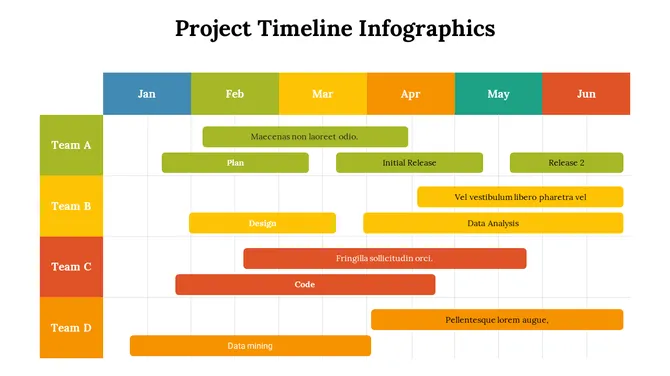



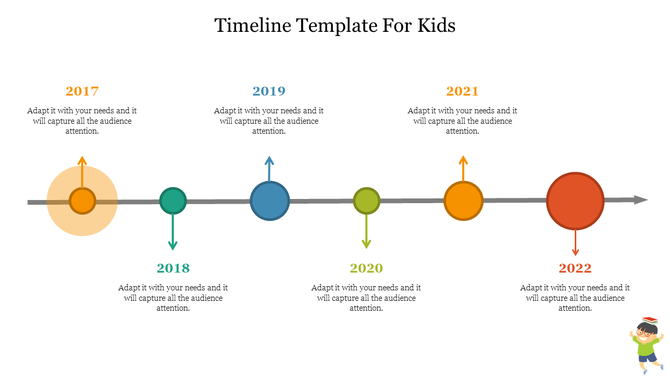
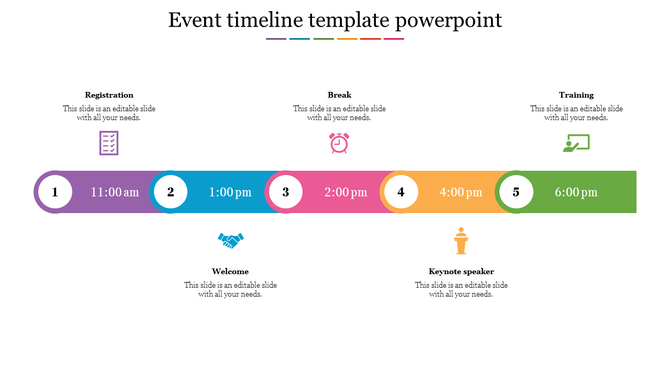
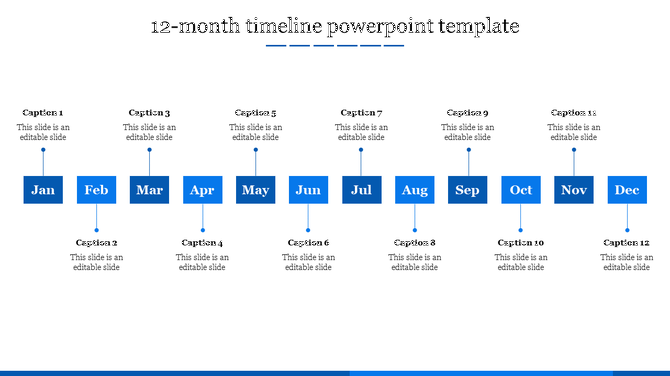
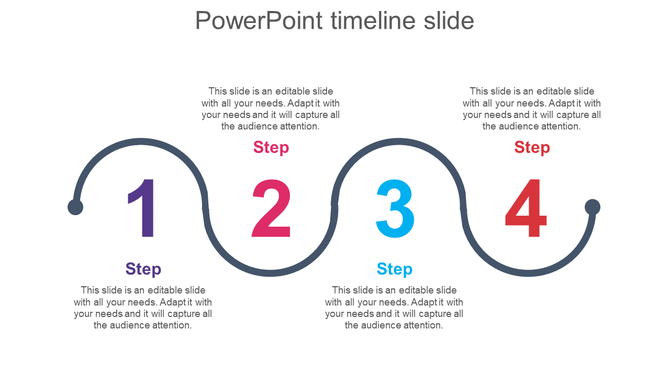
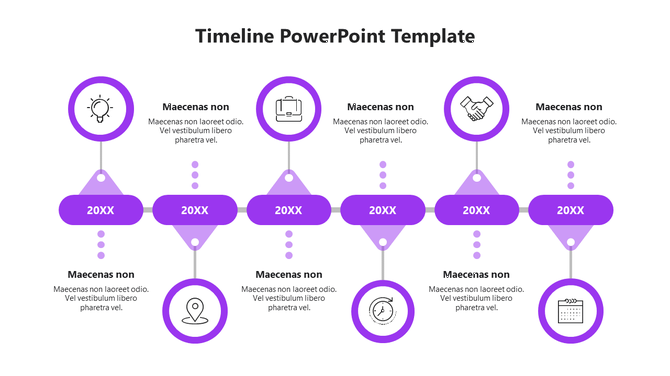
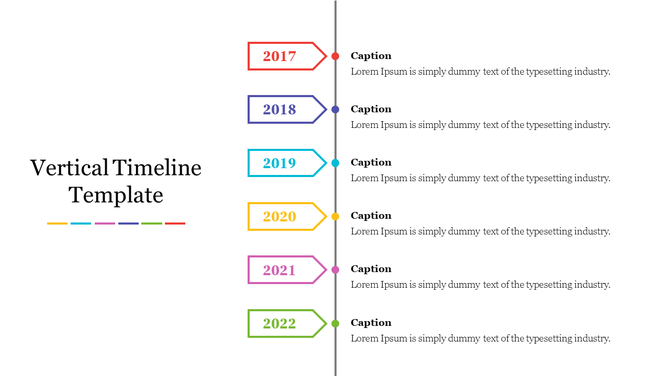
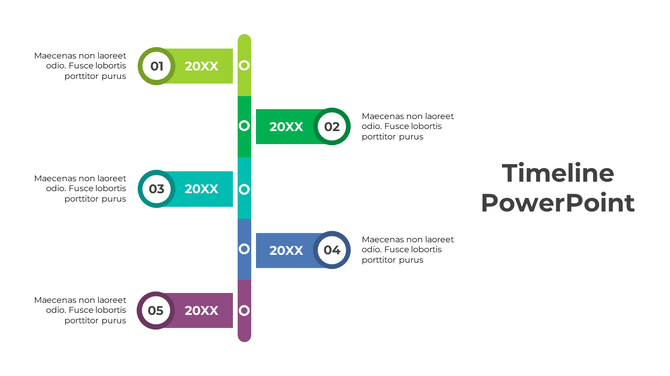
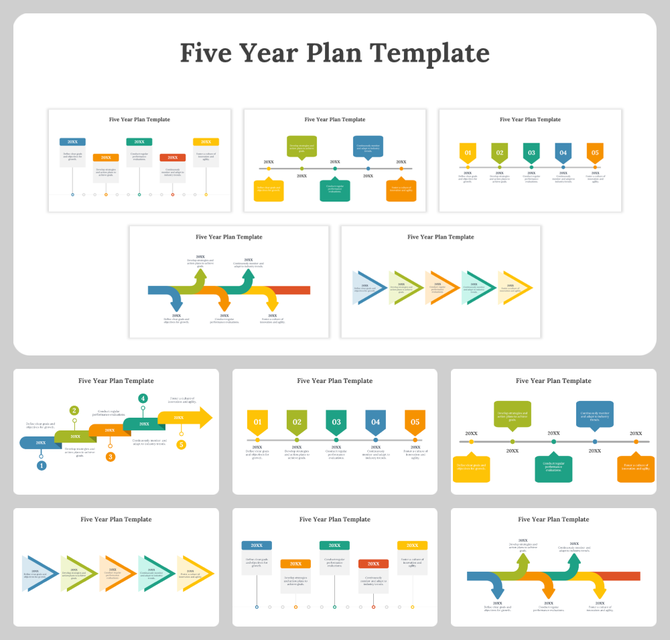
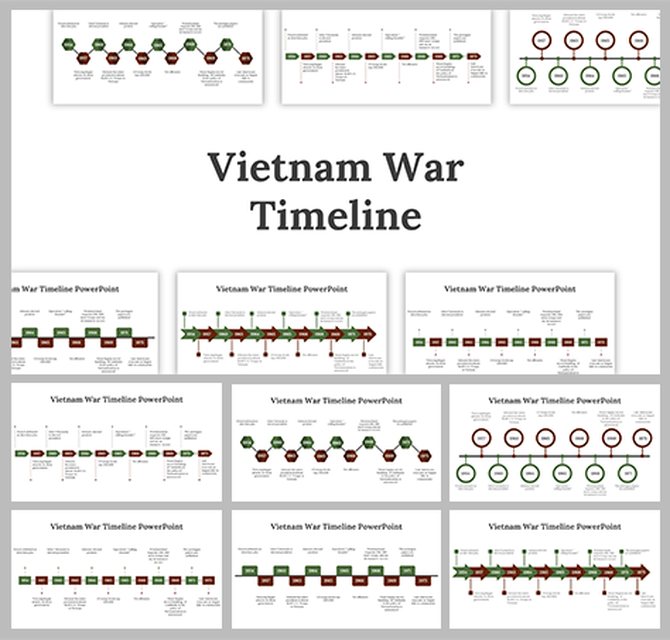
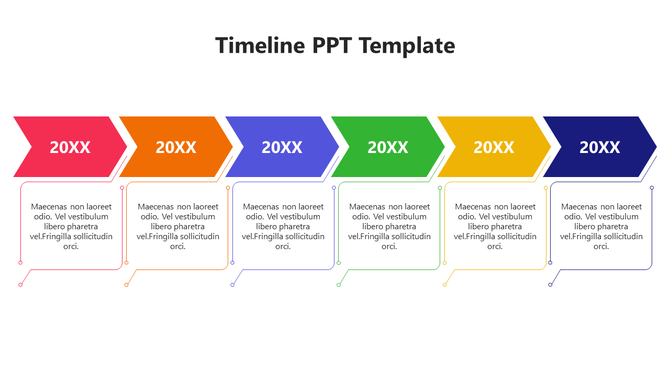
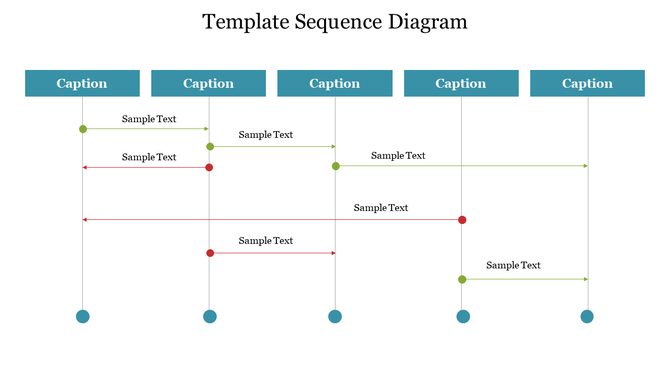
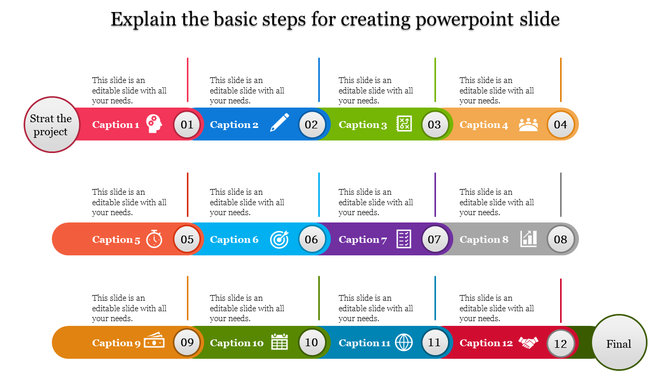
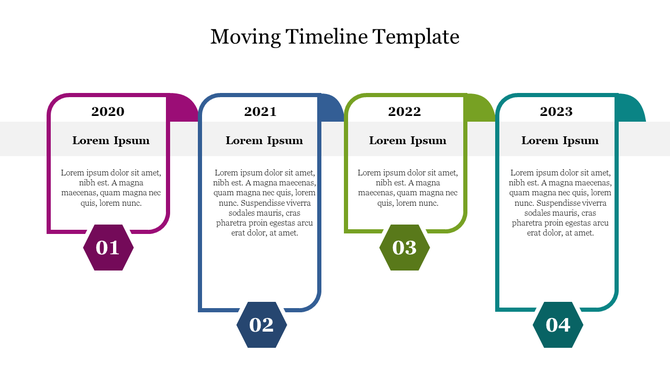
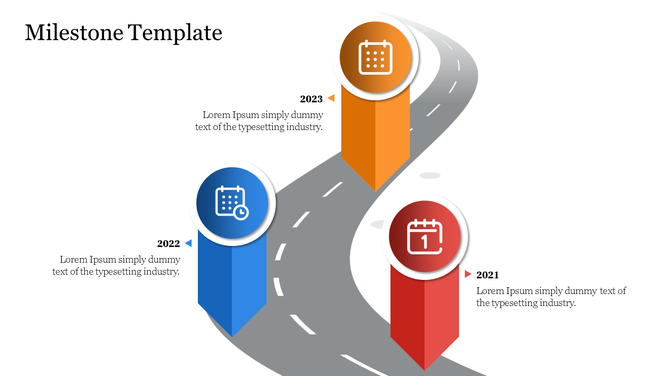
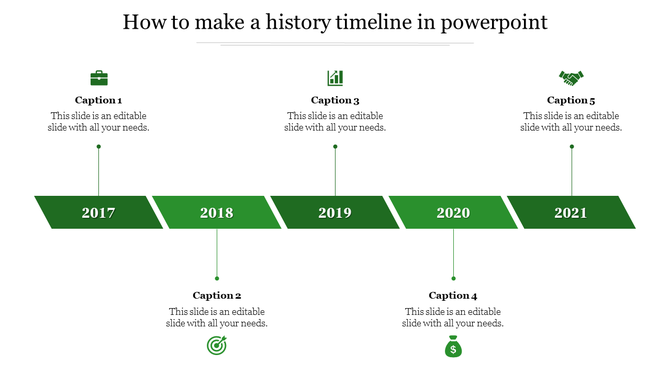
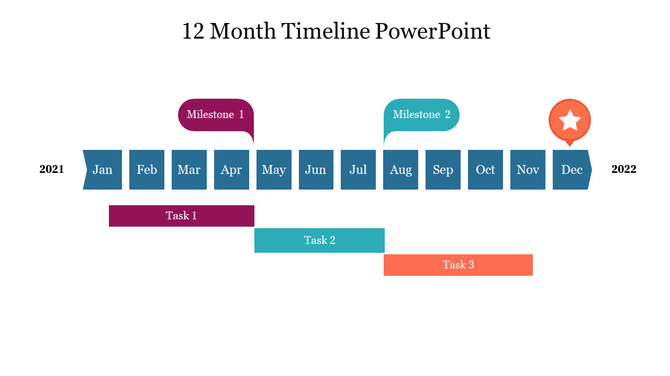
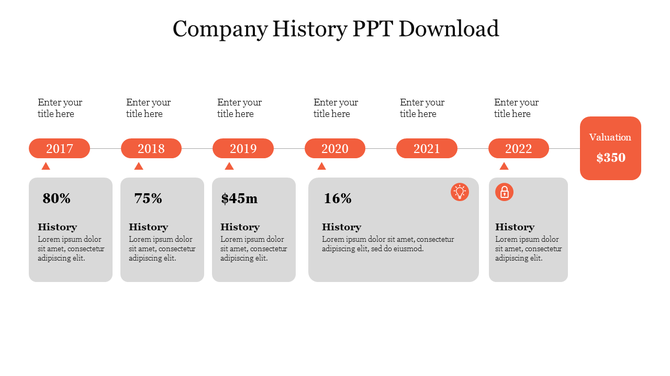
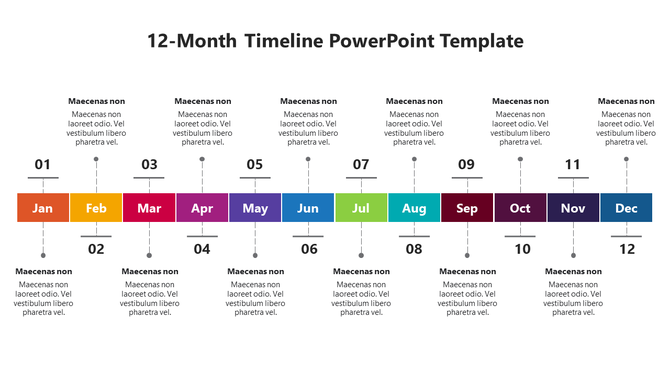
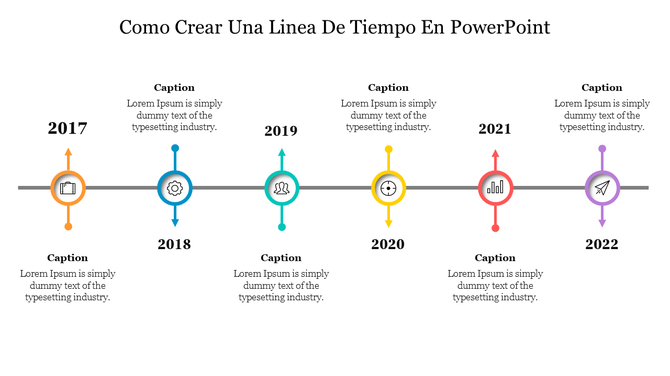
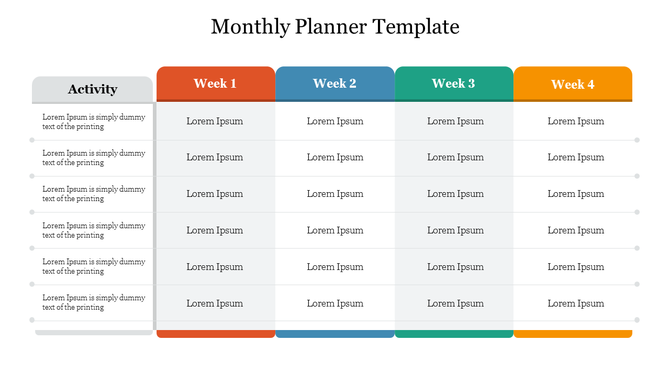
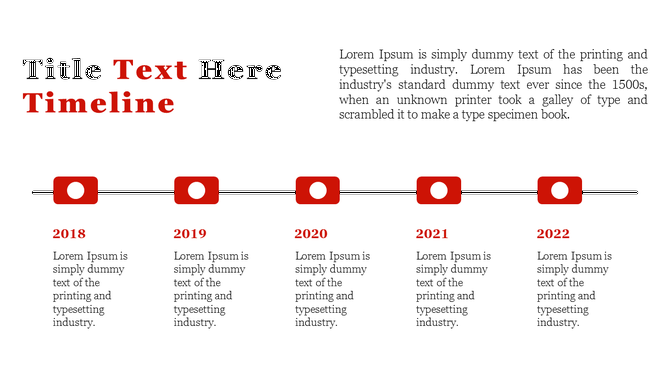
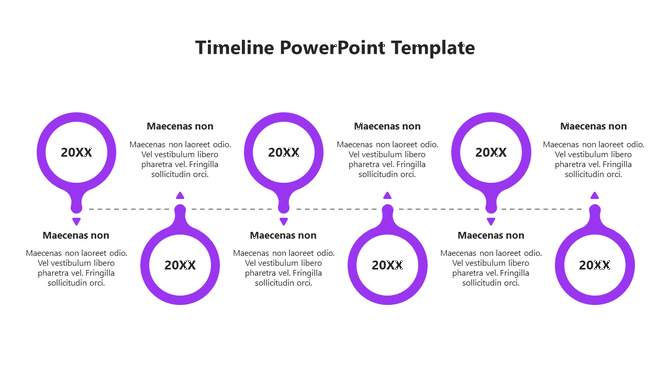
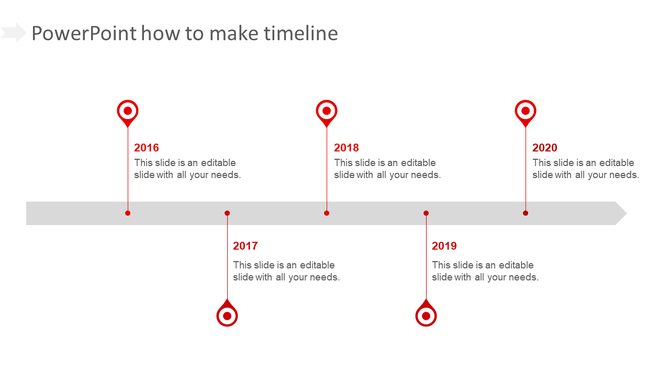
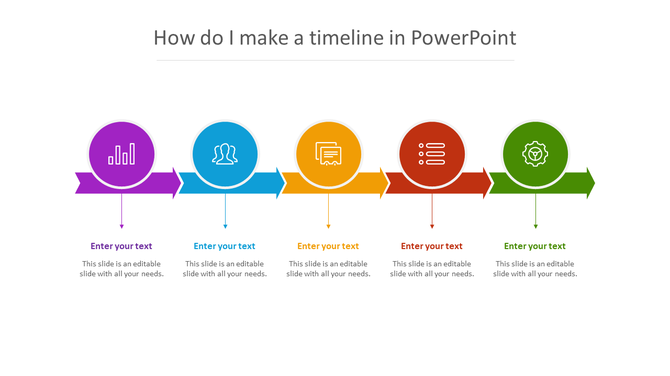
- Highlight key milestones: By clearly indicating the important stages of the project, you can provide a clear view of the overall progress and upcoming goals.
- Show task relationships: By clearly displaying when a task starts and ends, and how tasks depend on each other, everyone can understand the flow of the project.
- Visualize deadlines: By clearly displaying the deadlines set for each task and the overall project, everyone can feel the time constraint and avoid delays.
- Specify responsible persons: By clearly indicating who is responsible for each task, you can ensure accountability and know who to direct questions to.
- Use visuals to track progress: By marking completed tasks, ongoing tasks, and delayed tasks with different colors or icons, you can easily understand the current status of the project.
- Continuous updates: By continuously updating the timeline as the project progresses, you can ensure that everyone has accurate and current information.
- Planning and defining: Helps you define the project’s objectives, identify the required tasks and their sequence, and set realistic deadlines.
- Allocation and resource management: Helps you allocate the resources (people, equipment, etc.) required for each task and optimize resource utilization.
- Execution and monitoring: Helps you track the progress of the project against the planned deadlines, and immediately identify and correct any deviations.
- Communication and collaboration: Provides clear and concise information about the status and progress of the project to everyone, including team members, stakeholders, and customers. This helps in better collaboration and timely decision-making.
- Risk management: Helps you identify potential disruptions and delays in advance and plan to mitigate them.
- Documentation and Reporting: Document the project's history and progress, and create reports.
Related Collections
Frequently Asked Questions
1. How do I show multiple teams' work on the same timeline?
Swimlane timelines create separate lanes for each team/department, showing what each does and when. This prevents the "I didn't know your work blocked mine" problem. Each lane shows tasks sequentially, and connections between lanes show dependencies.
2. How do I identify where my timeline actually gets stuck?
Bottlenecks appear visually when one lane's work piles up or delays all other lanes. If Task A in Team 1 takes longer than expected, everything downstream backs up. Swimlane timelines make these chokepoints obvious instead of hidden in email threads.
3. How much detail should I include in my timeline?
Include only work that affects other teams. Skip micro-tasks. If it doesn't impact sequencing or dependencies, it distracts from the real story. Focus on milestones, handoffs, and decision points — not daily activity.
4. How do I handle timeline uncertainty (dates we're not sure about)?
Don't fake certainty. Use ranges (e.g., "Week 3-4") instead of exact dates you might miss. Mark assumptions. Highlight tasks with unknown duration differently. Better to be honest now than miss deadlines later.
5. How often should I update my timeline?
Weekly minimum if projects are active. When dates shift, update immediately and communicate why. Stale timelines lose credibility faster than timely ones with change notifications attached.
6. How do I explain delays to stakeholders without blame?
Focus on impact, not fault. "Task X took longer than expected, which delays Y for downstream teams" is objective. Show the new timeline immediately. Blame games destroy trust. Solutions maintain it.
7. How do I handle when someone's not on their timeline?
Timelines surface reality. If Team A misses their dates, the timeline shows it visually — no hiding. Use that visibility to problem-solve together, not to punish. "We need to reallocate resources here" is more useful than "You're late."