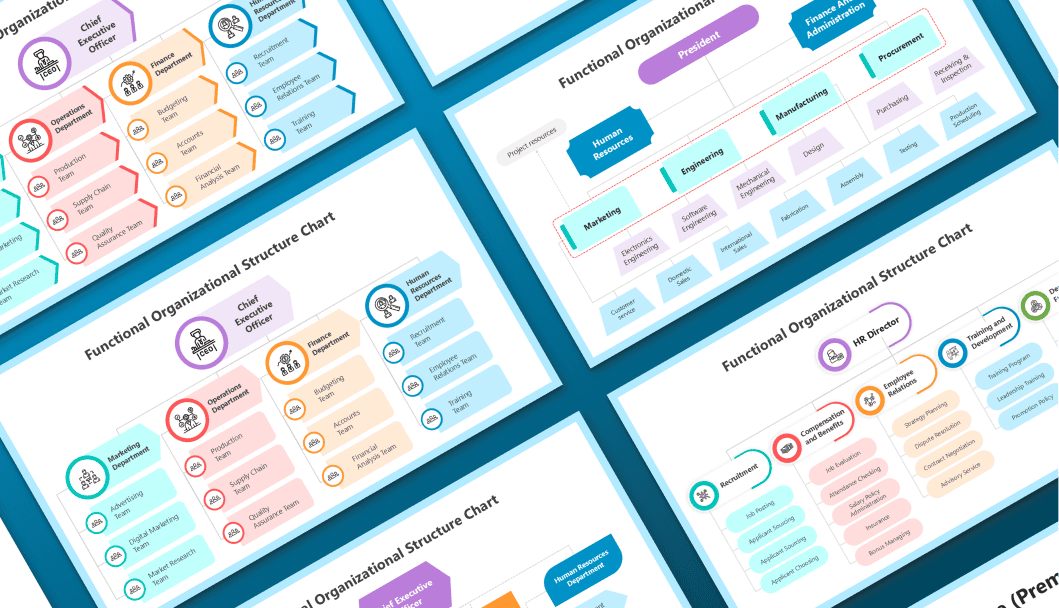
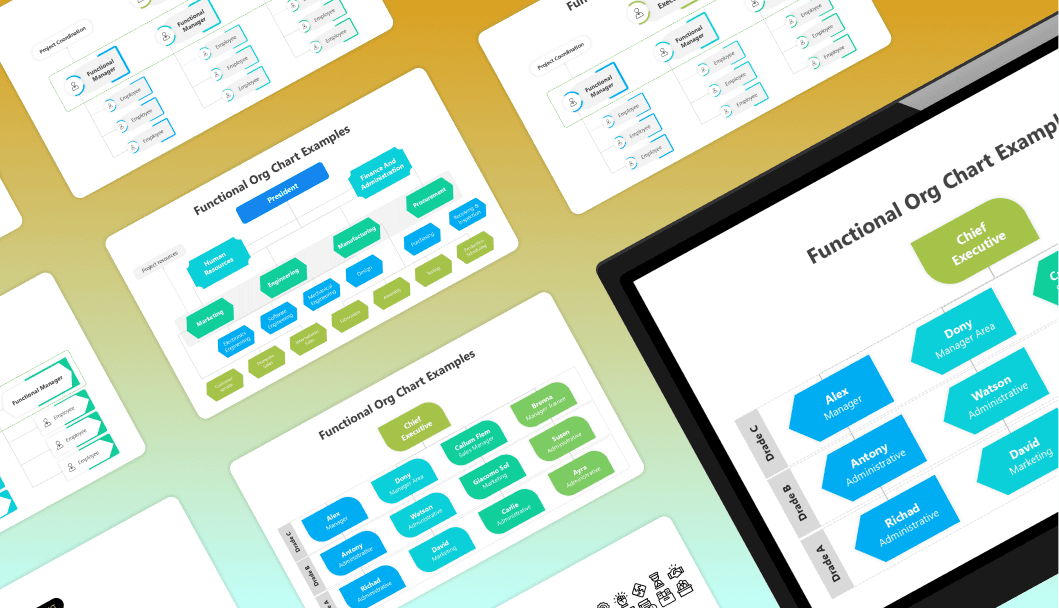
Free Functional Organizational Structure Presentation Templates

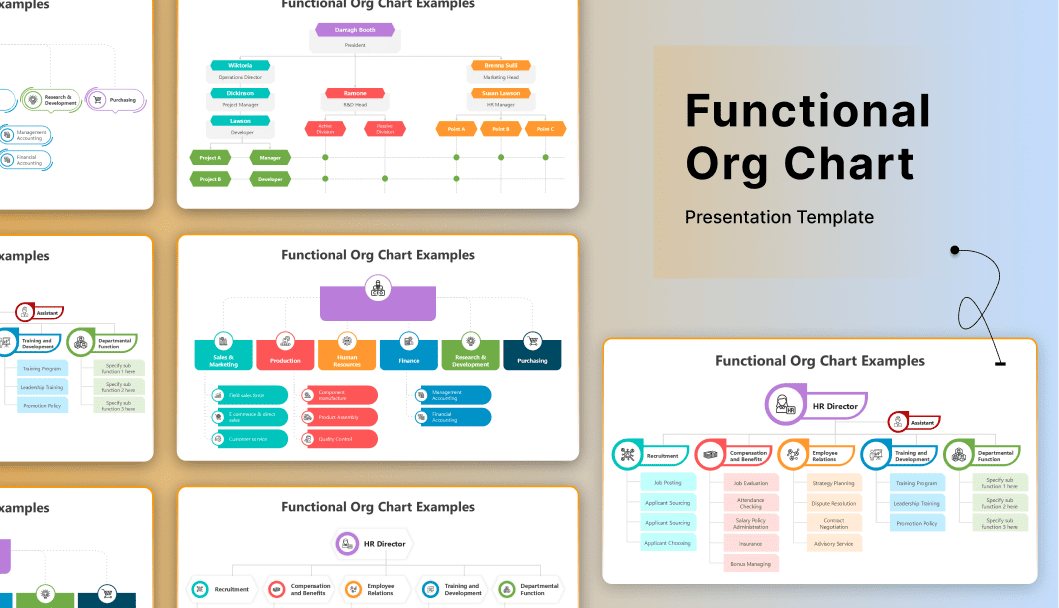
Organize your company by expertise with our Functional Organizational Structure templates. These layouts group employees based on their skills, such as Marketing, Finance, or IT. Unlike complex matrix grids, these charts create clear, vertical reporting lines. Fully editable in PowerPoint, Google Slides, and Canva. Download your template now!

Add to Wishlist
Download
AI Customize
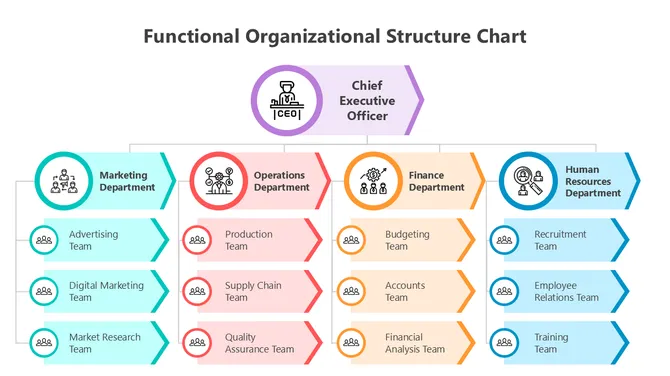
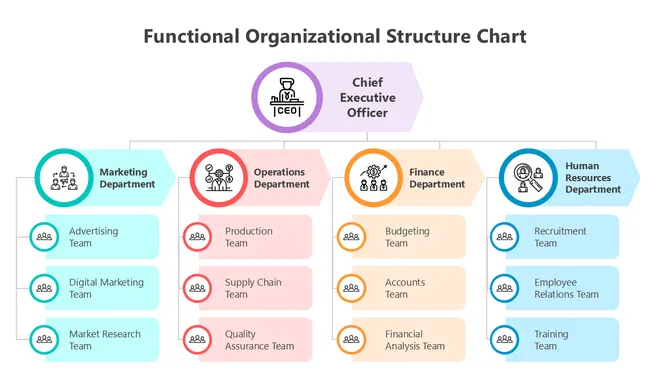
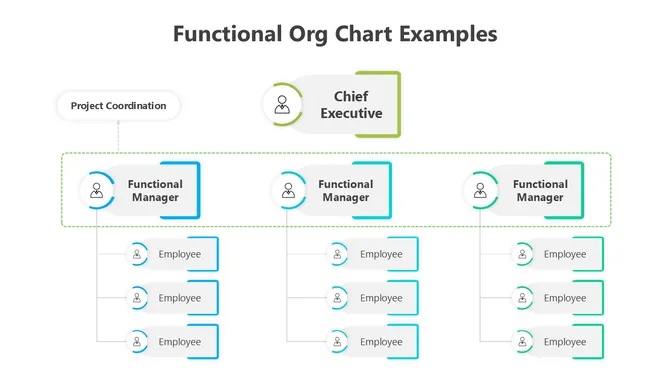
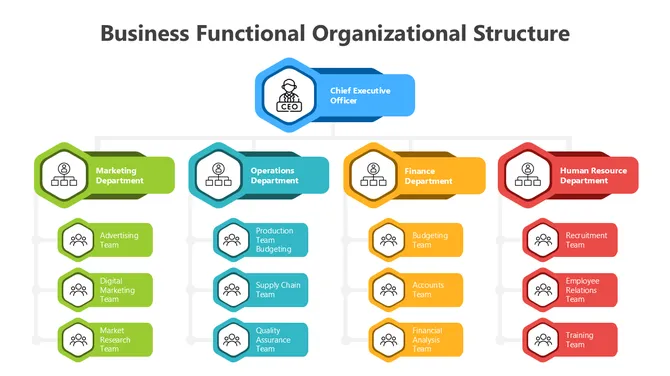
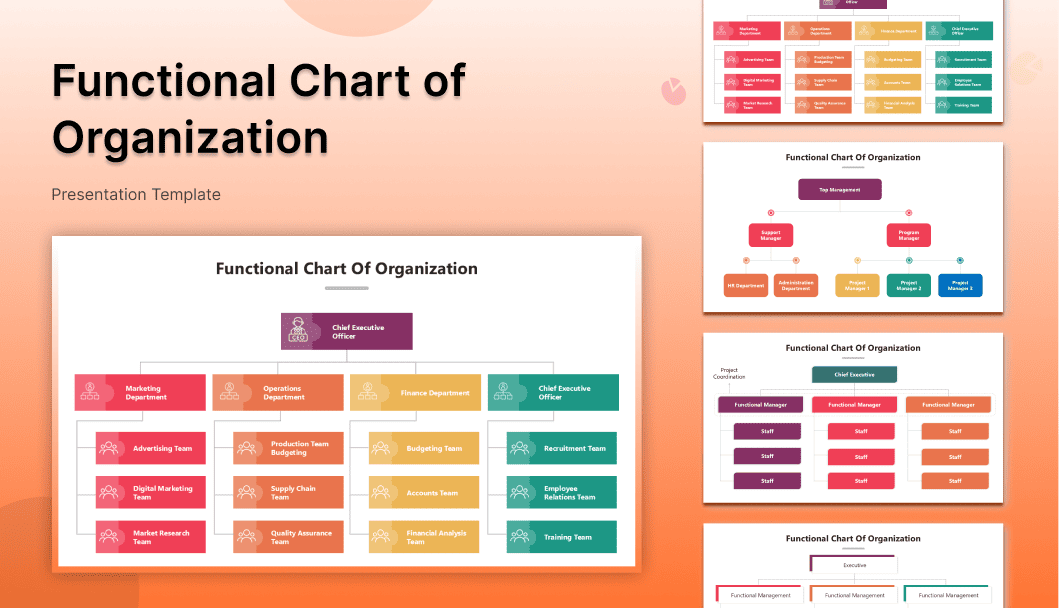
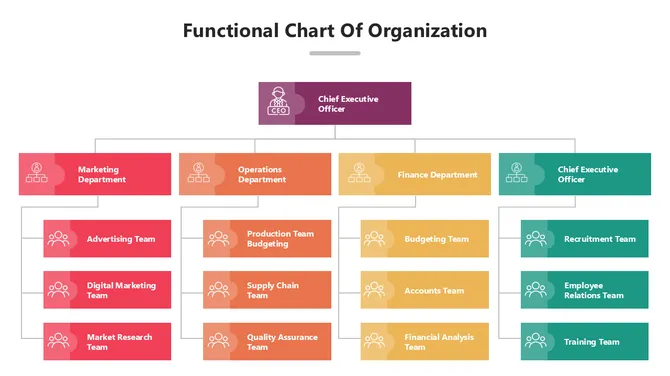
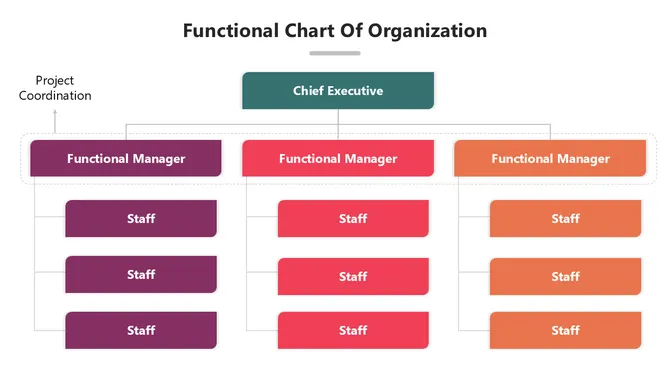
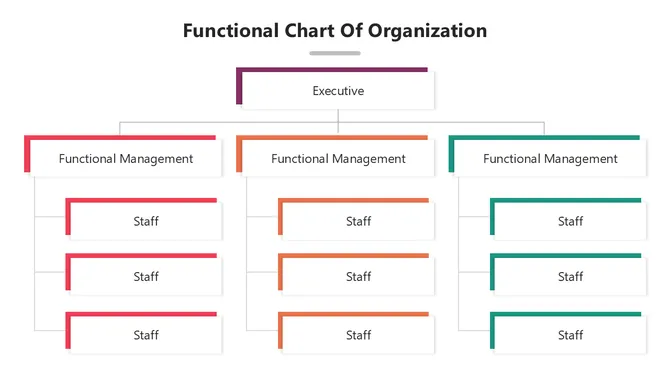
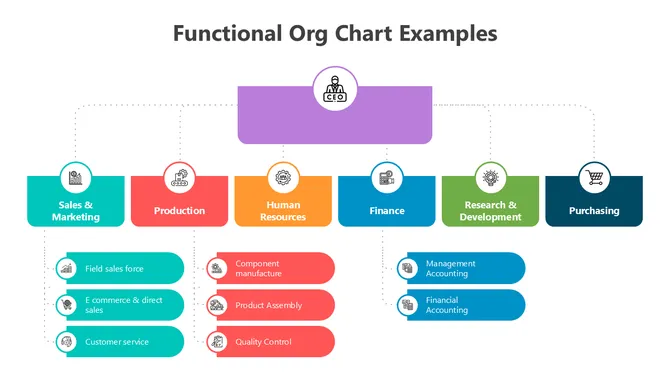
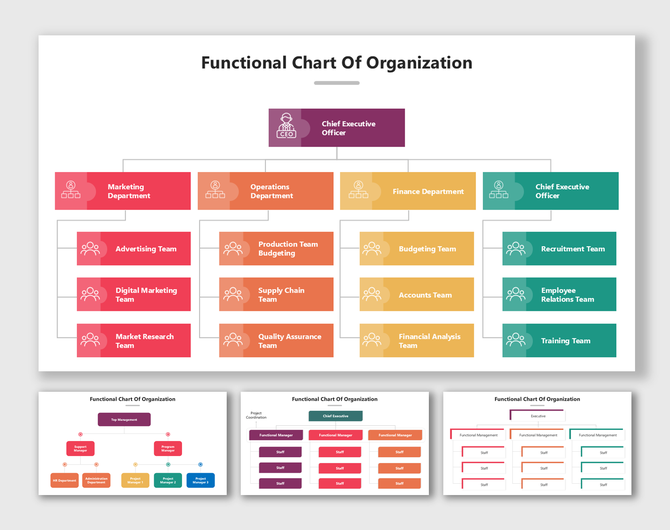
Functional Chart Of Organization showing CEO, teams, and departments in colorful structured hierarchy flow.
Free
Add to Wishlist
Download
AI Customize
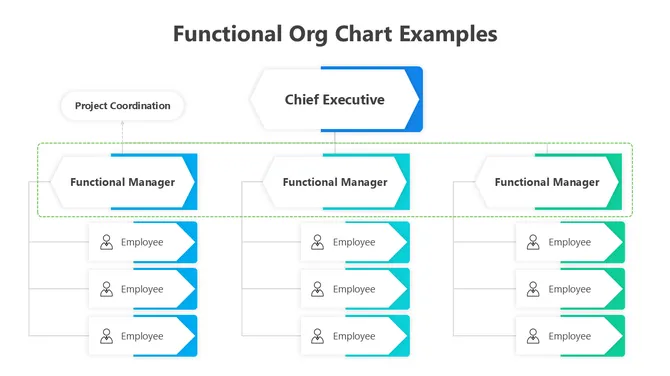
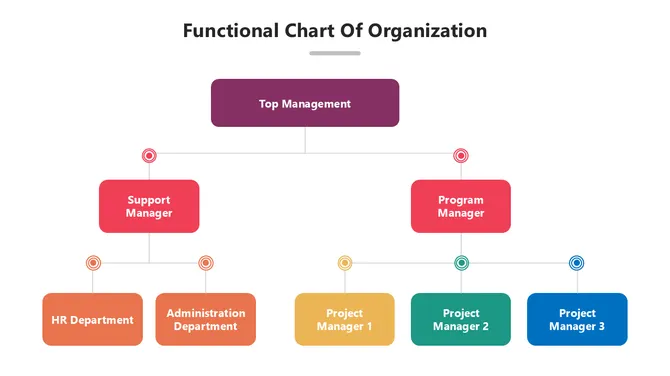
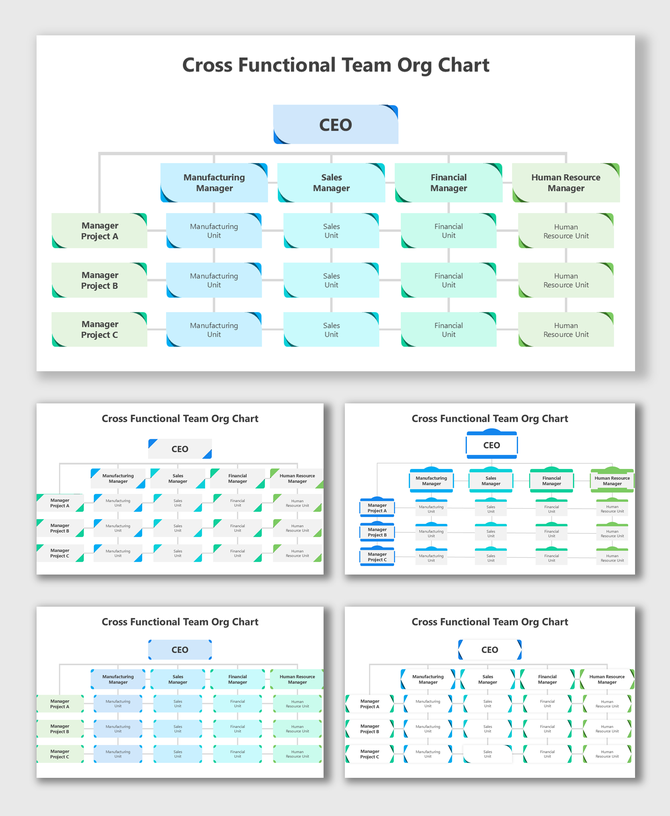
Cross Functional Team Org Chart showing CEO, managers, and project units in blue-green hierarchy flow.
Add to Wishlist
Download
AI Customize
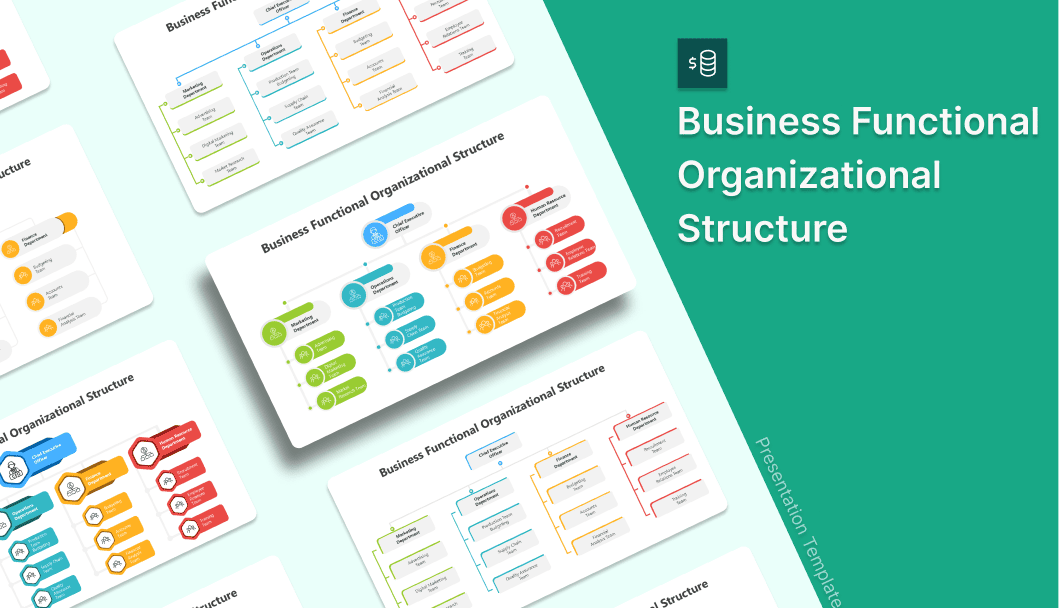
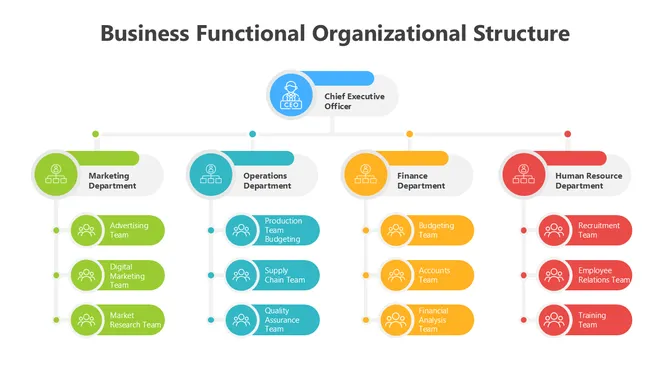
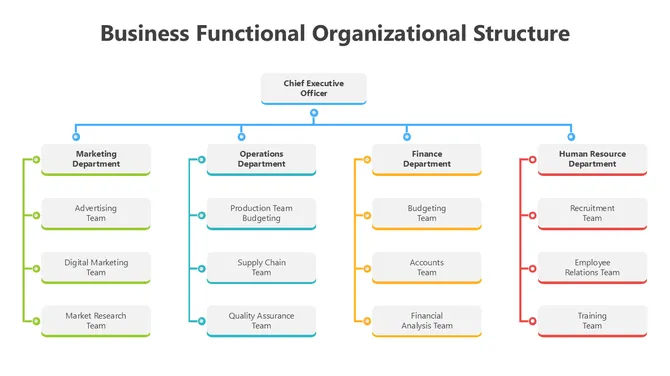
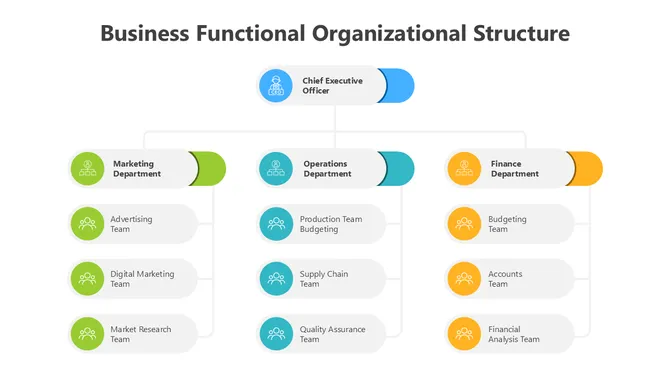
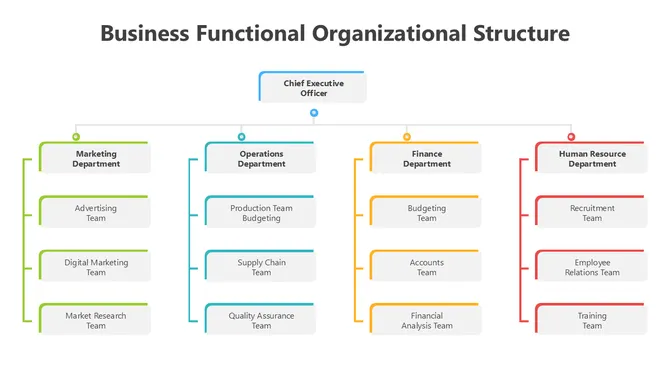
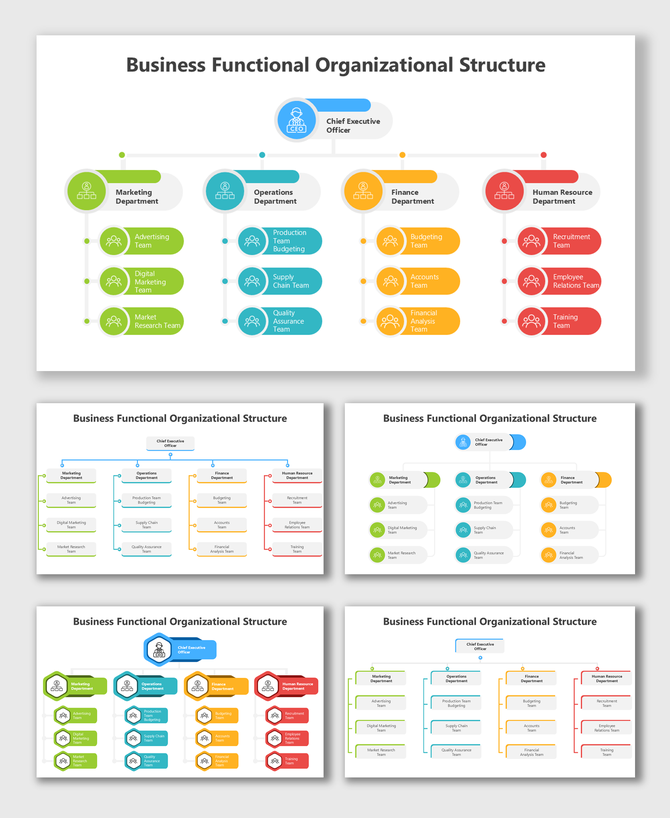
usiness Functional Organizational Structure showing CEO, departments, and teams in colorful flow layout.
Add to Wishlist
Download
AI Customize
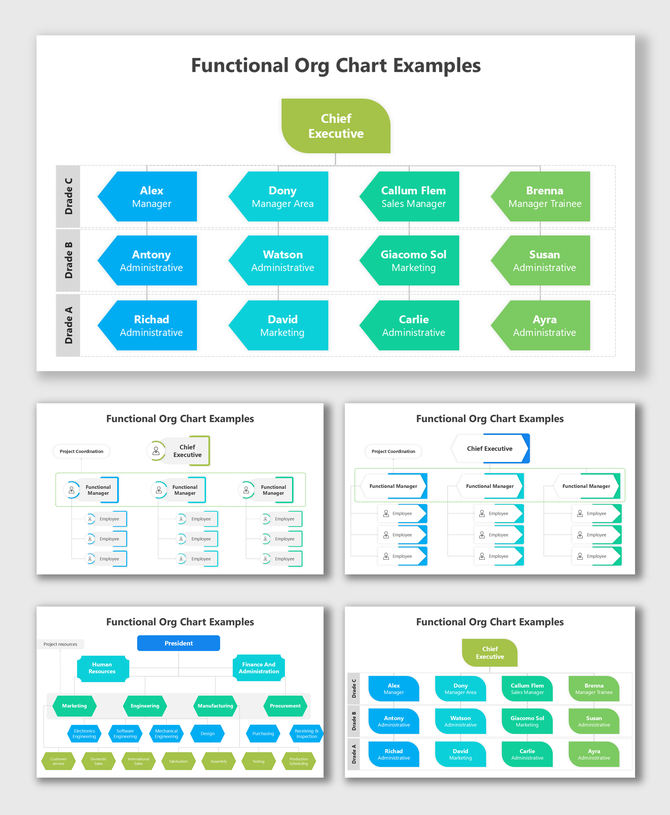
Functional Structure Organizational Chart showing managers, employees, and departments in blue-green layout.
Free
Add to Wishlist
Download
AI Customize
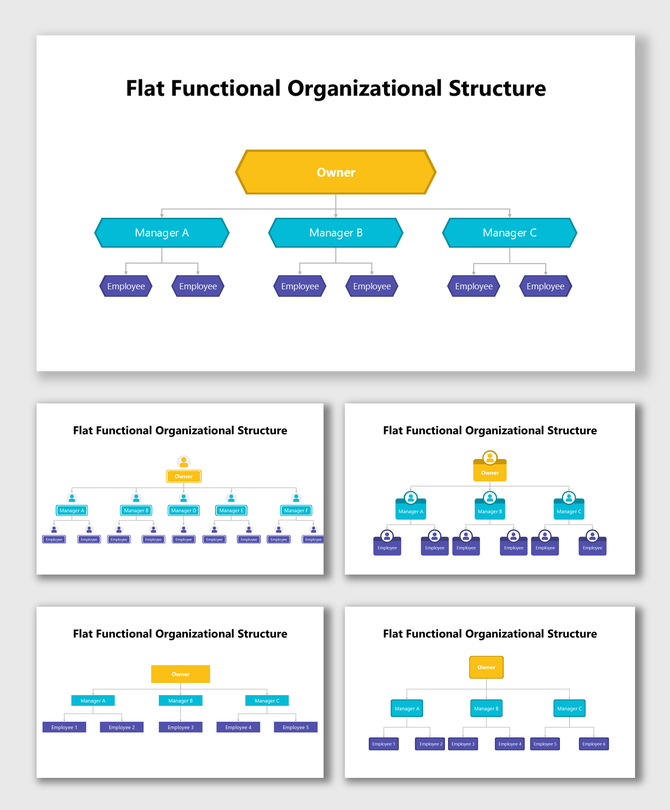
Flat Functional Organizational Structure showing owner, managers, and employees in a single-level hierarchy layout.
Free
Add to Wishlist
Download
AI Customize
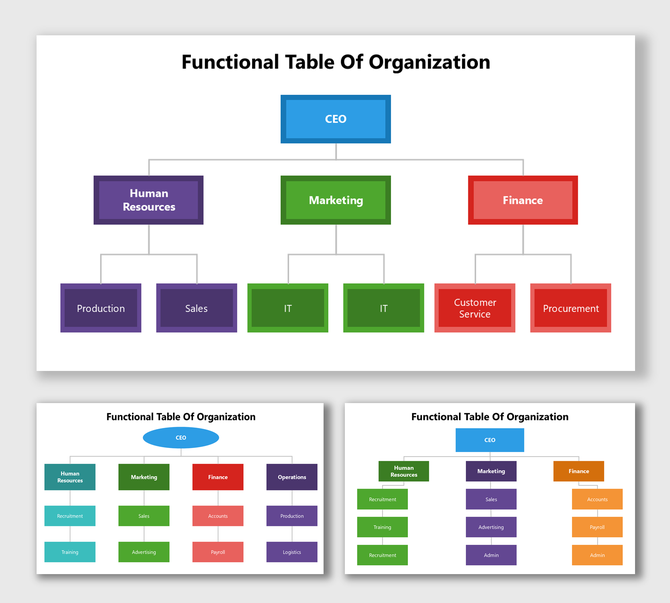
Functional Table Of Organization with colorful boxes showing CEO, HR, Marketing, and Finance roles.
Free
Add to Wishlist
Download
AI Customize
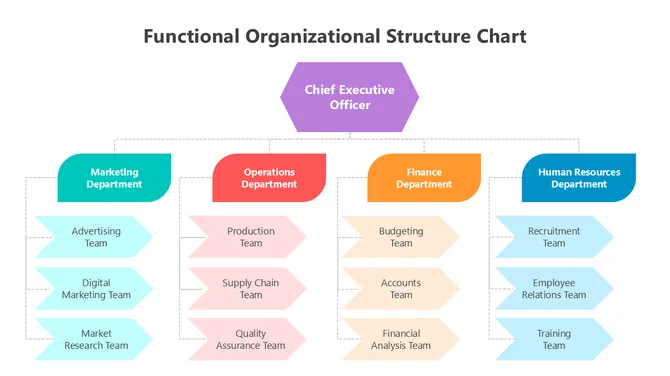
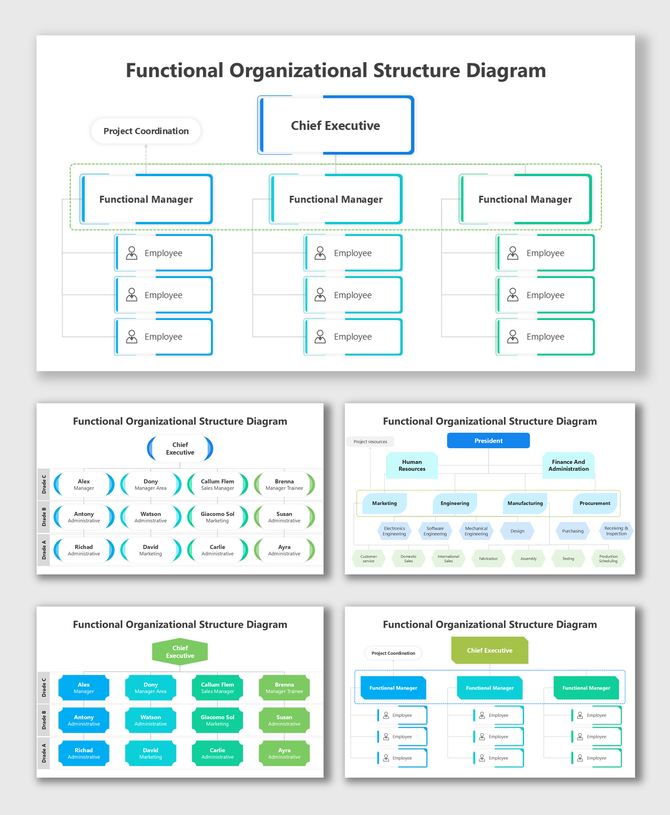
Functional Organizational Structure Diagram showing CEO-led colorful hierarchy of teams and departments.
Add to Wishlist
Download
AI Customize
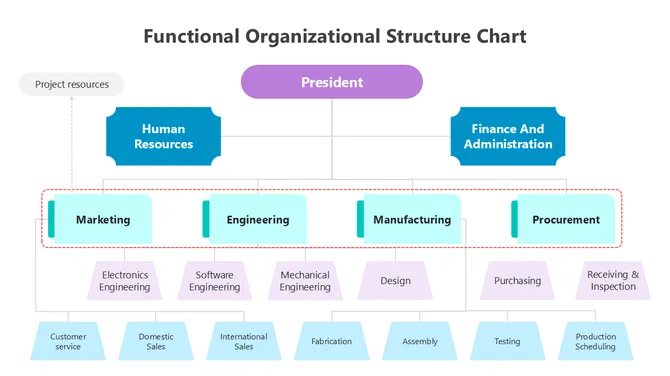
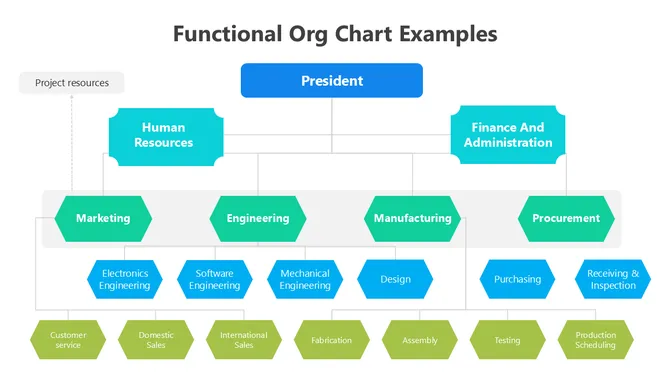
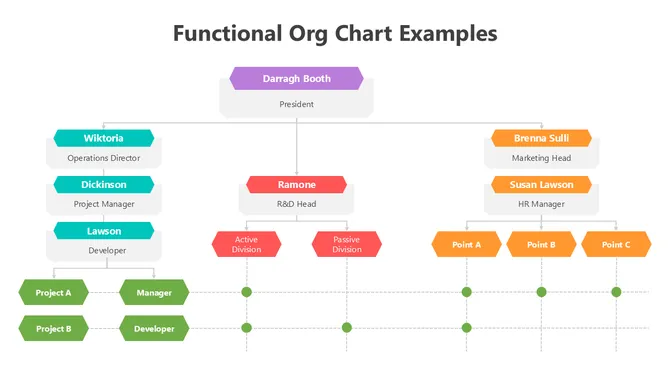
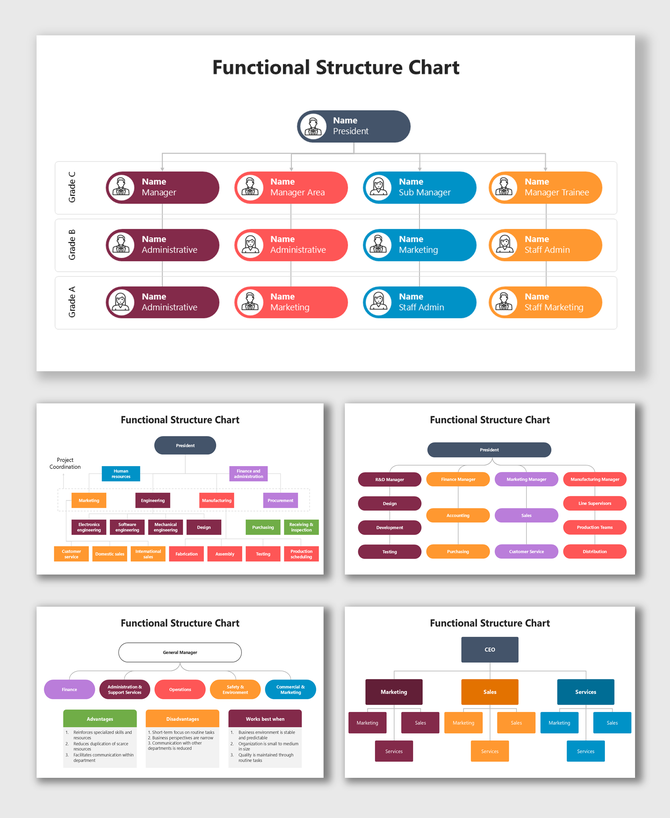
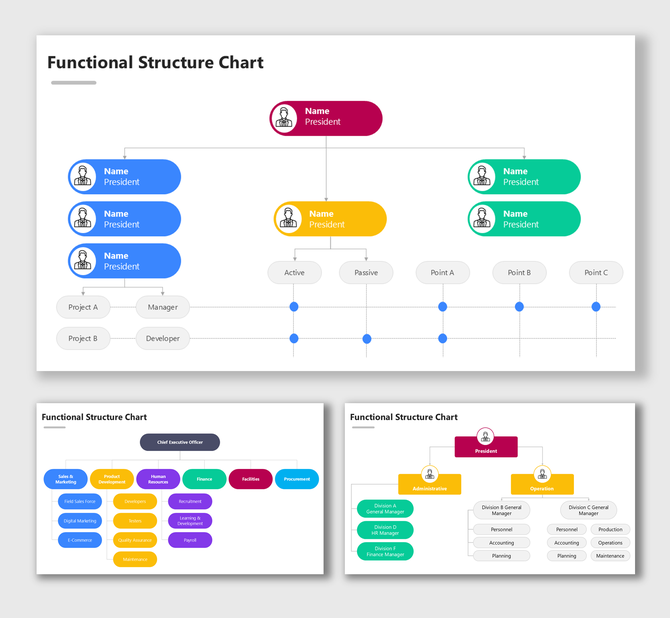
Functional Structure Chart with colorful boxes showing president, managers, and departmental hierarchy.
Add to Wishlist
Download
AI Customize
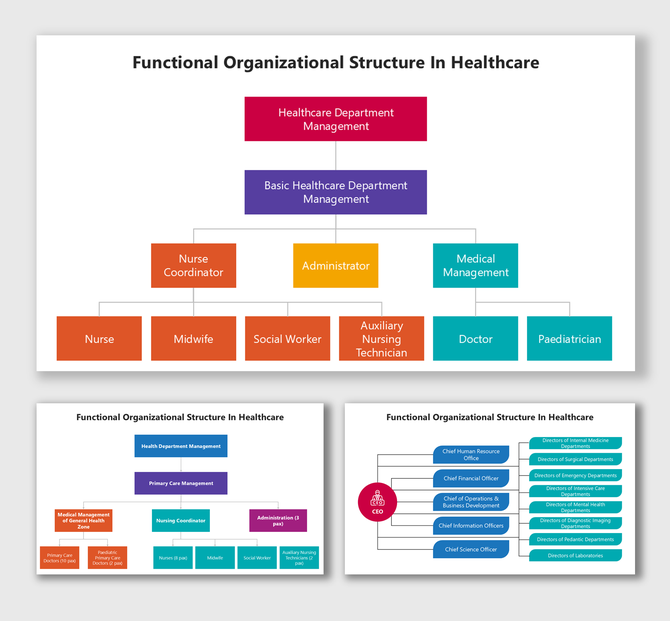
Functional Organizational Structure In Healthcare with roles, color boxes, hierarchy, and flow.
Add to Wishlist
Download
AI Customize
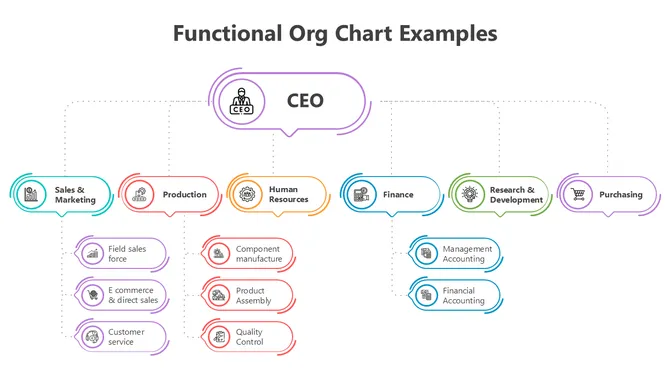
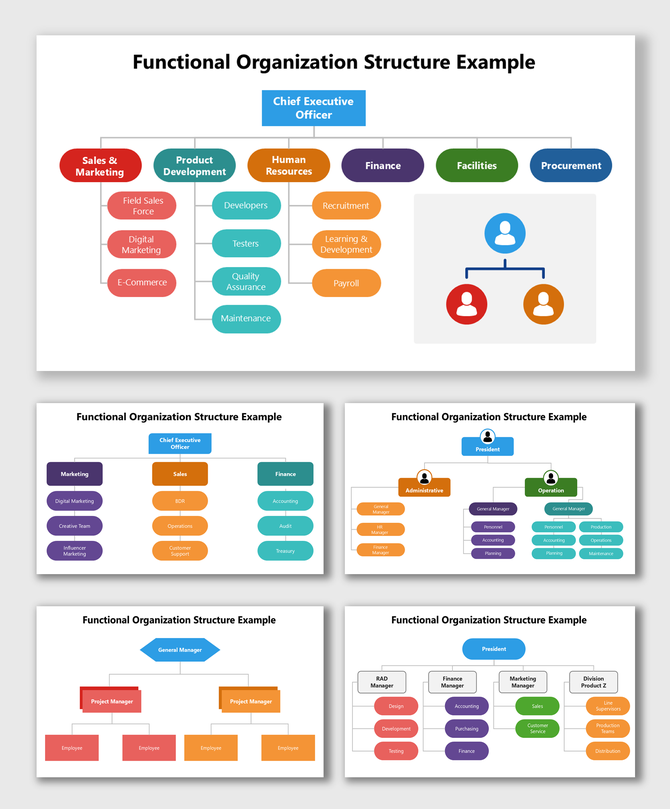
Functional Organization Structure Example with colorful team hierarchy, CEO top box, and linked divisions.
Free
Add to Wishlist
Download
AI Customize
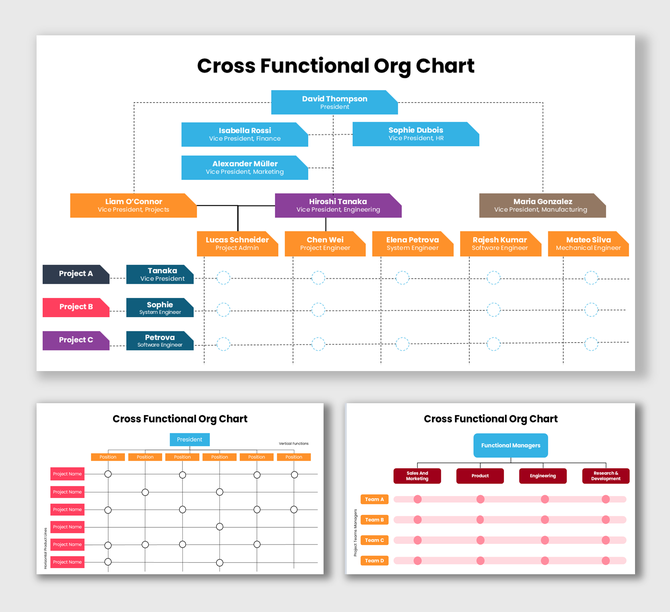
Cross Functional Org Chart showing roles, color boxes, hierarchy, links, and team structure.
Free
Add to Wishlist
Download
AI Customize
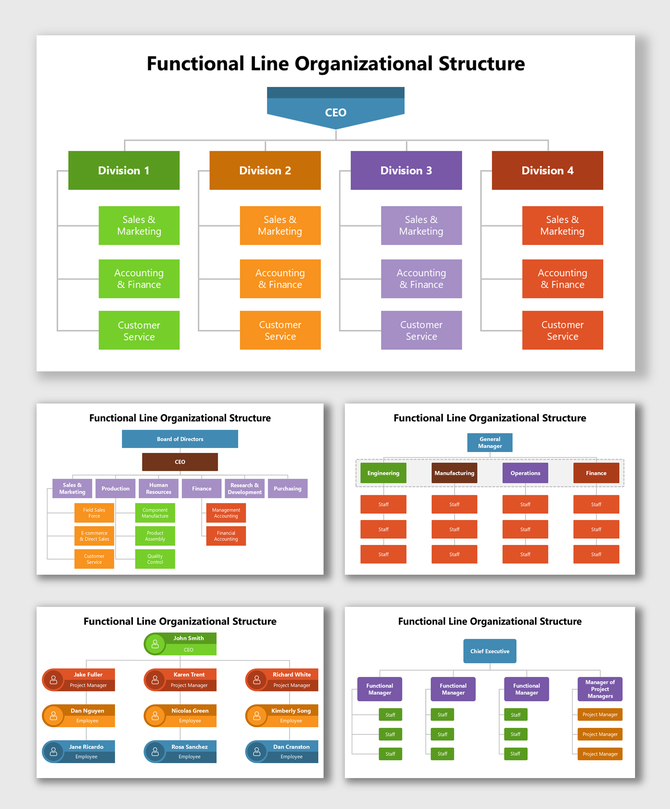
Functional Line Organizational Structure showing CEO, divisions, and teams in colorful box layout.
Free
Add to Wishlist
Download
AI Customize
Matrix Organization Org Chart showing finance, HR, IT, marketing, operations teams linked with project roles and staff.
Add to Wishlist
Download
AI Customize
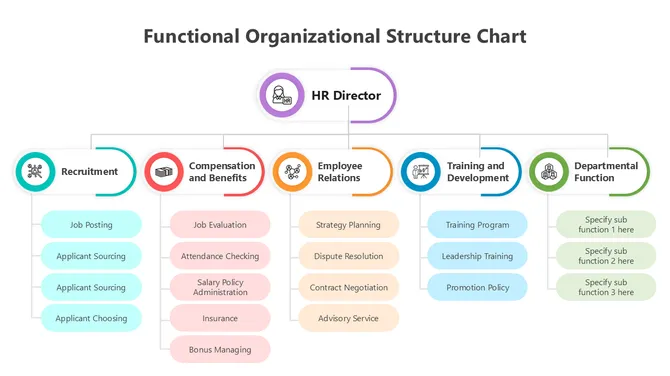
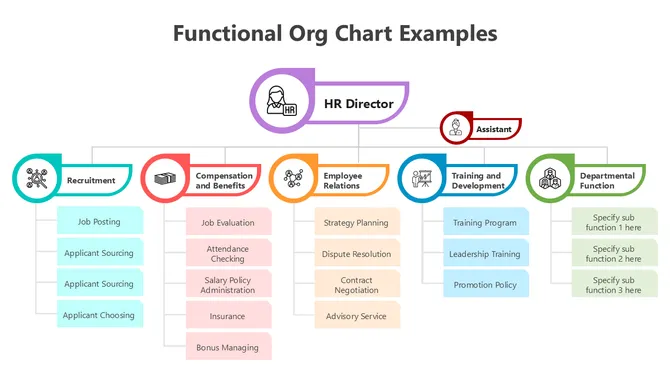
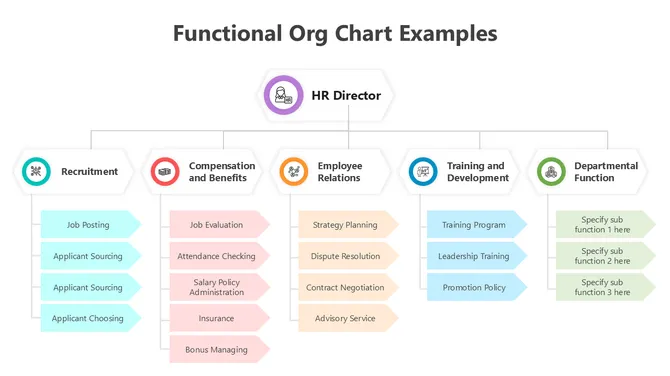
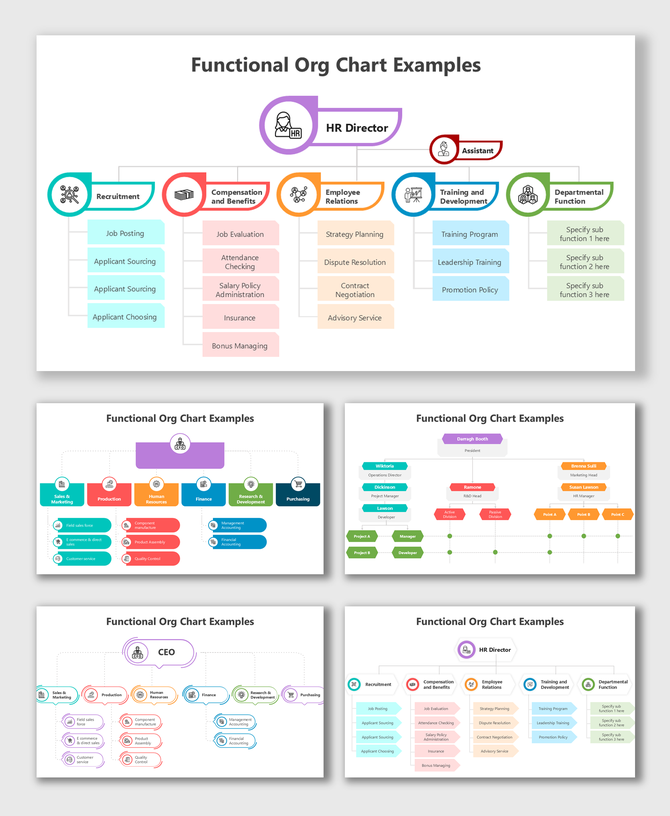
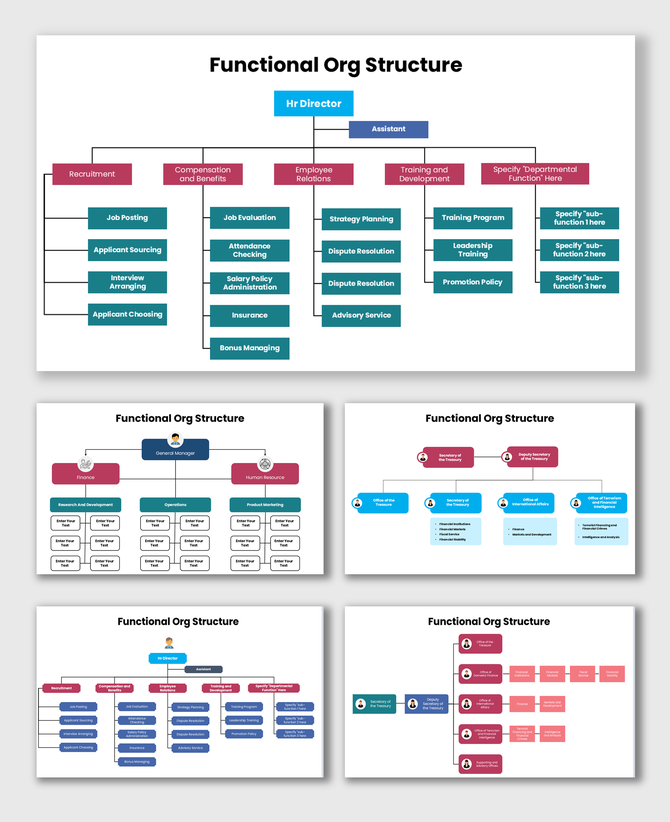
Functional Org Structure showing HR hierarchy, colored boxes, team roles, and flow chart.
Add to Wishlist
Download
AI Customize
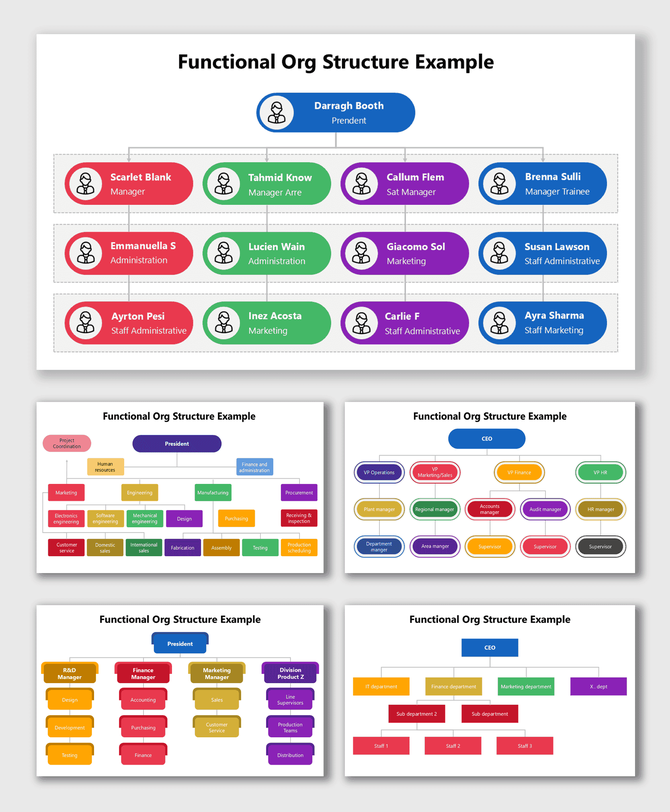
Functional Org Structure Example showing CEO, managers, and teams in colorful connected layout.
Free
Add to Wishlist
Download
AI Customize
Functional Organization Structure Diagram showing colorful hierarchy, roles, and team flow.
Free
Add to Wishlist
Download
AI Customize
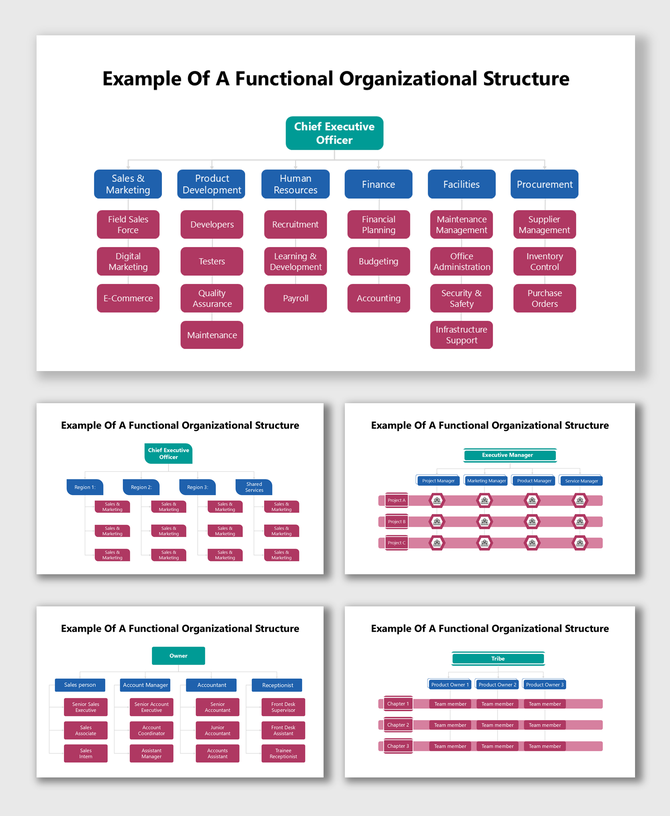
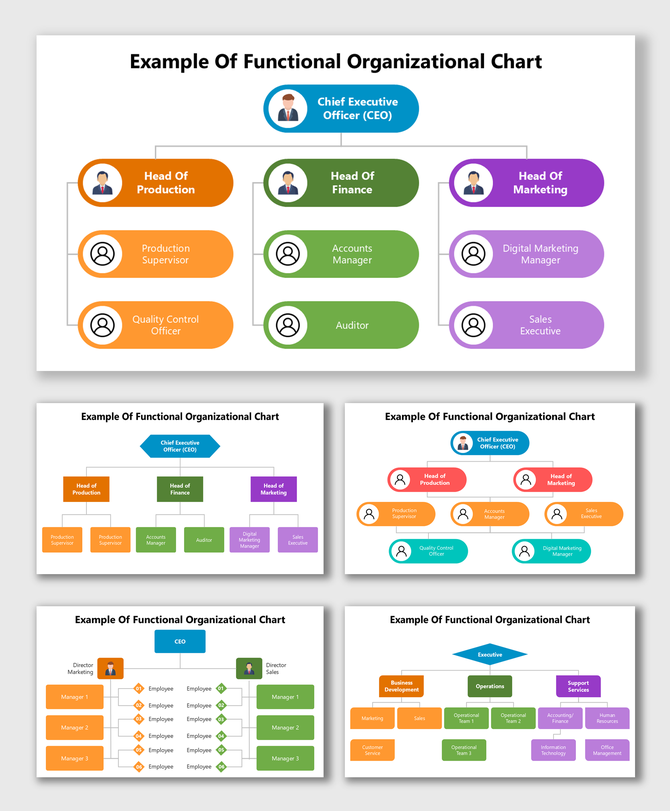
Example Of Functional Organizational Chart showing CEO, department heads, and teams in colorful layout.
Free
Add to Wishlist
Download
AI Customize
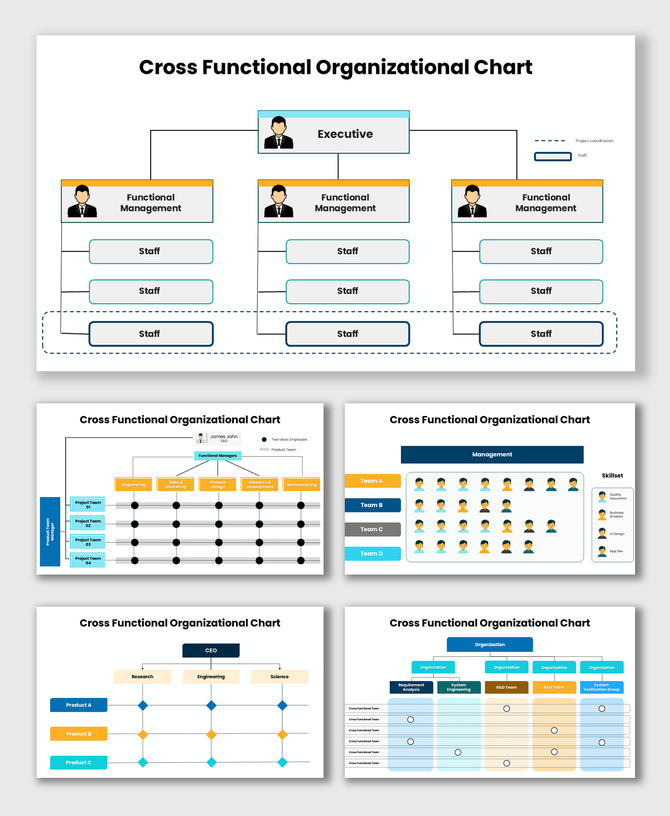
Cross Functional Organizational Chart showing team hierarchy, project flow, and coordination.
Add to Wishlist
Download
AI Customize
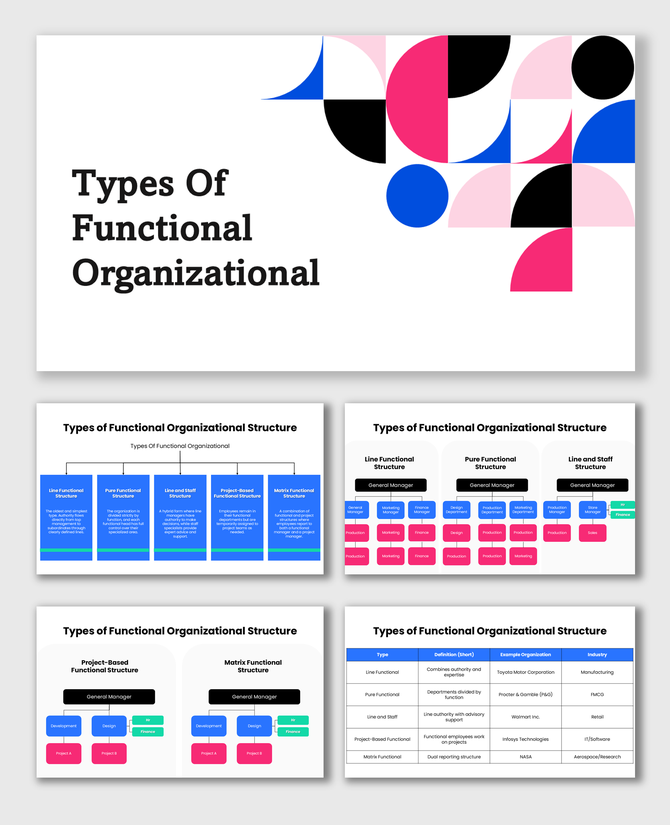
Types Of Functional Organizational Structure with colorful boxes, hierarchy, and role flow.
Free
Add to Wishlist
Download
AI Customize
Functional Organizational Structure with executives, managers, team boxes, and color hierarchy.
Add to Wishlist
Download
AI Customize
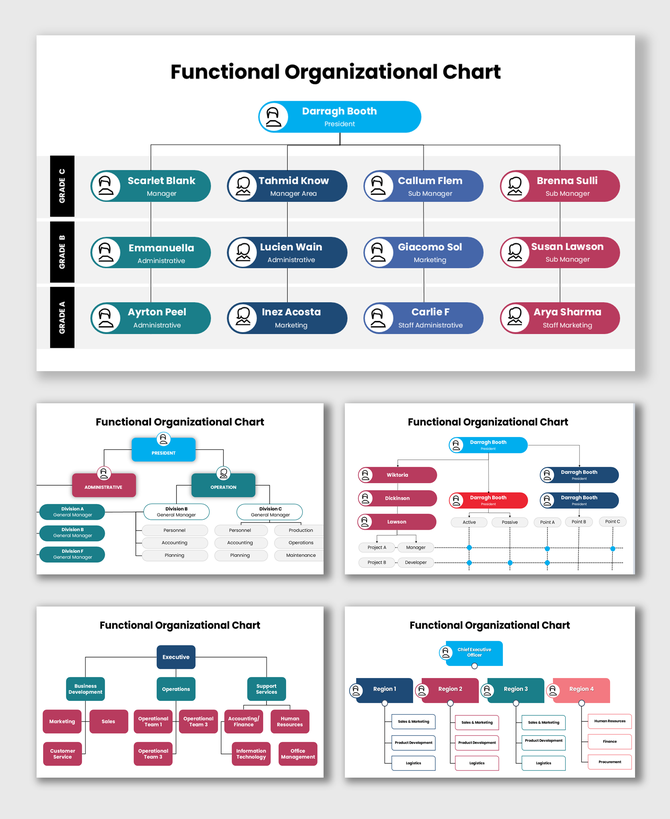
Functional Organizational Chart with managers, staff roles, color-coded boxes, and hierarchy lines.
Add to Wishlist
Download
AI Customize
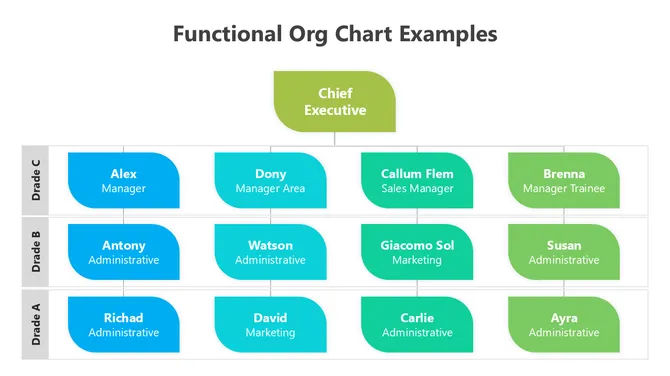
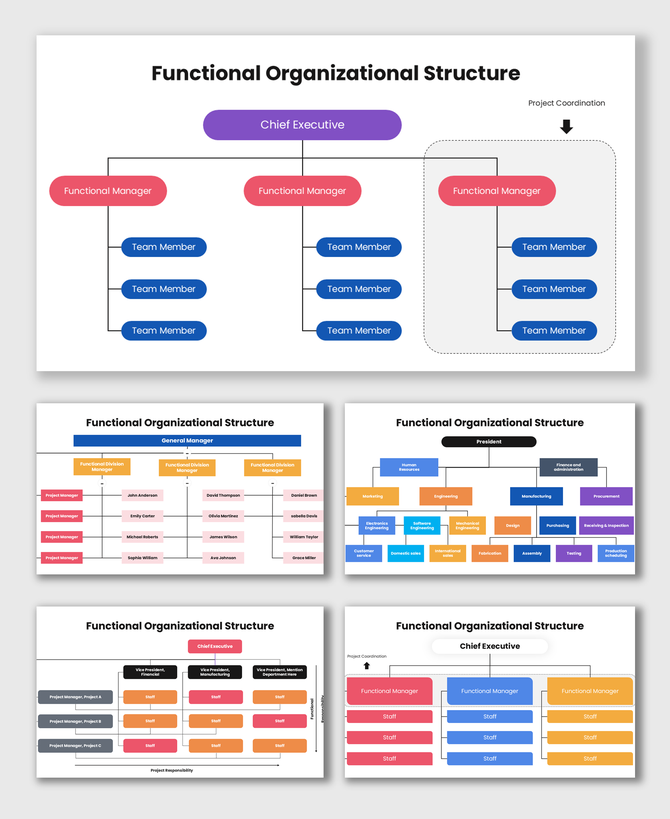
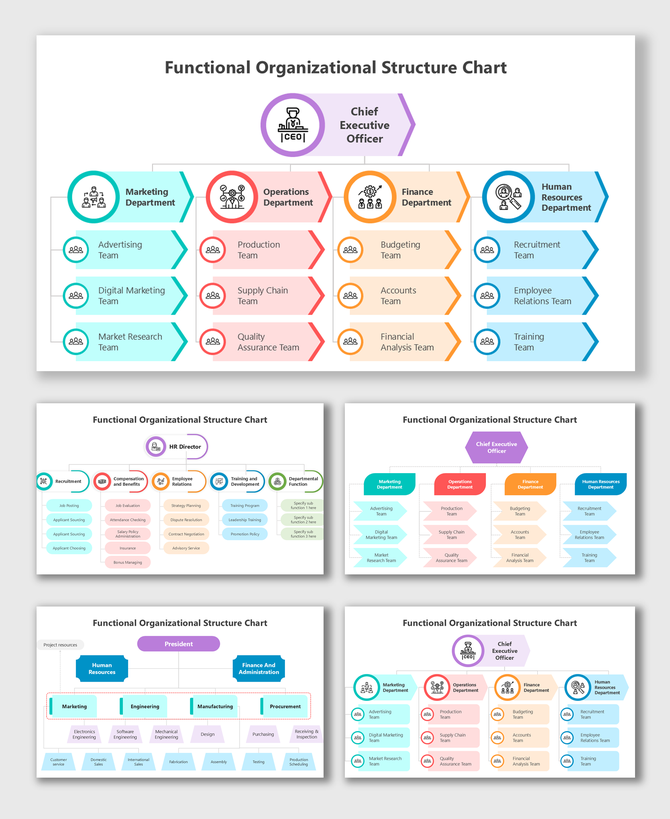
Functional Organizational Structure Chart showing CEO-led, color-coded departments and team hierarchy.
Free
Add to Wishlist
Download
AI Customize
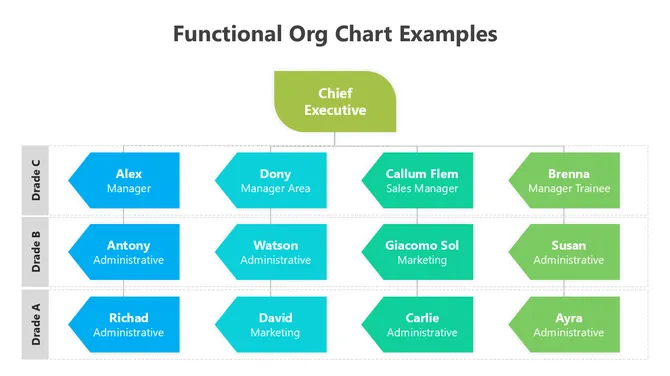
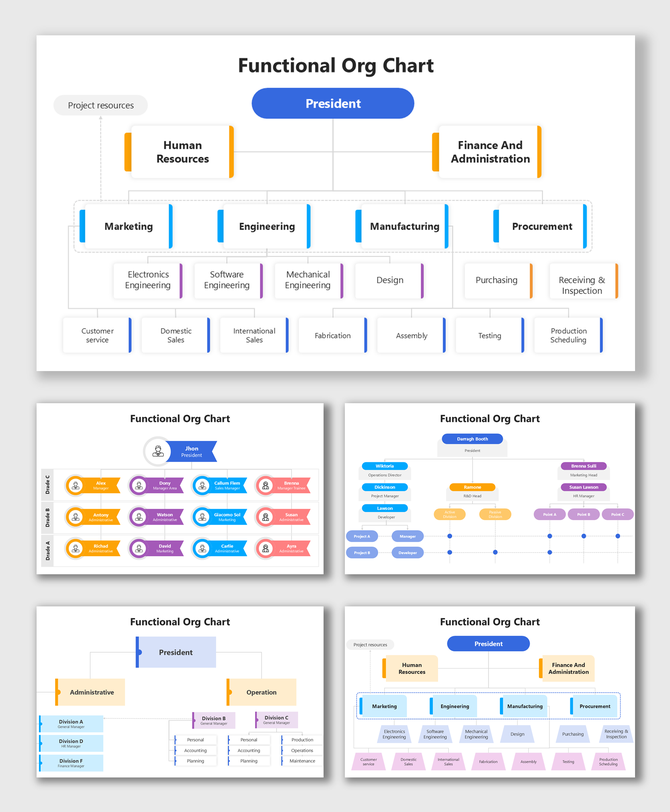
Functional Org Chart showing hierarchy, roles, and departments in colorful structured boxes and lines.

The Standard for Operational Efficiency With Functional Organizational Structure Templates


A Functional Organizational Structure is the most common way to run a business. It groups people based on their occupations. You put all the marketers in the Marketing Department and all the accountants in the Finance Department.

This structure creates clarity. It builds "Centers of Excellence." When experts work together, they learn faster. Our Functional Organizational Structure PowerPoint Templates and Google Slides Themes help you visualize these departments clearly. They turn a list of names into a logical, efficient machine.

Why Choose a Functional Structure?


While "Matrix" charts are for agile projects and "Divisional" charts are for huge conglomerates, the Functional Chart is the backbone of day-to-day operations.

1. Clear Career Paths:

In a functional chart, employees see their future. A "Junior Accountant" can see the "Senior Accountant" and the "Finance Director" above them. Our templates make this ladder visible. This boosts retention because people see where they can grow.

2. Operational Efficiency

When you group similar skills, decisions happen faster. The IT team resolves technical issues without involving Sales. Our layouts use distinct columns or sections for each department, reducing confusion between teams.

3. Scalability

Growing? Just add another box to the "Sales" column. Functional charts are the easiest to expand. You don't need to redraw the whole map; you just add depth to specific departments.

Key Features of Our Functional Organizational Structure Templates


We designed these slides to handle the specific needs of department-based reporting.

1. Vertical Hierarchy Layouts

Functional structures flow from top to bottom.
  • The Head: Space for the VP or Director of the function.
  • The Body: Clearly connected boxes for managers and specialists.
  • The Flow: Strong vertical lines show exactly who approves work.

2. Color-Coded Departments

Visual separation is key.
  • Distinct Zones: Use Blue for Tech, Green for Finance, and Orange for Sales.
  • Visual Balance: Our templates align these columns perfectly, so no department looks more important than another.

3. Detailed Role Descriptions

Functional roles are specific.
  • Text Areas: We include space not just for names, but for specific titles (e.g., "Lead Backend Engineer" vs "Frontend Developer").
  • Skill Badges: Add small icons to show certifications or specializations within the function.

Best Practices for Functional Charts


A functional chart can get tall and narrow. Use these tips to keep it readable on a slide.
  • Don't List Everyone: If a department has 50 people, don't list every intern. List the Managers and Team Leads. Use a "Count" badge (e.g., "+10 Staff") for the rest.
  • Balance the Width: If Marketing has 2 people and Ops has 20, the chart looks lopsided. Use our "condensed" layouts to stack the Ops team so the slide stays balanced.
  • Show Cross-Collaboration: Even in a functional structure, teams must talk. Use a dotted line to show how the "Sales VP" talks to the "Marketing VP."

Technical Specifications


1. Works with Your Tools

  • PowerPoint: The industry standard for secure, professional charts.
  • Google Slides: Best for collaborating with Department Heads on the draft.
  • Canva: Import to add your company branding and icons easily.

2. Licensing & Specs

  • Royalty-Free: Download once, use forever. Perfect for employee handbooks and intranet pages.
  • Aspect Ratios: Available in 16:9 (Widescreen) for presentations and 4:3 (Standard) for printed manuals.

Build a Stronger Foundation Today


A business without structure is just a crowd. A Functional Organizational Structure gives you the discipline and clarity you need to scale. Our templates provide the professional framework so you can focus on the work, not the drawing.

Ready to organize your experts? Browse the Functional Organizational Structure PowerPoint, Google Slides, and Canva Templates Collection and download your slide today.

Frequently Asked Questions

What is a Functional Organizational Structure?

It is a chart that groups employees by their specific skills or departments (e.g., HR, Sales, Engineering) rather than by product or region.

How is this different from a Divisional chart?

A Divisional chart groups people by market or product (e.g., "North America Division"). A Functional chart groups them by job role.

Is this good for small businesses?

Yes. It is the best structure for small-to-medium businesses because it is simple, efficient, and cheap to manage.

Can I add more departments to the template?

Yes. The slides are modular. You can copy a whole column (like "Marketing") and paste it to create a new one (like "Legal").

Do these templates work in Canva?

Yes. You can select the "Canva" option directly from the download menu. This opens the template instantly in Canva for easy editing.

How do I show large teams on one slide?

We recommend listing only leadership on the main slide. Use separate "Department" slides for the full staff lists.

Can I print these for our office wall?

Yes. The templates are high-resolution vector graphics. You can print them on large paper without them getting blurry.