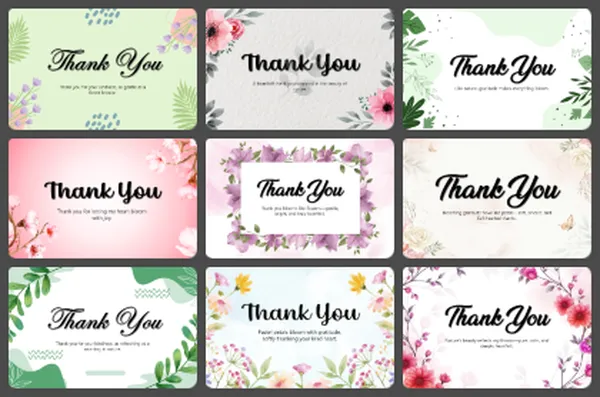
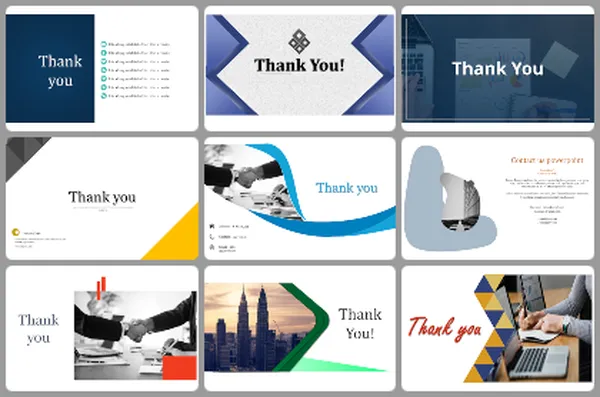
40+ Creative & Personal Thank You Presentation Templates

Your creative work deserves an ending that matches it. A boring thank you slide wastes everything you just presented. You need a closing that shows your personality and style. Let your final slide reflect who you are as a creative. That's what people remember.

Got a Unique Idea? Craft with AI
PRO
Credits left : 0
Add to Wishlist
Download
AI Customize
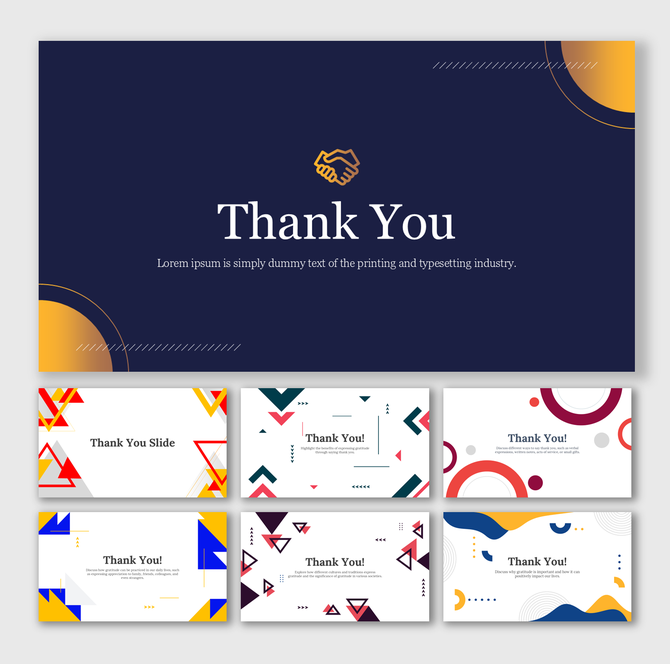
Pack of slides featuring geometric shapes in bold colors like red, blue, yellow, and white, designed for thank you notes.
Free
Add to Wishlist
Download
AI Customize
Thank You For PPT Presentation featuring editable text box, clear fonts, and simple design with subtle color accents.
Add to Wishlist
Download
AI Customize
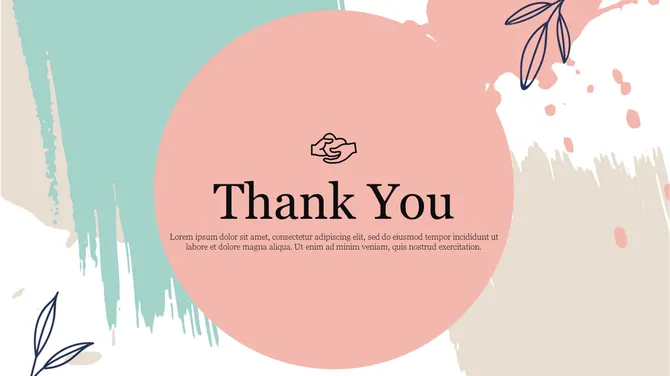
Thank you message on pastel-themed background with handshake icon and title on large pink circle and abstract brush strokes.
Free
Add to Wishlist
Download
AI Customize
Thank you slide with stylish green and black curved design, three decorative green circles and a text area at the center.
Add to Wishlist
Download
AI Customize
Thank You slide with black and teal curved design, featuring a handshake icon and bold text in the center.
Free
Add to Wishlist
Download
AI Customize
Thank you slide with green diagonal stripes and contact information at the bottom.
Free
Add to Wishlist
Download
AI Customize
Thank you slide with a handshake icon over the title text and caption area with turquoise curved shapes on a dark background.
Add to Wishlist
Download
AI Customize
A thank you slide with a blue and white background separated by a green curved line, with text.
Add to Wishlist
Download
AI Customize
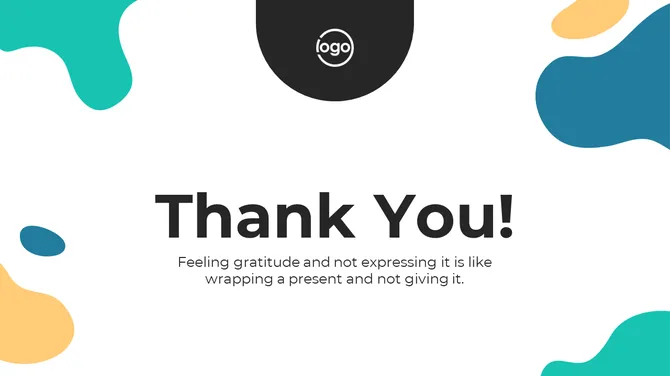
Thank you text centered on a white background with abstract teal and yellow shapes in the corners.
Free
Add to Wishlist
Download
AI Customize
Thank you slide with a large yellow circle at the center and colorful confetti on a blue background.
Add to Wishlist
Download
AI Customize
Thank you slide with bold, stylized text on a blue background.
Add to Wishlist
Download
AI Customize
White slide with centered thank you text, featuring blue and black accents at the top and bottom for a professional look.
Add to Wishlist
Download
AI Customize
Purple thank you slide with white geometric lines and icons for representing address, contact number, and email information.
Free
Add to Wishlist
Download
AI Customize
Thank you slide deck featuring white and dark gray backgrounds with yellow curved accents and a handshake icon.
Add to Wishlist
Download
AI Customize
Blue background thank you slide with handshake icon in blue diamond shape with phone, email, and redesign link to the right.
Free
Add to Wishlist
Download
AI Customize
Thank you slide with a handshake image in a circular frame on teal background with abstract white designs and title text.
Add to Wishlist
Download
AI Customize
Red gradient square in the center with thank you text, set against a dark background with a long shadow.
Add to Wishlist
Download
AI Customize
Thank you slide with modern teal and black wavy lines on a white background and placeholder text.
Add to Wishlist
Download
AI Customize
Thank you slide featuring a photo of people shaking hands and orange design elements.
Free
Add to Wishlist
Download
AI Customize
Thank you slide with a blue, green, and red wavy design, and white space on the right featuring orange contact icons.
Free
Add to Wishlist
Download
AI Customize
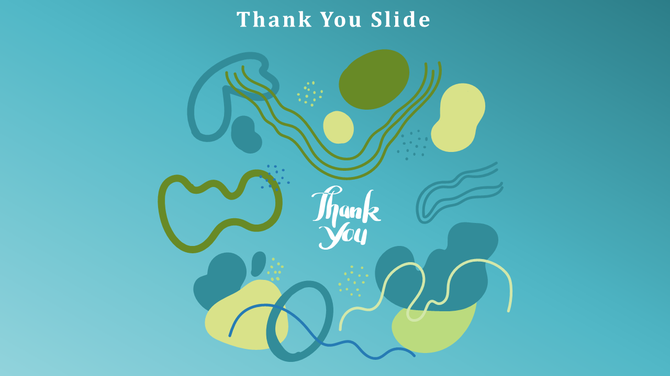
Abstract design on a blue background with green, yellow, and blue shapes and lines, centered with thank you text.
Add to Wishlist
Download
AI Customize
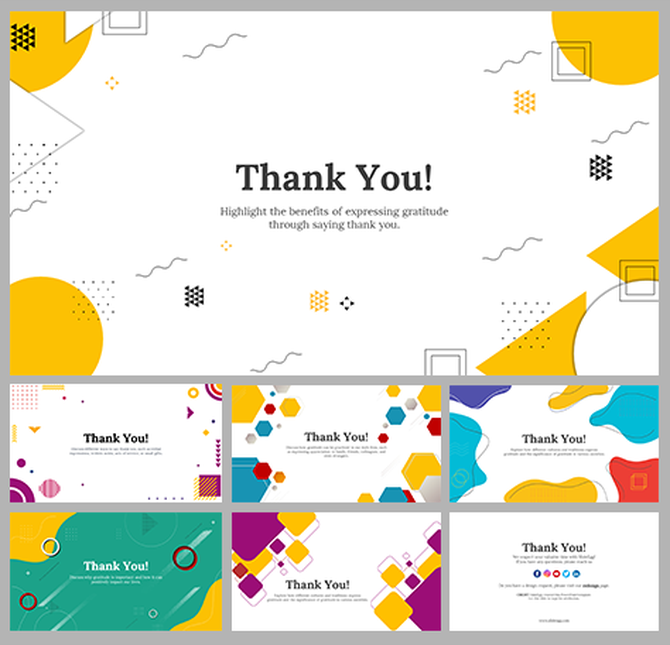
Colorful thank you slide deck featuring abstract shapes, creative patterns, and lively color schemes.
Free
Add to Wishlist
Download
AI Customize
Modern thank you slide featuring clean lines, red abstract shapes, and space for your logo and contact details.

Why You Need a Creative Thank You Slide for PPT


A great presentation is a journey. It starts with a hook and ends with a memory. The body of your deck gives information, but the final slide drives the emotional takeaway. Using a creative template lets you close with a "visual signature." This reinforces your unique brand and artistic vision better than a standard design.

While standard Thank You PowerPoint Templates focus on business use, creative slides emphasize personal expression. Your final slide is your last chance to connect with the audience on a human level. It is the "feeling" they take home with them after you finish speaking.

Thank you message with a handshake photo inside a circle, set against a black and orange background.                    Thank you slide with a diamond frame at center with a phrase Thank you over a teal colored corporate background.                    Thank you slide with blue overlay showing teamwork scene and bold handwritten thank you typography.

A creative thank you slide serves four vital functions:


  • It Shows Personality: Artistic shapes and textures prove you are a unique thinker who values great design.
  • It Invites Modern Connection: These slides highlight visual platforms like Instagram and Behance instead of just phone numbers.
  • It Acts as a Final Portfolio Piece: High-quality visuals make the final slide a showcase of your design taste and attention to detail.
  • It Bridges the Gap: It allows freelancers and artists to appear professional while keeping their unique creative edge.

The Technical Advantage: Artistic Freedom & Precision


Creative work needs high visual quality to be effective. We build our templates to stay sharp on any platform. This ensures your art looks exactly as you intended.

  • 100% Vector Graphics: Every element is a vector shape. You can resize icons and lines without any blurriness.
  • Total Customization Control: Every layer is unlocked. You can change colors, fonts, and layouts to match your specific brand vibe.
  • Smart Image Placeholders: Drag and drop your photo into pre-set shapes. The tool crops it automatically to fit the design perfectly.
  • Universal Compatibility: Our slides work perfectly in PowerPoint (4:3 & 16:9), Google Slides, and Canva.
  • Free & Premium Access: We offer both Free and Premium templates for personal use, agency work, or even business projects.

Explore Our Creative Collections


Minimal thank you slide with soft abstract leaves, clean typography, and a gratitude quote on white background.                    A thank you image, showing white central circular badge with title in calligraphy font, framed by ornate purple swirls.                    Thank you slide with modern green leaf design with text area and a subtle image of a hand holding a phone in the background.

Find the style that matches your unique voice:

  • Portfolio & Agency Sign-Offs: Bold text and "Work With Us" buttons for professional creative pitches.
  • Minimalist & Aesthetic Slides: Clean layouts and refined fonts for a high-end, modern feel.
  • Hand-Drawn & Artistic Slides: Watercolor textures and sketch icons for a warm, human touch.
  • Social-First Closing Slides: Large icons for Instagram, TikTok, and YouTube with scannable QR codes.

3 Rules for Designing a Creative Closing Slide


Creativity works best with a clear structure. Follow these expert rules to keep your artistic slide functional:

  • The "Visual Signature" Rule: Treat your last slide like a business card. Use a headshot or logo so people remember the person behind the work.
  • The "Platform-First" Hierarchy: Put your most visual links (like Instagram or a QR code) at the top to get more engagement.
  • The "Narrative Loop" Rule: Match your ending to your opening. If you started with a specific color or theme, use it again at the end to finish the story well.

What Should Be On Your Creative Slide?


Make your final slide work for a modern audience:

  • Digital Presence: Your Instagram handle, Behance profile, or personal Website URL.
  • Personal Branding: A clear Headshot or a high-quality personal Logo.
  • Soft CTA: Friendly phrases like "Let's Create Together" or "Follow the Journey."
  • QR Codes: A direct, scannable link to your digital portfolio or contact card.

Your Creative Journey, Your Perfect Ending 


A professional "thank you" slide is not just a polite sign-off; it is your final opportunity to share your brand's heart and leave a lasting, emotional connection with your audience. Whether you are finishing a design portfolio, an art showcase, or a personal story, our unique templates ensure your presentation ends as strongly as it began.

Don't settle for a generic ending that doesn't fit your aesthetic. Every template in this collection is crafted to help you stand out, providing the perfect artistic resource for a memorable and polished conclusion. Browse the styles above, find the one that resonates with your work, and download your Free Creative Thank You PowerPoint Template today.

Related Collections

Frequently Asked Questions

I'm a student presenting my design thesis. Will a creative closing slide help me stand out to professors or potential employers?

Yes. It shows you understand design beyond just your project. Professors and employers notice when someone's closing slide matches the quality of their work. A thoughtful creative closing proves you care about the whole presentation experience, not just the content.

I'm a freelancer. What should my closing slide actually DO? What do I want people to do after seeing it?

Think about your goal. Do you want them to visit your website? Follow you? Email you? Your closing slide should make ONE action easy. Don't ask them to do five things. One clear next step. Whether it's a website link, Instagram handle, or email. Make it obvious.

Should I add my social media handles to my closing slide? Which platforms matter most?

Add the platforms where your actual work lives. If you're a designer, add Behance or your portfolio site. If you're visual-focused, Instagram works. Don't add every platform—pick 2-3 where people can actually see your work. Quality over quantity. Make it easy for people to find you.

My portfolio is minimalist and modern, but I'm worried a creative template might feel too busy or clashing. How do I make it work?

Creative doesn't mean busy. Find templates that match your aesthetic. If you're minimalist, choose a minimalist creative template—clean lines, lots of white space, limited colors. Your closing slide should extend your design language, not contradict it. Match your vibe.

Should I put my headshot or logo on the closing slide? Or both?

If you're building a personal brand, use your headshot. If you're representing an agency, use the logo. If you're both (freelancer with a personal brand), use your headshot—it's more personal and memorable. People do business with people, not logos. Make it about you.

I'm rebranding my creative work. Should I update my closing slide too, or can I keep an old one?

Update it. Your closing slide is part of your brand identity. An old-looking closing slide makes everything before it feel dated too. Take 10 minutes to update colors and fonts to match your new brand. Consistency matters. Everything should feel current together.

I want my closing slide to have a call-to-action, but I'm worried it might seem too salesy. How do I make it feel natural?

Use friendly language instead of corporate language. Instead of 'Contact Us Now,' try 'Let's Create Together' or 'Follow the Journey.' Make it about connection, not transaction. People respond to authentic invitations better than hard sells. Your closing should feel like a natural next step.