Free Certificate Presentation Templates
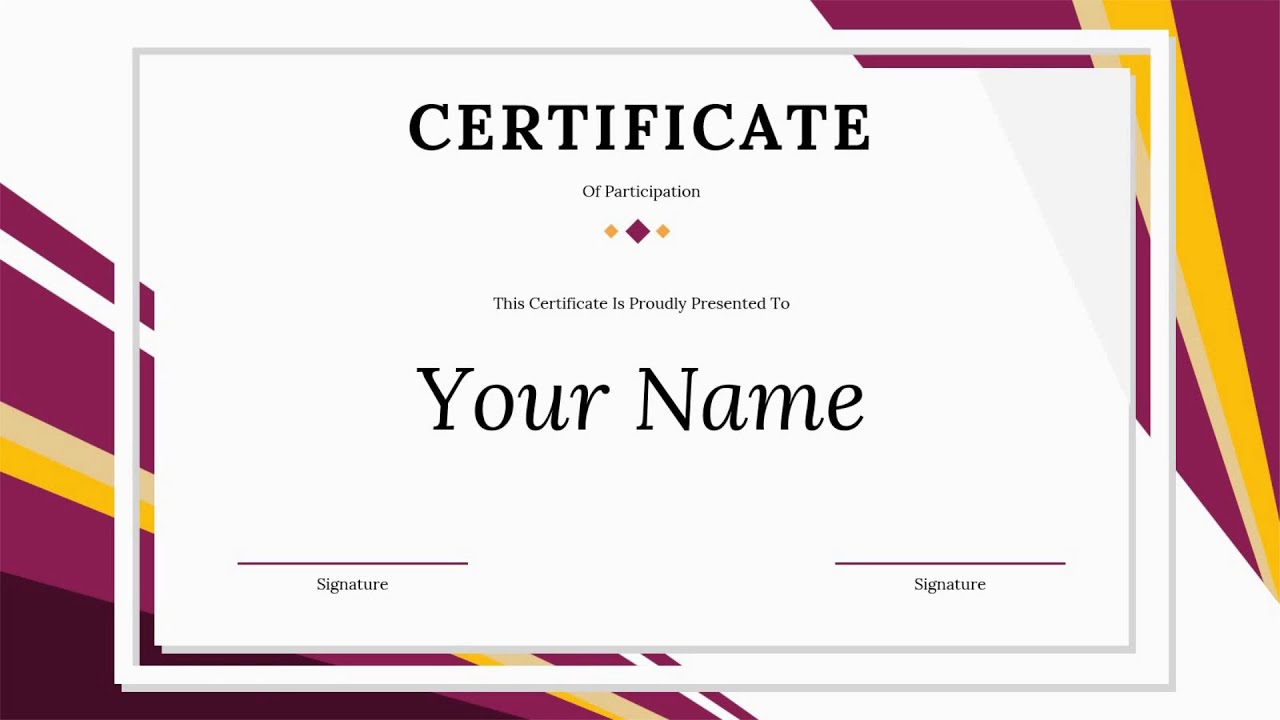
Celebrate success with our premium Certificate PowerPoint Templates. Whether you need to award an employee, recognize a student, or honor a sports team, we have the perfect layout. All designs are 100% editable, print-ready, and work seamlessly with PowerPoint, Google Slides, and Canva. Explore the different types of certificate templates available.

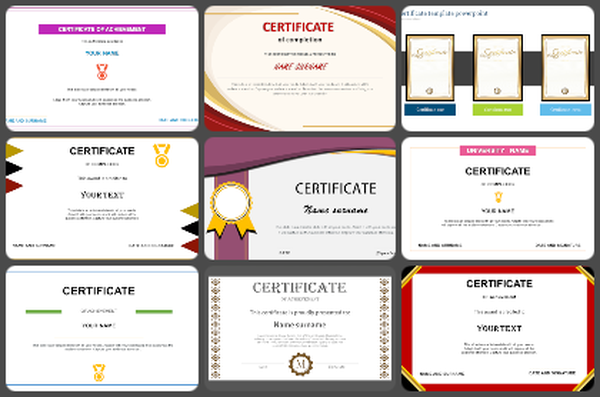

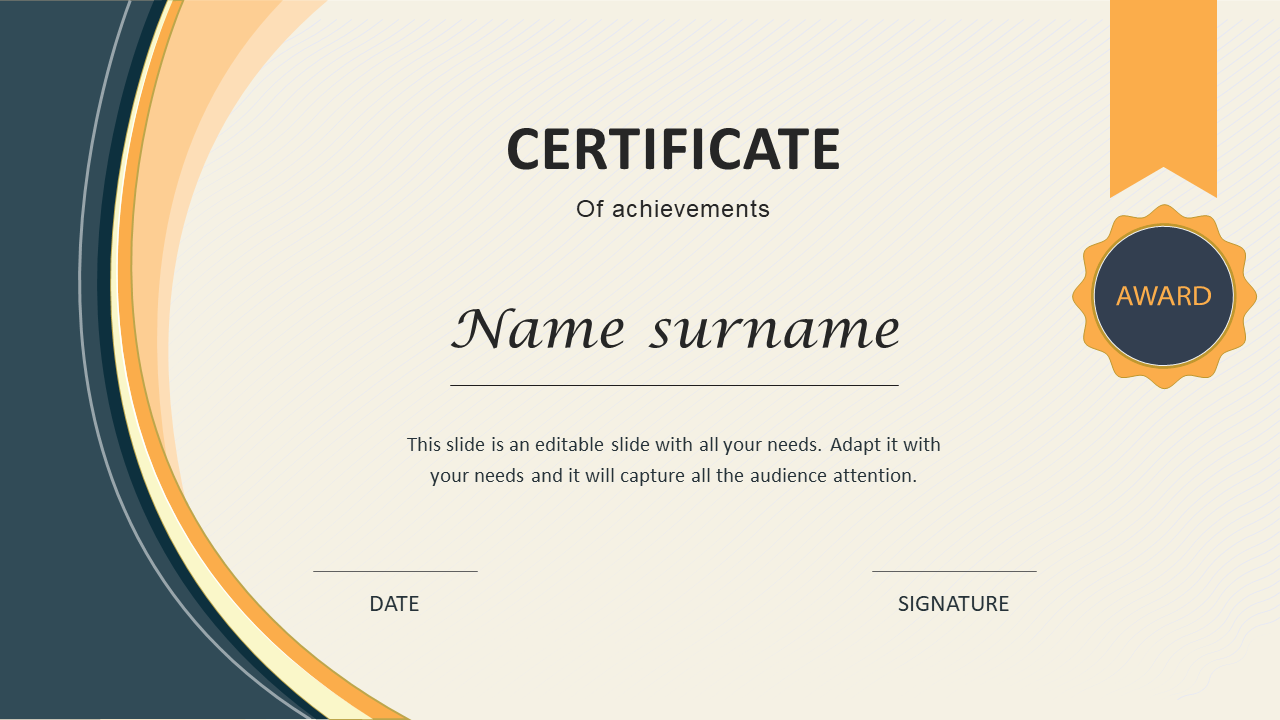
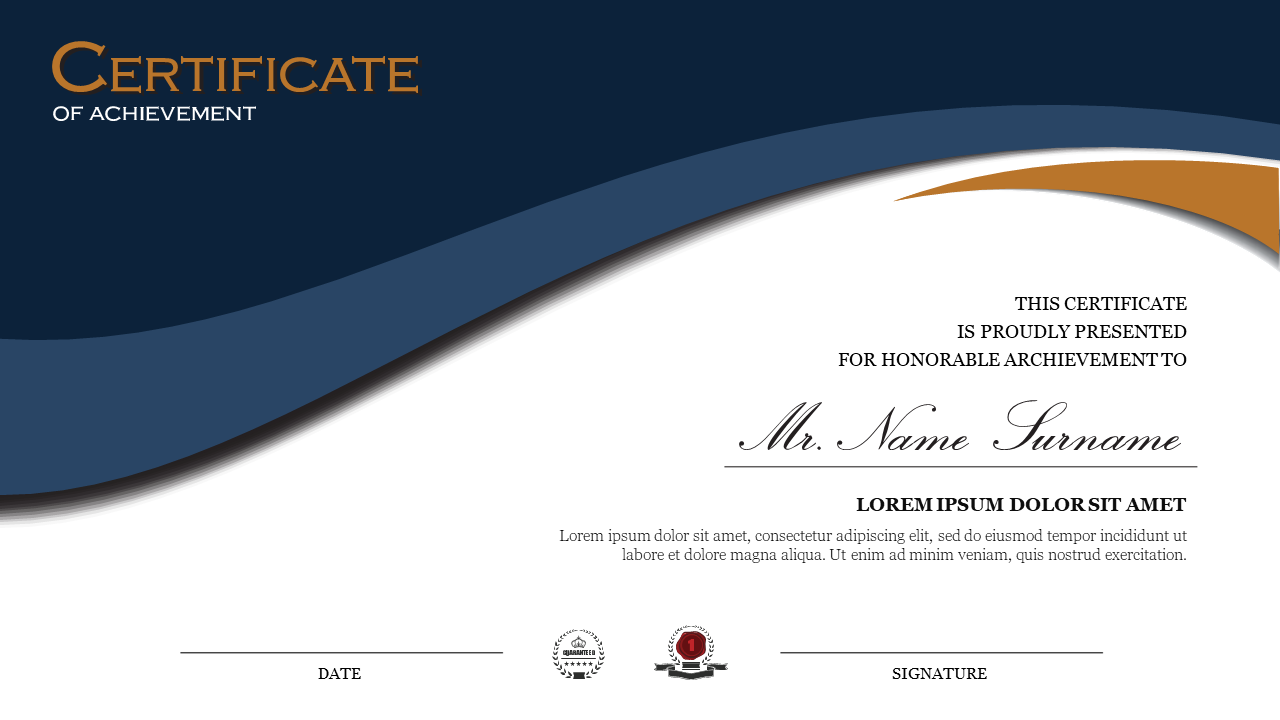
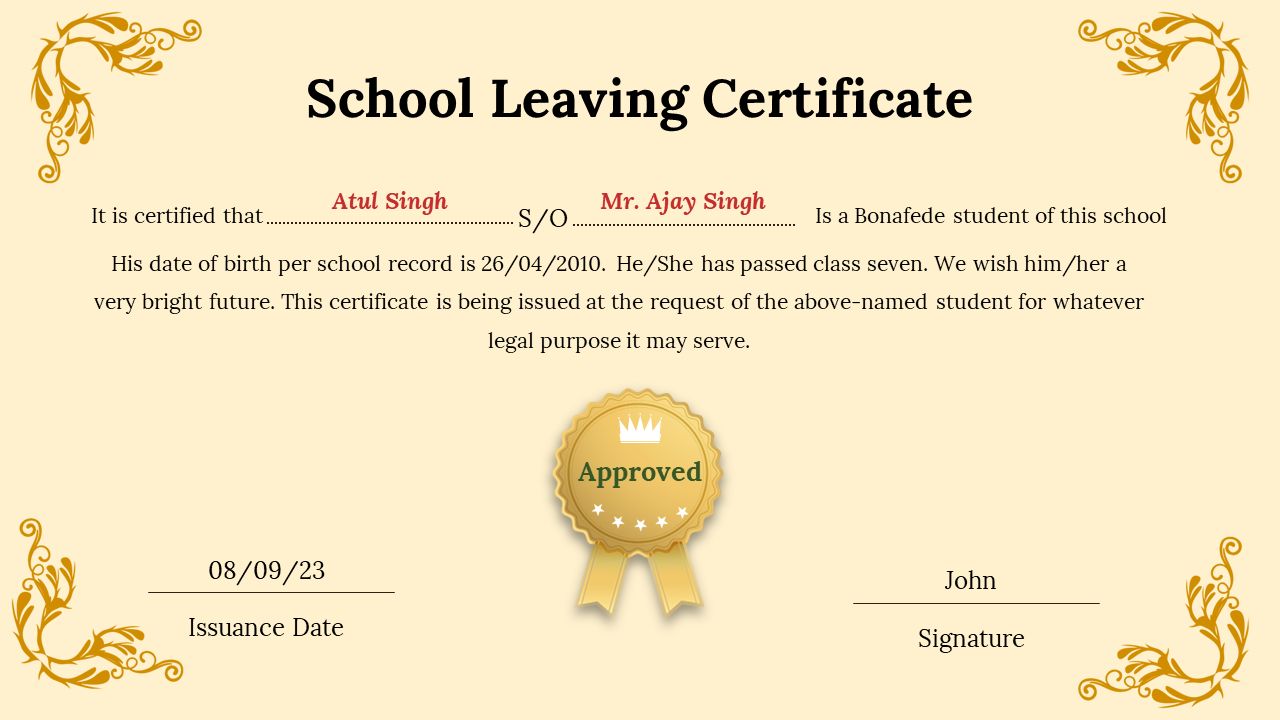
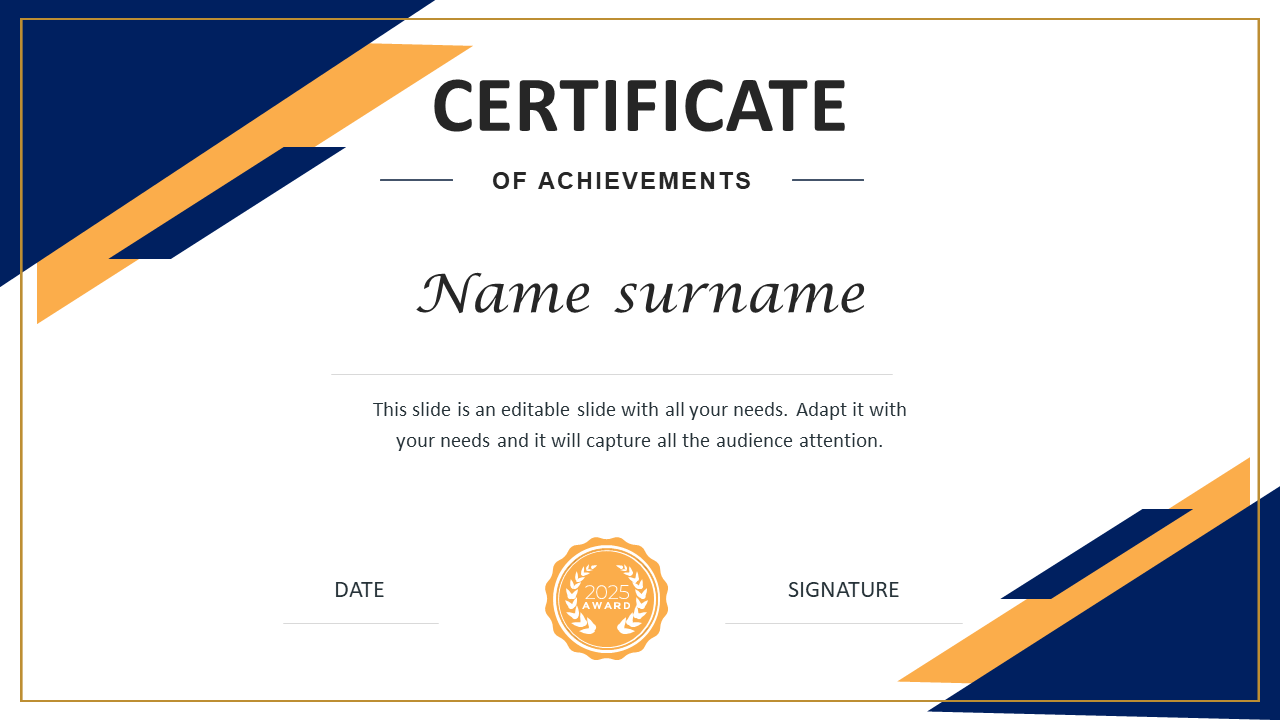
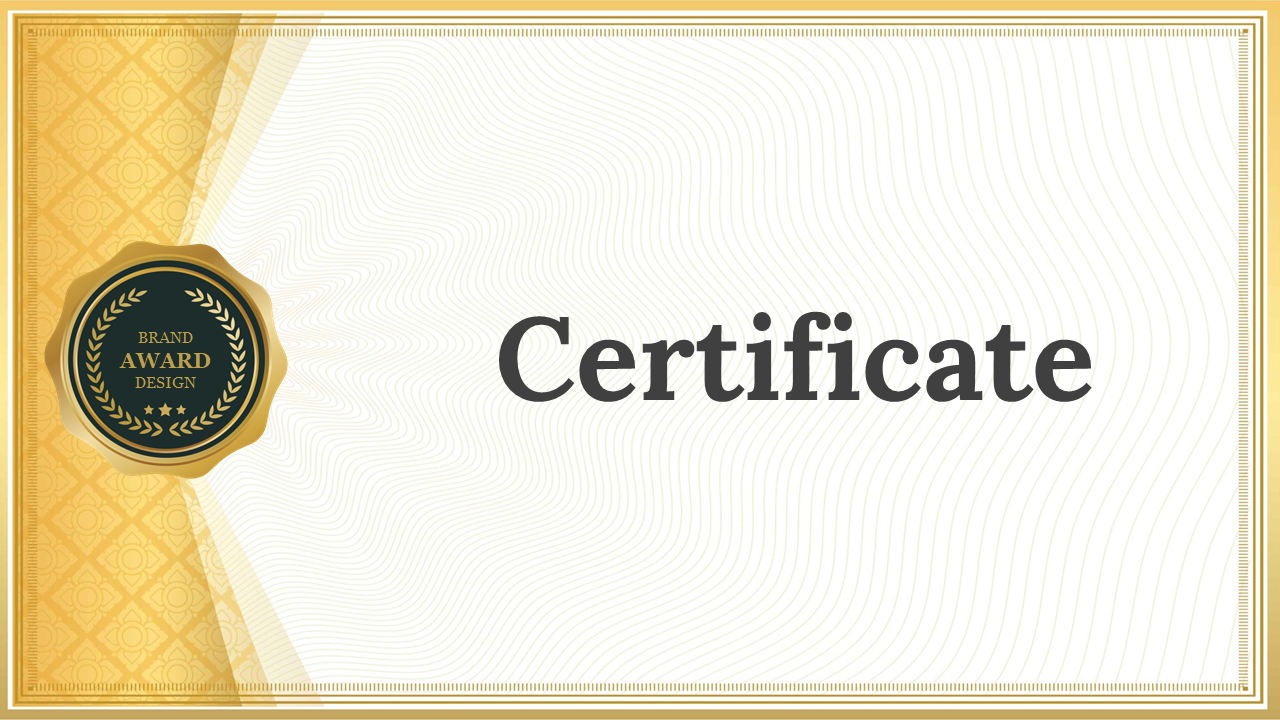
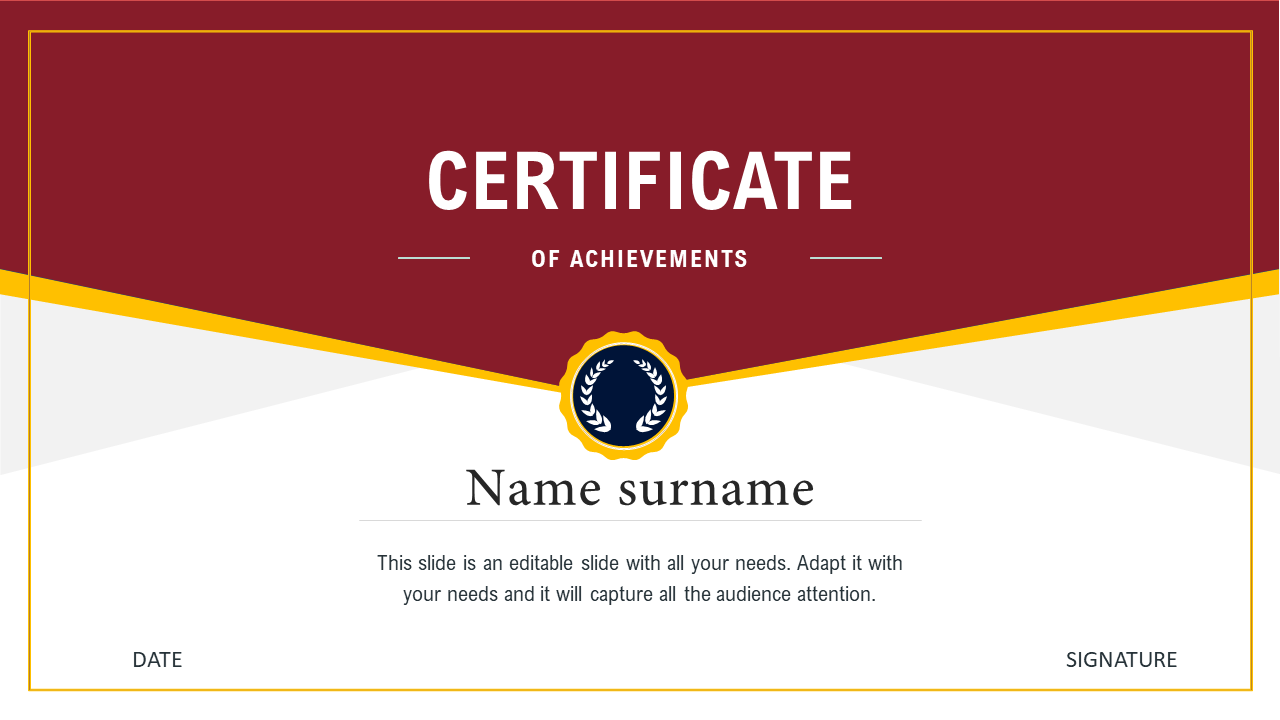
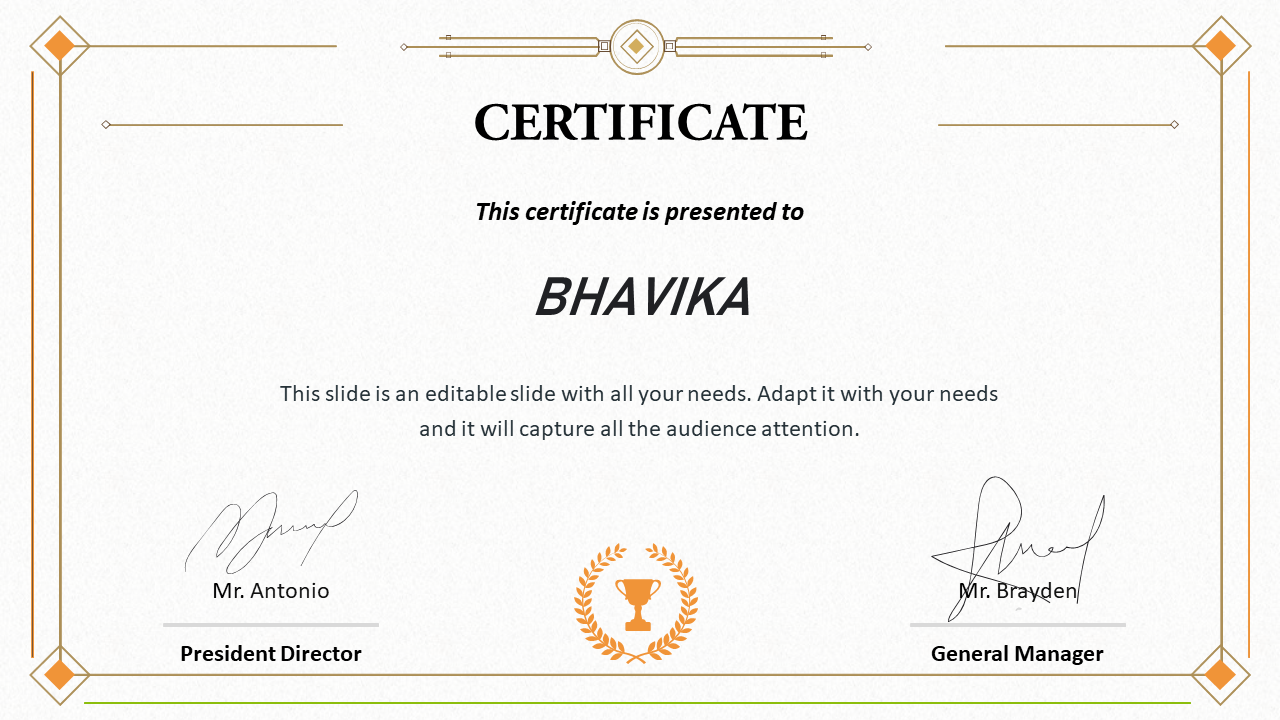
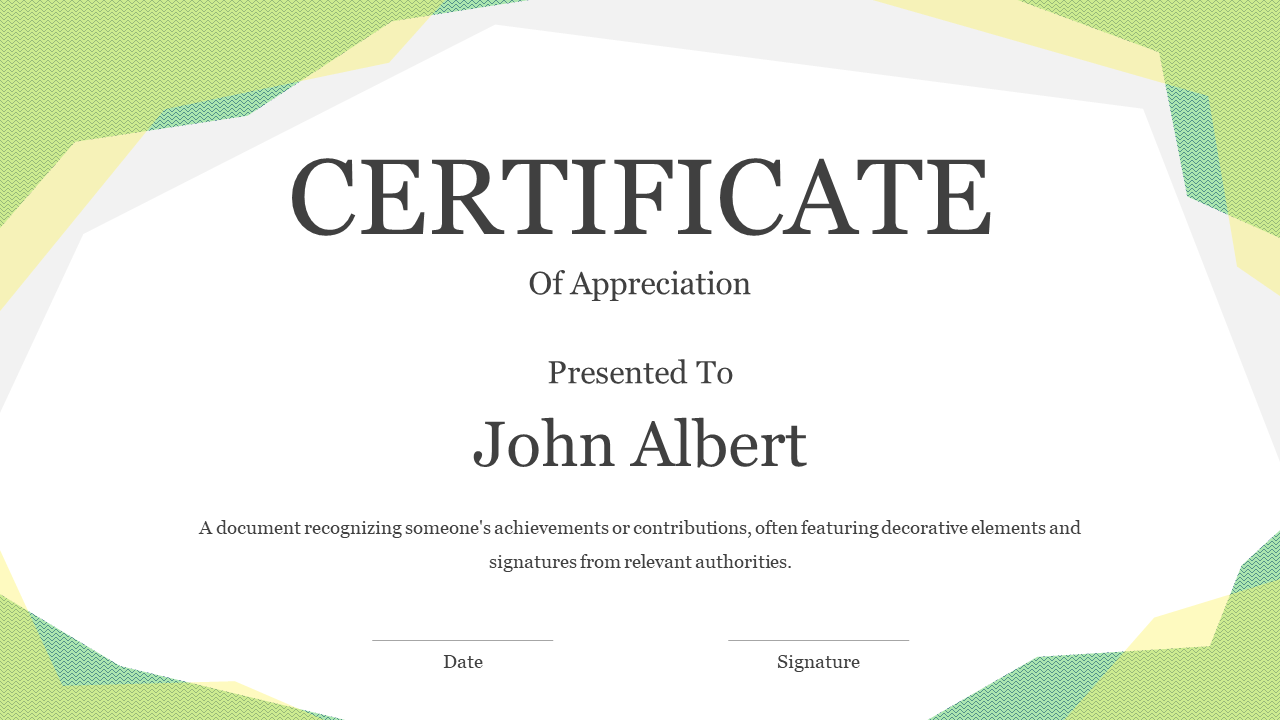
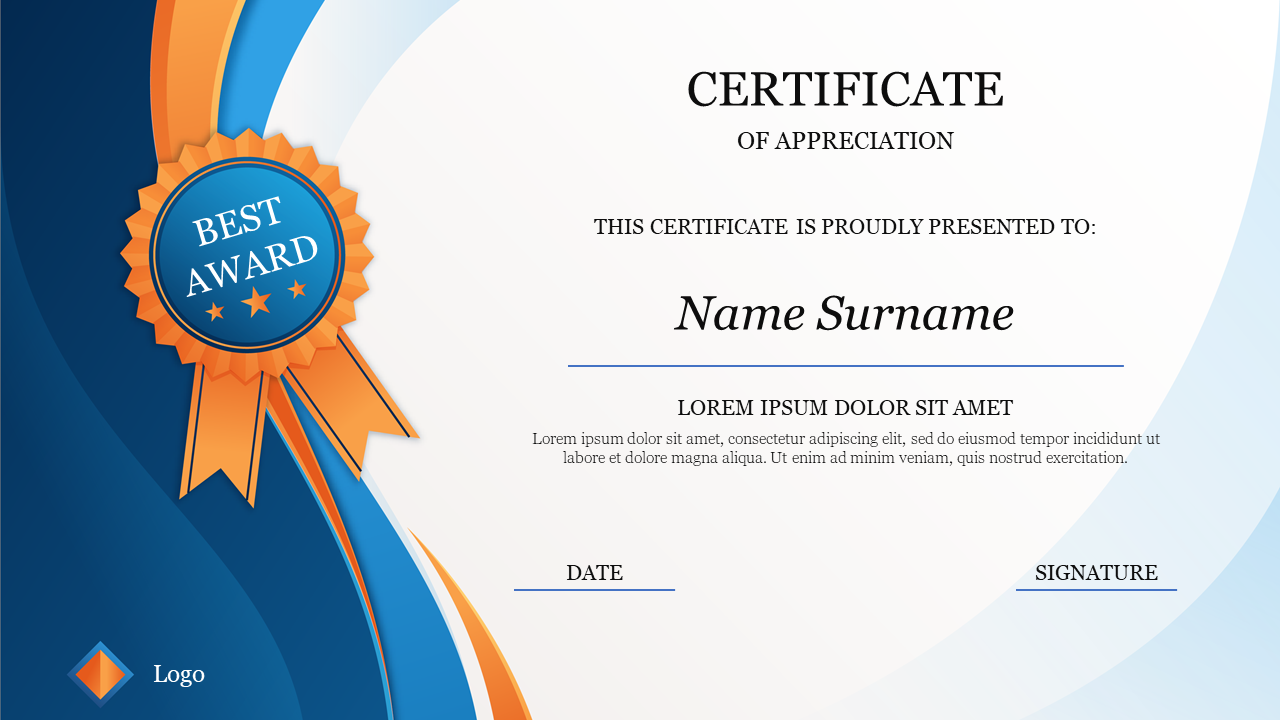
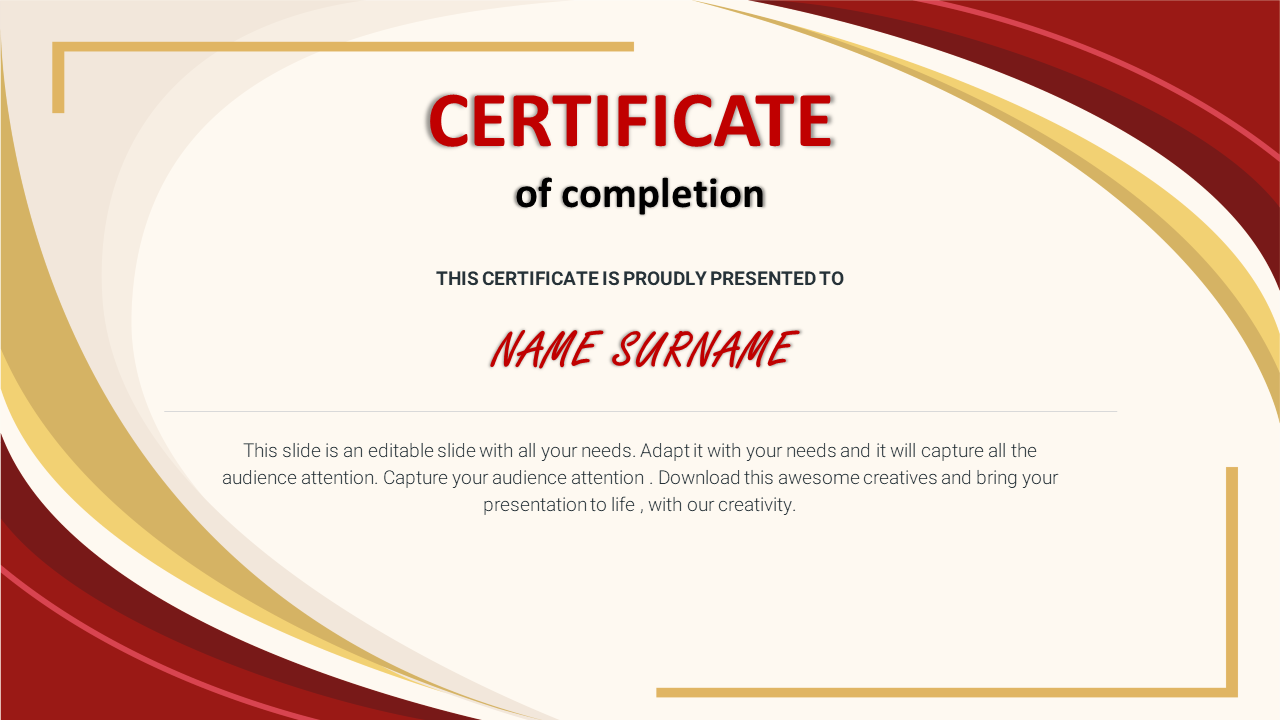
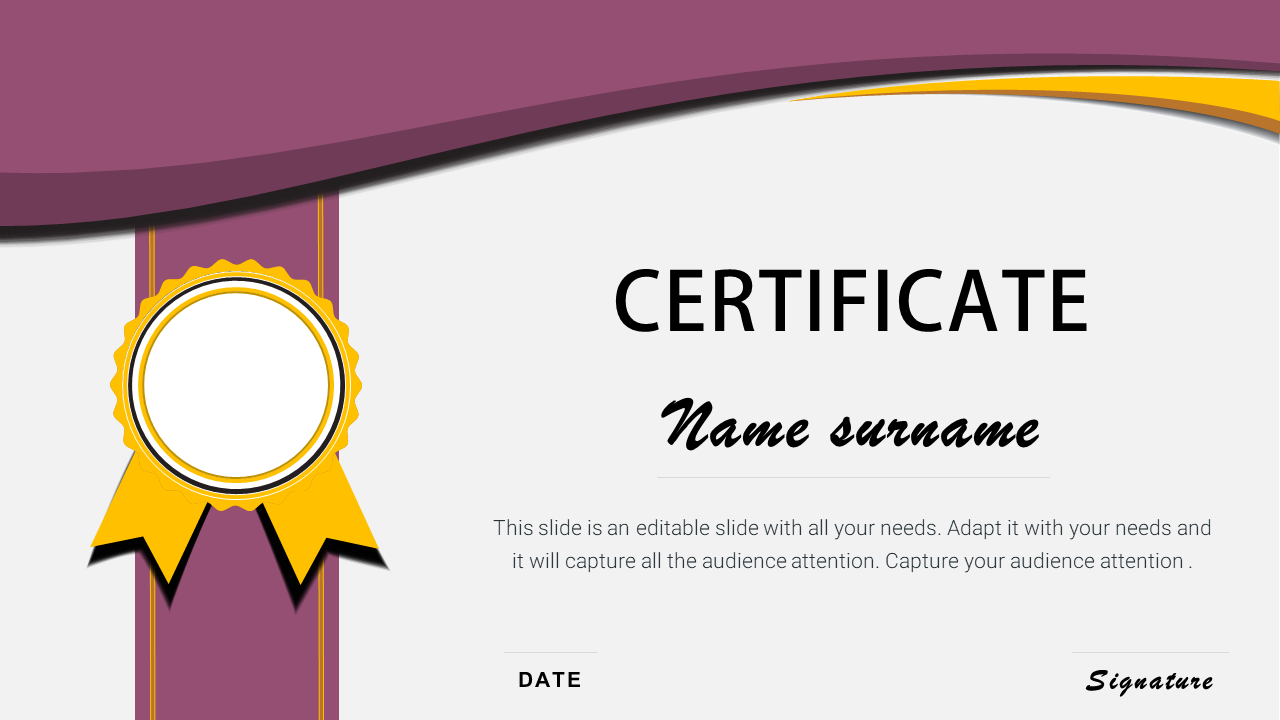
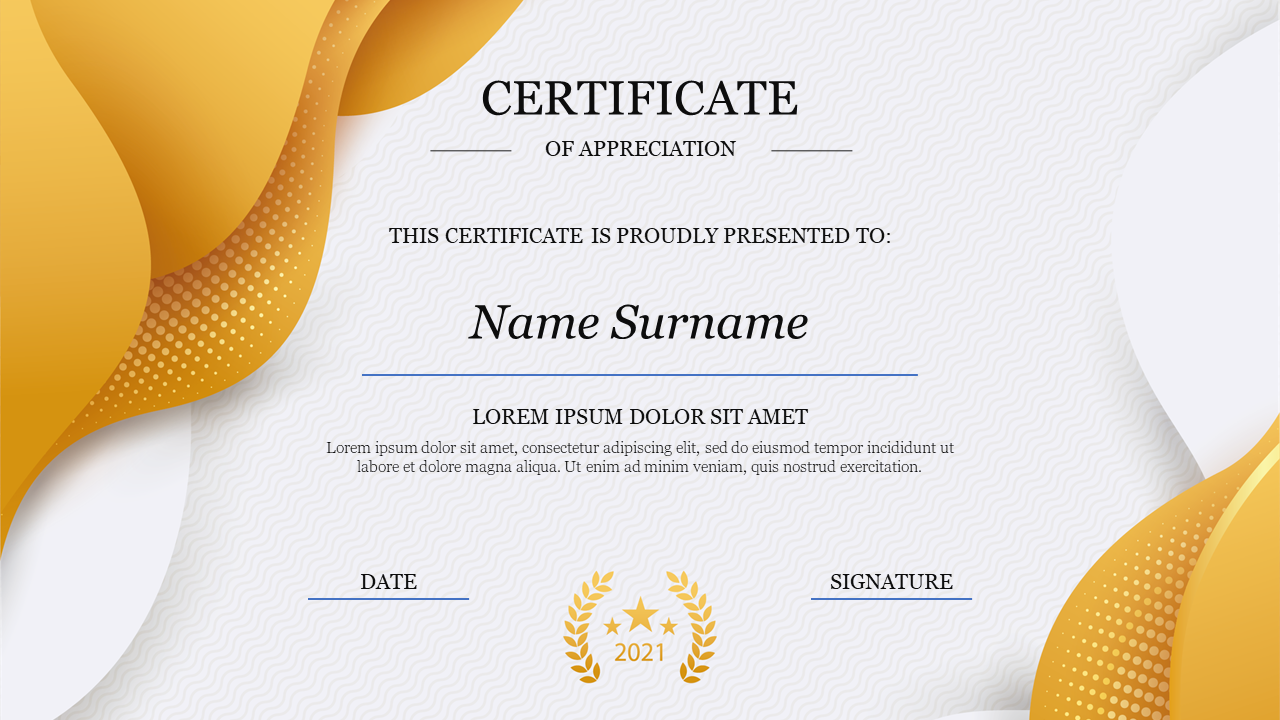
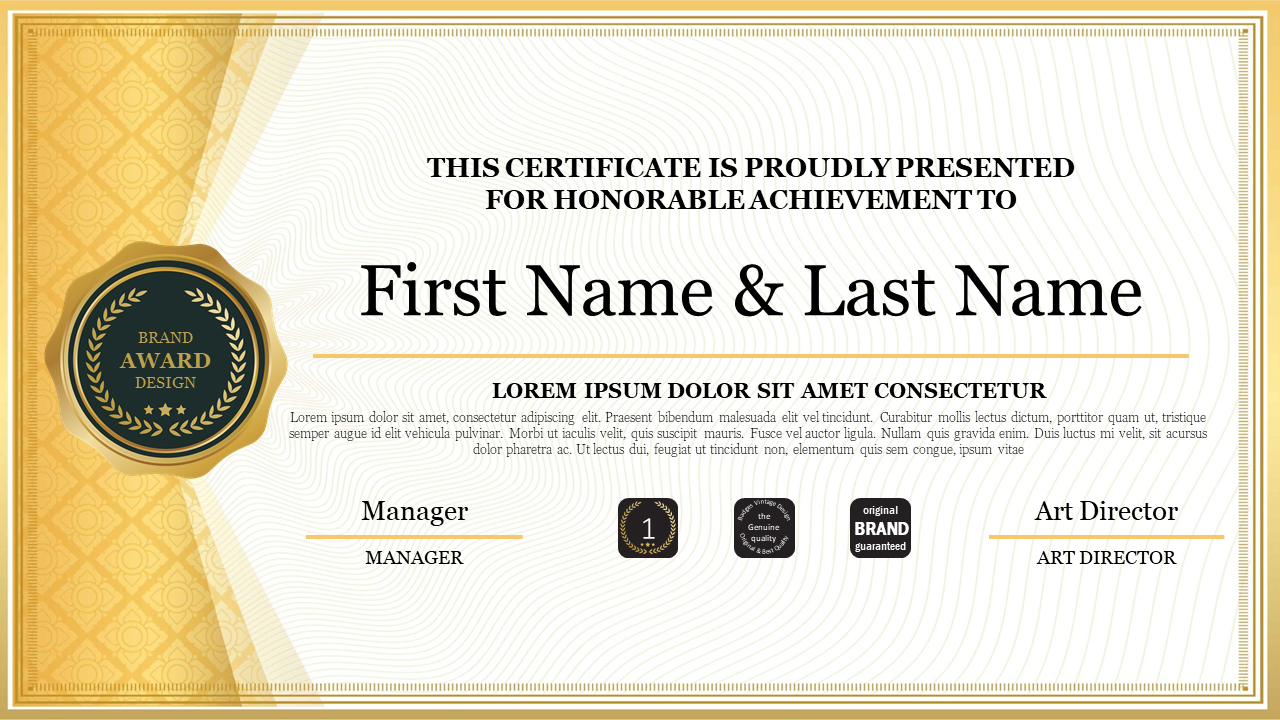
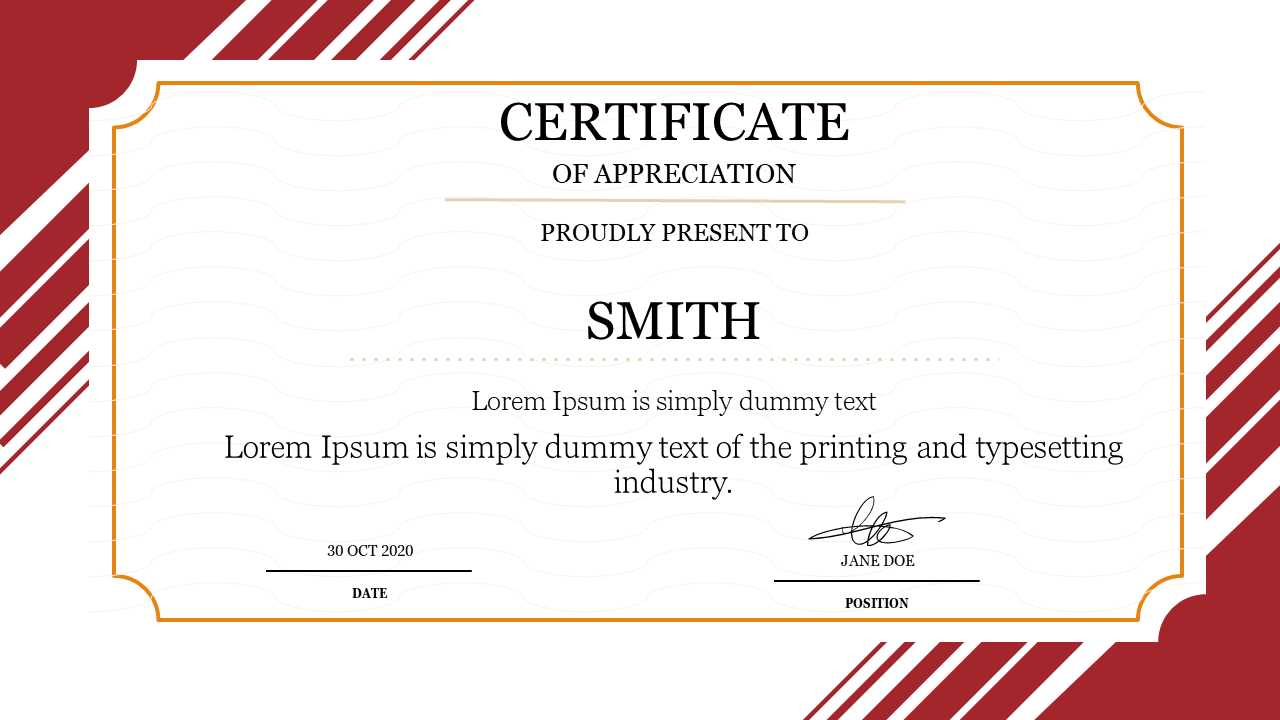
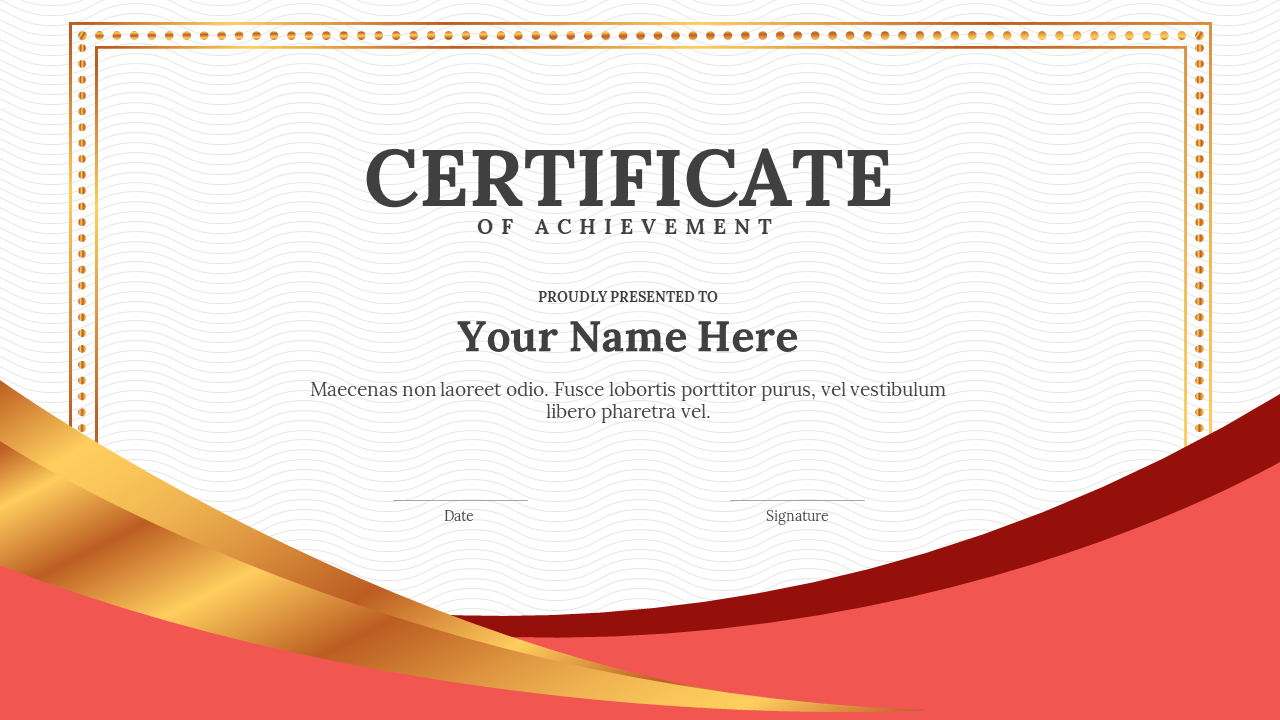
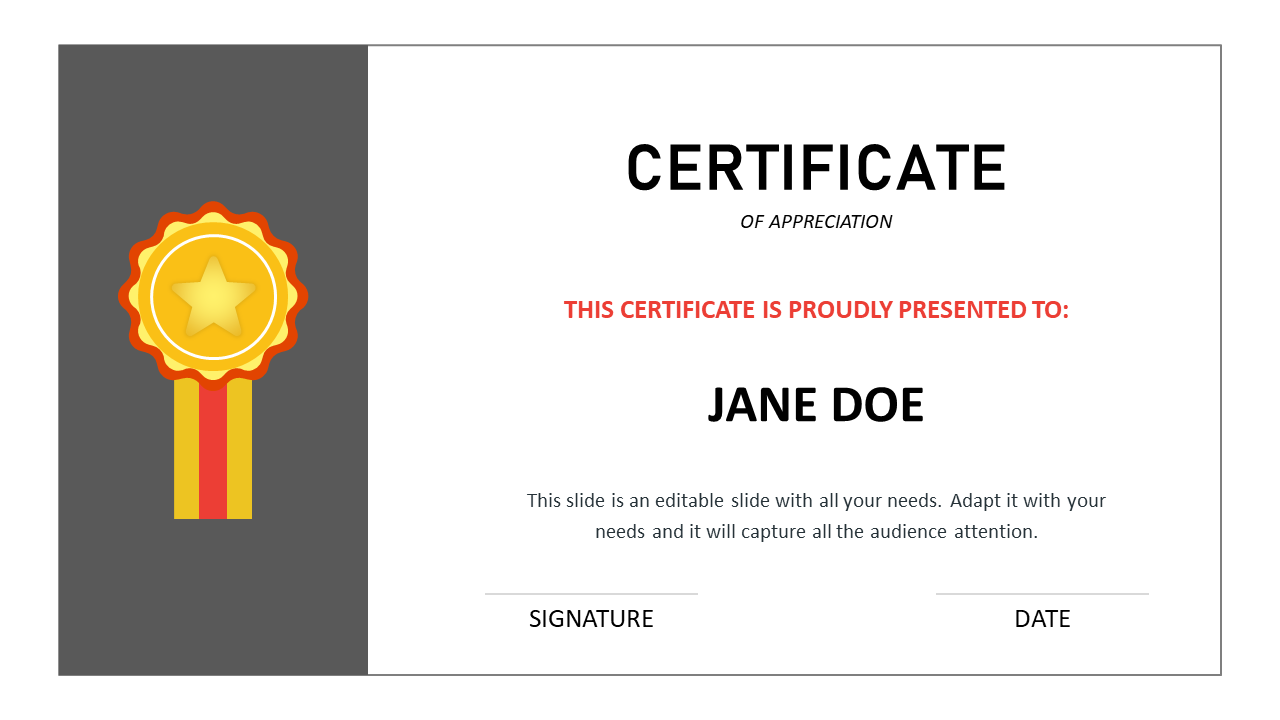
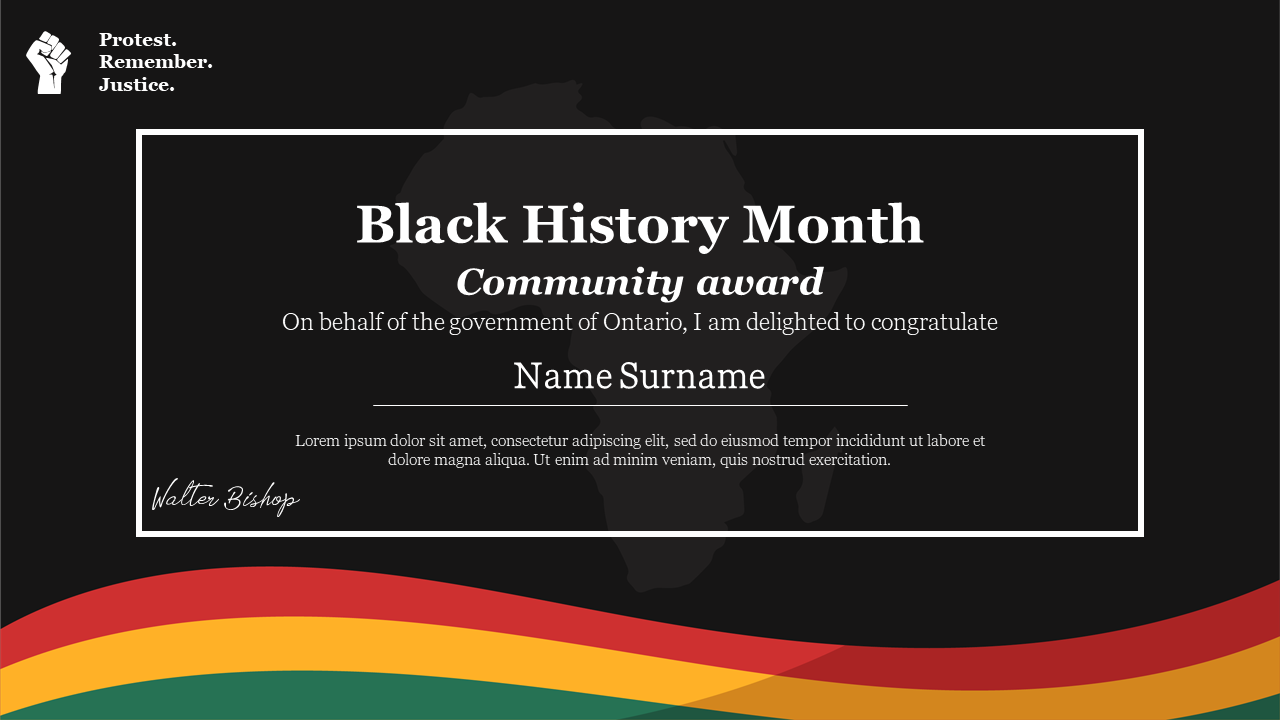
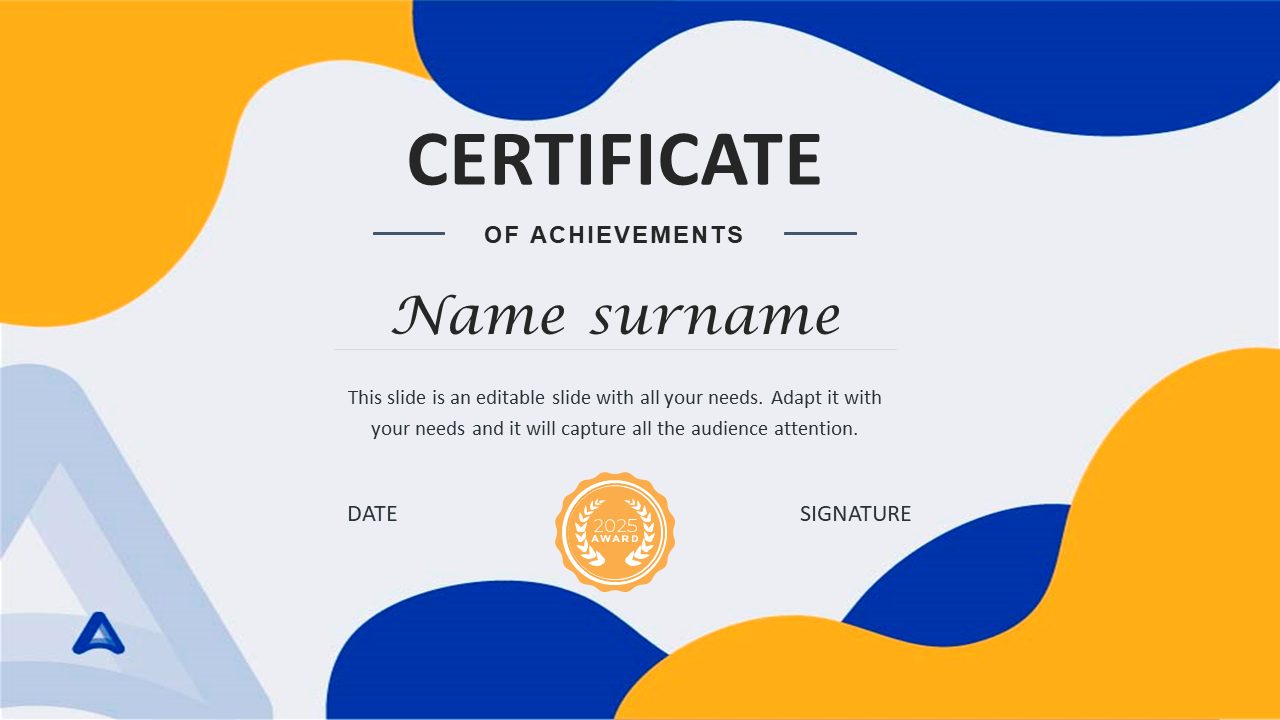
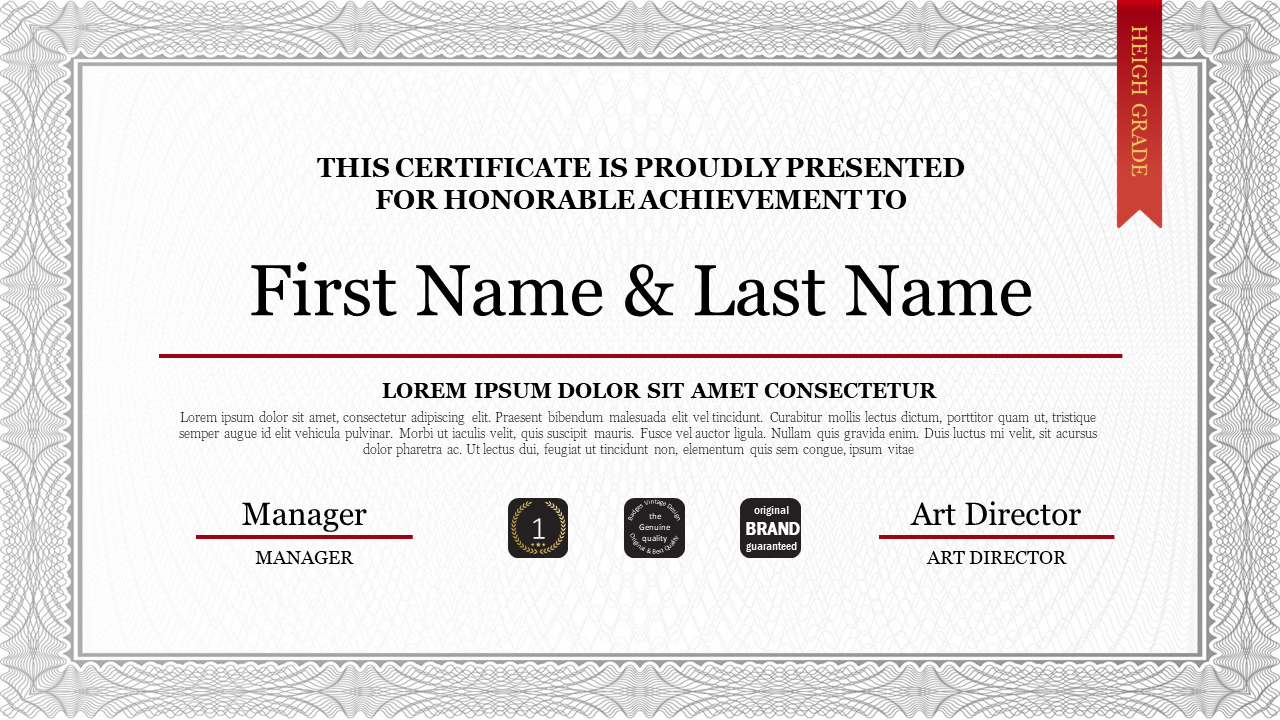
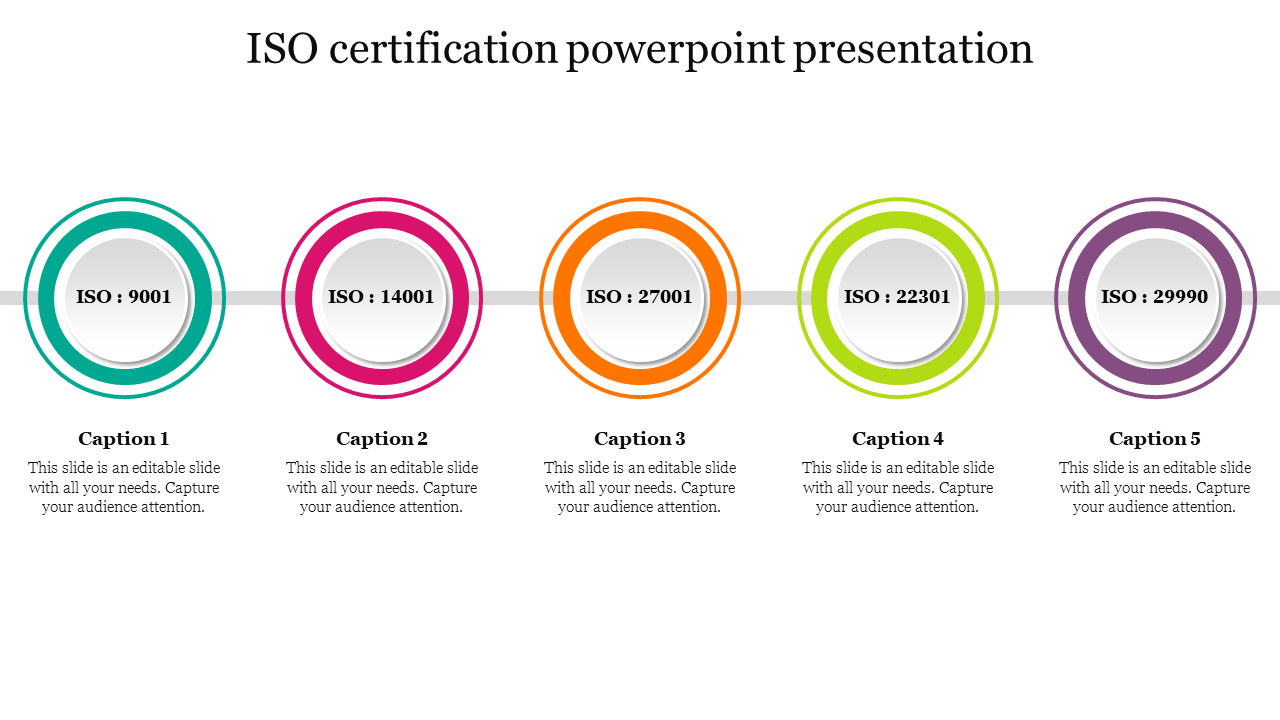
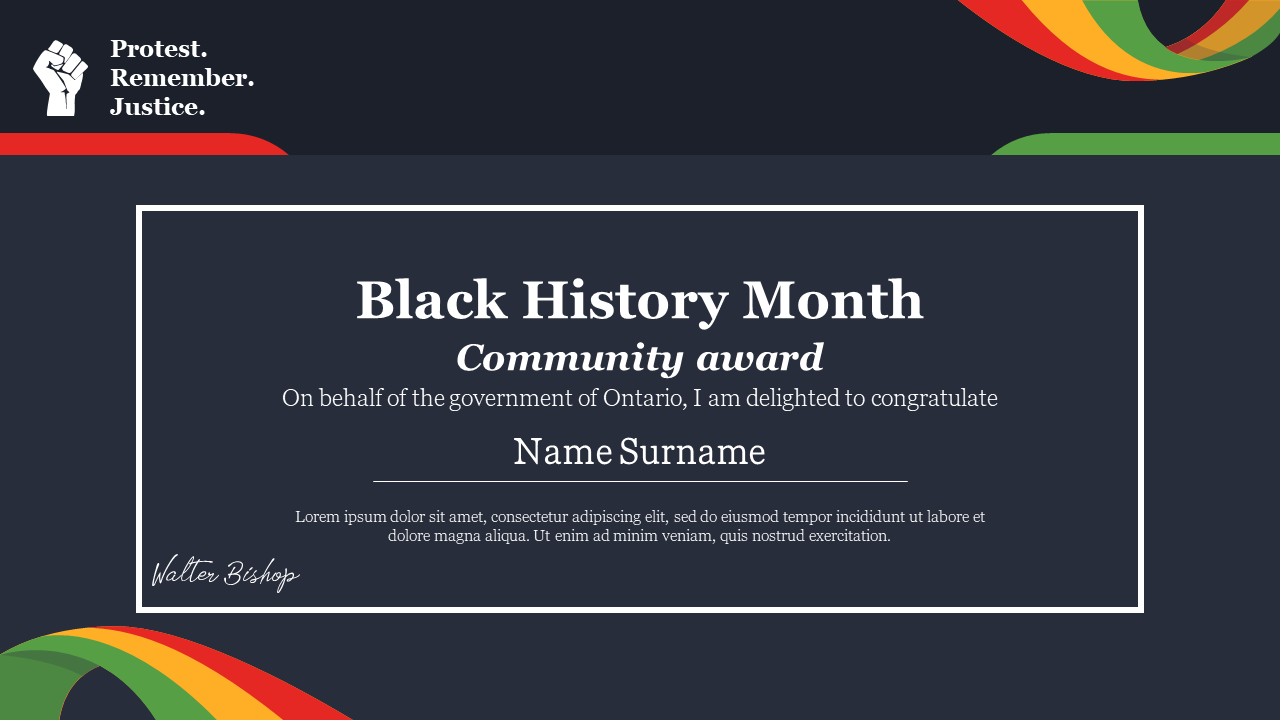
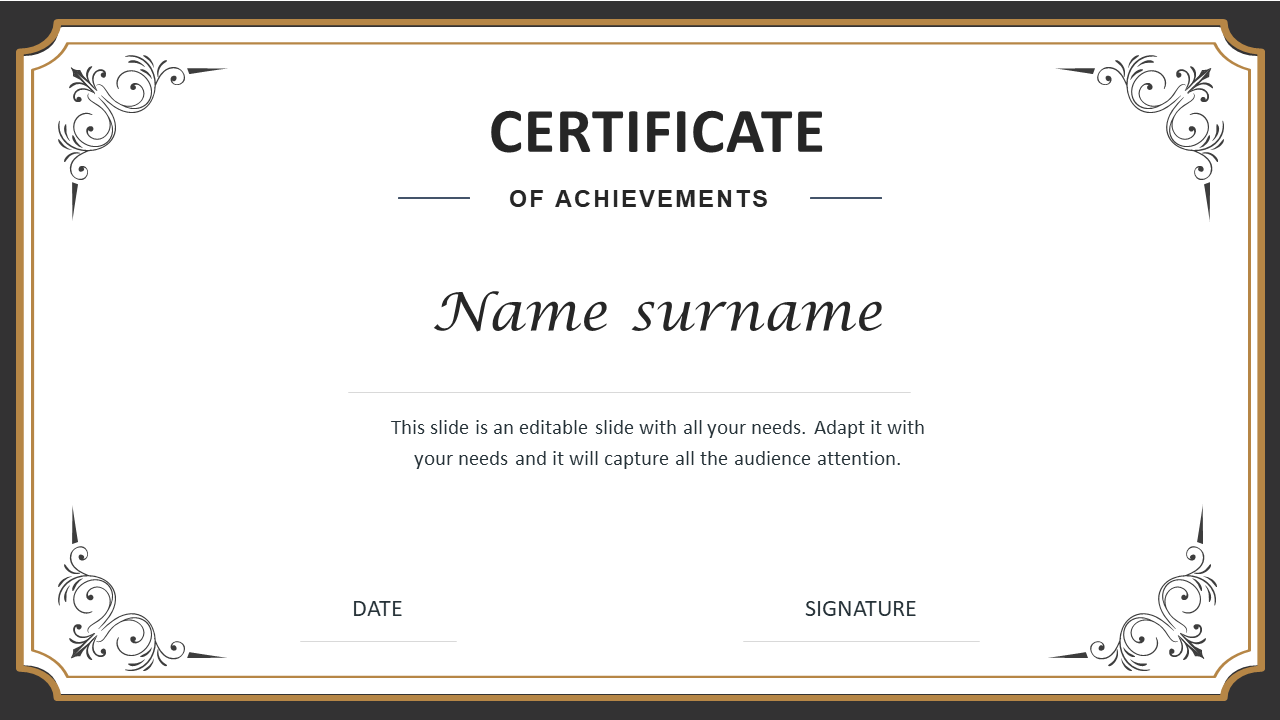
Recognize Excellence with Professional Certificate Templates
Why Use Our Certificate Templates?
- Fully Editable: You can customize every part of the slide. Change the border, the background, and the text.
- Royalty-Free: Download once and use the designs as many times as you want without any hidden fees.
- Print-Ready: All templates are high-resolution. They look sharp and professional on paper.
- Versatile: We have designs for landscape and portrait modes.
- Brand Consistent: You can easily use your company brand colors.
- User-Friendly: If you know how to use PowerPoint, you can use these templates.
Different Types of Certificate Templates Available
1. Corporate Certificate PowerPoint Templates
2. Academic Certificate PowerPoint Templates
3. Achievement Certificate PowerPoint Templates
4. Appreciation Certificate PowerPoint Templates
5. Sports Certificate PowerPoint Templates
How to Create the Perfect Certificate
- Choose Your Type: Decide if you need a corporate, academic, or sports design. Click the links above to browse the different types available.
- Select a Template: Pick a design that fits your style. Download the file.
- Edit the Details: Open the file in PowerPoint, Google Slides, or Canva. Click on the text boxes. Type the name of the recipient. Add the date and the reason for the award.
- Add Branding: Insert your school or company logo. Change the colors to match your brand if you want.
- Print and Present: Save the file as a PDF for the best print quality. Print it on thick paper or cardstock. Sign it by hand for a personal touch.
Become an expert with SlideEgg


We're here to help you!
Are these certificate templates free to download?
We offer both free and premium templates. Our premium templates offer more unique and advanced designs for a small fee.
Can I use these templates in Google Slides?
Yes! All our PowerPoint templates are fully compatible with Google Slides. You can upload the file to your Google Drive and edit it online without any issues.
Are the templates printable on standard paper?
Yes. Most templates are designed for standard A4 or Letter size paper. This makes them easy to print on any office or home printer. We recommend using cardstock for a professional feel.
Can I add my company logo to the certificate?
Absolutely. The templates are 100% editable. You can easily insert images, such as logos, signatures, or seals, directly onto the slide.
Do I need graphic design skills to use them?
No, you do not. These templates are designed for everyone. If you can type in Microsoft PowerPoint, you can create a beautiful certificate using our layouts.
Can I change the colors to match my brand?
Yes. All shapes and borders in the templates are editable vectors. You can change the fill colors and outline colors to match your specific brand hex codes.
What is the best format to save the certificate for printing?
After editing your certificate in PowerPoint, we recommend saving it as a PDF. This ensures the fonts and formatting stay perfect when you send it to the printer.