60+ Business & Corporate Thank You Presentation Templates
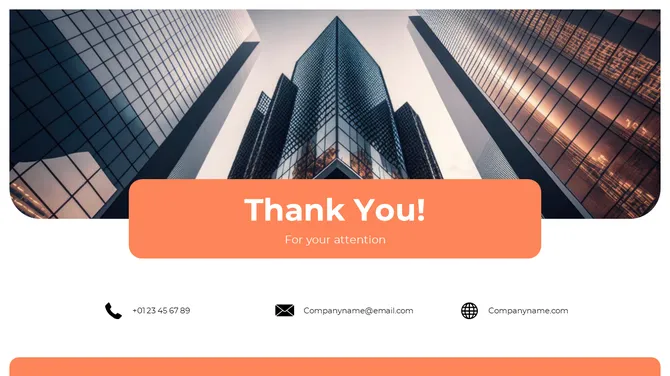
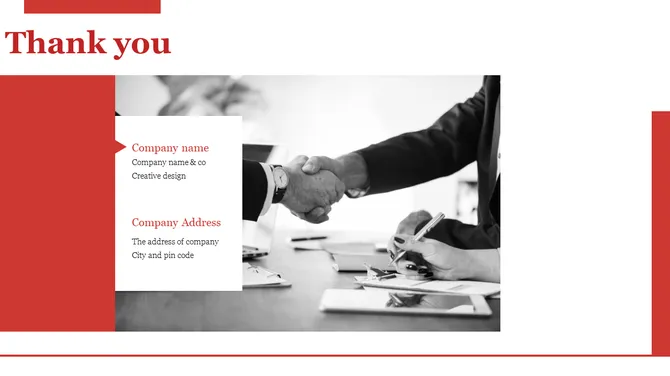
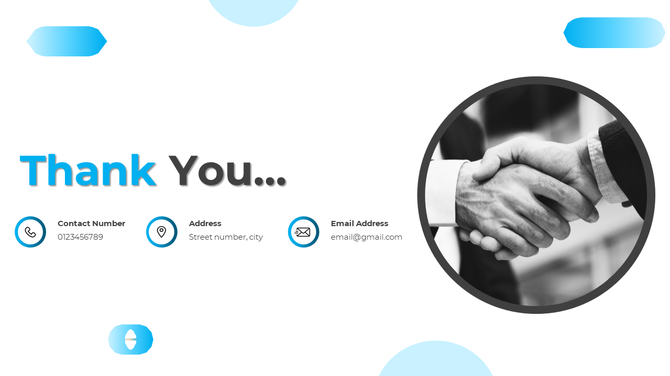
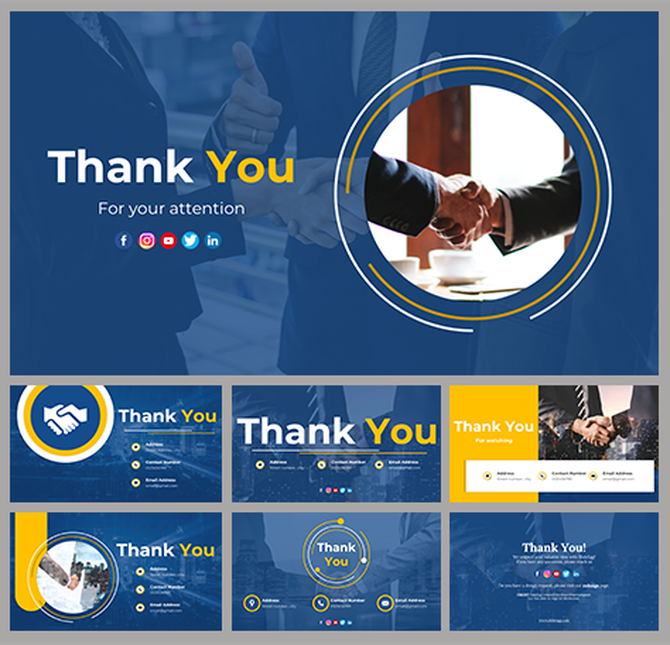
Your boardroom closing needs to feel complete. Corporate thank you slides organize your contact info clearly so people know how to reach you. Display your logo and brand colors to match your presentation.
Editor's Choice (1 of5)

Free
Free

Free

Blue Themed Thank You Template
Got a Unique Idea? Craft with AI
PRO
Credits left : 0
Deck Settings


Add to Wishlist
Download
AI Customize

Add to Wishlist
Download
AI Customize

Add to Wishlist
Download
AI Customize

Add to Wishlist
Download
AI Customize


Free
Add to Wishlist
Download
AI Customize

Add to Wishlist
Download
AI Customize


Add to Wishlist
Download
AI Customize

Add to Wishlist
Download
AI Customize


Add to Wishlist
Download
AI Customize

Add to Wishlist
Download
AI Customize

Add to Wishlist
Download
AI Customize

Add to Wishlist
Download
AI Customize

Add to Wishlist
Download
AI Customize


Add to Wishlist
Download
AI Customize
Add to Wishlist
Download
AI Customize


Add to Wishlist
Download
AI Customize

Add to Wishlist
Download
AI Customize

Add to Wishlist
Download
AI Customize

Why You Need a Formal Thank You Slide for PPT
In a professional setting, the final slide is your most valuable visual asset. It often stays on the screen for the entire duration of the Q&A session. While your data informs the audience, your closing slide drives the final decision. Using a formal template ensures you finish with an "Executive Signature" that reflects your corporate standards.
If your closing slide is a simple, empty "Thank You," you miss a vital chance to guide stakeholders. A well-designed corporate slide acts as a silent anchor for your professional reputation.
A professional corporate thank you slide achieves five main results:
- It Secures Brand Recall: It displays your logo and corporate colors one last time to ensure brand consistency.
- It Drives Business Action: It provides clear space for emails, office addresses, and "Next Step" lists to help decision-makers.
- It Projects Technical Competence: Clean, executive layouts with white space show that you are organized and focused.
- It Facilitates Special Thanks: It offers structured layouts to provide professional recognition to project partners, teams, or stakeholders.
- It Bridges Professional Networks: Dedicated zones for LinkedIn QR codes make it easy for partners to connect with you instantly.


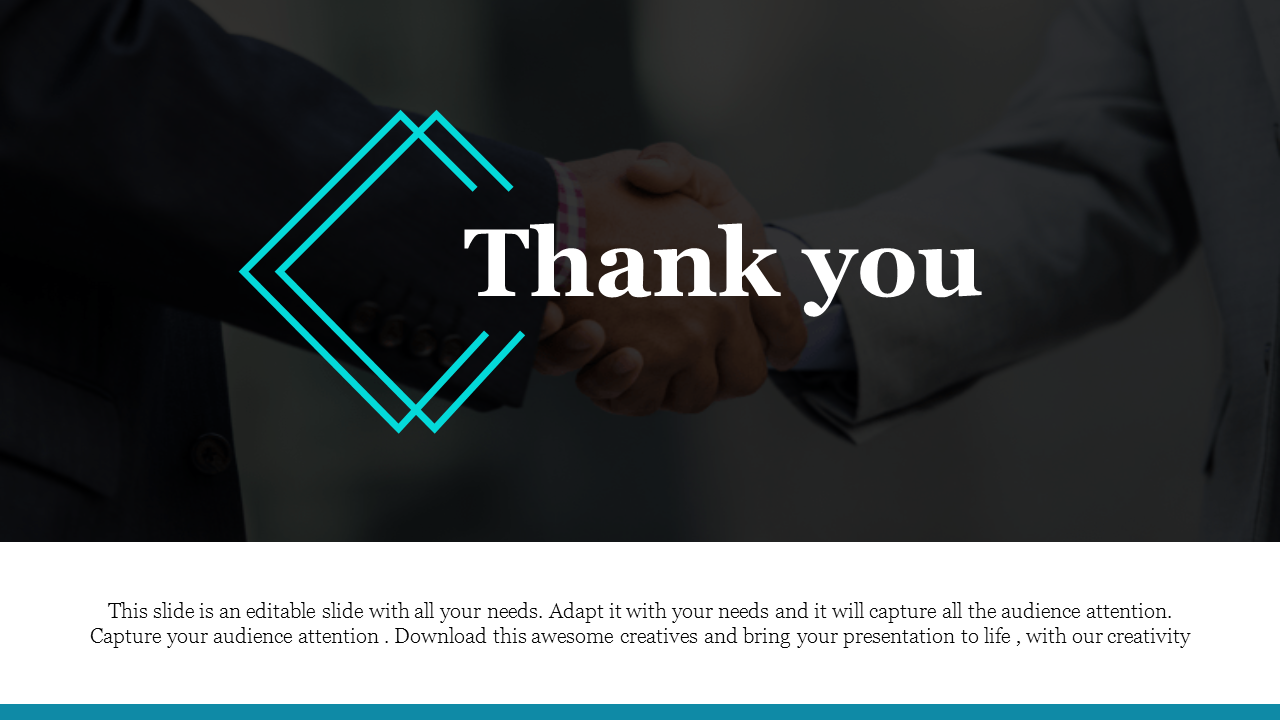
The Technical Advantage: Executive Precision & 4K Clarity
Corporate work needs high visual quality to remain legible in large conference rooms. We build our templates to ensure pixel-perfect clarity for 4K boardroom displays and professional projectors.
- 100% Vector Brand Assets: Every icon and contact graphic is a vector. You can resize your logo for stadium-sized screens without any blurriness.
- High-Contrast Legibility: We use font sizes and color contrasts designed to be read easily from the back of any boardroom.
- Total Customization Control: Every layer is unlocked. You can change hex codes and fonts to match your official company brand guide.
- Smart Image Placeholders: Drag and drop professional headshots or corporate artwork into pre-set shapes effortlessly.
- Universal Format Compatibility: Our slides work perfectly across PowerPoint (4:3 & 16:9), Google Slides, and Canva.
- Royalty-Free Commercial Access: We offer Free and Premium templates. These are safe for use in formal reports, agency pitches, and executive meetings.
Explore Our Formal Collections



Find the style that matches your professional voice:
- Executive Investor Designs: Conservative, clean layouts for board meetings and financial reviews.
- Modern Corporate Layouts: Fresh, high-impact designs for tech pitches and marketing reports.
- Formal Q&A Backgrounds: Minimalist slides that keep the focus on your contact info and "Special Thanks" text.
3 Rules for a High-Impact Business Closing Slide
Corporate presentations work best when they are efficient. Use these rules to keep your formal slide functional:
- The "Contact Hierarchy" Rule: Your most important contact detail should be the most visible element after the "Thank You."
- The "Professional Palette" Rule: Use subdued, professional colors that match your brand. Avoid overly bright colors that distract from your formal message.
- The "Clear Next Step" Rule: Use the space to state exactly what you want the audience to do next, such as "Schedule a follow-up."
Your Executive Close: Final Professional Impression
Don't settle for a weak finish. A well-crafted formal thank you slide builds trust with partners and ensures your presentation ends with a clear path forward. Your ending is where your next business partnership begins.
Browse our professional collection and download your Business Thank You Slide to close your next meeting with a strong, lasting impact.
Related Collections

Frequently Asked Questions
Can I use these for formal investor pitches?
Yes. These templates feature a professional, conservative look designed for boardrooms and financial reviews.
Can I add my own professional photos?
Yes. You can easily drag and drop your photos, artwork, or corporate logos into any slide.
Are these templates different from typical business slides?
Yes. These use clean, high-impact professional visuals to help you connect with your audience while maintaining a formal tone.
How do I change the colors to match my brand?
Select the shape, go to the "Format" tab, and enter your brand's hex code. The design updates instantly.
Are there any hidden costs after I download?
No. Our templates have no hidden costs after purchase and are ready for corporate use.
Can I use these for professional video content?
Yes. You can use these high-quality slides for webinars or as background graphics for video sign-offs.
Are there free formal slides I can download?
Yes. We offer free creative and formal thank you slides to help you maintain a professional standard.