How To Do Bubble Map In PowerPoint and Google Slides

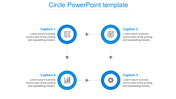

Bubble Map PowerPoint Template
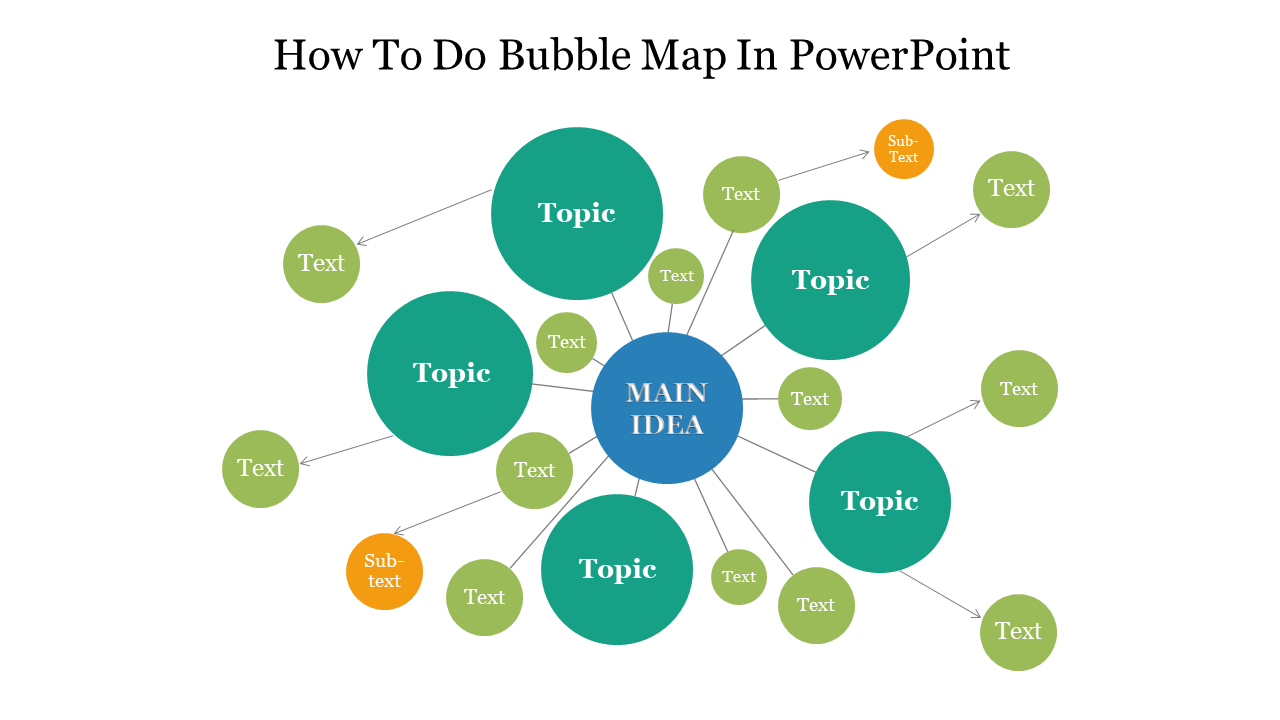
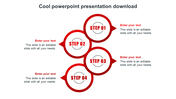
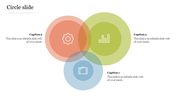
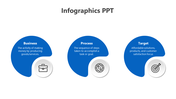
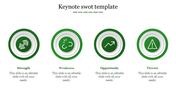
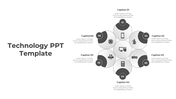
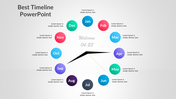
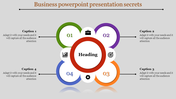
Here is a fantastic PowerPoint template from which you can learn how to do a bubble map in PowerPoint. With this creative bubble slide, you can create amazing effects for your presentations. Your clients will love your presentation style and will be so impressed. This slide will benefit you from learning new things. You can include these bubble themes in your PowerPoint presentation.
About the template
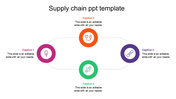
The how-to bubble map PowerPoint is a well-designed presentation slide. It is designed using beautiful bubbles that look stunning. Each bubble is being connected to help you impressively showcase your ideas. With this, you have a 100% option to customize the design of this template as per your desire. Download this ready-to-use slide immediately.
Features of the template:
- 100 % customizable slides and easy to download.
- The Slides are available in different nodes & colors.
- This slide is contained in 16:9 and 4:3 format.
- It is easy to change the slide colors quickly.
- It is a well-crafted template with an instant download facility.
- A professional-looking template with elegant visuals
- The best cyber theme template.









You May Also Like These PowerPoint Templates
Add to Wishlist
Download
AI Customize
Free
Add to Wishlist
Download
AI Customize
Add to Wishlist
Download
AI Customize
Add to Wishlist
Download
AI Customize
Add to Wishlist
Download
AI Customize
Add to Wishlist
Download
AI Customize

Add to Wishlist
Download
AI Customize
Add to Wishlist
Download
AI Customize

Add to Wishlist
Download
AI Customize

Add to Wishlist
Download
AI Customize
Add to Wishlist
Download
AI Customize