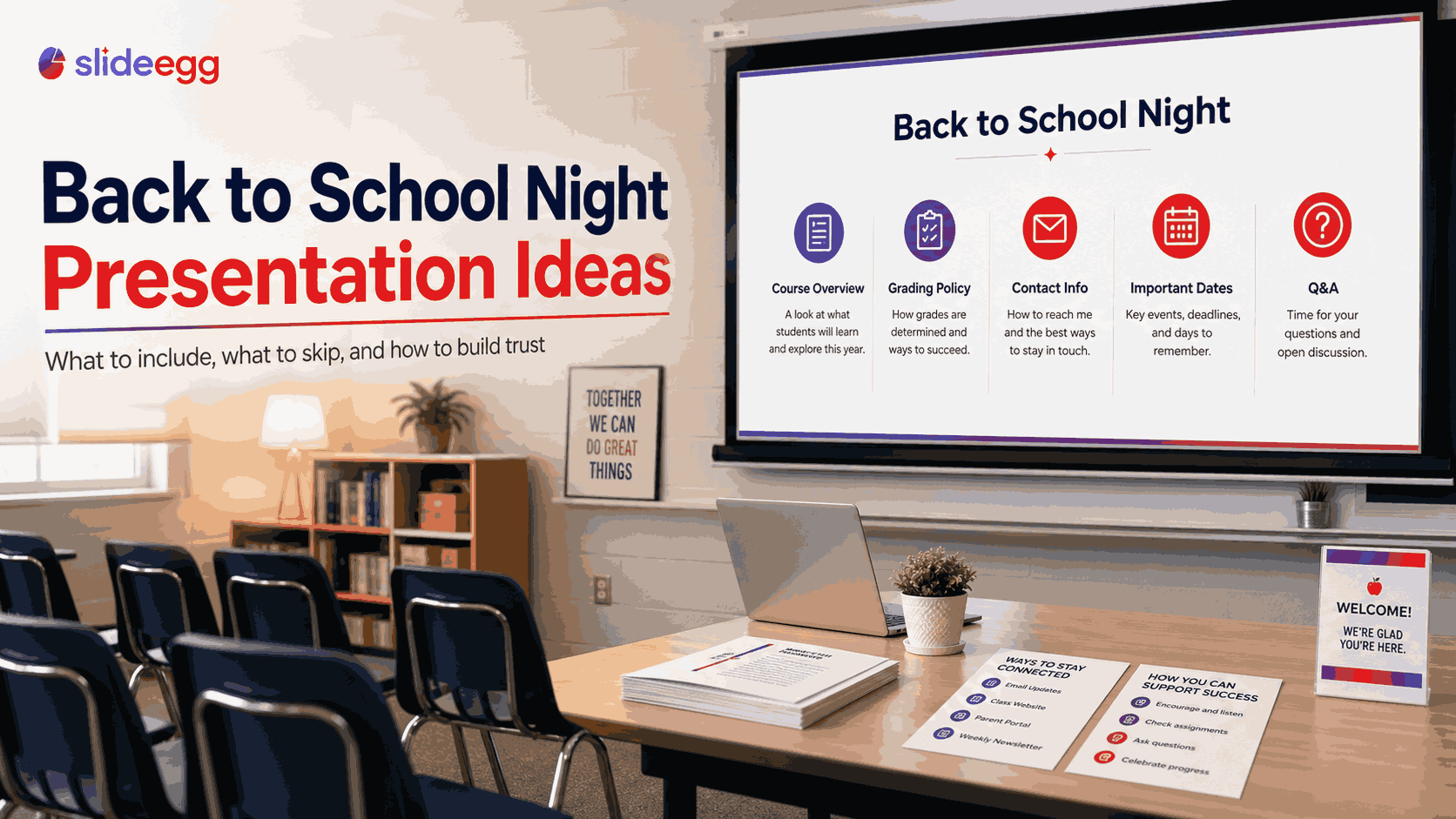
Back to school night is 20–30 minutes per teacher, sometimes less if parents are moving between rooms. In that window, you need to cover curriculum, expectations, and policies — and make parents trust that you know what you’re doing. Most presentations try to cover too much and accomplish too little. This guide covers the 10 slides every back to school night presentation needs, what to cut, how to handle questions, and design tips that make your deck look professional in under an hour. Start with a free back to school PowerPoint template from SlideEgg before reading further. Before you build a single slide, be clear on what success looks like. In order of importance: Build trust. Parents are deciding whether you’re competent and whether you care how you present matters as much as what you present. Set expectations. What will their child learn? How will they be graded? What does communication look like? Reduce anxiety. Clarity reduces anxiety — especially for parents of students who are new to the school or struggling already. If a slide doesn’t serve one of these three goals, cut it. Your name, subject grade, room number, year, and your email address — right on the title slide. Parents will photograph it. Don’t make them wait until the end. A professional photo helps them put a face to a name. Three sentences maximum. What is this class? What will students be able to do by June that they can’t do now? One paragraph — no more. Parents want the summary, not the curriculum guide. 3–5 bullet points in plain language (“students will be able to…”). Use student-friendly language — not curriculum code. “Students will analyze primary source documents” beats “Strand 3.4: Critical Literacy Competencies.” A horizontal timeline with unit names and approximate months works better than a list. Parents want to know when the hard parts are so they can plan support at home. This is the most-referenced slide. Be precise: “Tests: 40%, Projects: 30%, Homework: 20%, Participation: 10%.” If you use standards-based grading, briefly explain what the numbers mean. Vague answers to grading questions damage trust faster than almost anything else. How much, how often, what’s the late work policy, and what happens with absence-related missing work? Four bullet points maximum. Parents who have dealt with unclear homework policies in the past will pay close attention here. Email address, expected reply time (“I respond within 24 hours on school days”), any communication apps you use (Remind, ClassDojo), and office hours. Include a QR code linking to your class website or Google Classroom if you have one. This slide is often omitted and shouldn’t be. Give 3–4 specific, actionable suggestions: “Ask your child to explain one thing they learned today,” “Check the class site on Sunday evenings for upcoming deadlines.” Specific beats generic every time. 3–5 dates parents should calendar now: major exams, big project due dates, field trips, parent-teacher conferences. Only list dates that require parent action — not every event on the school calendar. End with your email and best contact method visible on screen throughout Q&A. “Thank you for being here tonight” is a good closing line — parents gave up an evening. Acknowledge it. The school’s mission statement. Parents have seen it. It doesn’t help them understand your class. An extended biography of your credentials. One sentence about your background is enough. Parents care what you’ll do for their child this year — not your academic history. A reading of the parent handbook. This belongs in an email or handout — not a 25-minute presentation. Upcoming events that haven’t been scheduled yet. “We might have a field trip” wastes slide space and creates false expectations. Anything requiring more than 60 seconds per slide to explain. If you’re reading from a slide extensively, the slide has too much information on it. One font, two weights. Bold for headings, regular for body text. Mixing multiple fonts looks unprofessional. Good choices: Lato, Montserrat, Open Sans, or Calibri. Limit to three colors. Your school’s primary color, white or light grey for backgrounds, one accent. More than three creates visual noise. Minimum 28pt body text. If projecting in a room larger than 10 feet, text smaller than 28pt is unreadable from the back rows. This rule forces conciseness — which is a benefit, not a limitation. One idea per slide. If you find yourself listing three or four concepts on one slide, it’s two or three slides — not one. 20–25 minutes of content, leaving 5–10 minutes for questions. If your school gives you 30 minutes per room, plan for 22 minutes of slides and 8 minutes of Q&A. Never go over your time — parents often have multiple classrooms to visit in one evening. A one-page handout (front and back) covering grading, contact info, and key dates is useful. Avoid distributing a full printout of your slides — it encourages reading ahead instead of listening. No. Animations add no value for a 20-minute informational presentation and introduce technical risk — compatibility issues can make them behave unexpectedly on school projectors. Static slides are faster and more reliable. Update it every year — not just the dates. Review the grading section (did your policy change?), contact information, unit timeline, and your photo. Parents who had older siblings in your class will notice an identical deck.The 3 Goals of a Back to School Night Presentation
The 10 Slides Every Back to School Night Presentation Needs
Slide 1: Title Slide
Slide 2: Course Overview
Slide 3: Big-Picture Learning Goals
Slide 4: How the Year Is Structured
Slide 5: How Grades Are Calculated
Slide 6: Homework Policy
Slide 7: How to Contact You
Slide 8: How to Support Learning at Home
Slide 9: Important Dates
Slide 10: Questions + Contact Info (Again)
What to Cut from Your Back to School Night Presentation
Design Tips for a Professional-Looking Deck
Frequently Asked Questions
How long should a back to school night presentation be?
Should I give parents a handout?
Should I use animations in back to school night slides?
Can I reuse my presentation from last year?
Presentation Tips
Back to School Night Presentation Ideas: What to Include and Skip