
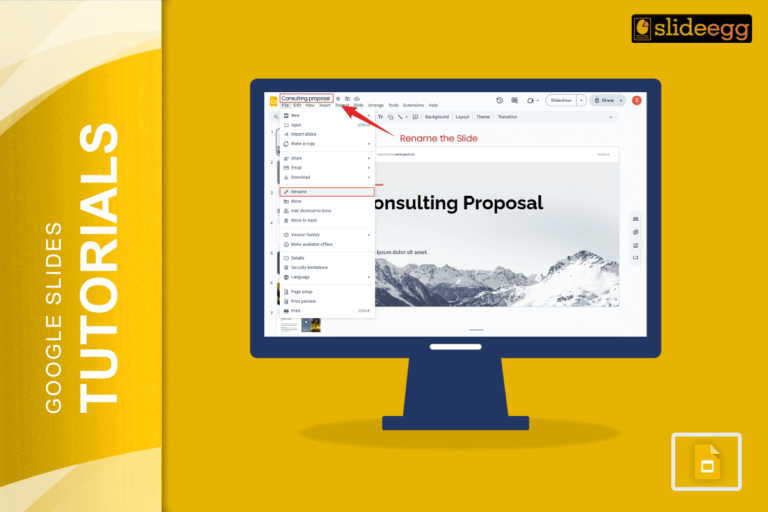
Quick Tips: Naming Slides in Google Slides ✅ Add a text box at the top or bottom of each slide…
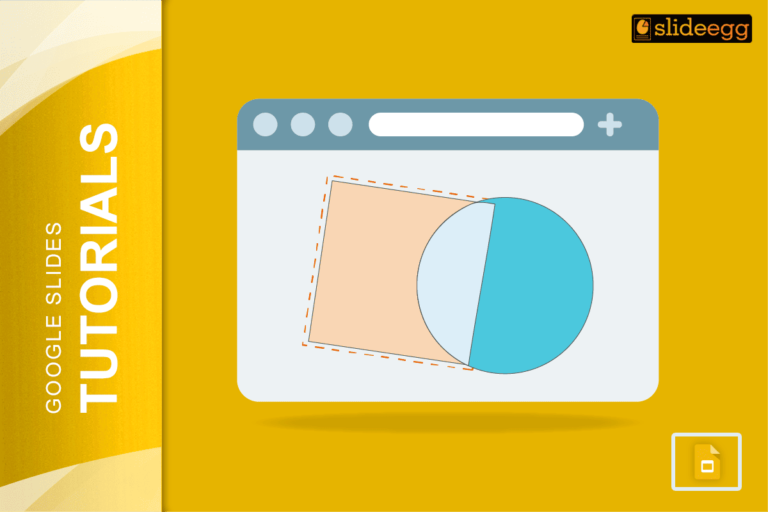
Quick Tips to Merge Shapes in Google Slides 🔥 Add shapes using the Insert menu.🔥 Arrange them where you want.🔥…
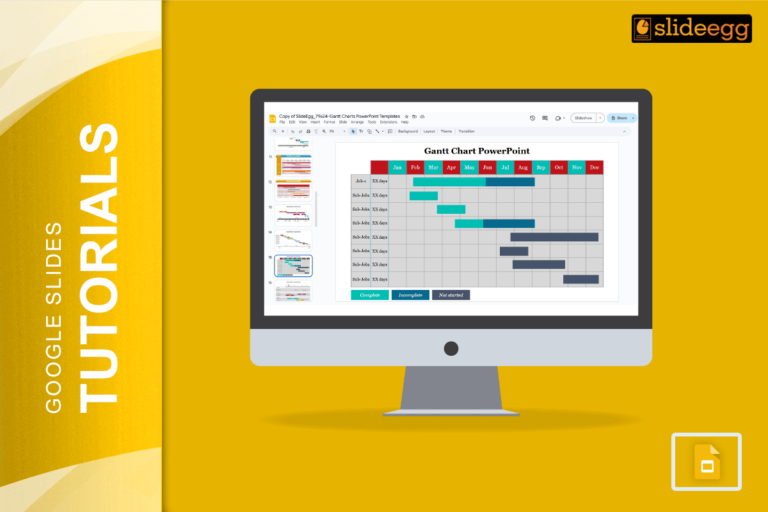
Smart Tips for Creating Gantt Charts in Google Slides ✅ Use tables for easy alignment and structure.✅ Choose bright colors…
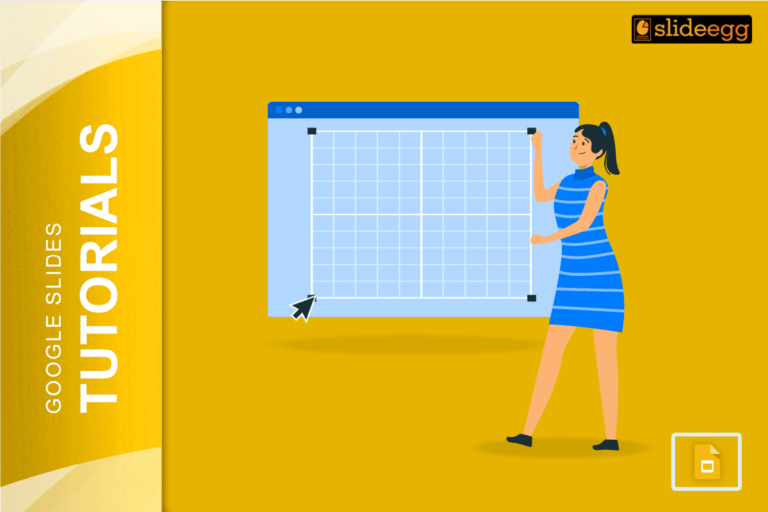
Quick Tips for Creating Grids in Google Slides 🔶 Use the View menu to turn on guides and gridlines.🔶 Hold…
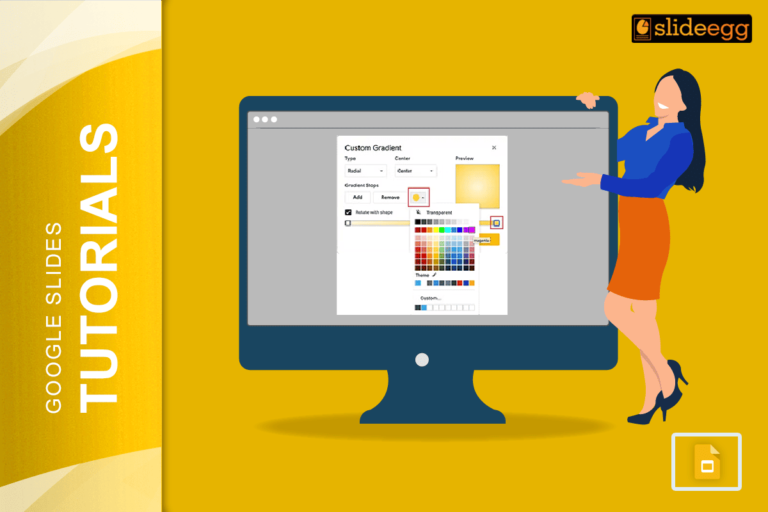
Beginner Tips for Creating Gradients in Google Slides: 🔷Open your Google Slides presentation first.🔷Click on the shape or text box…
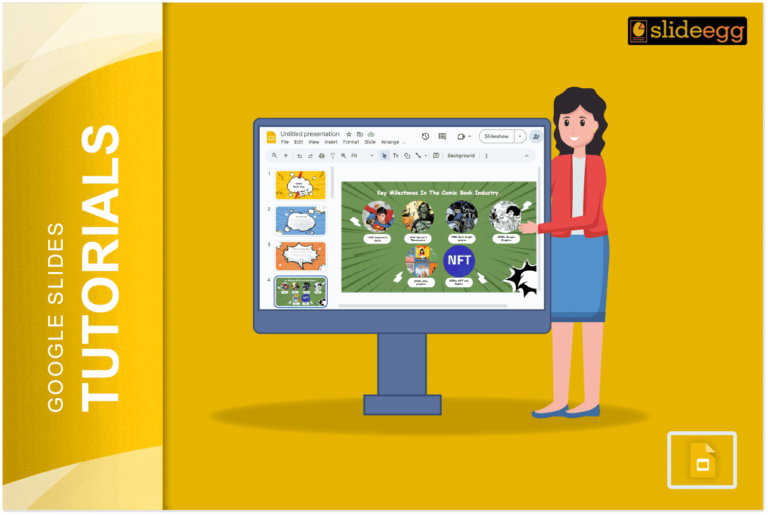
Quick Tips to Create a Comic Strip on Google Slides: 🔹 Open Google Slides and choose a blank presentation.🔹 Use…
Quick Tips for Adding Google Docs to Slides 🧩 Copy-Paste Method: Fastest way to move text from Doc to Slide.🧩…
Quick Tips for Indenting Citations in Google Slides: 💠Use the space bar or tab key to create basic indents.💠For hanging…
Quick Tips to Highlight Multiple Slides in Google Slides✅Open your Google Slides presentation.✅Click on the first slide you want to…
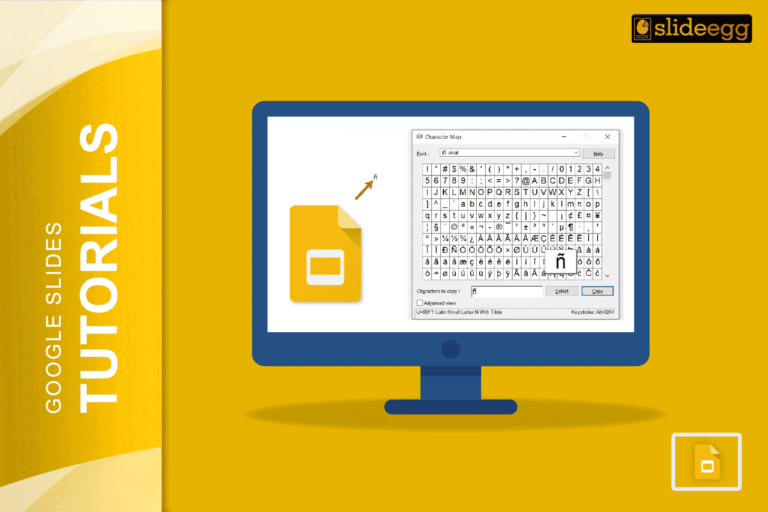
🔥 Quick Tips: How to Type Accents in Google Slides✅ Use Google Docs to type accented letters, then copy-paste into…
Recent Blogs

Most founders spend months building the idea, but only a few days building the presentation. That gap shows....

Simple Steps to Create a Decision Tree in Google Slides✅Open Google Slides and choose a blank slide.✅Click Insert...

Whether you are presenting at a grand rounds session, a national cardiology conference, or a departmental case review,...