
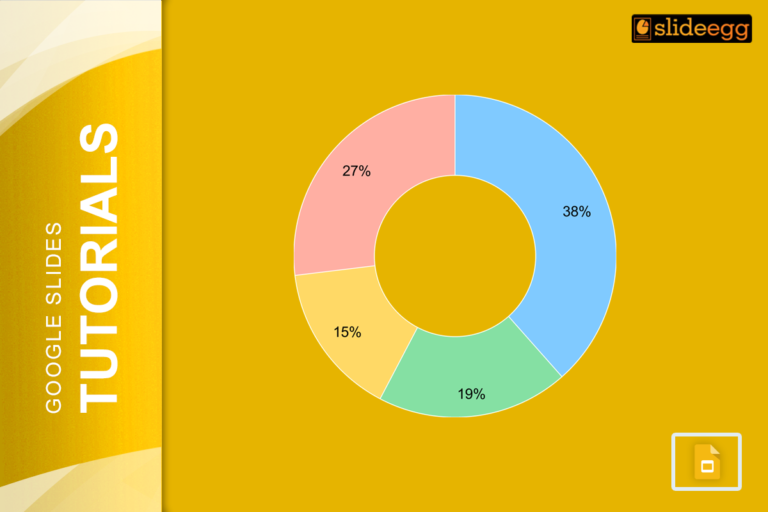
One of the easiest ways to present data on your slides is by making a pie chart. These charts will…
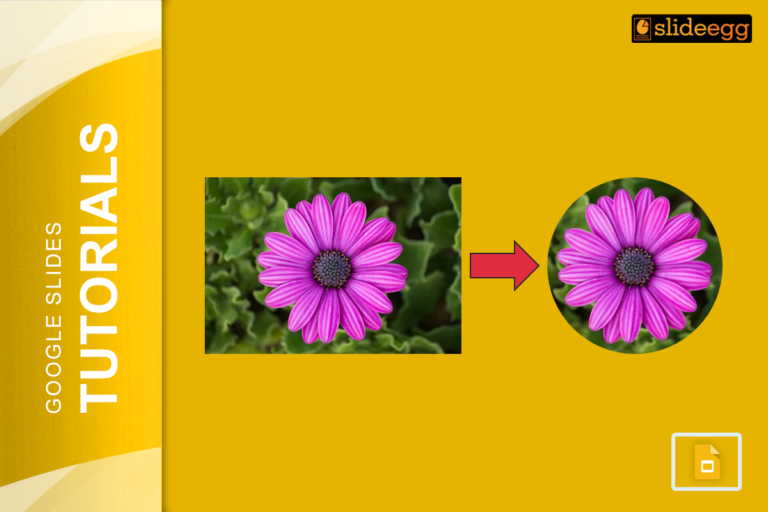
You can add some shape to images for visual effects when using Google Slides, and did you know you can…

Putting together your business, event, or project brochure might seem like a big task, right? But, do you know? If…
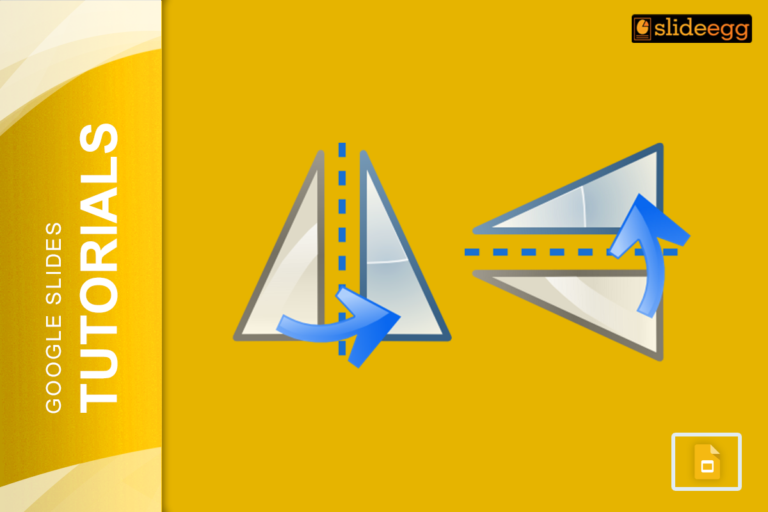
Ever wanted to flip an image in Google Slides but not sure exactly how to do it? Don’t worry! It’s…

Want to spice up your Google Slides presentation? Adding Bitmoji might be the ticket. Bitmoji is a small cartoon representation…

Creating engaging presentations is a skill that goes beyond just listing facts on a slide. A visually compelling presentation can…

Google Slides is an incredibly versatile tool for creating presentations, whether you’re preparing for a business pitch, a classroom lesson,…

Ever wanted to edit a PowerPoint presentation on Google Slides but thought the process might be tricky? It’s actually simpler…

If you’ve ever tried adding equations to a Google Slides presentation, you know the challenge. There’s no built-in equation editor…
Google Slides is such an incredible tool for making work presentations, school projects, or any other type of presentation for…
Recent Blogs

Most founders spend months building the idea, but only a few days building the presentation. That gap shows....

Simple Steps to Create a Decision Tree in Google Slides✅Open Google Slides and choose a blank slide.✅Click Insert...

Whether you are presenting at a grand rounds session, a national cardiology conference, or a departmental case review,...