

I. Introduction: Social Media as a Tool for Music Promotion Social media today is a new dimension for artists to…
When it comes to creating presentations, two big names pop up: Google Slides and Microsoft PowerPoint. They’re both great tools,…
Delivering a presentation on Google Slides is a fantastic way to share your ideas, but what if you need to…
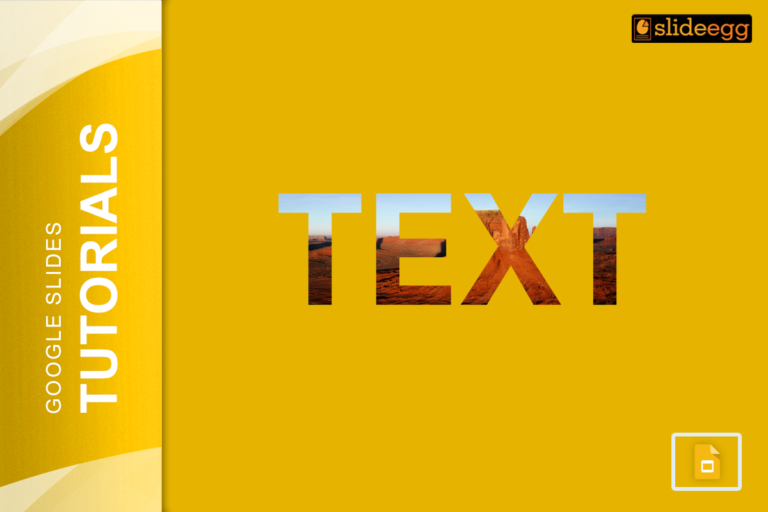
Want to add a caption or a quote to your image in Google Slides? Or maybe you want to highlight…

When you’re asked to analyze a literary work, your goal is to dig deeper into the text and explain its…
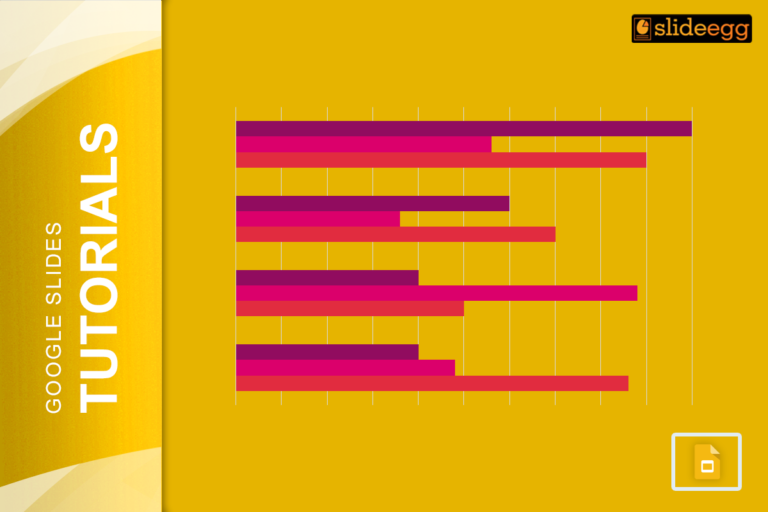
Bar charts are a great way to visualize data and make your presentations more engaging. When you add years to…
Have you ever felt the need to make your presentation more personal and engaging? Well, here’s some good news –…
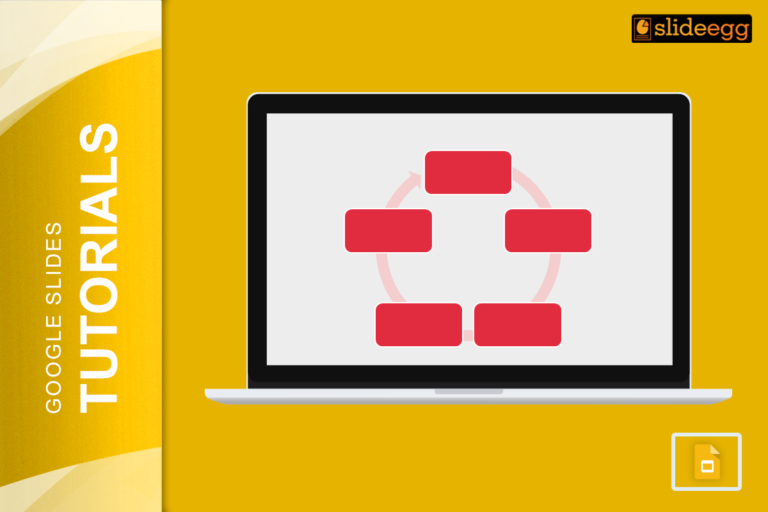
When it comes to creating a presentation, nothing beats visuals that grab attention. That’s where SmartArt in Google Slides comes…
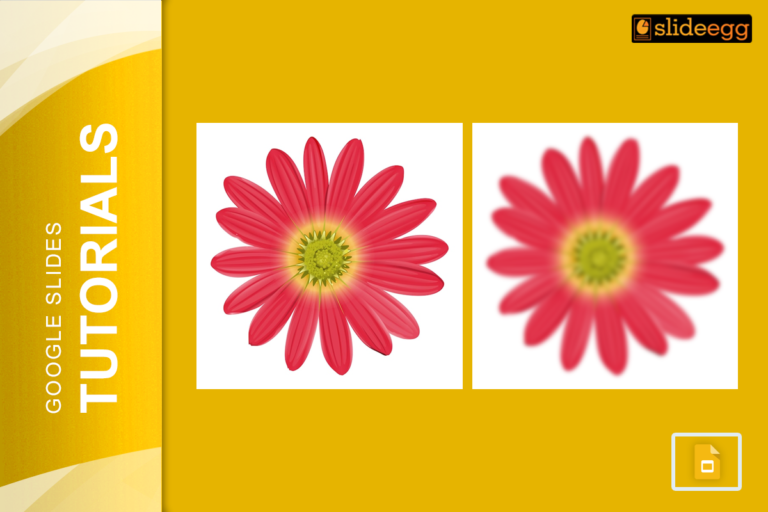
Blurring an image in Google Slides might seem tricky at first because the tool doesn’t have a built-in blur effect.…

Ever been in the middle of creating a stunning presentation, only to hit a roadblock when you need to strikethrough…
Recent Blogs
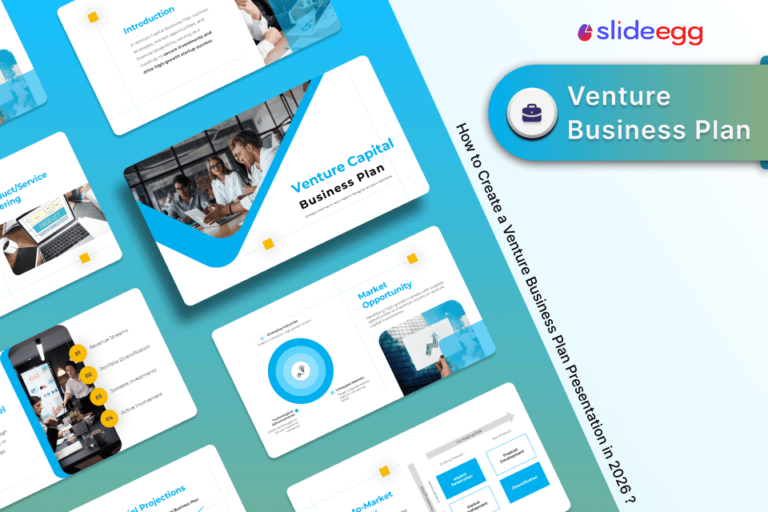
Most founders spend months building the idea, but only a few days building the presentation. That gap shows....

Simple Steps to Create a Decision Tree in Google Slides✅Open Google Slides and choose a blank slide.✅Click Insert...

Whether you are presenting at a grand rounds session, a national cardiology conference, or a departmental case review,...