
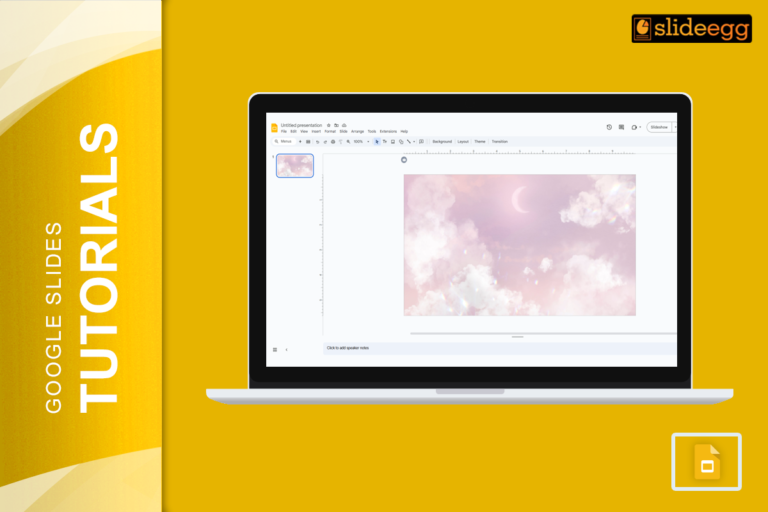
Easy Hacks to Make Your Google Slides Look Stunning* Pick a Color Scheme – Stick to 2-3 complementing colors for…
Fastest Tricks to Make Text Transparent in Google Slides If you’re in a hurry, here’s a super-quick guide to making…
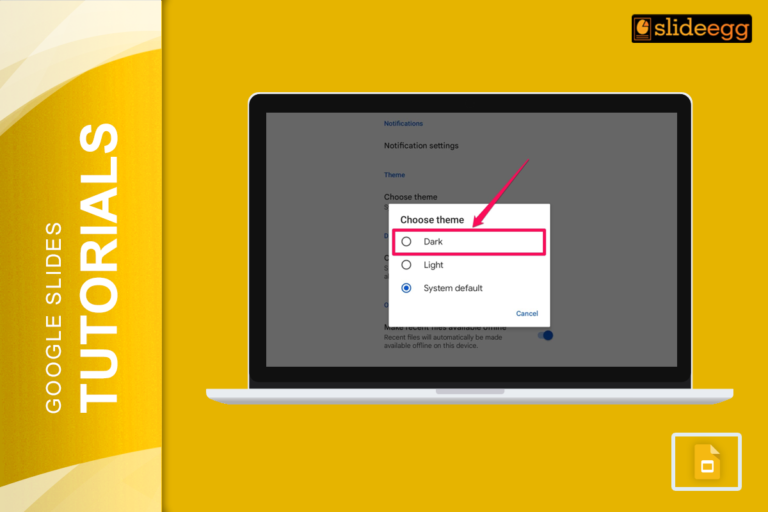
Quick Tips: How to Enable Dark Mode in Google Slides* Use a Dark Theme: Apply a dark background manually to…

Quick Steps to Add a Clickable Link in Google Slides1. Open your Google Slides presentation.2. Select the text, image, or…

Easy Ways to Make an Image Clickable in Google SlidesHere’s a quick breakdown of how to add a hyperlink to…

Quick Tips to Change Bullet Color in Google Slides 🖍 Highlight the text where you want to change the bullet…
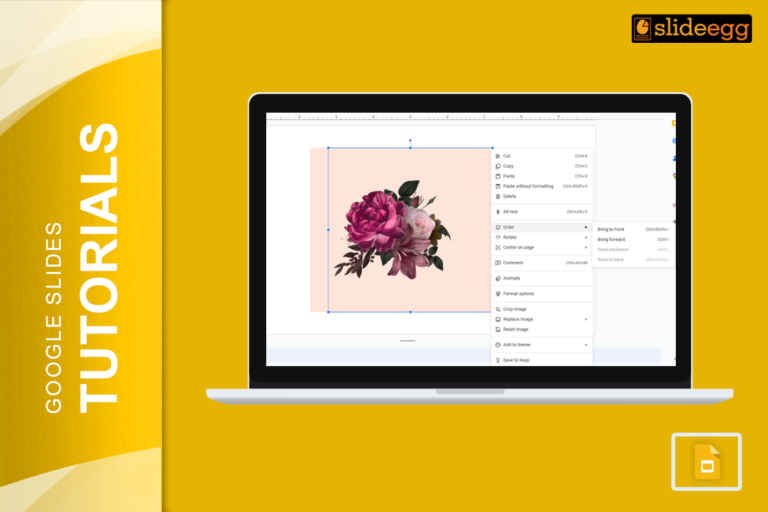
Quick Steps to Bring an Image to the Front in Google SlidesShort on time? Here’s a quick guide: 1️⃣ Click…
Introduction: No Wi-Fi? No Internet? No Problem! We’ve all been there—right when you need to edit an important Google Slides…

Ever spent hours making the perfect Google Slides presentation only to wonder, “How do I share this?” Do you email…
Why Narration Makes Your Slides Better Did you know that people remember 95% of a message when they hear it,…
Recent Blogs

Most founders spend months building the idea, but only a few days building the presentation. That gap shows....

Simple Steps to Create a Decision Tree in Google Slides✅Open Google Slides and choose a blank slide.✅Click Insert...

Whether you are presenting at a grand rounds session, a national cardiology conference, or a departmental case review,...