Free To Do List Presentation Templates
Get things done with style! Stop the sticky notes and messy desks! Grab FREE To Do List PowerPoint Templates and Google Slides Themes from Slide Egg. Check boxes, highlight priorities, and conquer your goals with creative, colorful, organized slides. Easy to use and perfect for professional or personal planning! Get organized and inspired for FREE!

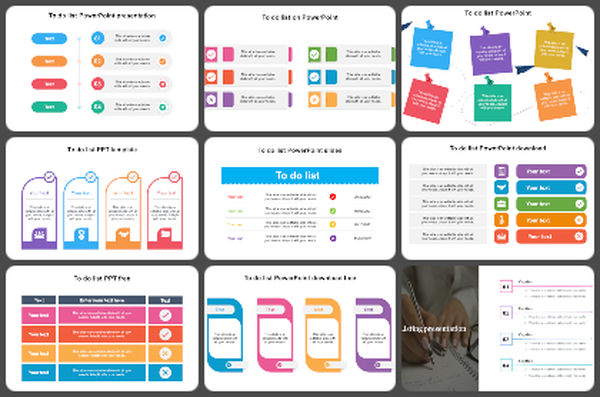

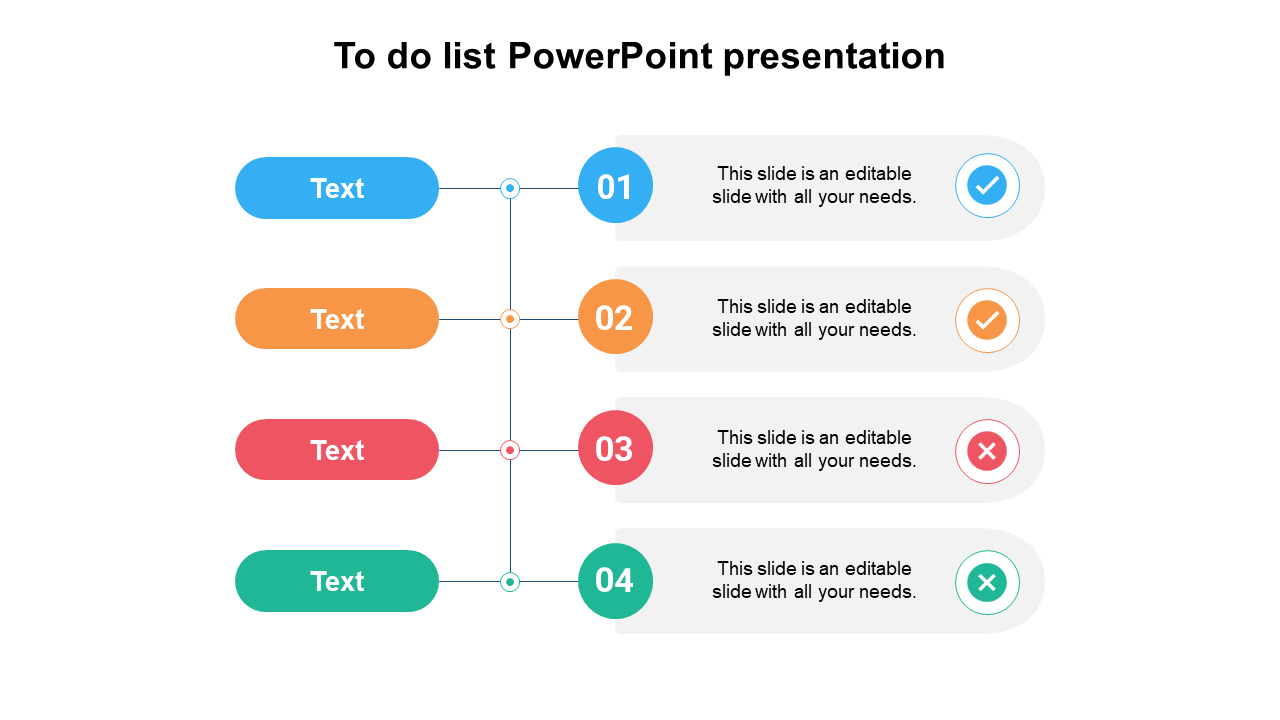
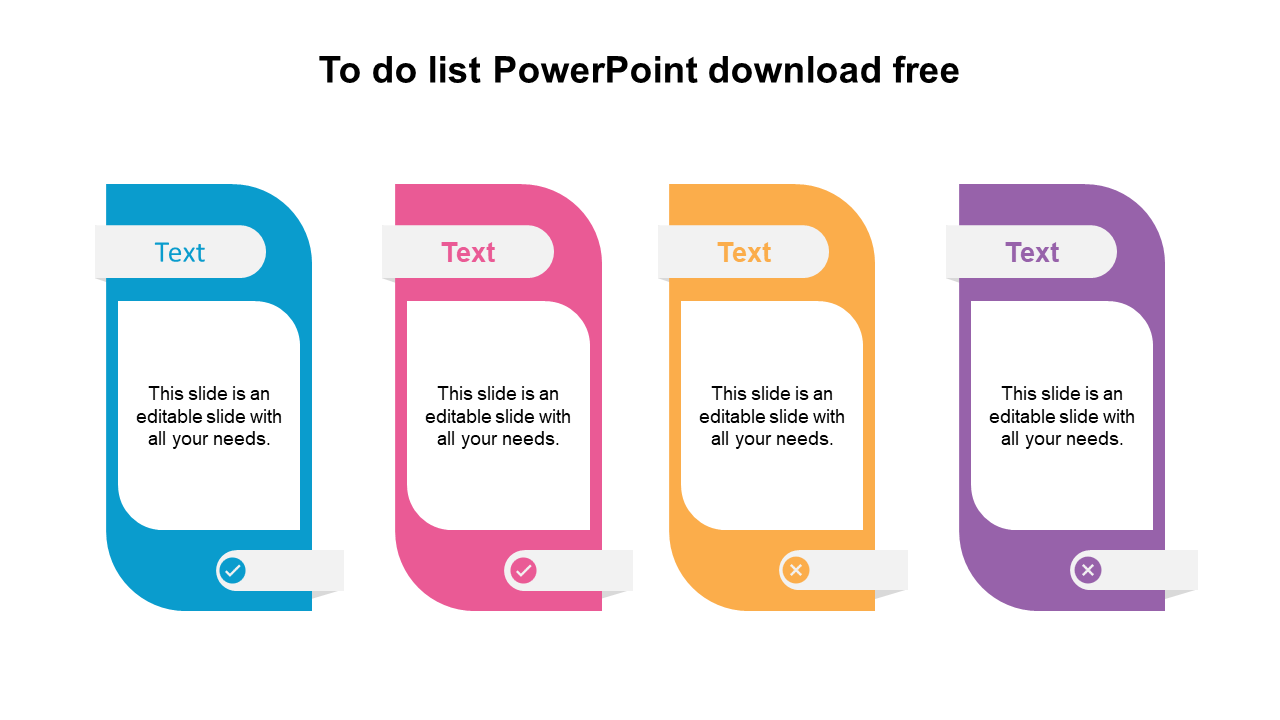
Become an expert with SlideEgg


We're here to help you!
What are To Do List PowerPoint templates?
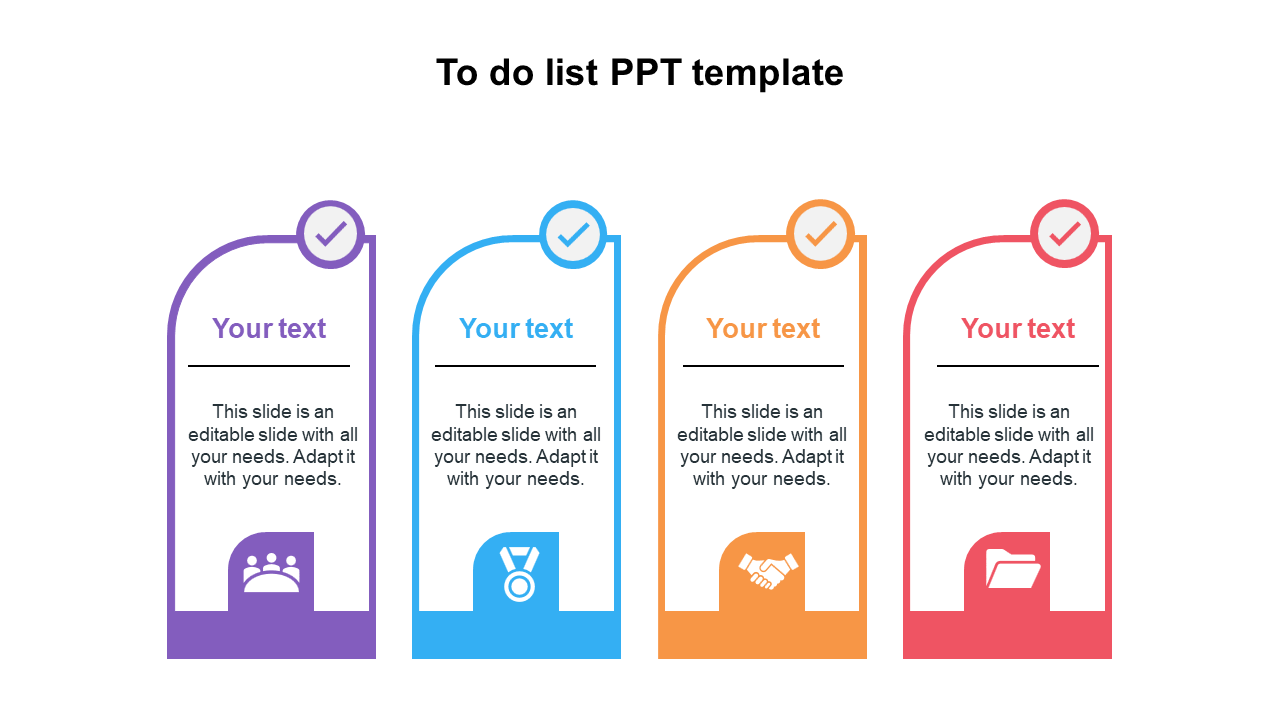
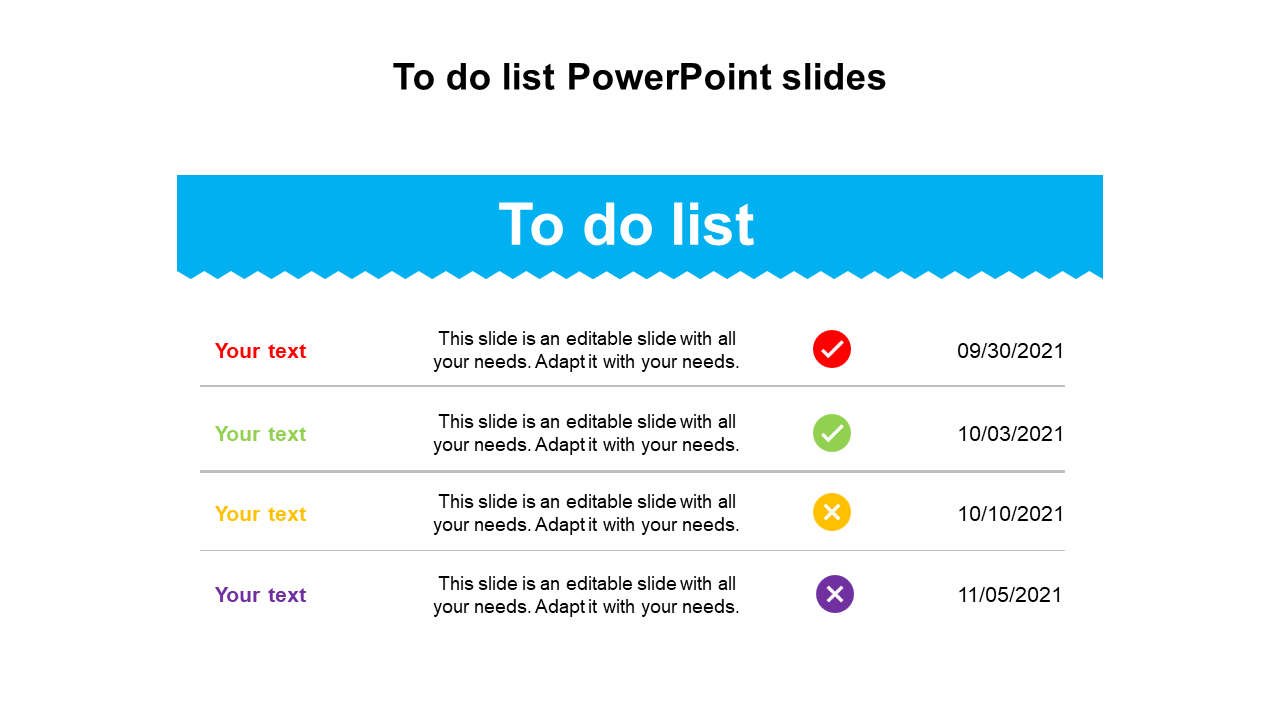
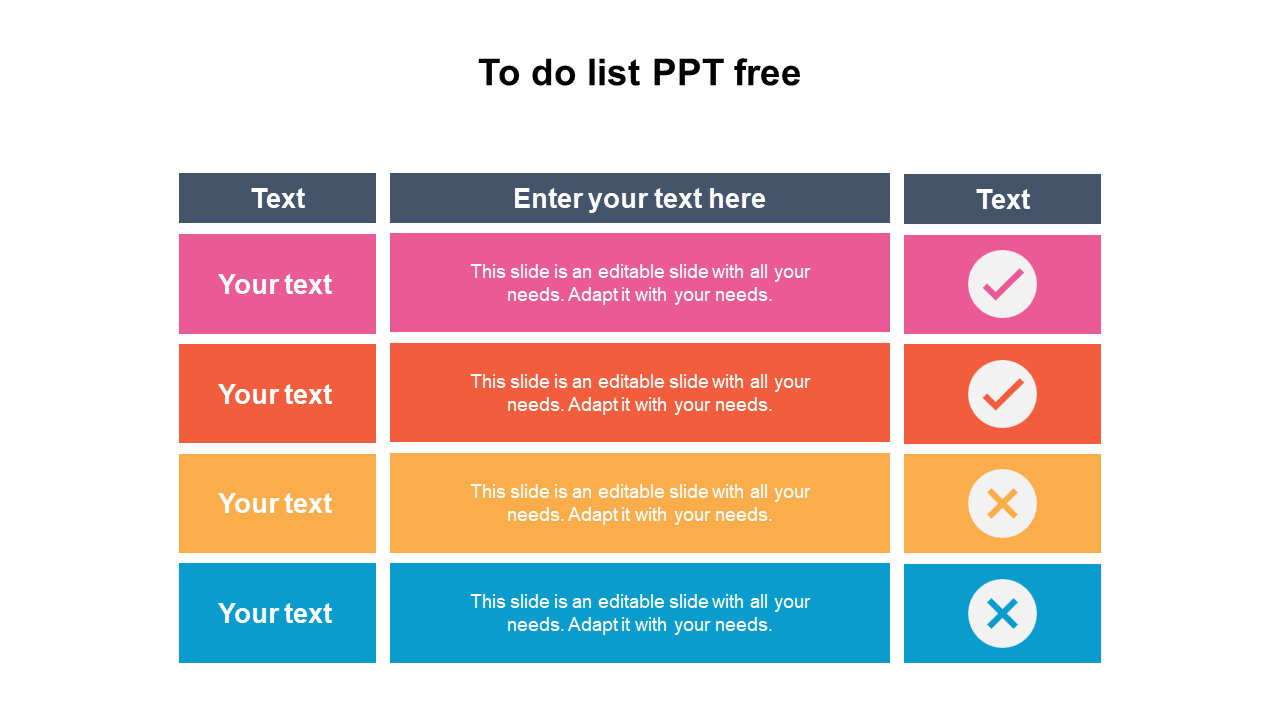
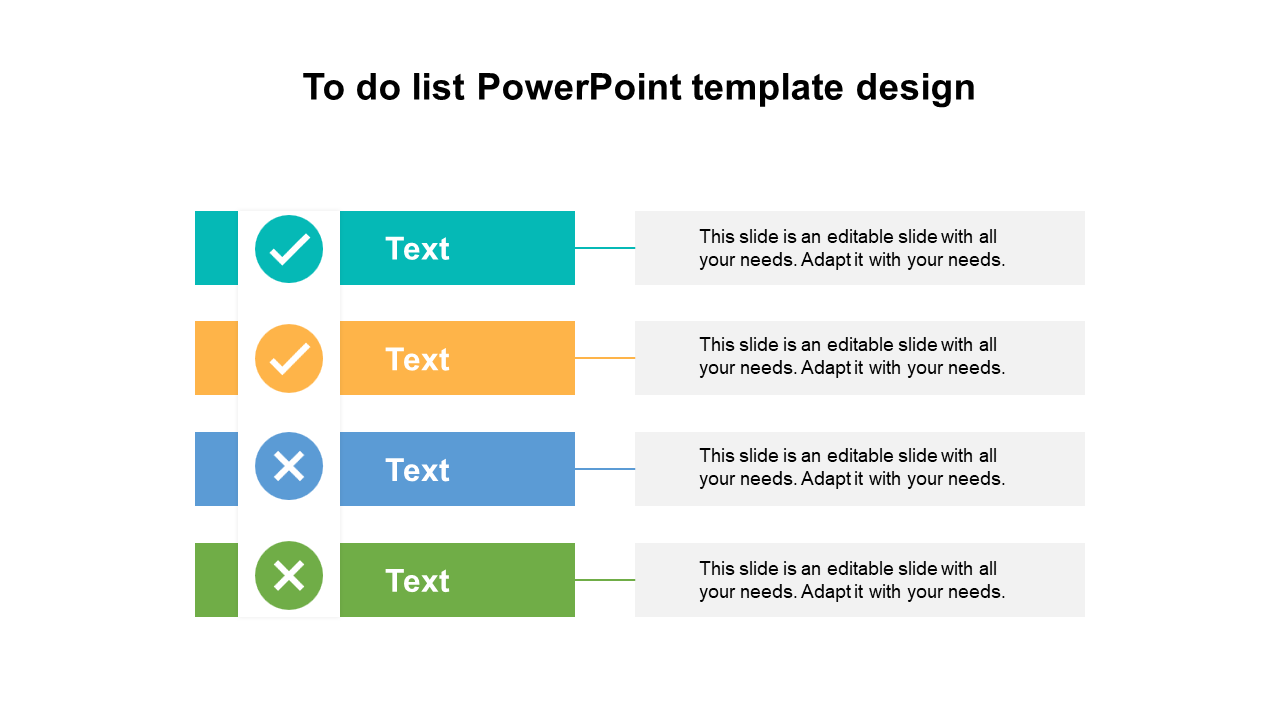
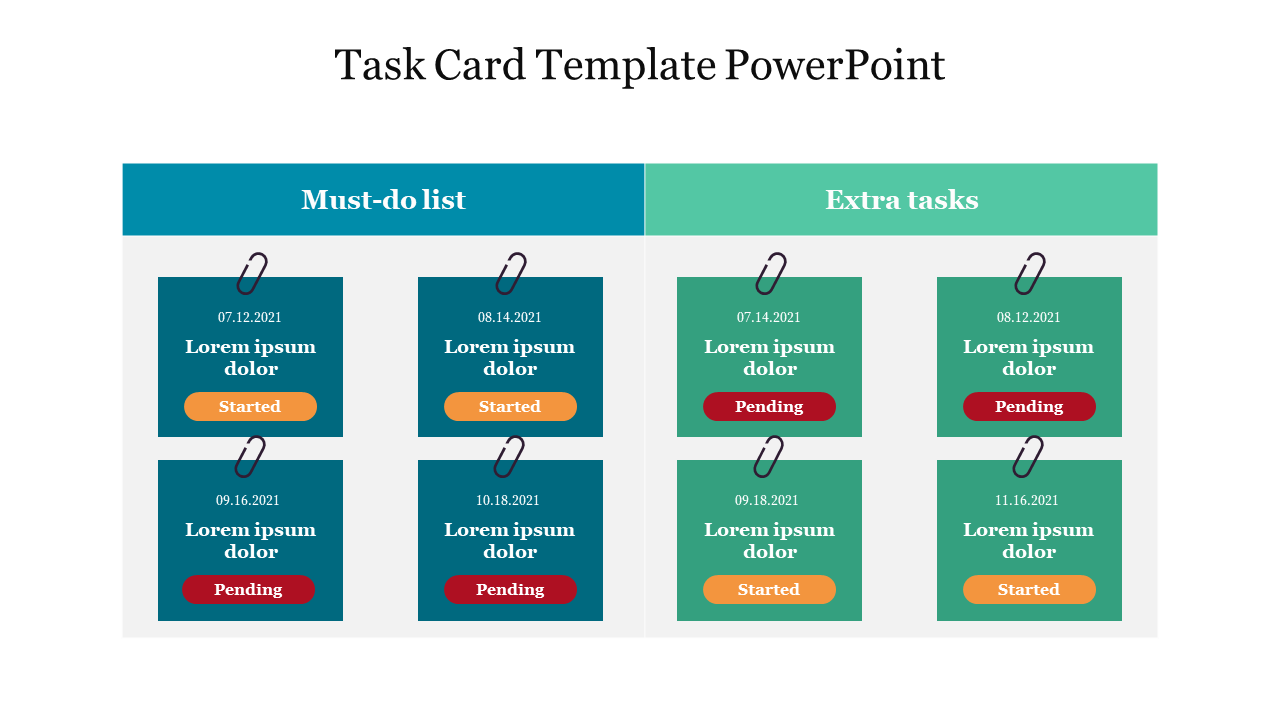
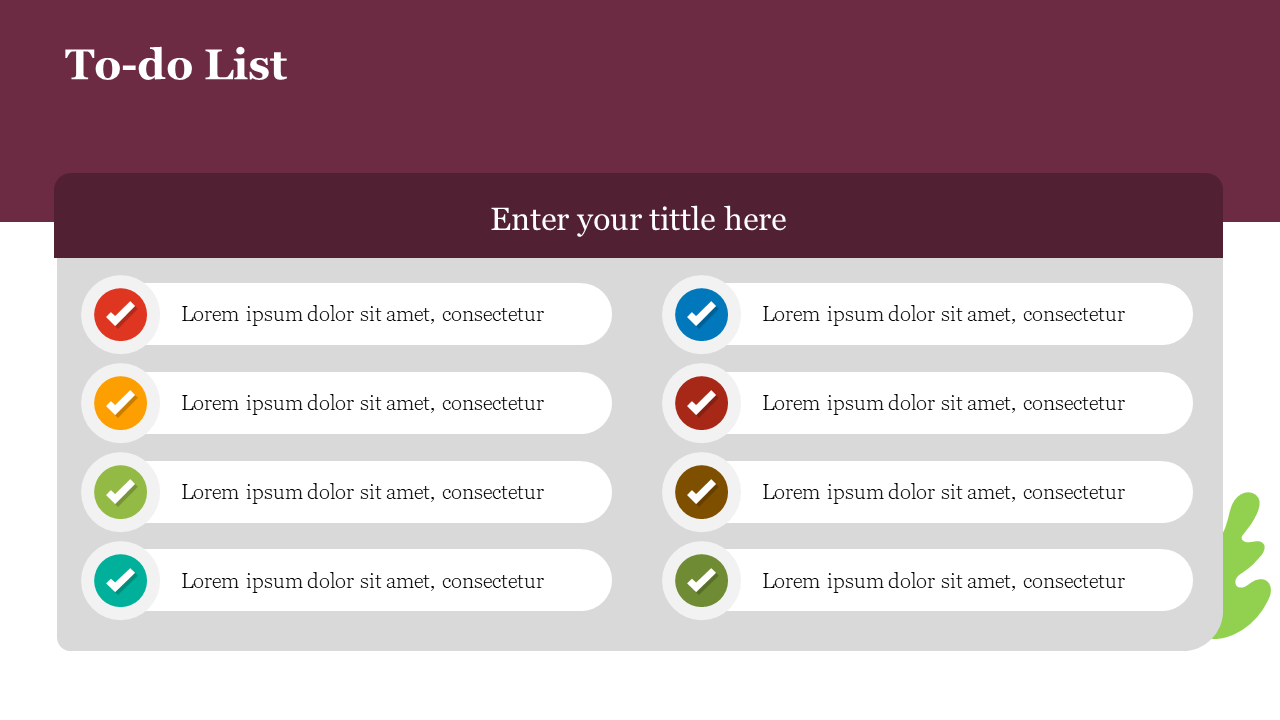
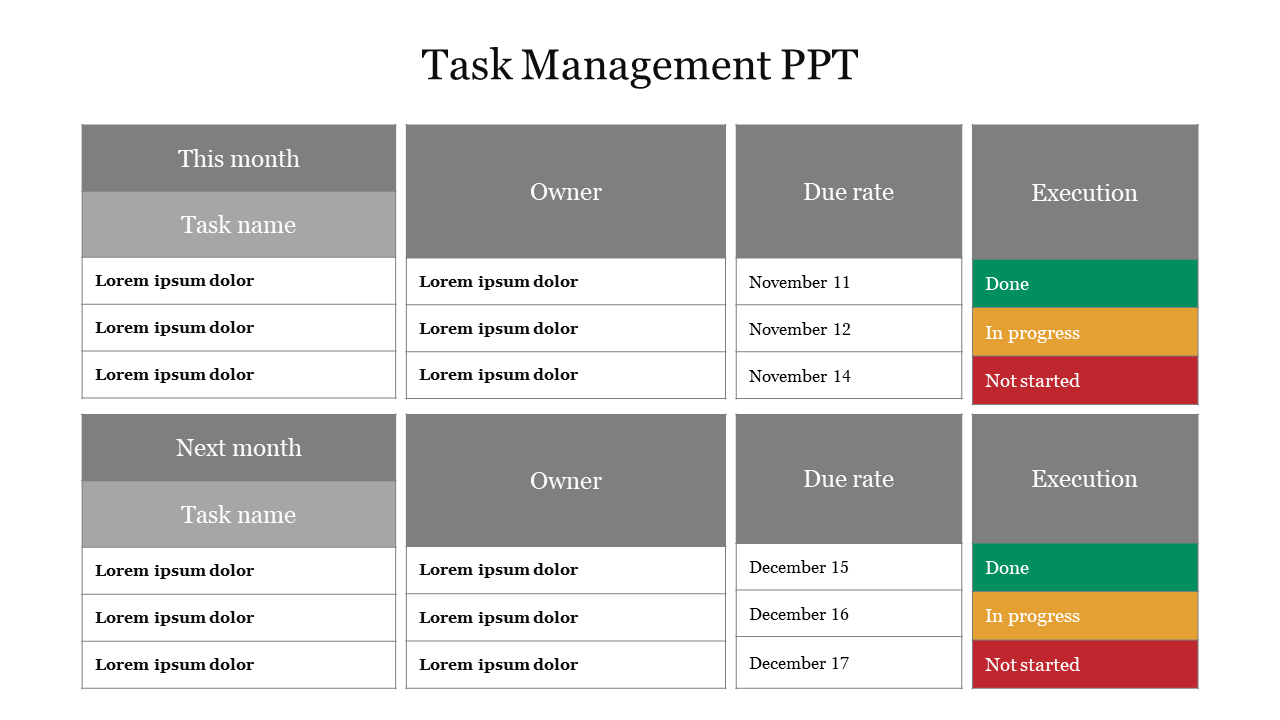
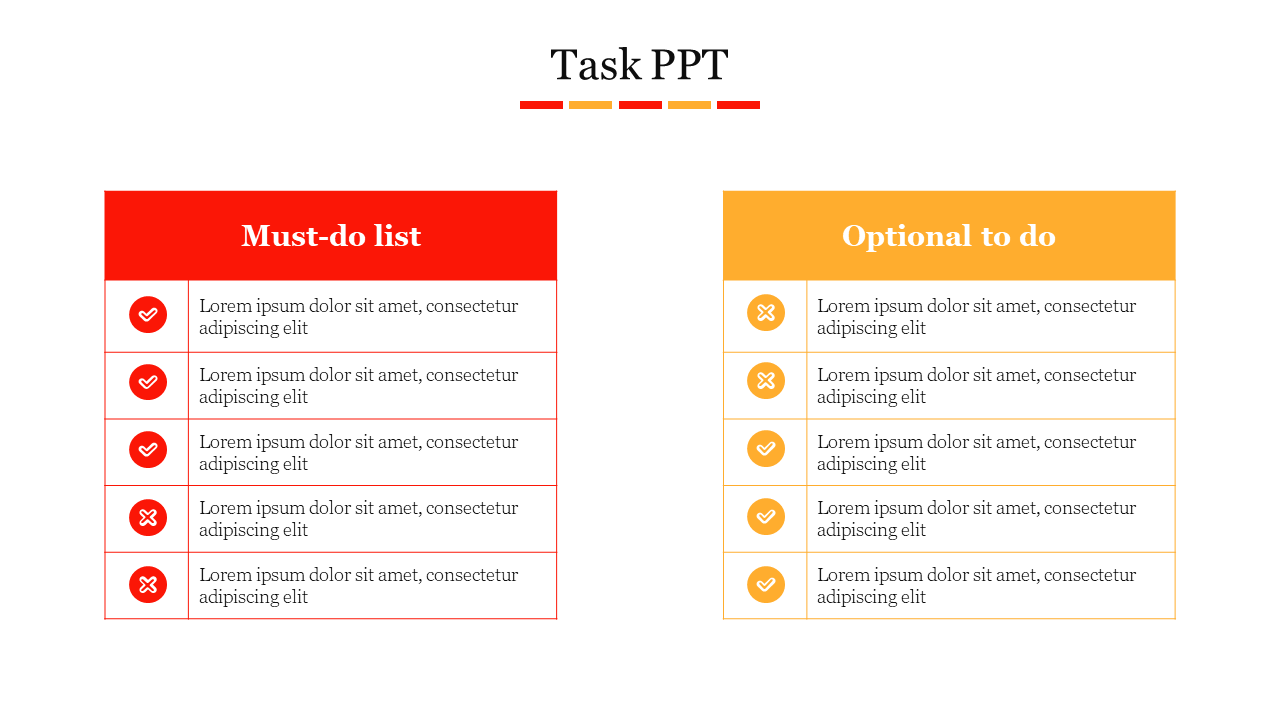
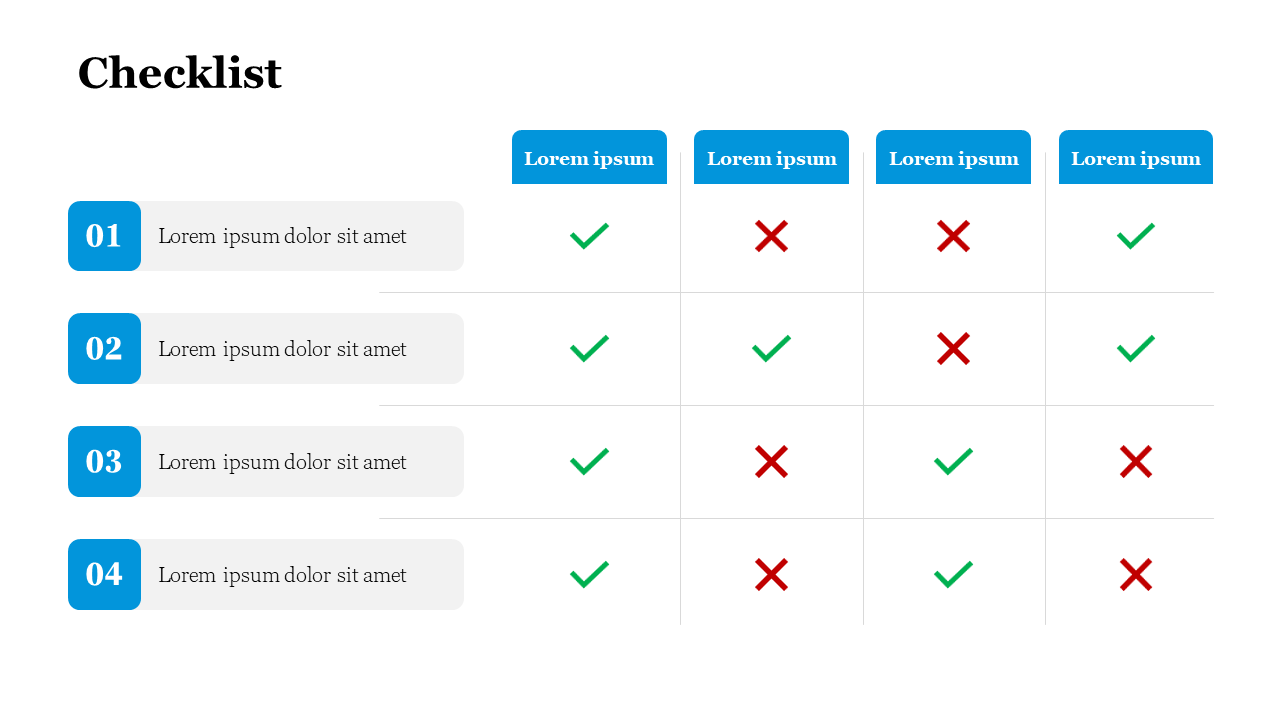
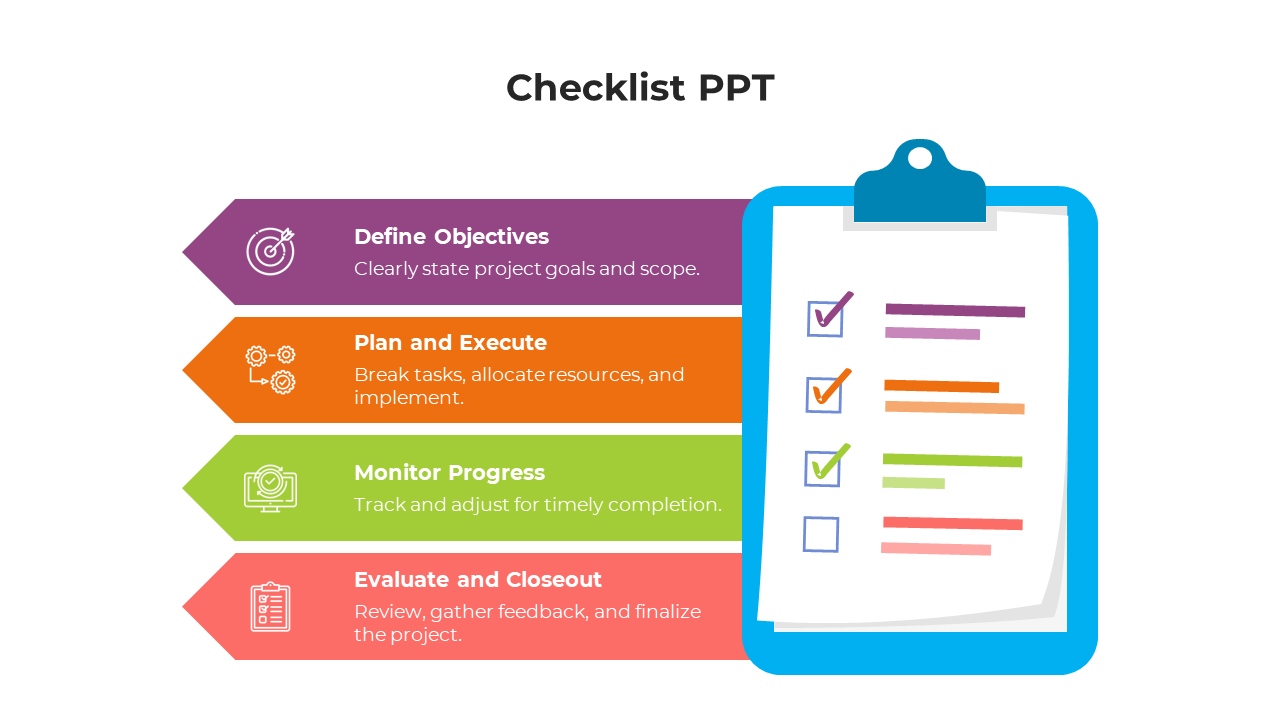
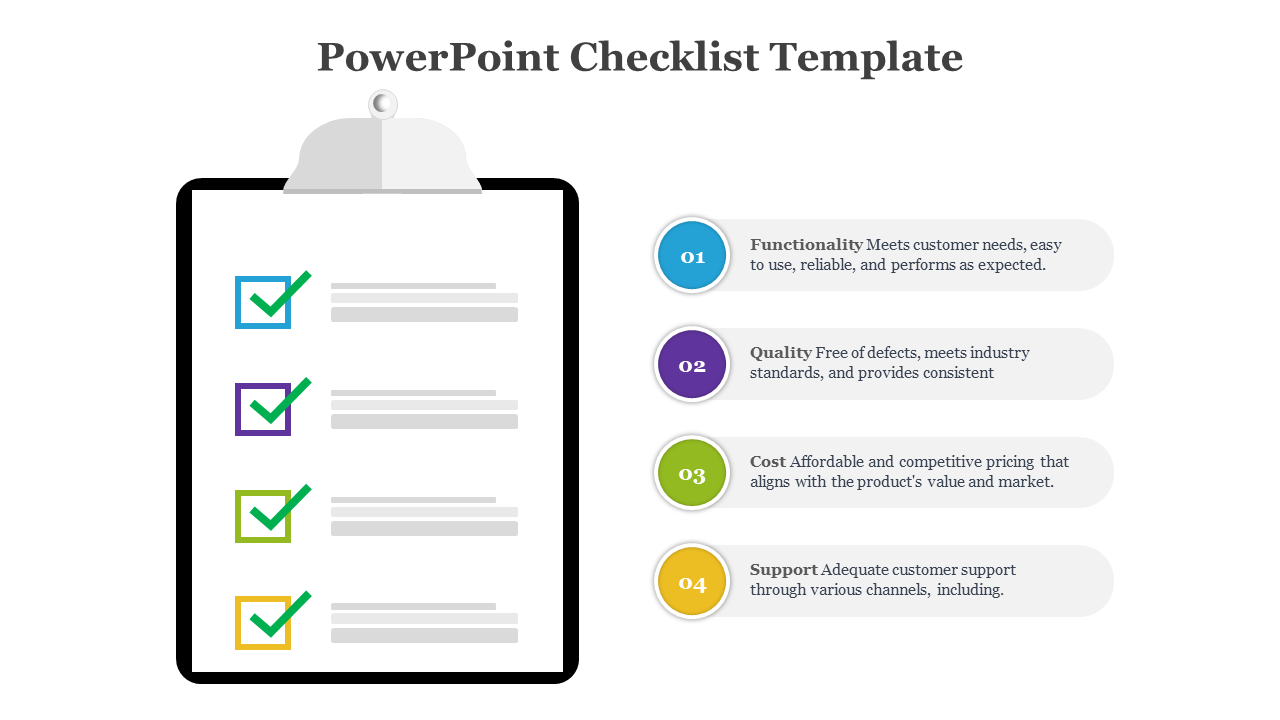
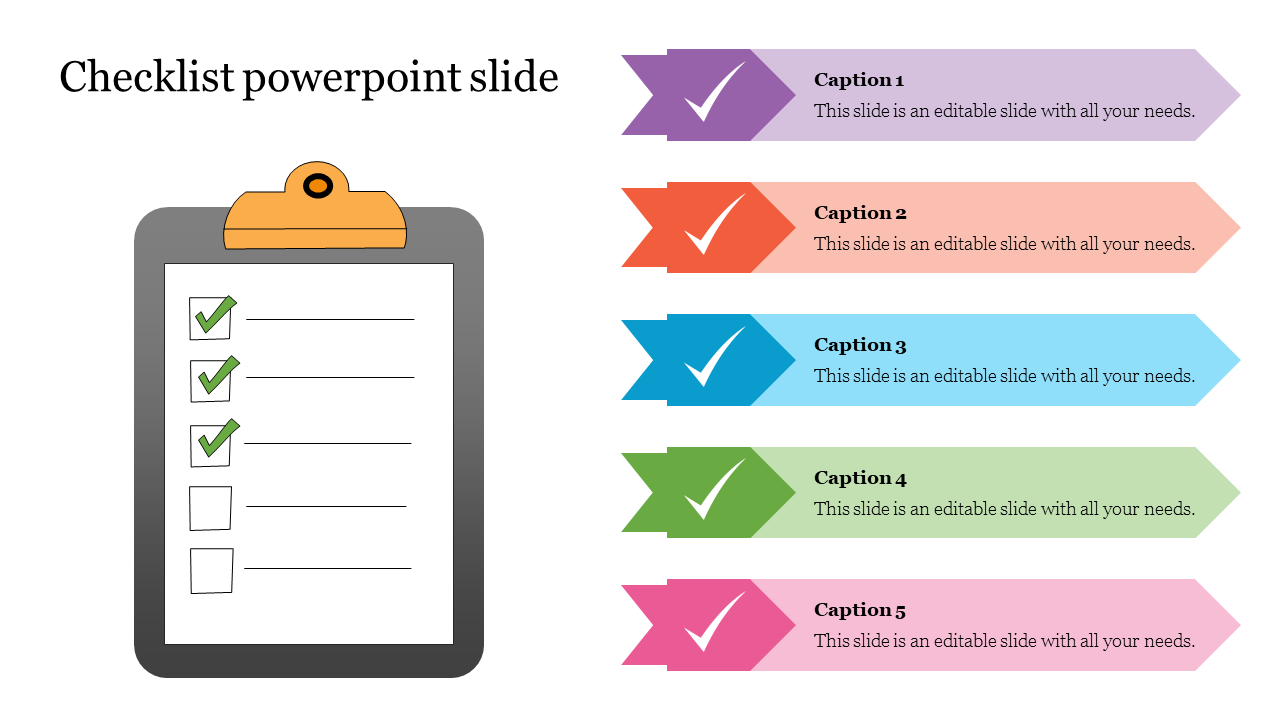
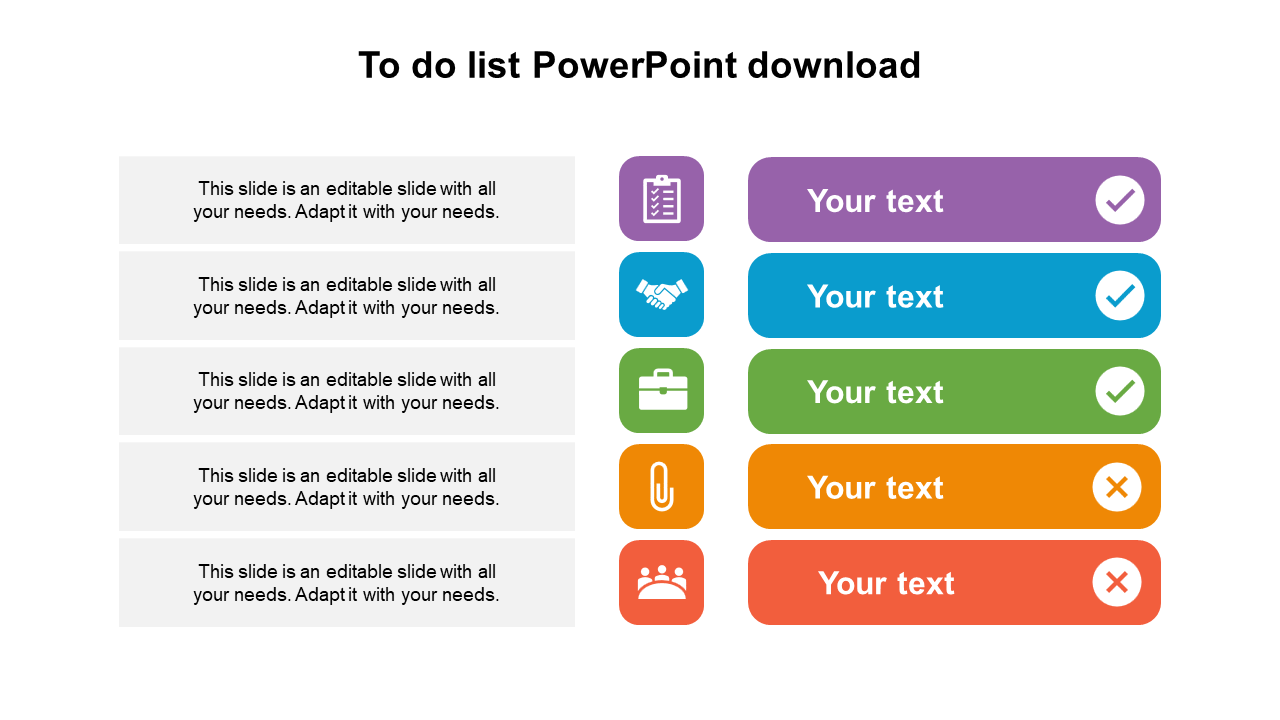
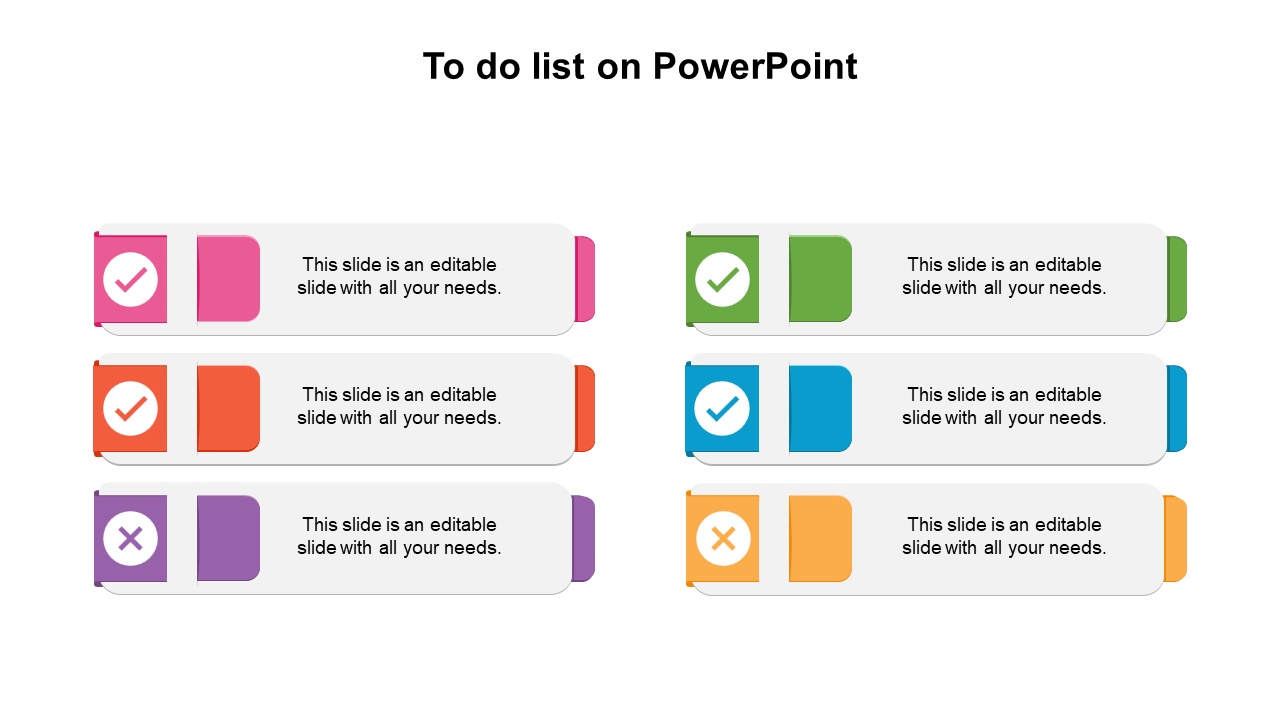
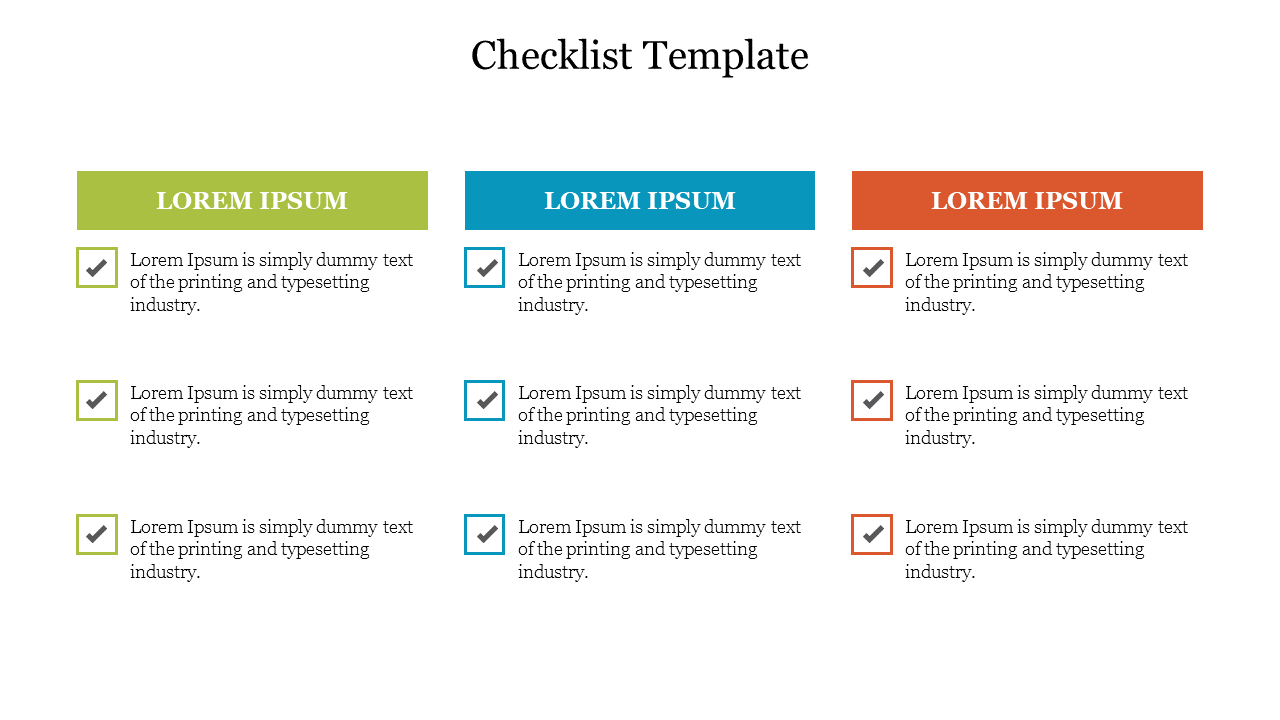
These templates are PowerPoint presentation slides designed to add the daily tasks. These templates are the best tool for sharing information about your day's target and essential functions at business meetings. Also, useful for personal uses.
Where can we use these To Do List Slides?
You can use these templates for business, project, and personal purposes. Also, assist you in getting and maintaining control of your critical projects, to-do lists, and decisions.
How can I make To Do List PPT Slides in a presentation?
However, creating a template for a presentation is painless for professional PowerPoint users, but if you are a beginner and want to prepare a presentation on time, consider using ready to use templates from our website.
Who can use Do List Templates?
These templates can be used by anyone who thinks time is being wasted without a good to-do list. It can be used by teachers, students, business professionals, employees, and others who are better at managing their time and using it wisely.
Why do we need to use To Do List PowerPoint Slides?
These slides are an excellent way to engage the audience about time management through a perfect presentation. It can explain the process of adding and organizing daily tasks, setting priorities, and help focus on the ability to sync with different tasks daily.
Where can I find free PPT Templates?
Online, there are many free PowerPoint templates to choose from. The issue, though, is the desire for actual templates. Additionally, you can need help with the templates' quality and design. So always look for a trustworthy PowerPoint provider, like Slide Egg.