1700+ Free Technology PowerPoint Templates
You're frustrated because your tech explanation isn't landing. The problem isn't your knowledge. It's the presentation structure. Start with context, then details. Show the business problem first. Then explain your technology. That's the order that works.
Editor's Choice (1 of5)
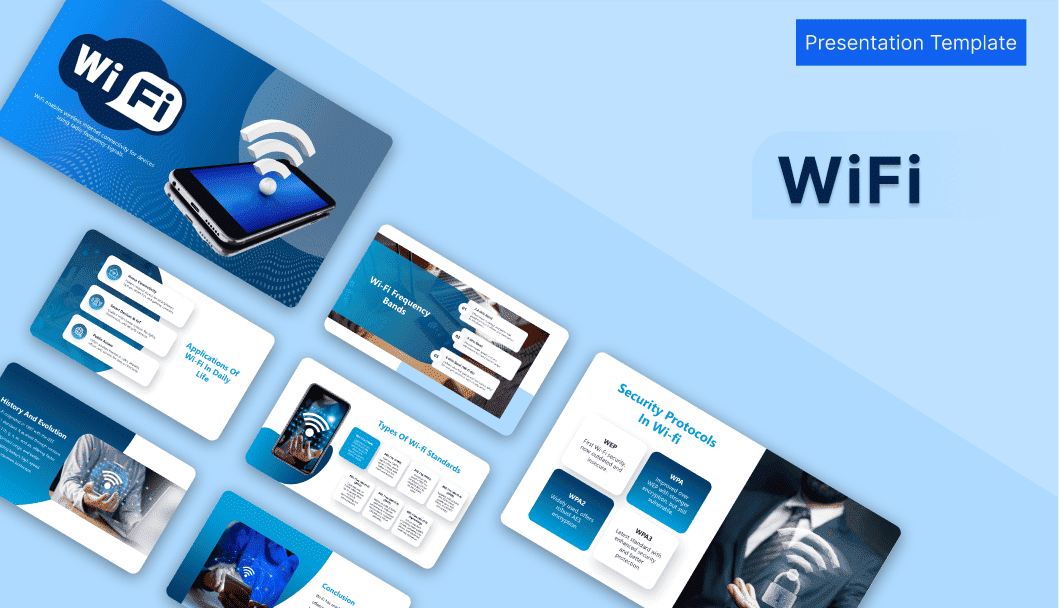


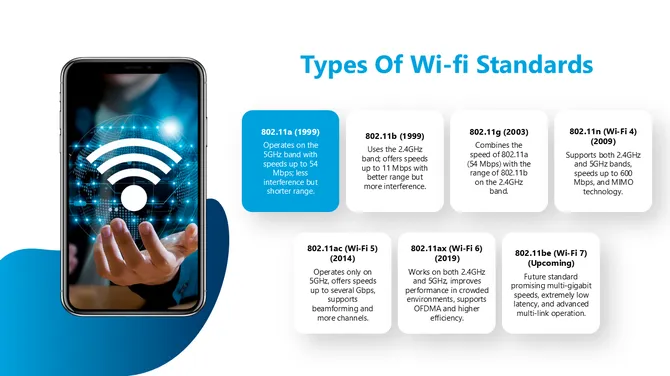
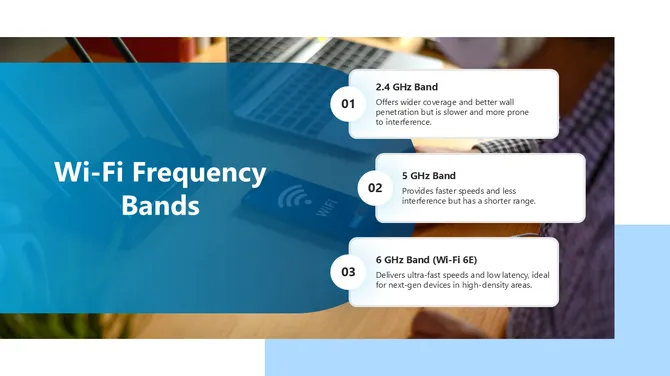
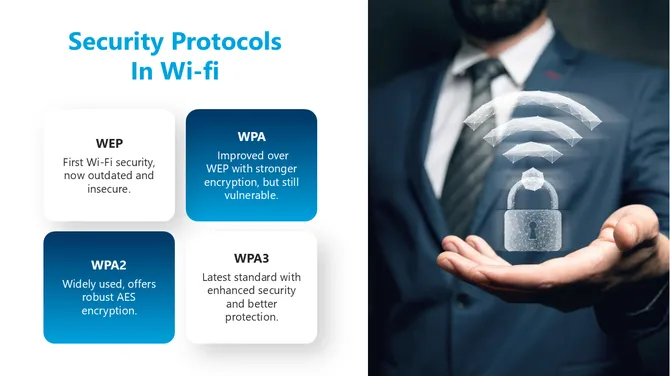
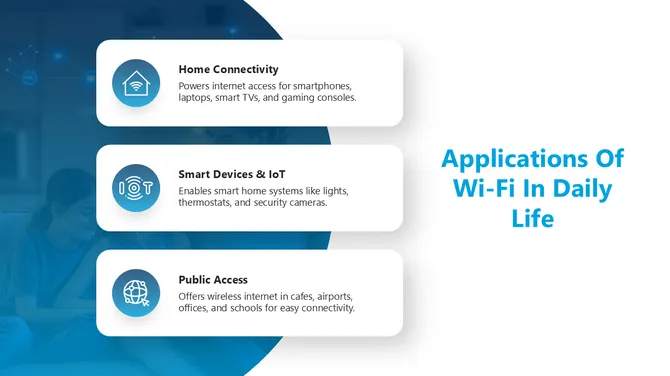
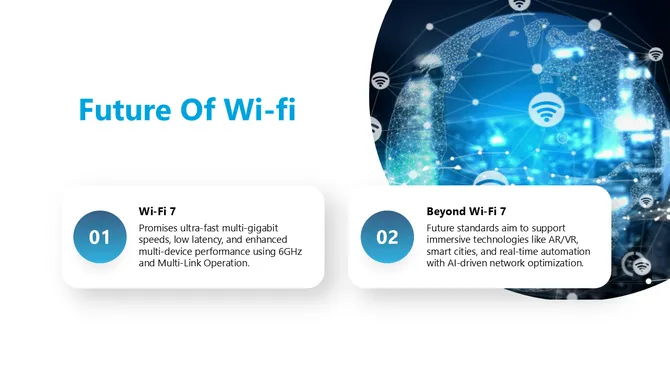



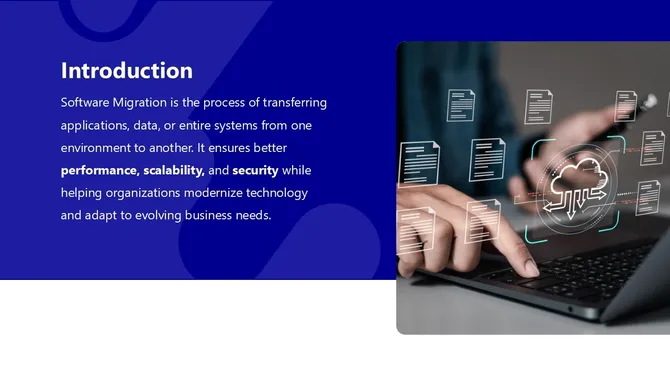
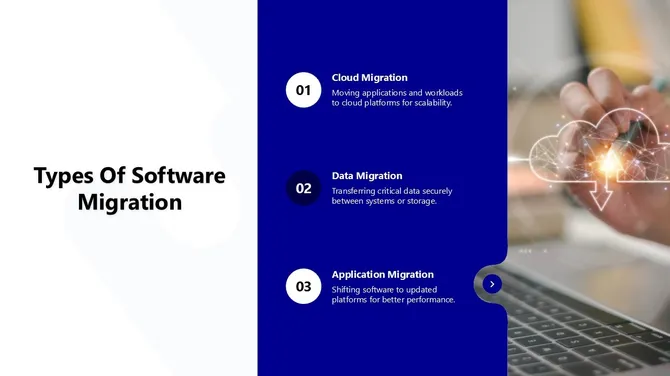

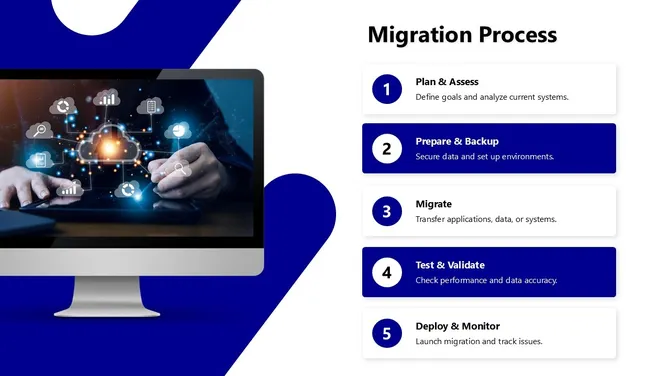
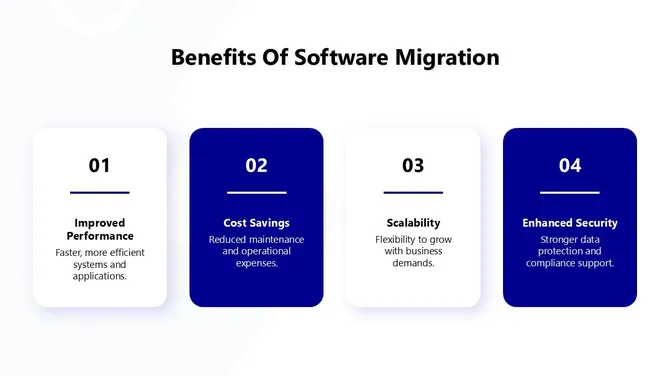


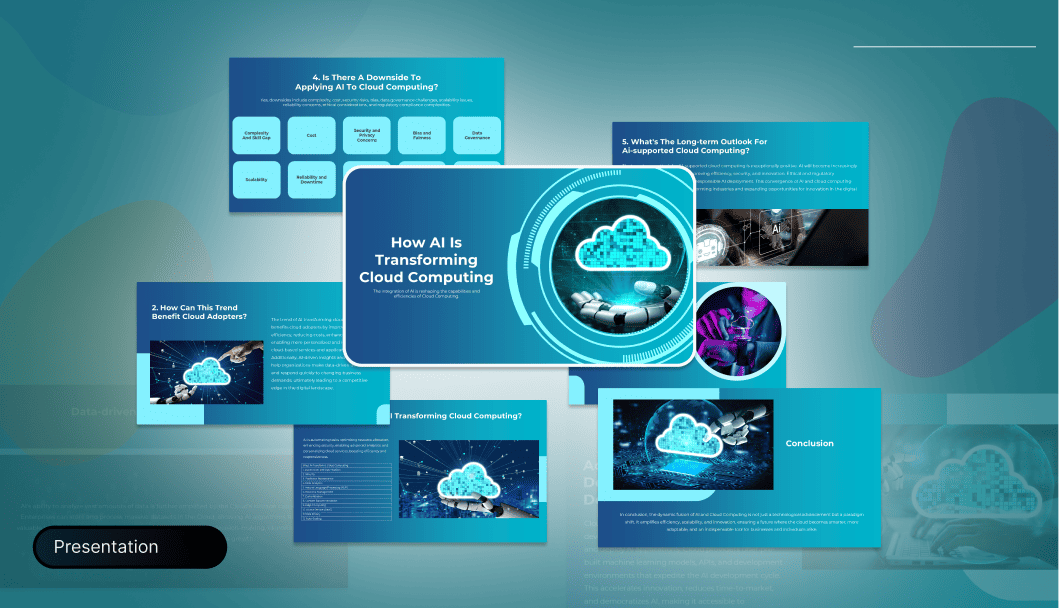

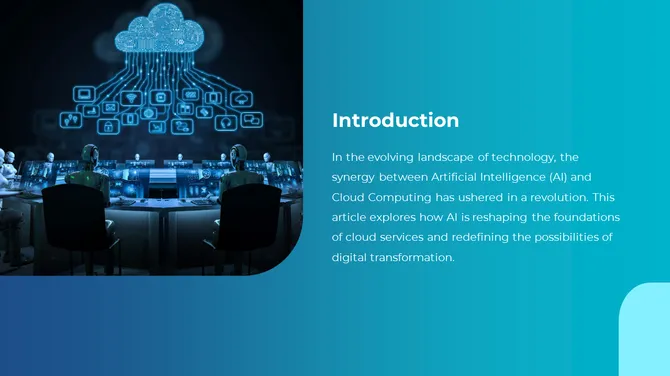
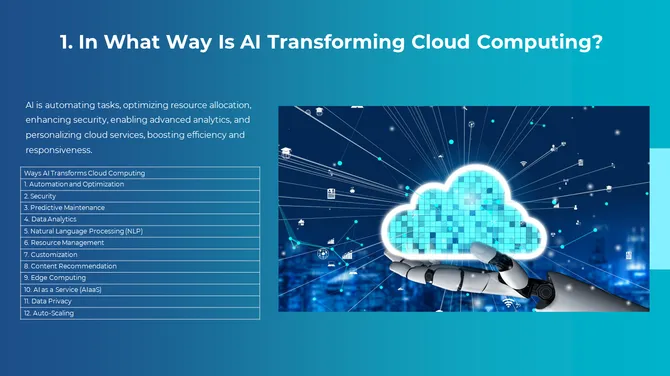
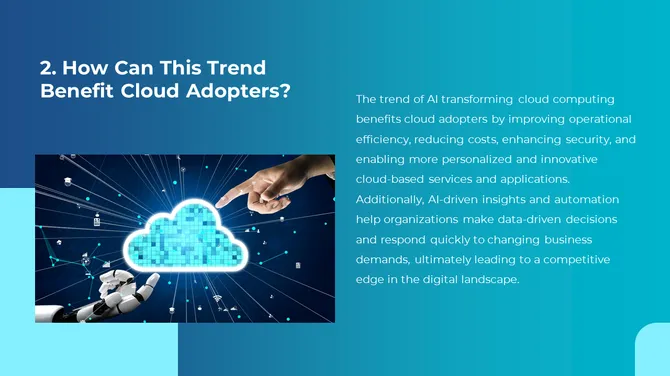
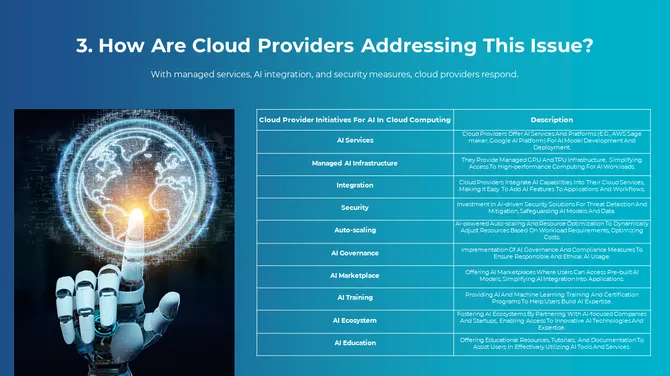
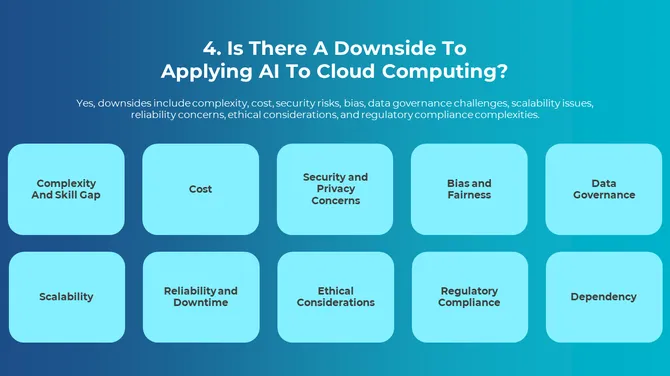




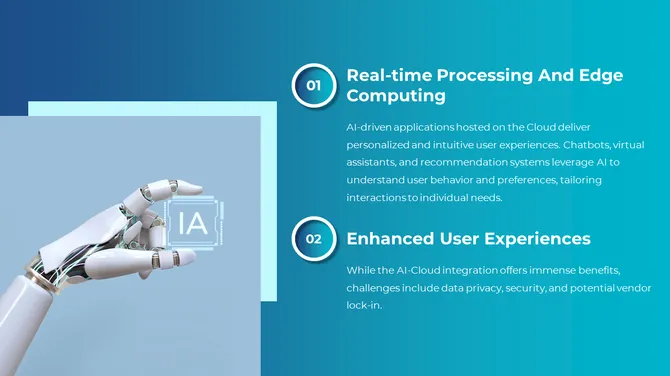


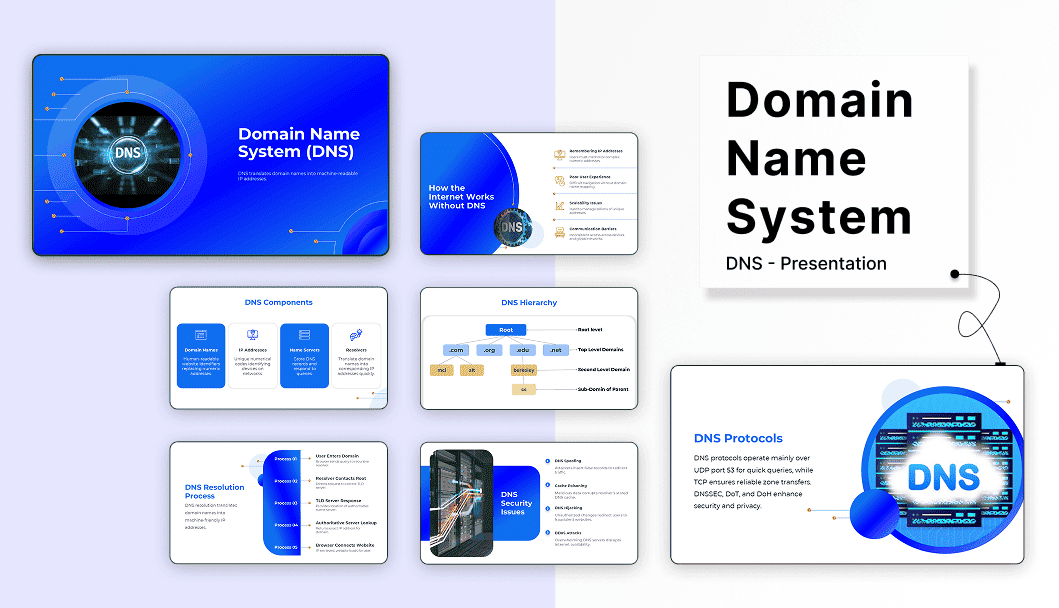
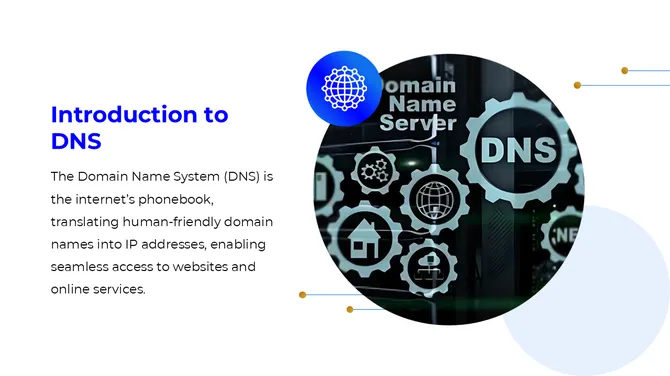
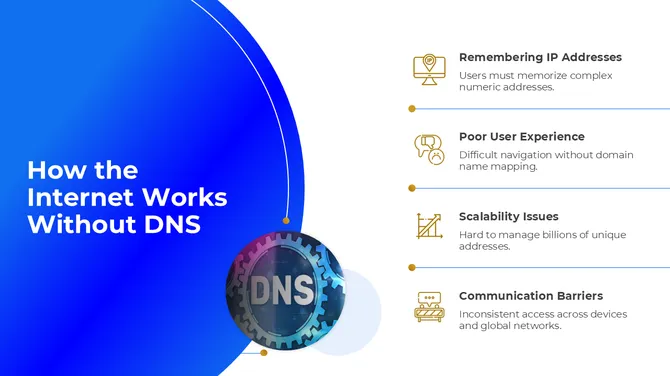
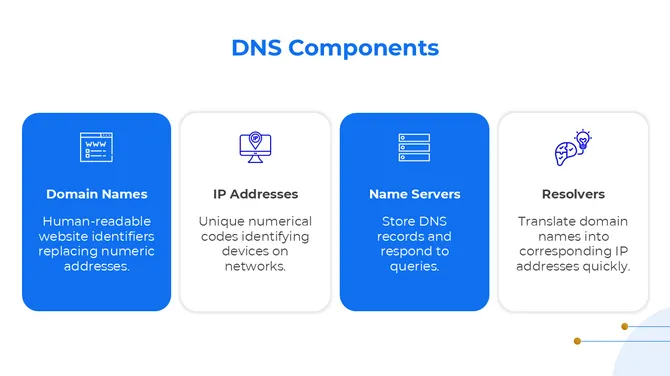
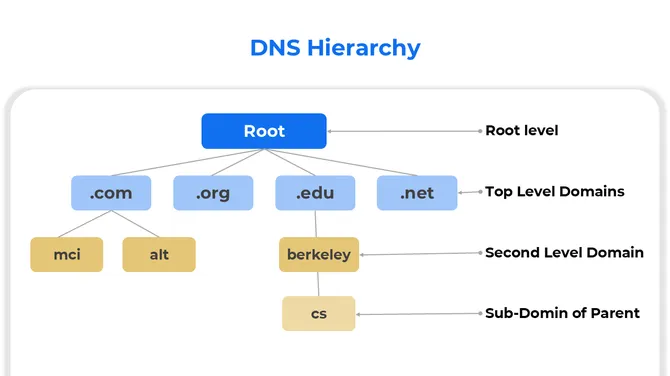

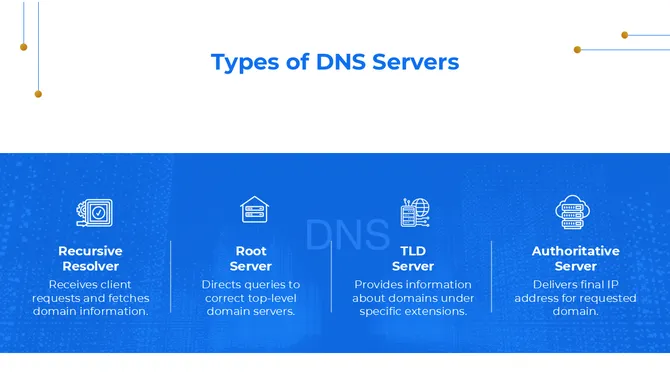
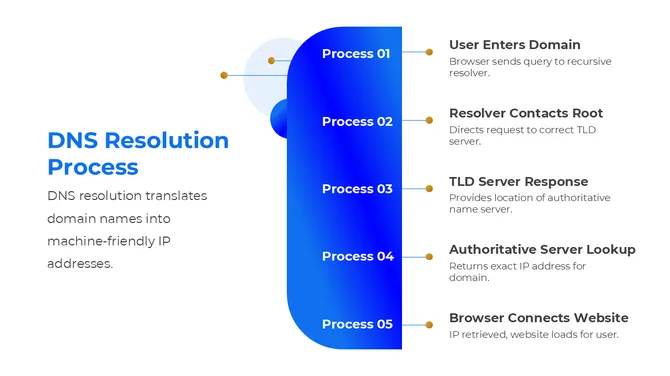
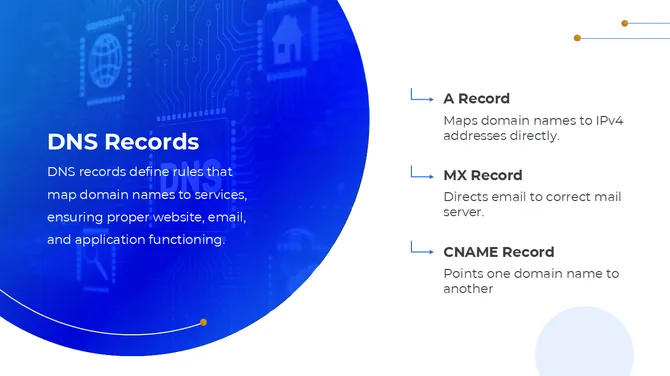

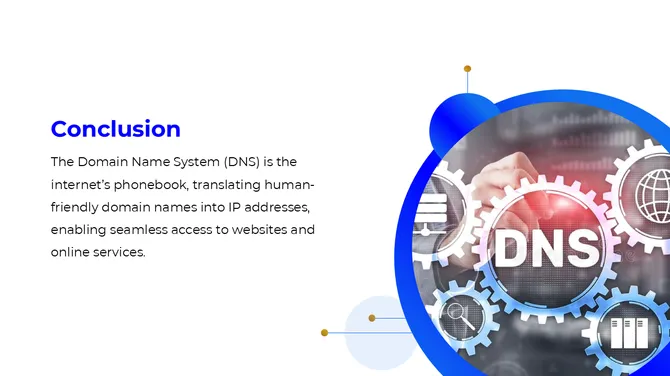

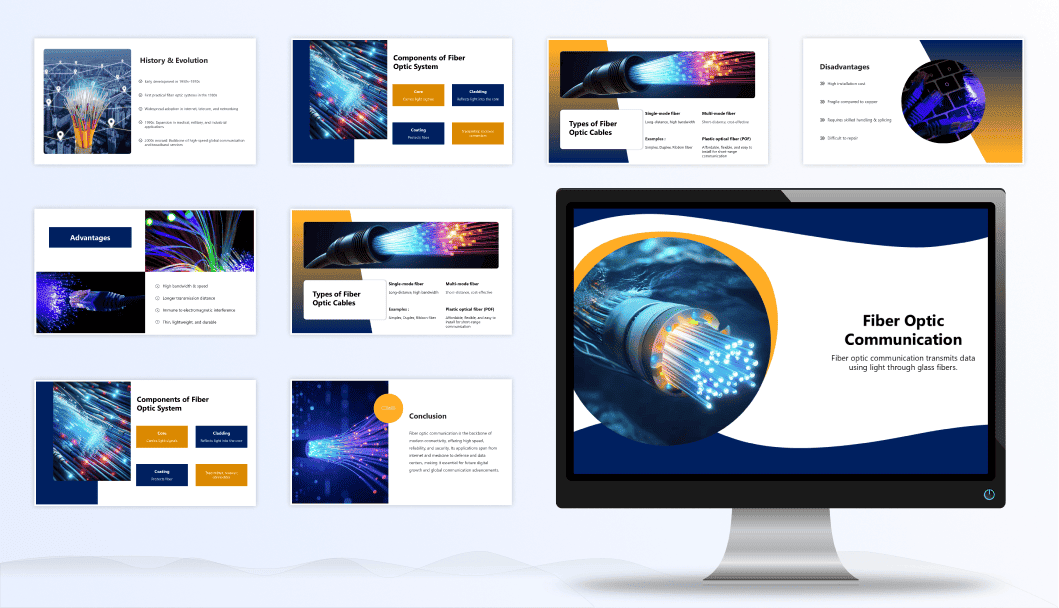
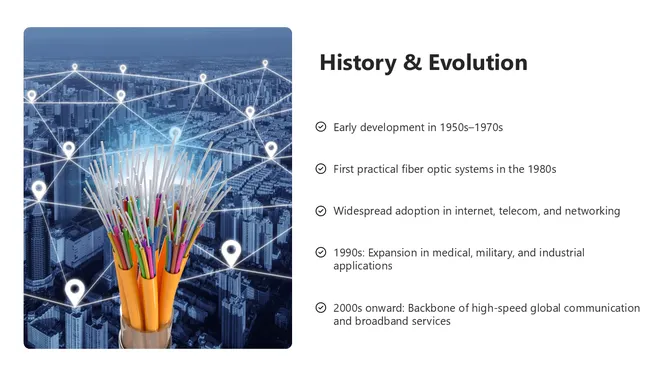
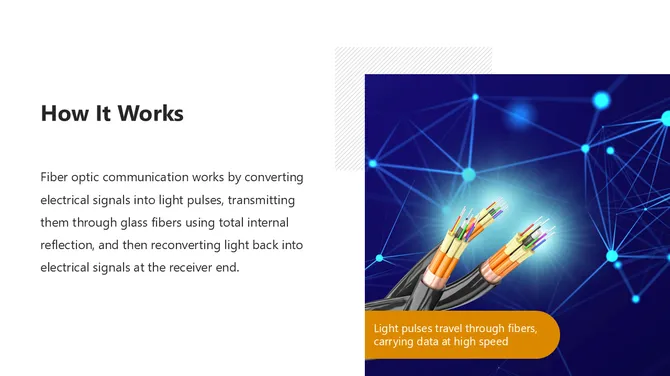
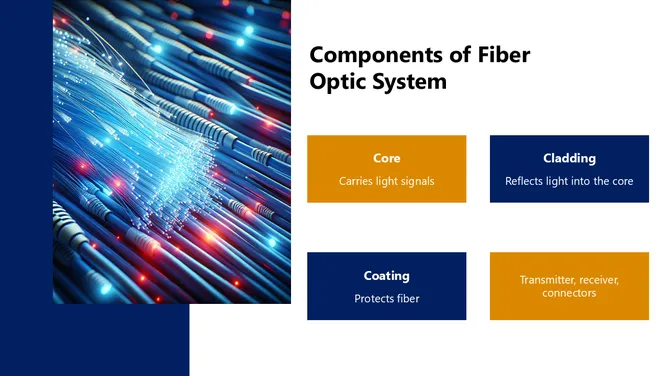
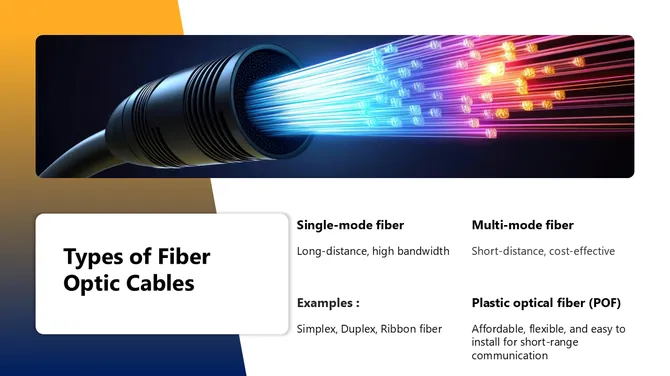
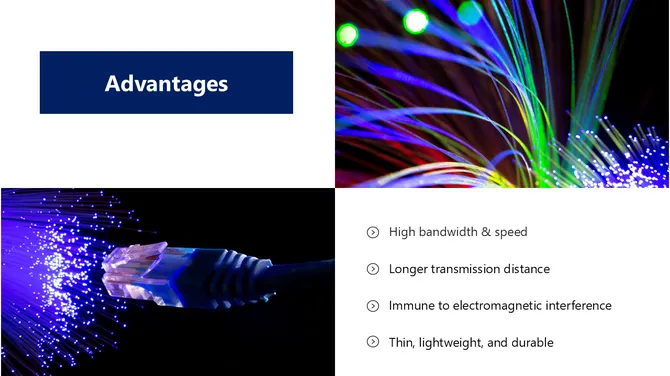
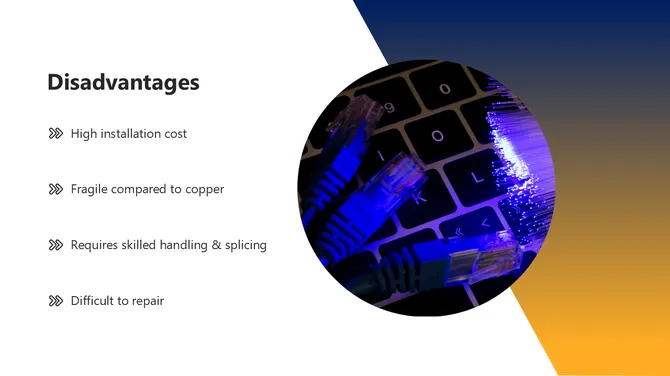
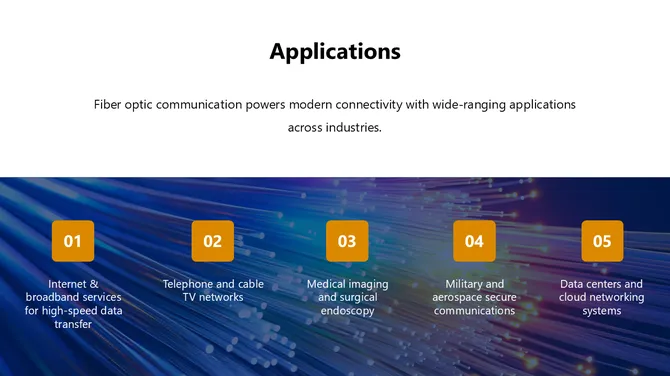
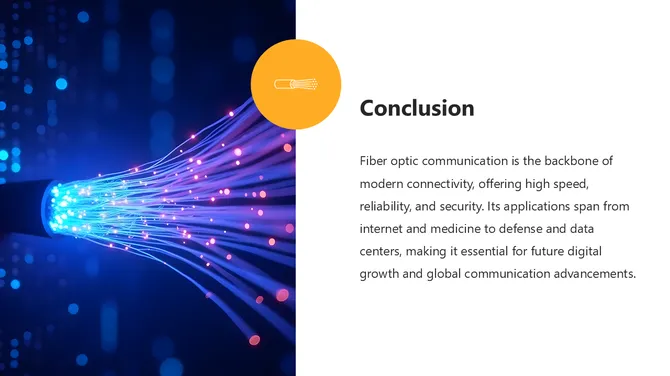

A 22-slide Wi-Fi presentation template covering wireless connectivity, Wi-Fi standards, frequency bands, security protocols, daily applications, troubleshooting, and future trends.
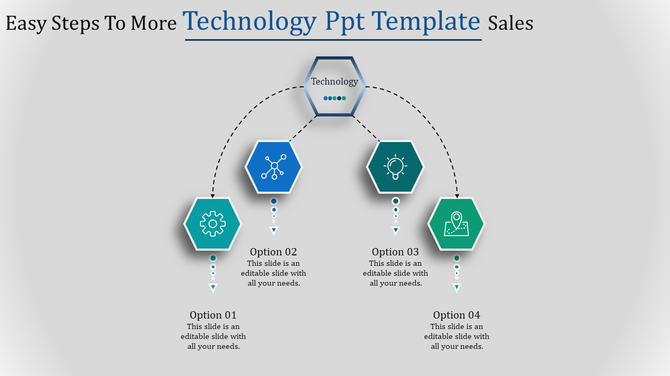
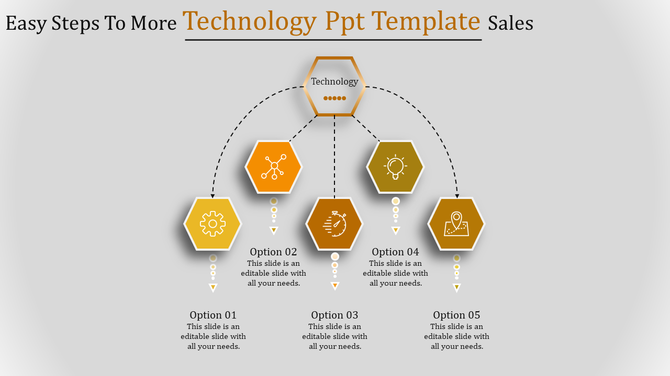
Free Technology PowerPoint Templates for Every Use Case
AI & Machine Learning Templates
Cloud Computing & Infrastructure Templates
Cybersecurity & Data Privacy Templates
Zero-trust architecture, threat landscape overviews, incident response workflows, and compliance frameworks (GDPR, ISO 27001, SOC 2). Professional templates for security teams, auditors, and board-level reporting.
Who These Templates Are For
Themes for Everyone:
- General technology: We have slides for various tech topics, including Open AI Chat GPT, Google Bard AI Chatbot, 5G technology, and more
- Specific areas: Explore themes like mobile apps, smart cities, cloud services, and more.
- Special events: Find slides related to technology celebrations like National Technology Day, World Amateur Radio Day, National Telephone Day, tech conferences, and more.
Why Choose SlideEgg Technology Templates
1700+ templates covering AI, cloud, IoT, networking, robotics, and emerging technologies
Free download: no account required for free templates
Fully editable: change colors, fonts, diagrams without design skills
Triple format: every template in PowerPoint and Google Slides
Updated weekly: new templates added based on trending tech topics
How Can Our Slides Help?
Why Choose Our Tech Theme PPT Slides?
- Eye-catching designs: Modern layouts, creative infographics, and stunning HD images.
- Easy to customize: Change colors, fonts, and layouts to match your brand or presentation style.
- Editable graphics and text: Add your own content, data, and images with ease.
- Multiple formats: Available in both PowerPoint and Google Slides, with options for different sizes and orientations.
- Free and paid options: We offer a library of free slides and premium collections with even more features.
Benefits of Using Our Technology Slide Templates:
- Save time and effort: No need to start from scratch, simply customize our ready-made slides.
- Look professional: Make a good impression with polished and visually appealing presentations.
- Focus on your content: Spend less time on design and more time crafting your message.
Related Collections

Artificial Intelligence PowerPoint Templates
240+ Templates
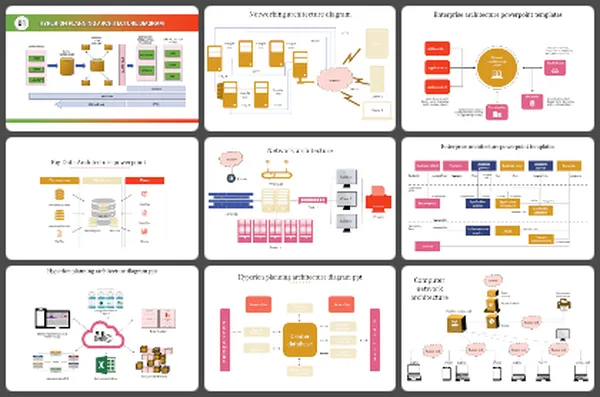
Networking PowerPoint Templates
300+ Templates
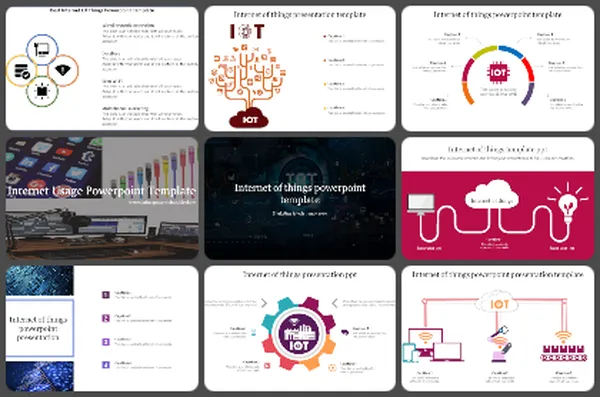
Internet of Things Diagram PowerPoint Templates
60+ Templates
Mobile Phones PowerPoint Templates
200+ Templates
Cloud Computing PowerPoint Templates
190+ Templates
Robot PowerPoint Templates
60+ Templates
Virtual and Augmented Reality PowerPoint Templates
80+ Templates
Computer Infographics PowerPoint Templates
70+ Templates
Frequently Asked Questions
Are these technology PowerPoint templates free to download?
Yes, most templates in this collection are free. Free templates are marked with a 'Free' badge and can be downloaded immediately without creating an account. Premium templates require a SlideEgg subscription and include additional slides, higher resolution previews, and commercial use rights.
Do these templates work with both PowerPoint and Google Slides?
Yes. Every technology template on SlideEgg is available in both PowerPoint (.pptx) format and Google Slides format. When you click a template, you can choose your preferred platform before downloading. The design, layout, and editable elements are preserved in both formats.
Can I use SlideEgg technology templates for commercial presentations?
Yes. SlideEgg technology templates are free of license and can be used by students, educators, individuals, and professionals. You can also use them for commercial purposes, including client presentations, investor decks, business meetings, professional training materials, and corporate reports.
I have a 10-minute slot but so much to explain. What do I prioritize?
Forget trying to explain everything. Focus on: What problem are you solving? How does your tech solve it? Why should they care? That's it. Everything else is optional. If you nail these three things in 10 minutes, you've done your job. Don't try to cover everything.
I'm showing a live demo and need slides that support it, not compete with it. What should my slides look like?
Keep slides minimal. Use them to set context before the demo, then let the demo speak. After the demo, use slides to summarize what people just saw. Your demo is the star. Slides are the supporting actor. Don't overload slides with information when you're demonstrating.
How do I explain abstract concepts like AI, blockchain, or microservices visually?
Use analogies first. Don't start with the technology. Start with something relatable your audience knows. Then show how your technology works like that analogy. Real-world examples make abstract concepts understandable. That's the bridge people need.