2700+ Process Presentation Templates

Explaining processes with words is hard. People hear the steps but don't see how they fit together. Process diagrams organize your workflow visually. Arrows show flow. Stages are clear. Everyone understands the same thing.

Got a Unique Idea? Craft with AI
PRO
Credits left : 0
Add to Wishlist
Download
AI Customize
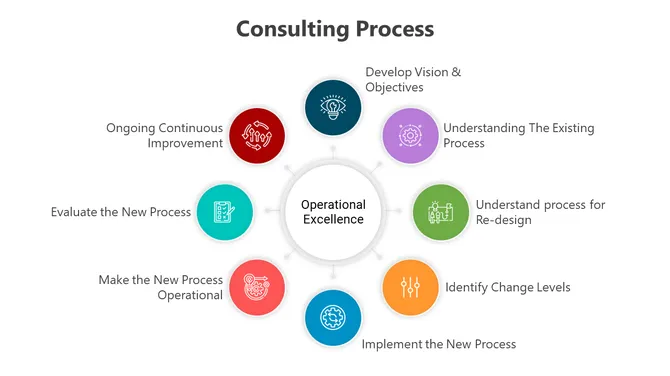
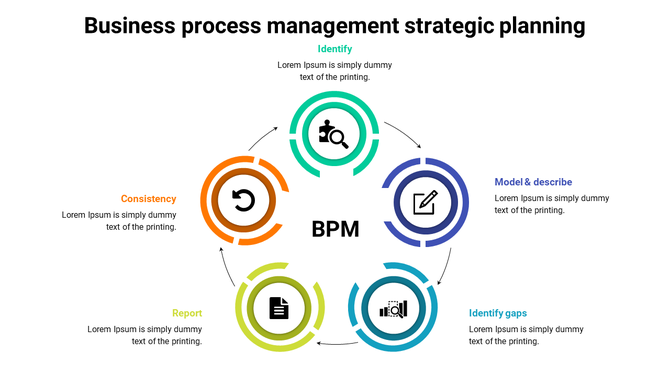
Cycle diagram showing steps in business process management, with colorful icons for each phase.
Add to Wishlist
Download
AI Customize
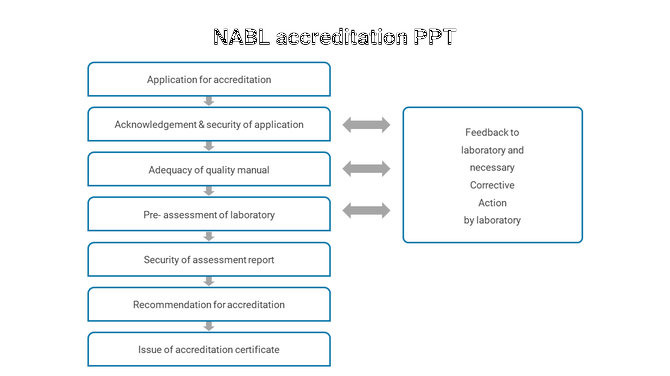
NABL accreditation process with key stages like application to assessment and corrective action feedback.
Add to Wishlist
Download
AI Customize
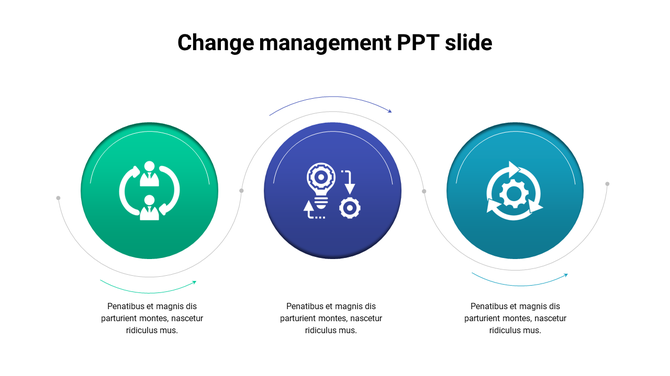
Change management slide showing three stages represented by icons collaboration, innovation, and continuous improvement.
Add to Wishlist
Download
AI Customize
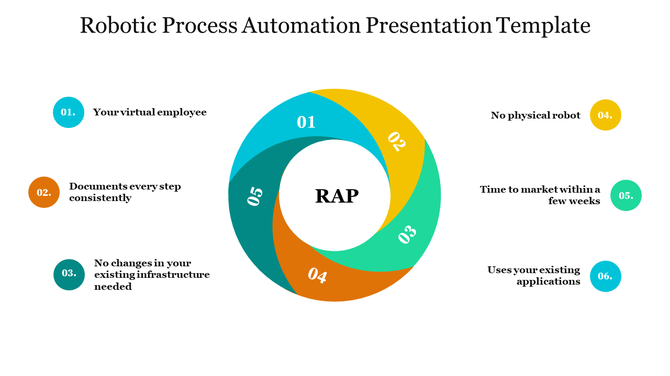
Circular diagram for robotic automation process with six segments, each numbered and paired with  text boxes on the sides.
Free
Add to Wishlist
Download
AI Customize
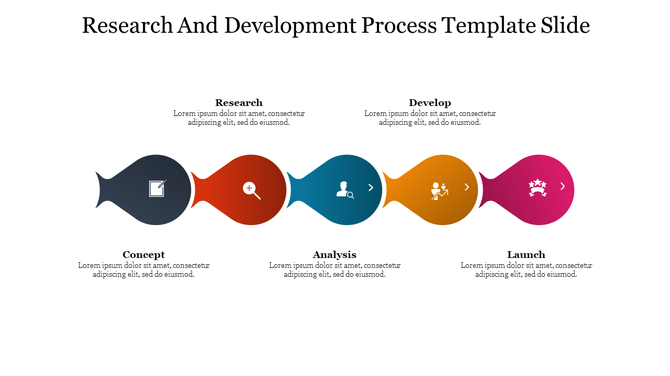
Slide with colorful teardrop shapes in black, red, blue, orange, and pink, each containing an icon to represent a process.
Add to Wishlist
Download
AI Customize
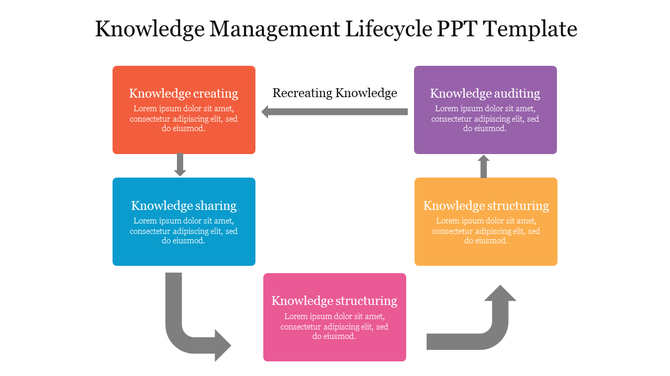
Colorful knowledge management lifecycle slide featuring key stages like knowledge creation and sharing with placeholder text.
Add to Wishlist
Download
AI Customize
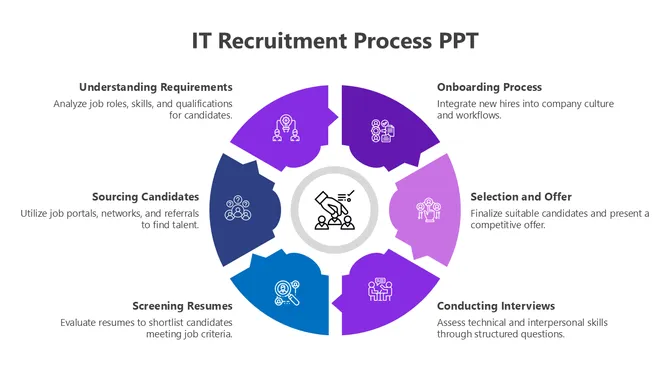
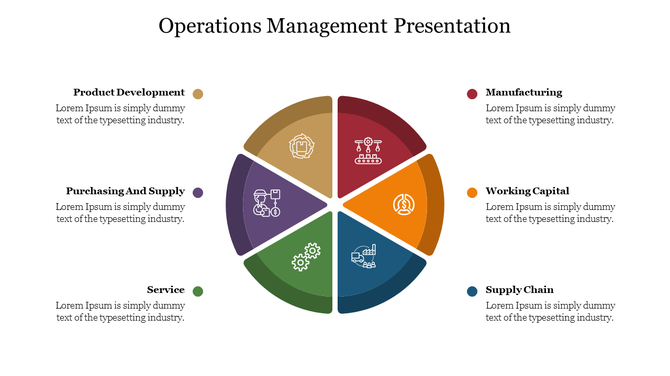
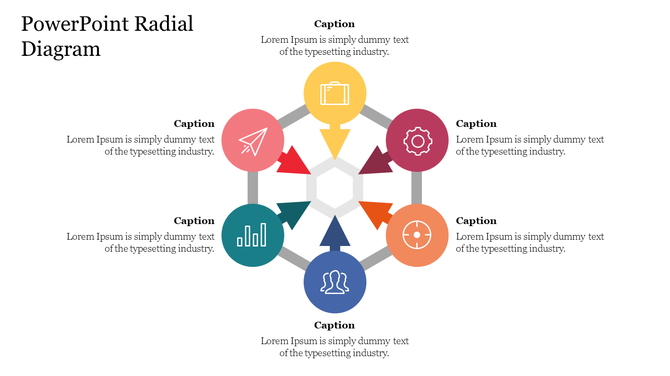
Circular pie chart divided into six colorful segments, each containing an icon, with captions around it.
Add to Wishlist
Download
AI Customize
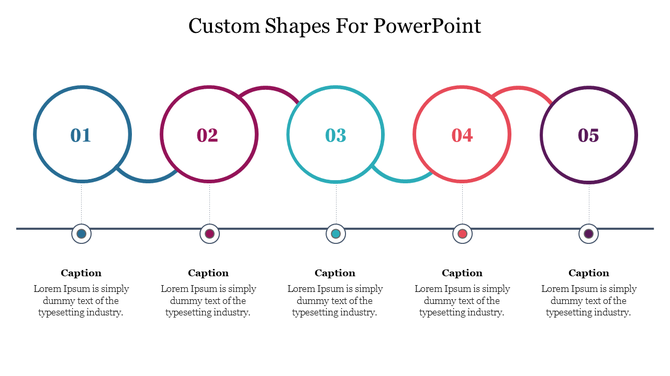
Infographic of five colored connected circular steps in a horizontal line, displaying numbered steps with captions below.
Add to Wishlist
Download
AI Customize
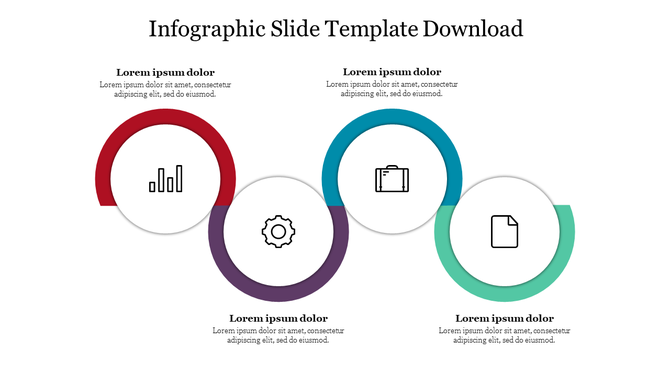
Infographic template featuring four colored rings each with a central icon: bar chart, gear, briefcase, and file.
Add to Wishlist
Download
AI Customize
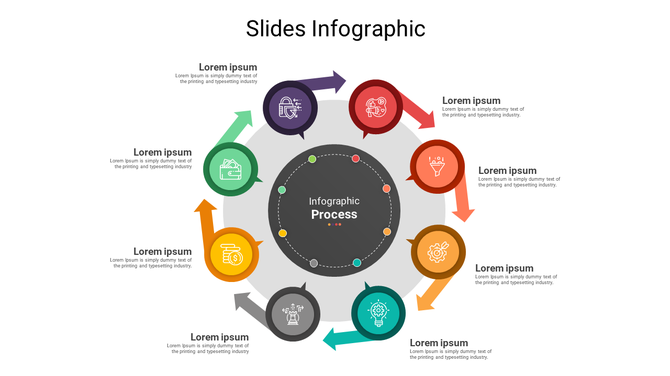
Infographic design in a circular format, featuring eight colored arrows labeled with icons and placeholder text.
Add to Wishlist
Download
AI Customize
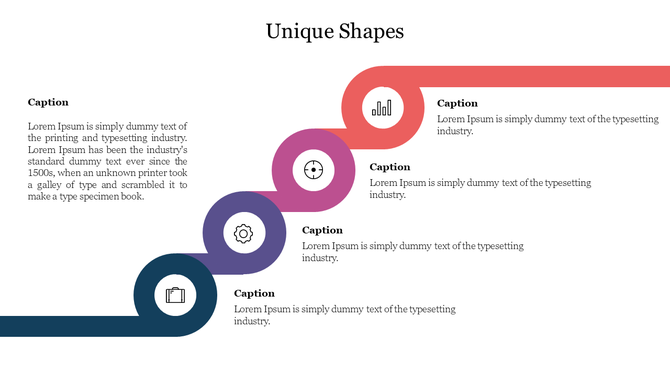
Unique shapes slide featuring circular icons in green, purple, pink, and orange, in a curved layout.
Add to Wishlist
Download
AI Customize
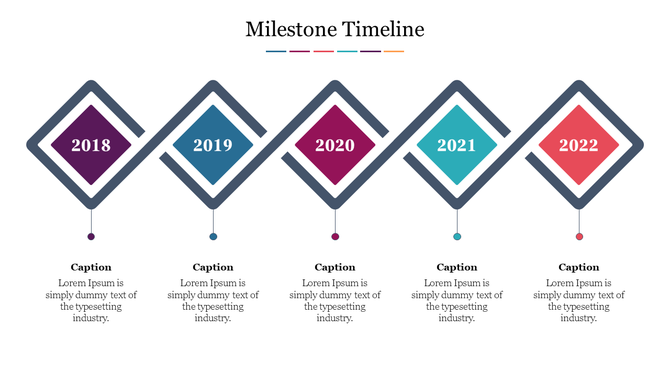
Milestone timeline PPT slide with colorful diamond shaped markers for the years 2018 to 2022, each with a caption.
Add to Wishlist
Download
AI Customize
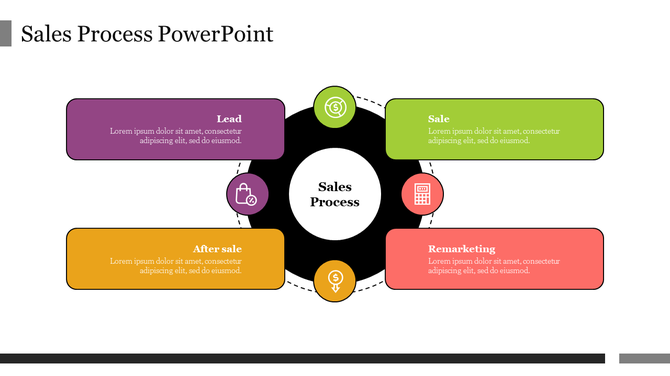
Circular diagram with four colored rectangular shapes in green, orange, yellow, and purple, around a black center.
Add to Wishlist
Download
AI Customize
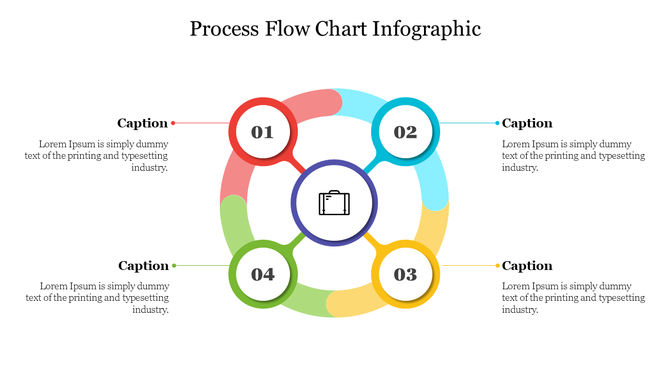
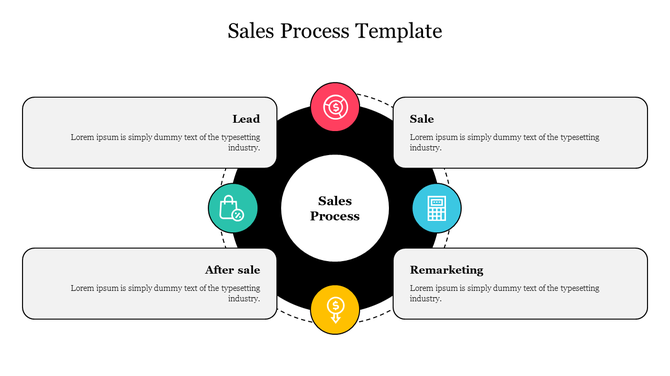
Sales process template featuring four connected stages around a central black circle each with a caption areas.
Add to Wishlist
Download
AI Customize
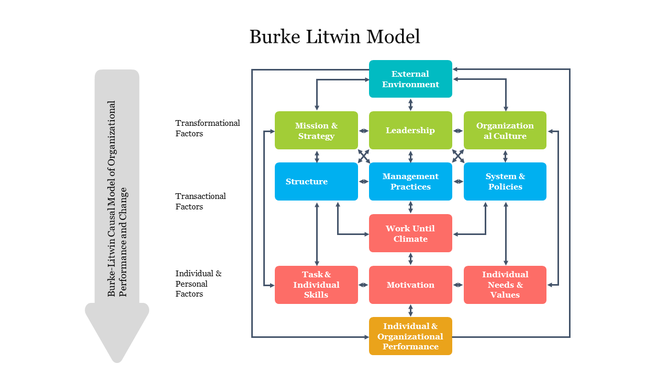
Colorful flowchart showing interconnected boxes representing the Burke Litwin model, connected by arrows.
Add to Wishlist
Download
AI Customize
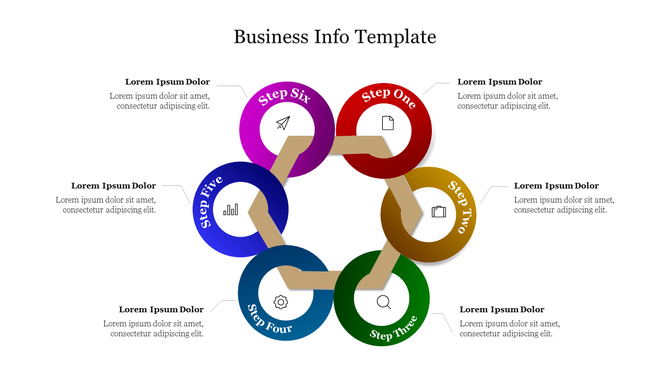
Colorful circular steps template for business information with icons and process with placeholder text on a white theme.
Add to Wishlist
Download
AI Customize
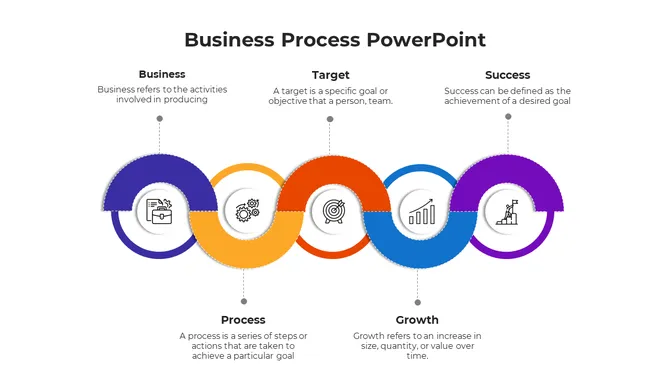
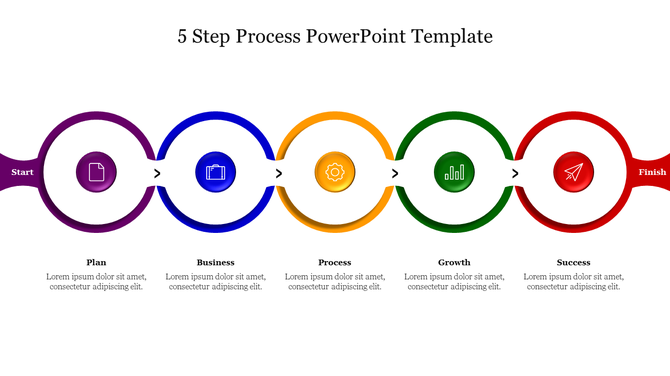
Five step process slide with circular icons connected by arrows, showing steps from plan to success with placeholder text.
Add to Wishlist
Download
AI Customize
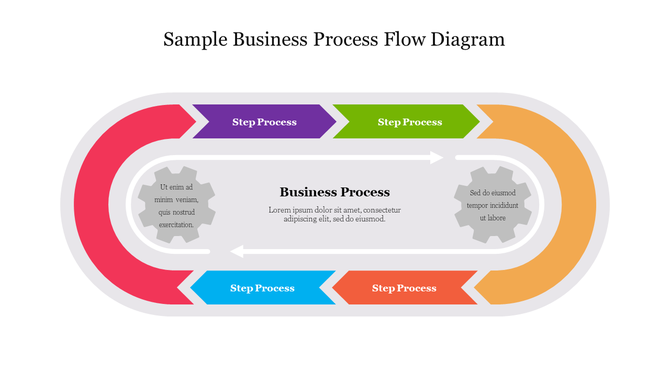
Business workflow slide with a looping track, featuring directional arrows, and steps in red, blue, green, and purple.

Free Process PowerPoint Templates And Google Slides Themes: Simplifying Communication


Why Presentations Matter for Processes

Presentations are like magic wands for explaining complex ideas. Imagine you’re baking a cake. Instead of handing someone a recipe book, you show them step-by-step pictures of mixing flour, eggs, and sugar. That’s what presentations do—they turn boring instructions into visual stories.

How Our Slides Can Help You

Our process presentation templates are like superhero capes for your ideas. They make your messages fly! Here’s why they’re awesome:

  • Multicolor Infographic Slides: Think of these as your canvas. They’re not just slides; they’re vibrant artworks. Use colors to highlight key points and keep your audience awake.
  • Editable Graphics and Text: Imagine a coloring book where you can change the colors, add your text, and even draw extra doodles. Our slides are like that—100% customizable.
  • Multiple Node Selections: Present processes, steps, and concepts effortlessly with required nodes.
  • Royalty-Free Goodness: No copyright issues! Our slides are yours to use without fear. 
  • Formats for All Occasions: Whether you’re presenting on a big screen or a tiny phone, we’ve got you covered. Choose 4:3 for classic vibes or 16:9 for widescreen. Portrait or landscape? Both orientations are available.
  • Free Slides: Some slides are freebies. Try them before purchasing.

Who Can Use Our Process Slide Templates?

Our slides can be used by different types of people. If you're a business wizard like a CEO or manager, these slides are for you. Students can use them to impress their classmates and teachers during project presentations. Teachers can make their lessons more exciting by using these slides. Event planners can add a touch of excitement to their event introductions and summaries. And if you're a creative person, whether you're a designer, marketer, or someone full of ideas, these slides can help you showcase your work effectively.

Themes You’ll Find Here

In our collection of process slides, you'll discover many different themes. We've got slides about pricing strategies, business strategy planning, supply chain management, sales and marketing strategies, etc. We also offer slides on generic themes, like photosynthesis, butterfly life cycles, etc. Need to illustrate ideas with flow diagrams? We've got arrows, boxes, and flowcharts—like GPS for your thoughts. 

Ready to Transform Your Presentations? Try our versatile, handy, editable process PowerPoint slides to tackle any presentation challenge.

Related Collections

Frequently Asked Questions

1. How do I choose which process to visualize first?

Start with the process that causes the most confusion or problems. Hiring? Customer onboarding? Manufacturing? Pick the one where miscommunication costs you time or errors. Visualize that first. Success there builds momentum for other processes.

2. What should every process diagram include?

Start point and end point. All major steps in order. Decision points (yes/no branches). Who does what at each step. How long each step takes. Where handoffs happen between people or departments. A clear visual makes these elements obvious.

3. How do I explain my process to new team members clearly?

Walk them through the visual diagram step by step. Point to each stage. Explain what happens and why. Have them trace the flow themselves. Ask questions to check understanding. Visuals speed up training because people see the whole picture before diving into details.

4. What's the best way to show process bottlenecks or problems?

Use color coding: green for smooth steps, yellow for slow steps, red for bottlenecks. Or add timing to each step — if it takes too long, flag it. Visual bottlenecks are obvious. Then you can discuss solutions with data, not opinions.

5. Should I include every tiny detail in my process diagram?

No. Include decision points and major steps. Skip minor tasks that happen within a step. Too much detail creates confusion, not clarity. Your diagram should be readable in 2-3 minutes, not require a manual to understand.

6: How do I update a process diagram when the workflow changes?

Document what changed and why. Update the diagram. Share it with everyone affected. Make it a habit to review processes quarterly. When processes change but diagrams don't, confusion returns. Keep visuals current.

7. How do I get buy-in for a new process from my team?

Show them the current process visually. Show them the new process visually. Point out differences. Explain why each change improves things. Let them ask questions. Visuals make the "before and after" obvious, so people understand the reasoning.