300+ Matrix Presentation Templates
You're evaluating multiple options against multiple criteria, but without a visual framework, it's all opinion and debate. Teams get stuck. Progress halts. A matrix shows how each option scores objectively across criteria, making decisions clear and defensible.
Editor's Choice (1 of5)
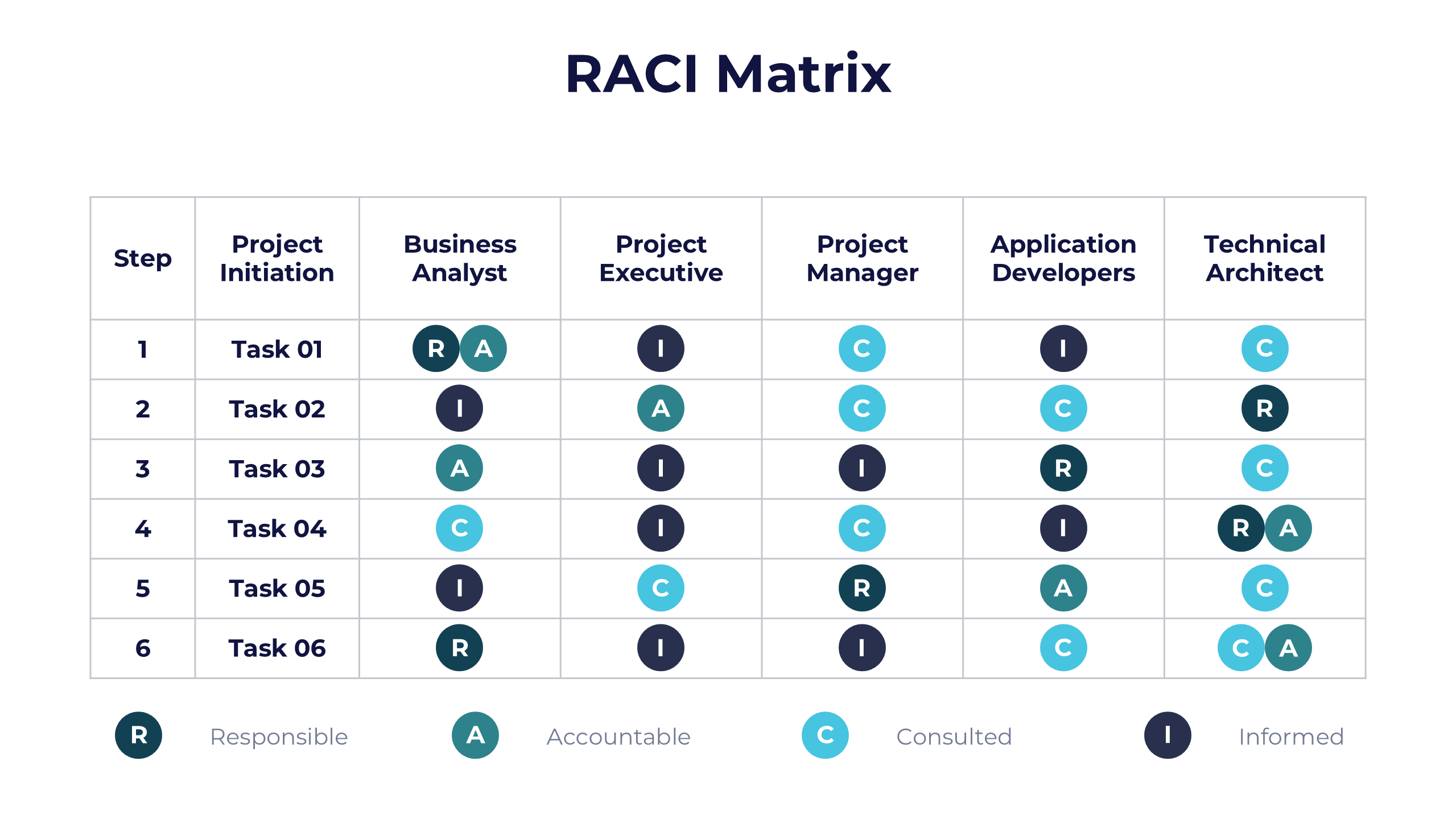
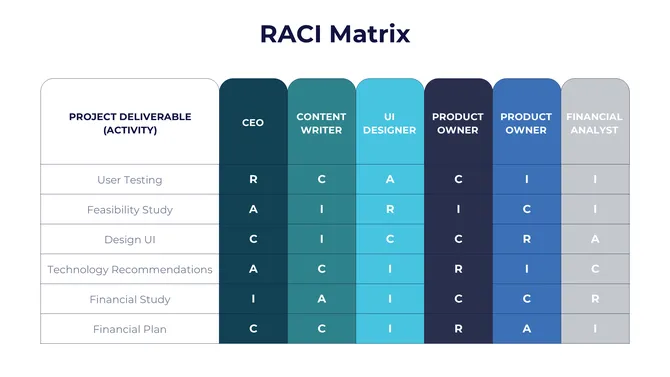
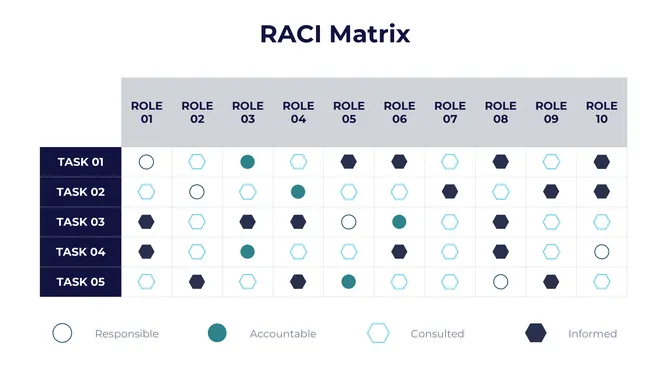
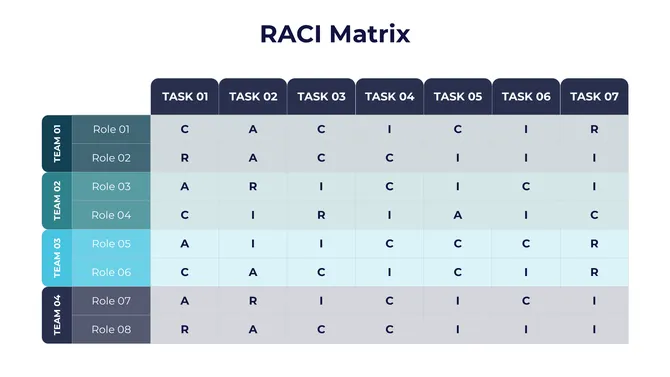
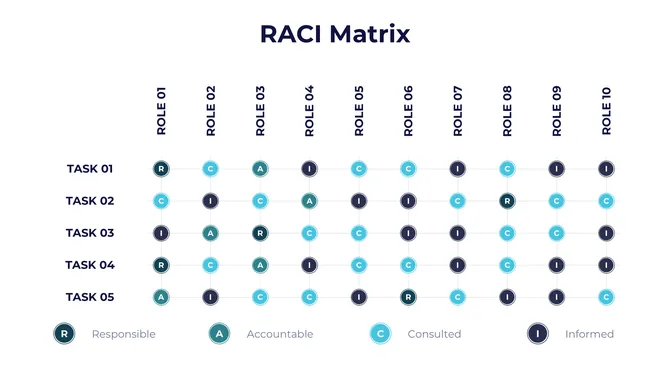
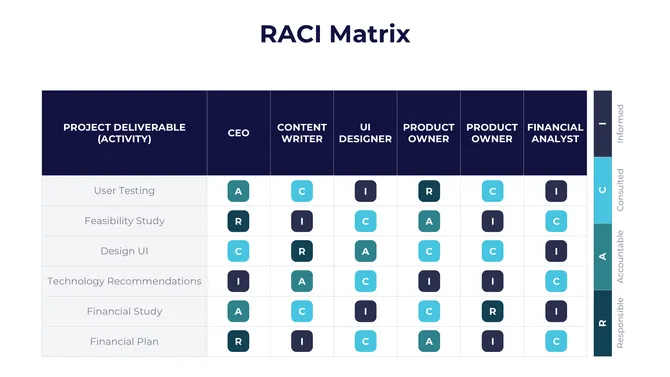
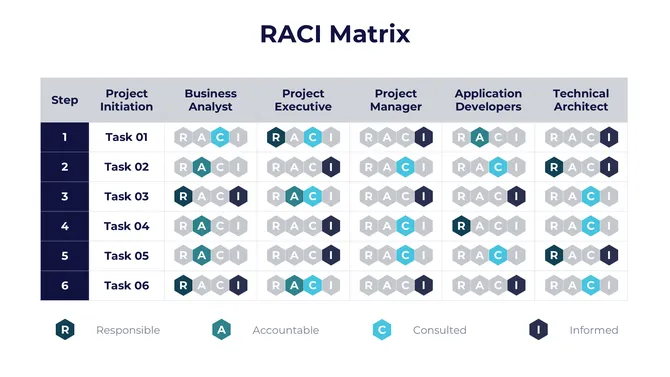
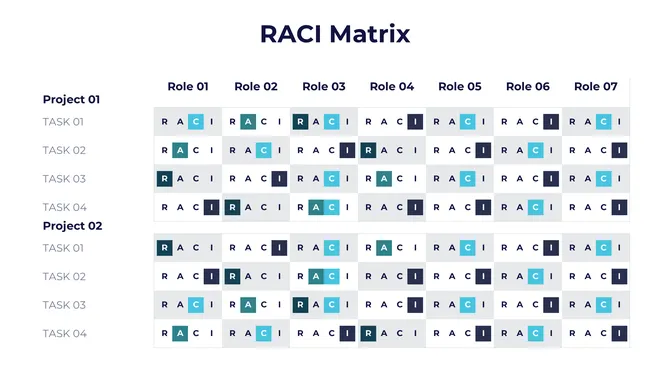


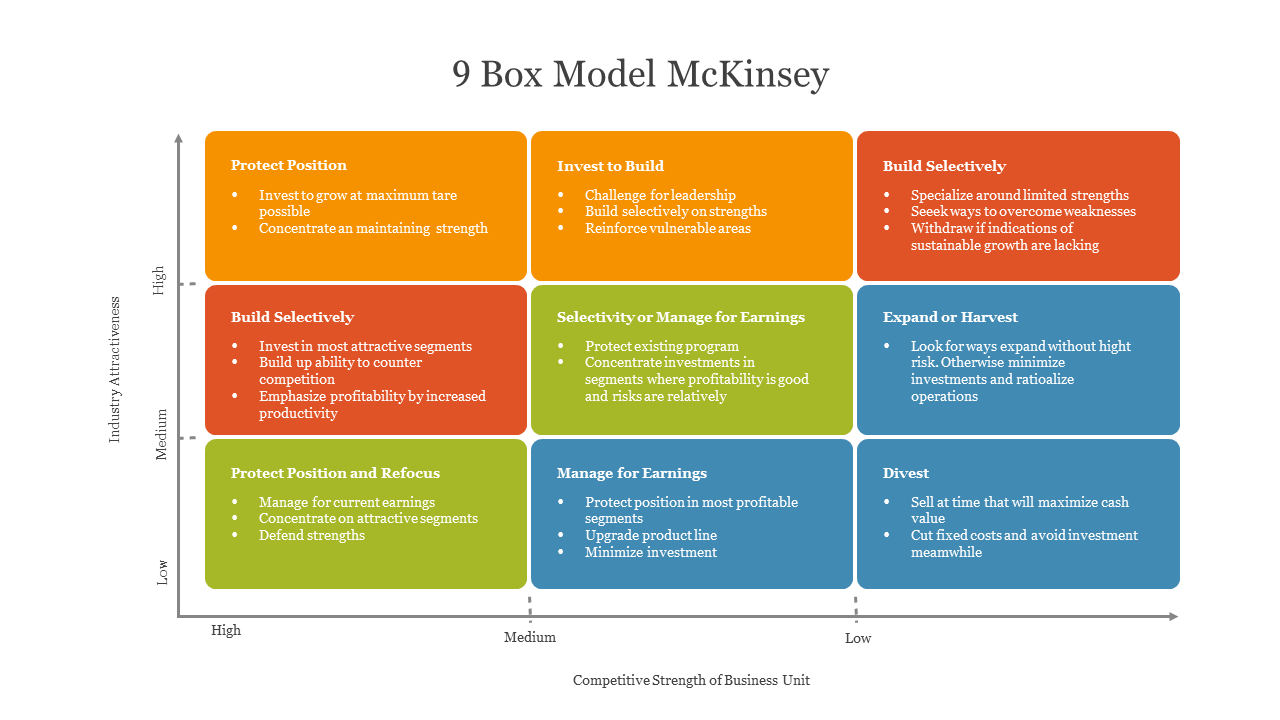
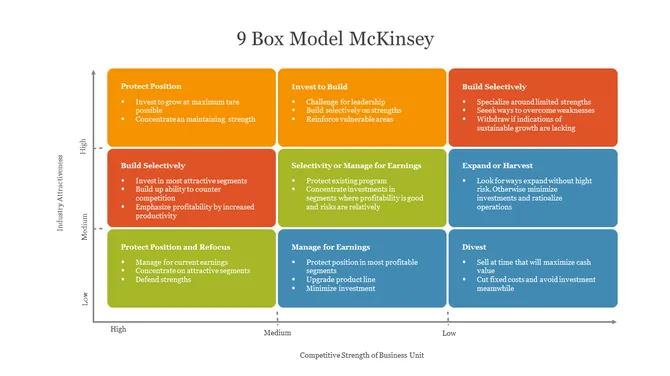
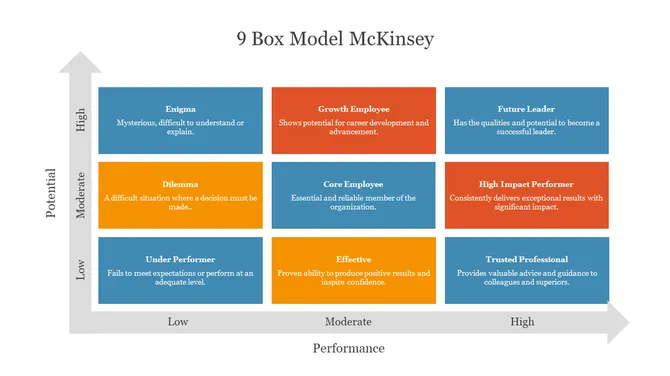
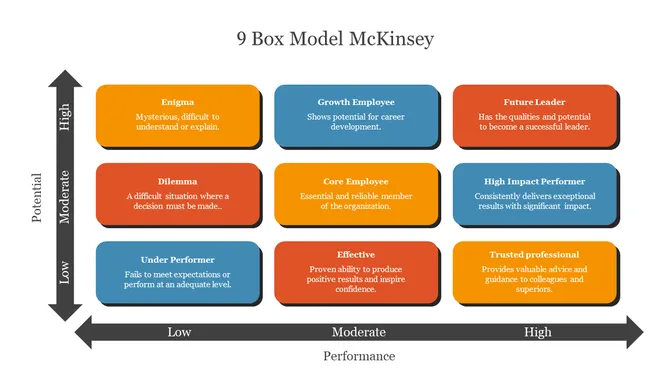
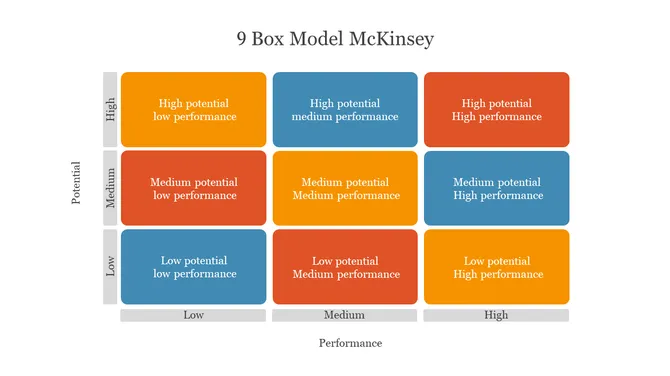

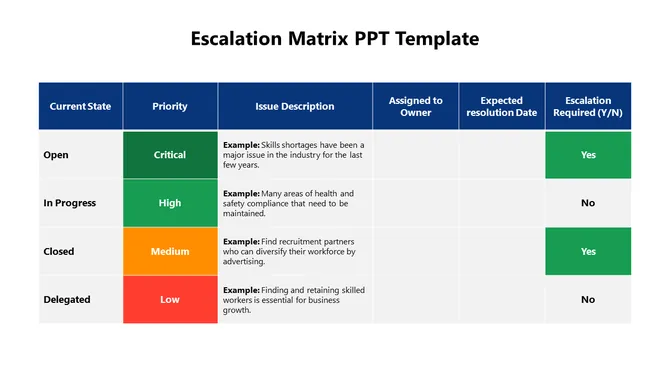
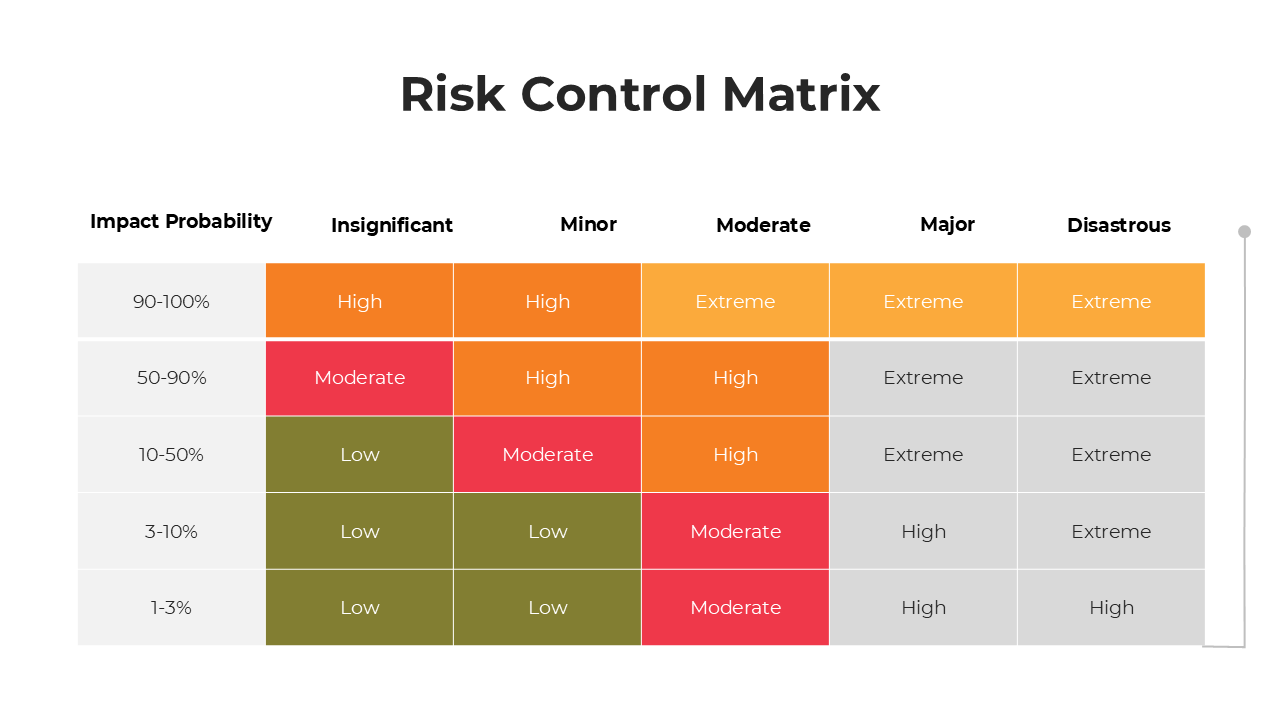
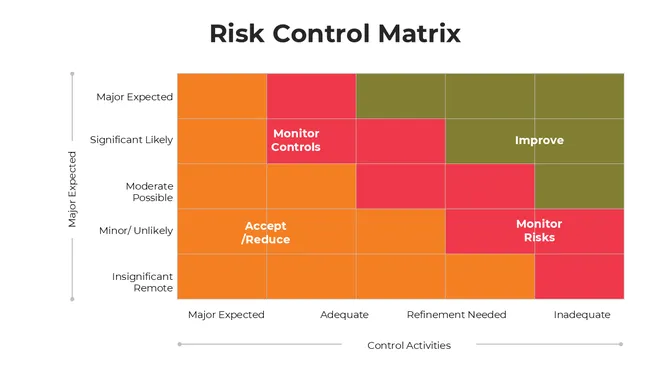
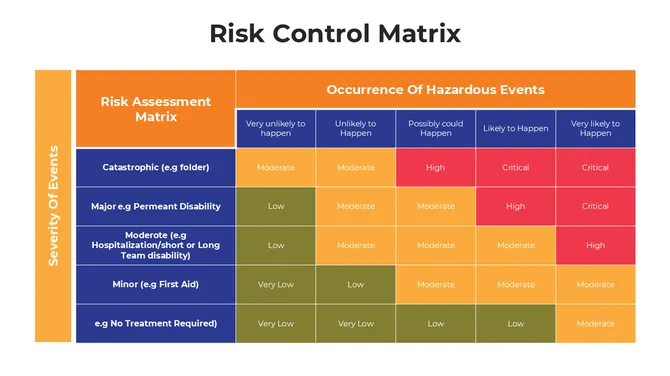


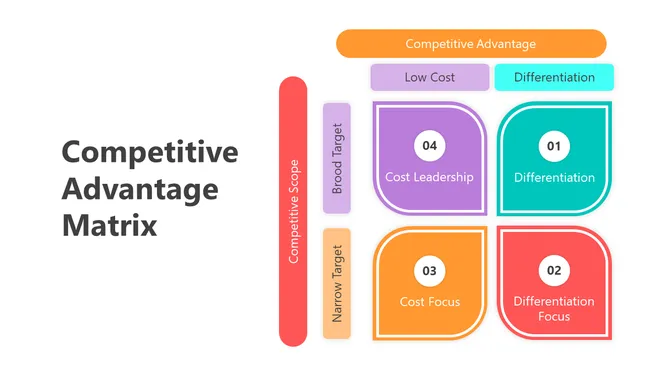
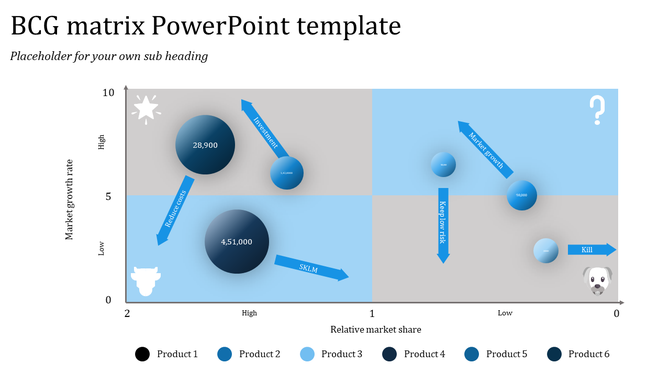
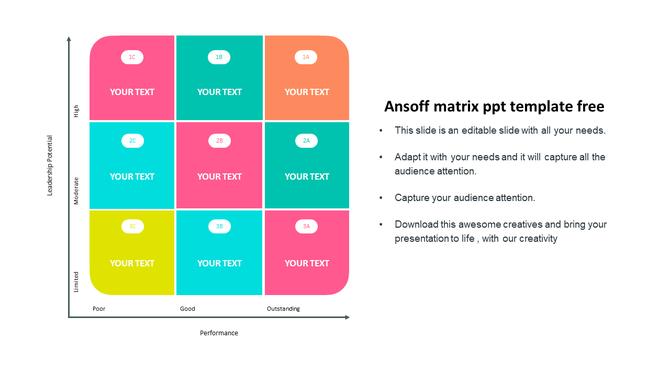
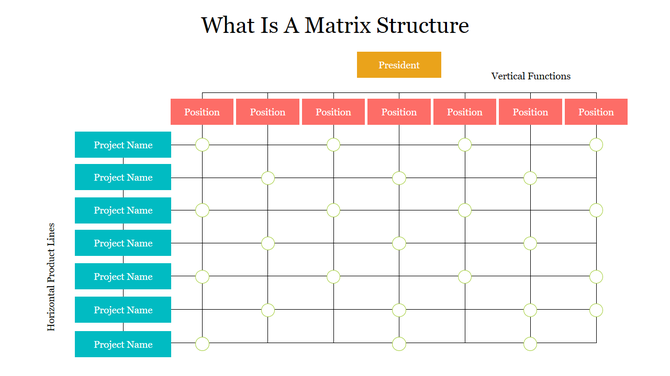
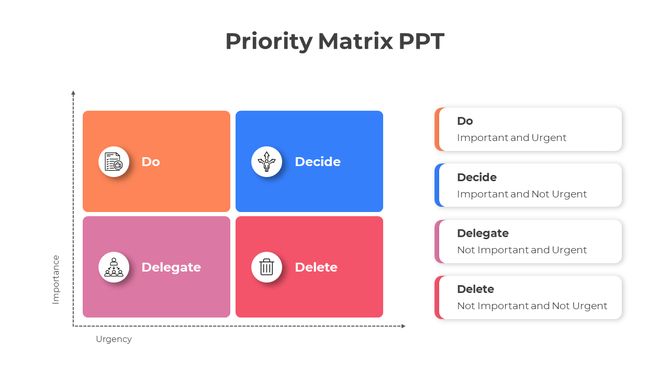
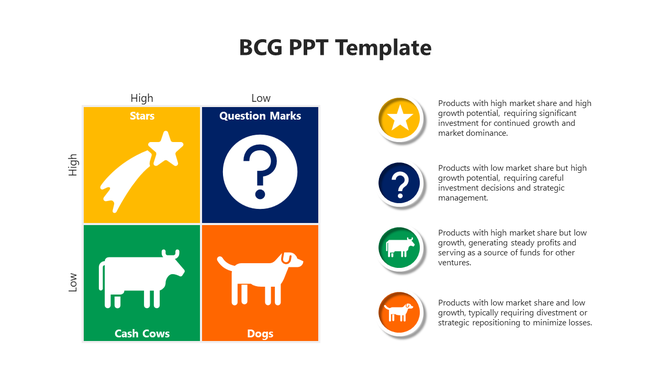
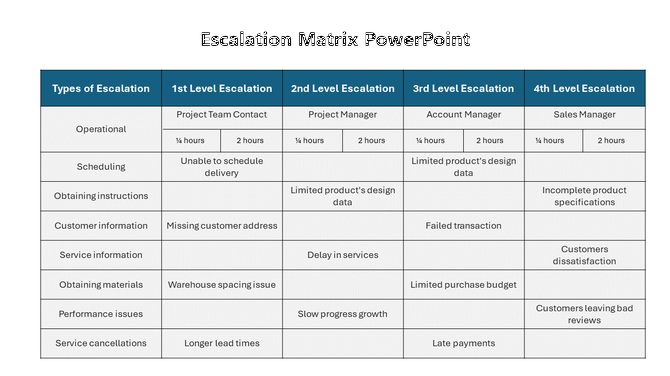
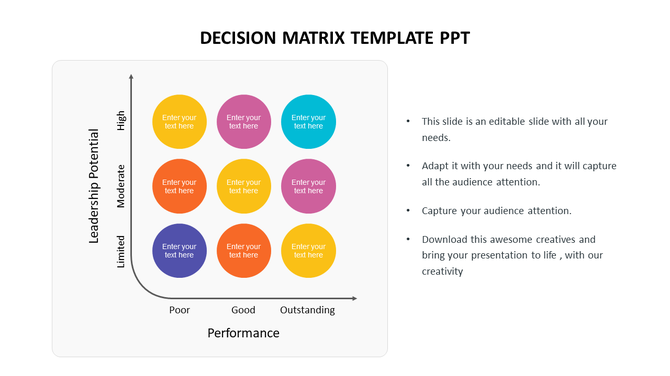
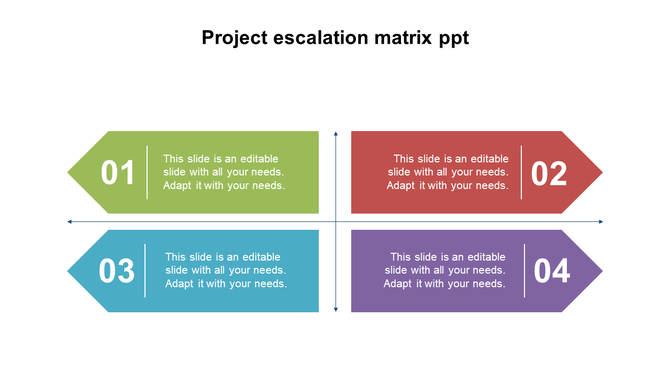
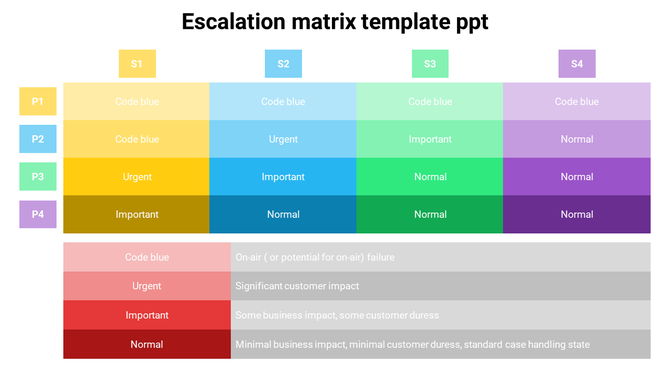
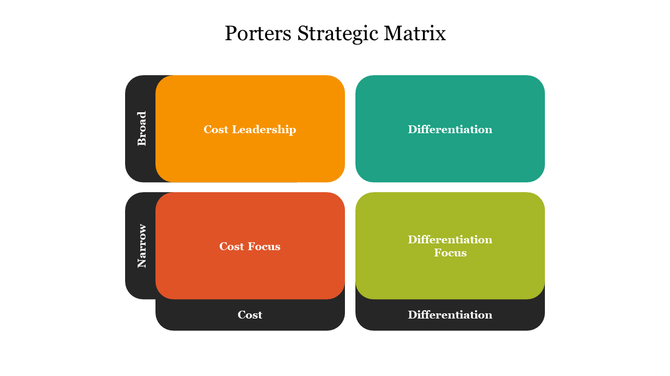
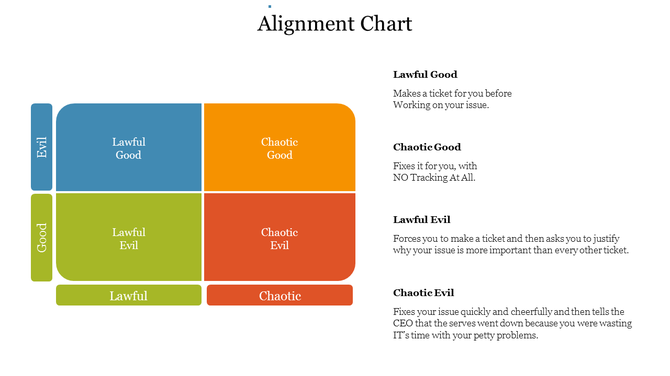
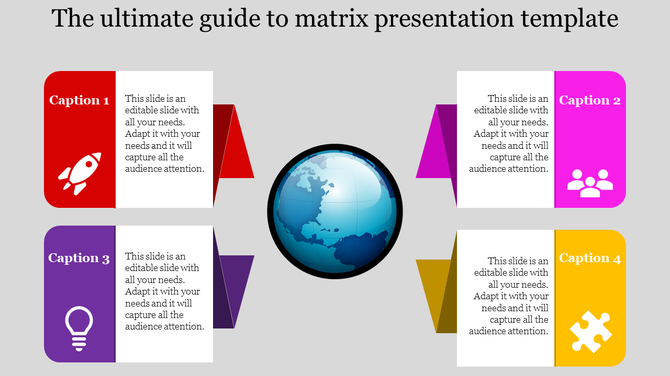
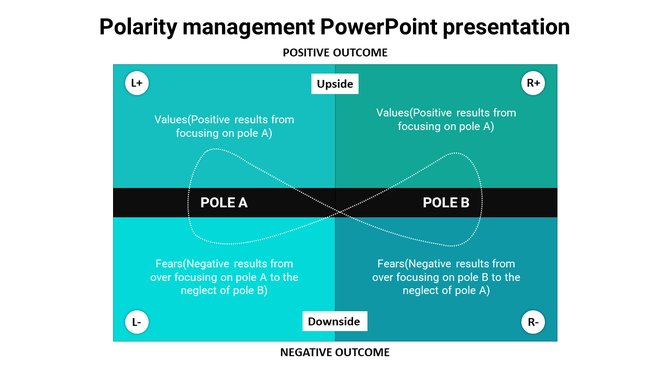
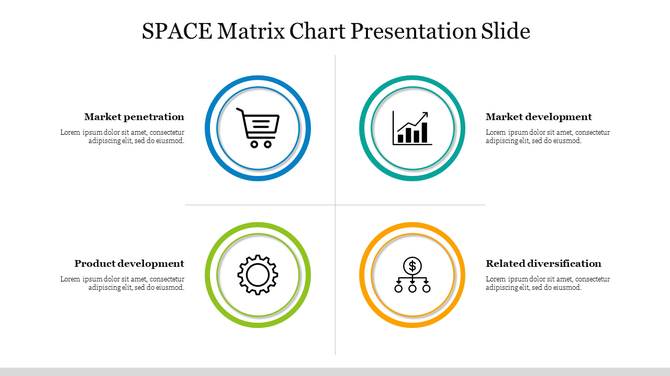
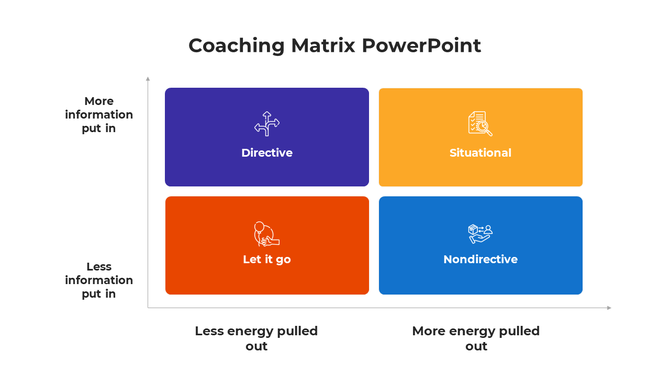
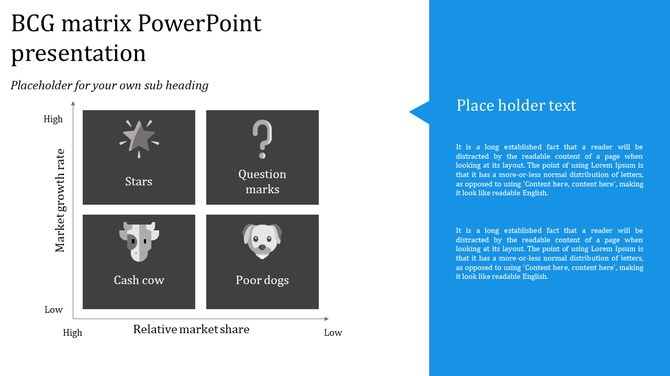
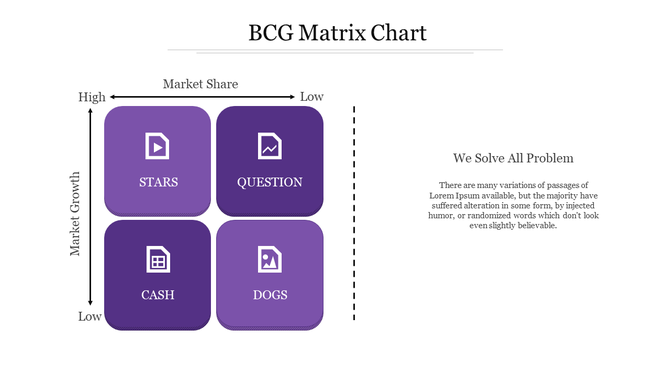
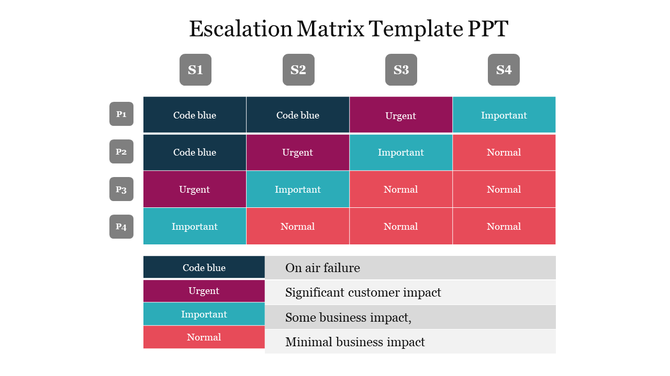
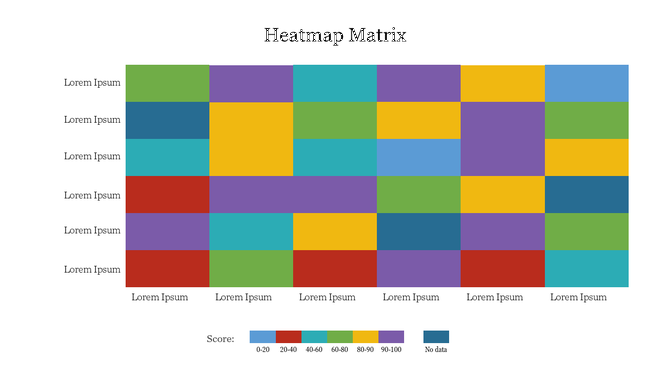
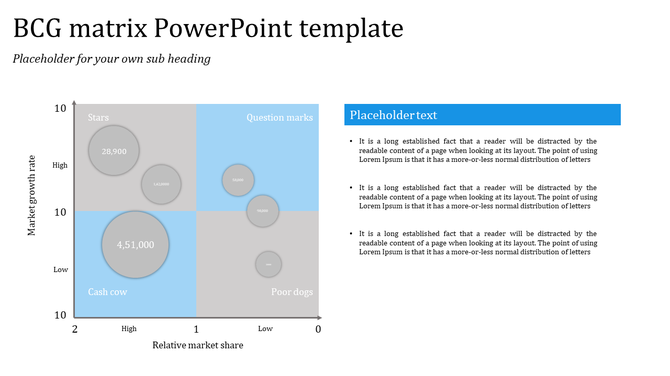
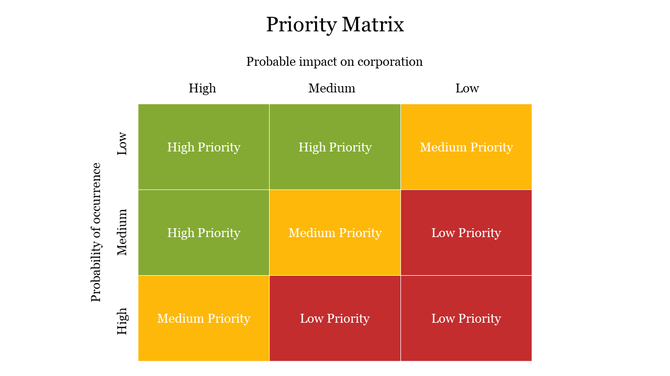
Make Your Presentations Stand Out with Eye-Catching Free Matrix PowerPoint Templates and Google Slides Themes!
- Variety of Designs: Find slides for different types of matrices, like BCG, ambition, Eisenhower, Quad chart, Escalation, Kraljic, Ge McKinsey, Moscow Method, Mekko chart matrix, urgent important matrix, Ulrich model, and more.
- Multiple Colors and Styles: Choose a design that matches your presentation theme.
- Easy to Edit: Change the text, colors, and graphics to fit your needs.
- Free and Paid Options: We offer both free and paid templates to suit your budget.
- Royalty-Free: Use the slides for any personal or commercial project.
- 100% Editable: Customize everything to match your specific needs.
- Multiple Formats: Available in both PowerPoint (PPTX) and Google Slides formats.
- Multiple Orientations: Choose between portrait and landscape layouts.
- Free Options Available: Try some of our templates for free before you buy.
Related Collections
Become an expert with SlideEgg

Frequently Asked Questions
1. Why do teams get stuck when evaluating options without a matrix?
Because without a structured framework, evaluation becomes opinion-based. Each person has a preference but no objective way to compare. Debate goes in circles. A matrix forces you to name criteria upfront and score each option against them. Suddenly there's a shared language and people can see why one option scores higher than another.
2. What's the difference between subjective debate and objective matrix evaluation?
Subjective: "I think this option is better because..." Objective: "This option scores 8/10 on cost, 7/10 on speed, 9/10 on quality — totaling 24 points. That option scores 6/10, 9/10, 5/10 — totaling 20 points." The matrix makes it visible. Numbers replace opinions. Teams see the reasoning, not just the conclusion.
3. How do I set up criteria that the team actually agrees on?
Start with what matters for YOUR decision. Cost? Timeline? Quality? Team fit? Risk? List 4-6 criteria maximum. Ask the team: "Are these the things that matter most?" If everyone nods, you have buy-in. If someone disagrees, that's when the real discussion happens — BEFORE scoring. Once criteria are agreed, scoring becomes much easier because everyone knows what you're measuring.
4. How do I prevent the matrix from becoming another opinion tool?
Define your scoring scale first: What does a "7" mean vs a "9"? Be specific. "Cost: 10 = under $10K, 7 = $10-20K, 4 = over $20K." Without definitions, scoring stays subjective. With them, scoring becomes almost mechanical. Different people will score differently, but the spread is visible. That's actually useful — it shows where disagreement lives.
5. What if the team strongly disagrees on which option should win?
That's valuable information. The matrix didn't fail — it revealed that you're optimizing for different things. Maybe some people weight cost heavily, others weight speed. The matrix makes that visible. Now you can have the REAL conversation: "Do we want the cheapest option or the fastest?" Not hidden behind opinions, but explicit and discussable.
6. How do I use a matrix to justify a decision to stakeholders?
Show them the framework and scoring. "We evaluated three options against these criteria: cost, timeline, quality, and team fit. Here's how each scored. This option won because it balanced all factors best." Stakeholders see the logic, not just the choice. They might disagree with the criteria or weights, but they understand your reasoning. That's defensible.
7. What if I'm the only one who thinks an option is good but the matrix says it's not?
The matrix is showing you something. Either your criteria are wrong, your scoring is off, or you're optimizing for something the criteria don't capture. Don't ignore the matrix — question it. "I still like this option. What am I weighing that the matrix isn't capturing?" Maybe you need a new criterion. Maybe you need to rescore. The matrix isn't the final word — it's a conversation tool.