1280+ Maps Presentation Templates

You're sharing something about places – teaching geography, showing sales territories, explaining a project location, planning an event. Your audience needs to visualize WHERE it is. Without a map, they're left imagining.

Got a Unique Idea? Craft with AI
PRO
Credits left : 0
Add to Wishlist
Download
AI Customize
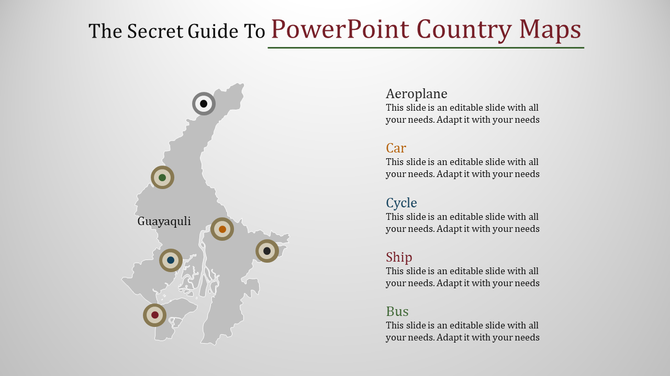
Gray country map with location markers labeled with transportation modes, paired with descriptive text on the right.
Add to Wishlist
Download
AI Customize
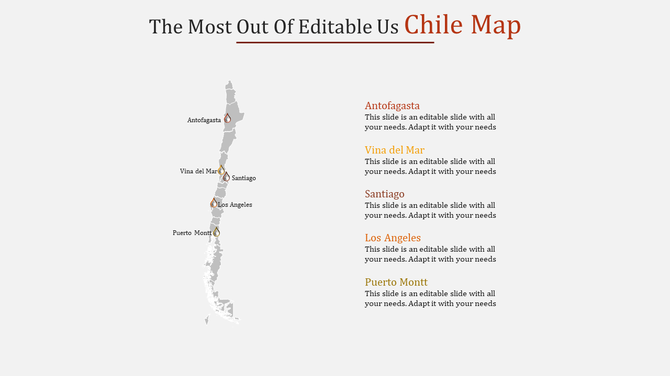
Chile map featuring city markers for Antofagasta, Viña del Mar, Santiago, Los Angeles, and Puerto Montt on the side.
Add to Wishlist
Download
AI Customize
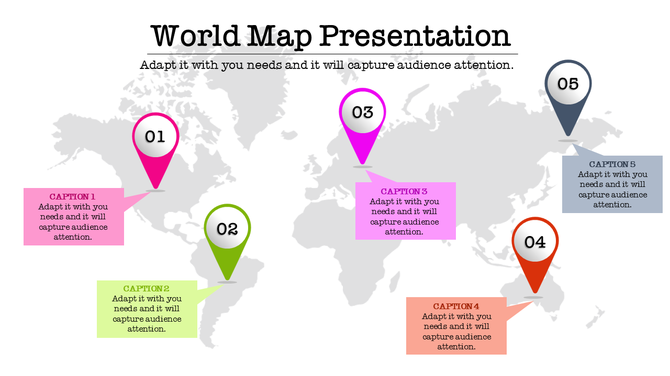
Gray world map with five numbered location pins in various colors, each with a text box below.
Add to Wishlist
Download
AI Customize
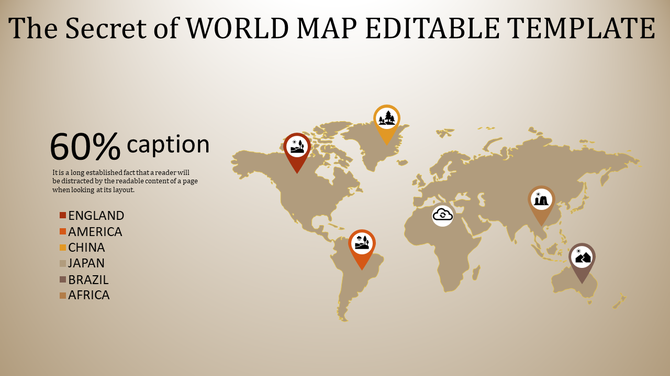
World map slide with location markers for countries from England to Africa, with a caption.
Add to Wishlist
Download
AI Customize
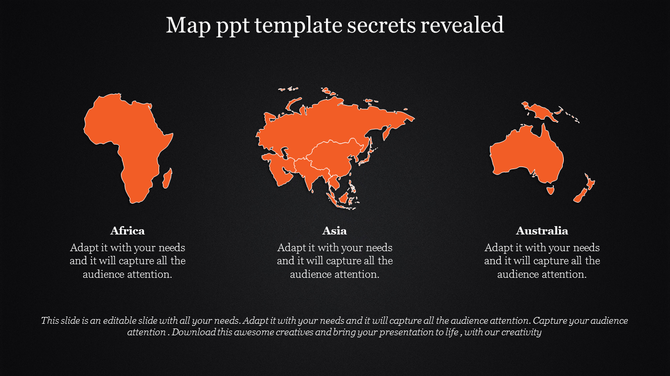
Map PPT template displaying Africa, Asia, and Australia with a text section on a dark backdrop.
Add to Wishlist
Download
AI Customize
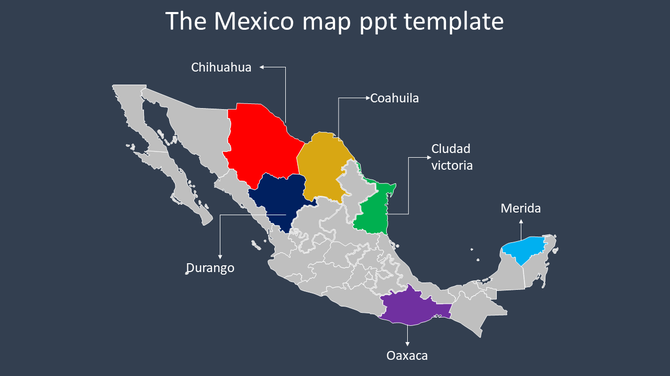
Mexico map with seven colored regions, with names pointing to the locations, set on a dark gray background.
Add to Wishlist
Download
AI Customize
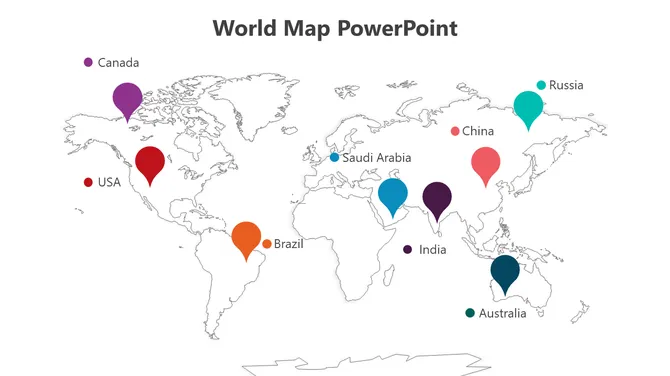
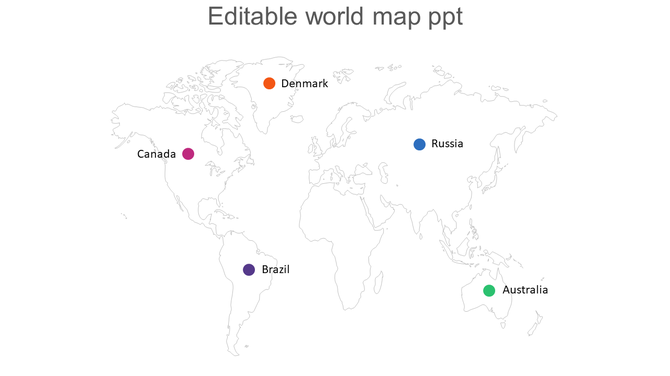
World map with five colored markers indicating locations for Canada, Denmark, Russia, Brazil, and Australia.
Add to Wishlist
Download
AI Customize
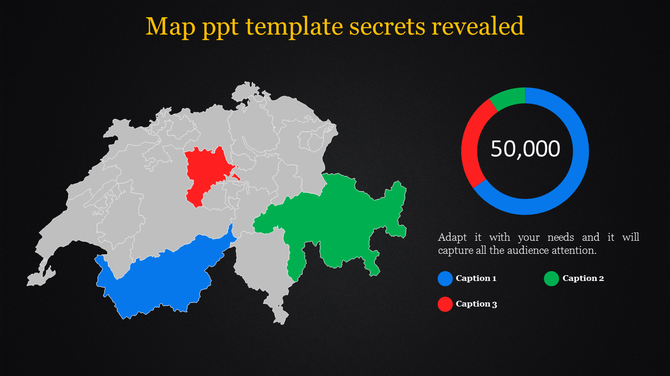
Gray map with red, green, and blue highlighted regions and a circular chart in matching colors on a black background.
Add to Wishlist
Download
AI Customize
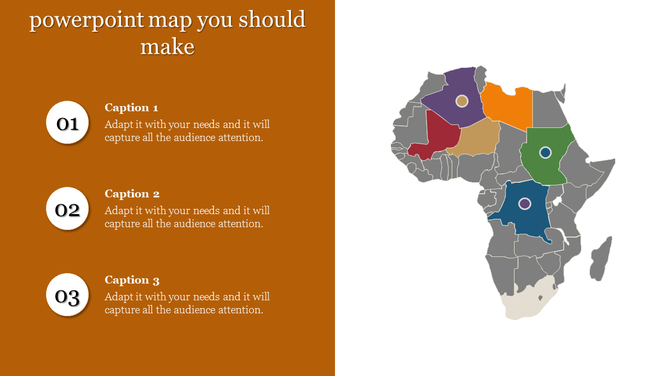
Africa map PowerPoint slide with colored regions and numbered sections for captions.
Add to Wishlist
Download
AI Customize
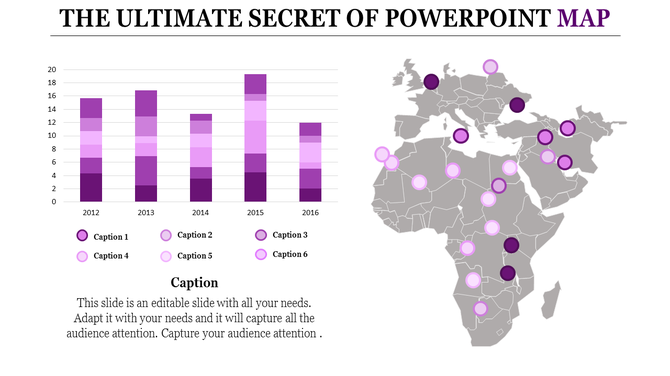
PPT template featuring a bar chart and world map with colored markers, illustrating data across multiple years and regions.
Add to Wishlist
Download
AI Customize
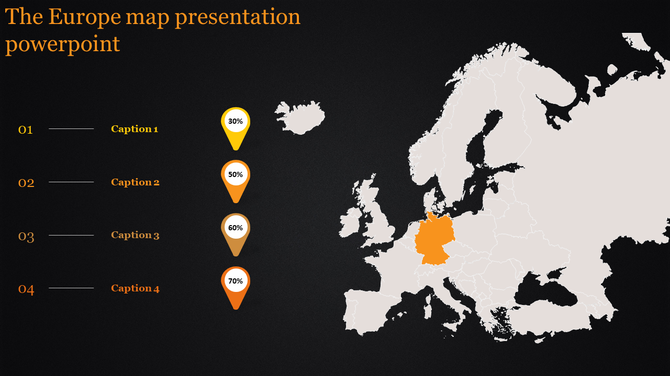
PowerPoint template showing Europe map with highlighted regions and percentage progress indicators on a dark background.
Add to Wishlist
Download
AI Customize
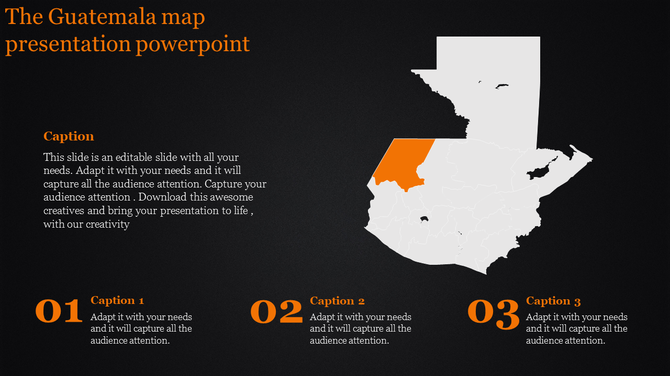
Map of Guatemala highlighting a region in orange with three numbered captions below.
Add to Wishlist
Download
AI Customize
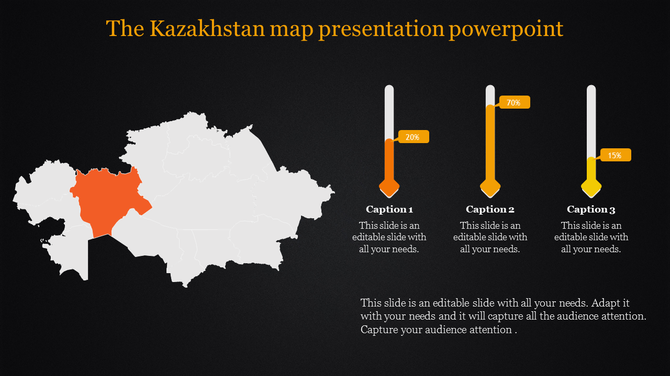
Kazakhstan Map PowerPoint Template and Google Slides
Add to Wishlist
Download
AI Customize
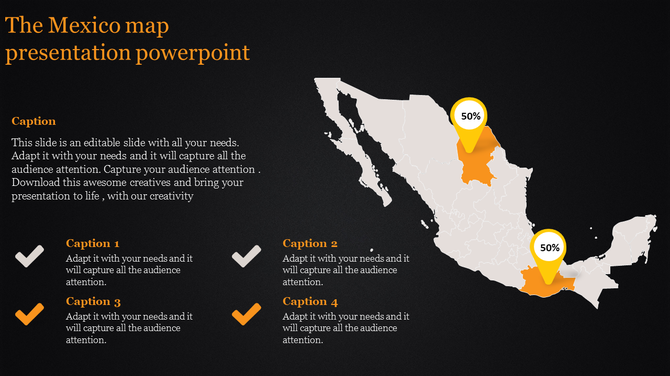
Mexico map PowerPoint slide with highlighted regions showing specific locations with captions on a dark backdrop.
Add to Wishlist
Download
AI Customize
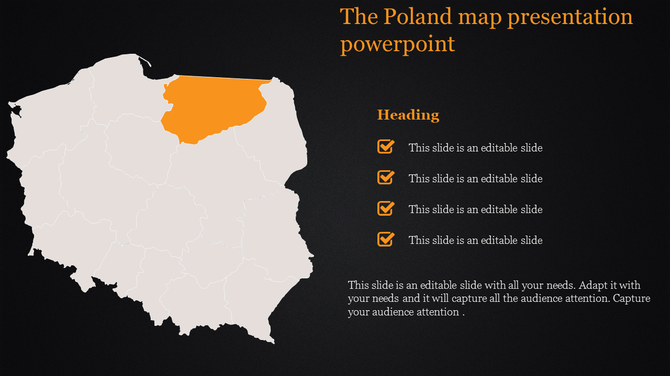
Poland map presentation slide highlighting the northeastern region with checkboxes for content on a dark background.
Add to Wishlist
Download
AI Customize
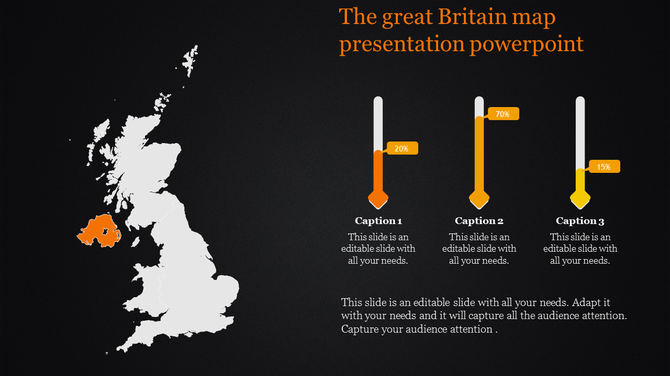
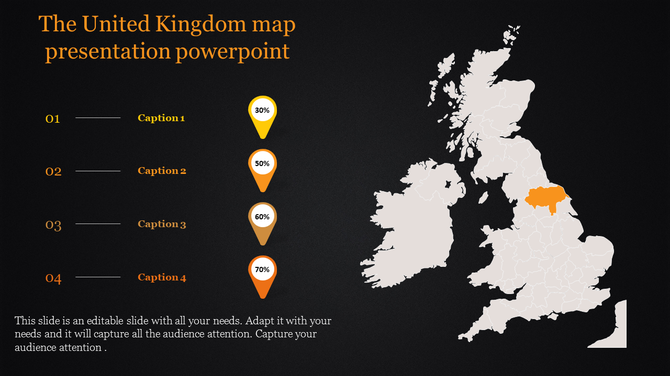
Map of the United Kingdom with a highlighted region and progress indicators with placeholder text on a dark backdrop.
Add to Wishlist
Download
AI Customize
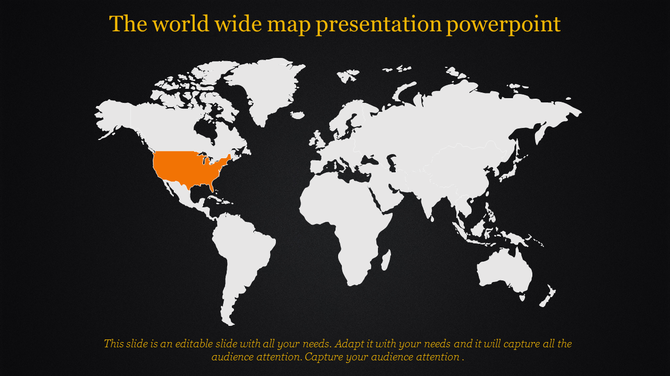
PowerPoint slide featuring a world map with the United States highlighted on a dark backdrop.
Add to Wishlist
Download
AI Customize
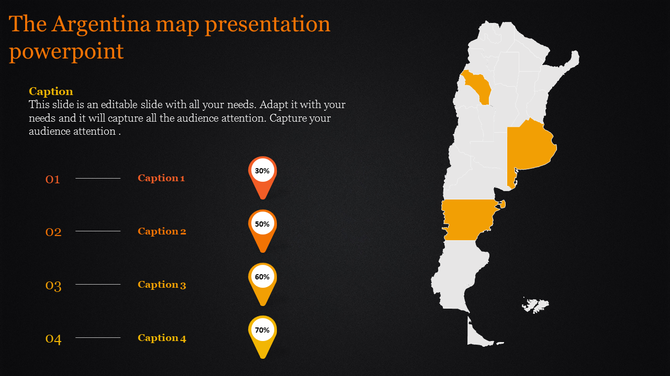
Map of Argentina with selected provinces highlighted in orange, alongside labeled captions and percentage markers.
Add to Wishlist
Download
AI Customize
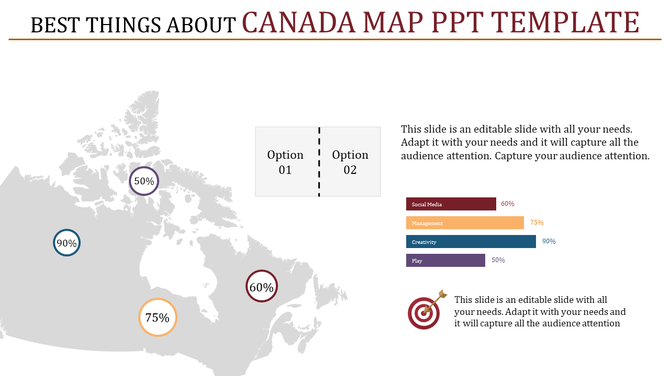
Canada map slide with percentage markers across regions, option selection, and a bar chart for data representation.
Free
Add to Wishlist
Download
AI Customize
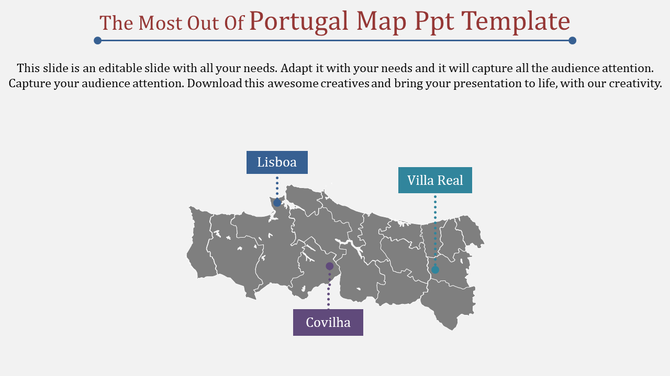
Get Top notch Portugal Map PowerPoint PPT Template Slides
Add to Wishlist
Download
AI Customize
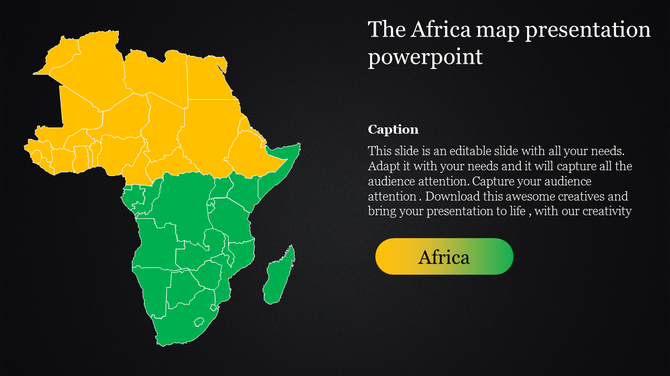
Africa PowerPoint template featuring a color coded map, dividing the continent into yellow and green regions for clarity.

Find Your Way with Powerful Free Maps PowerPoint Templates and Google Slides Themes!


Ever need to show places or regions in your presentation? Maps are a fantastic way to grab attention and make your information clear. However, creating a great map presentation can be tricky. That's where our maps presentation templates come in!

Why are map presentations important?

Map presentations are vital because they help convey information about places and data visually. With maps, you can show locations, trends, and patterns in a way that everyone can understand. Our slides will help you create awesome presentations. They make it easy for you to share information about different places and data points in a clear and engaging way. They stand out because of their design elements, colors, and ease of use. With features like multicolor editable graphics, you can create presentations that wow your audience every time.

What do we offer?

Our category boasts an impressive collection of map PowerPoint templates. You'll find a wide range of themes here, from world maps to country maps and even city maps. We offer maps of many countries, including Egypt, Iran, Portugal, Great Britain, India, Brazil, Ukraine, Pakistan, Kenya, Israel, Singapore, Vietnam, Hong Kong, etc. Plus, our slides come with customizable features like multicolor infographic slides, editable graphics, and text placeholders.

Who can use our map slides?

Anyone who needs to present geographic information can benefit from our slides. Whether you're a teacher, geographer, travel agent, business owner, or travel enthusiast, our templates are perfect for you. You can use them in classrooms, boardrooms, or even during your next adventure.

Features and benefits:

  • Royalty-free: No need to worry about copyright issues.
  • 100% editable: Customize the slides to suit your needs.
  • Available in multiple formats (4:3 & 16:9): Choose the format that works best for your presentation.
  • Available in multiple orientations (portrait & landscape): Flexibility to fit any screen or layout.
  • Free slides available: Try before you buy!

Ready to elevate your presentations? Don't miss out on the opportunity to make your presentations unforgettable. Download our map presentation templates today and start impressing your audience with captivating visuals and engaging content.

Related Collections

Frequently Asked Questions

1. How do I know when my customized map template is ready to present?

When someone unfamiliar with your topic looks at it and immediately understands: What geography is this? What's being shown? Why does it matter? If they need you to explain the map, it's not clear enough yet. Refine until the map speaks for itself. Your job is to support the map with your words, not explain what the map should already show clearly.

2. I have a map template but don't know where to start — how do I customize it for my specific locations?

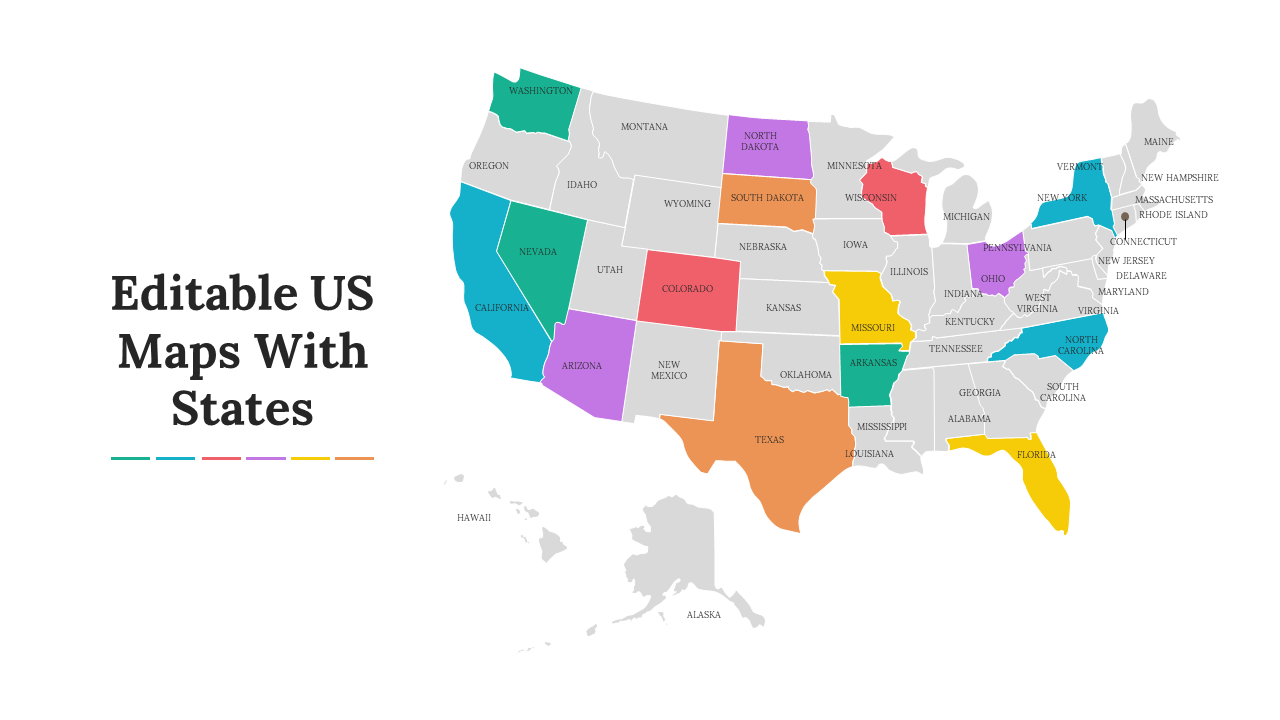
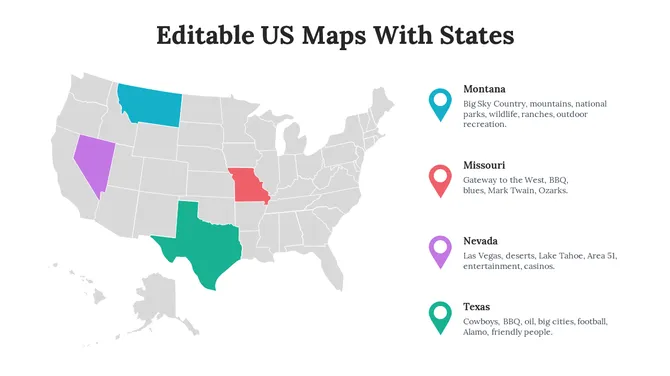
Open the template and identify what you need to change. If it's a US map and you need to highlight specific states, color those states. If it's a world map and you need to mark specific countries, add markers there. Start with what matters to YOUR message. Edit only what's necessary. Remove what doesn't apply. The template gives you the structure — you add your specific information.

3. How do I add my information to a map template so it's clear what I'm showing?

Use the template's built-in features — colors, labels, markers, shapes. If highlighting regions, use color-coding. If marking locations, use the marker tool. Add labels so people know what they're looking at. Keep it simple. Every element should answer a question: "What am I showing here?" If it doesn't serve that purpose, remove it.

4. My map template has too much detail for what I need — how do I simplify it?

Delete what doesn't matter to your message. If you only need three regions highlighted, hide or remove the others. If you don't need every city labeled, remove those labels. Templates give you options — use only what you need. A cleaner map is easier to understand. Don't feel obligated to use every element in the template.

5. How do I make sure my customized map template communicates clearly to my audience?

Add a title that explains what the map shows. Use a legend if you're using colors or symbols. Label important locations. Keep colors consistent — one color should mean the same thing throughout. Test it: Can someone understand your map in 5 seconds without explanation? If not, simplify further. Clarity comes from removing confusion, not adding information.

6. I'm using multiple maps in my presentation — how do I keep them consistent?

Use the same color scheme across all maps. If red means "high" in one map, red should mean "high" in all maps. Use the same font for labels. Consistent formatting helps your audience follow the story. They see the first map, understand the pattern, and understand subsequent maps faster. Consistency reduces cognitive load.

7. How do I edit the map template if I don't have design experience?

Templates are designed to be user-friendly. Most editing is drag-and-drop or click-to-change-color. You don't need design skills — just common sense. Click on what you want to change. Experiment. If you make a mistake, undo it. The template is there to support you, not confuse you. Start simple and add complexity only if needed.