Linear - Parallel Presentation Templates
You get a successful result when you combine our Free Linear Parallel PowerPoint templates and Google Slides themes with your business data. It possesses abstract shapes and pastel colors to showcase the trends in the market, consumer behaviors, segmentation, and more.



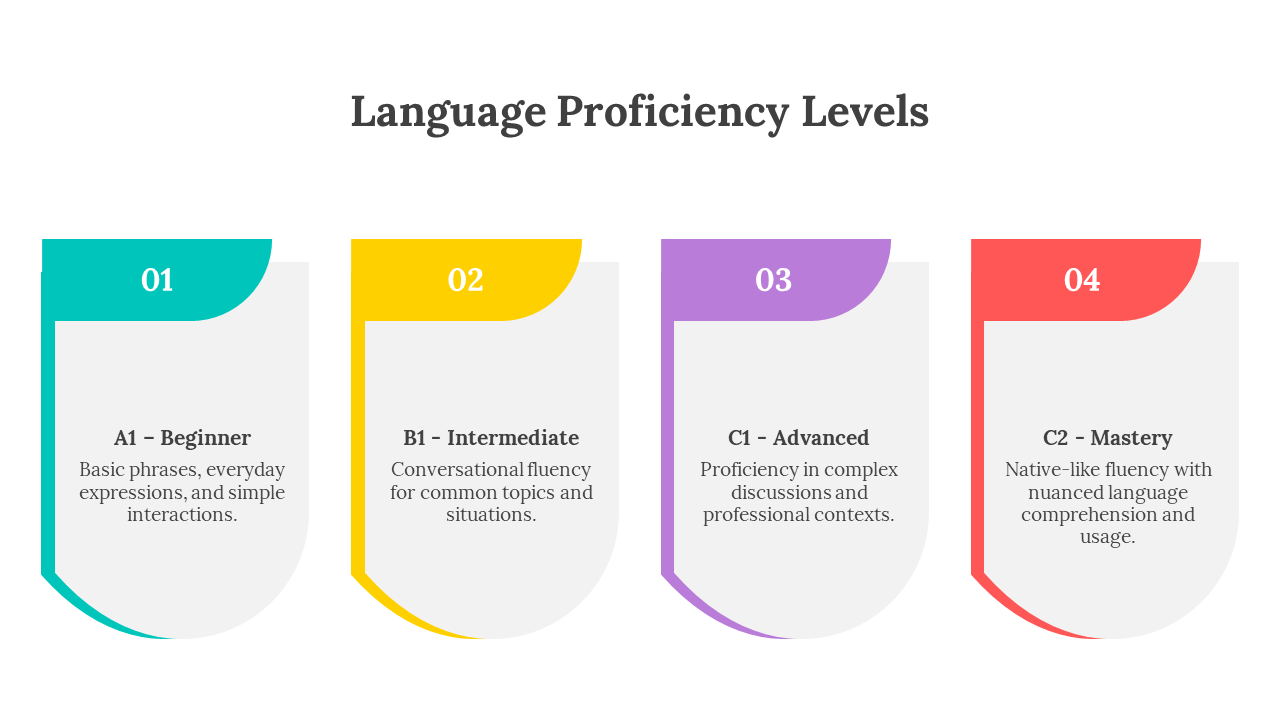
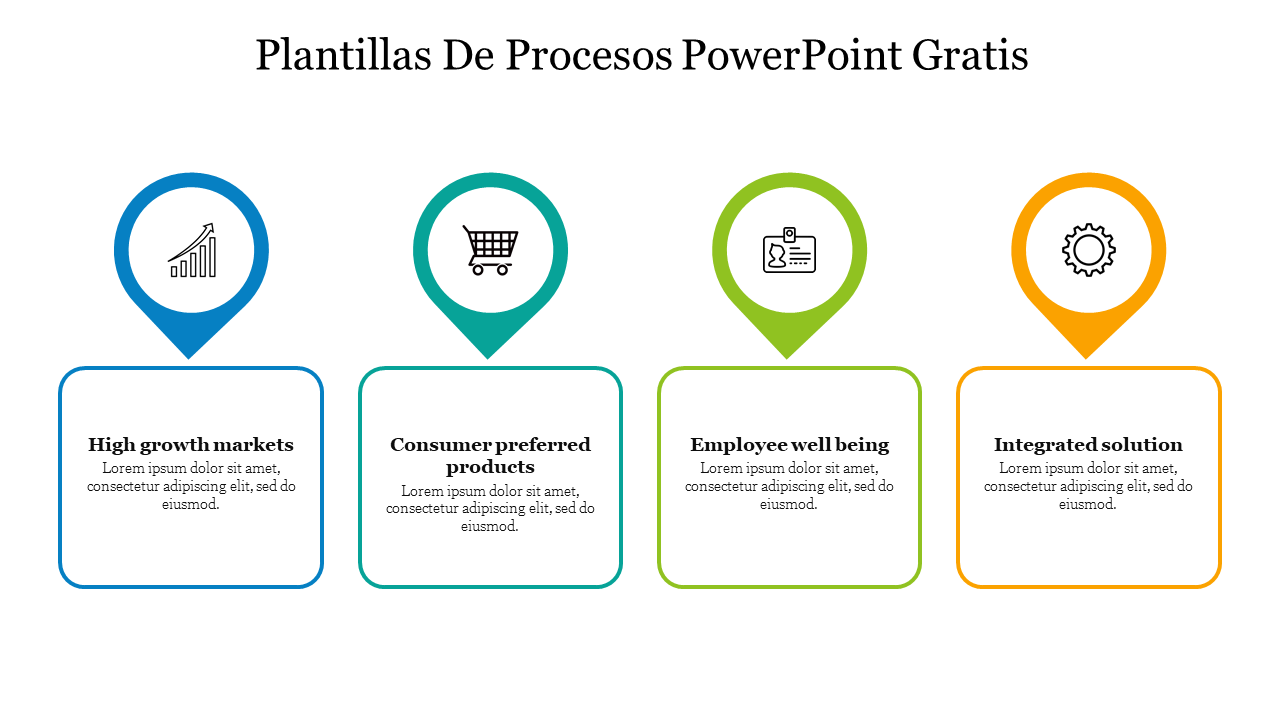
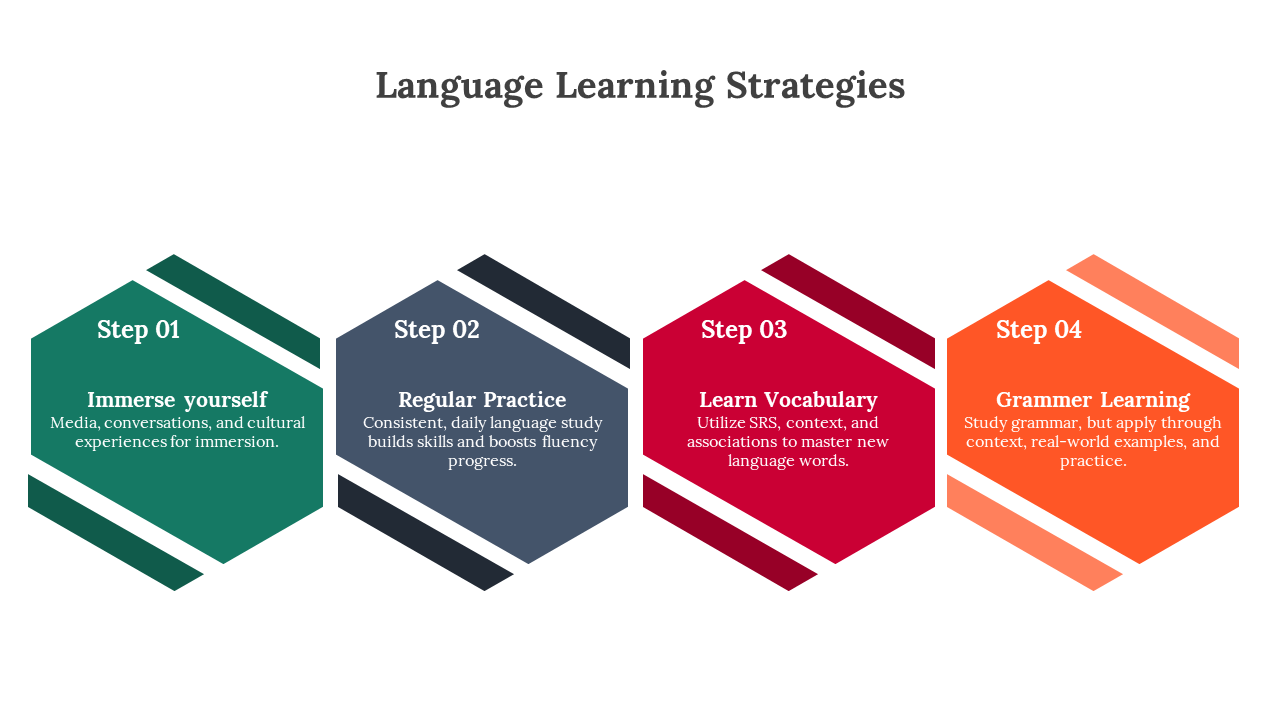
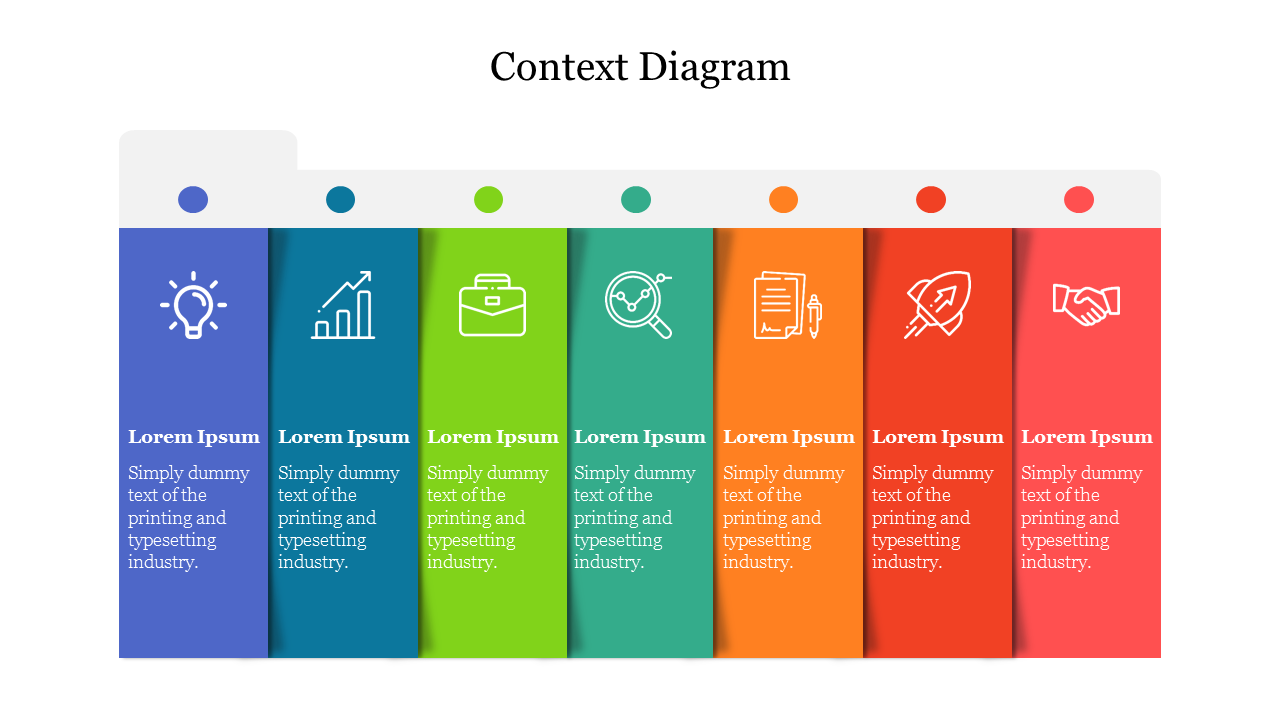
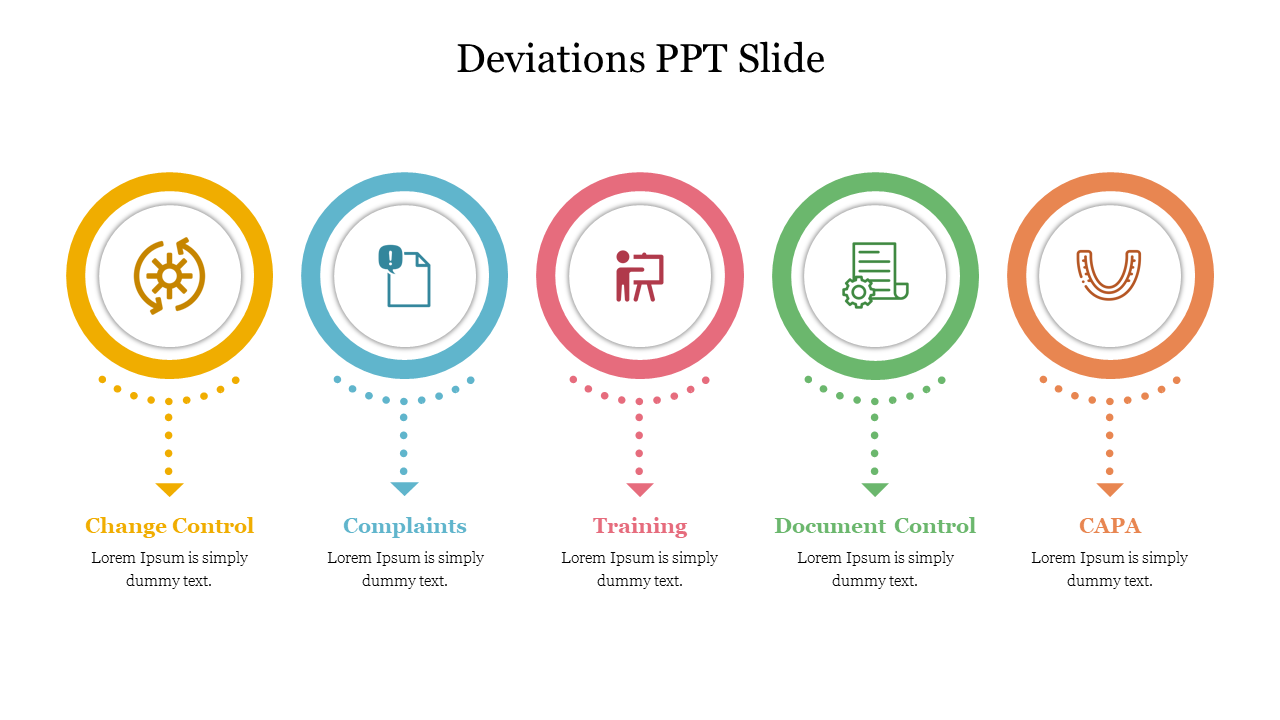
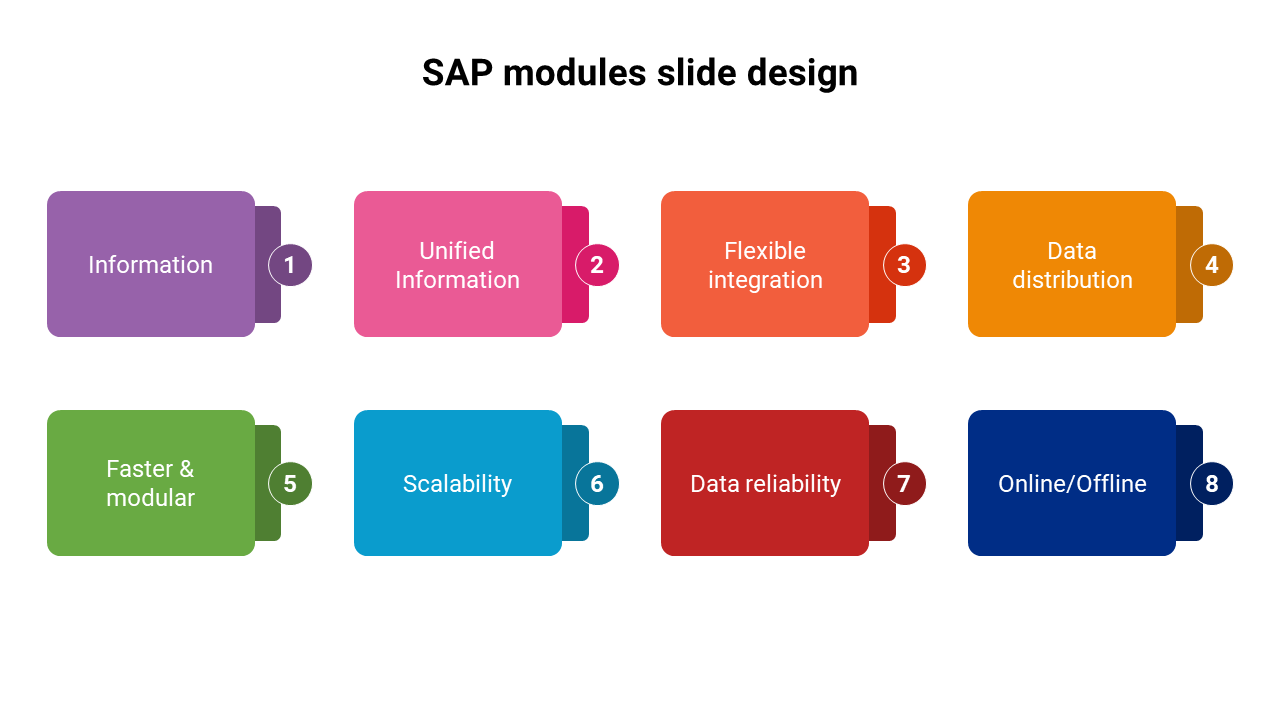
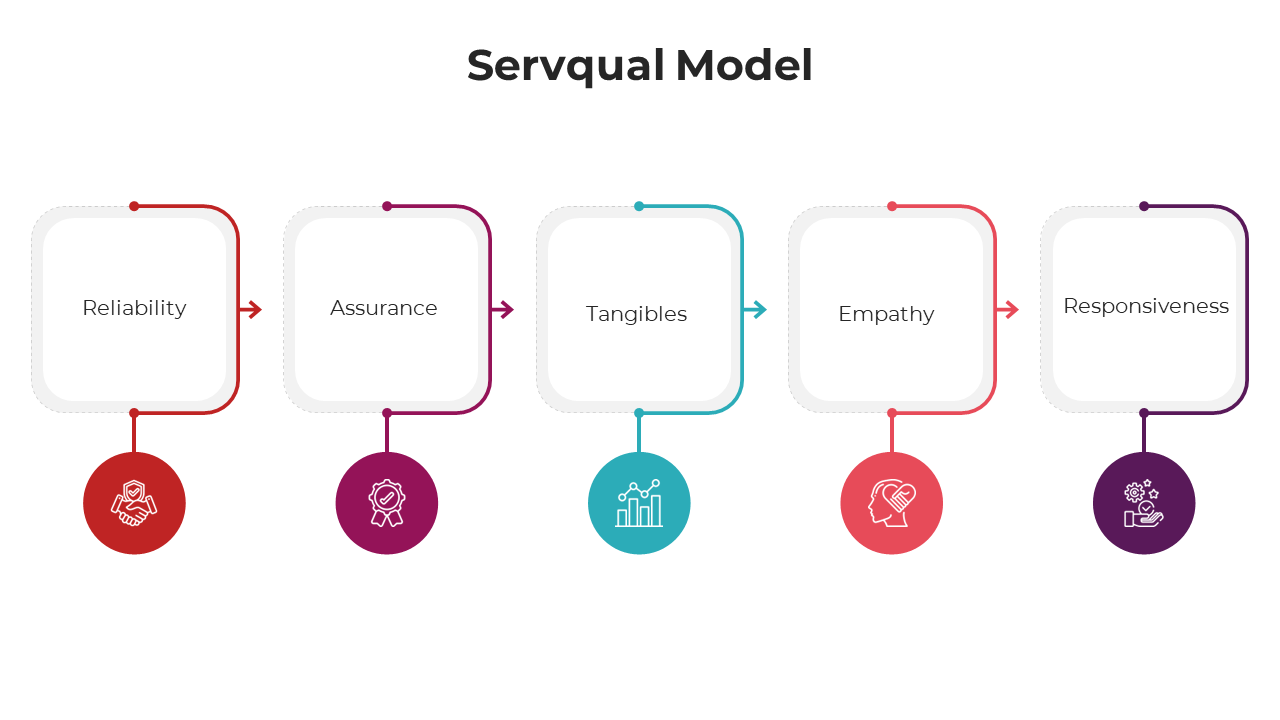
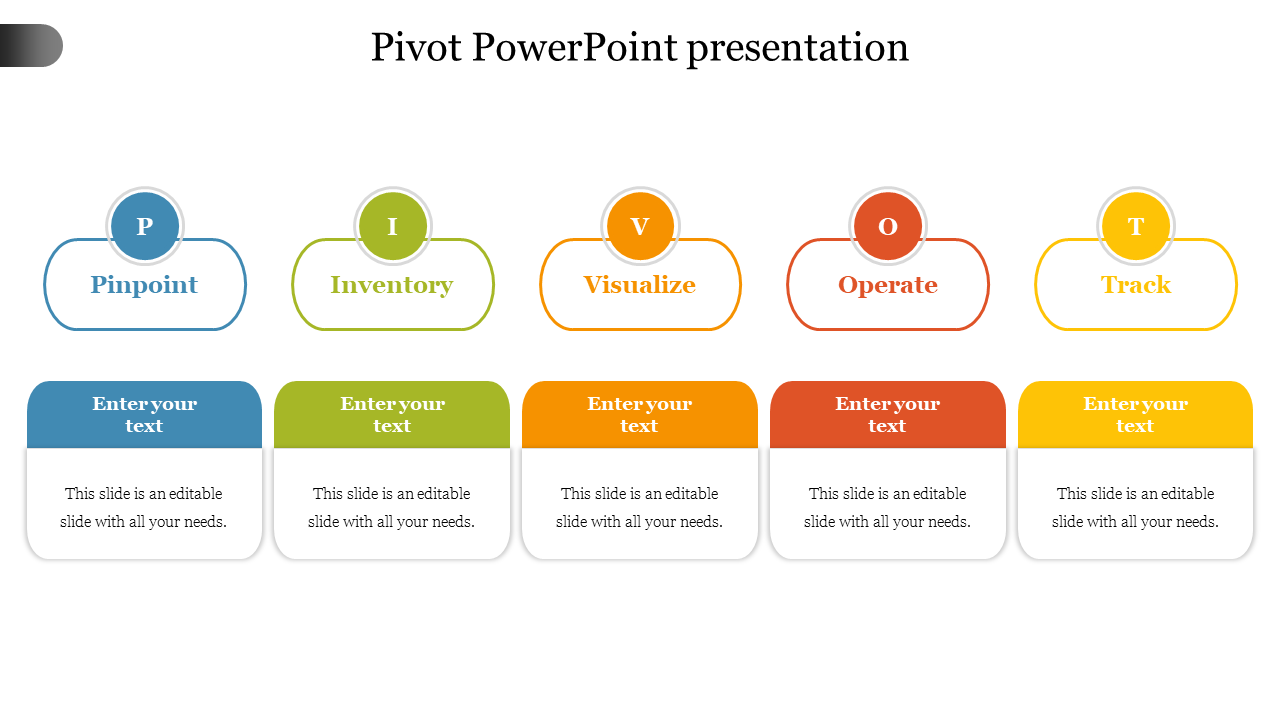
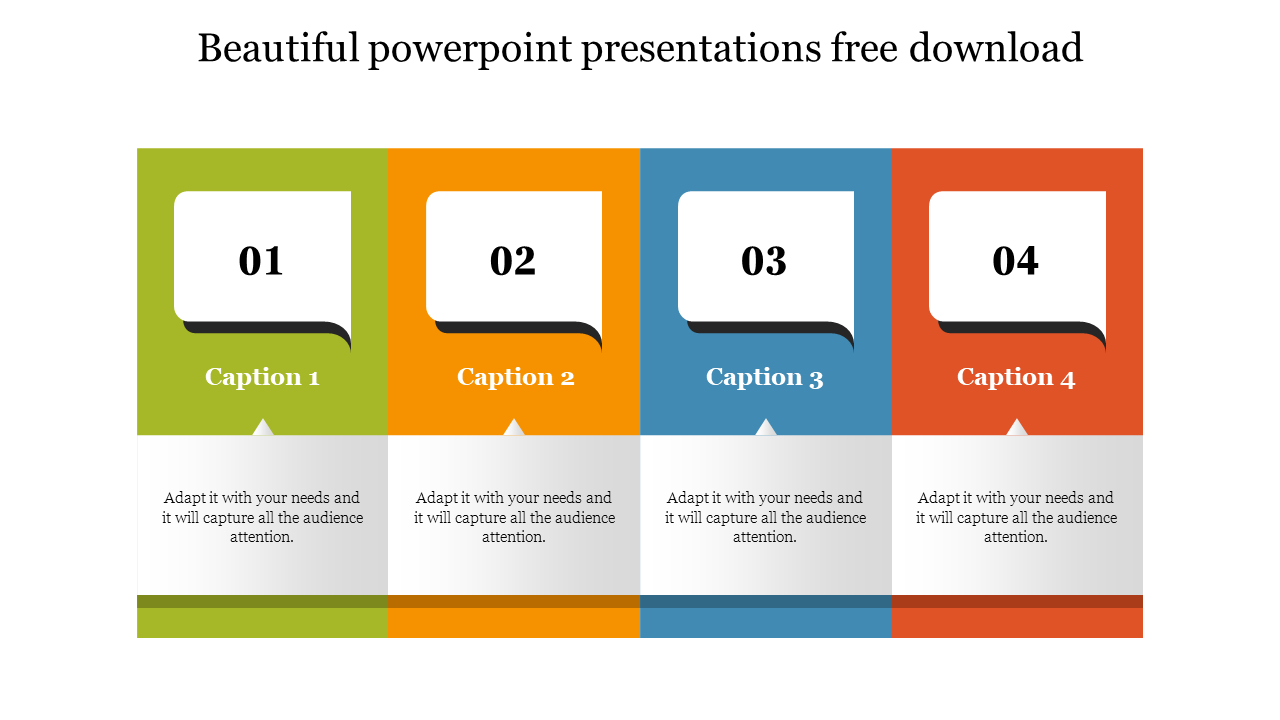
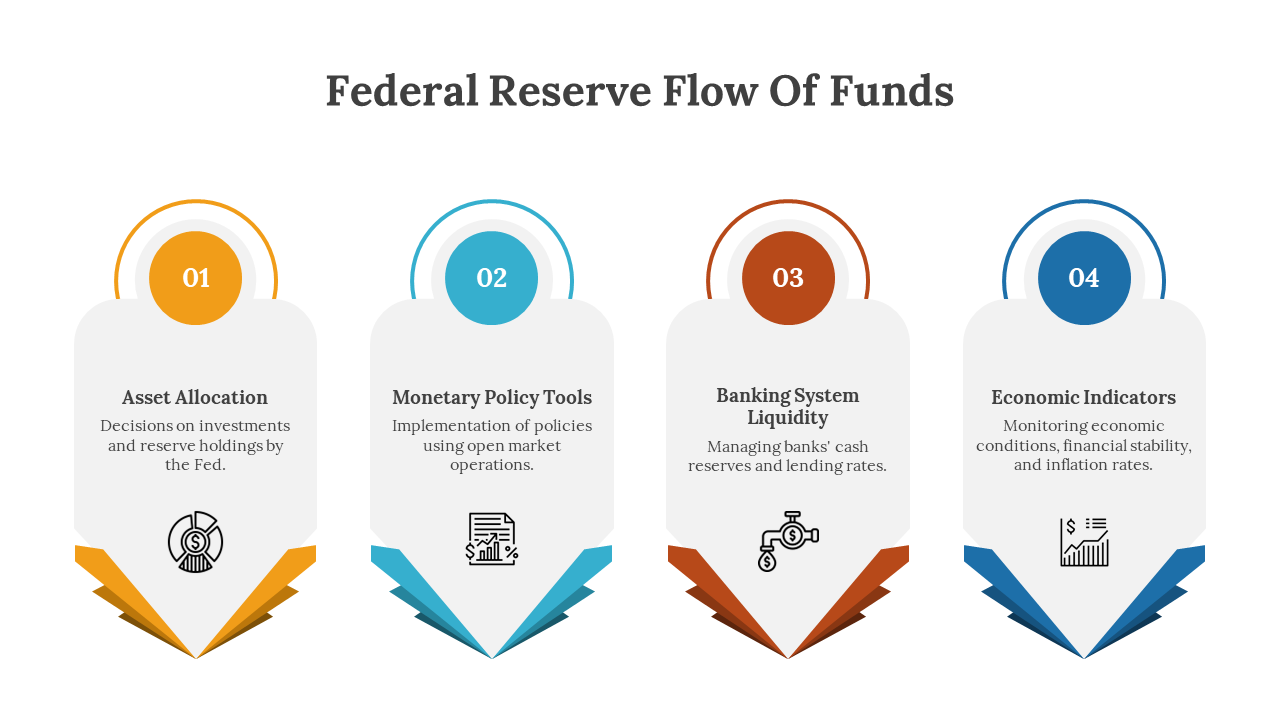
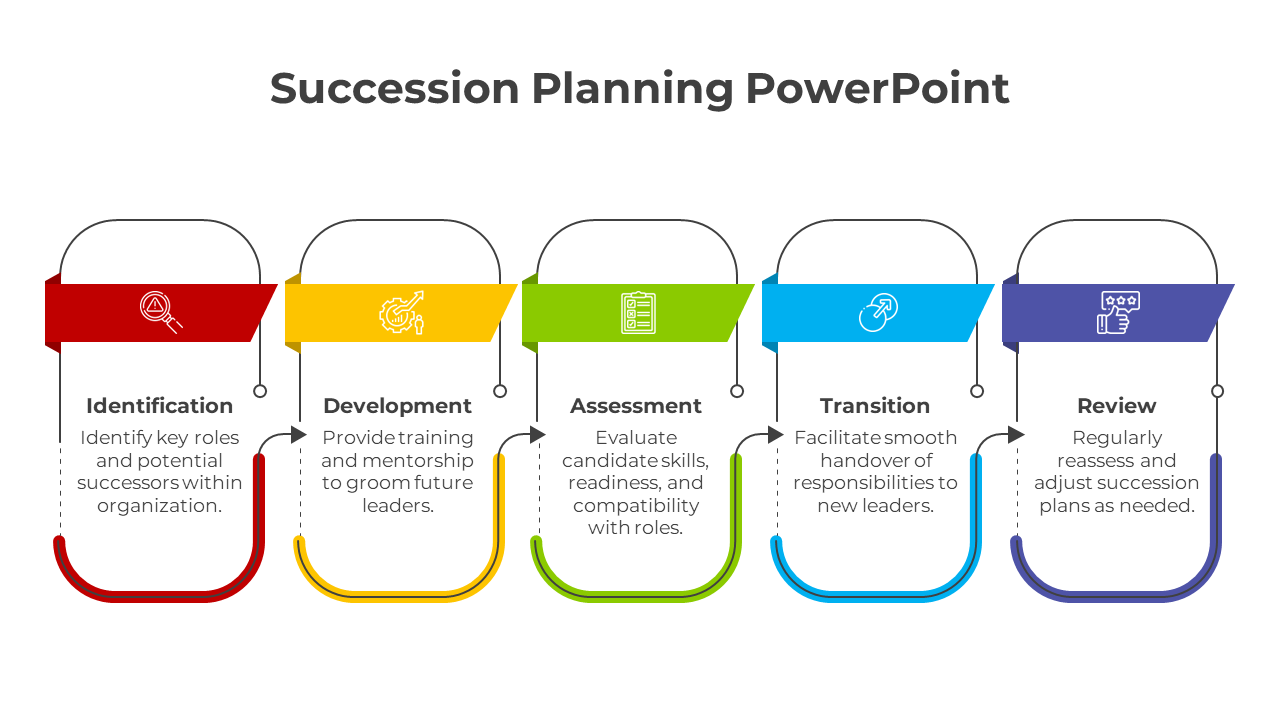
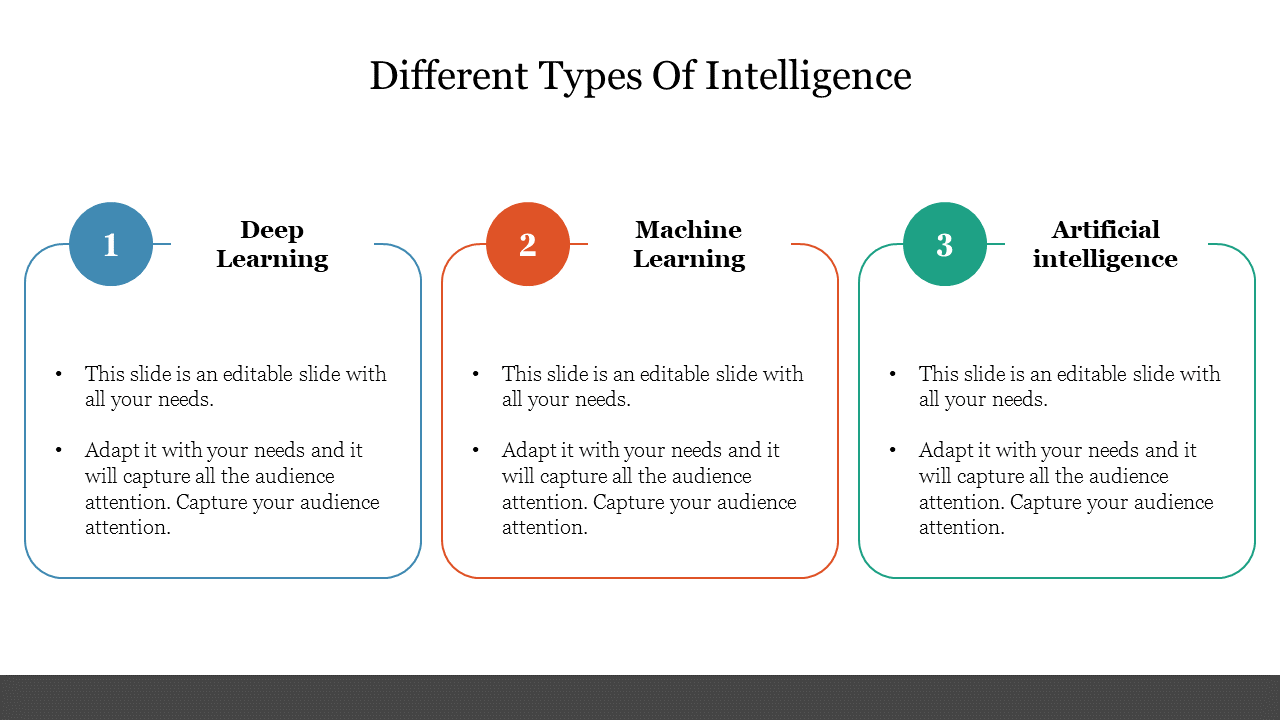
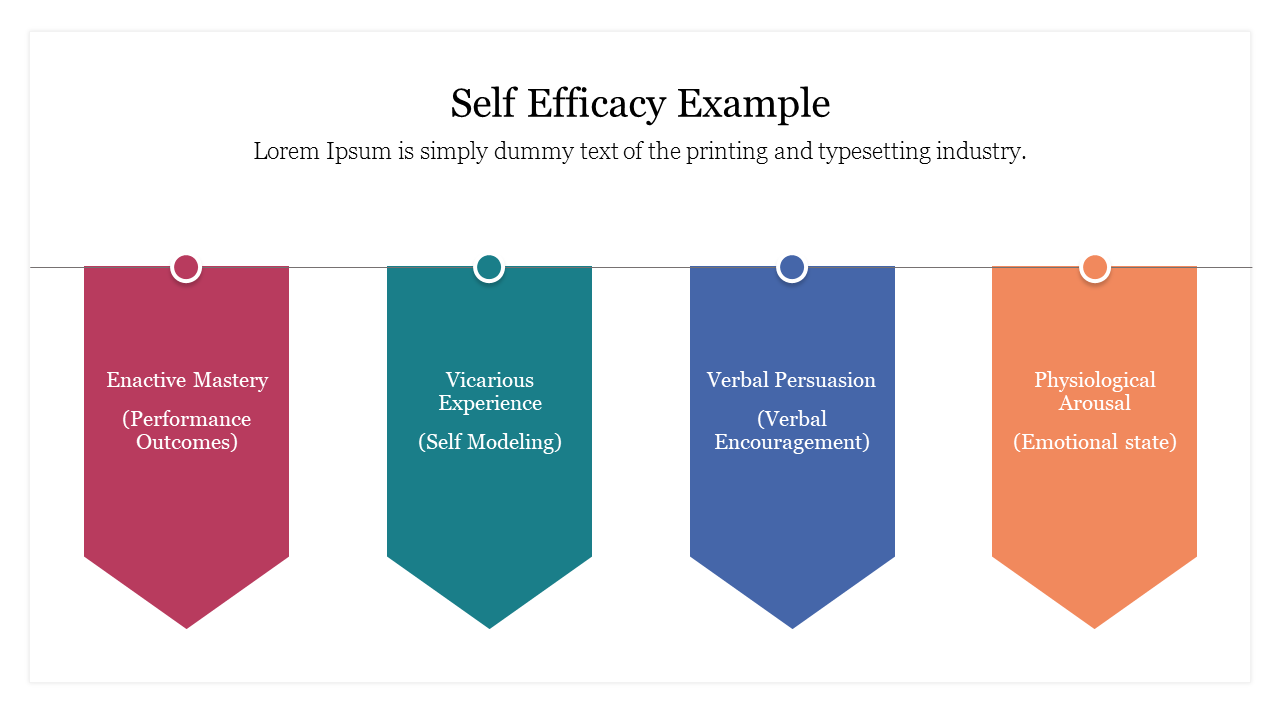
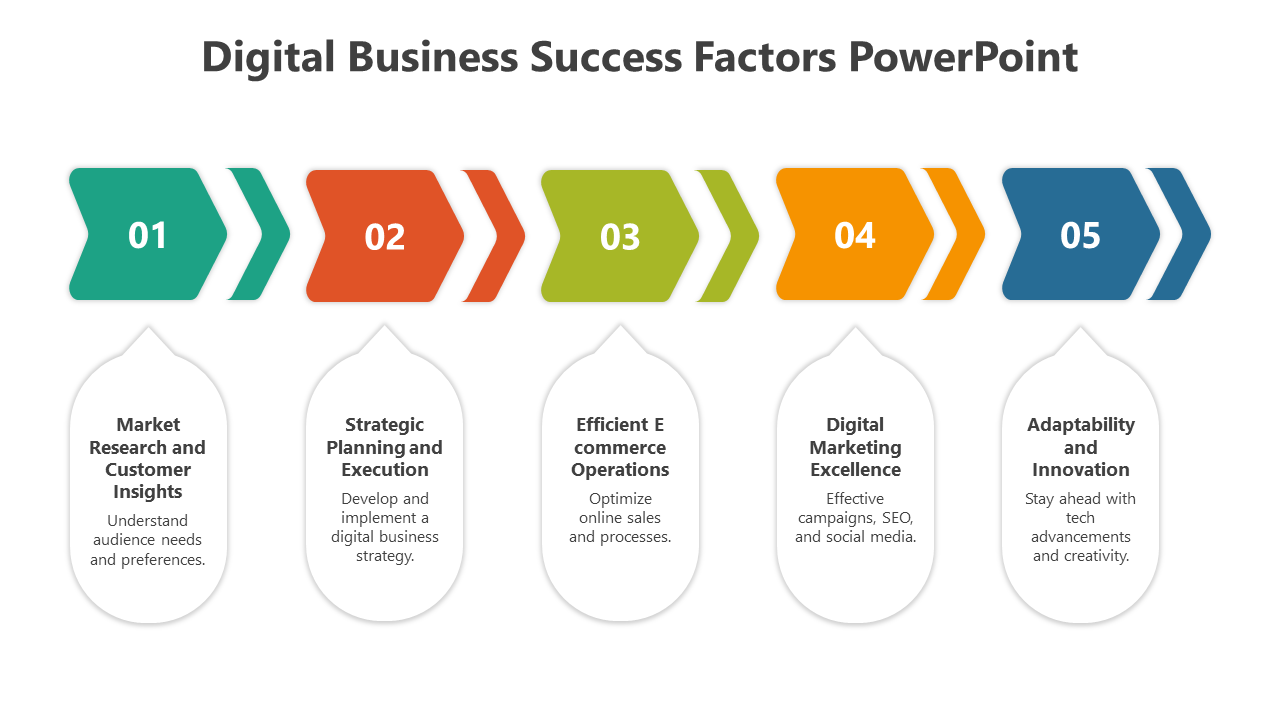
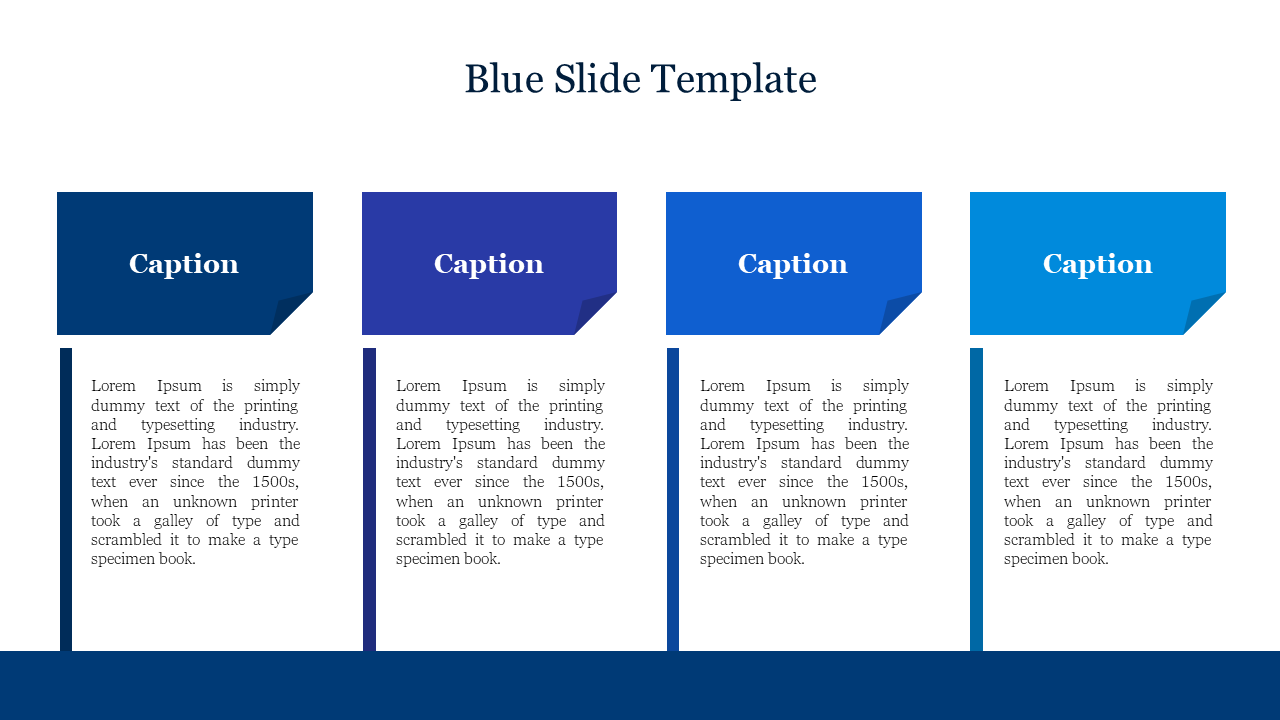
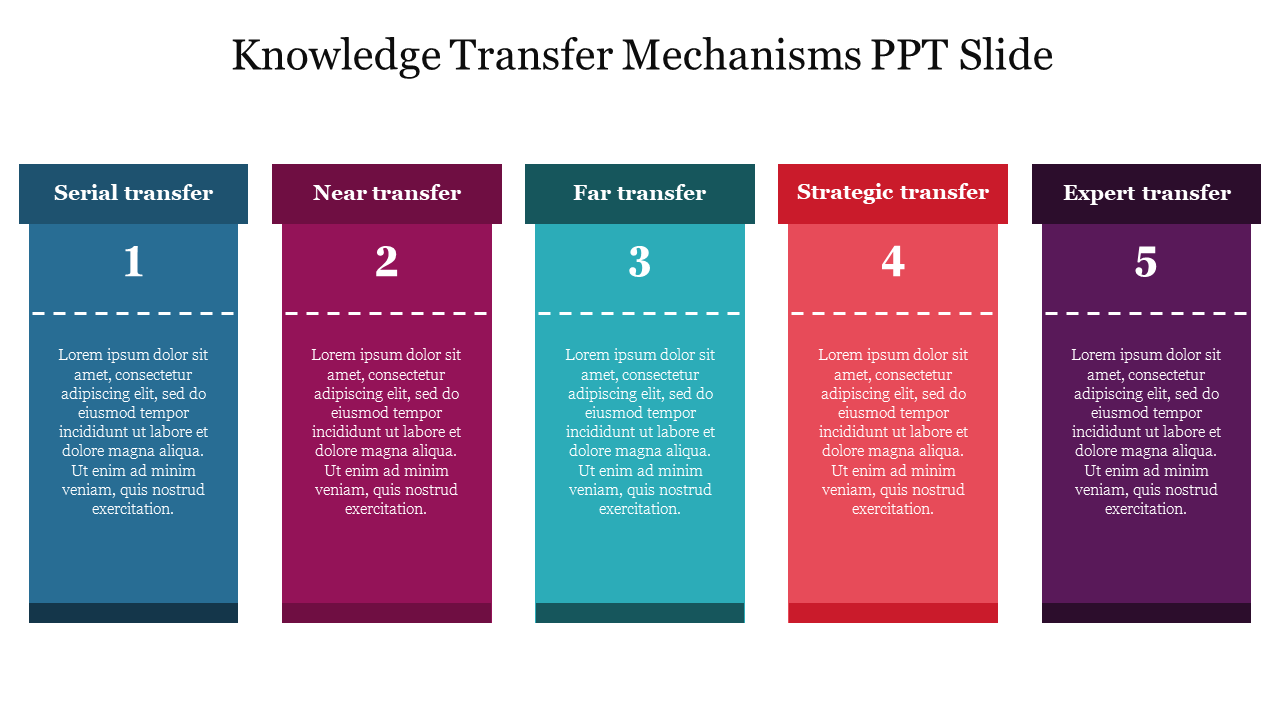
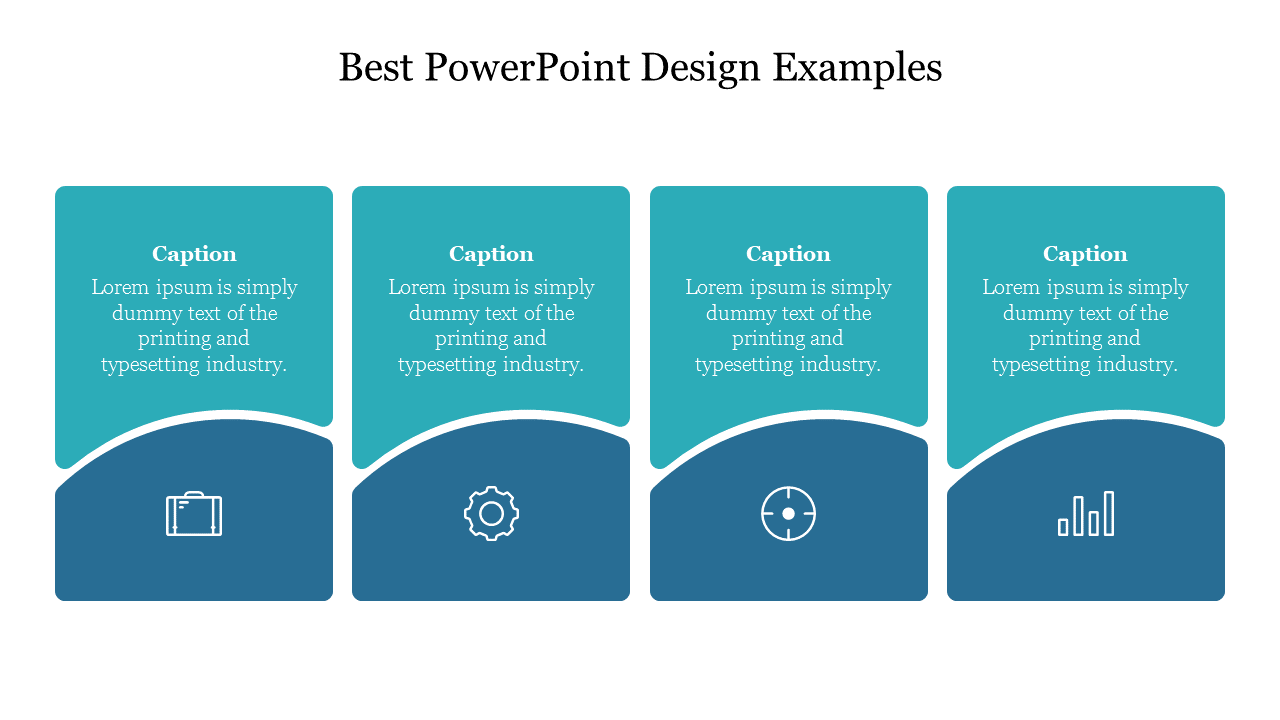
Free Linear Parallel PowerPoint Templates and Google Slides Themes: Create Stunning Presentations That Get Noticed!
- Crystal Clear Communication: Linear parallel layouts guide your audience's eye naturally, ensuring they grasp your key points. No more confusion about where to look or what to focus on!
- Visually Appealing: Ditch the boring presentations! These templates come in bold color schemes and use contrasting elements to make your information pop. No more sleepy audiences!
- Eye-Catching Design Options: We offer a variety of templates featuring vibrant colors, contrasting elements, and well-chosen icons to grab attention and make your message stand out.
- Easy Customization: Don't be limited by a pre-designed look! Change the backgrounds, colors, fonts, and icons to perfectly match your branding or presentation theme.
- Lots of Choices: Find the perfect template for your needs! We have a wide selection to choose from, so you can easily match the style you're going for.
- Use with Confidence: All graphics and icons are royalty-free, so you can use them without worrying about copyright issues.
- Multiple Formats: Our templates work with both PowerPoint and Google Slides, and come in both 4:3 and 16:9 aspect ratios. You can even choose portrait or landscape orientation for ultimate flexibility.
- Free Samples to Get You Started: We offer a variety of free linear parallel slides to help you try them out before you buy.
- Business Professionals: Make a powerful impression in meetings or pitches with impactful visuals that communicate your ideas effectively.
- Educators: Capture your students' attention with presentations that are clear, visually engaging, and easy to follow.
- Students: Craft standout presentations for school projects that will grab your teachers' and classmates' attention.
Become an expert with SlideEgg


We're here to help you!
What are Linear Parallel templates?
Linear Parallel templates are the best presentation tool designed with the best themes to represent your business data in a linear style. These templates are the perfect template for displaying your information in an organized way to the audiences.
Where can we use these Linear Parallel PowerPoint Slides?
Linear Parallel PowerPoint templates are the best tool for business and product development meetings. These linear-style designs are the perfect choice for companies and other sectors.
How can I make a Linear Parallel Template in a presentation?
A professional PowerPoint designer may find it easier to create a presentation template. Pre-made templates can save you time if you are new to PowerPoint design. New design ideas can also be found in our PowerPoint tips and methods area.
Who can use Linear Parallel Templates?
Every business professional can utilize linear Parallel Templates to showcase their data creatively. These templates will help save time. Also, they are ready-to-use templates designed for a quick presentation.
Where can I find free PPT Templates?
You can choose the most fantastic layouts because numerous websites provide free PPT templates. In other cases, you may need to be more satisfied with the layout's design. So the best option is to visit a reliable website such as Slide Egg.