Slidea Logo
Try it now — the new, easy way to turn your slides into an interactive experience.
Explore Now

160+ Fish Bone Presentation Templates

Everyone has ideas about what went wrong. Most teams ignore half of them. Fishbone diagrams help you listen to perspectives without dismissing anyone. You might find the real cause in someone's input.
Got a Unique Idea? Craft with AI
PRO
Credits left : 0
Hire an Expert
Add to Wishlist
Download
AI Customize
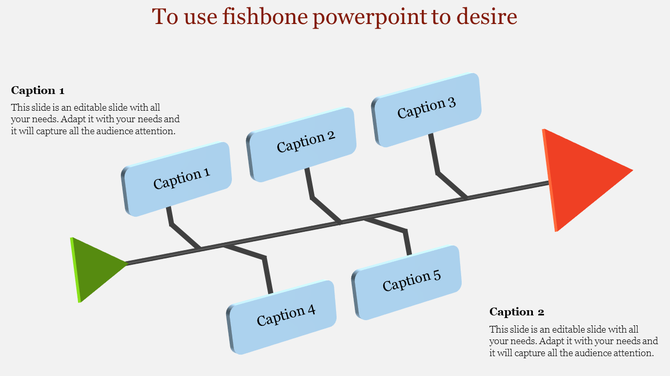
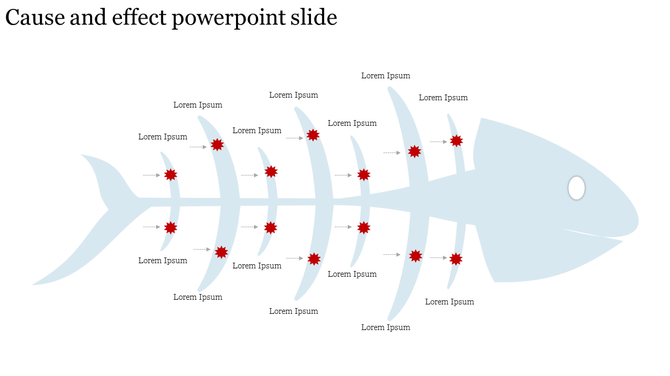
Fishbone diagram in light blue with labeled arrows pointing to red starburst shapes for cause and effect analysis.
Add to Wishlist
Download
AI Customize
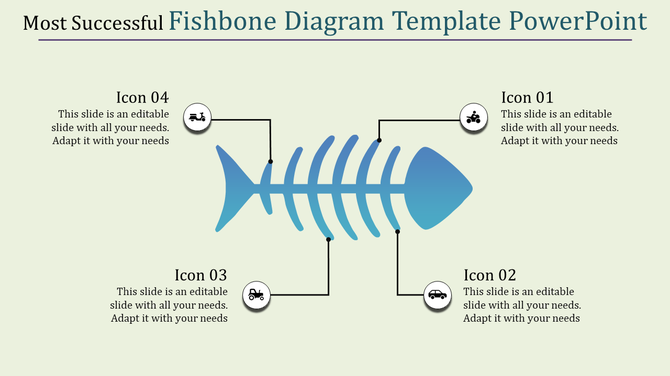
Fishbone diagram with a blue fish leading a group of fish forming a bone structure, labeled with organization and client.
Add to Wishlist
Download
AI Customize
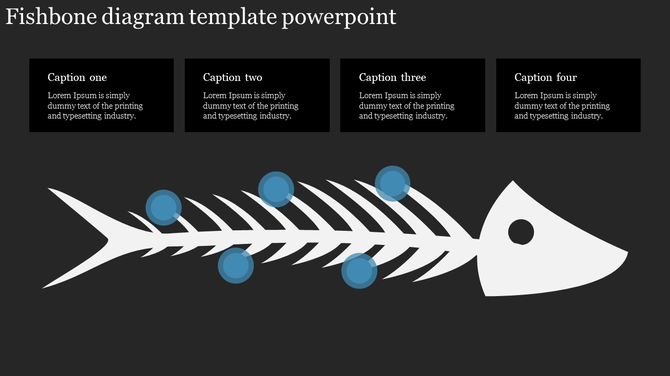
Cause and effect diagram PowerPoint template with a fishbone structure and text placeholders on a dark backdrop.
Add to Wishlist
Download
AI Customize
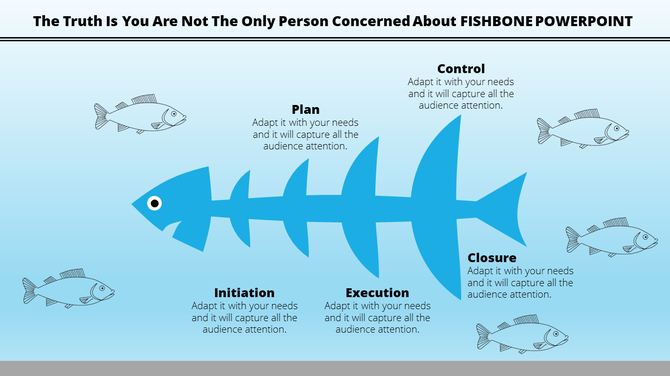
Fishbone diagram slide with stages like Plan, Initiation, Execution, and Control with fish illustrations on a blue theme.
Add to Wishlist
Download
AI Customize
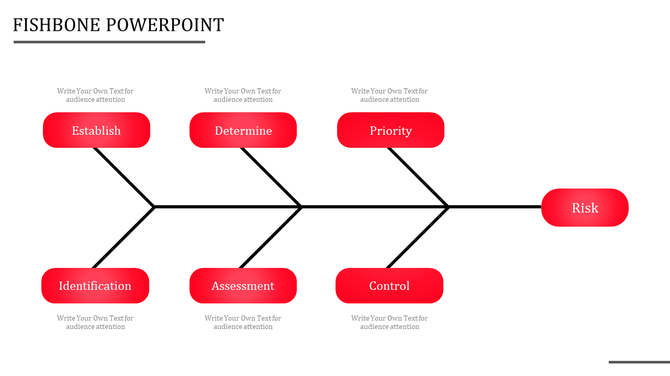
Visual fishbone layout illustrating a risk analysis framework with six red nodes and connecting black lines.
Add to Wishlist
Download
AI Customize
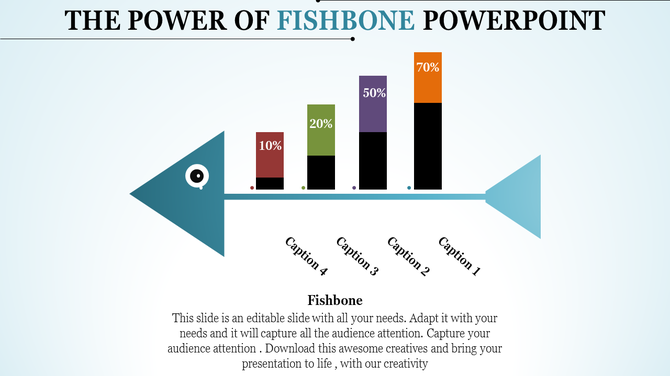
Blue arrow shaped fishbone chart with vertical bars in red, green, purple, and orange showcasing percentages.
Add to Wishlist
Download
AI Customize
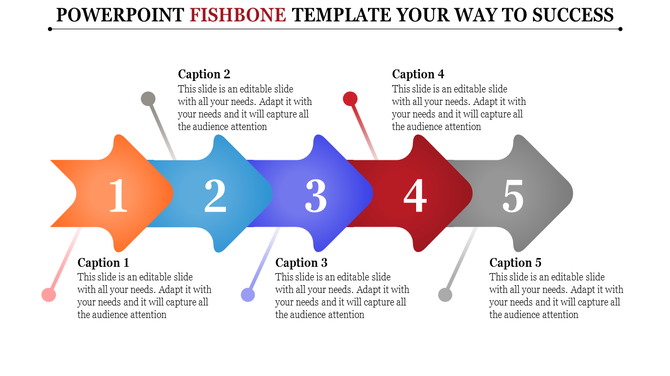
Creative and colorful arrow model fishbone PowerPoint template with captions for each section with placeholder text.
Add to Wishlist
Download
AI Customize
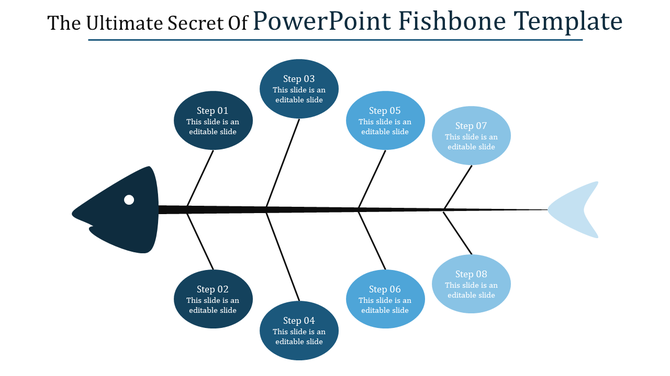
Fishbone diagram showcasing eight steps, arranged symmetrically along a black central axis, with blue gradient ovals.
Add to Wishlist
Download
AI Customize
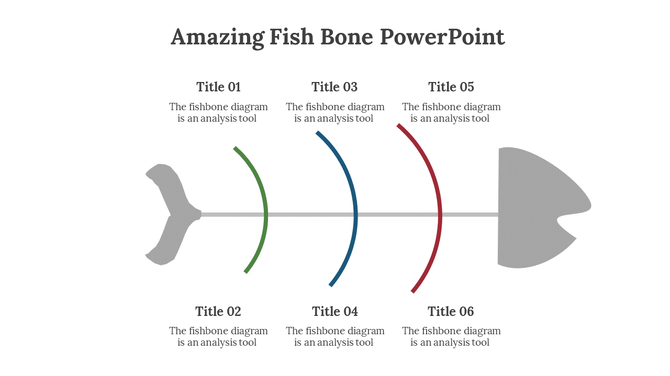
Fishbone style graphic with titles distributed evenly along colored arcs branching from a central line.
Add to Wishlist
Download
AI Customize
A fishbone diagram slide showing various categories leading to a central goal with caption sections.
Add to Wishlist
Download
AI Customize
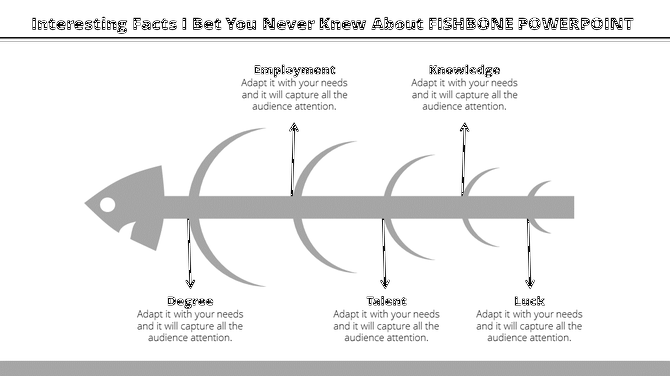
Monochrome fishbone model showing causal categories, such as employment and knowledge, stemming from a central fish spine.
Add to Wishlist
Download
AI Customize
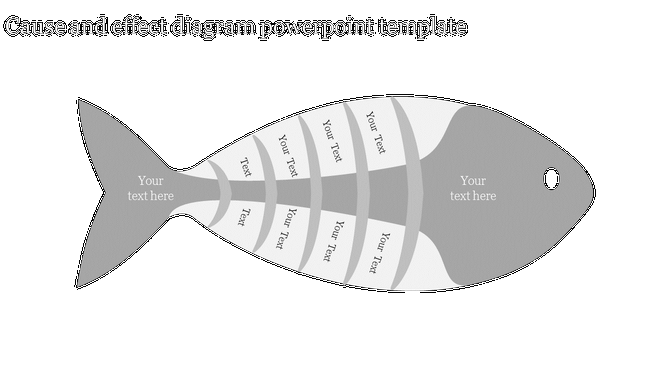
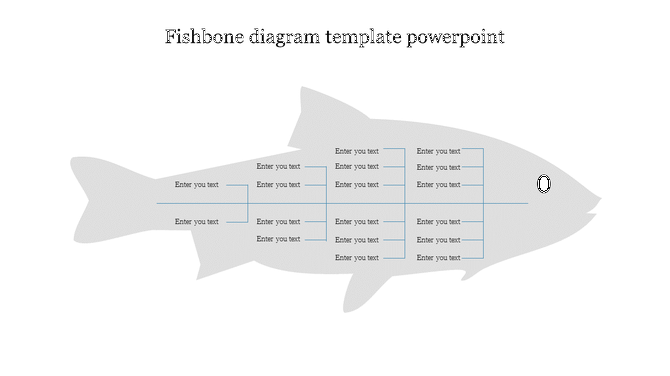
Light gray fishbone chart displaying a structured cause and effect analysis, with segments for categorizing factors.
Add to Wishlist
Download
AI Customize
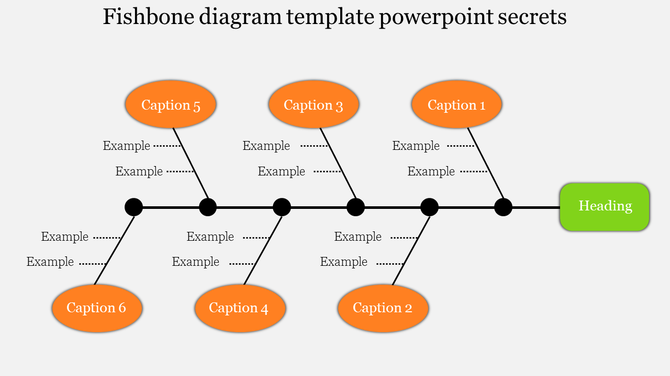
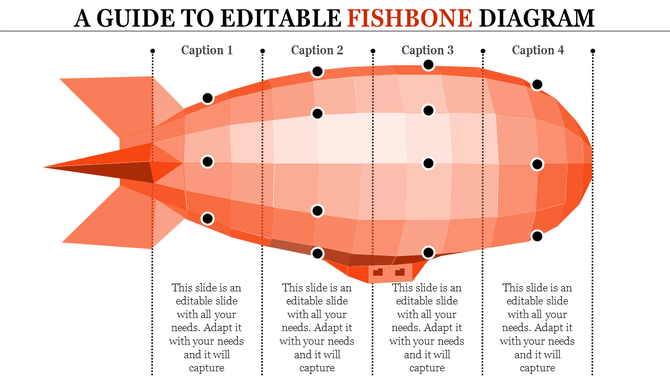
Fishbone diagram in orange layout highlighting four key categories with captions areas and nodes.
Add to Wishlist
Download
AI Customize
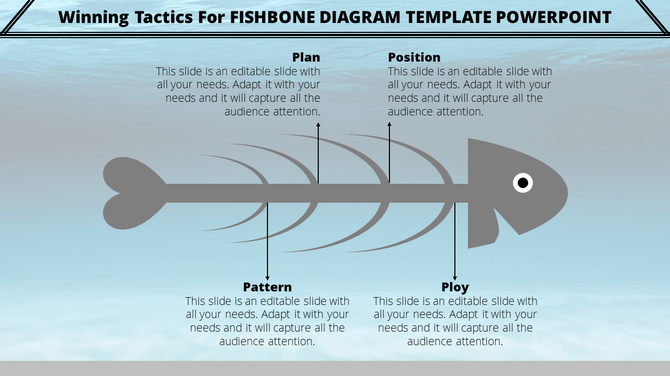
Fishbone diagram PowerPoint slide with sections for the plan, position, pattern, and ploy with placeholder text.
Add to Wishlist
Download
AI Customize
Minimalist fishbone diagram with arrows and text fields, outlined in white on a black background.
Add to Wishlist
Download
AI Customize
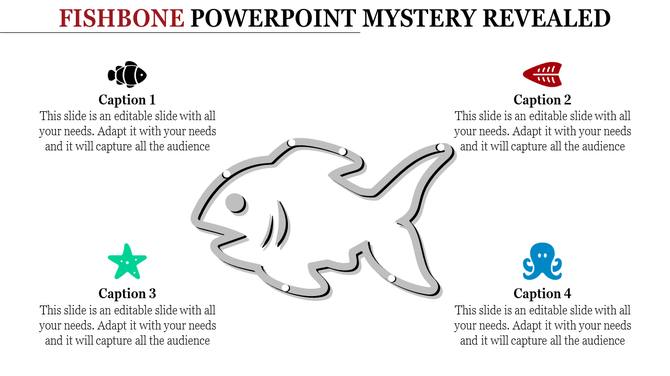
Grayscale fish diagram with four captions featuring icons like a starfish, octopus, and fishbone for creative infographics.
Add to Wishlist
Download
AI Customize
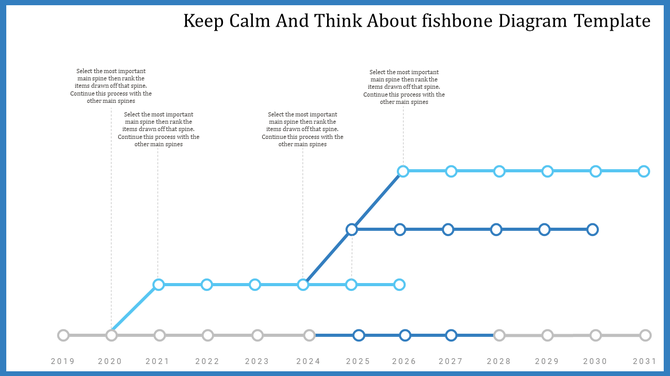
Fishbone diagram slide showing a series of connected spines with years from 2019 to 2031 with placeholder text.
Add to Wishlist
Download
AI Customize
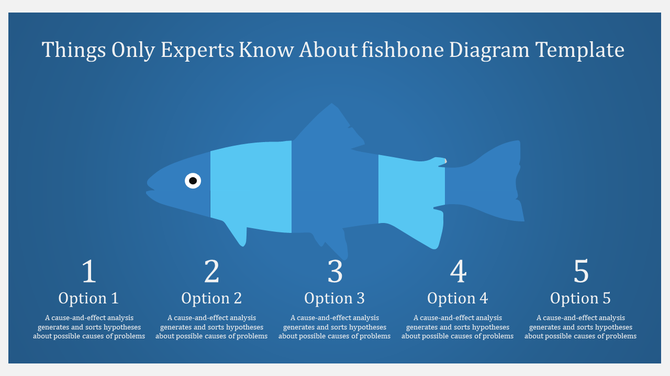
Blue fish shaped diagram segmented into five parts, labeled 1 to 5, with descriptions below each section.
Add to Wishlist
Download
AI Customize
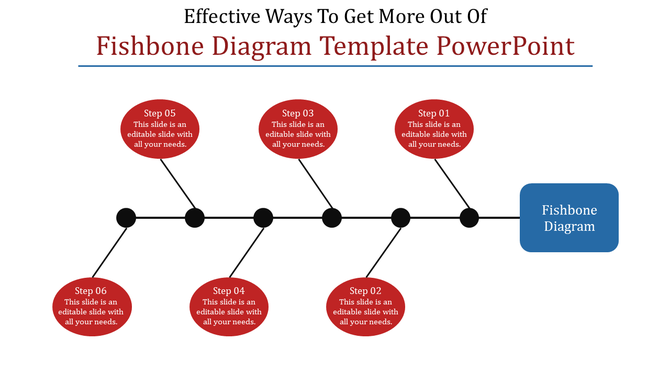
Fishbone diagram PowerPoint template with red oval steps branching out to identify causes leading to a main issue box.

Related Collections

Frequently Asked Questions

1. How do I present a fishbone diagram so my team understands it?

Make it visual and clear. Fishbone templates do that automatically. Your analysis is already complex — the diagram shouldn't be. Templates ensure the design doesn't get in the way of your message.

2. I'm presenting this to leadership. Will it look professional?

Yes. Templates are built for that exact scenario. You're presenting analysis, not showing off design skills. Templates let leadership focus on your findings, not on how the diagram looks.

3. My team is spread across locations. How do I share this effectively?

Digital templates export cleanly to PDF, images, and slides. Your diagram looks the same whether it's projected, emailed, or printed. No formatting issues, no surprises.

4. What if people misunderstand the diagram?

Clear structure helps. Templates organize causes logically so people follow your thinking. When the diagram is easy to read, your message gets through. That's the whole point.

5. Can I walk through the diagram step-by-step in a presentation?

Yes. You can animate it, reveal causes one at a time, or walk through it verbally. Templates are flexible enough for live presentations or static reports.

6. How do I make sure everyone sees this the same way?

Consistent design helps. When everyone's working from the same template, the diagram looks unified. People see the same structure you're seeing. No confusion from mismatched visuals.

7. This diagram will be in our report. Does it need to look a certain way?

Yes. Professional formatting matters in documents. Templates ensure your diagram fits your report's standards. It looks intentional, not thrown together.