Free "Educational" Family Feud Presentation Templates
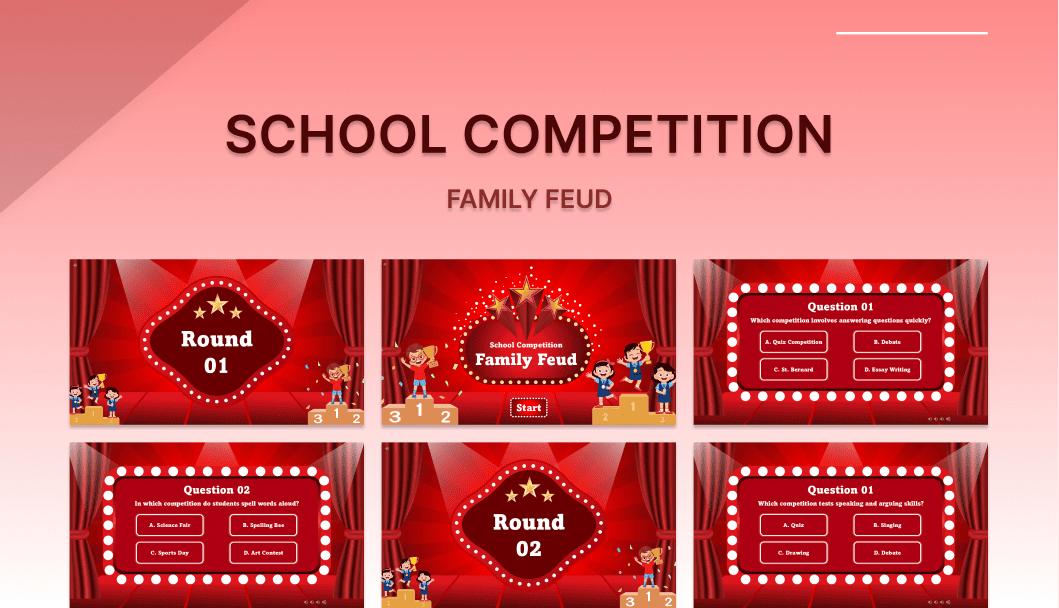
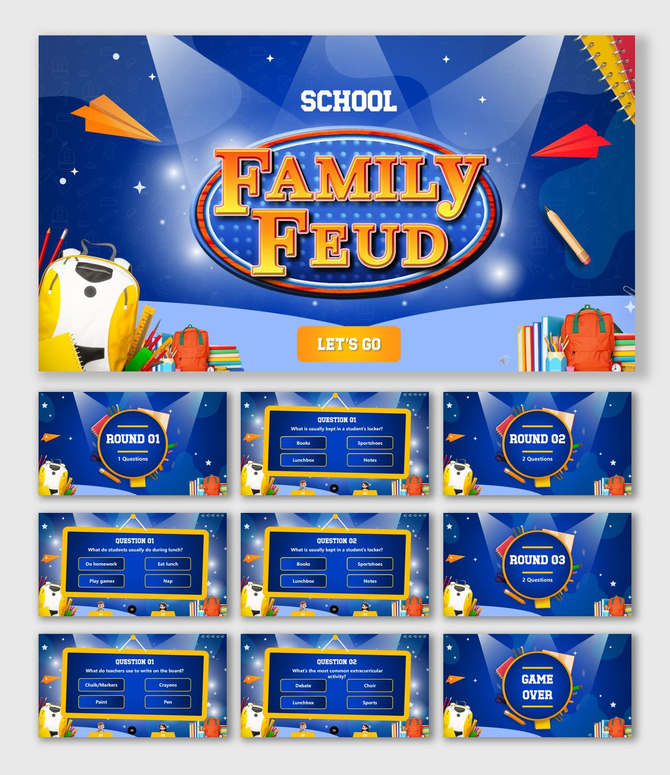
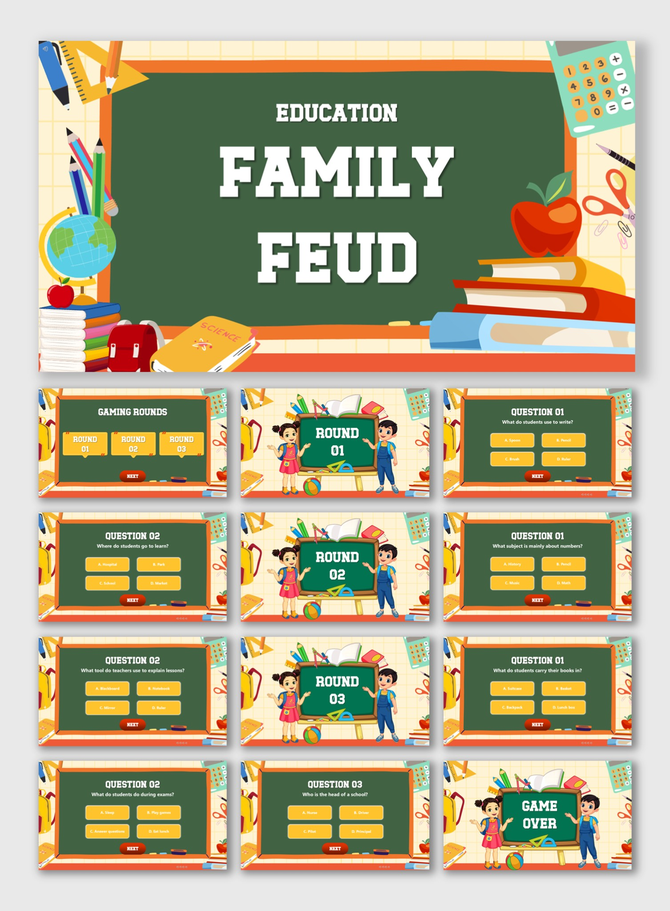
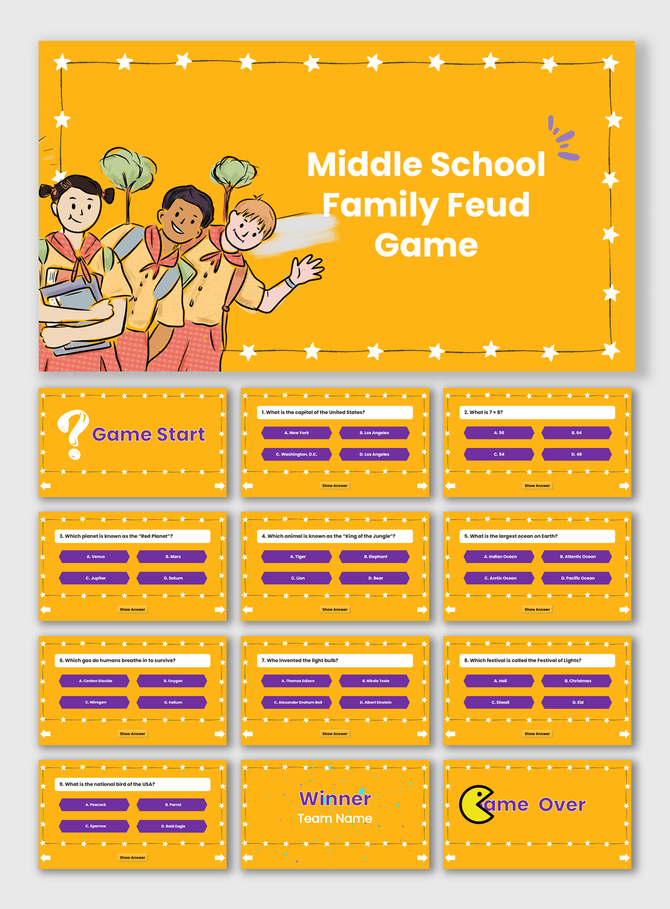
Energize your classroom with our Educational Family Feud Presentation Templates. Perfect for teachers, these slides turn daily quizzes into competitive fun. Whether reviewing for exams or breaking the ice, our editable layouts boost student engagement instantly. Fully compatible with PowerPoint, Google Slides, and Canva. Download yours today!
Editor's Choice (1 of5)
Free


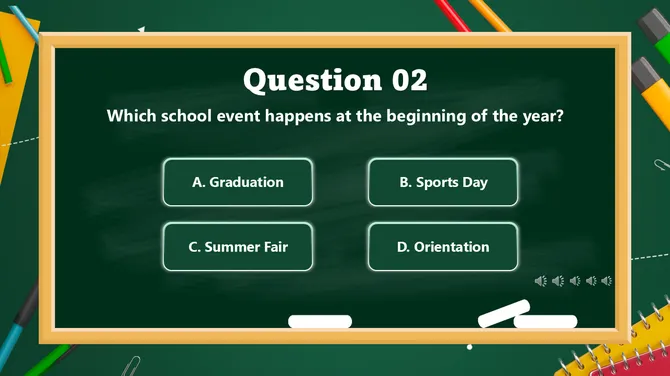
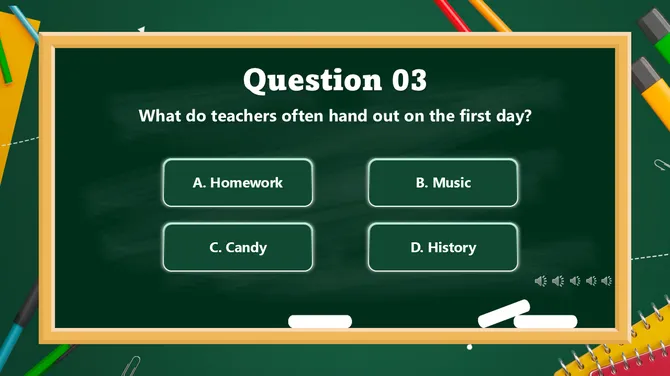
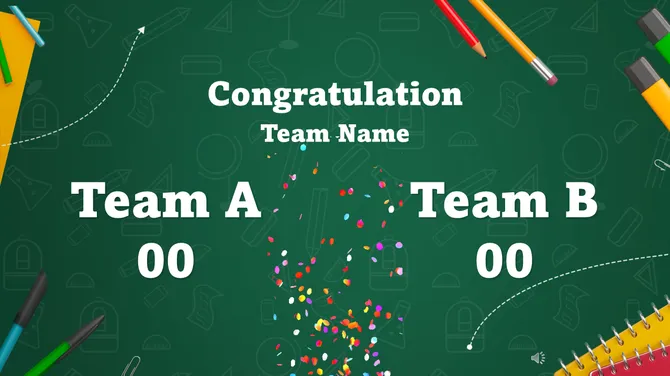

1/22
Free
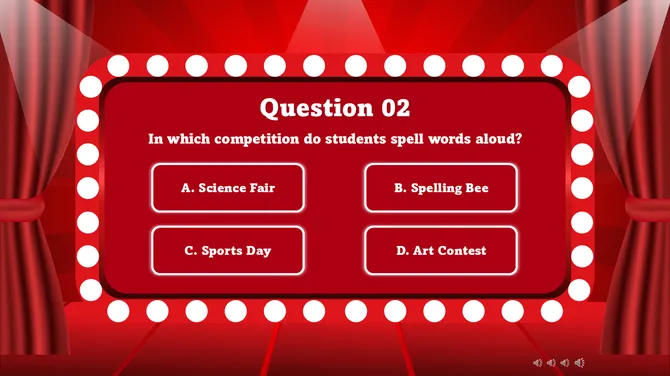
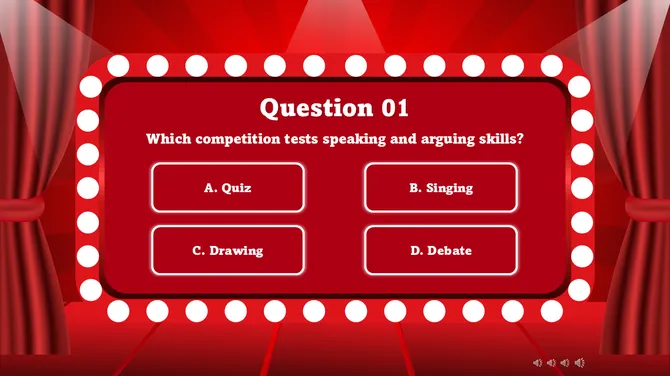
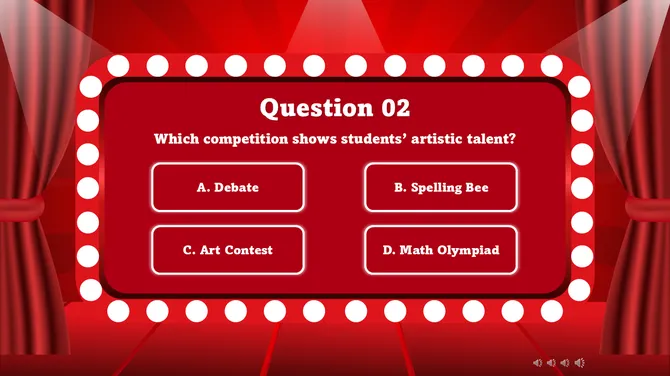
1/22
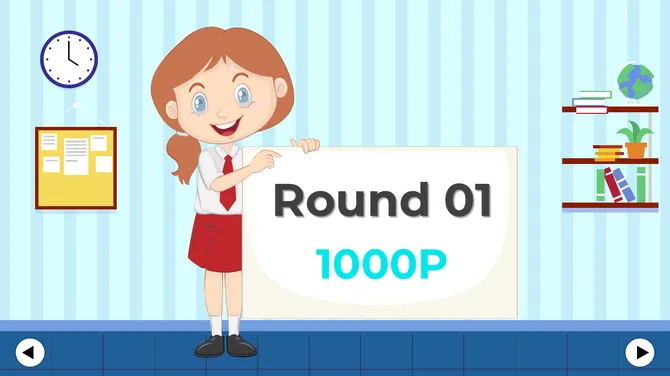
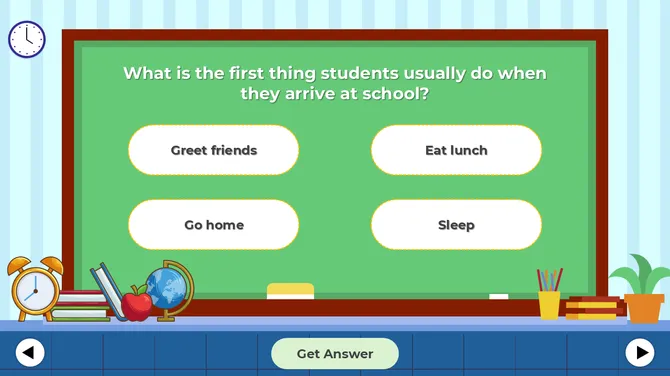
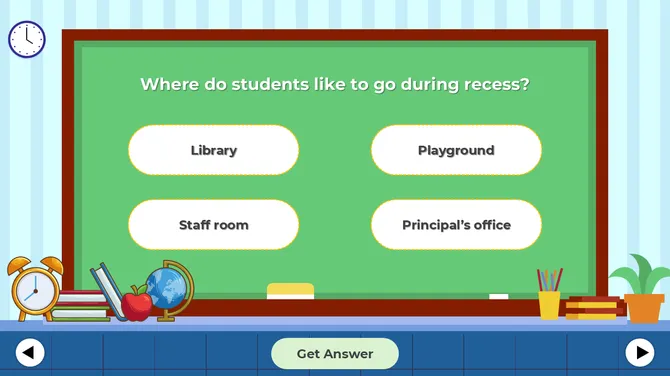
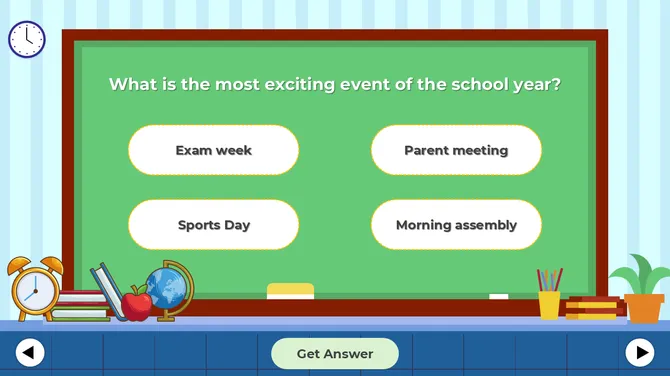
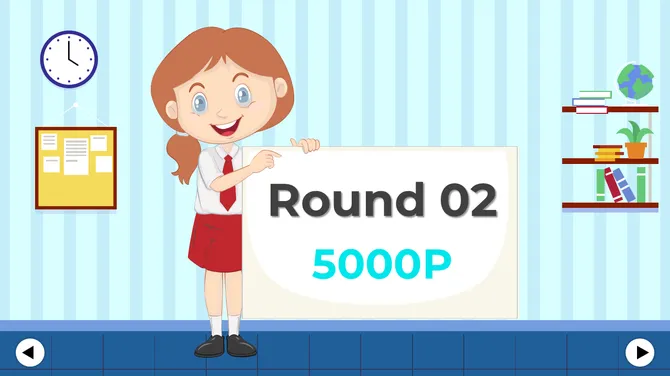
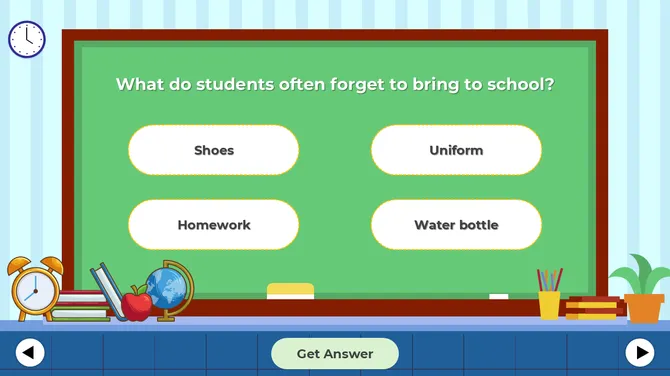
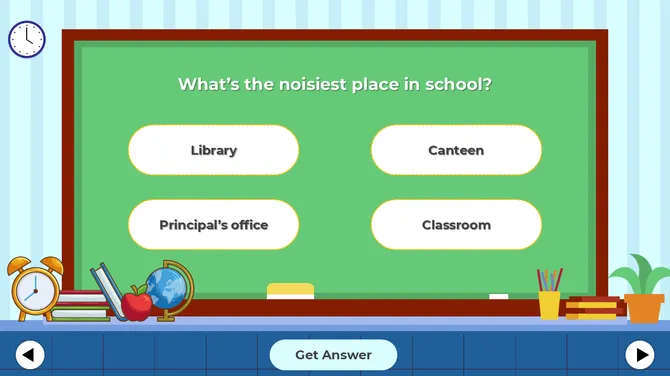
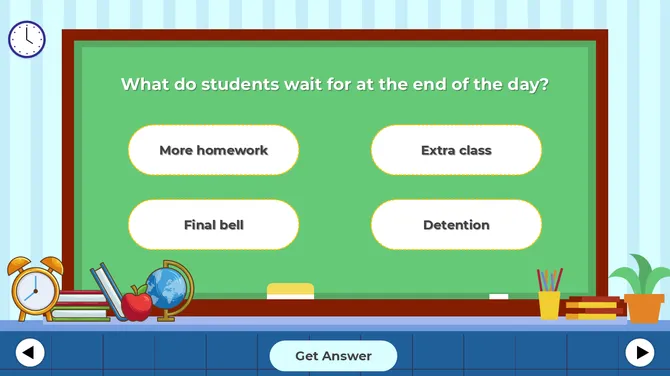
1/24
Free
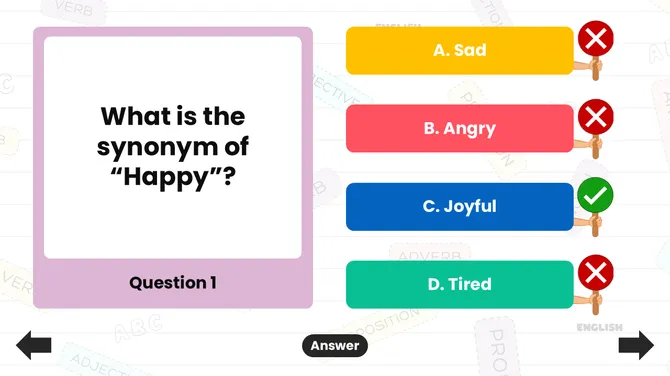
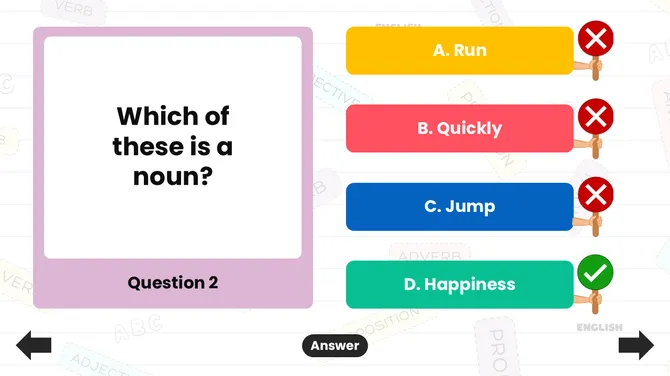
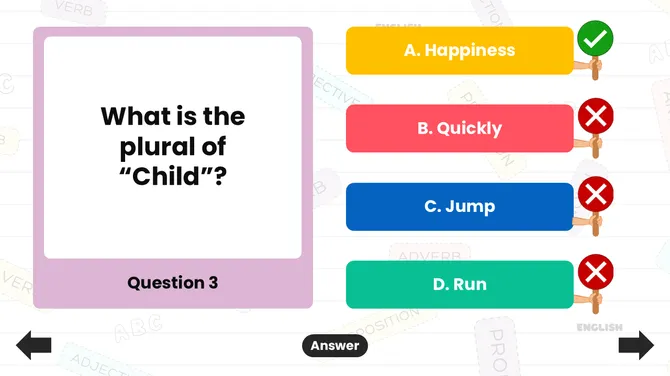
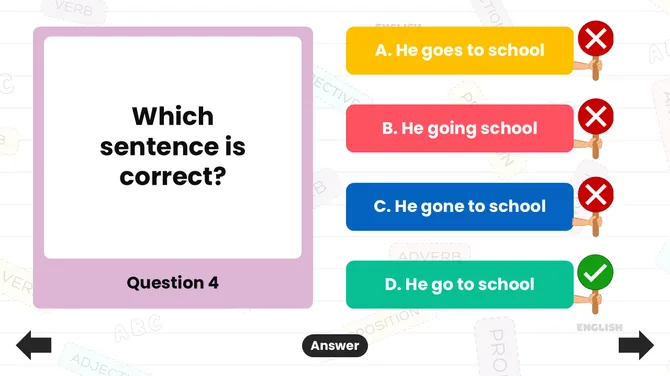
1/22
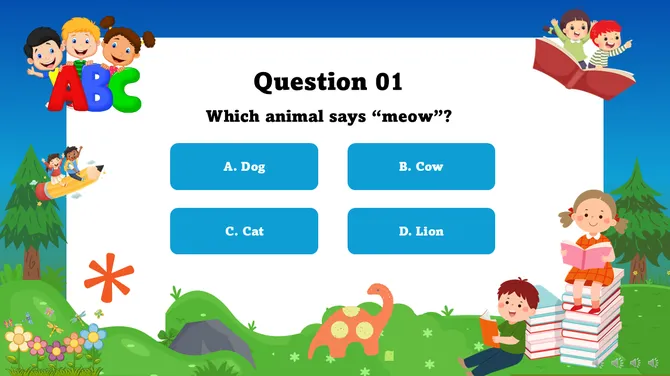
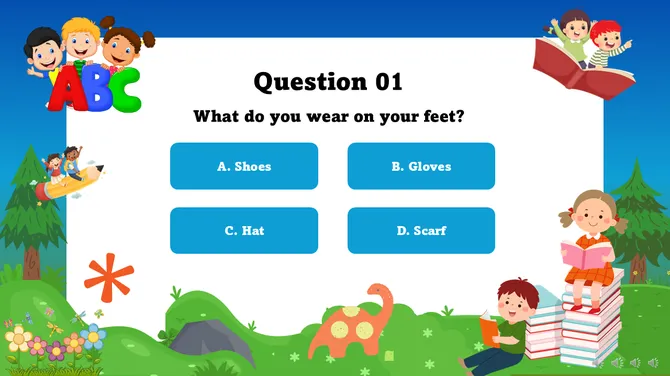
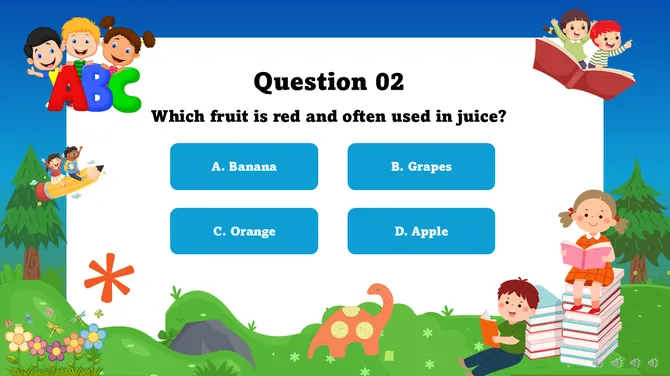
1/22
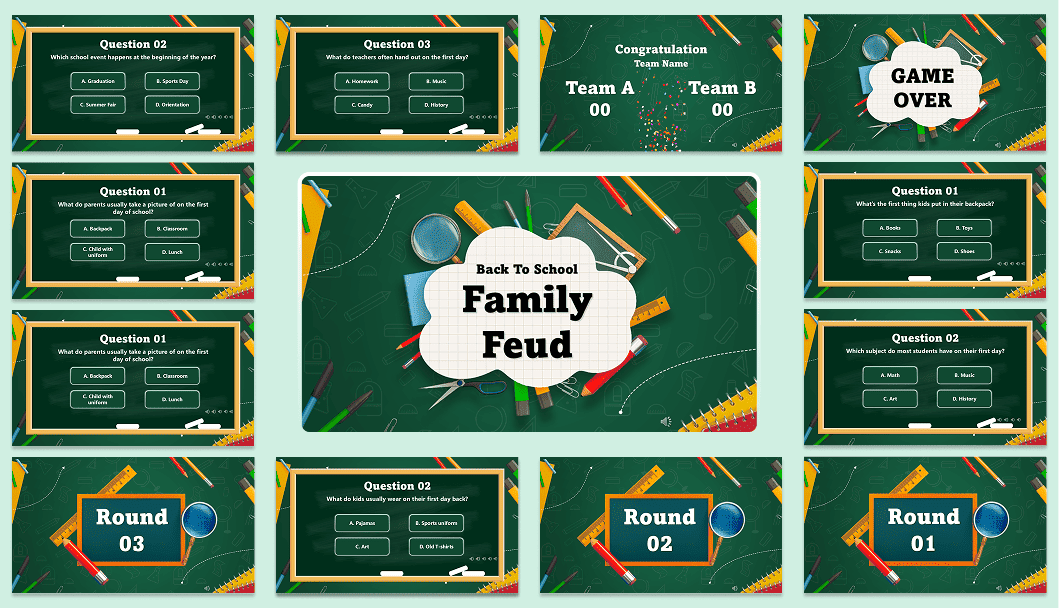
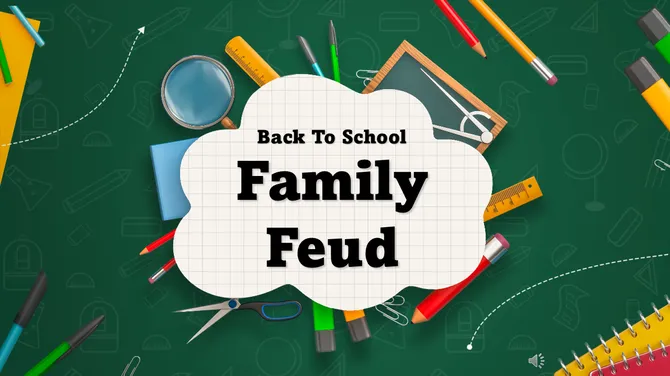
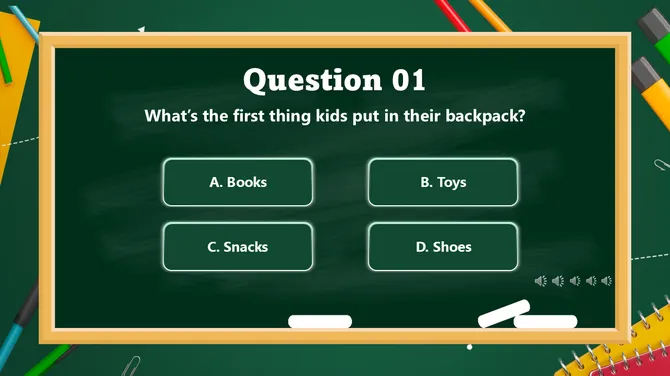
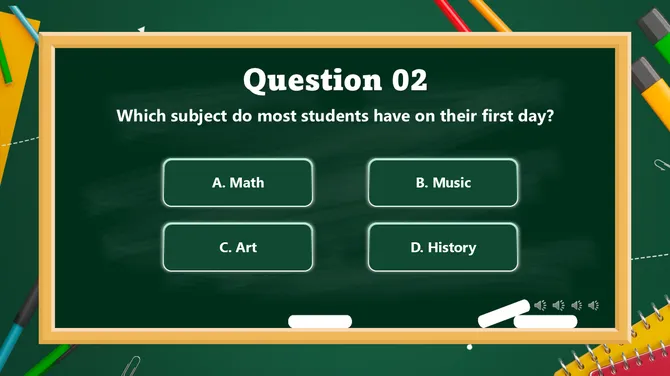
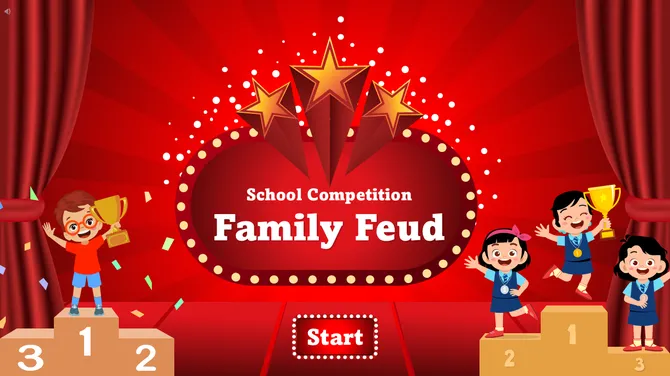
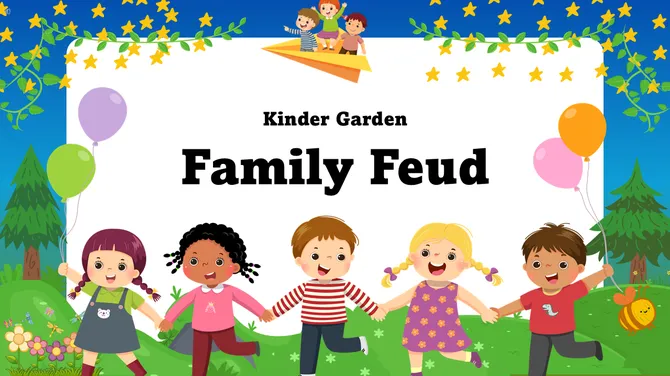
Back To School Family Feud Game
Got a Unique Idea? Craft with AI
PRO
Credits left : 0
Deck Settings
Add to Wishlist
Download
AI Customize
Add to Wishlist
Download
AI Customize
Add to Wishlist
Download
AI Customize
Add to Wishlist
Download
AI Customize
Add to Wishlist
Download
AI Customize
Add to Wishlist
Download
AI Customize
Add to Wishlist
Download
AI Customize
Free
Add to Wishlist
Download
AI Customize
Add to Wishlist
Download
AI Customize
Add to Wishlist
Download
AI Customize
Add to Wishlist
Download
AI Customize
Free
Add to Wishlist
Download
AI Customize
Add to Wishlist
Download
AI Customize
Add to Wishlist
Download
AI Customize
Add to Wishlist
Download
AI Customize
Add to Wishlist
Download
AI Customize
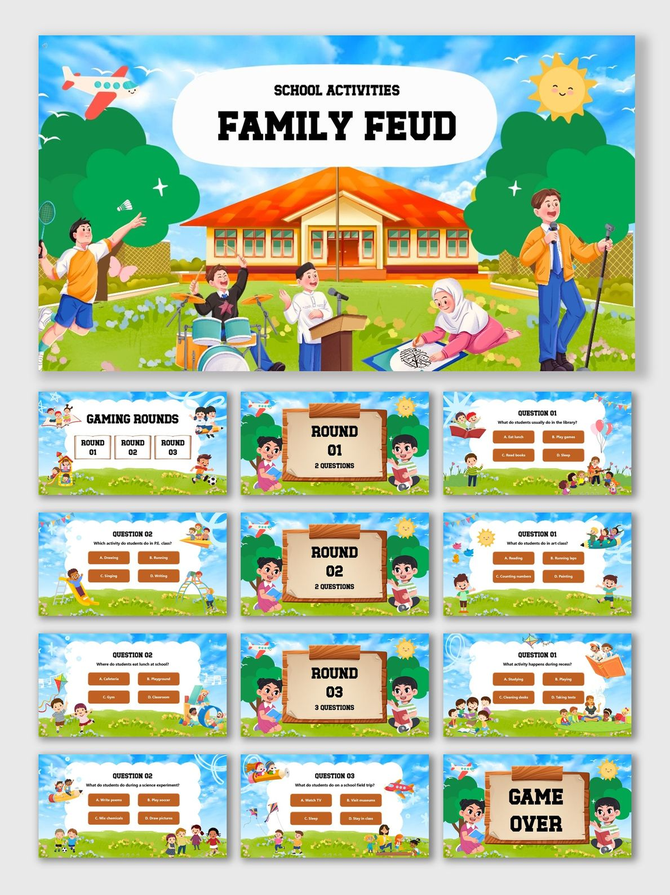
Gamify Your Classroom with Our Educational Family Feud Templates
Students learn best when they are engaged, but lectures often lead to zoning out. An "Educational Family Feud" game wakes up the room. It turns a boring review session into a high-energy competition.
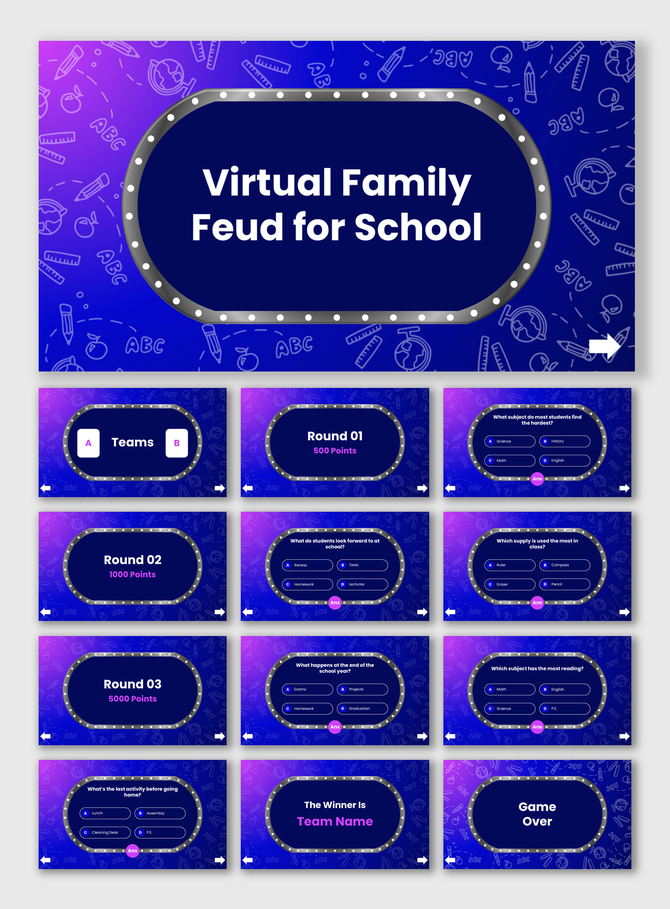
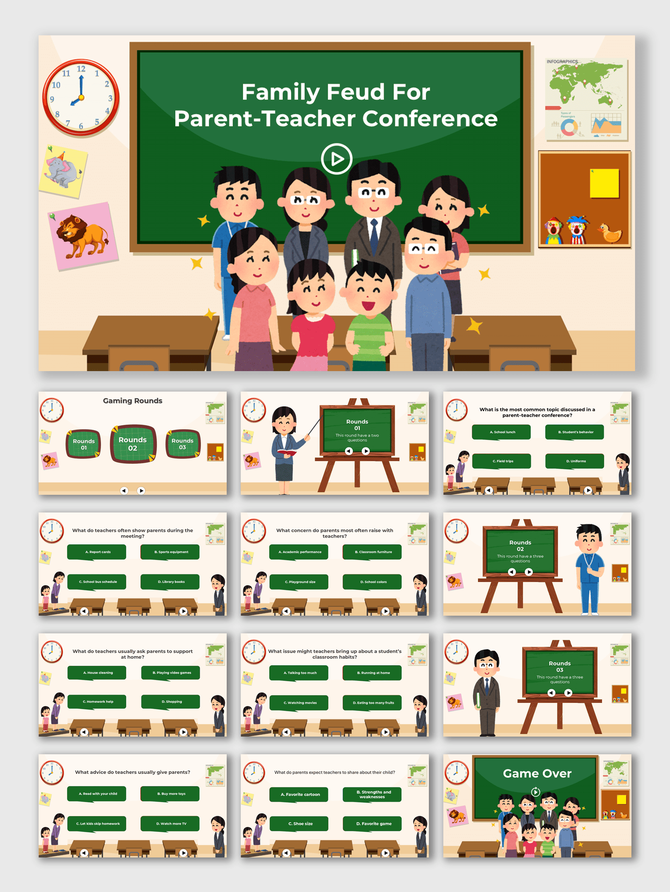
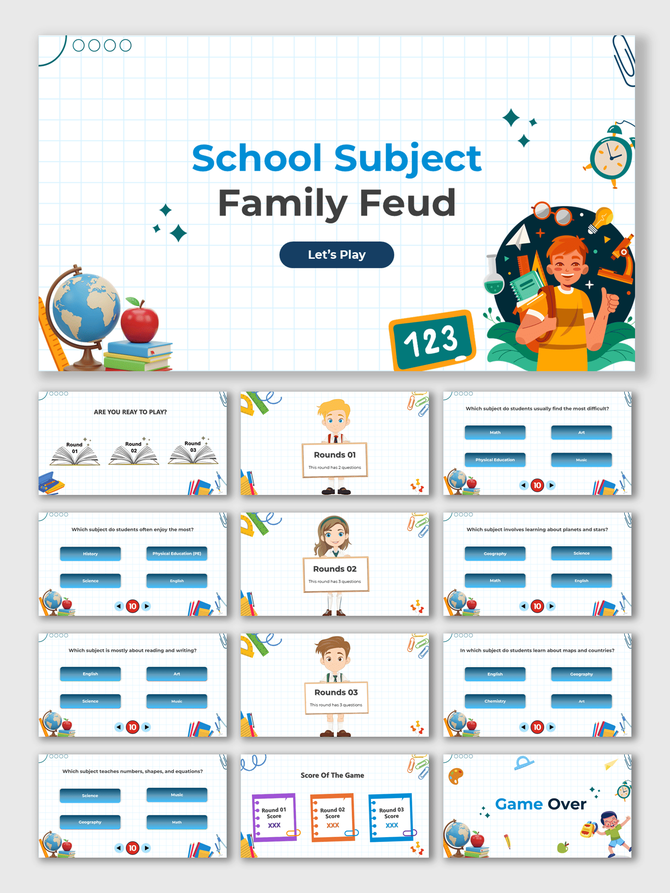
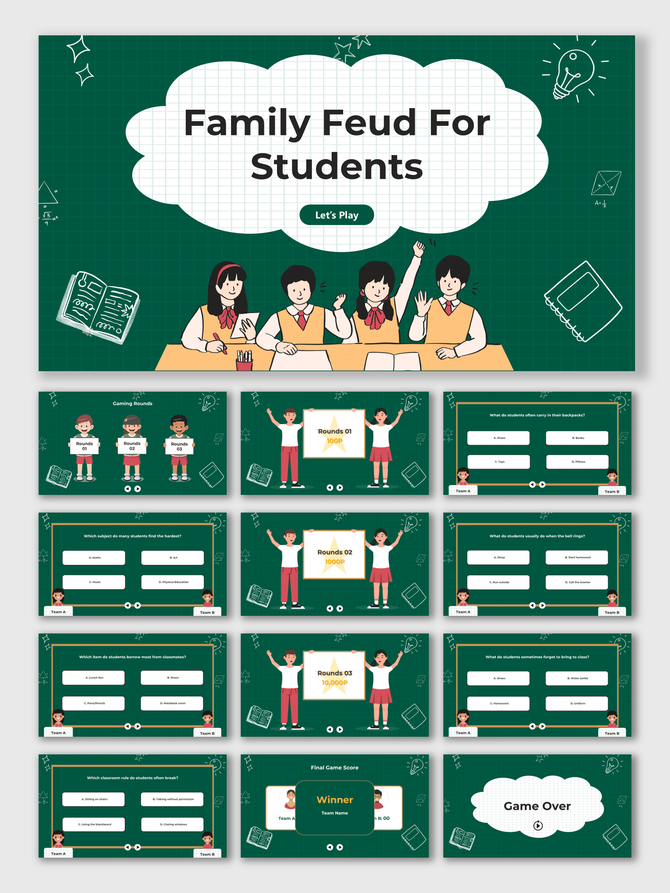
Our Educational Family Feud PowerPoint templates allow teachers to create quizzes easily. You don't need design skills. Just type your questions and answers into the slides. The game mechanics—like the scoreboard—are built in. While these slides are for schools, you can also browse our full Family Feud PowerPoint Templates collection for other styles.
Why Use Game-Based Learning?
Gamification is a proven teaching strategy. Using a game show format helps achieve critical learning goals:
- Active Recall: Students must recall info quickly to win points. This works better than re-reading notes.
- Teamwork: Students work in "families" or squads. They discuss answers and agree on a strategy.
- Formative Assessment: Teachers can instantly see which topics the class knows well.
- Reduced Anxiety: A game is less stressful than a test. It helps shy students speak up.
Key Features of Our Educational Family Feud Templates
We designed these specifically for the classroom environment, ensuring they are distinct from Party and Event Family Feud styles, which are more casual.
1. Universal Design (Works for Any Subject): These templates work for any grade level.
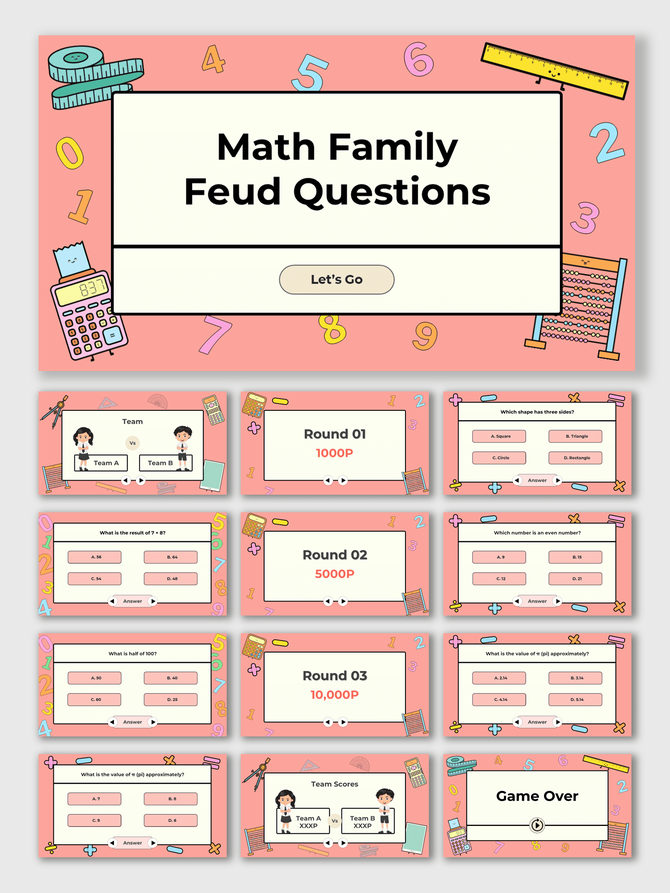
- Math: Use it for mental math or formula reviews.
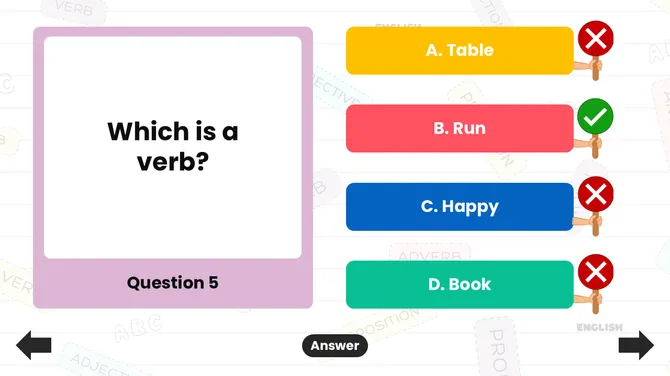
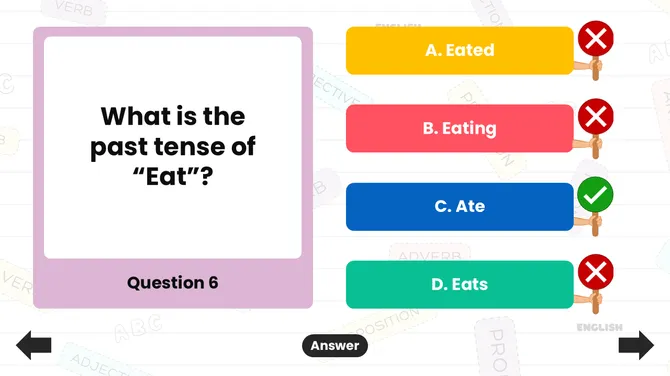
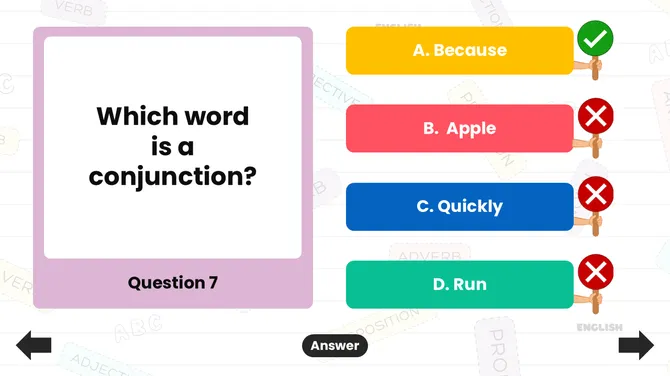
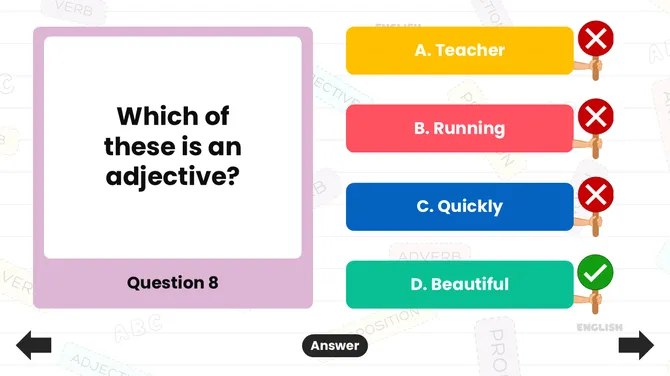
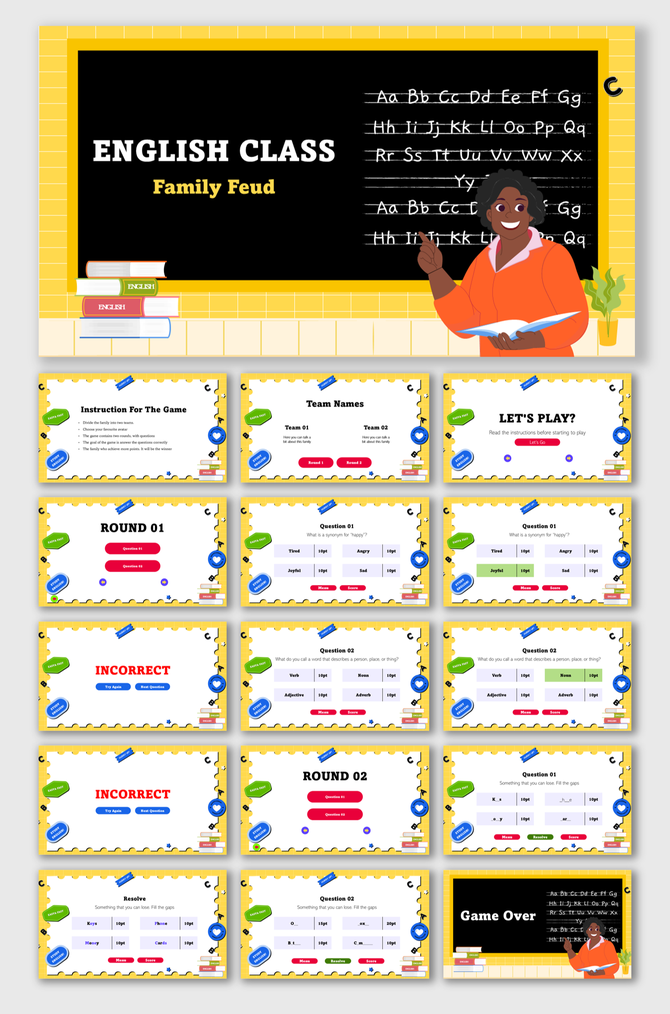
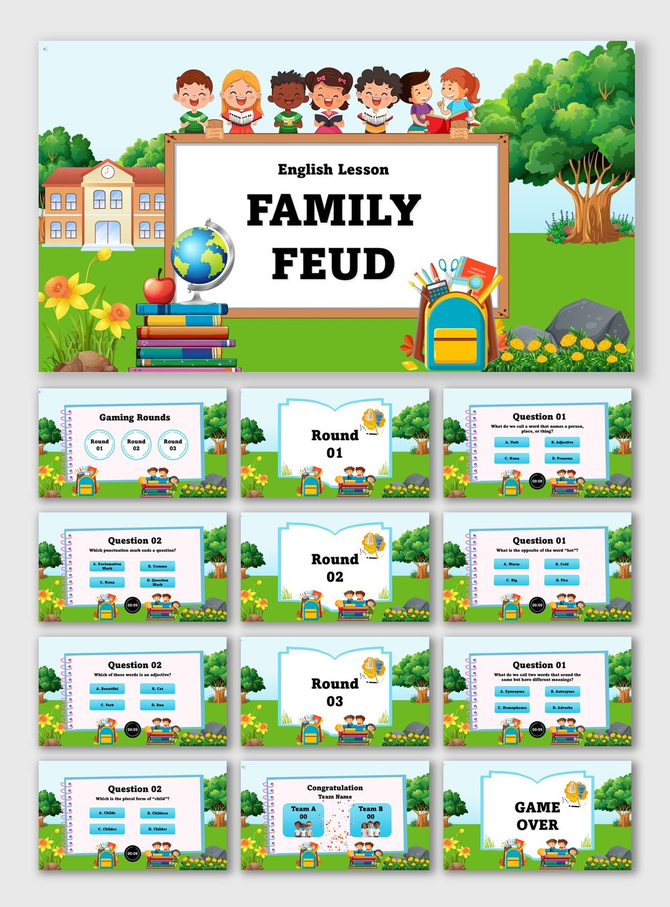
- English/ESL: Great for vocabulary, synonyms, and grammar.
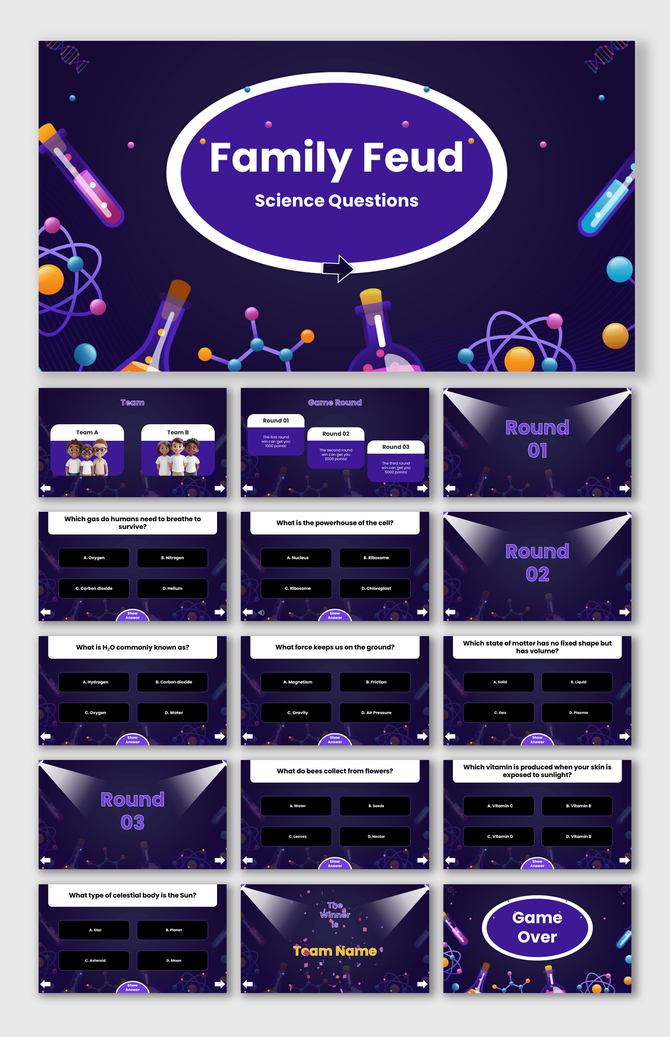
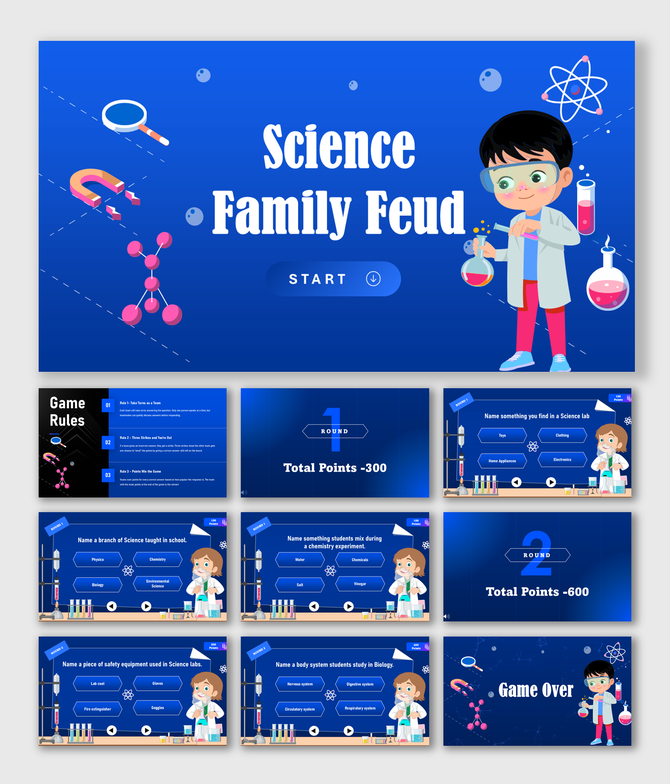
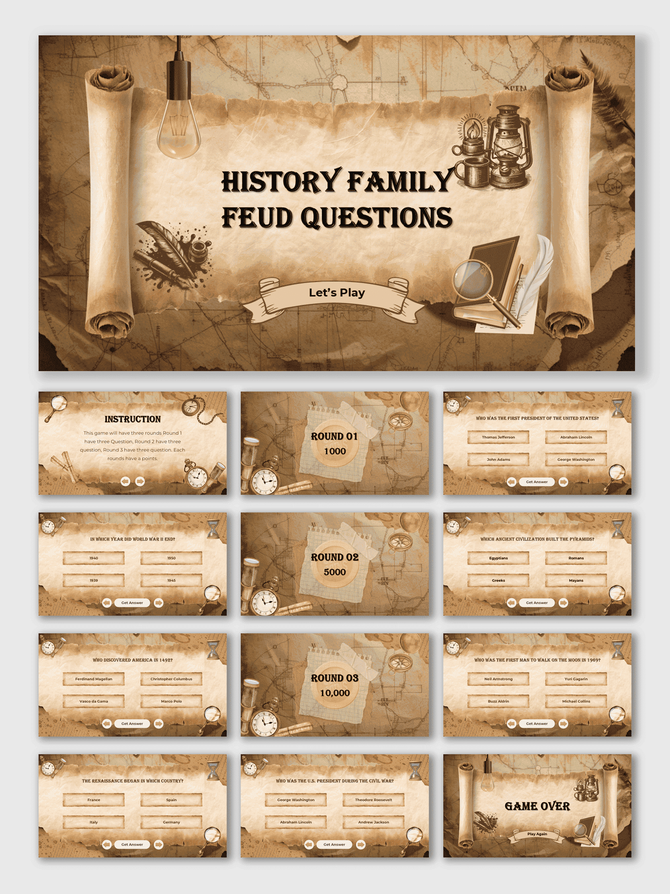
- History/Science: Review dates, events, or facts.
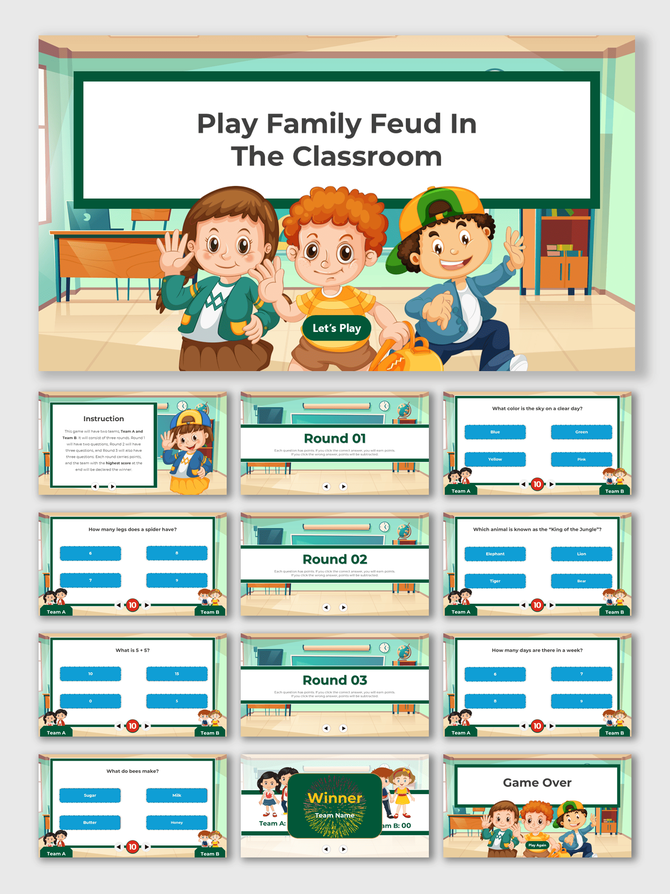
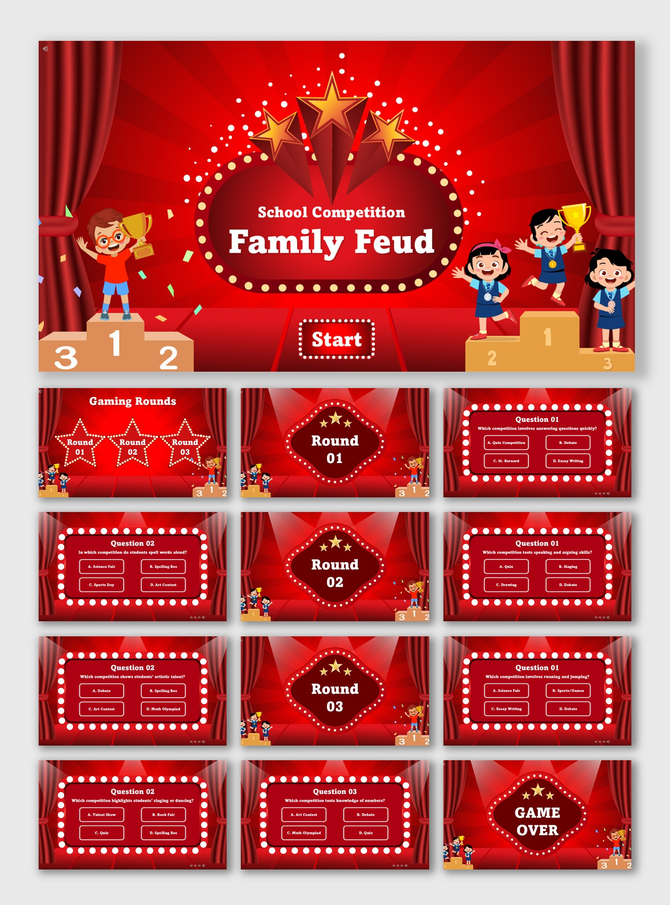
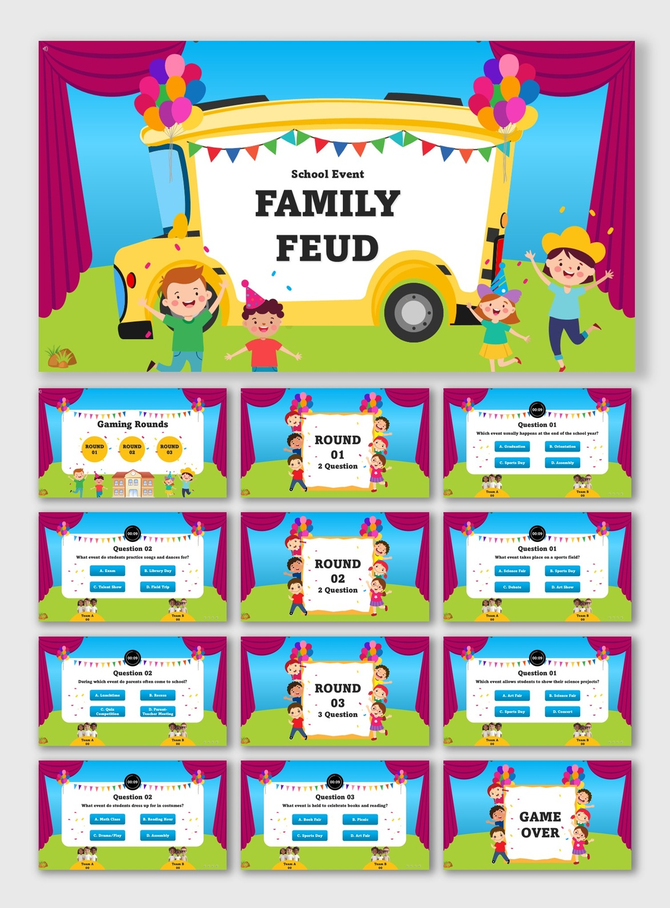
2. Interactive Elements: A static slide is boring. Our templates feel like a real game show.
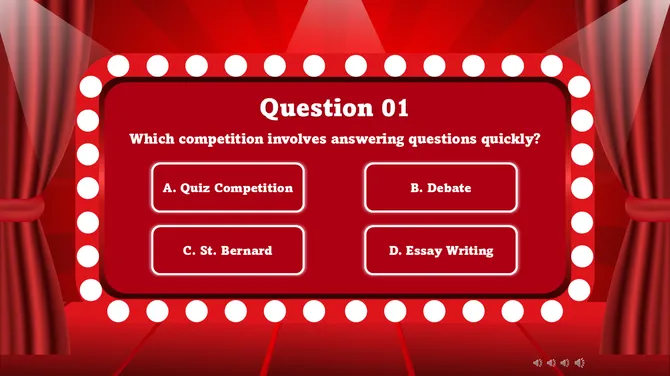
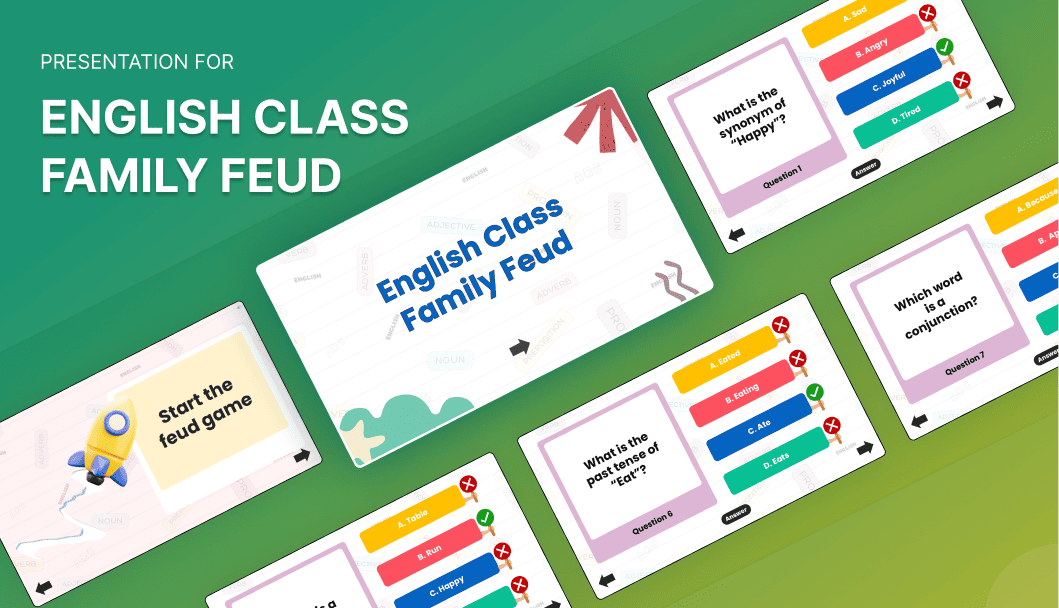
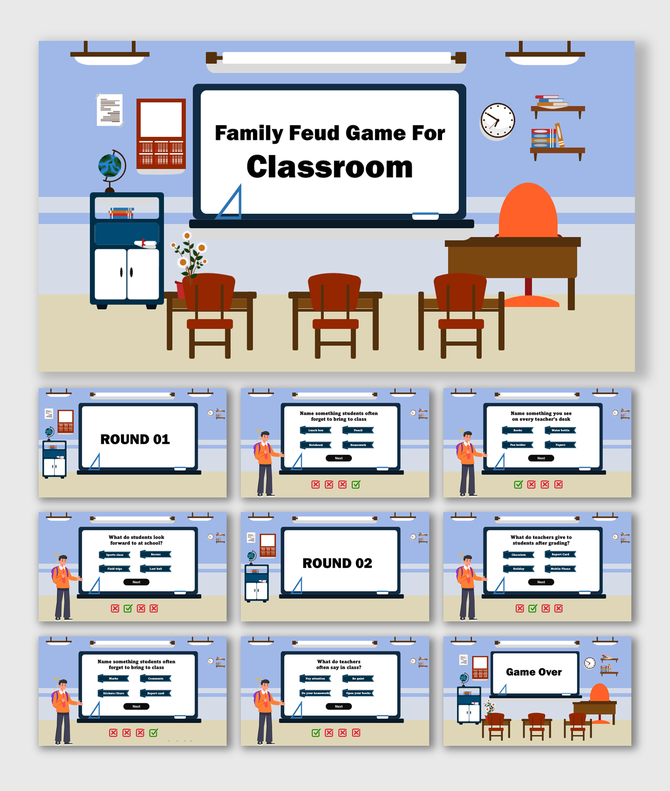
- Click-to-Reveal: Answers stay hidden until you click. This builds suspense.
- Built-in Scoreboards: Track points for Team A and Team B on the slide. No whiteboard needed.
- Wrong Answer Indicators: Visual "X" marks let you show incorrect guesses easily.
3. Visual Flexibility
- Multimedia Support: Add images next to questions. Great for visual learners.
- Custom Branding: Add your school logo to the title screen.
Practical Use Cases for Teachers
1. Exam Review Sessions: Turn test prep into a competition. Quiz students on key dates or formulas before midterms. It finds knowledge gaps while keeping the mood light.
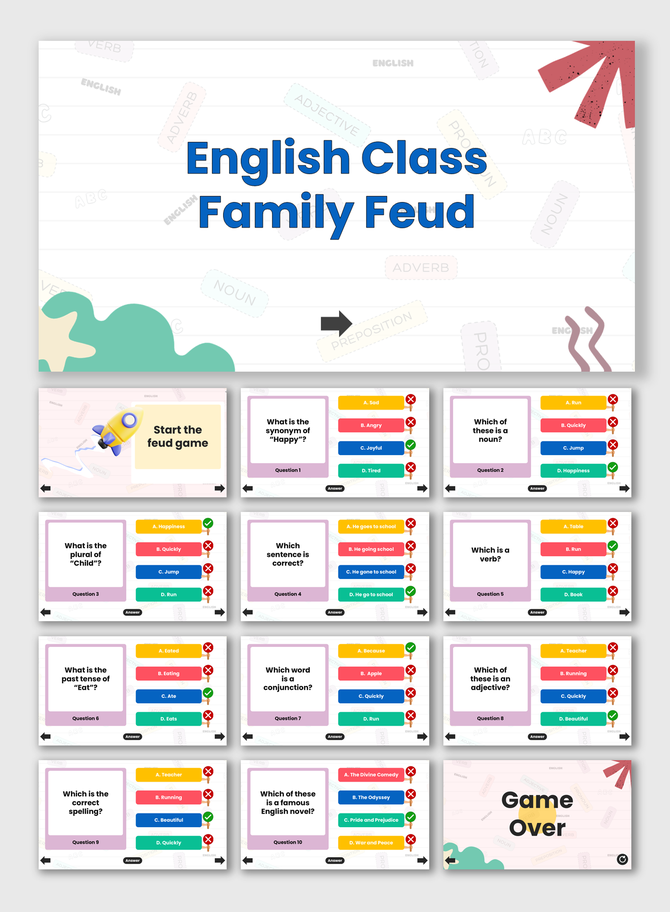
2. Vocabulary Drills: Flashcards can be boring. Use a Family Feud round to test synonyms or definitions (e.g., "Name 5 words for 'Happy'"). This is great for ESL and Language Arts.
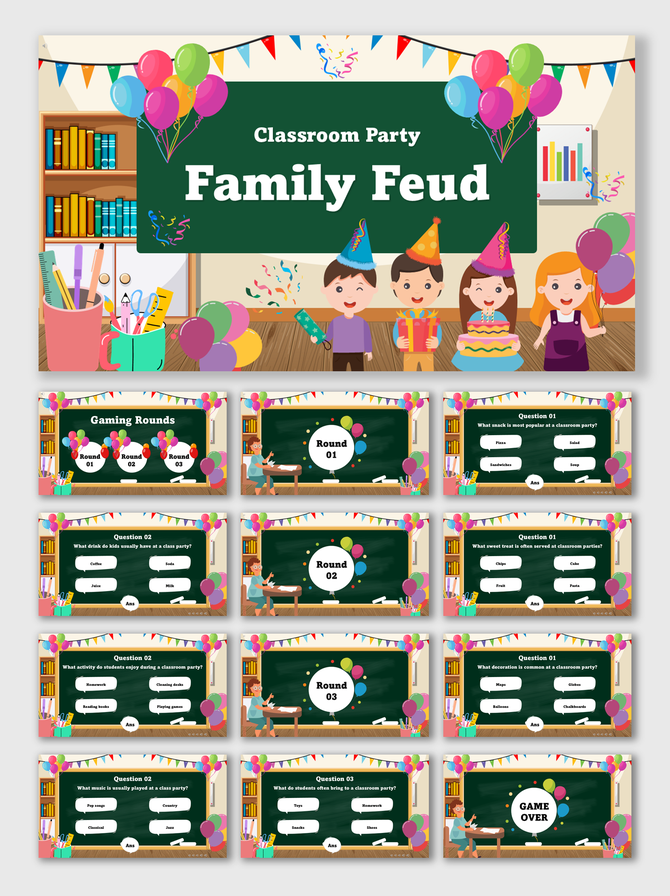
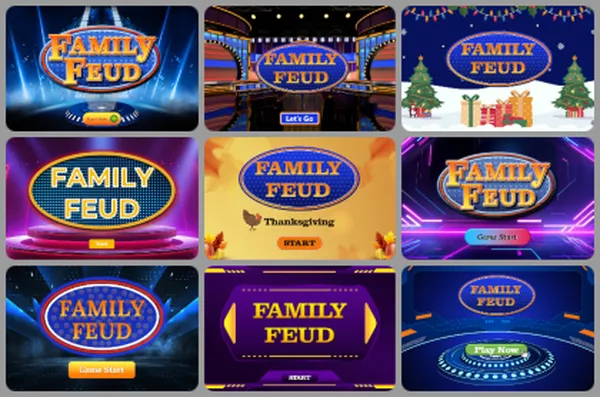
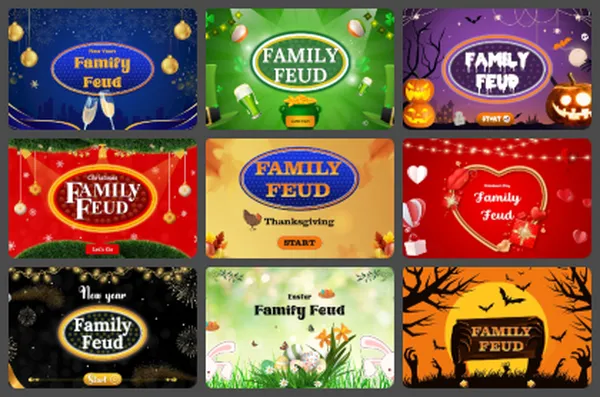
3. Seasonal Class Parties: The day before Winter break is perfect for fun. Swap your standard review for one of our Holiday Family Feud PowerPoint Templates to mix subject trivia with festive cheer.
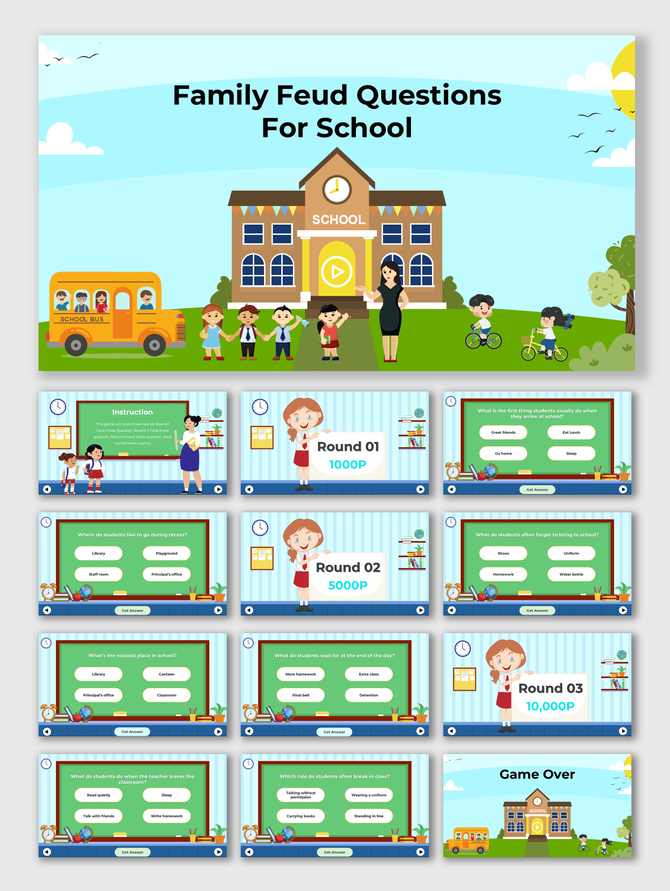
4. Syllabus Introduction: On the first day of school, play a game about class rules. It turns a dry lecture into a fun "Get to Know the Class" activity.
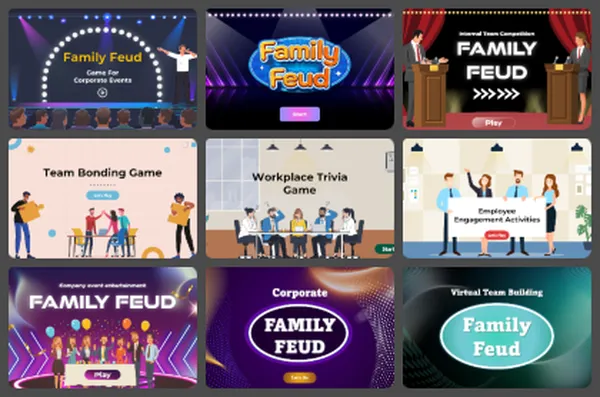
5. Faculty Meetings: School admins can use these templates, too. For formal meetings, try our Corporate and Team Building Family Feud layouts. Review school policies or goals in a polished way.
Step-by-Step: How to Customize Your Game
You do not need to be a tech expert. Follow this workflow:
- Select Format: Download for PowerPoint/Google Slides or click to open in Canva.
- Plan Content: Prepare 5-10 questions with multiple answers.
- Edit Text: Click the text boxes to replace the placeholder text.
- Test Animation: Use "Slideshow Mode" to check that answers are revealed correctly.
Best Practices for a Smooth Game
To run a flawless game, follow these tips:
- Prepare Ahead: Type all questions before class. Don't edit live.
- Appoint a Host: You are the host. You control the mouse.
- Group Wisely: Mix strong students with struggling ones to balance teams.
- Keep it Fast: Set a timer for each question to keep energy high.
Technical Specifications
1. Works with Your Tools
- PowerPoint: Reliable for offline use in the classroom.
- Google Slides: Ideal for remote teaching via Zoom.
- Canva: Use this to add fun graphics easily.
2. Licensing & Specs
- Royalty-Free: Use these in class without copyright issues.
- Aspect Ratios: Available in 16:9 (Widescreen) for smartboards.
Make Learning Unforgettable
Don't let students zone out. Bring energy back to class with a tool they love. Our Educational Family Feud templates make you the "fun teacher" while serious learning happens.
Ready to start the game? Browse our collection and download your template today!
Related Collections

Frequently Asked Questions
Can I use these slides for any grade?
Yes. The content is editable. Make simple questions for 1st graders or complex trivia for college students.
Do I need the internet to use these templates?
PowerPoint works offline. Google Slides needs an internet connection.
Can I use pictures in the answers?
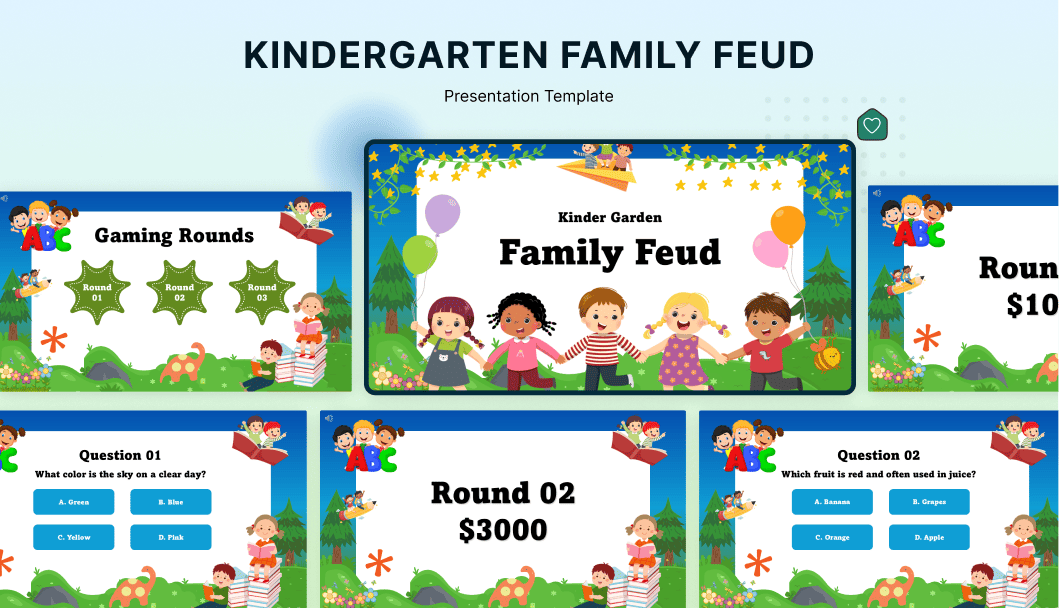
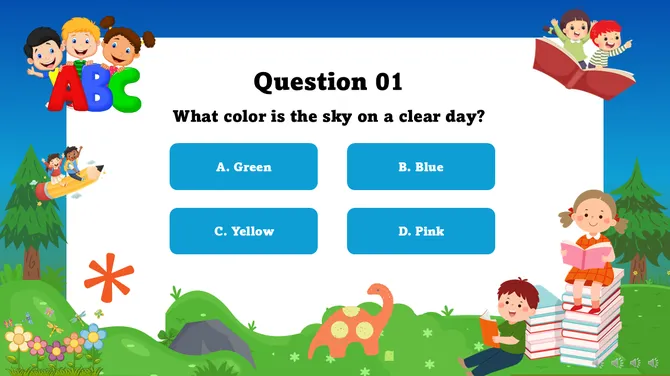
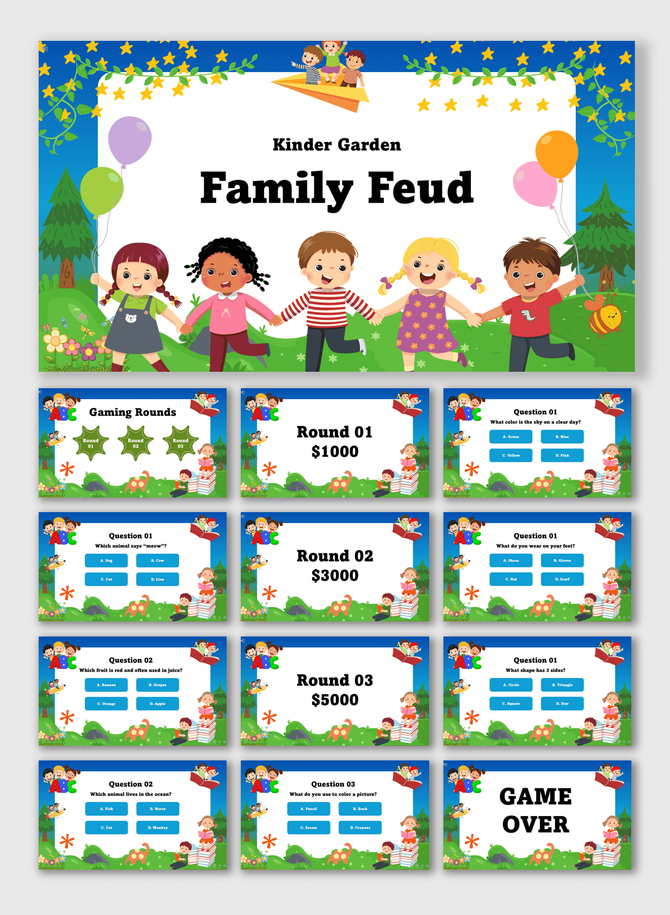
Yes. You can insert images. This is great for Kindergarten quizzes.
Is this good for remote teaching?
Yes. Share your screen on Zoom or Teams to play virtually.
How do I keep score?
Most templates have a built-in scoreboard section. You can type in the points manually.
Can I change colors to match my school?
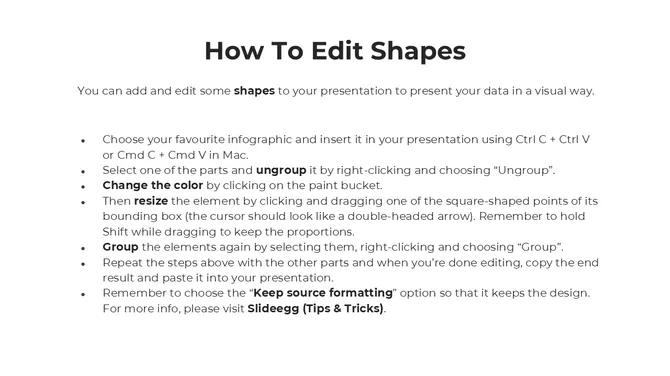
Yes. All shapes and text are editable. Apply your school colors in seconds.
Are these templates free?
We offer both free and premium options. Try a free template to test the game format.