Free "Educational" Family Feud Presentation Templates
Energize your classroom with our Educational Family Feud Presentation Templates. Perfect for teachers, these slides turn daily quizzes into competitive fun. Whether reviewing for exams or breaking the ice, our editable layouts boost student engagement instantly. Fully compatible with PowerPoint, Google Slides, and Canva. Download yours today!
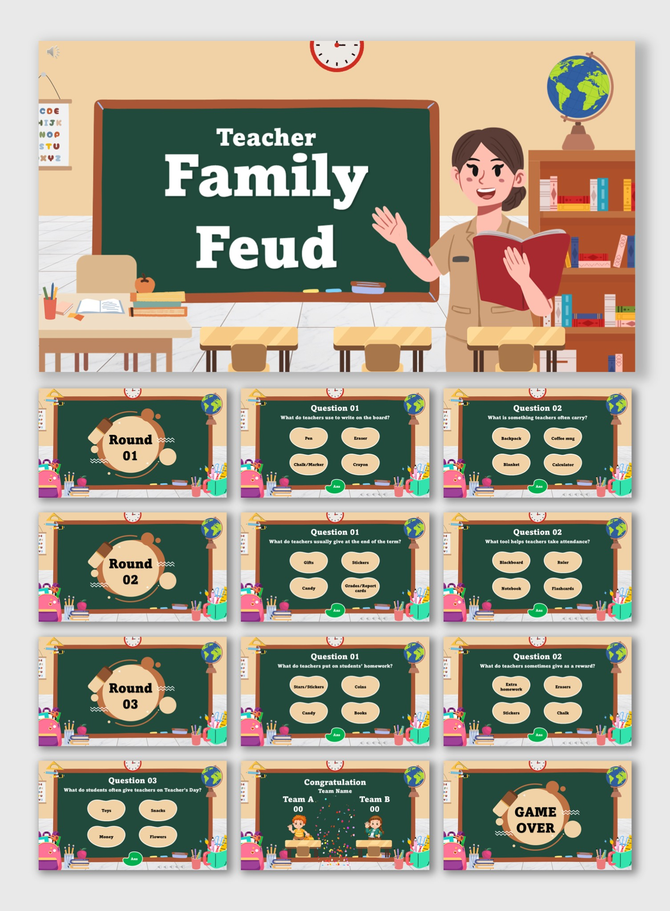
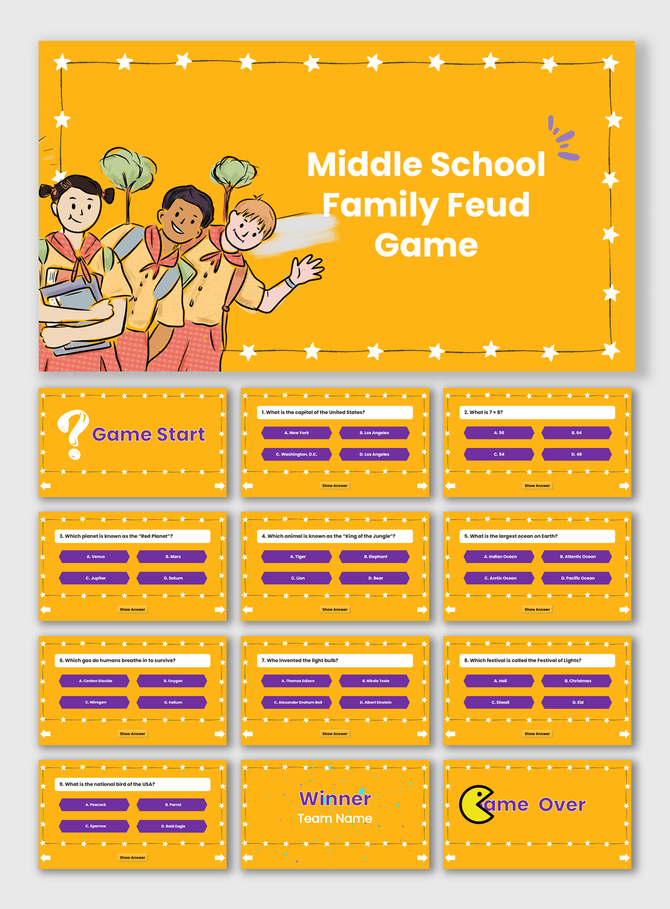
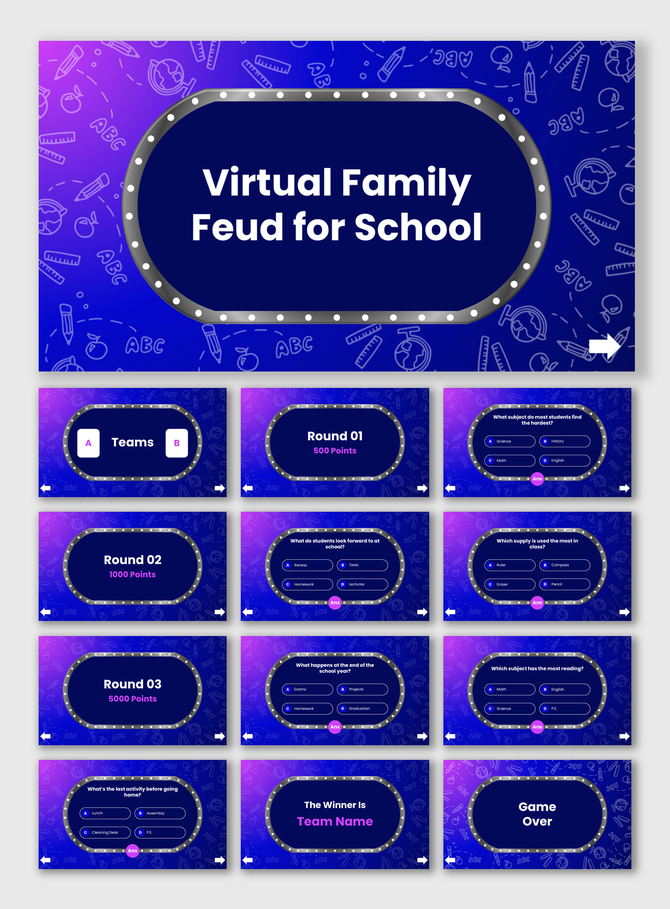


Gamify Your Classroom with Our Educational Family Feud Templates
Why Use Game-Based Learning?
- Active Recall: Students must recall info quickly to win points. This works better than re-reading notes.
- Teamwork: Students work in "families" or squads. They discuss answers and agree on a strategy.
- Formative Assessment: Teachers can instantly see which topics the class knows well.
- Reduced Anxiety: A game is less stressful than a test. It helps shy students speak up.
Key Features of Our Educational Family Feud Templates
- Math: Use it for mental math or formula reviews.
- English/ESL: Great for vocabulary, synonyms, and grammar.
- History/Science: Review dates, events, or facts.
- Click-to-Reveal: Answers stay hidden until you click. This builds suspense.
- Built-in Scoreboards: Track points for Team A and Team B on the slide. No whiteboard needed.
- Wrong Answer Indicators: Visual "X" marks let you show incorrect guesses easily.
- Multimedia Support: Add images next to questions. Great for visual learners.
- Custom Branding: Add your school logo to the title screen.
Practical Use Cases for Teachers
Step-by-Step: How to Customize Your Game
- Select Format: Download for PowerPoint/Google Slides or click to open in Canva.
- Plan Content: Prepare 5-10 questions with multiple answers.
- Edit Text: Click the text boxes to replace the placeholder text.
- Test Animation: Use "Slideshow Mode" to check that answers are revealed correctly.
Best Practices for a Smooth Game
- Prepare Ahead: Type all questions before class. Don't edit live.
- Appoint a Host: You are the host. You control the mouse.
- Group Wisely: Mix strong students with struggling ones to balance teams.
- Keep it Fast: Set a timer for each question to keep energy high.
Technical Specifications
- PowerPoint: Reliable for offline use in the classroom.
- Google Slides: Ideal for remote teaching via Zoom.
- Canva: Use this to add fun graphics easily.
- Royalty-Free: Use these in class without copyright issues.
- Aspect Ratios: Available in 16:9 (Widescreen) for smartboards.
Make Learning Unforgettable
Explore Similar Collections
Frequently Asked Questions
Can I use these slides for any grade?
Yes. The content is editable. Make simple questions for 1st graders or complex trivia for college students.
Do I need the internet to use these templates?
PowerPoint works offline. Google Slides needs an internet connection.
Can I use pictures in the answers?
Yes. You can insert images. This is great for Kindergarten quizzes.
Is this good for remote teaching?
Yes. Share your screen on Zoom or Teams to play virtually.
How do I keep score?
Most templates have a built-in scoreboard section. You can type in the points manually.
Can I change colors to match my school?
Yes. All shapes and text are editable. Apply your school colors in seconds.
Are these templates free?
We offer both free and premium options. Try a free template to test the game format.