History Family Feud Questions PowerPoint And Google Slides

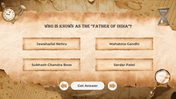

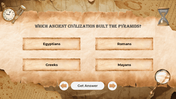
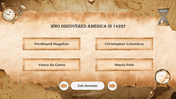
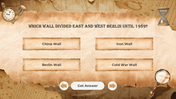

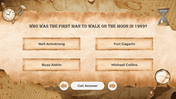
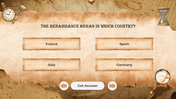
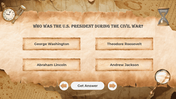



History Family Feud Questions PowerPoint, Google Slides, and Canva Template
Make history lessons exciting with the History Family Feud Questions PowerPoint. This 23-slide quiz game template is perfect for teachers, students, and educational facilitators who want to bring fun and interactivity into their classroom. With a vibrant multicolor theme, every slide is visually engaging and easy to follow, making historical facts enjoyable to learn.
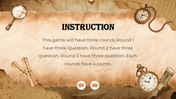
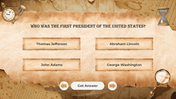
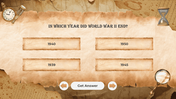
Featuring three competitive rounds, teams can answer history-based questions and score points while competing in a fun and structured way. The point-style slides ensure questions, scoring, and game instructions are simple to understand, ideal for classroom activities, history review sessions, and educational competitions.
Designed for interactive learning, this template encourages teamwork, critical thinking, and friendly competition. Teachers can easily manage rounds, track team points, and keep students engaged with the quiz game theme tailored specifically for history topics.
Perfect for elementary, middle, and high school classrooms, this editable PowerPoint works well in in-person, hybrid, and virtual learning environments. It’s fully compatible with PowerPoint and Google Slides, giving flexibility for different teaching settings.
Bring energy and excitement to history lessons—download the History Family Feud Questions PowerPoint today and turn your classroom into an interactive, competitive, and educational space!
Features of this template
- 100% customizable slides and easy to download.
- The slides contain 16:9 and 4:3 formats.
- Easy to change the colors quickly.
- Highly compatible with PowerPoint, Google Slides, and Canva templates.
Explore Related Collections
Recommended based on this template.






You May Also Like These PowerPoint Templates














Showing36 of69,218 templates