Introduction
Black Friday needs more than discounts; it requires a visual story. After working on so many campaigns, I realized the right slide deck can change everything. It’s not just about showing offers-it’s about guiding your audience through a journey where urgency meets clarity. A strong deck helps you highlight deals, build trust instantly, and keep viewers focused even in the middle of the Black Friday chaos.
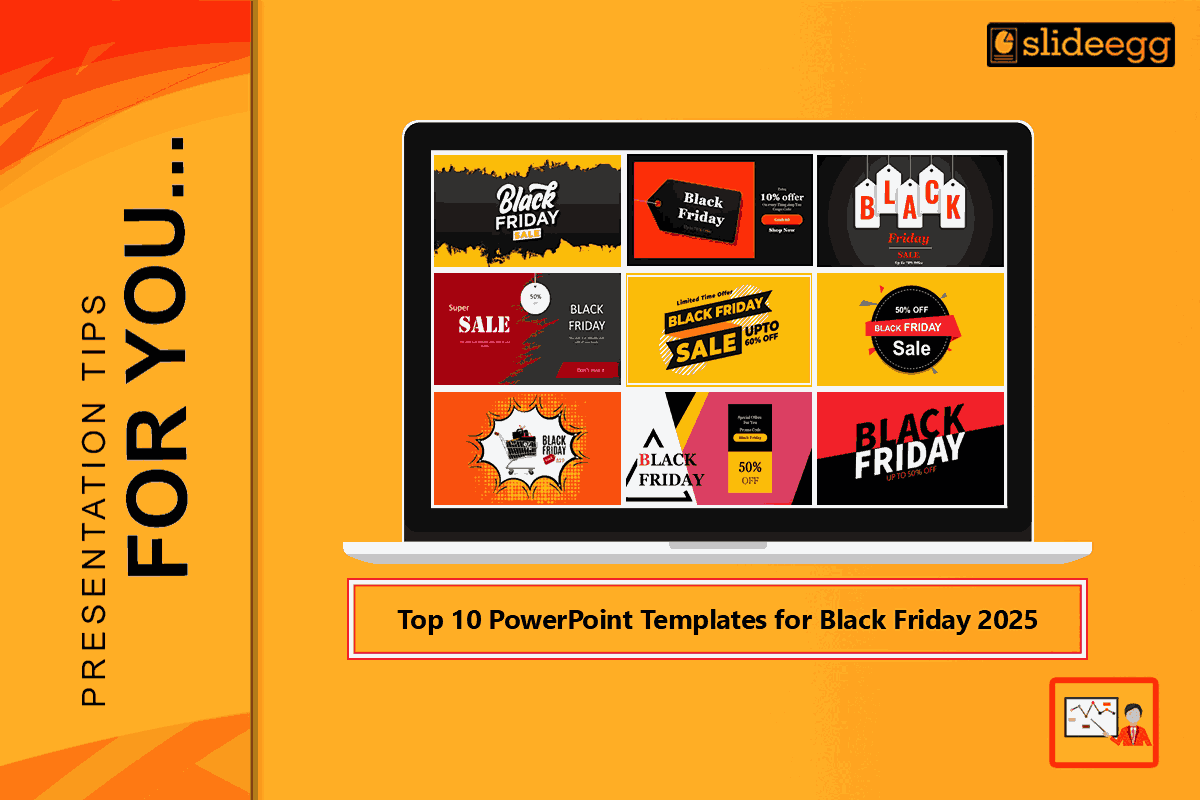
Here, therefore, are the best 10 presentation templates: eye-catching, multi-purpose, and mostly free, meant to make it easier for you to present urgency, value, social proof, and clarity with ease. All these templates will easily allow you to show price comparisons, countdowns, product highlights, and last-minute flash sale alerts without you having to spend hours designing.
1. Bold Black & Red Sale Theme
- The black background of this template is bold and eye-catching, while the red accents give it a nice “deal-making frenzy” vibe, which is just right for Black Friday.
- Fonts are clear and very noticeable, and big offer tags make your best deals instantly visible, thus turning every slide into a thrilling and rewarding experience.
- It’s the perfect option for presenting big price cuts or making an impressive opening slide that captures the audience’s attention right from the start.

Credit: https://www.slideegg.com/black-friday-powerpoint-presentation-slide
2. Yellow & Black Shopping Cart Design
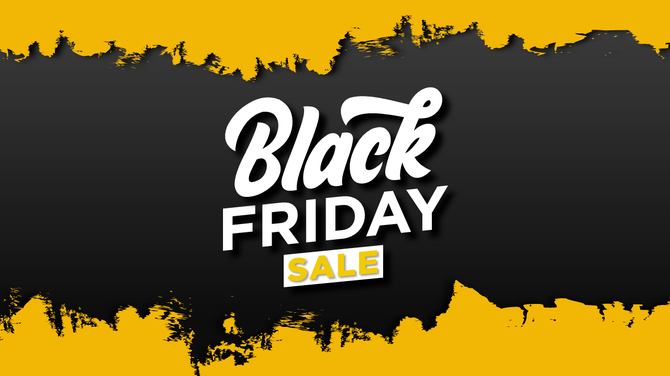
- A brighter take on the classic Black Friday look includes bold black backgrounds with glowing yellow accents and icons of things like shopping carts or sale tags.
- This style keeps the energy high without letting the dark theme feel too heavy.
- That would work especially well for “How It Works” slides, where you explain simple steps such as browse → add to cart → checkout.
- For inspiration, the Black Friday Template on SlideEgg follows this exact colour approach.
Credit: https://www.slideegg.com/black-friday-powerpoint-template-design
3. Minimalist White Space and Bold Offer Blocks
- This graphic demonstrates the classic principle of “less is more” by using a lot of white or light space, with very visible blocks of colour for sale tags and percentages.
- This would be good to do if you want to keep the offer as a primary focus of the slide and not distract the viewer with too much detail on the slide.
- It is also appropriate for slides where products are broken down one by one or in comparison with each other (e.g., “Was vs Now”).
4. Infographic & Data‑Driven Template
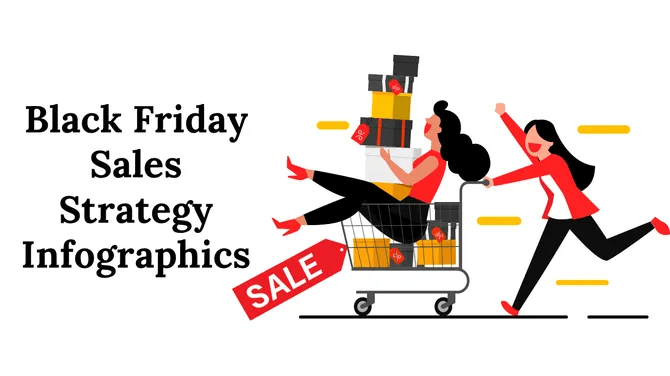
- One of the best PowerPoint templates for presenting numbers: show footfall, deal uptake, conversion rates, or “why this deal matters” statistics.
- Seek templates with charts, icons, and data visualisation that you can completely edit.
- Among these features are a great many from the “Black Friday PowerPoint Templates” collection on SlideEgg.
Credit: https://www.slideegg.com/black-friday-sales-strategy-infographics?
5. Countdown & Urgency Focus Template
- One of the main features of Black Friday is the urgency: deadlines, “limited stock”, “ends soon”, and so on. In this case, the template resorts to timers, bold call-to-action slides, and visual urgency cues.
- Ideal for announcing last-minute deals or for embedding in a mailing that reflects the live promotion.

Credit: https://www.slideegg.com/black-friday-sales-pitch
6. Cyber Neon Tech Template
This template is excellent if you wish to give your Black Friday presentation a futuristic, vibrant, and contemporary feel.
It is characterized by:
- Neon blue and pink light effects
- Futuristic grid backgrounds
- Cyber-like borders and title bars
This look gives off a “sale of the future” vibe—perfect for tech, electronic items, mobile add-ons, or gaming hardware. The impression is that of speed, clarity, and attraction with no mess at all.
7. Minimalist Black Friday Marketing Template
This template is clean, modern, and clutter-free—perfect for brands that want a classy Black Friday look. It uses simple layouts, soft colours, neat typography, and plenty of white space to highlight your offers without overwhelming viewers. Ideal for premium or lifestyle brands aiming for a polished, elegant Black Friday
presentation.
8. Product Showcase Template
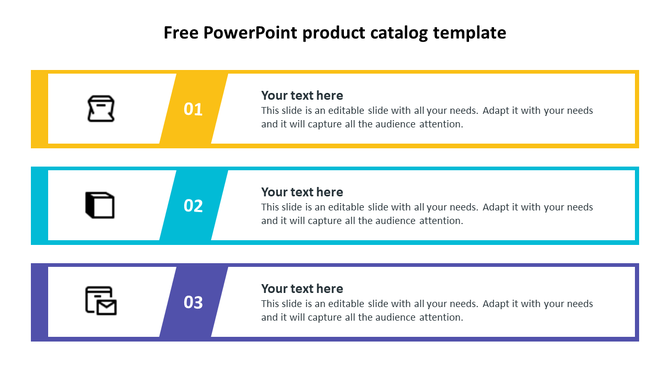
- This template works for vendors who sell multiple products on Black Friday: electronics, clothing, home appliances, and many more. It comes with high-lightened product images, bold discount tags, and quick messages about offers that shoppers can understand in an instant.
- Its visual hierarchy is built for fast decisions:
- Product Name → Old Price (strikethrough) → Black Friday Price → Stock Status. This layout creates urgency, improves clarity, and makes every deal look irresistible during the Black Friday rush.
Credit: https://www.slideegg.com/free-powerpoint-product-catalog-template?
9. Brand-Centric Luxury Variant
If your branding is high-end or luxury-not bargain-focused-your Black Friday presentation still needs to feel elegant and exclusive.
Here’s how to make it happen:
- Use neat, refined fonts—think slender serifs or modern sans-serifs, rather than chunky display type.
- Limit your color accents to gold, soft pastel colors, or any muted tones rather than bright reds or yellows.
- Employ plenty of white space. Leave room to breathe around images and text, so that the design feels high-end and uncluttered.
- Position your message as “exclusive sales”; for example: “Invitation-Only Black Friday” or “Members-Only Holiday Event.”
- Keep branding across the slides consistent: logo, palette, and icon style. That way, even your sale looks like part of your luxury ecosystem.

Credit: https://www.slideegg.com/luxury-powerpoint?
10. Motion-Ready Animated Template
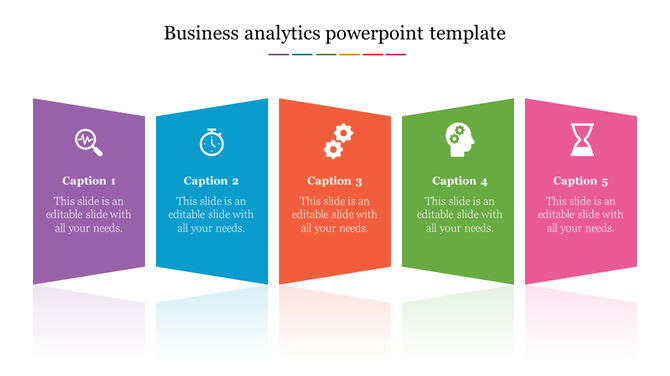
This template is designed for brands that want their Black Friday presentation to feel alive and high-energy. With smooth animations, sliding price tags, popping discount badges, and dynamic product reveals, every slide grabs attention like a mini commercial.
The motion effects allow you to emphasize:
- Flash-sale announcements
- Hourly deal drops
- Price-cut animations
- Product showcases
- “Only Today” urgency slides
Credit: https://www.slideegg.com/business-analytics-powerpoint-template?
How to pick the correct template
- Align the tone with your brand: vibrant colours and urgency might be the focus in mass marketing deals, while a luxury brand might go for a more elegant palette.
- Take into account the adaptability of the format: verify if the template can show both 16:9 (for full screen) and 4:3 (for old projectors)—many-do. SlideEgg
- Give the highest priority to the full customisability: The power to alter colours, size, fonts, and the background means your brand will always be in the right place. This is one of the characteristics of many free templates.
- Consider the recycling possibility: A great one will be useful in all the channels (presentation, social, email) and in all the phases of the campaign
- If money is an issue, you may want to consider free PowerPoint templates that still look very good. The aforementioned templates include actually free ones that you can download.
Final Thoughts
Black Friday is mind-boggling, so there is no need to waste time creating a presentation from scratch. The best PowerPoint templates make the process simple, fast, and consistent. Choose a template that matches your company’s identity, make regulations or adjustments, and conduct a test run before the actual event. Your presentation on the day of the event will be bright, impressive, and geared for victory in terms of results.
FAQ
1. Why do I need a special PowerPoint template for Black Friday?
Black Friday is a day with a lot of competition. A strong template will give the presentation a clean, bold, and sales-ready look, and at the same time, you will not waste any time designing from scratch.
2. Will these templates work for small businesses, too?
Definitely! No matter if you are a small shop, a startup, or a huge brand, these templates make your offers look professional and attractive.
3. Can I edit the colours and fonts in these templates?
Sure! All templates are completely customizable. Easily change the colors, put your brand logo, change the fonts, and modify the layouts.
4. Are these templates good for both online and offline promotions?
Yes, they can be utilized for sales meetings, presentations to investors, screens in stores, advertising on social media, and even as banners on websites.
5. Do I need design knowledge to use these templates?
No! The templates are created to be friendly for beginners. Even if you don’t have any design talent at all, you can still make a beautiful Black Friday presentation.