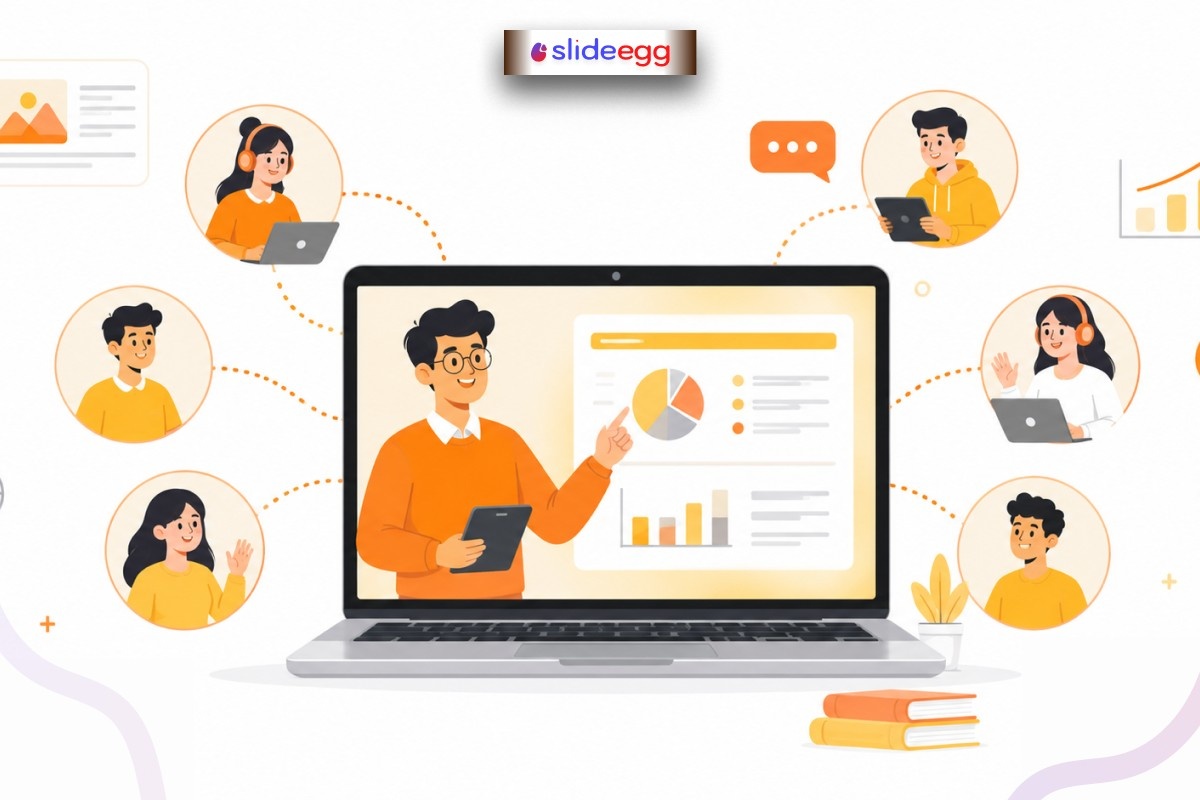
Distance education has become a normal part of learning today. Whether it is a school class, college lecture, training session, or online seminar, teaching is now happening through screens more than ever.
But here is the real challenge: keeping learners engaged when you are not physically in front of them.
In a physical classroom, attention is easier to manage. In online learning, even a small distraction can break focus. That is why a strong distance education presentation matters so much in 2026.
Let’s look at 8 simple and practical tips to make your online teaching more effective, clear, and engaging.
1. Keep Your Slides Extremely Simple
When teaching online, less is always more. Learners are already looking at a screen, so too much text creates overload.
Instead of long paragraphs:
- Use short bullet points
- Focus on one idea per slide
- Highlight key words only
Think of your slides like road signs—they should guide understanding, not explain everything.
A clean design also helps learners follow your voice instead of reading too much.
2. Speak Like You Are Having a Conversation
Online teaching should feel natural, not robotic. Many presenters make the mistake of reading slides word by word.
Instead, imagine you are speaking to a small group sitting in front of you.
For example:
Instead of saying, “This slide explains the definition of photosynthesis,” you can say,
“Let’s understand how plants actually make their food.”
This simple change makes learning feel human and connected.
3. Use Visuals That Explain, Not Decorate
In distance education, visuals are not just decoration—they are learning tools.
Use:
- Simple diagrams
- Process illustrations
- Short videos
- Flow charts
For example, explaining the water cycle becomes much easier with a clear diagram instead of long text.
You can also use a well-designed education presentation template to structure your visuals neatly without spending too much time on design.
Visuals work like translators—they turn complex ideas into simple understanding.
4. Add Interaction Every Few Minutes
One of the biggest problems in online learning is passive attention. Students may be present but not fully involved.
To fix this, add small interaction points:
- Ask quick questions
- Use polls or quizzes
- Request short responses in chat
- Pause and ask for opinions
For example:
“Can someone tell me one example of this in real life?”
Even small interactions reset attention and bring learners back into focus.
An interactive presentation tool can also help make these moments smoother and more engaging.
5. Control Your Pace—Don’t Rush
Online sessions often go too fast because teachers feel they must cover everything quickly.
But speed reduces understanding.
A better approach is:
- Pause after key ideas
- Repeat important points in simple words
- Allow short thinking time
Think of teaching like walking with students, not running ahead of them.
When you slow down, learning becomes stronger.
6. Use Real-Life Examples
Distance learning becomes more powerful when students can relate concepts to their daily life.
For example:
- Math → budgeting or shopping
- Science → cooking or weather
- Technology → mobile apps or social media
Real-life examples act like bridges between theory and understanding.
Without them, online learning feels distant and abstract.
7. Organize Your Content Clearly
A confusing structure is one of the main reasons online presentations fail.
Always follow a simple flow:
- Introduction
- Main points (step-by-step)
- Summary
For example, if you are teaching a topic in biology:
Start with basics → explain process → show examples → summarize.
Clear structure works like a map—it helps learners know where they are and where they are going.
Using free PowerPoint slides can help you maintain a consistent and organized layout without extra effort.
8. Test Your Setup Before Teaching
Technical issues can break the flow of even the best lesson.
Before starting your session:
- Check the internet connection
- Test audio and video
- Make sure slides open properly
- Prepare backup files
Even a small issue like audio delay can distract learners.
Think of this step like checking your vehicle before a long journey—it ensures a smooth ride.
Final Thoughts
Improving a distance education presentation is not about complex tools or advanced design skills. It is about clarity, connection, and consistency.
When you simplify slides, speak naturally, use visuals wisely, and include interaction, online learning becomes more engaging and effective.
In 2026, distance education is not just about delivering content—it is about creating a learning experience that feels real, even through a screen.
FAQs
1. Why do distance education presentations need more planning than classroom teaching?
Because online learners can get distracted easily, the content must be more structured and engaging.
2. What is the biggest mistake in online teaching presentations?
Overloading slides with text and reading directly from them without interaction.
3. How can teachers keep students engaged online?
By adding questions, discussions, and short interactive activities during the session.
4. Do visuals really matter in online presentations?
Yes. Visuals help explain complex ideas faster and make learning easier to remember.
5. What is the simplest way to improve an online class immediately?
Slow down your explanation, simplify your slides, and include small interaction points regularly.



