A technology slide deck is not judged by how “futuristic” it looks. It’s judged by whether people understand the problem, trust the solution, and can repeat the plan. That’s why the right template matters: it gives you a repeatable structure for architecture diagrams, workflows, KPIs, roadmaps, and risk—without turning slides into a technical document.
This guide shows you how to choose a template based on your use case and then walks through real examples from SlideEgg’s Technology PowerPoint Templates collection to show you exactly what to look for.
What to look for in a technology presentation template
1. Pick by use case, not by “style”
Before you choose any theme, decide what you’re presenting:
- IT strategy / executive update: Needs summary dashboards, timelines, KPI tiles, and clean “decision” slides.
- Product or platform overview: Needs problem–solution flow, feature value slides, integration maps, and before/after layouts.
- Architecture walkthrough: Needs diagram grids, flows, current vs future state, dependencies, and callouts.
- Cybersecurity briefing: Needs risk tables, control mapping, incident timelines, and remediation roadmaps.
- Training / enablement: Needs step-by-step slides, checklists, scenarios, and recap layouts.
If your template doesn’t match the job, your content will fight the layout.
2. Diagram readiness is non-negotiable
Tech decks live on diagrams. A usable template must support:
- System overviews (5–9 boxes, labeled arrows)
- Data flow / pipeline slides
- Integration maps (APIs, services, modules)
- Current vs future state comparisons
- Callouts + legends (so diagrams are readable)
3. Proof slides must exist
Stakeholders expect evidence of performance, reliability, cost, and adoption. Look for layouts that handle:
- KPI dashboards (uptime, latency, errors, cost)
- Trend charts
- Comparison tables (Option A vs B)
- Roadmaps with milestones and owners
4. Readability beats decoration
Avoid templates that force tiny text, heavy backgrounds, or decorative shapes behind diagrams. Your deck will be watched on projectors, Zoom/Teams screens, and shared PDFs. Contrast and whitespace are your best tools.
A simple structure your template should support
If the template pack doesn’t include layouts for these sections, it’s not a real tech deck template:
- Executive summary: what we’re doing + why now
- Problem + evidence
- Impact: cost/risk/time
- Constraints + requirements
- Options (2–3) + tradeoffs
- Recommendation
- How it works: simple architecture
- Risks + mitigations
- Plan + timeline + owners
- Success metrics + next steps
This is why picking technology PowerPoint templates that include premade diagrams, roadmaps, and comparison slides saves hours—and improves clarity.
Explore SlideEgg’s Technology Templates
Below are highly specific templates listed in SlideEgg’s Technology category and how to use each one effectively for enterprise communication.
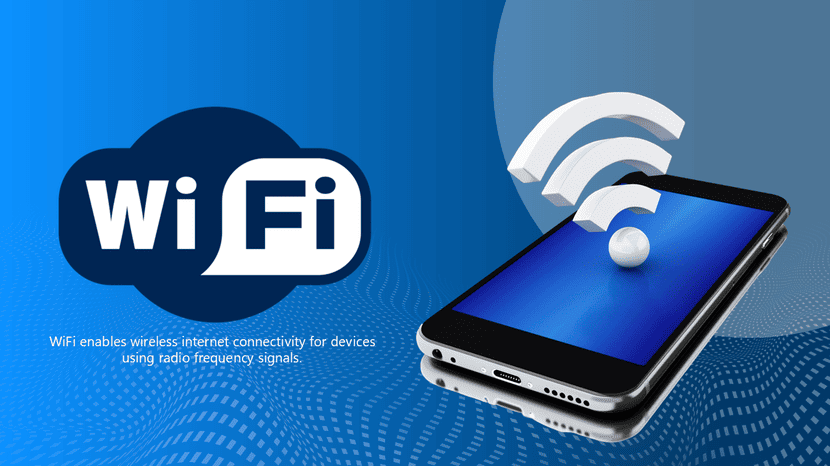
1. The Informative Wi-Fi PowerPoint And Google Slides
- Best for: Networking basics, IT onboarding, classroom explainers, “how Wi-Fi works” sessions.
- Use it when you need: Simple diagrams for router/AP setups, frequency bands, interference mapping, and troubleshooting flows.
- Why it works: Hardware networking concepts are easier to digest with clean visuals and step-by-step layouts instead of dense paragraphs.
2. The Domain Name System (DNS) PowerPoint and Google Slides
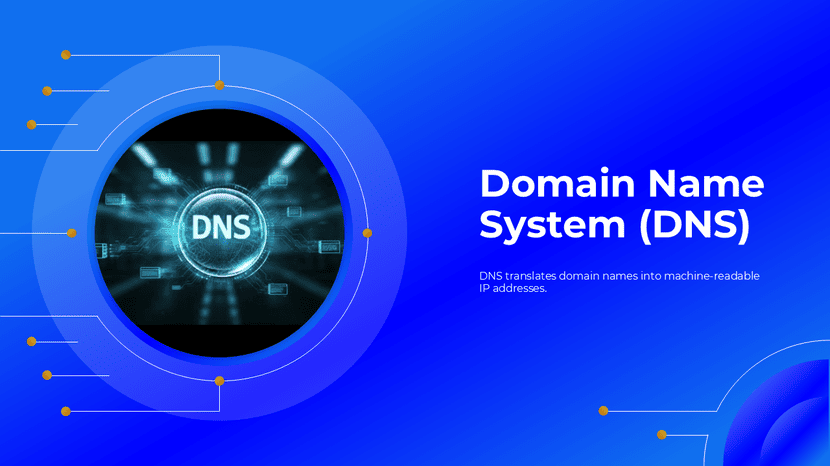
- Best for: Web infrastructure training, DevOps basics, and product teams explaining request flow.
- Use it when you need: A clear sequence (resolver → root → TLD → authoritative → caching) mapped with precise arrows and labels.
- Why it works: DNS is inherently a multi-step routing process. This topic demands a “flow-first” slide structure.
3. The Software Migration PowerPoint Template and Google Slides
- Best for: Cloud migration plans, legacy modernization, and system replacement proposals.
- Use it when you need: Current vs future state comparisons, phased rollout roadmaps, dependencies, and rollback plans.
- Why it works: Leadership doesn’t want technical depth first—they want risk control, timelines, and business impact.

4. Smart Technology PowerPoint And Google Slides
- Best for: IoT and smart devices, smart home, and smart city concept presentations.
- Use it when you need: Simple explanation flow (what it is → how it works → where it’s used), components, real-world use cases.
- Why it works: Smart tech is broad; this structure keeps it clear and avoids buzzword-heavy slides.
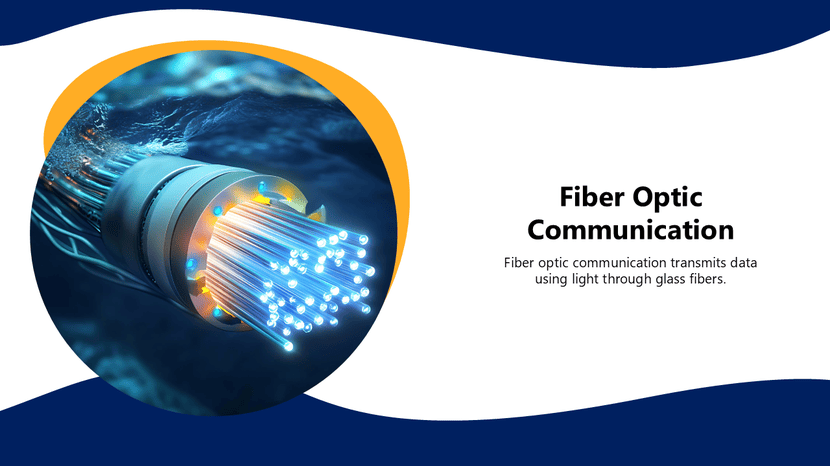
5. Fiber Optic Communication PowerPoint And Google Slides
- Best for: Telecom/networking explainers, infrastructure briefings, training sessions.
- Use it when you need: “How it works” flow, components (core/cladding/transmitter/receiver), advantages vs limitations, real-world applications.
- Why it works: Fiber concepts need visuals—this layout helps you explain the system clearly without long technical paragraphs.
6. Quantum Computing PowerPoint and Google Slides
- Best for: Innovation talks, research presentations, and emerging tech overviews.
- Use it when you need: Concept breakdown slides, glossary-style explanations, and “where it fits” enterprise use cases.
- Why it works: Emerging tech needs pacing. Templates with highly structured sections prevent founders from relying entirely on hype-only storytelling.

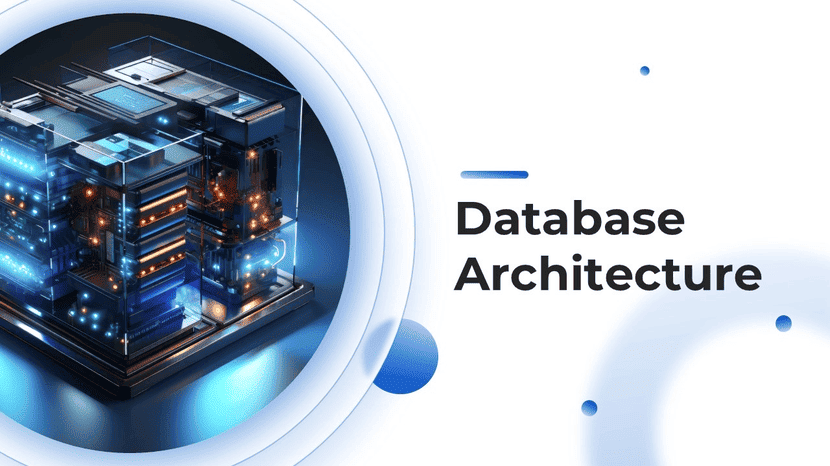
7. Database Architecture PowerPoint and Google Slides
- Best for: Data platform overviews, system design walkthroughs, analytics architecture, and engineering alignment decks.
- Use it when you need: Clear architecture diagrams, data flow (ingest → store → process → serve), component mapping, scalability, and security notes.
- Why it works: Database topics get confusing fast—this template keeps the system visual and structured, so stakeholders can follow the logic.
Conclusion
The right technology presentation template is the one that makes complexity feel controlled. It provides clear diagrams, proof slides, roadmaps, and a structure that matches your audience’s cognitive sequence. By choosing a layout built specifically for your discipline—whether that’s networking, security, reliability, or transformation—you ensure your message lands fast and stays consistent.