

Did you know that Google Slides doesn’t even have a “Save” button? Crazy, right? That’s because it saves your work…
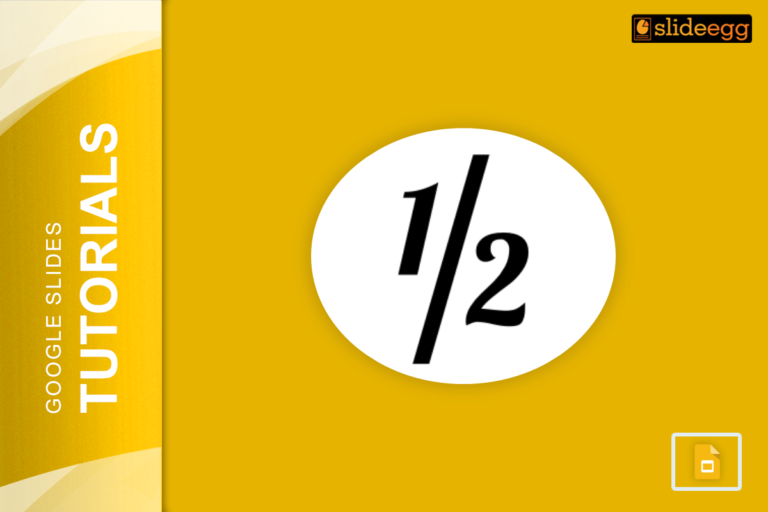
If you’ve ever tried adding fractions to a Google Slides presentation, you know it’s not as simple as typing regular…

Ever wondered how some presentations grab attention with those bold, colorful, and funky text designs? That’s WordArt for you! It…

When it comes to creating professional-looking presentations, clarity and organization are key. Adding footnotes in Google Slides is one great…

Animations can make your Google Slides presentation look cool, but sometimes, they’re just not necessary. Maybe you want a cleaner,…
Plagiarism isn’t just a problem for writers or bloggers—it’s a big deal in presentations too! Imagine you’ve put together a…
When it comes to making presentations, keeping your audience engaged is the ultimate goal. But let’s face it—plain slides filled…

Google Slides is a great tool for crafting presentations. Whether you’re working on a school project, a business pitch, or…

Creating a game on Google Slides is a fun and interactive way to engage your audience, whether for educational purposes…

Changing the arrow color in Google Slides is a super easy way to make your presentations more visually appealing and…
Recent Blogs

Most founders spend months building the idea, but only a few days building the presentation. That gap shows....

Simple Steps to Create a Decision Tree in Google Slides✅Open Google Slides and choose a blank slide.✅Click Insert...

Whether you are presenting at a grand rounds session, a national cardiology conference, or a departmental case review,...