Free Traffic Lights Presentation Templates
Free traffic light PowerPoint templates and Google Slides themes! Revamp your presentations with Slide Egg's easy-to-edit designs. Red, Amber, and Green your way to success with catchy colors and clear visuals will make complex ideas shine. Stop, explain, go! Captivate your audience and cruise through your presentation with confidence. Download now!

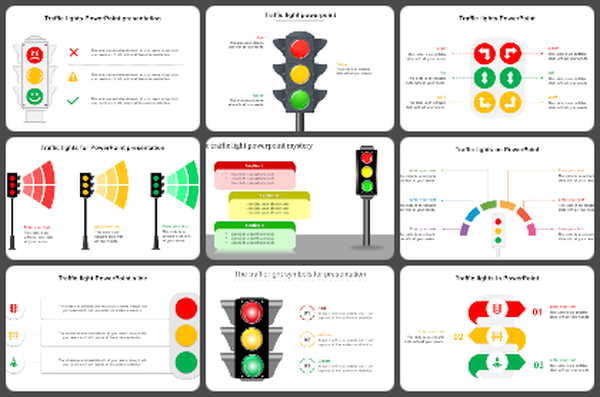

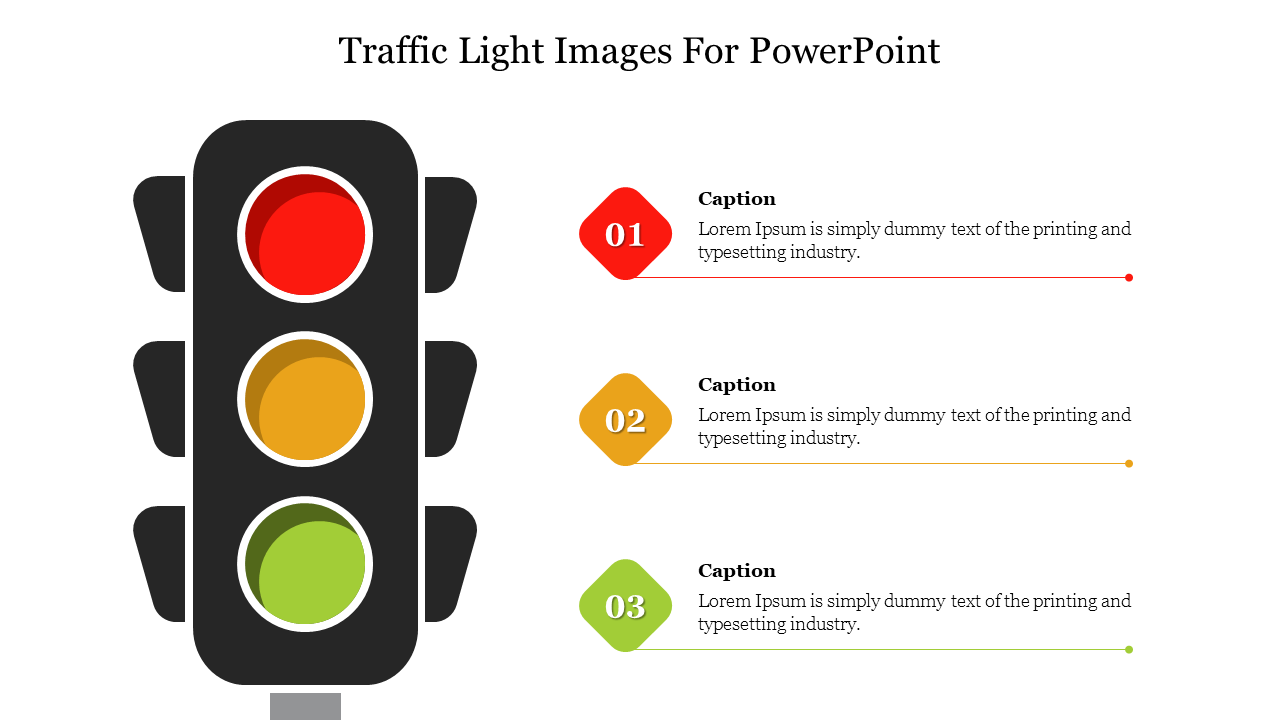
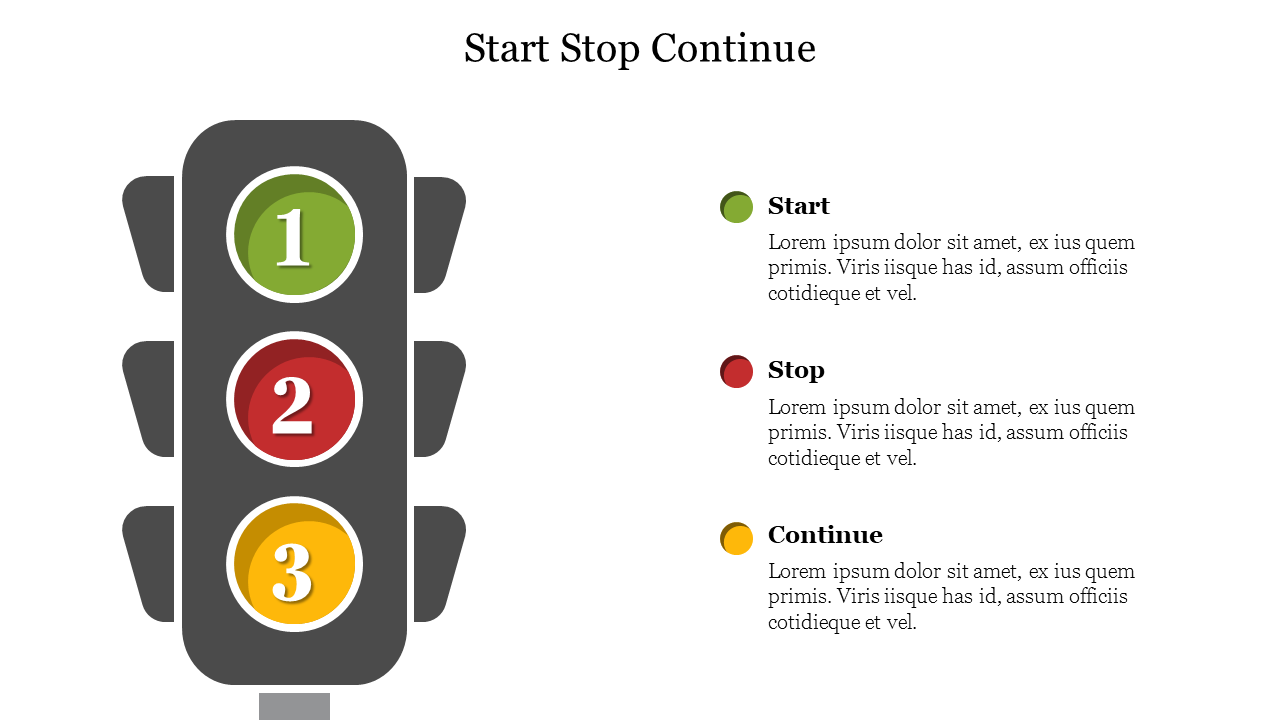
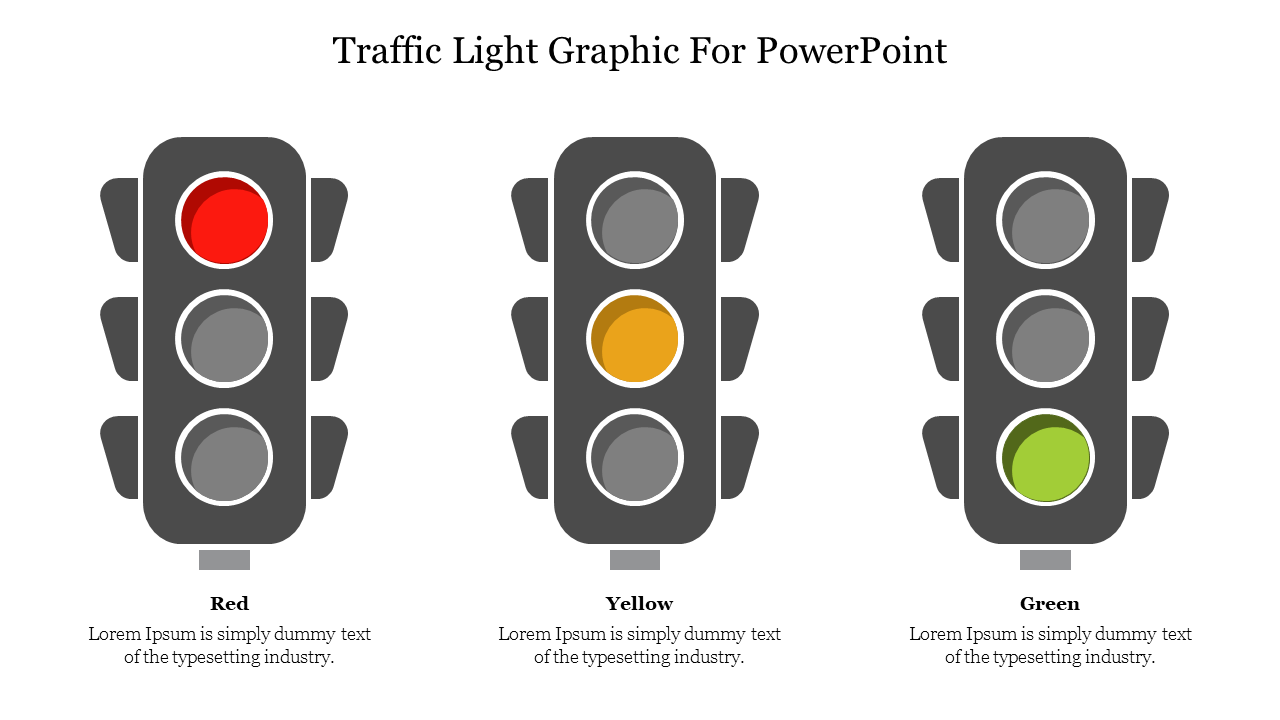
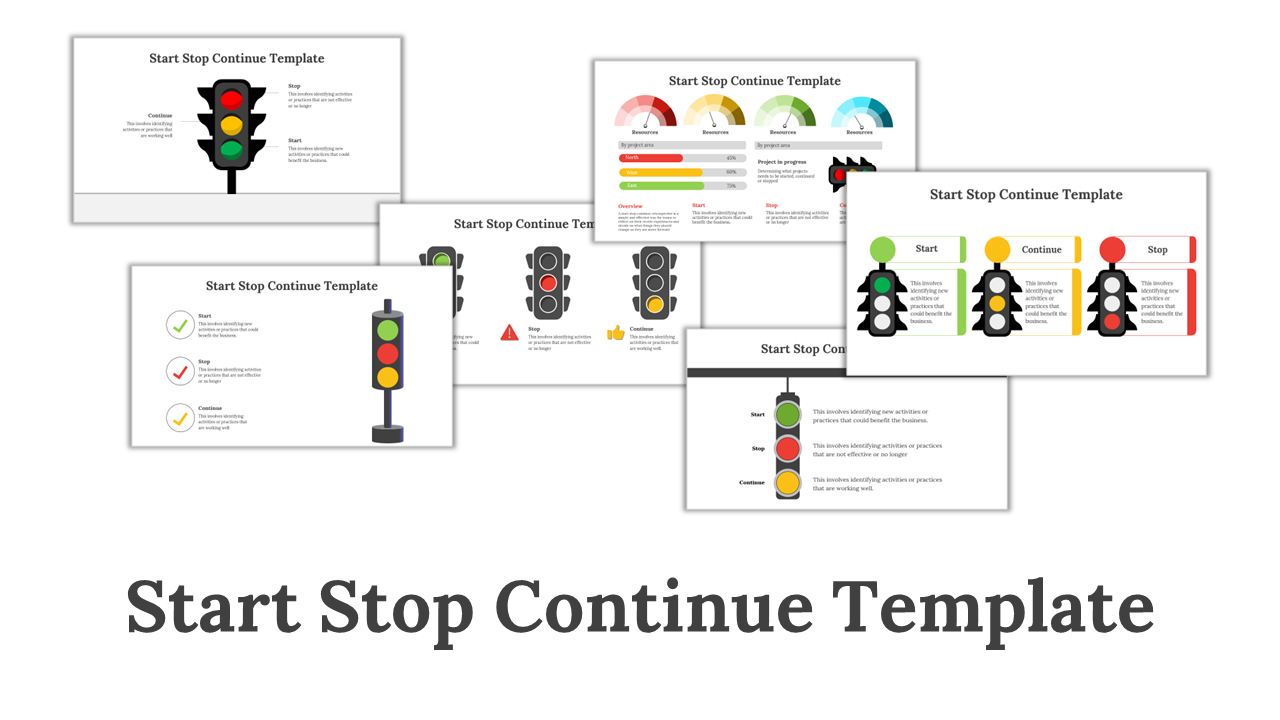
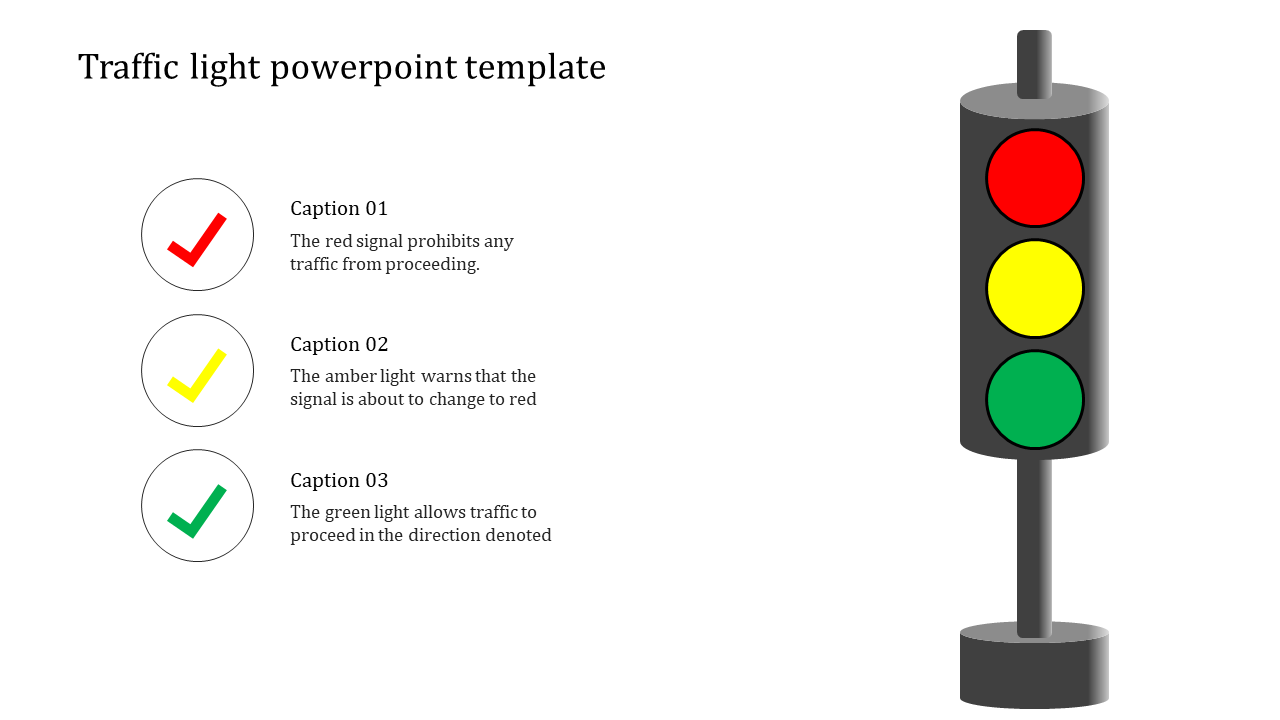
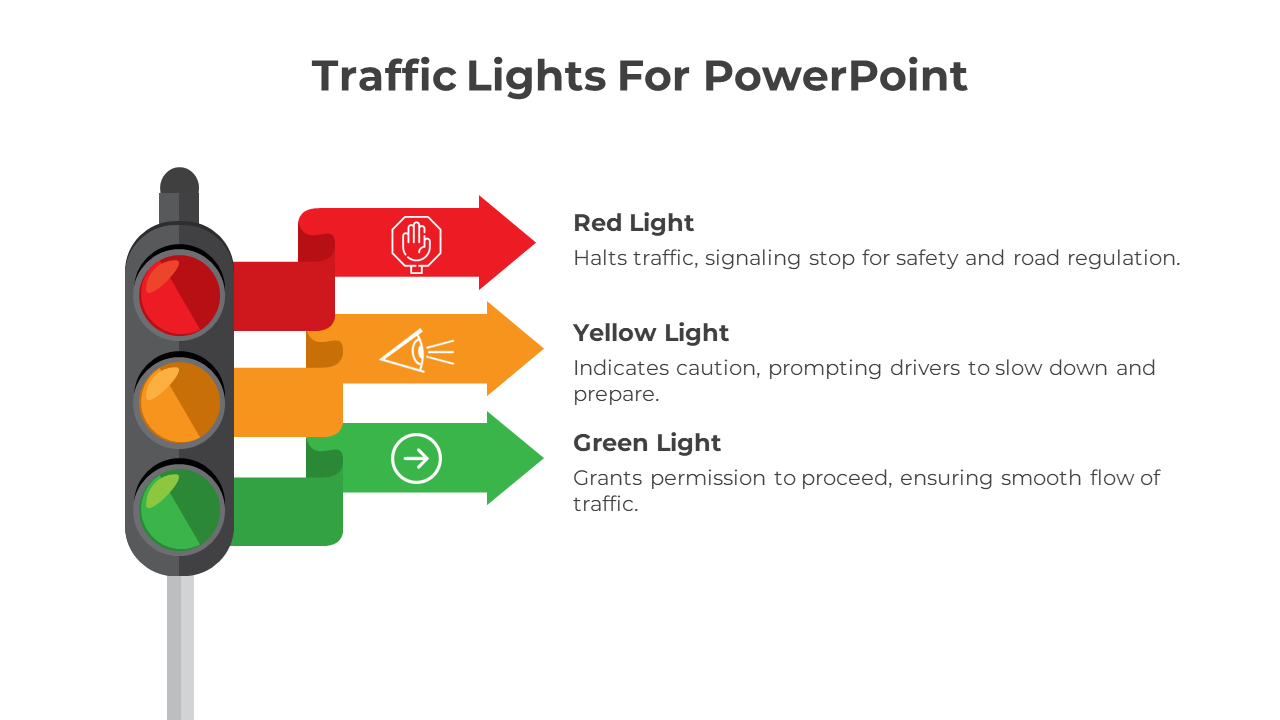
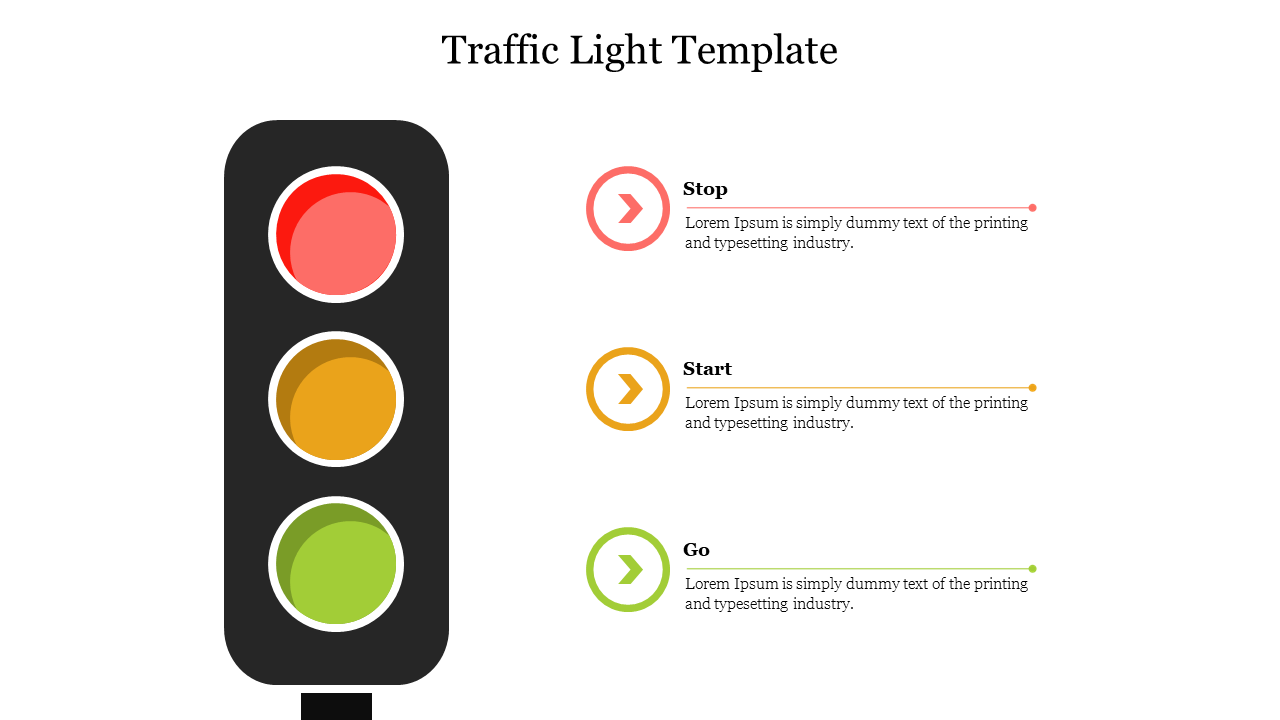
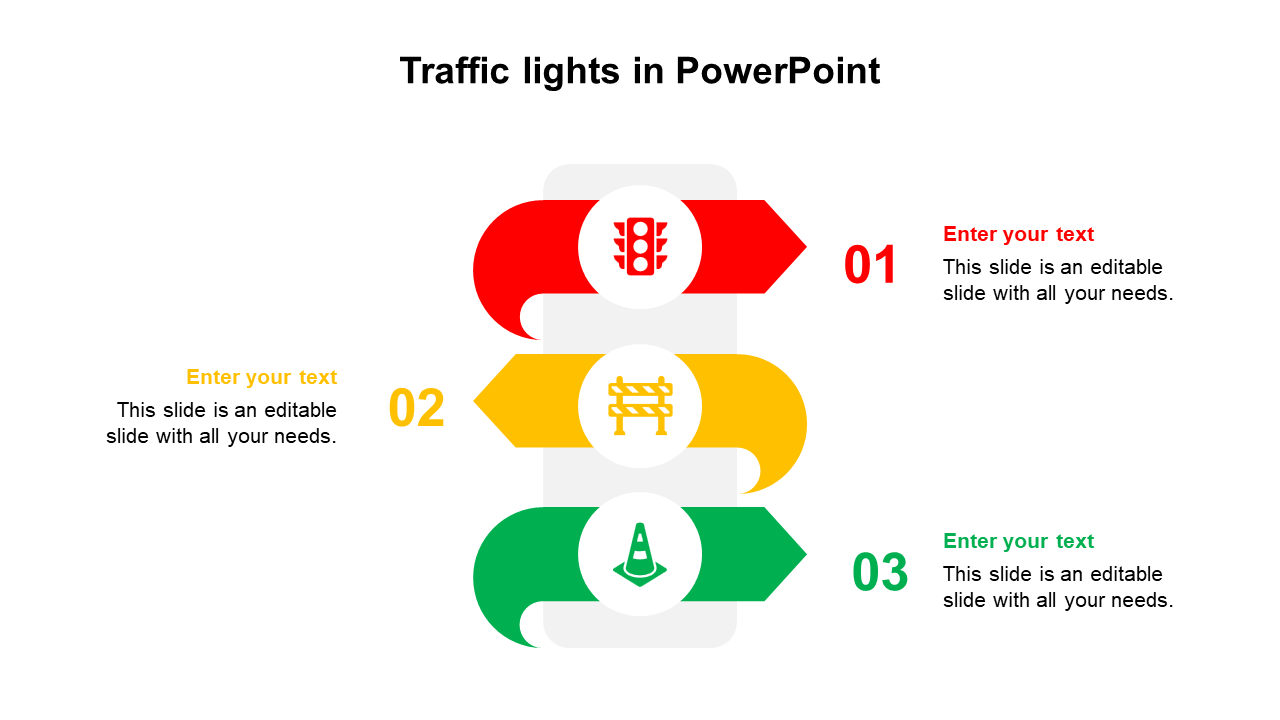
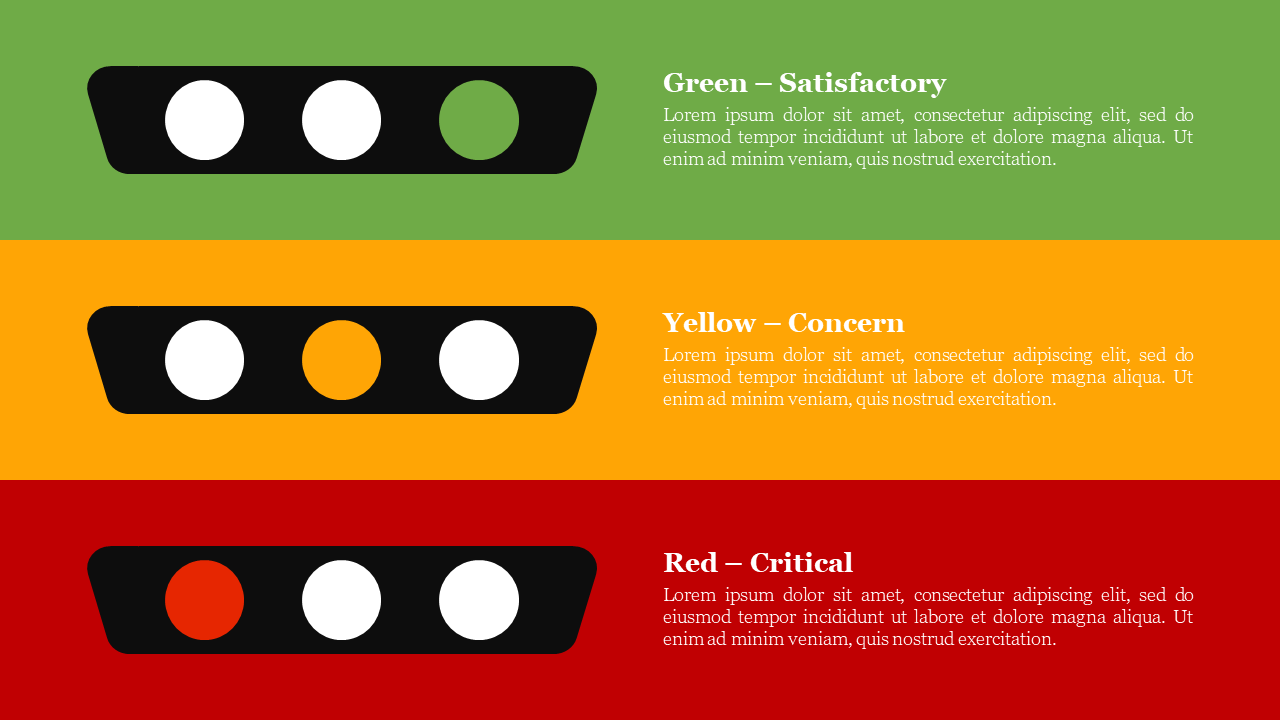
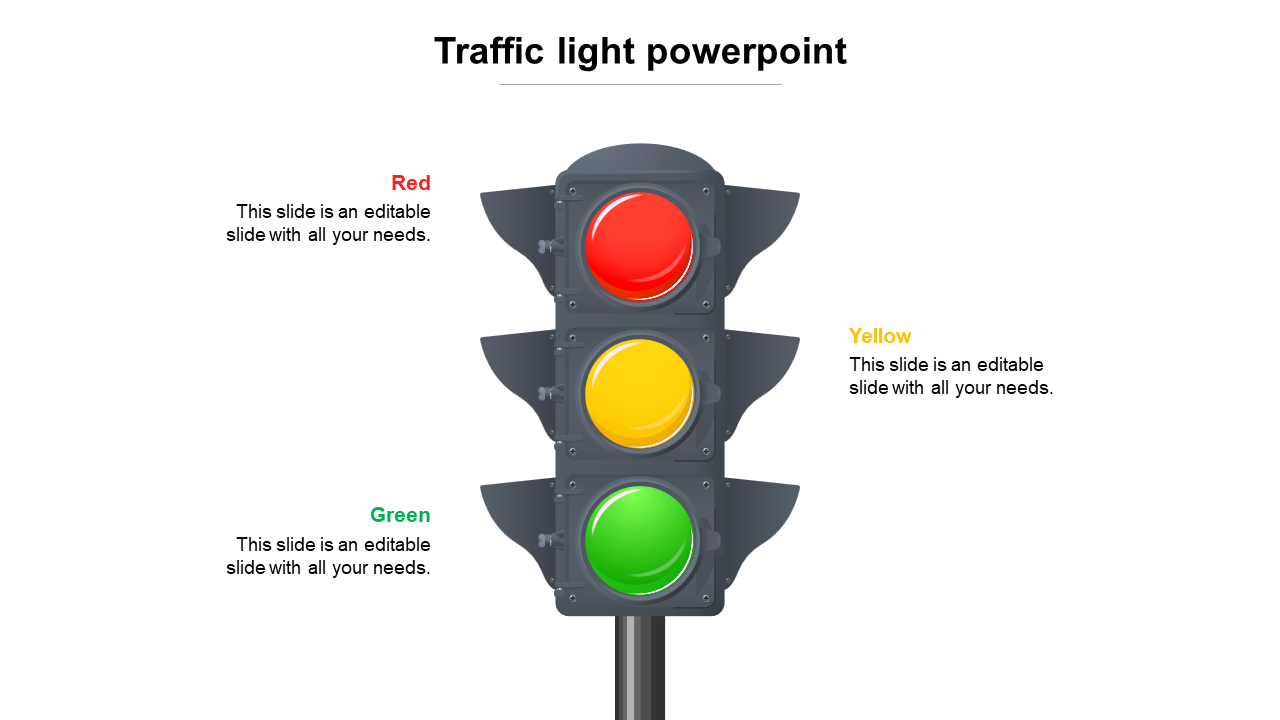
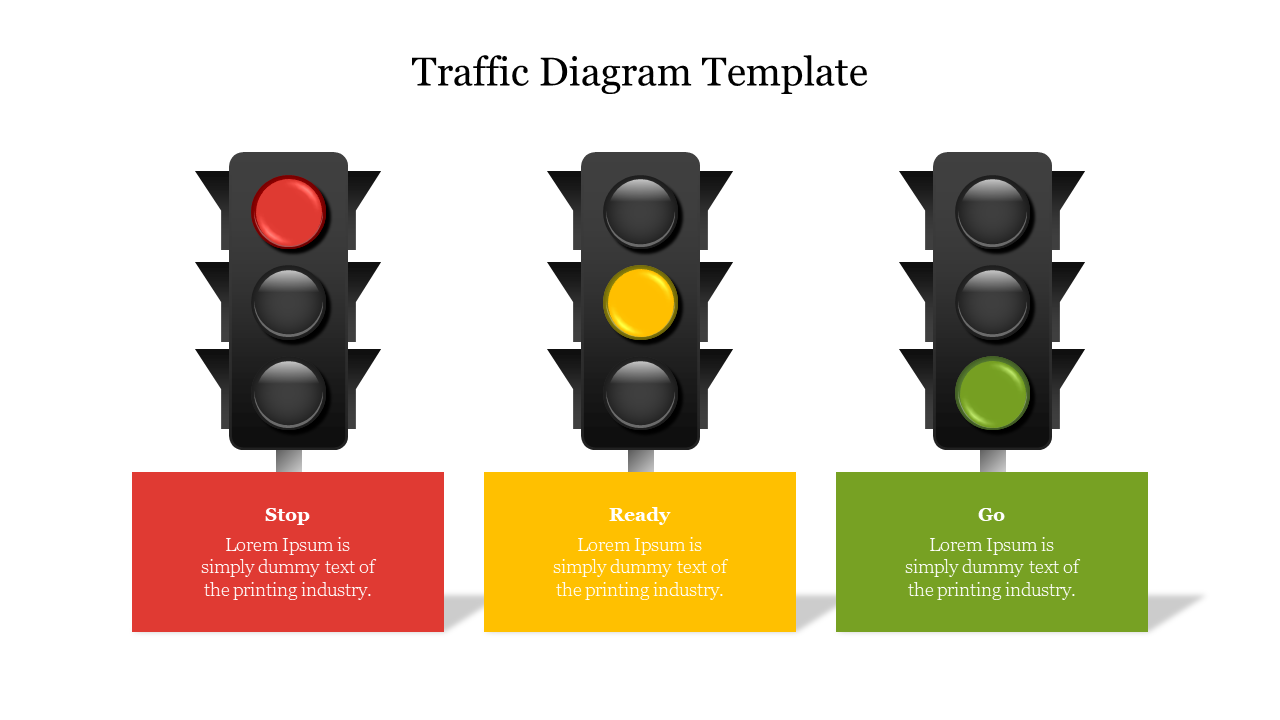
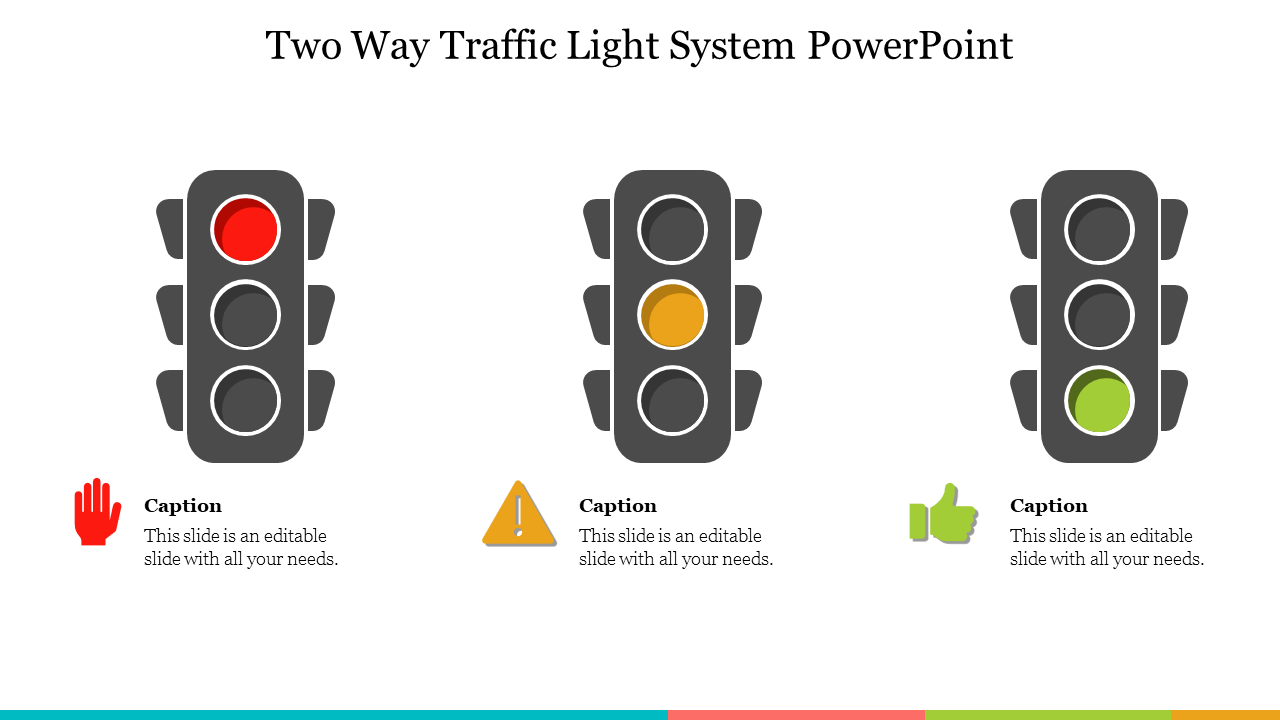
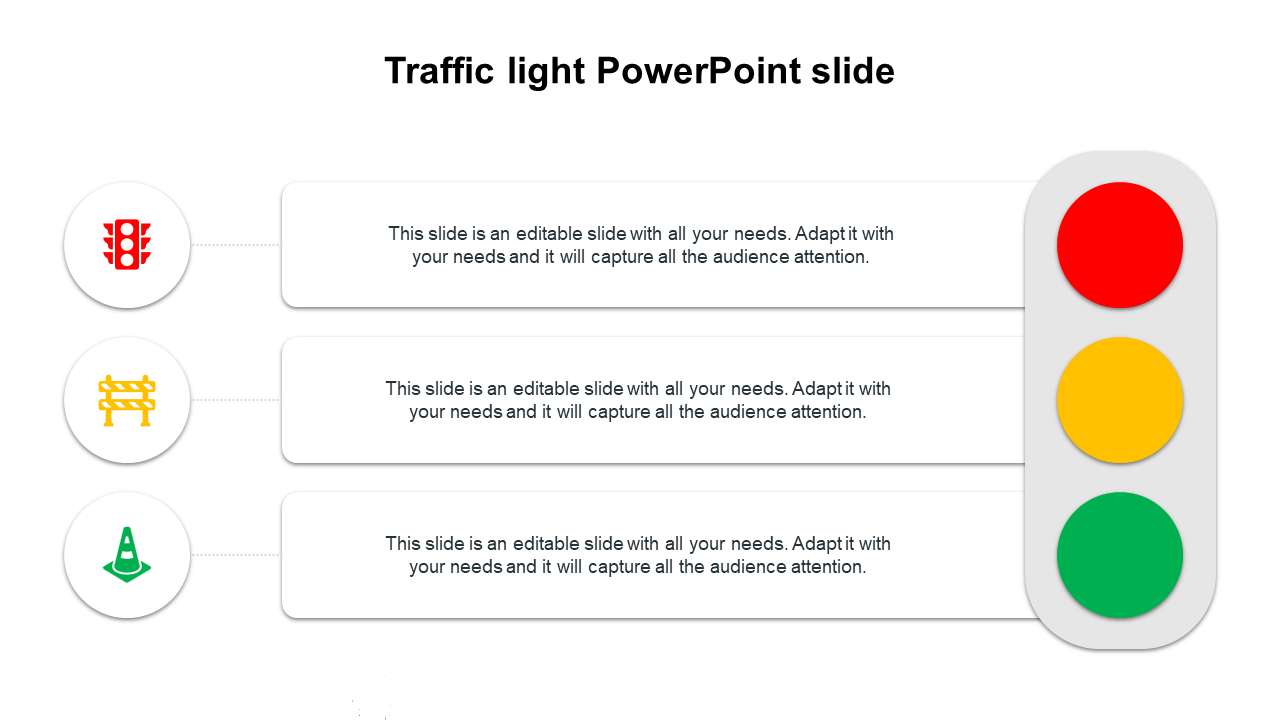
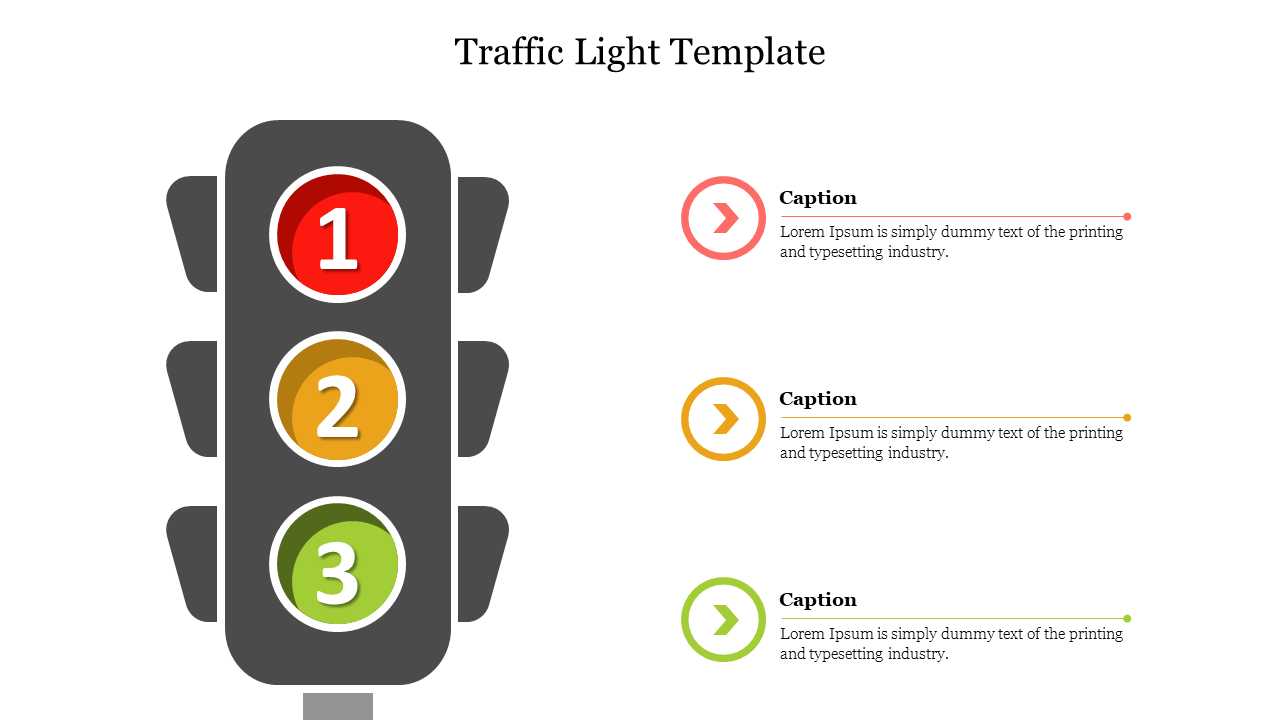
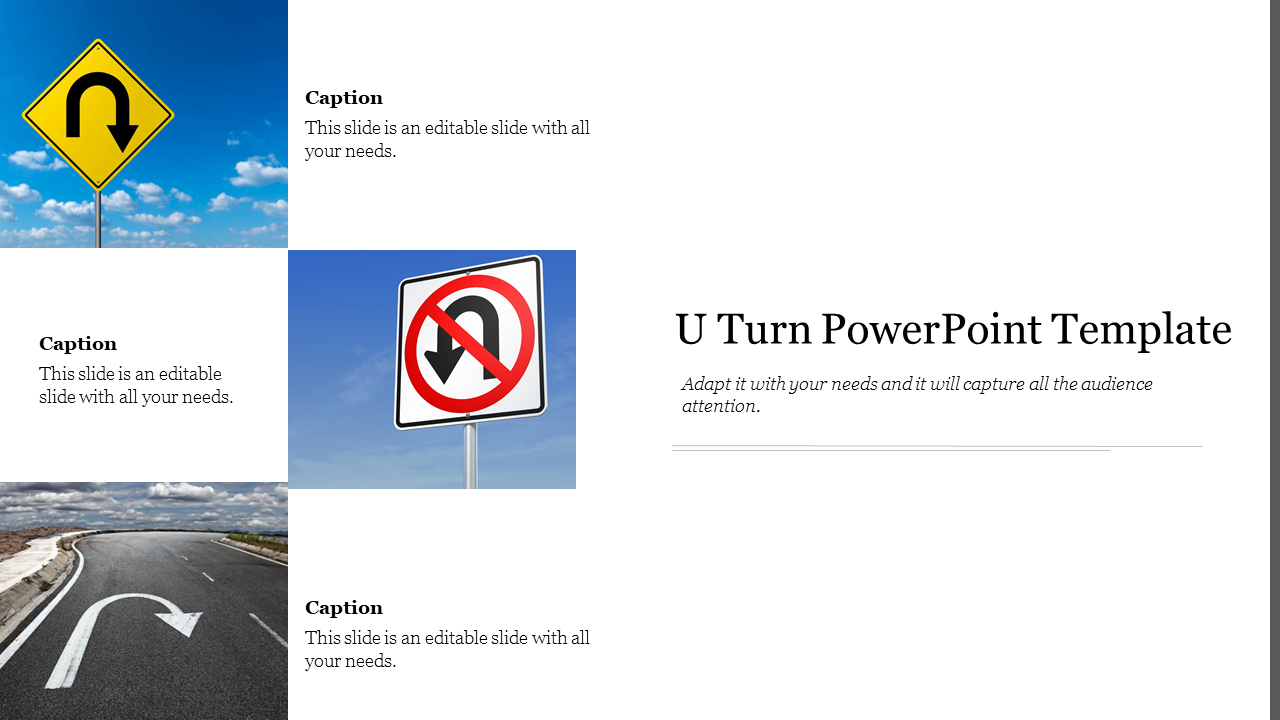
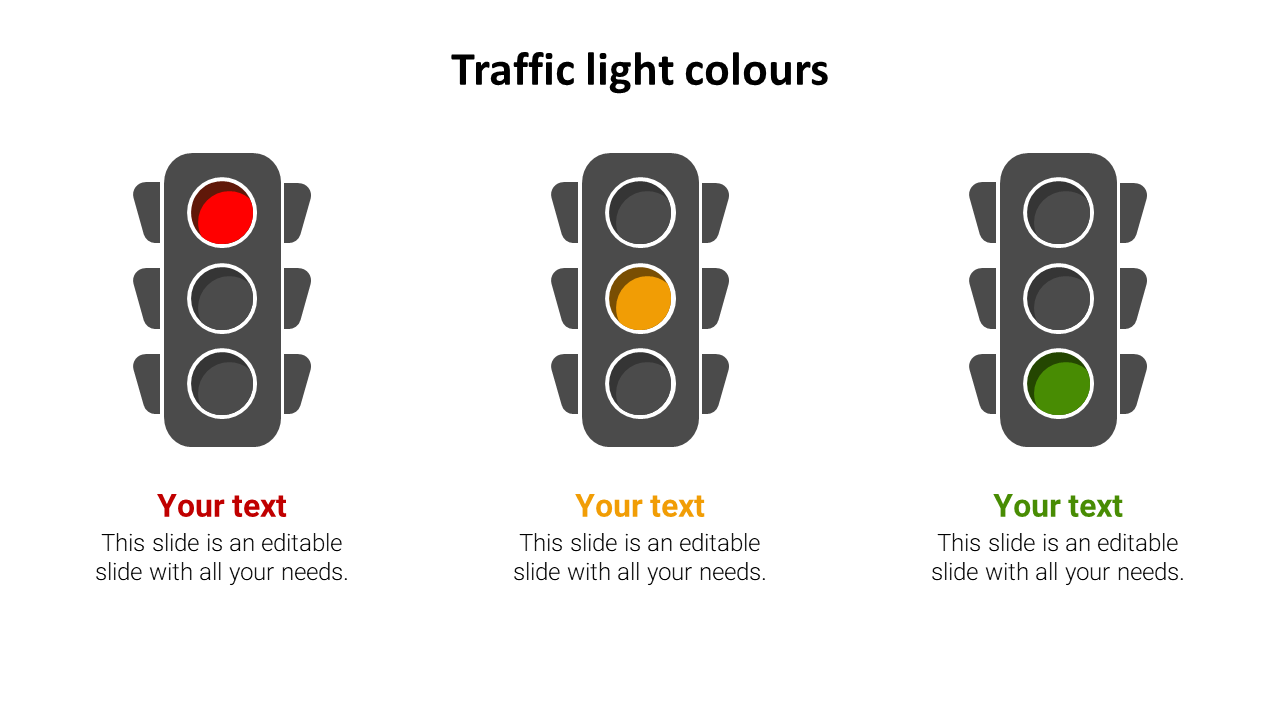
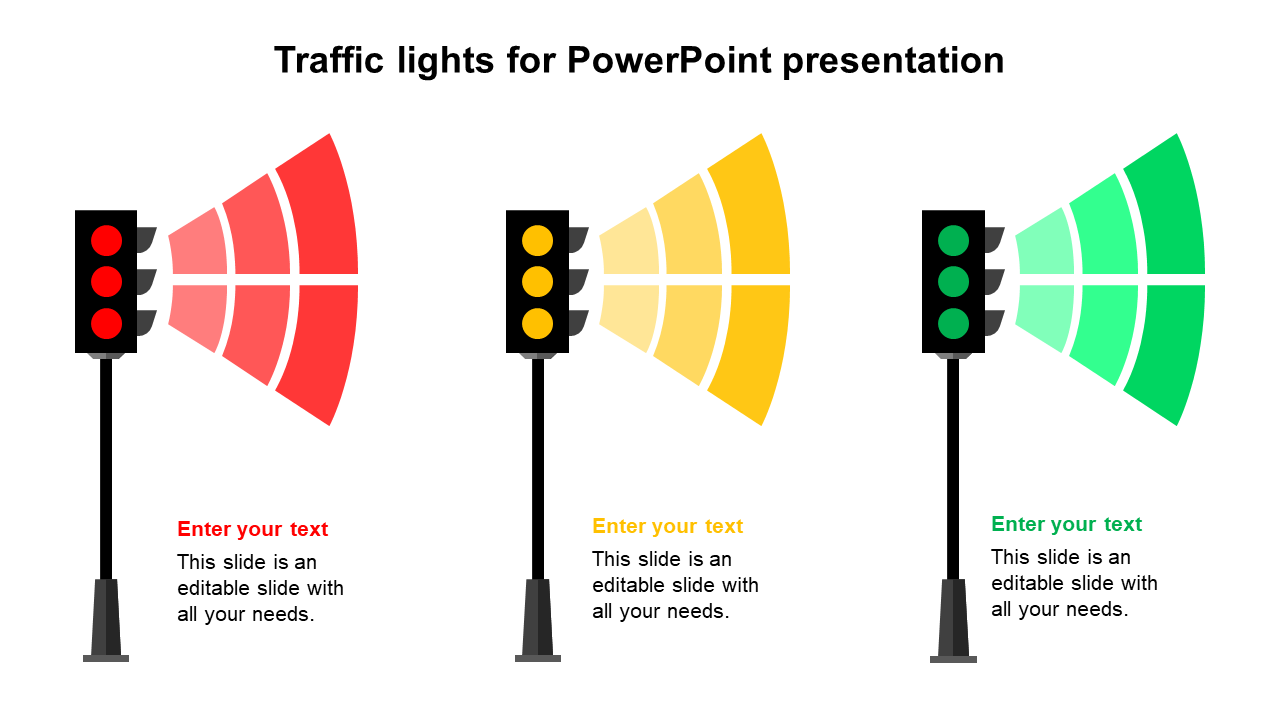
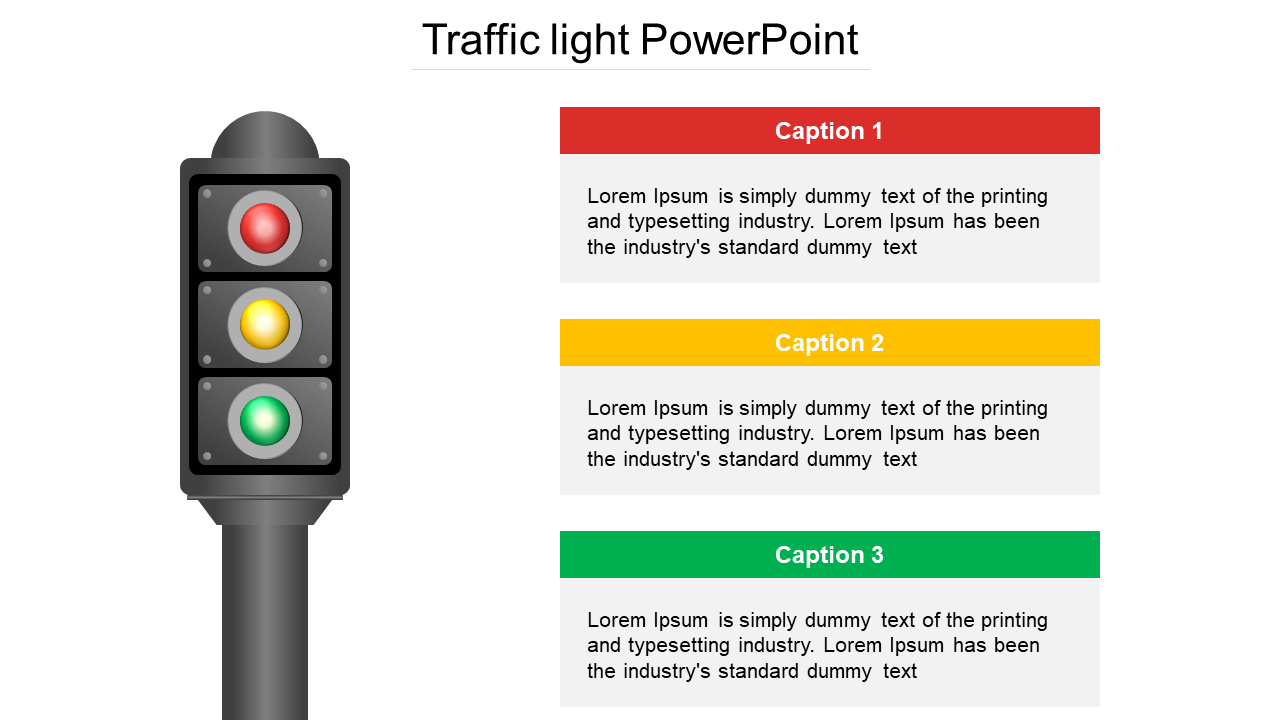
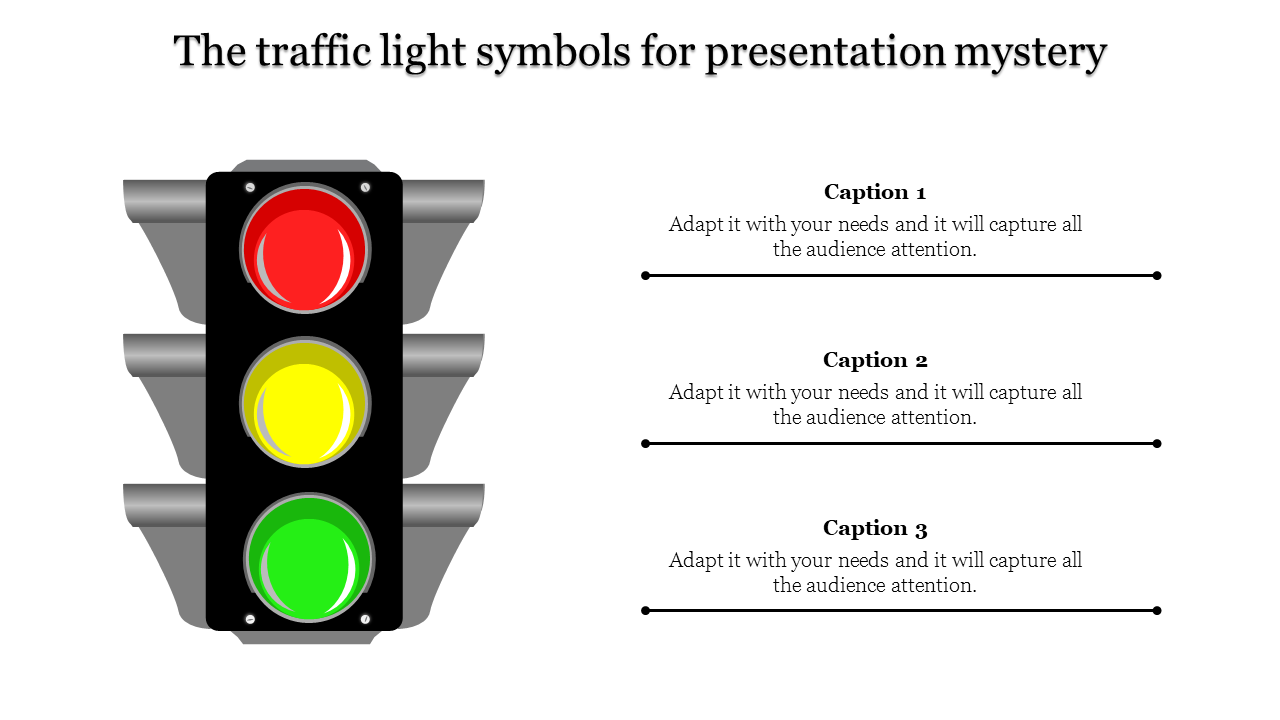
- Start, Stop, Continue: Track progress and identify areas for improvement with ease.
- Traffic Diagrams: Present intricate processes and workflows with visual clarity.
- Two-Way Traffic Light System: Showcase opposing viewpoints and foster productive discussion.
- Horizontal Traffic Light: Present timelines and roadmaps with a horizontal flow.
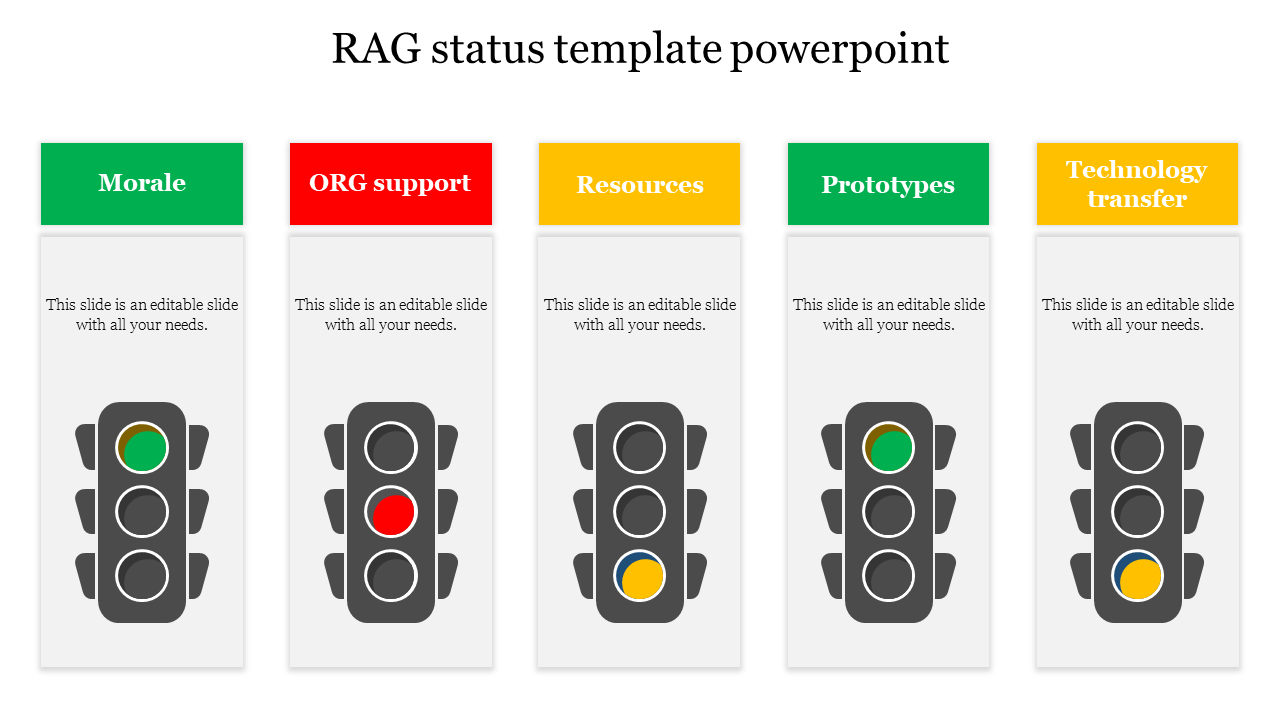
- RAG Status Template: Get your audience up-to-speed on project health with a quick color-coded glance.
- Light PowerPoint for Pedestrians: Craft presentations specifically tailored for pedestrian safety campaigns.
- Royalty-free: Use our slides in any presentation without copyright worries.
- 100% Editable: Customize everything – colors, fonts, data – to perfectly match your brand and message.
- Multiple Formats: Choose from 4:3 or 16:9, portrait or landscape – we've got the perfect fit for your screen.
- Free Slides: Get started at no cost! Explore our traffic light PowerPoint template free downloads and see the magic for yourself.
We're here to help you!
What does a traffic light symbolize?
The meaning of traffic lights varies; however, they are generally consistent. Green indicates that it is safe to proceed. Yellow denotes caution and submission. Red means danger and to stop. Always use caution when driving and obey traffic signs.
What are Traffic Lights templates?
These visually appealing templates were designed to showcase a variety of subjects, including strategic planning, evaluation, project planning, and enterprise resource planning. They feature eye-catching visual slides that support the delivery of your content in phases and stages.
Where can we use these traffic light slides?
These can be used in conferences and meetings on corporate planning, project planning, and outcome. It can also be applied literally. Topics like driving, driving laws, and traffic can all be involved in this fashion.
How can I make Traffic Lights PPT Slides in a presentation?
You can click on the insert open and add your requirements to enter a pre-defined good image like a traffic light. You can also use our tips and tutorials page if you want some tutorials on creating any presentation.
Who can use these Traffic lights PPT Templates?
These templates can be utilized by anyone who shares the goal of educating people about traffic laws. These appealing traffic symbols and shapes are helpful for business people and traffic officials.
Why do we need to use traffic light slides?
These templates can present several themes, including corporate strategy, decision-making, project planning, and enterprise resource planning. They can also help in educating about traffic rules efficiently.
Where can I find startup PPT Templates for free?
Since most platforms provide them, finding free templates is effortless. As an alternative, carefully select the finest! Slide Egg is among the greatest resources for finding free slides. Now take it!