1,100+ Free SWOT Presentation Templates

Browse 1,100+ fully editable free SWOT presentation templates for PowerPoint, Google Slides, and Canva. Adjust the layouts, colors, fonts, and text to fit your project. Choose from single-slide overviews, multi-slide strategy decks, or industry-specific formats. Used by business professionals, marketing teams, students, and consultants worldwide.

Free
Add to Wishlist
Download
AI Customize
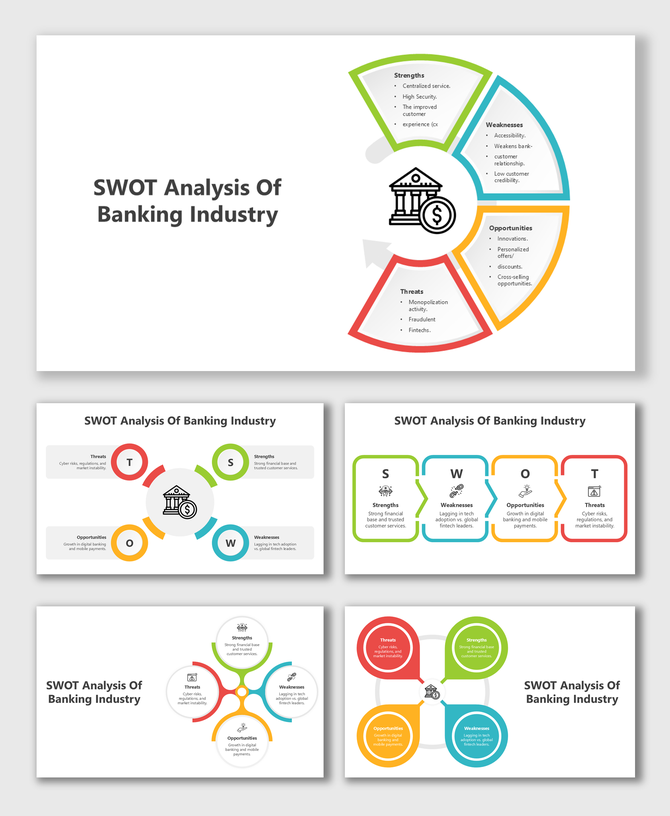
SWOT Analysis Of Banking Industry slides with colored arrows, circular diagrams, icons, and quadrant-style text boxes.
Free
Add to Wishlist
Download
AI Customize
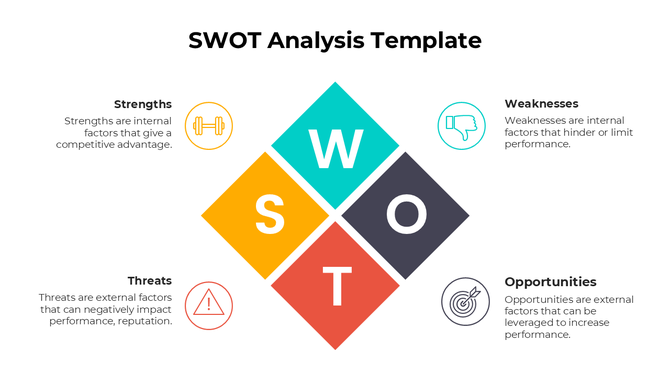
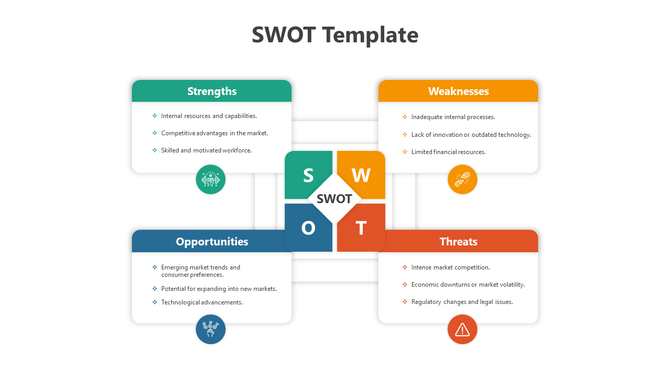
SWOT analysis template with a diamond shaped layout in yellow, teal, black, and red, surrounded by labeled descriptions.
Free
Add to Wishlist
Download
AI Customize
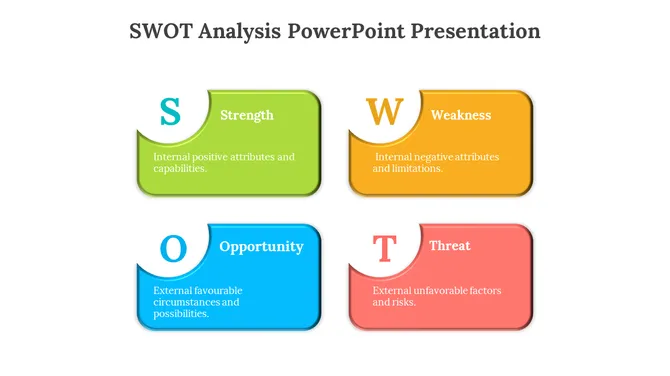
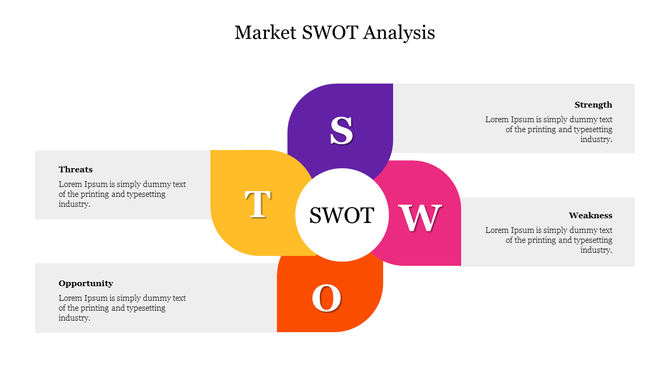
Market SWOT analysis diagram highlighting strengths, weaknesses, opportunities, and threats in a colorful quadrant layout.
Add to Wishlist
Download
AI Customize
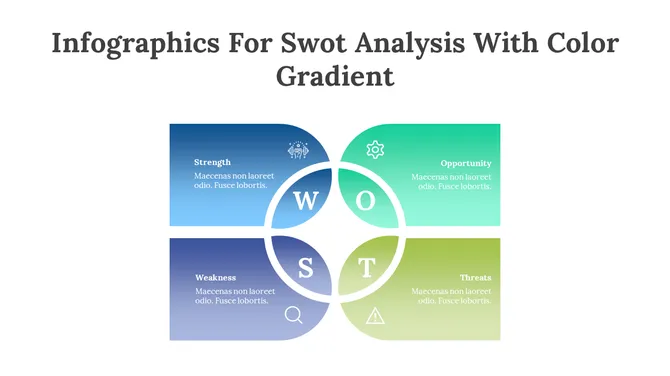
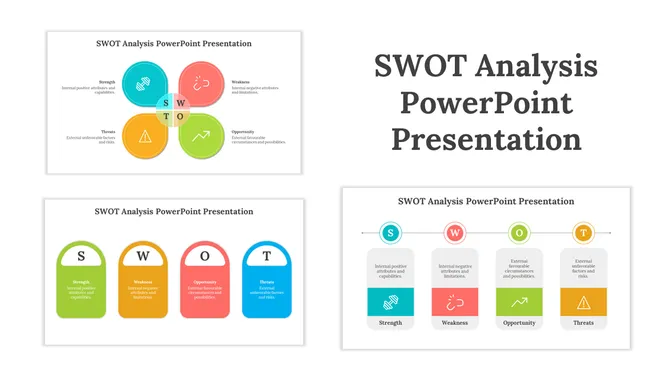
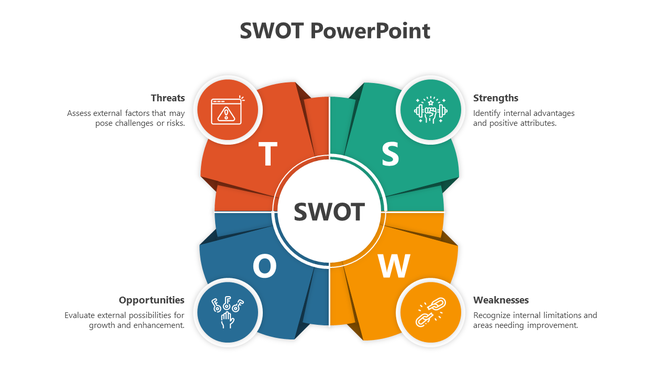
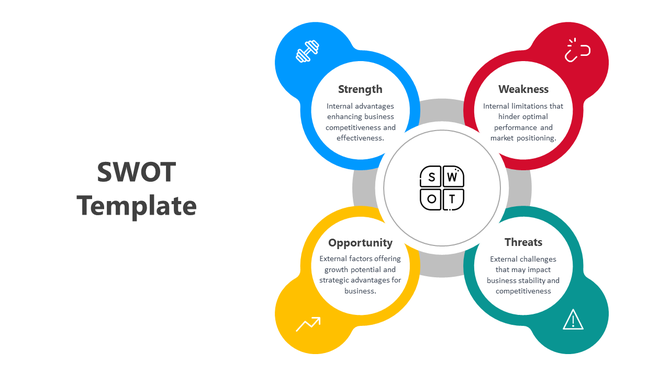
SWOT slide featuring a central circle surrounded by four curved segments in green, yellow, blue, and red.
Free
Add to Wishlist
Download
AI Customize
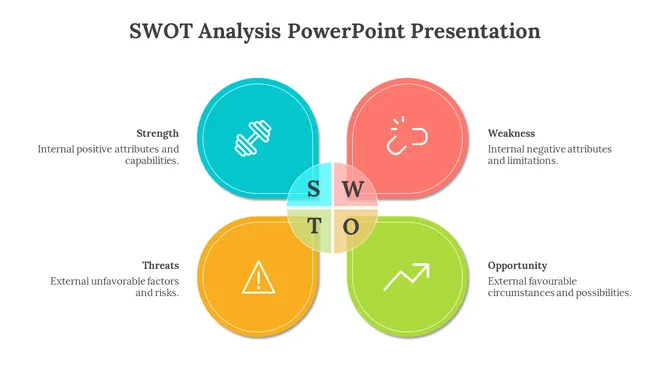
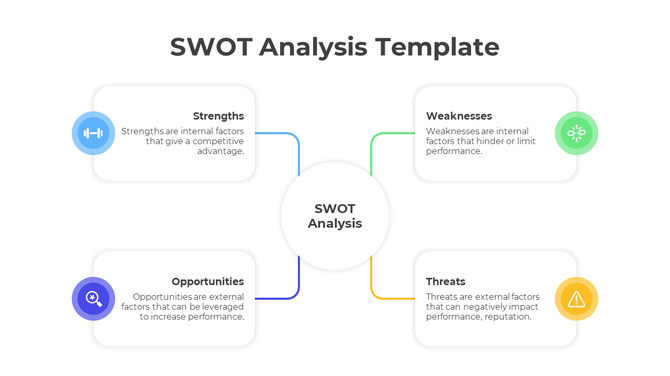
SWOT analysis template featuring icons for strengths, weaknesses, opportunities, and threats, arranged around a central white circle.
Free
Add to Wishlist
Download
AI Customize
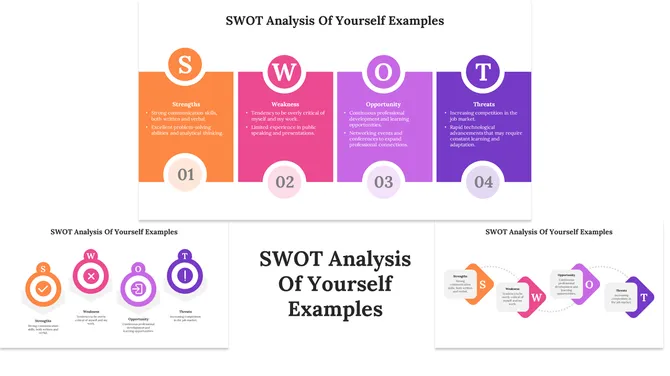
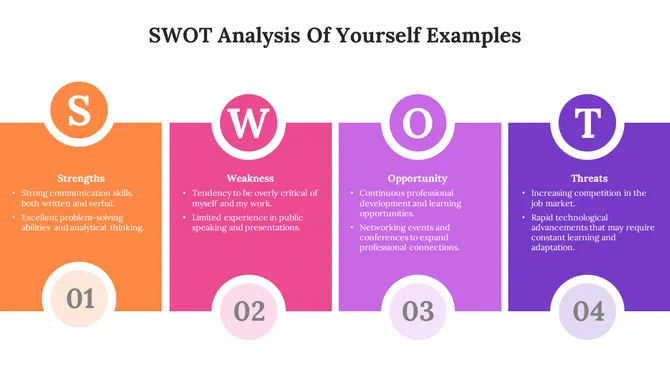
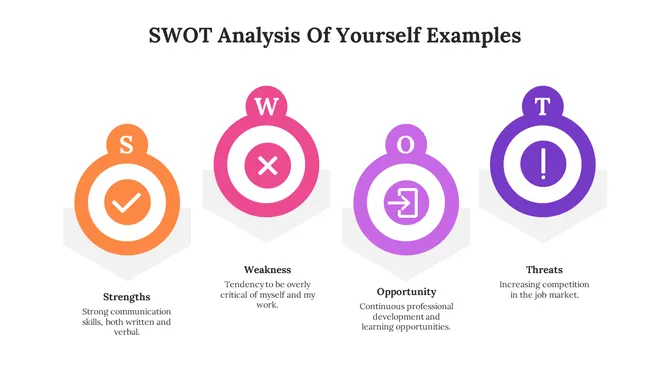
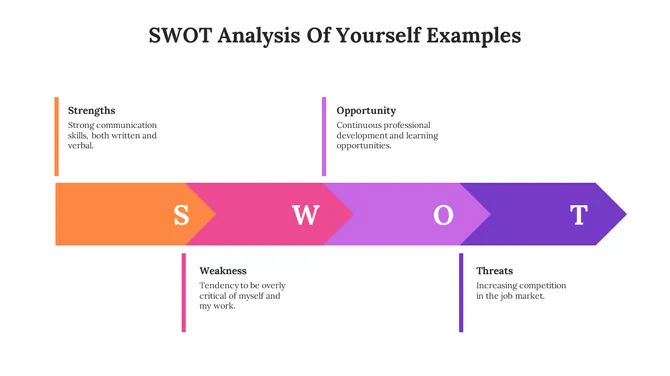
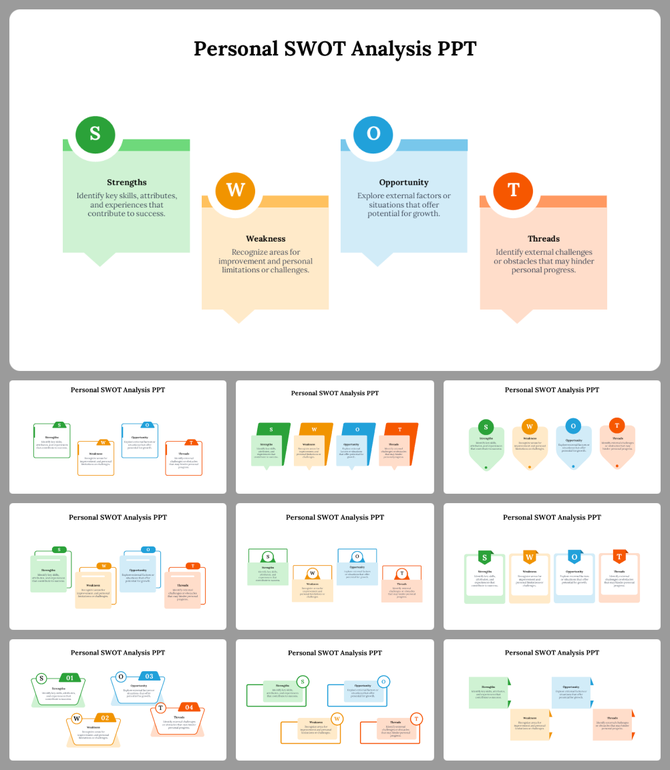
Personal SWOT Analysis PPT and Google Slides Templates
Add to Wishlist
Download
AI Customize
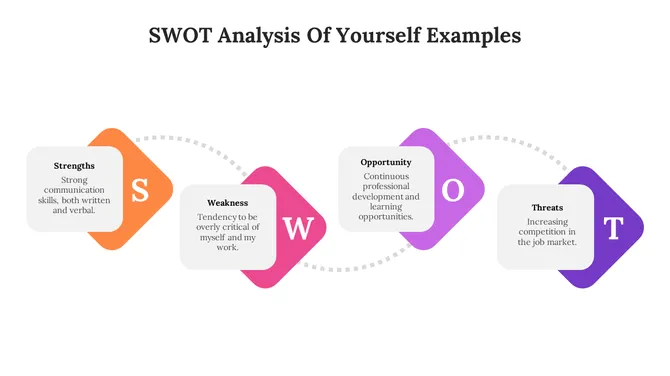
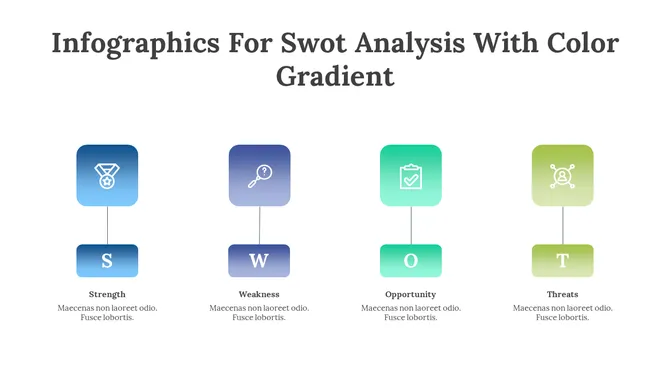
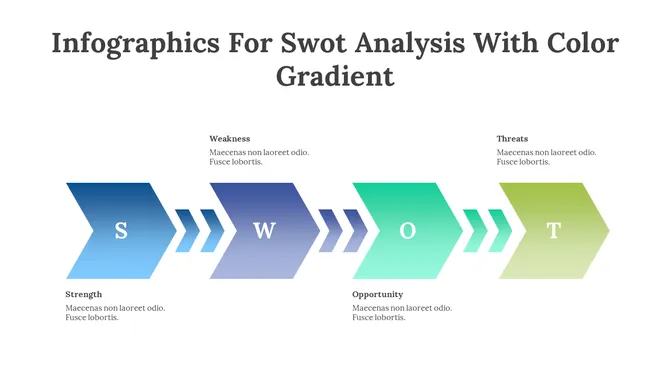
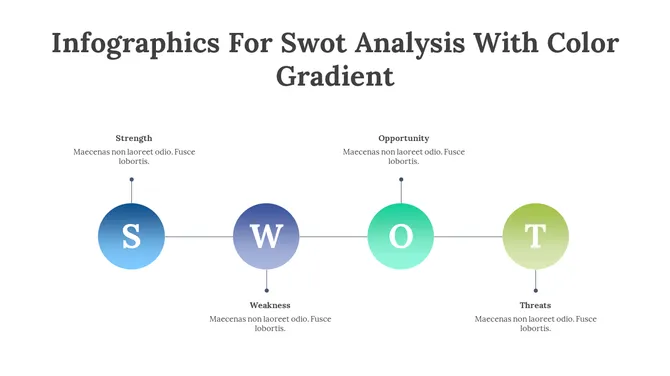
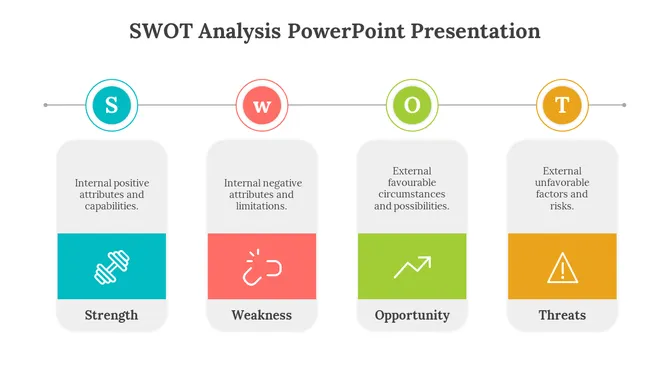
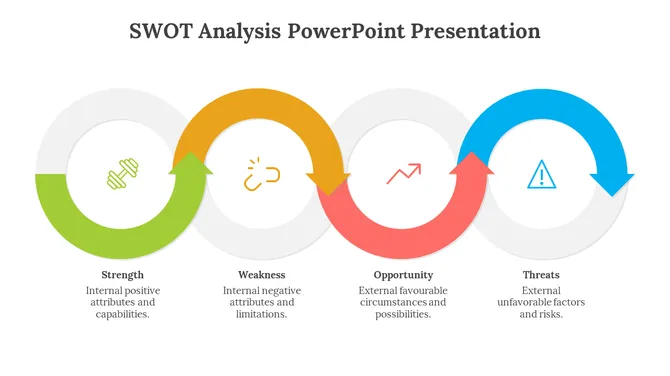
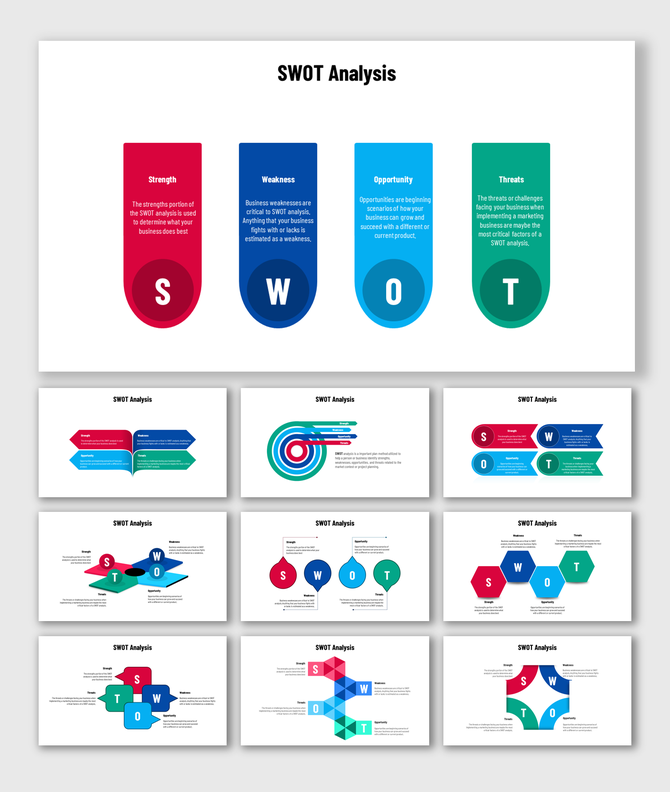
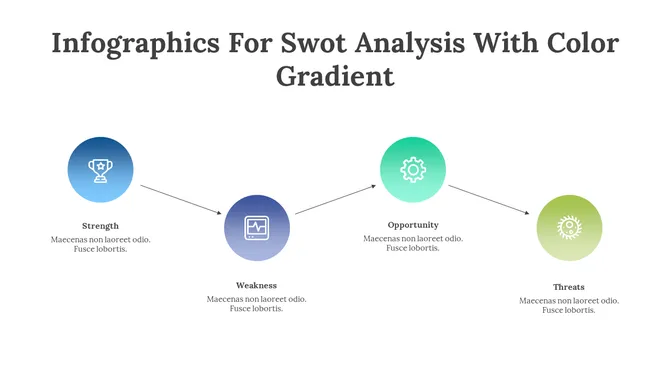
SWOT analysis slide with colorful labeled sections in a horizontal flow with icons and text descriptions.
Add to Wishlist
Download
AI Customize
SWOT analysis template with Strength, Weakness, Opportunity, and Threat sections, featuring arrows and color coded icons.
Add to Wishlist
Download
AI Customize
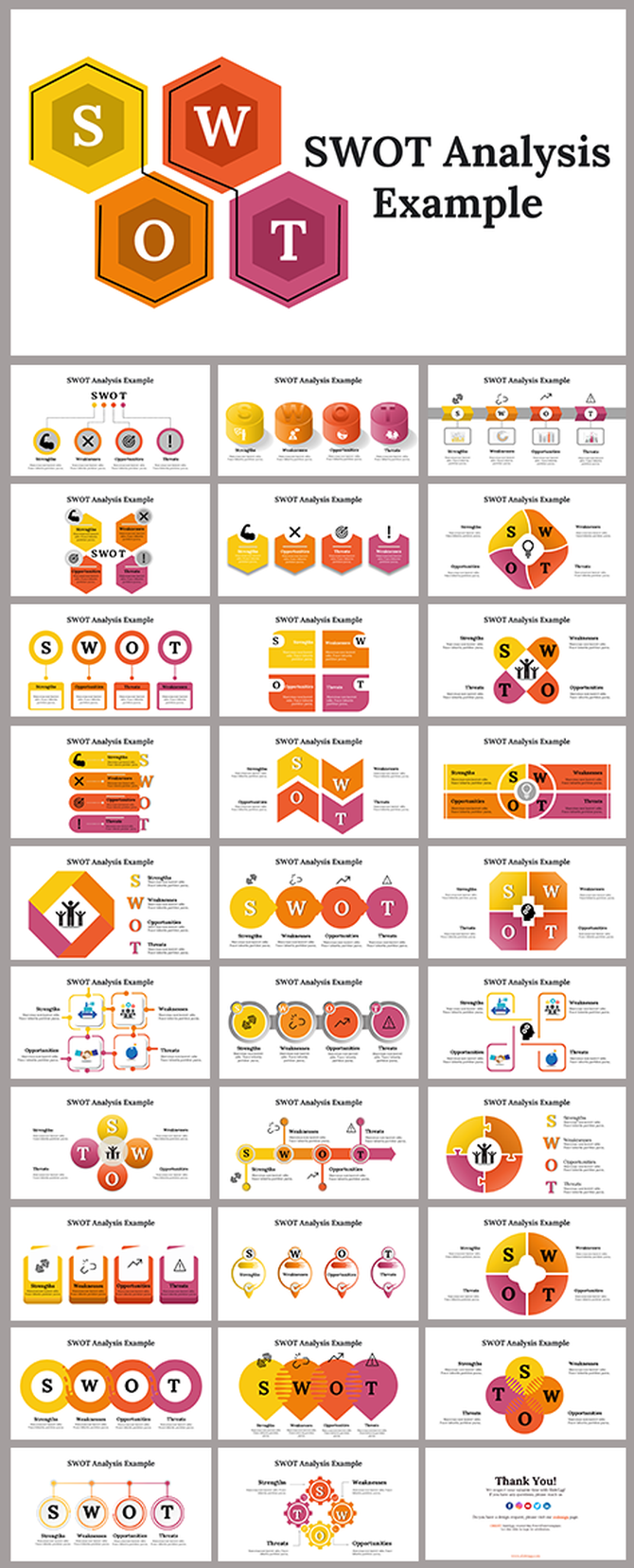
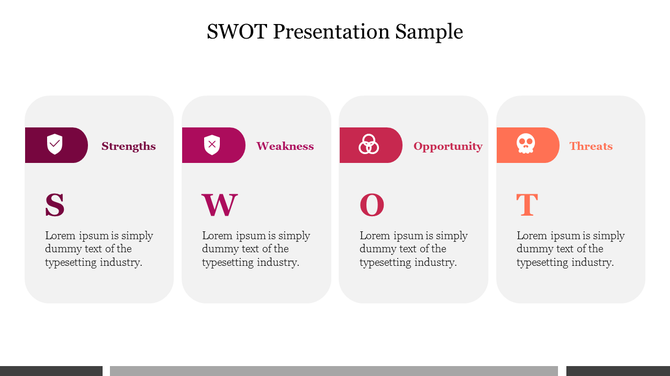
Slides showcasing SWOT analysis layouts, using vibrant colors like orange, red, yellow, and pink to highlight key concepts.
Free
Add to Wishlist
Download
AI Customize
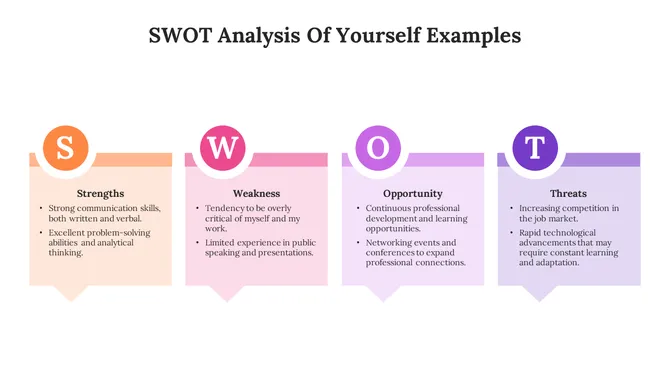
SWOT analysis slide with strengths, weaknesses, opportunities, and threats displayed in colorful sections with bullet points.
Add to Wishlist
Download
AI Customize
Colorful SWOT template featuring Strength, Weakness, Opportunity, and Threat sections with icons and descriptions.
Free
Add to Wishlist
Download
AI Customize
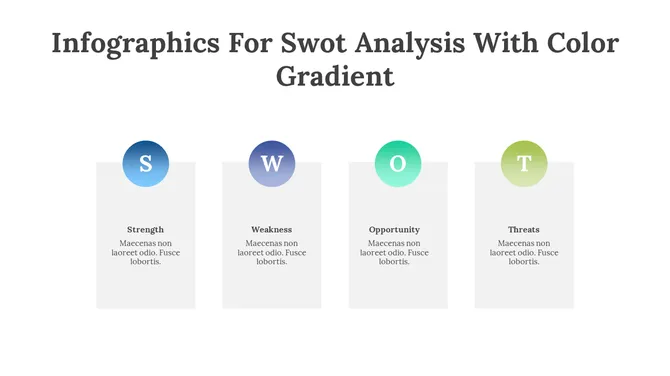
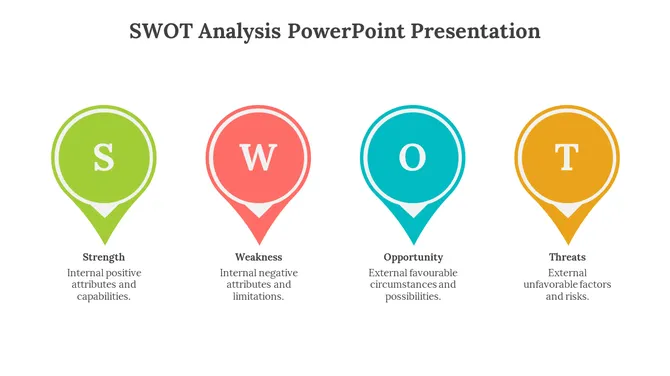
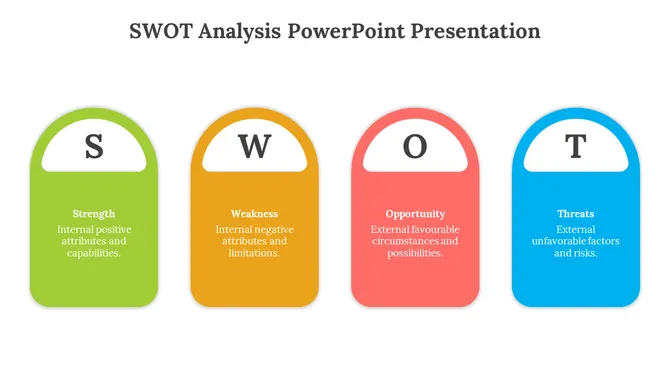
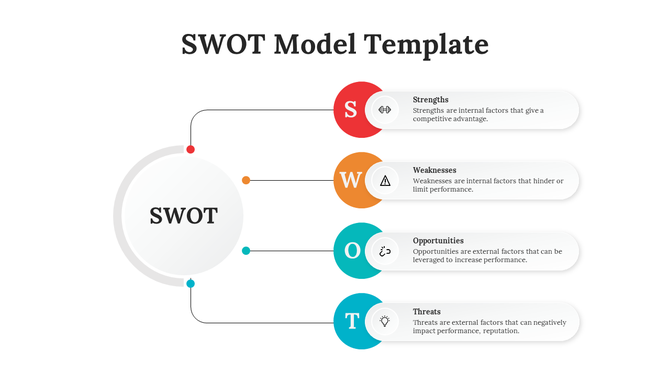
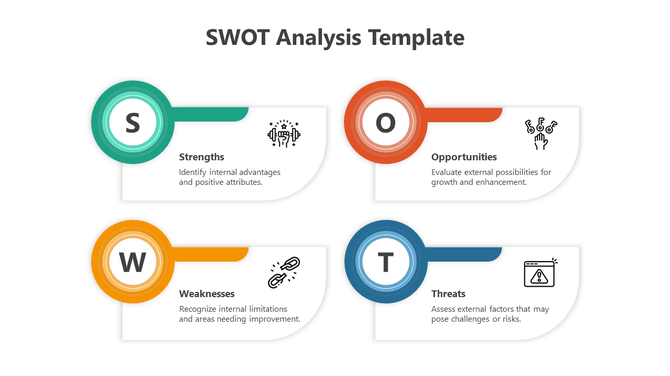
SWOT slide featuring rounded white text boxes topped with circular highlights in green, orange, red, and blue.
Free
Add to Wishlist
Download
AI Customize
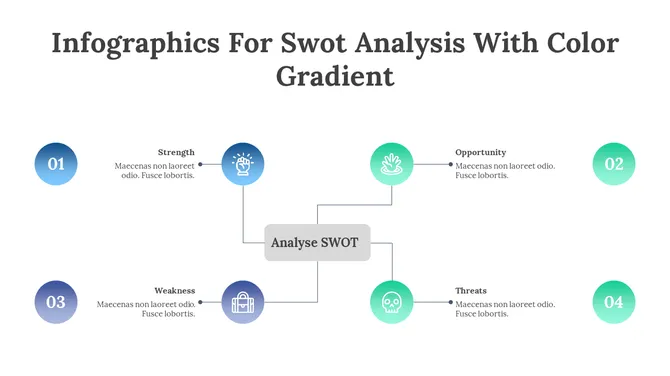
Infographic displaying a SWOT framework with sections and icons representing each category, linked to a center diamond.
Add to Wishlist
Download
AI Customize
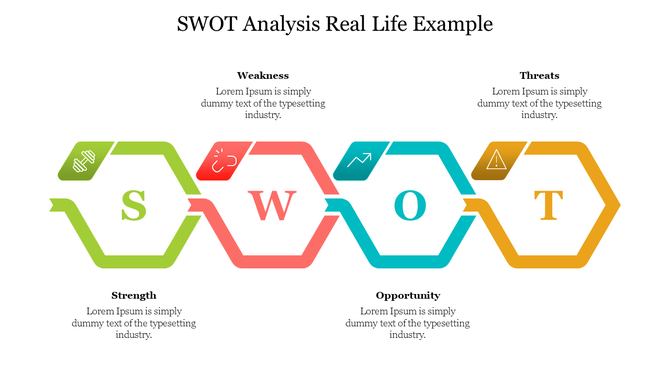
SWOT analysis slide with interconnected hexagons and icons symbolizing strength, weakness, opportunity, and threat.
Add to Wishlist
Download
AI Customize
Colorful SWOT analysis template showcasing Strengths, Weaknesses, Opportunities, and Threats with corresponding icons.
Add to Wishlist
Download
AI Customize
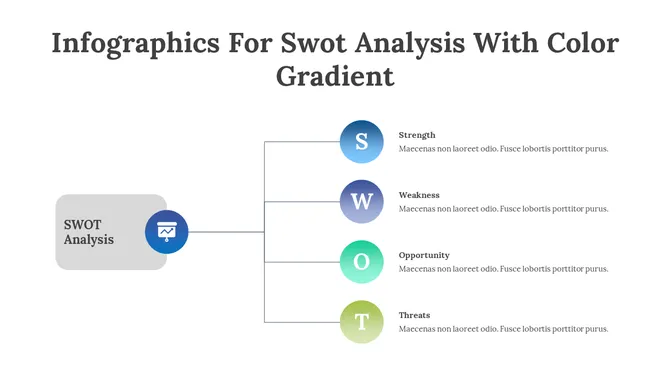
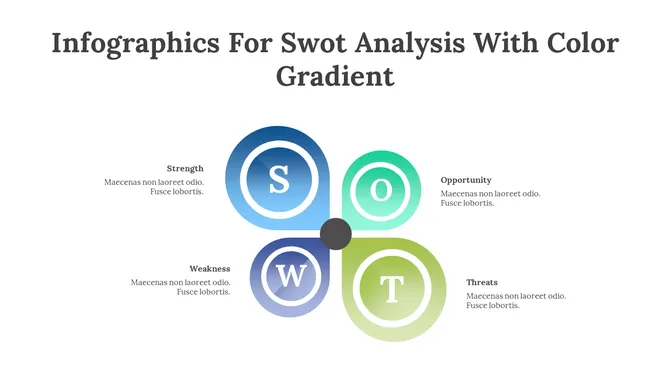
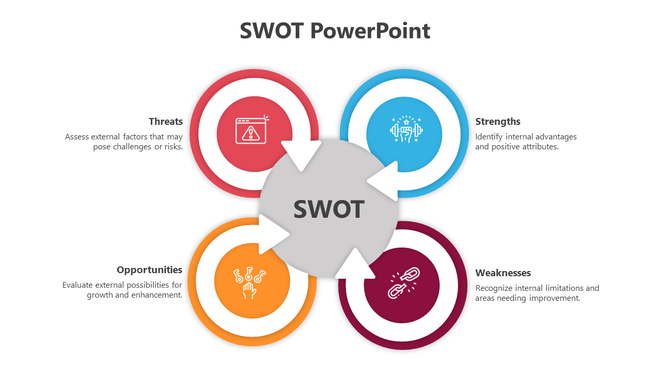
SWOT analysis diagram with four color-coded circles labeled  surrounding a central grey circle placed in a white background.
Free
Add to Wishlist
Download
AI Customize
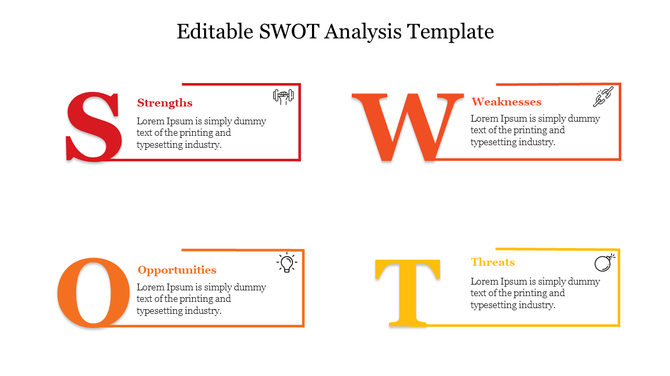
SWOT template showcasing strengths, weaknesses, opportunities, and threats, with colored bold typography and minimal design.
Add to Wishlist
Download
AI Customize
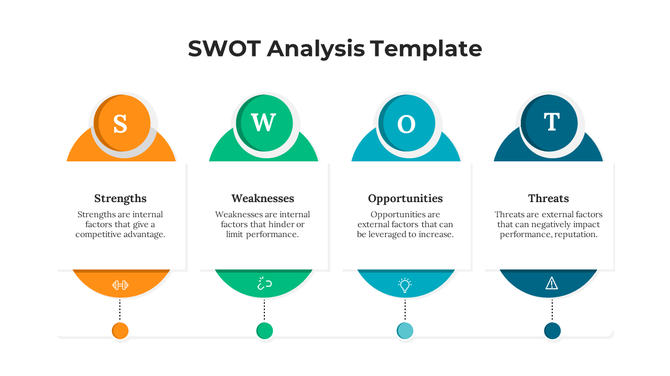
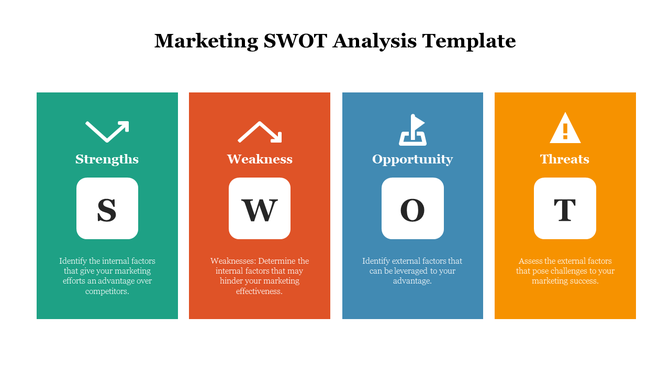
SWOT analysis layout with green, orange, blue, and yellow columns for strengths, weakness, opportunity, and threats.
Free
Add to Wishlist
Download
AI Customize
SWOT analysis PPT slide showing sections for Strengths, Weaknesses, Opportunities, and Threats, each with a colorful icon.
Add to Wishlist
Download
AI Customize
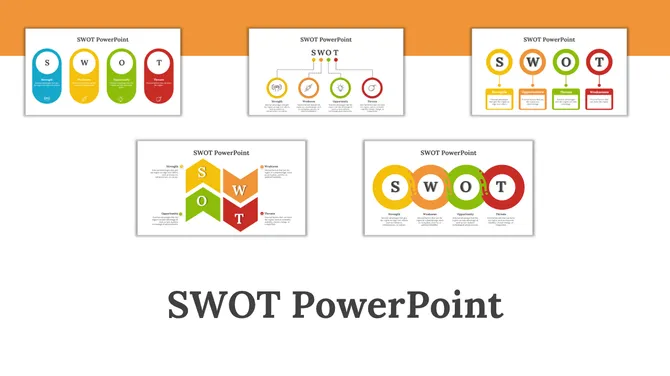
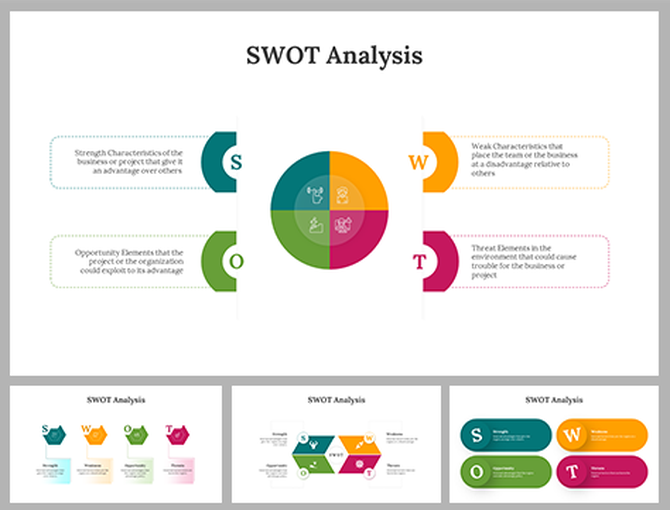
Pack of slides featuring SWOT analysis with diverse layouts of circular, hexagon, pentagon in green, blue, orange, and red.
Free
Add to Wishlist
Download
AI Customize
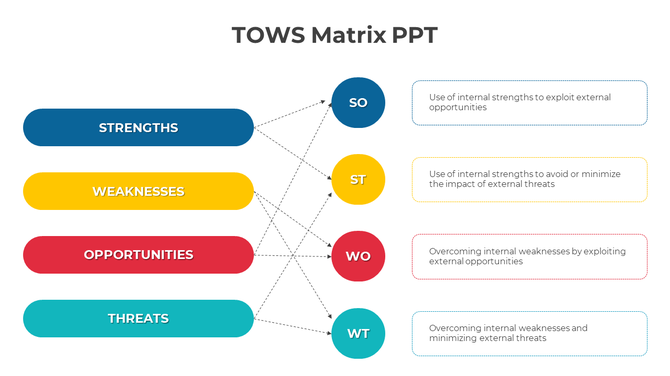
Horizontal TOWS matrix with blue, yellow, red, and teal bars, each linked to circular strategy nodes on the right.

Unlock Business Success with 1104+ SWOT Analysis PowerPoint Templates


Were you aware that identifying and understanding your strengths and weaknesses can change your decisions about your business? 

With access to more than 1104 slides, our SWOT PowerPoint Templates provide everything you need to create original, professional, and effective presentations. 

What is a SWOT analysis?


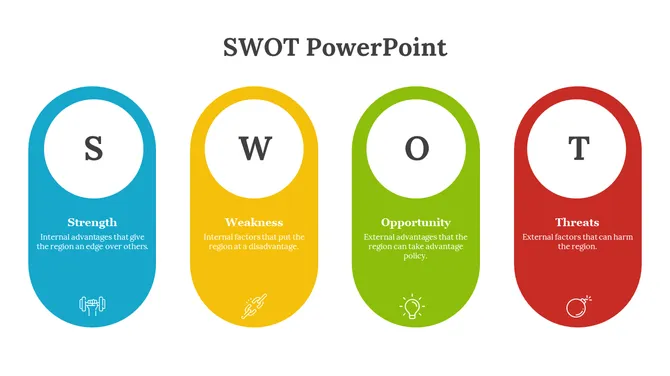
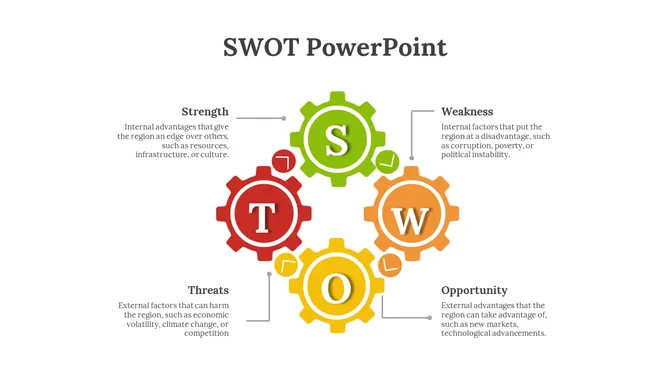
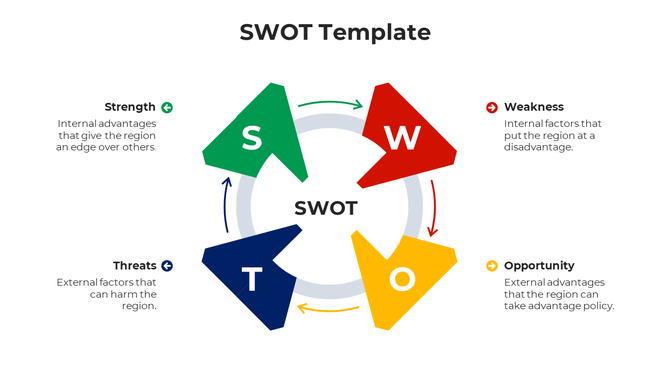
To begin with, SWOT stands for Strengths, Weaknesses, Opportunities, and Threats. SWOT analysis is a strategic approach used in business and personal development to evaluate both external and internal elements. (Opportunities and Threats) and Internal (Strengths and Weaknesses) to facilitate growth and development. 
Knowing the dimensions would be useful, whether you are running/start-up organization, managing a team, or advancing your career. It will again allow you to strategically consider how to prepare to have a defined goal, aggressively pursue an opportunity should one arise, and/or prepare to defend against an external attack (or conflict within the organization). 

Who Can Use These Templates?

Anyone! Our templates for SWOT analysis are designed to serve entrepreneurs, students, business professionals and consultants. These will excite your audience and give your message a professional touch whether you are talking to investors, or conducting workshops or projects for school. 

Why Use SWOT Analysis Templates from SlideEgg?


Using our templates offers several benefits:


Professional Design: These templates are designed to help you stand out with sleek, modern slides that avoid the clutter of typical bullet points.
Customizability: Whether you prefer PowerPoint, Google Slides, or Canva, all templates are fully editable. Change colors, fonts, and content effortlessly to suit your style.
Wide Application: From boardrooms to classrooms, our templates are designed for flexibility—use them for strategic meetings, personal growth plans, or project presentations.
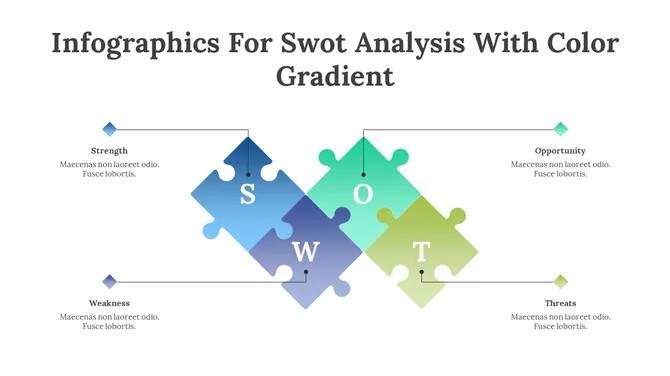
Stunning Infographics: Present your analysis with bold visuals like arrows, puzzles, or aeroplanes to make your SWOT analysis both informative and visually appealing.


Key Benefits of SlideEgg’s SWOT Templates


Available on Multiple Platforms: PowerPoint, Google Slides, and Canva—choose your preferred platform and get started quickly.

Beautiful Themes for Every Need: Whether you're analyzing a business, personal goals, or international markets (FODA), our slides have you covered.

Fully Customizable: Adapt each slide to match your unique message by editing colors, text, and images.

Real-Life Examples: Get inspired by ready-made SWOT analyses to apply to your strategy.


Why Choose SlideEgg’s SWOT Templates?


Royalty-Free: Use these templates as often as needed without any restrictions.

Multiple Formats: Available in 4:3 and 16:9, landscape or portrait, to fit any screen.

Perfect for All Audiences: Whether for business, school, or personal projects, these templates will leave a lasting impression.

Ready to Get Started?

Take your presentations to the next level with SlideEgg’s SWOT templates. From business strategy meetings to personal growth assessments, our templates will help you present your vision with confidence. Explore our category now and turn your SWOT analysis into an exciting opportunity to succeed!

Frequently Asked Questions

How many slides should a SWOT presentation have?

For most business and academic presentations, three to five slides is the practical range — a single-slide layout for summaries and a four-slide framework when each quadrant needs detailed points. Templates in both formats are available in this collection; check the slide count in the preview before downloading.

What is the difference between a single-slide SWOT and a multi-slide SWOT framework?

A single-slide template fits all four quadrants on one page — compact and suited to appendices or quick-read formats. A multi-slide framework gives each quadrant its own slide, making it better for strategy sessions and investor presentations where each section will be discussed in detail.

Which SWOT template works best for a business plan or investor presentation?

Choose a multi-slide framework where each quadrant has space for three to five evidence-backed points — a compact grid with abbreviated bullets is harder to defend in a Q&A. Look for templates that include a follow-on action or initiative slide, as this shows that the analysis connects to an execution plan.

Can I edit the colors and fonts to match my brand?

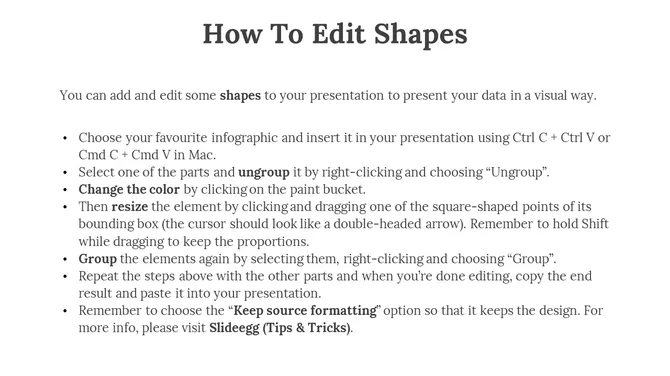
Yes — all templates labeled "fully editable" allow direct color and font changes in PowerPoint, Google Slides, and Canva. In PowerPoint, right-click any shape and choose "Format Shape" to update fills and borders using your brand hex codes.

Are these templates suitable for student assignments and academic submissions?

Yes — minimal and classic layouts in this collection provide a clear quadrant structure with sufficient text space without visual complexity that distracts from content. A single-slide or two-slide format with labeled quadrants meets most academic submission requirements.

What should I include in each quadrant of a SWOT slide?

Each quadrant should contain three to five specific, evidence-backed points — Strengths and Weaknesses cover internal factors, while Opportunities and Threats cover external conditions. Avoid broad statements such as "strong brand" or "market risk" without a concrete detail to anchor them.

Do any templates include an action plan or recommendation slide?

Some multi-slide frameworks in this collection include an additional initiatives or next-steps slide — check the template preview to confirm the slide count and layout. If a template does not include one, a compatible strategy template from the related collections can be added to extend the deck.

How do I convert a downloaded SWOT template to PDF for sharing?

In PowerPoint, go to File → Save As and select PDF from the format dropdown. In Google Slides, use File → Download → PDF Document; in Canva, click Share → Download and choose PDF Standard.

Which format works best for a team workshop?

A multi-slide template in Google Slides works best for workshops — one slide per quadrant lets the facilitator display each section individually while participants contribute points simultaneously. The completed slides serve as a ready-made record of the session without requiring a separate write-up afterward.

Can I use these templates in client-facing presentations without attributing SlideEgg?

Free templates downloaded from this page can be used in professional and client-facing presentations without attribution. If you plan to redistribute or resell the template files themselves — separate from a completed presentation — review the license terms on the individual download page.