1,100+ Free SWOT Presentation Templates
Browse 1,100+ fully editable free SWOT presentation templates for PowerPoint, Google Slides, and Canva. Adjust the layouts, colors, fonts, and text to fit your project. Choose from single-slide overviews, multi-slide strategy decks, or industry-specific formats. Used by business professionals, marketing teams, students, and consultants worldwide.
Editor's Choice (1 of5)
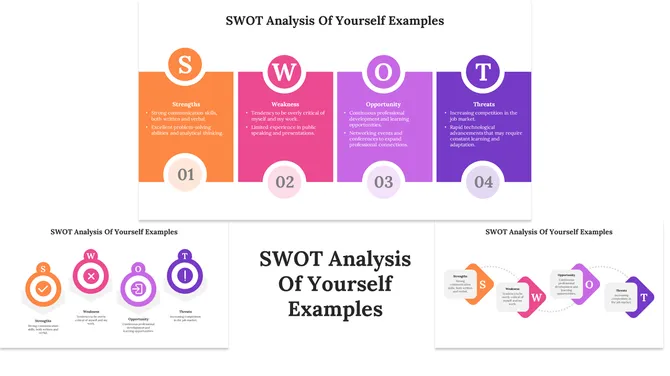
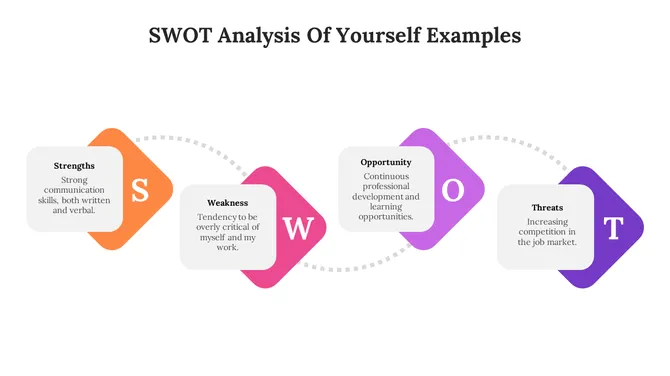
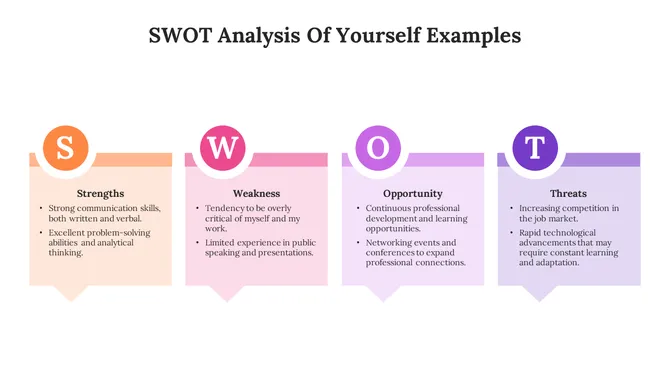
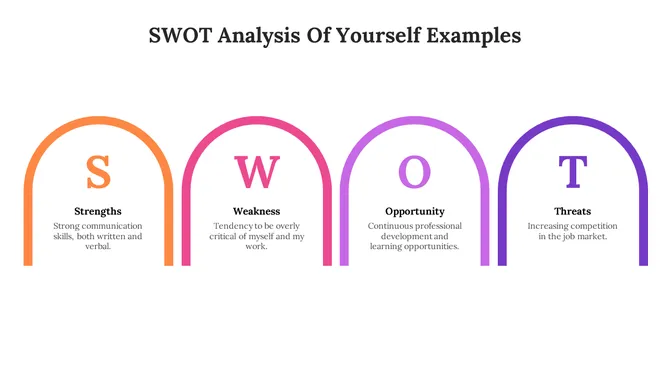
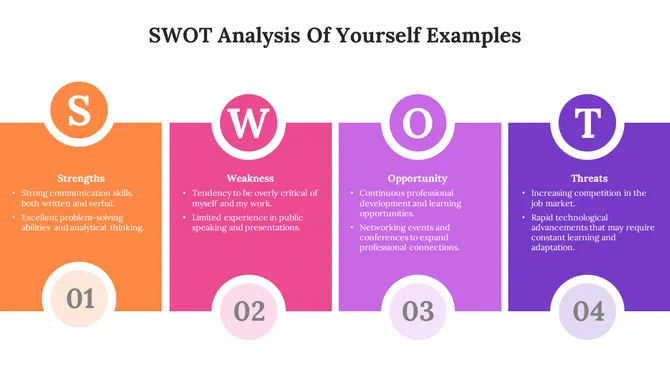
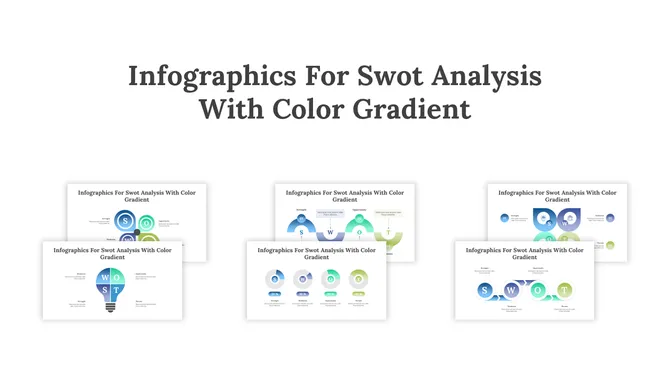
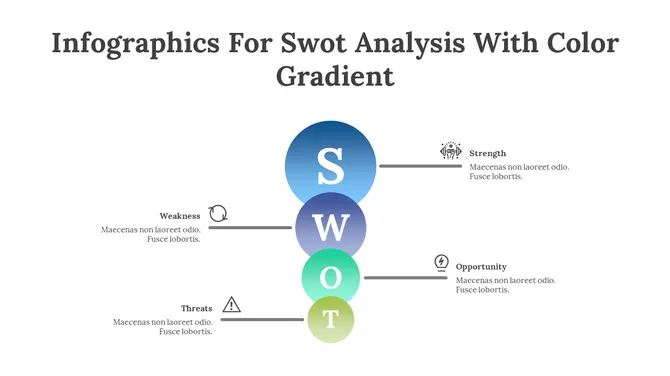
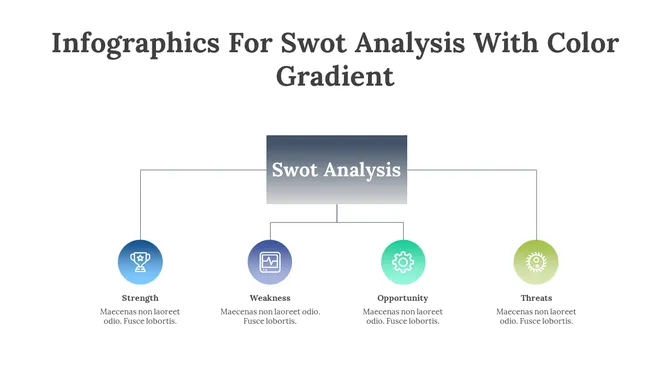
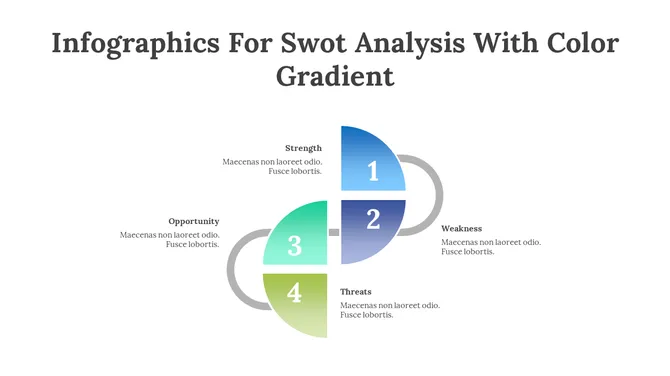
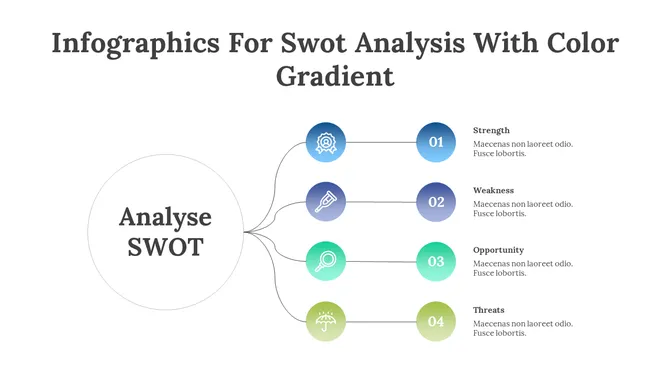
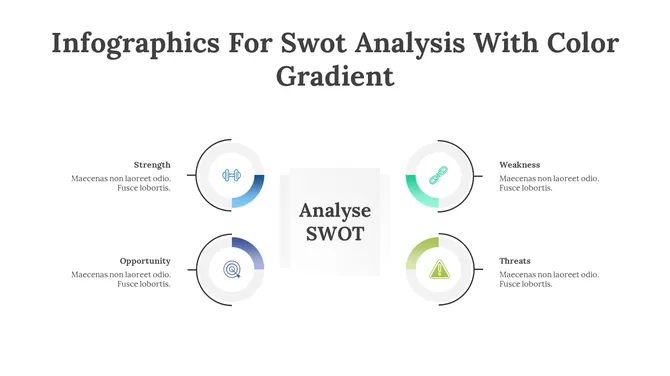
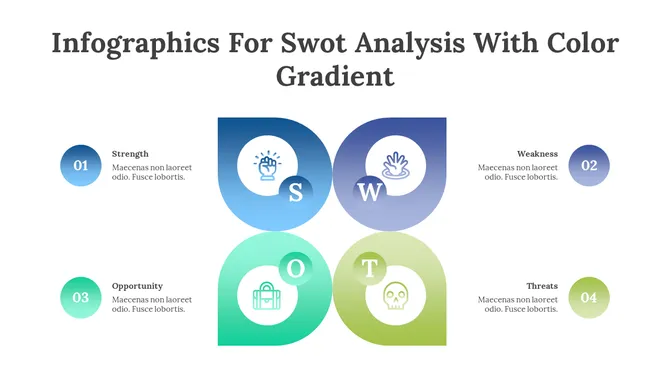
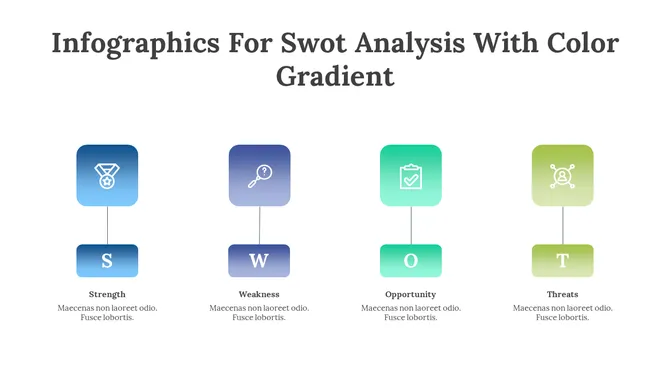
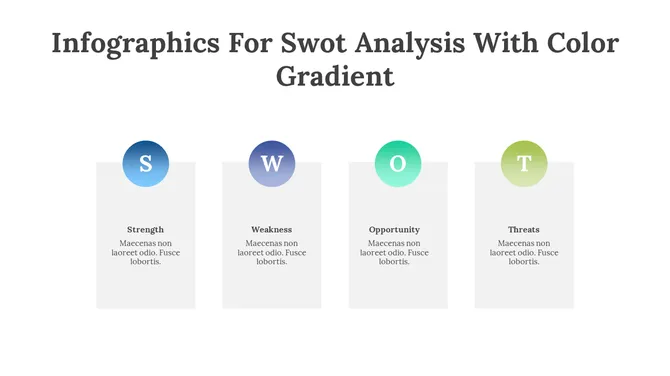
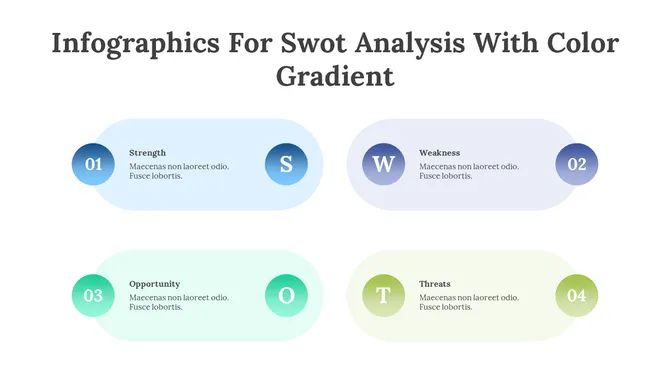
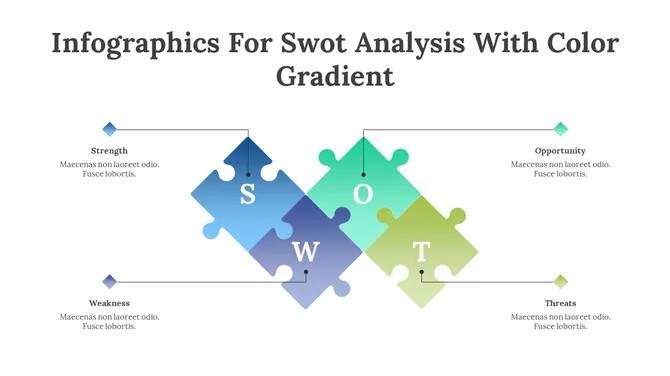
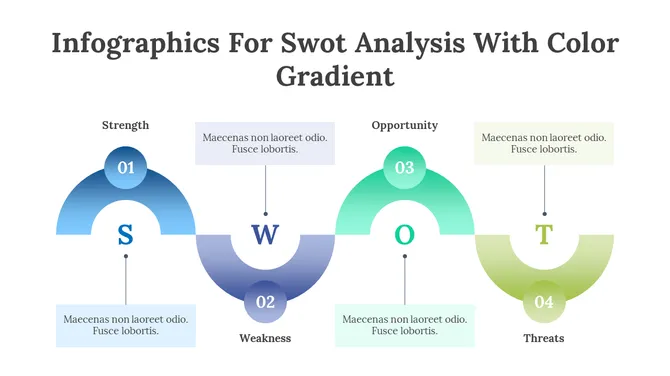
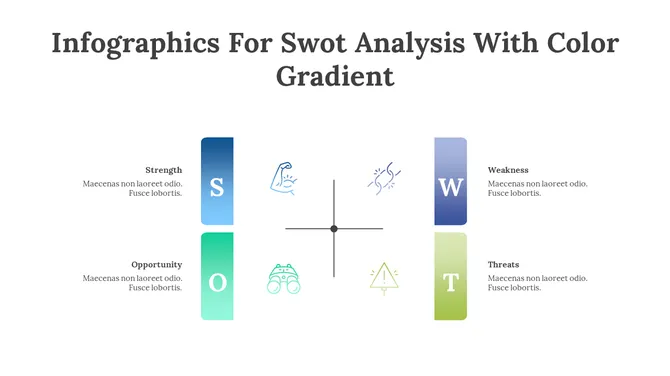
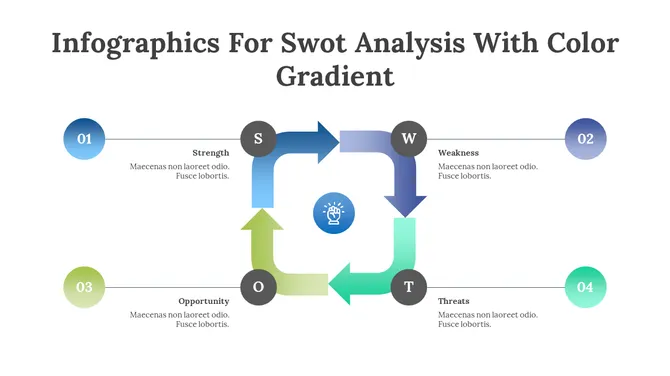
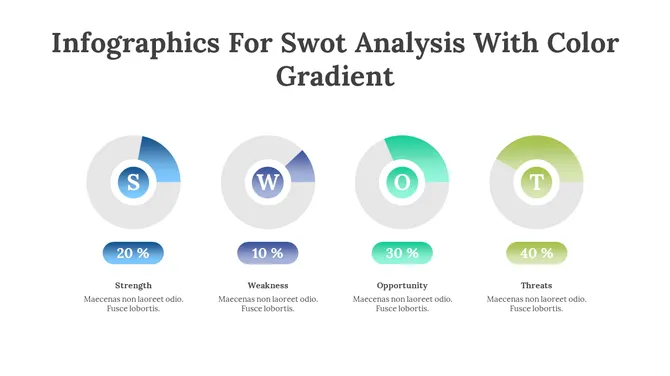
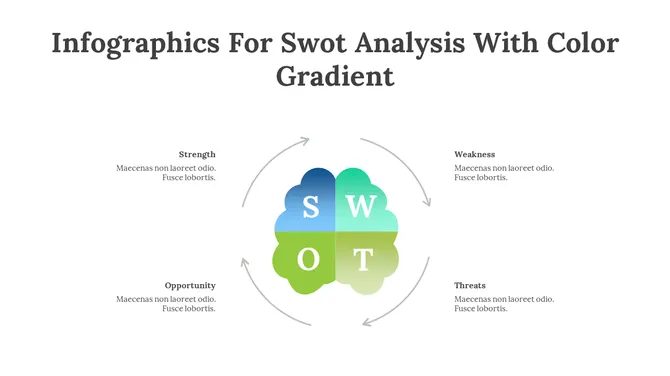
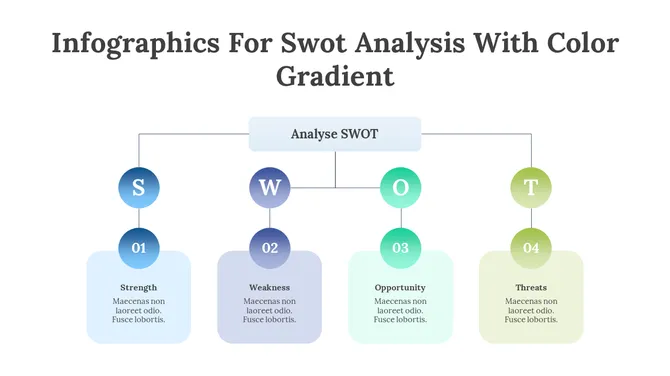
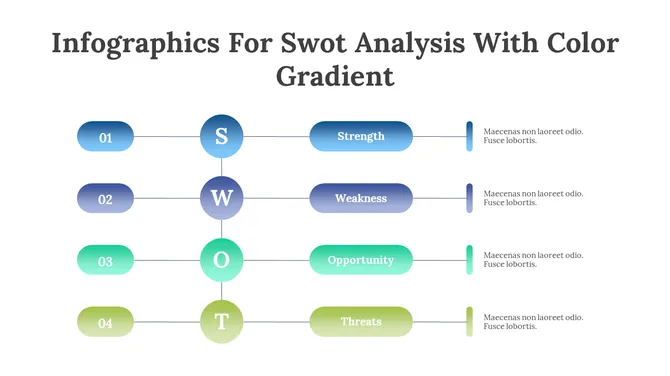
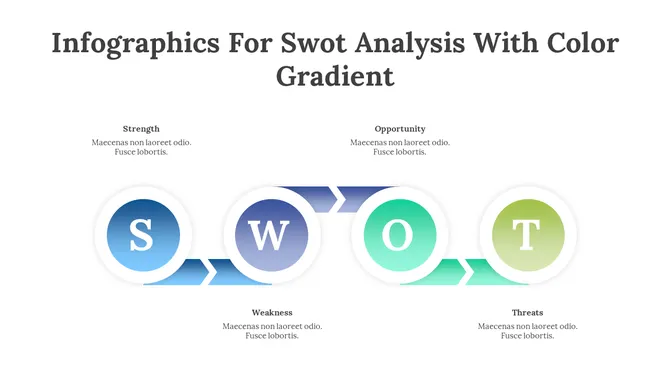
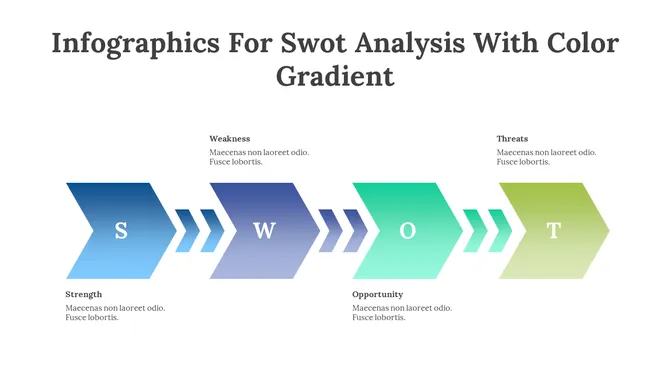
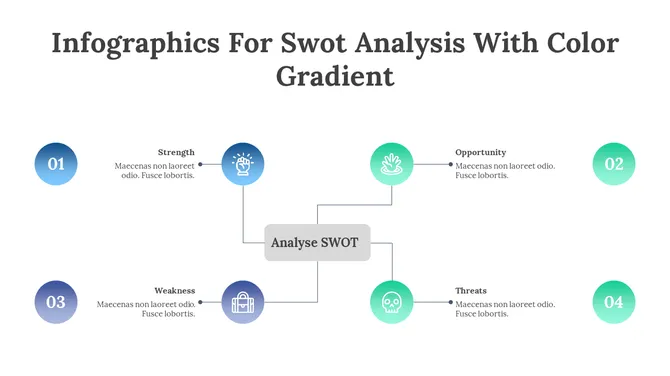
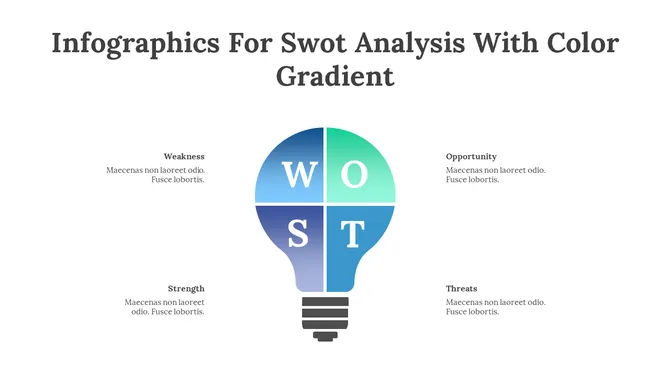
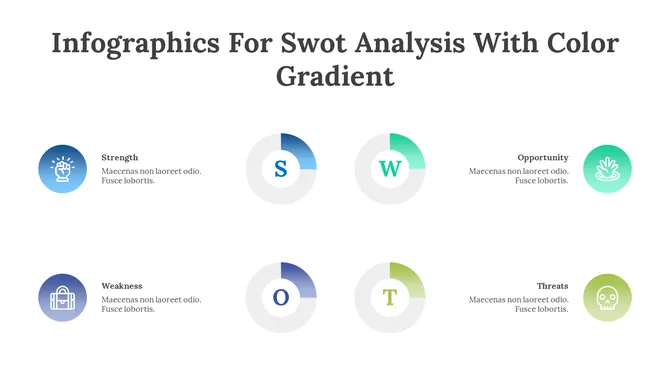
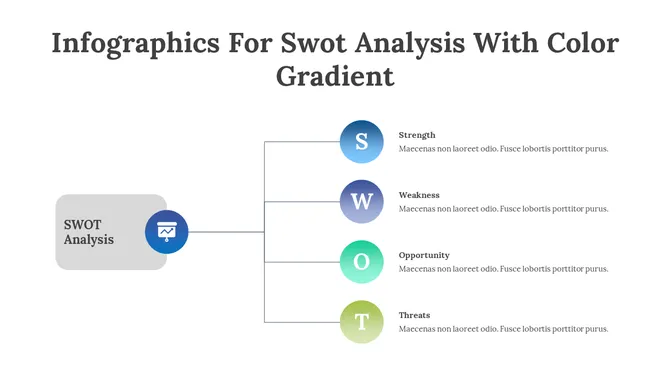
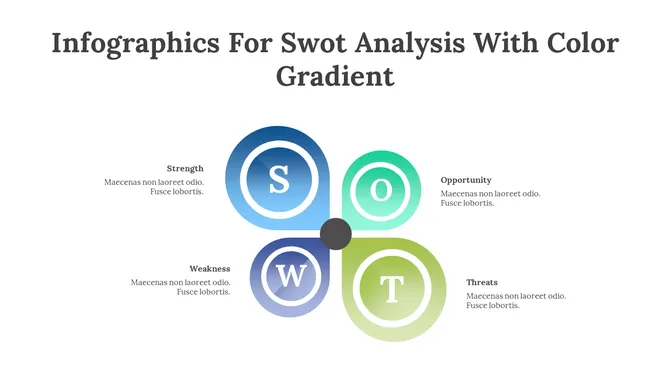
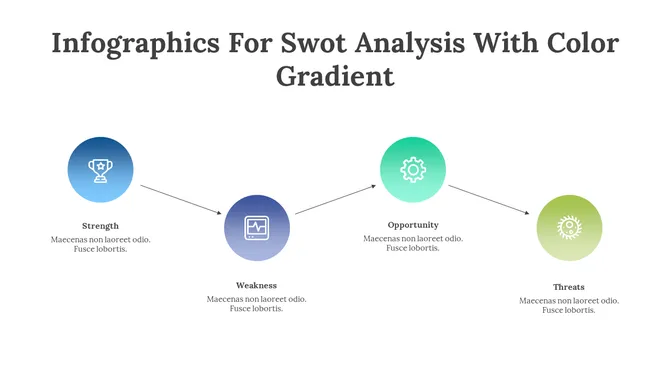
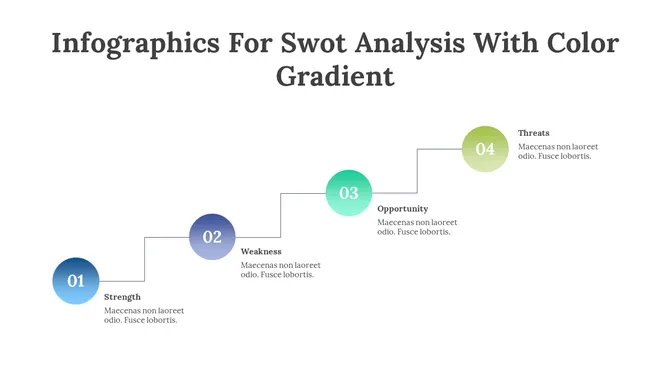
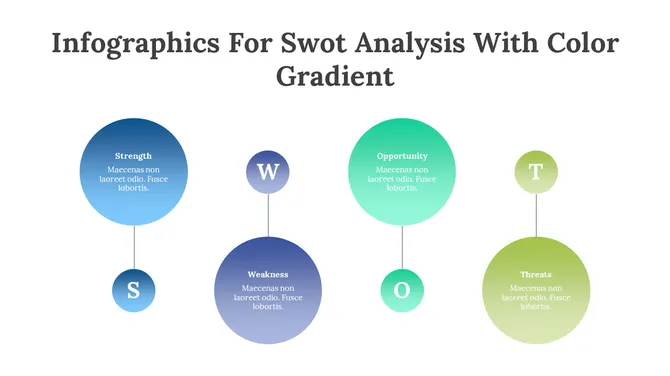
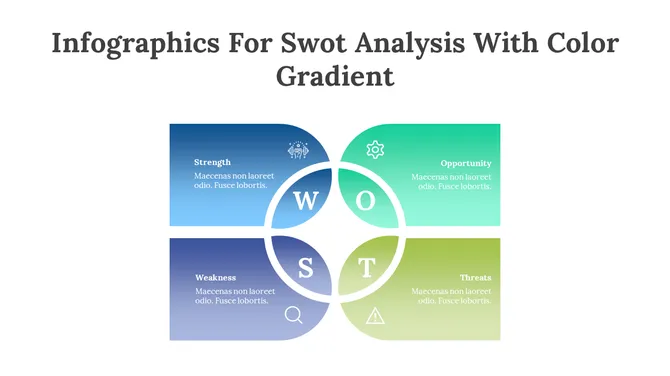
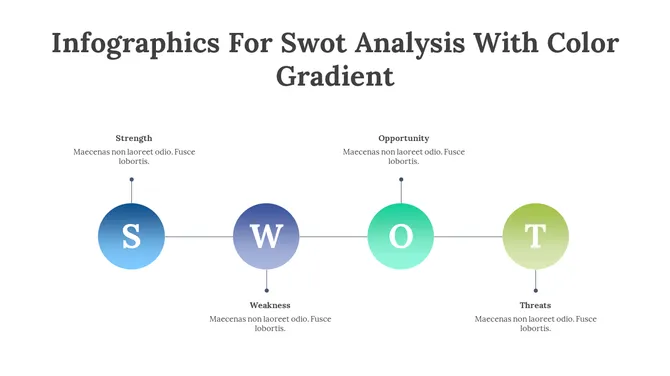
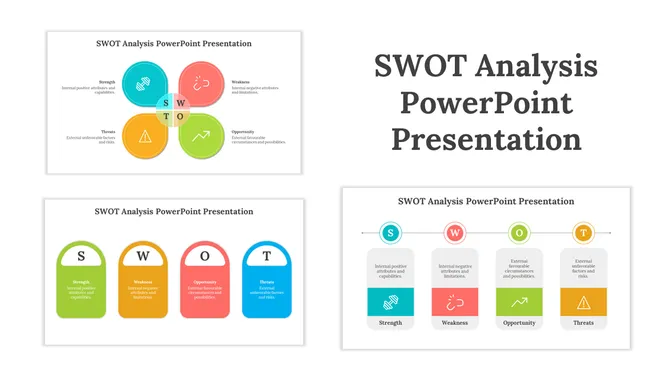
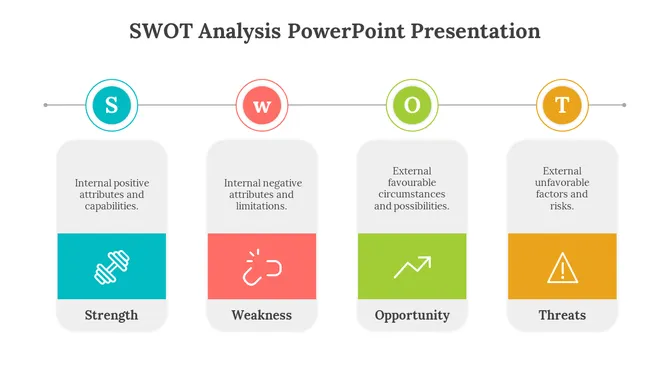
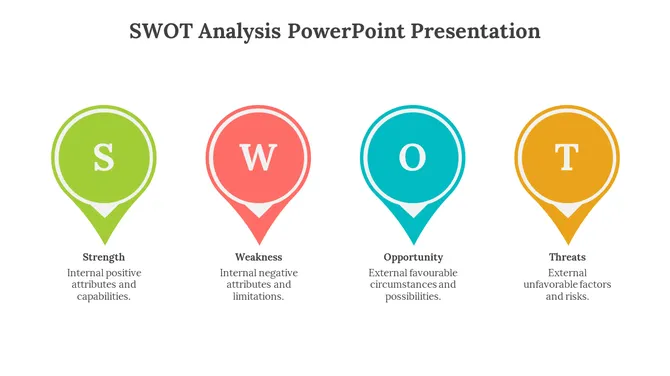
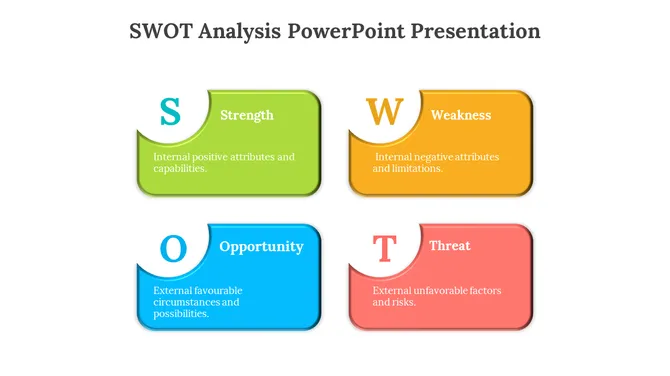
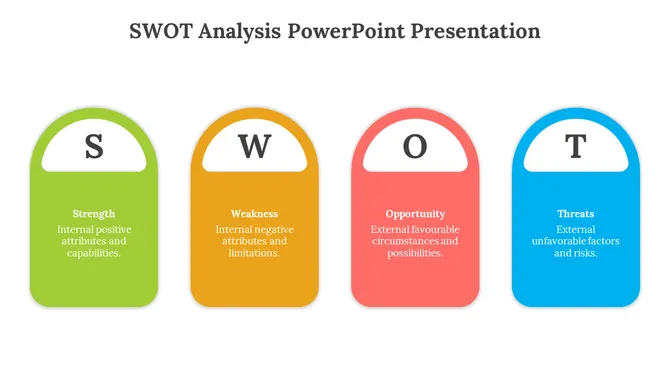
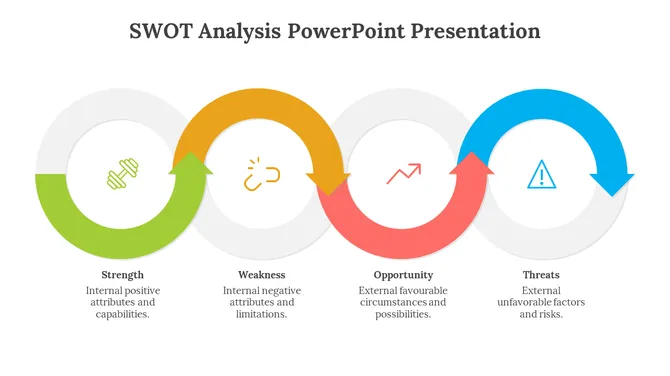
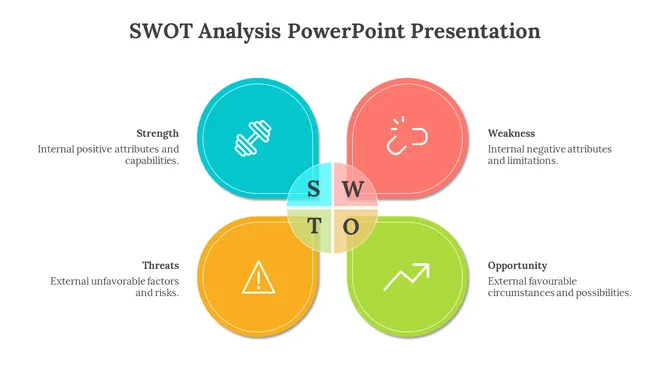
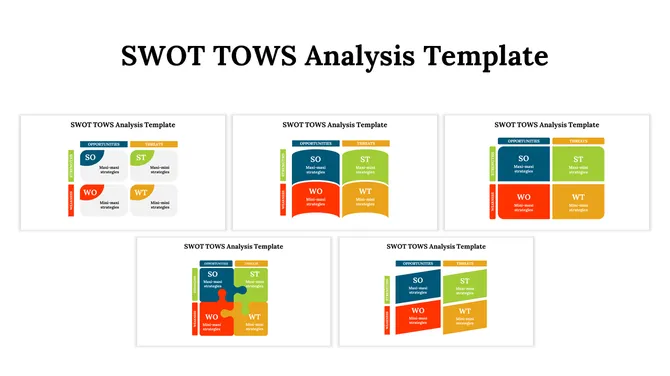
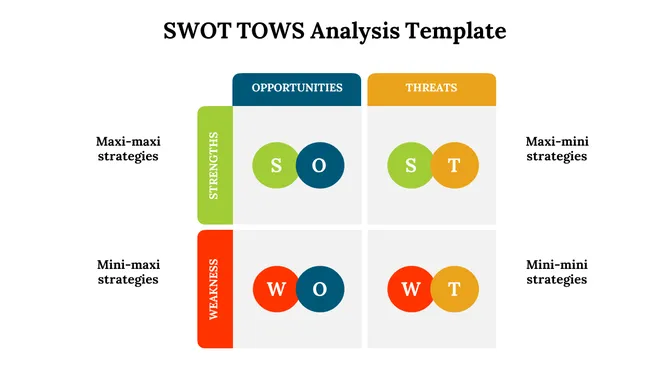
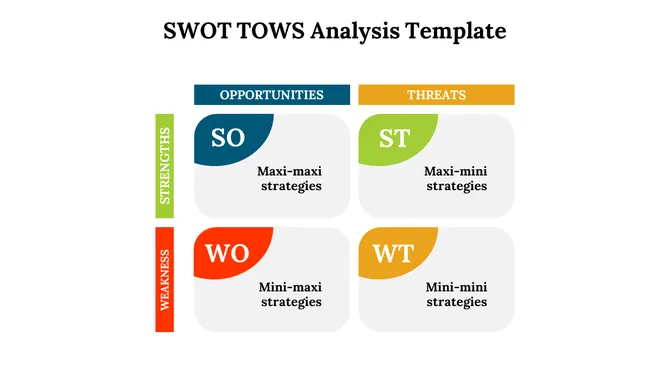
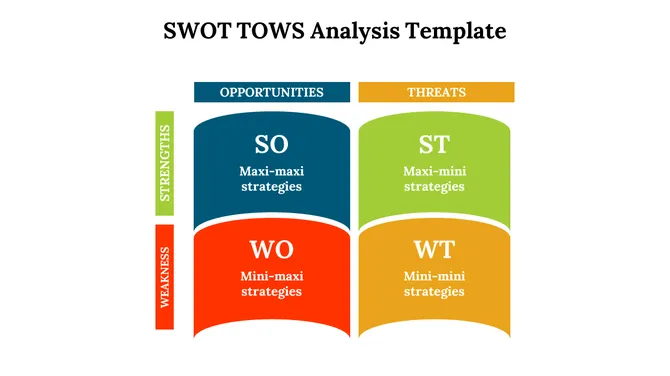
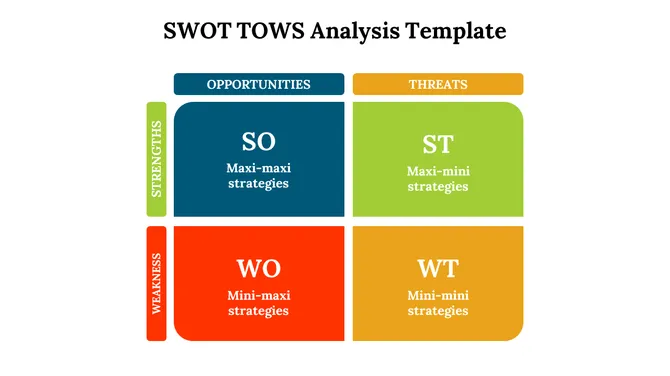
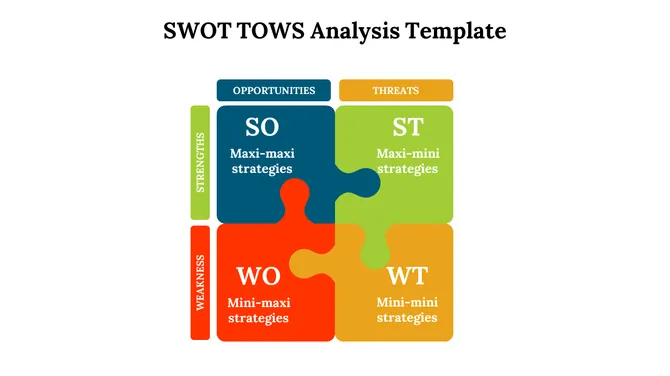
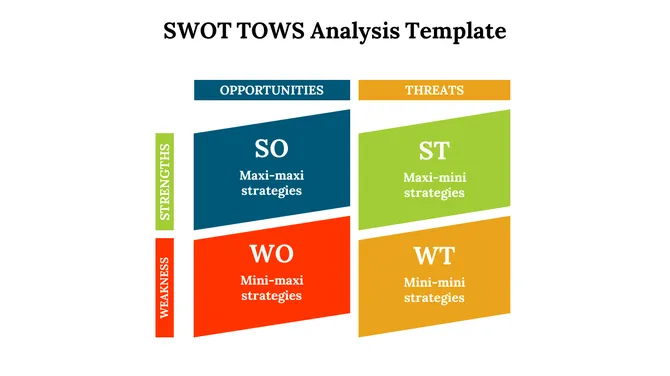
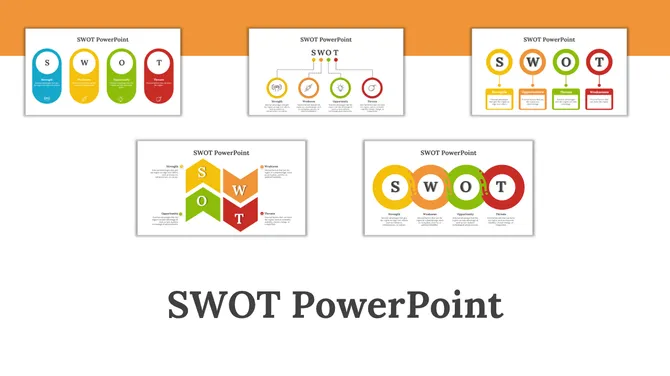
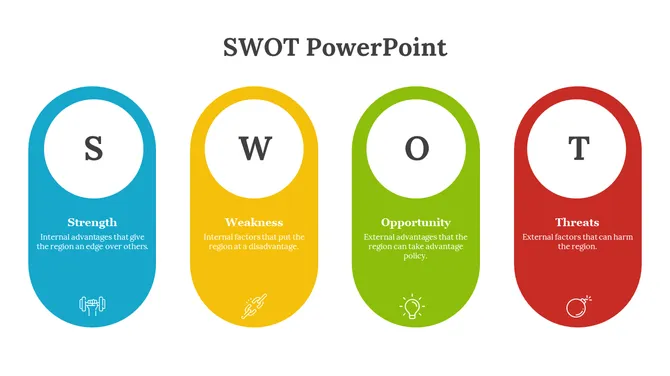
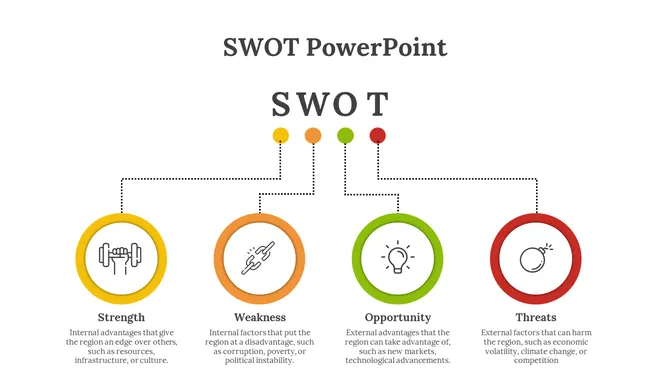
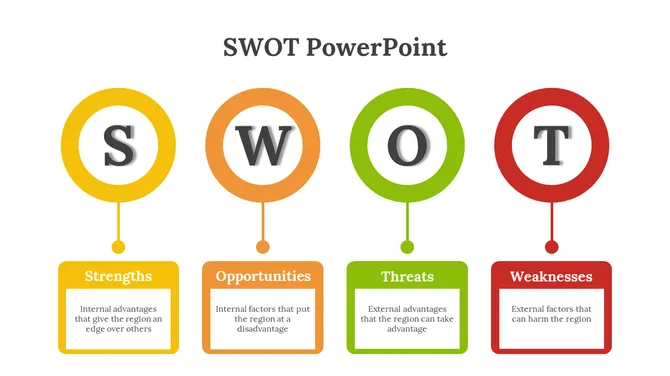
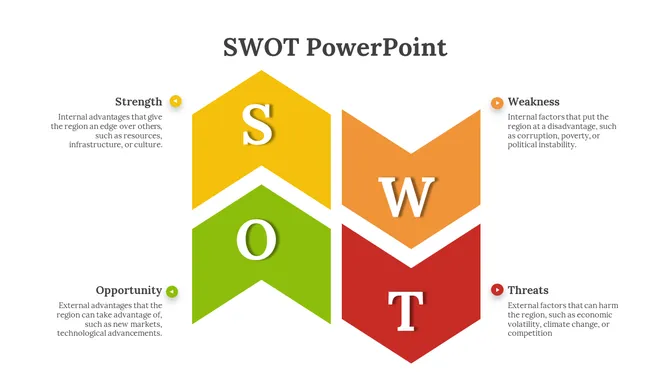
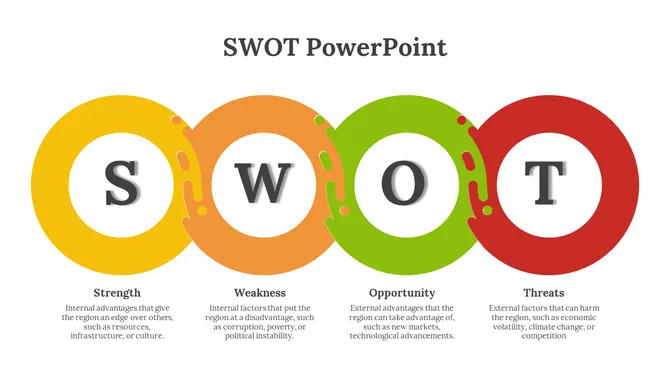
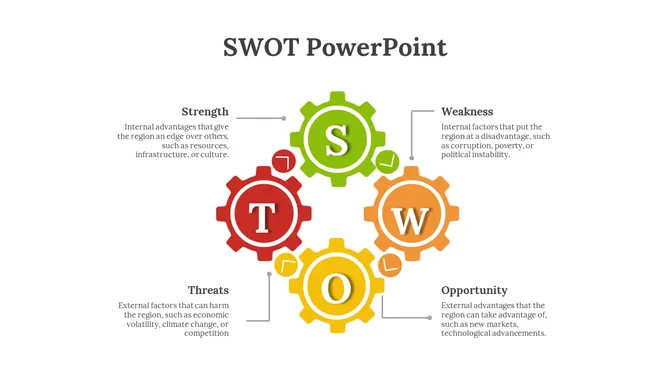
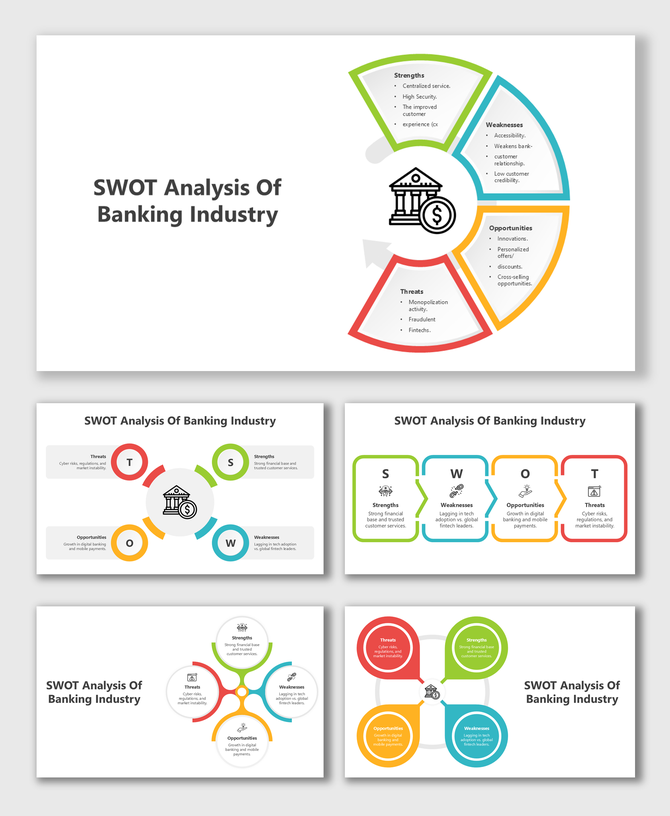
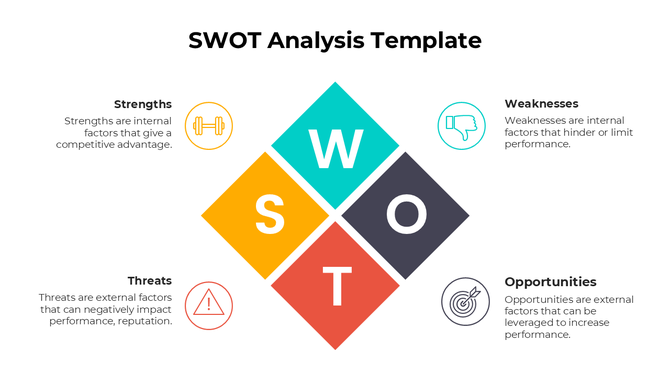
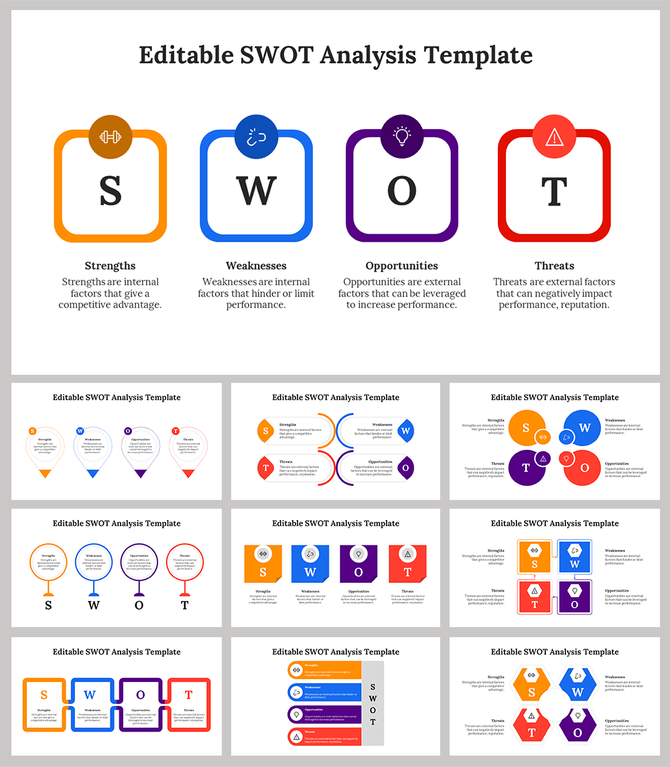
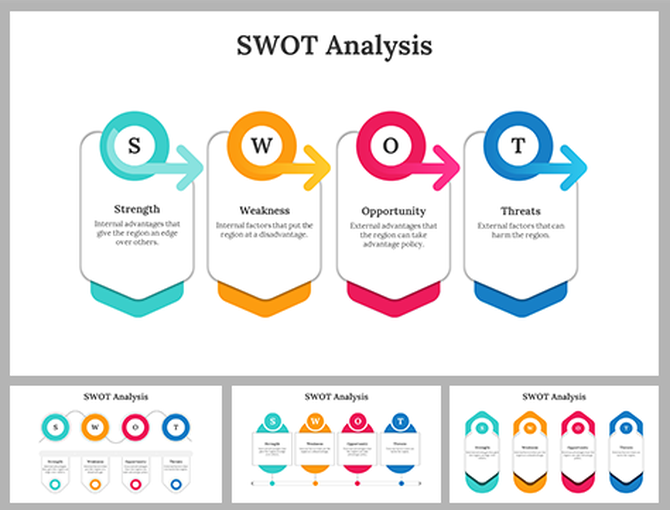
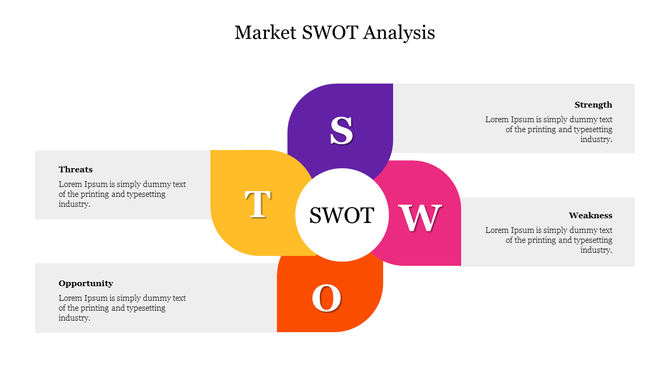
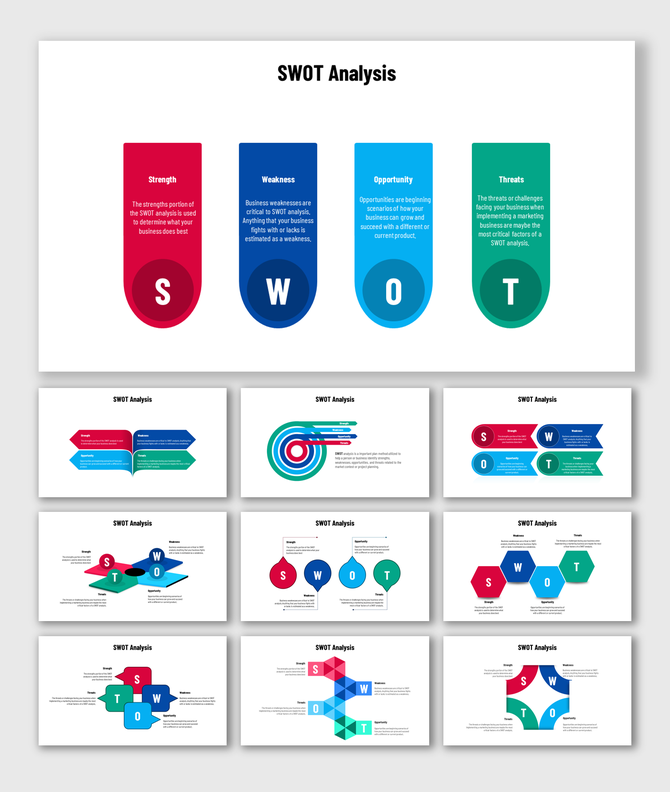
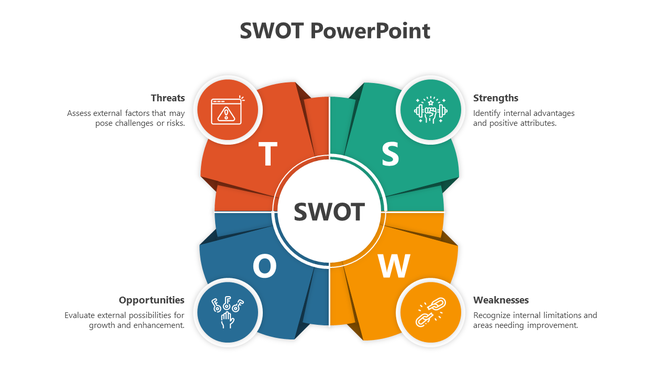
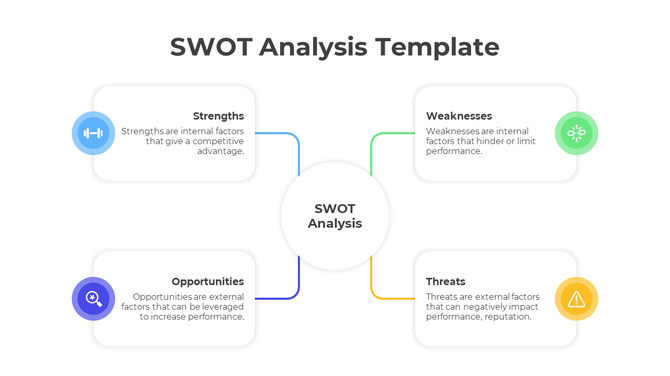
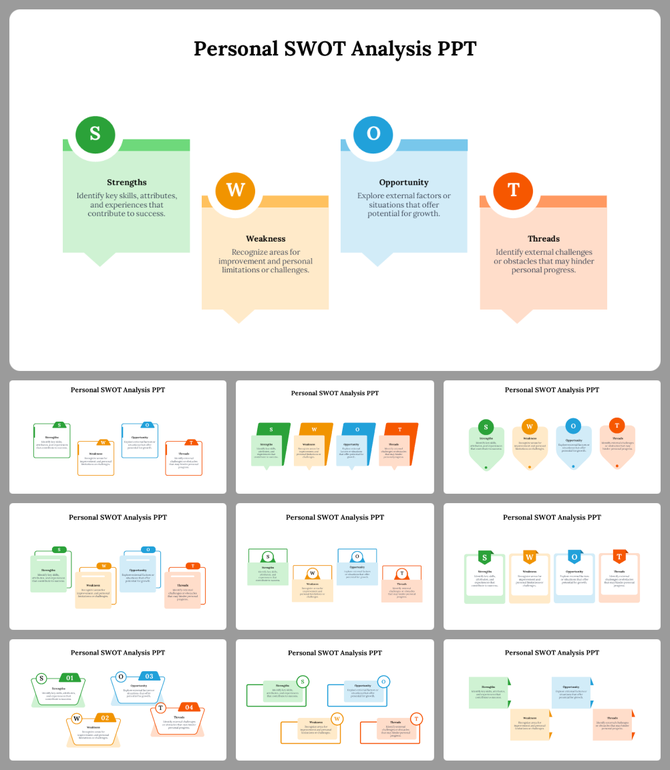
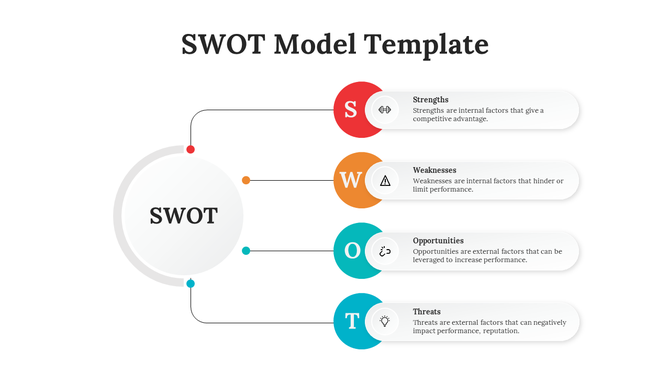
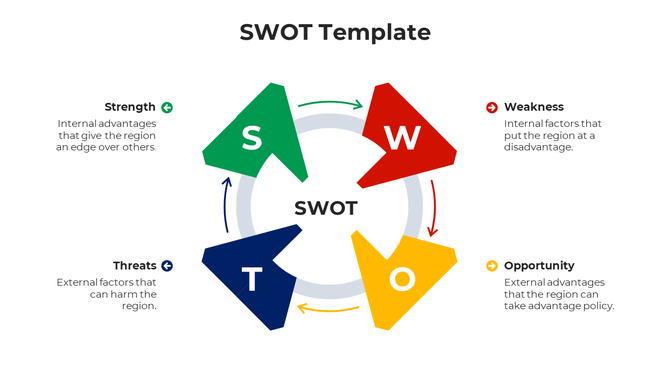
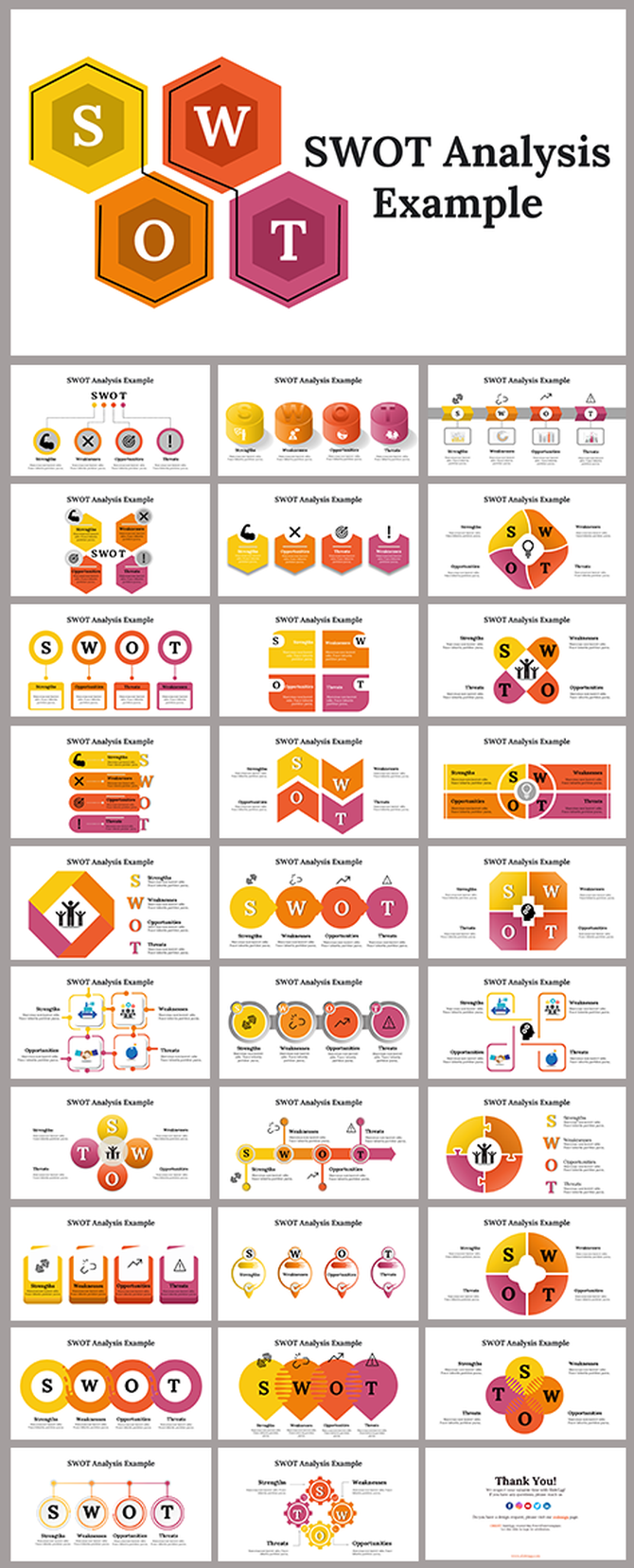

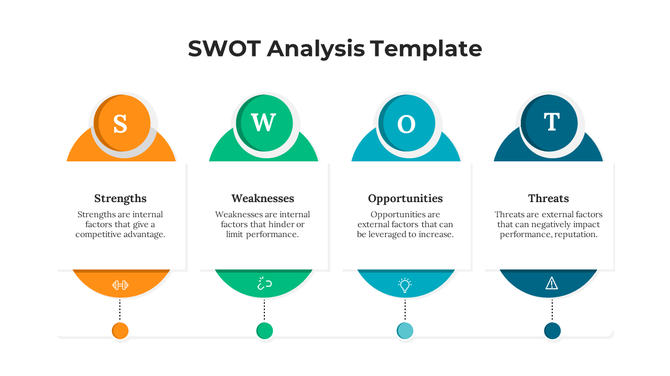
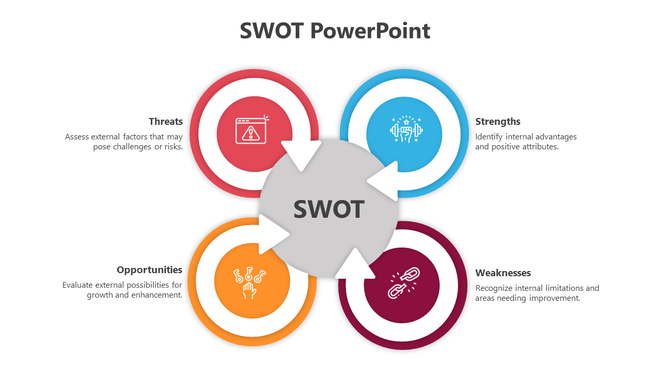
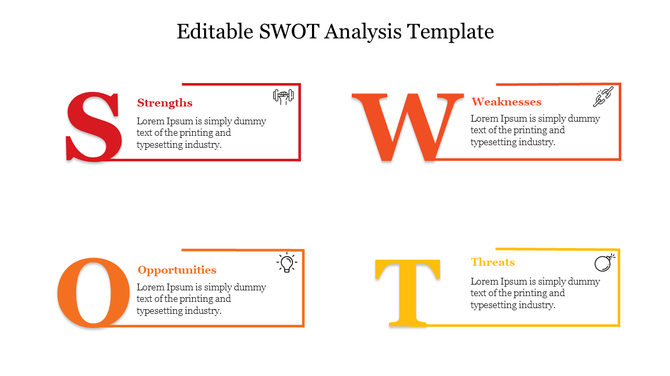
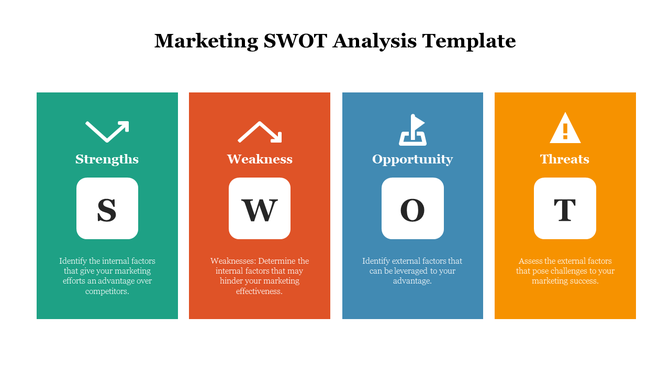
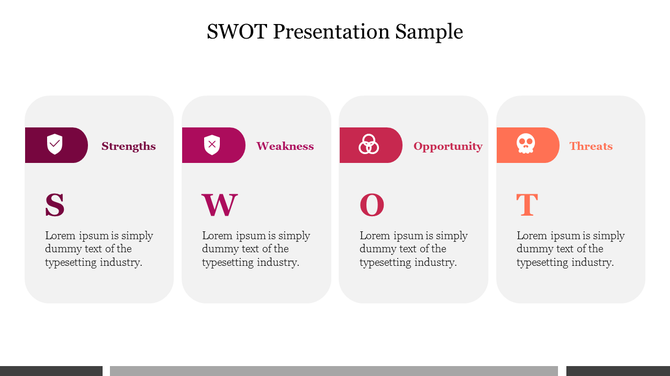
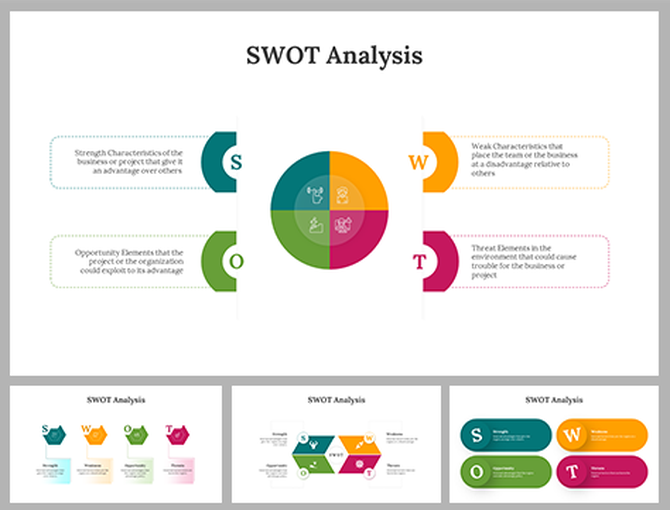
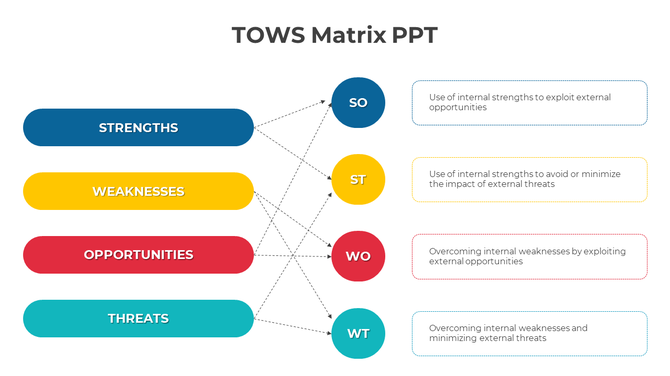
Unlock Business Success with 1104+ SWOT Analysis PowerPoint Templates
What is a SWOT analysis?
Why Use SWOT Analysis Templates from SlideEgg?
Using our templates offers several benefits:
Key Benefits of SlideEgg’s SWOT Templates
Why Choose SlideEgg’s SWOT Templates?
Frequently Asked Questions
How many slides should a SWOT presentation have?
For most business and academic presentations, three to five slides is the practical range — a single-slide layout for summaries and a four-slide framework when each quadrant needs detailed points. Templates in both formats are available in this collection; check the slide count in the preview before downloading.
What is the difference between a single-slide SWOT and a multi-slide SWOT framework?
A single-slide template fits all four quadrants on one page — compact and suited to appendices or quick-read formats. A multi-slide framework gives each quadrant its own slide, making it better for strategy sessions and investor presentations where each section will be discussed in detail.
Which SWOT template works best for a business plan or investor presentation?
Choose a multi-slide framework where each quadrant has space for three to five evidence-backed points — a compact grid with abbreviated bullets is harder to defend in a Q&A. Look for templates that include a follow-on action or initiative slide, as this shows that the analysis connects to an execution plan.
Can I edit the colors and fonts to match my brand?
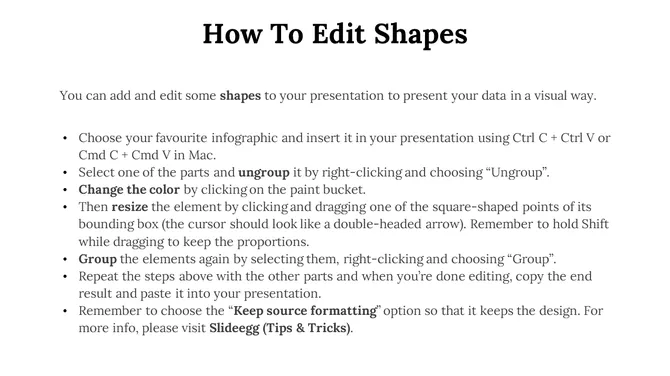
Yes — all templates labeled "fully editable" allow direct color and font changes in PowerPoint, Google Slides, and Canva. In PowerPoint, right-click any shape and choose "Format Shape" to update fills and borders using your brand hex codes.
Are these templates suitable for student assignments and academic submissions?
Yes — minimal and classic layouts in this collection provide a clear quadrant structure with sufficient text space without visual complexity that distracts from content. A single-slide or two-slide format with labeled quadrants meets most academic submission requirements.
What should I include in each quadrant of a SWOT slide?
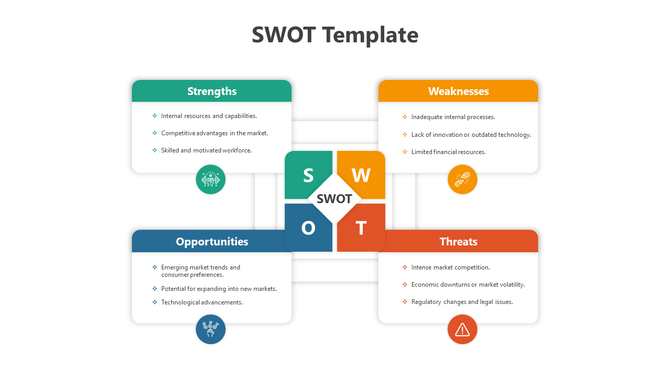
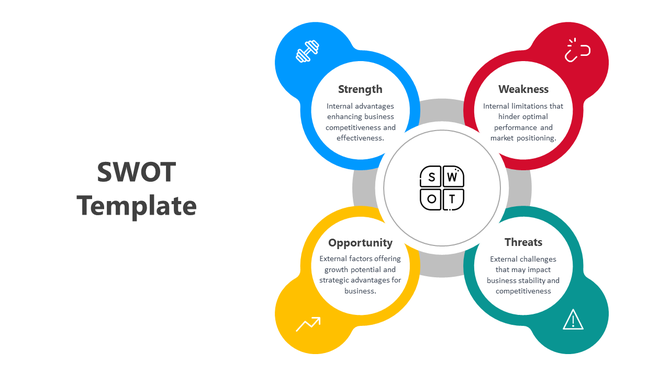
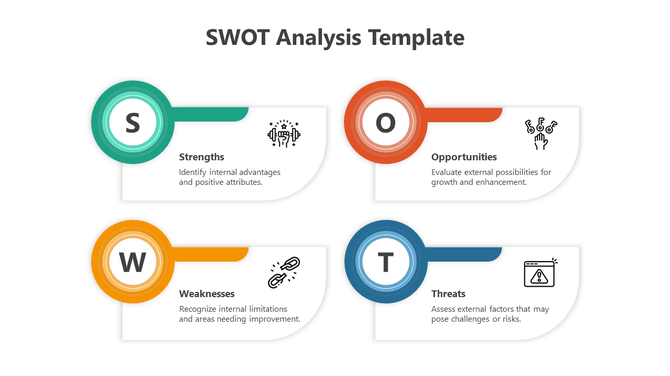
Each quadrant should contain three to five specific, evidence-backed points — Strengths and Weaknesses cover internal factors, while Opportunities and Threats cover external conditions. Avoid broad statements such as "strong brand" or "market risk" without a concrete detail to anchor them.
Do any templates include an action plan or recommendation slide?
Some multi-slide frameworks in this collection include an additional initiatives or next-steps slide — check the template preview to confirm the slide count and layout. If a template does not include one, a compatible strategy template from the related collections can be added to extend the deck.
How do I convert a downloaded SWOT template to PDF for sharing?
In PowerPoint, go to File → Save As and select PDF from the format dropdown. In Google Slides, use File → Download → PDF Document; in Canva, click Share → Download and choose PDF Standard.
Which format works best for a team workshop?
A multi-slide template in Google Slides works best for workshops — one slide per quadrant lets the facilitator display each section individually while participants contribute points simultaneously. The completed slides serve as a ready-made record of the session without requiring a separate write-up afterward.
Can I use these templates in client-facing presentations without attributing SlideEgg?
Free templates downloaded from this page can be used in professional and client-facing presentations without attribution. If you plan to redistribute or resell the template files themselves — separate from a completed presentation — review the license terms on the individual download page.