Sphere Presentation Templates
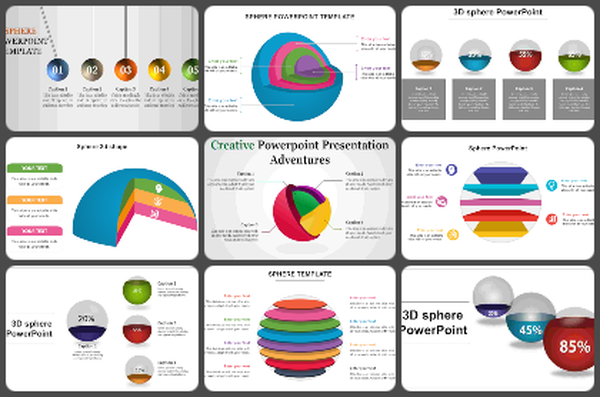
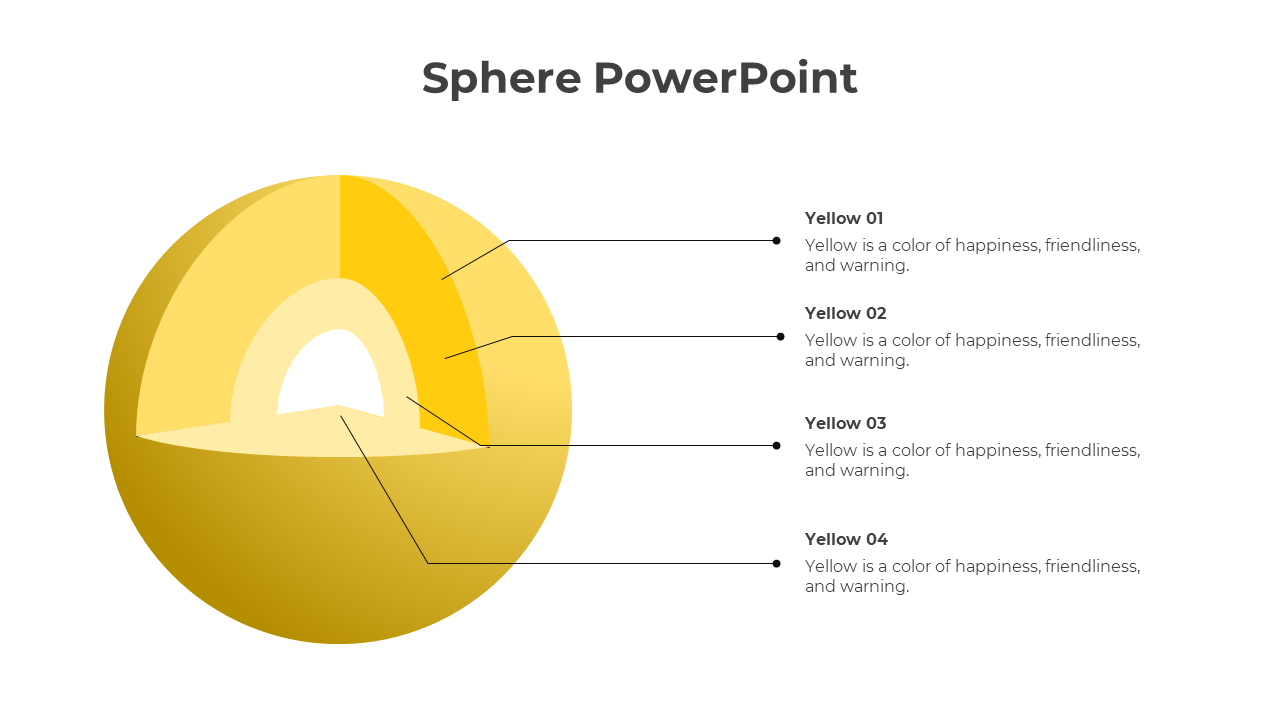
Sphere shapes will not only be suitable for mathematical concepts, but you can use them in business to education. If you would like to add more creative shapes to your presentation, take the time to check out our multi-color Free Sphere PowerPoint Templates and Google Slides Themes.


Become an expert with SlideEgg

We're here to help you!
What are the Sphere PowerPoint Templates?
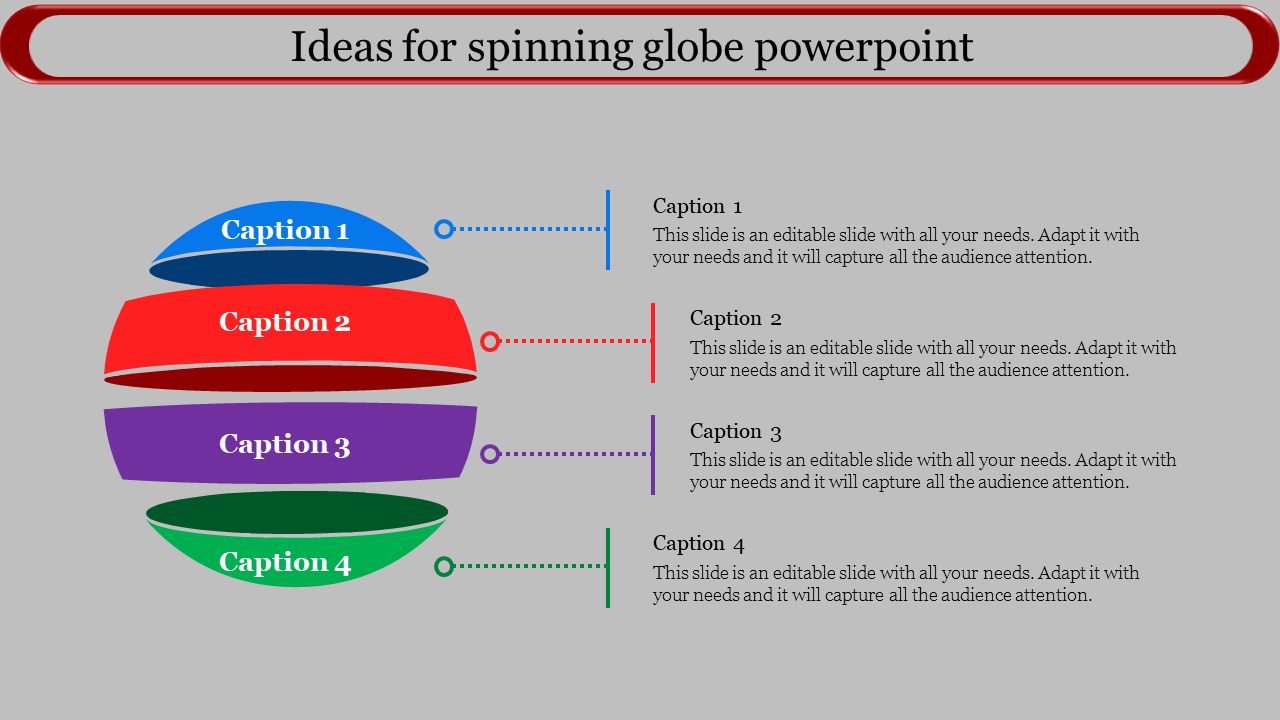
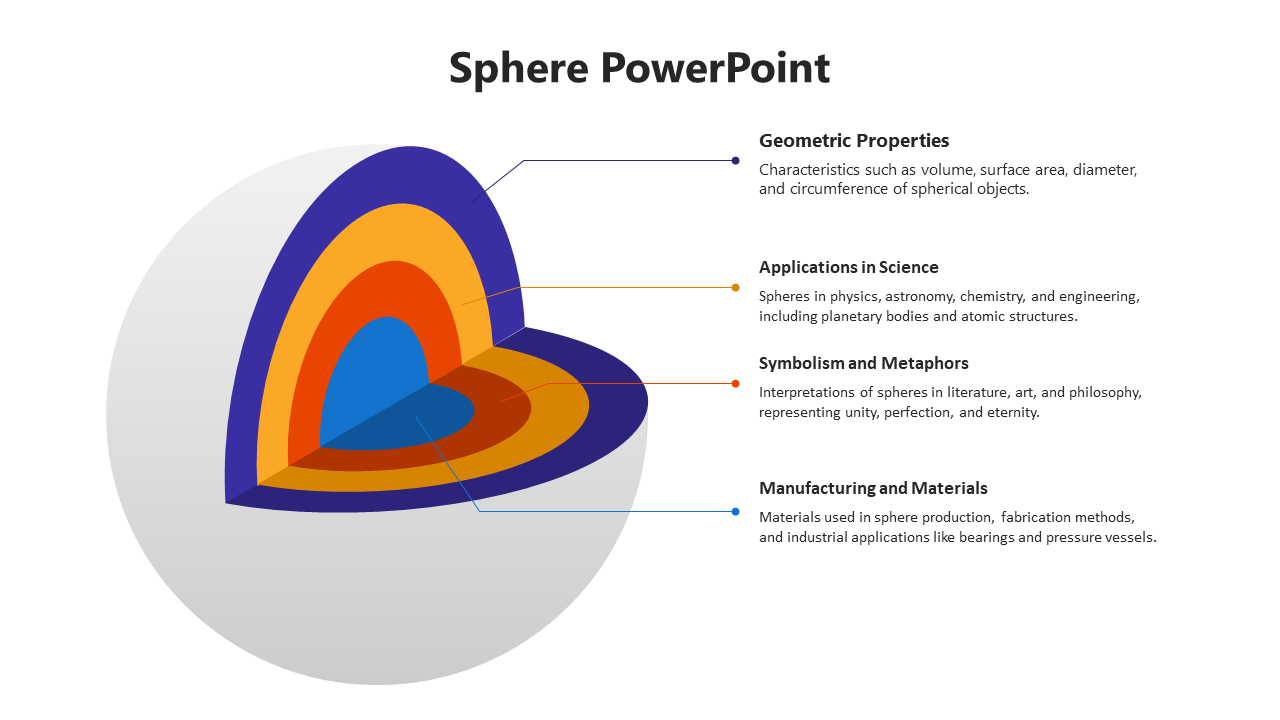
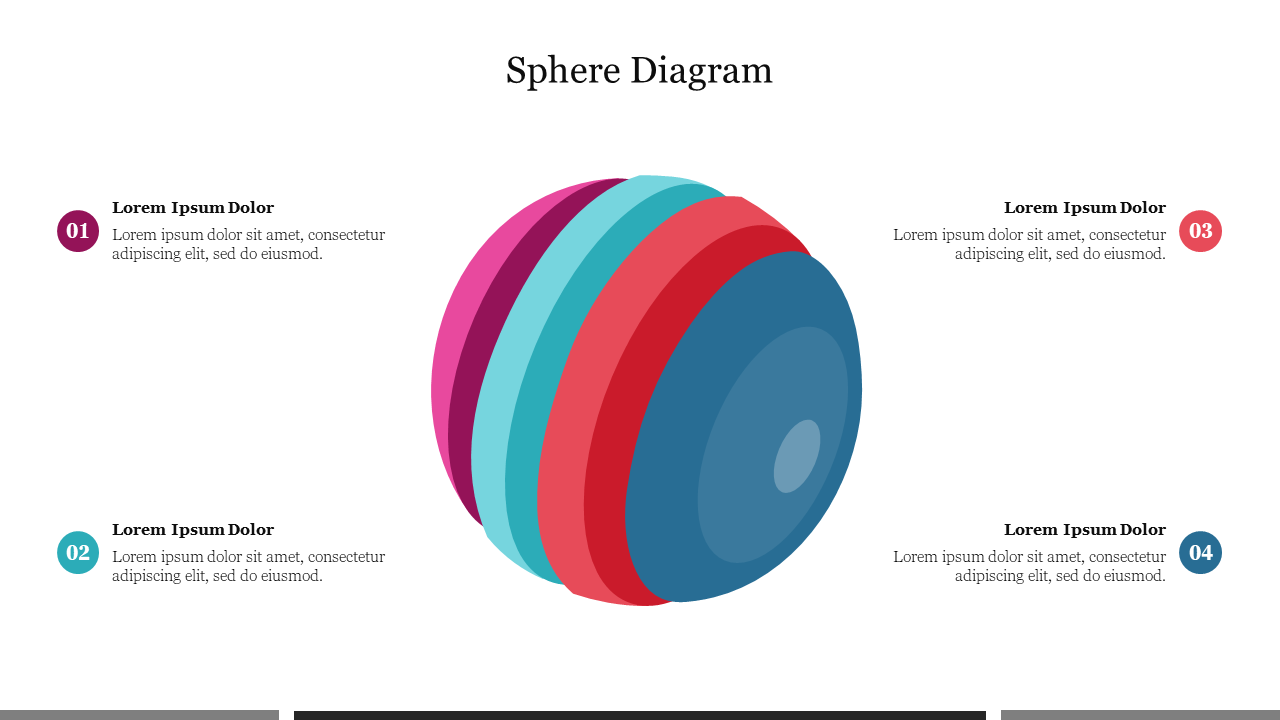
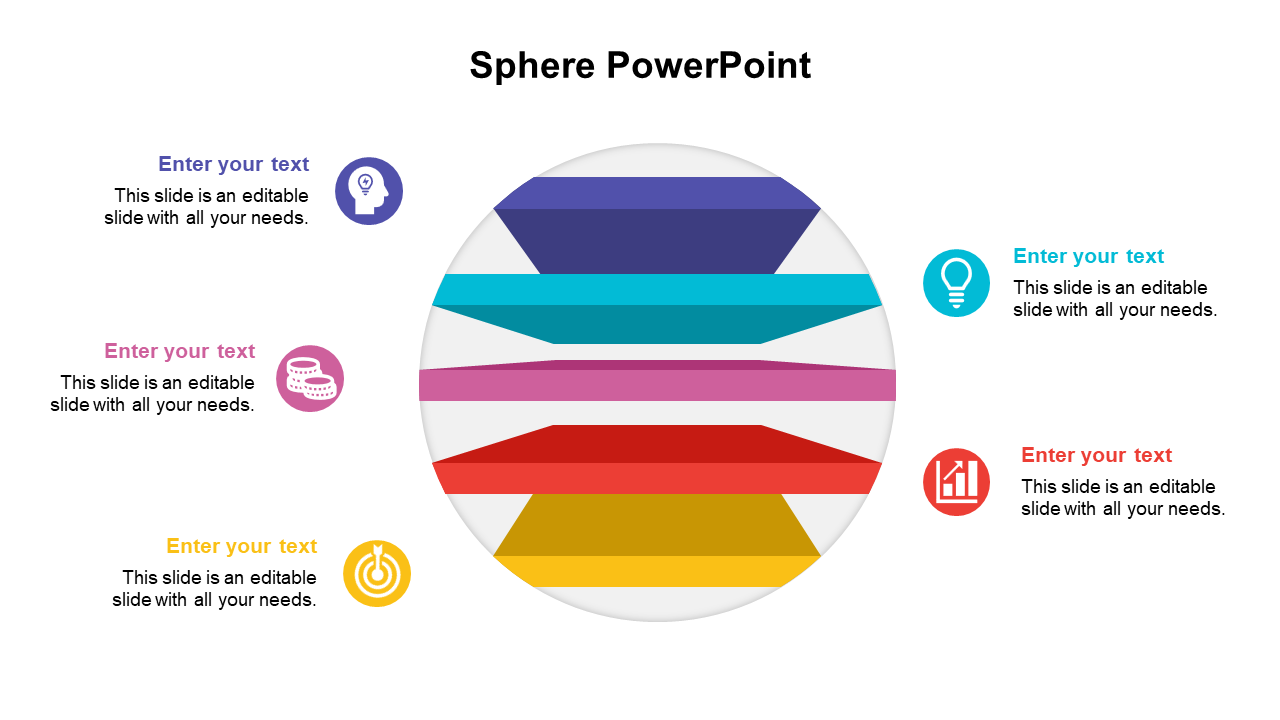
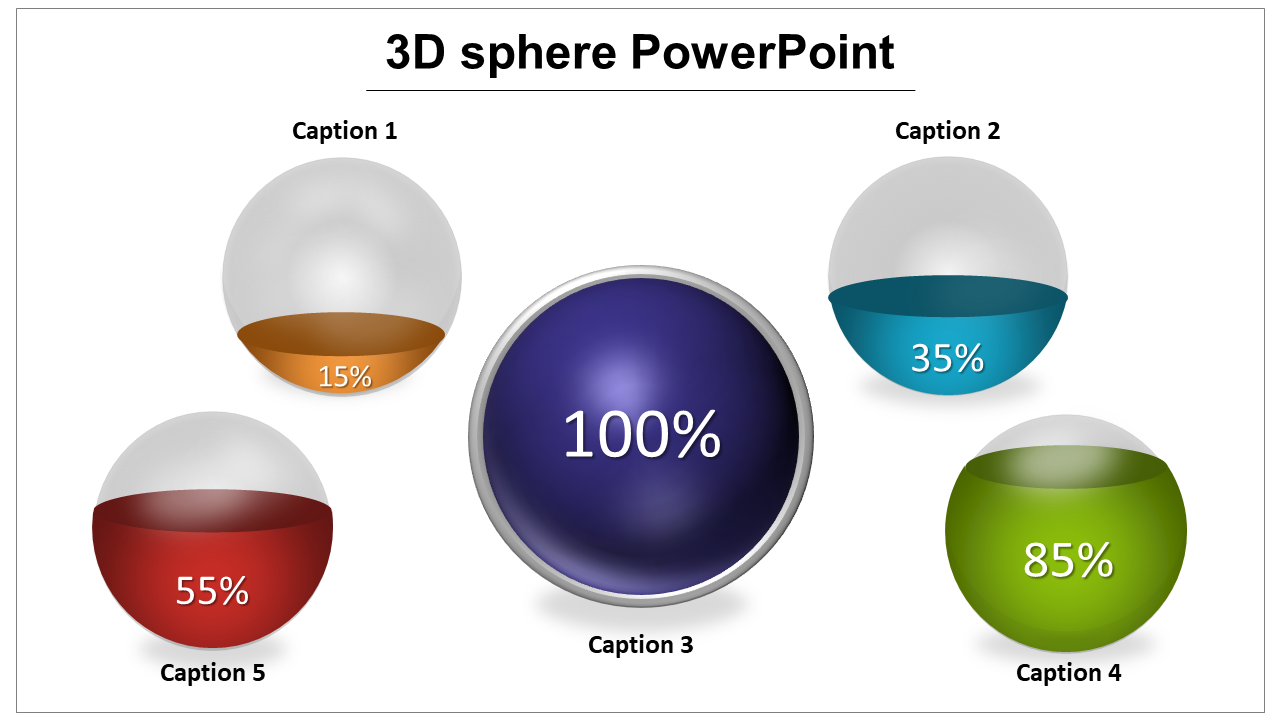
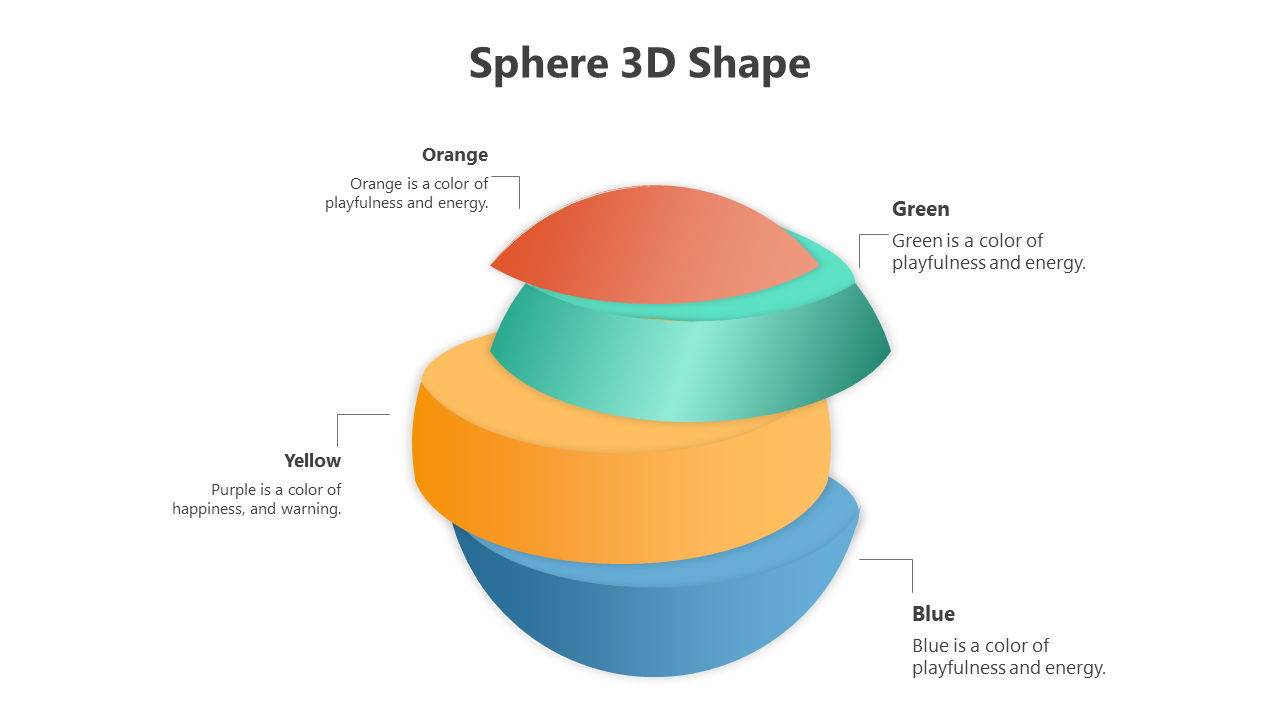
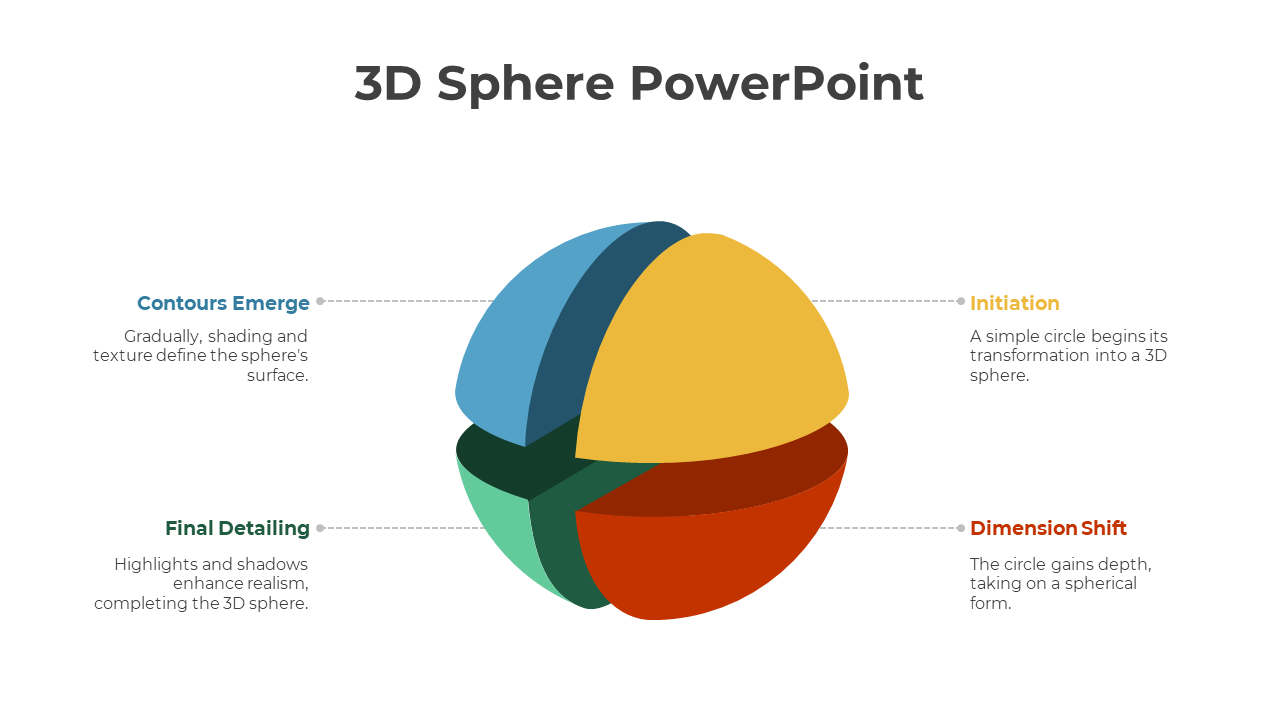
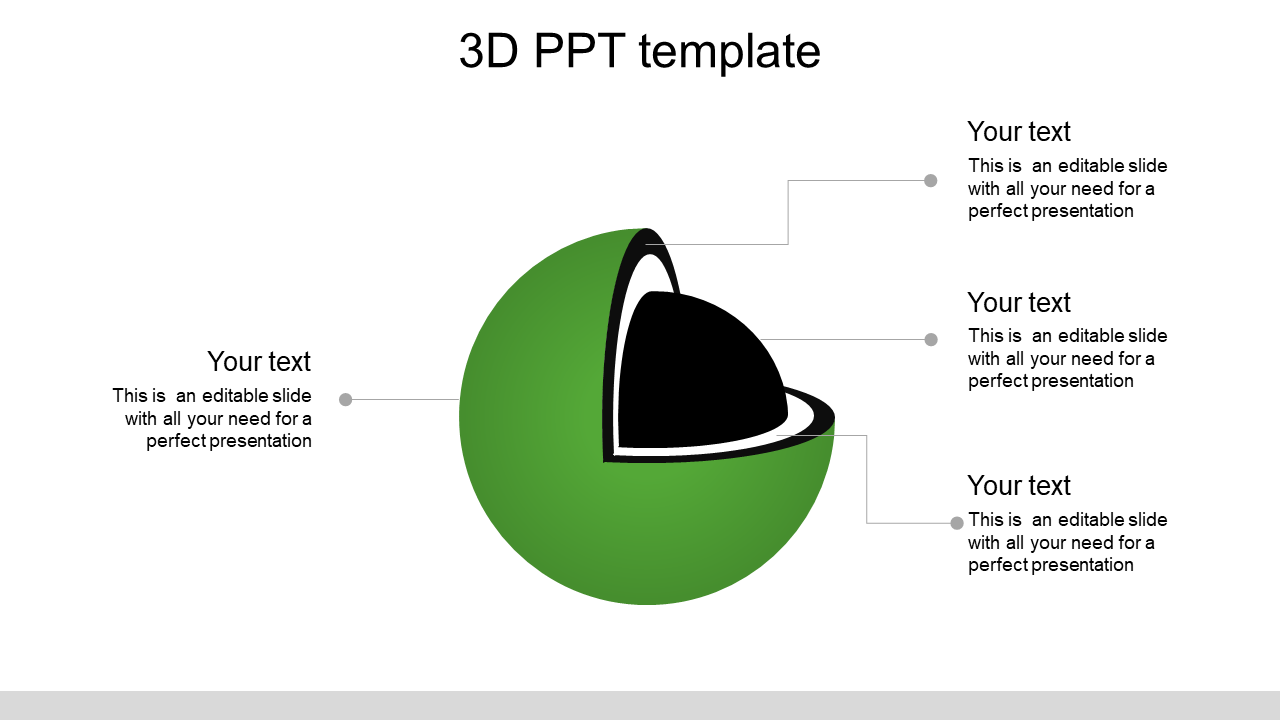
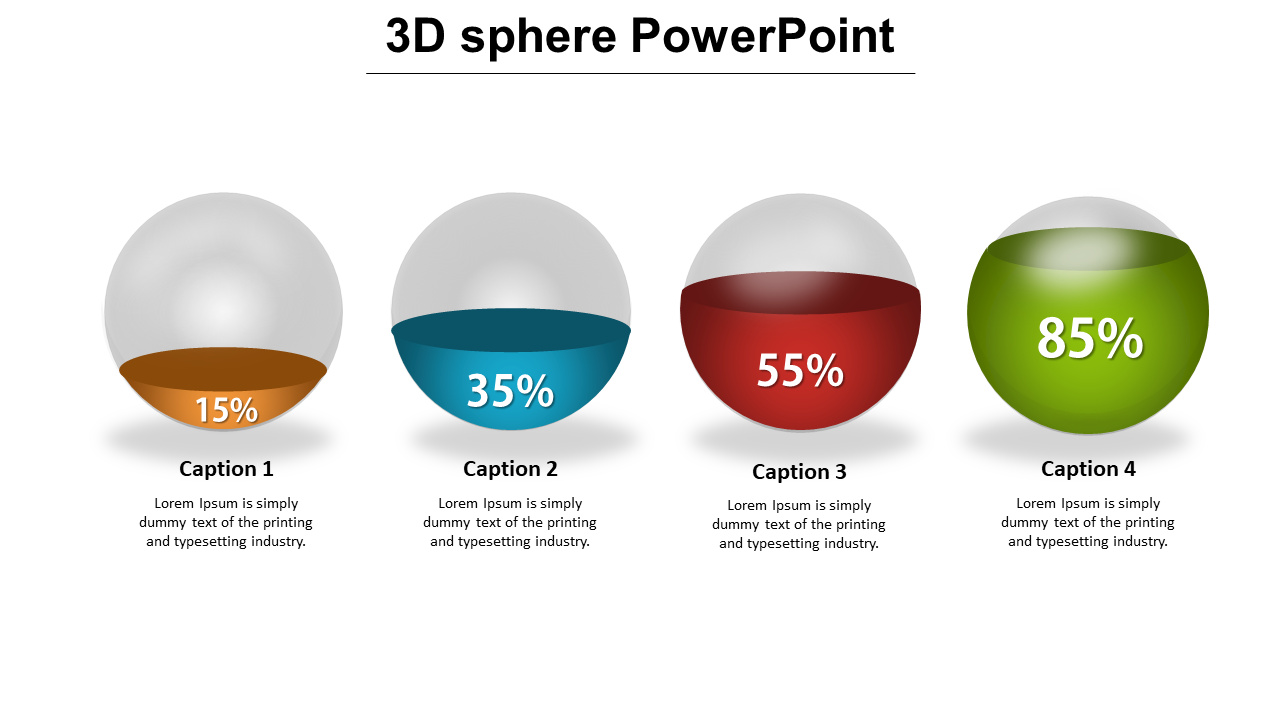
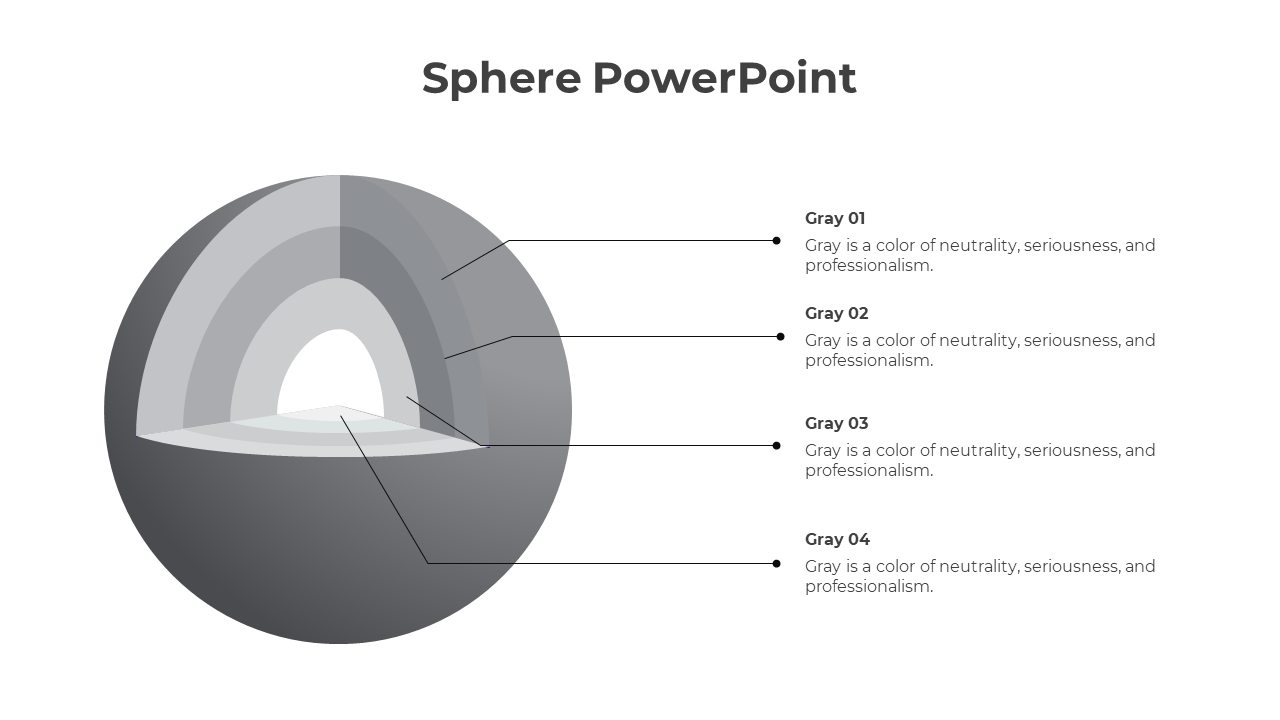
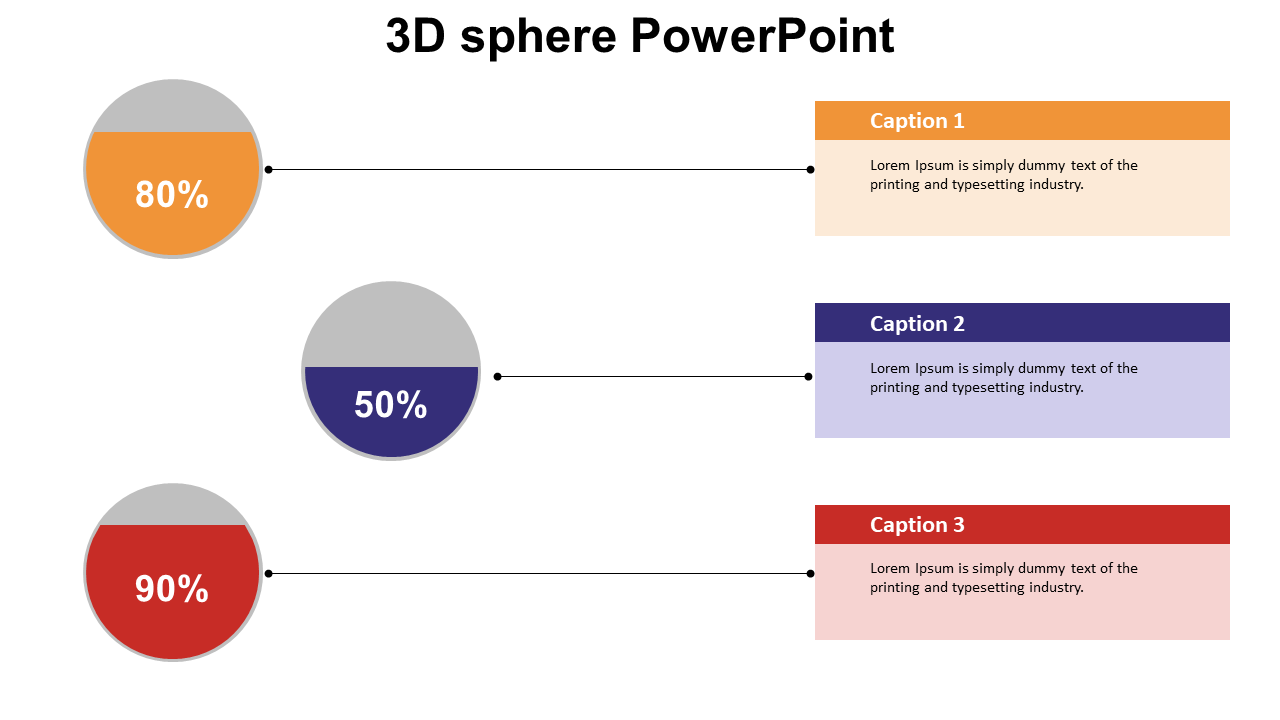
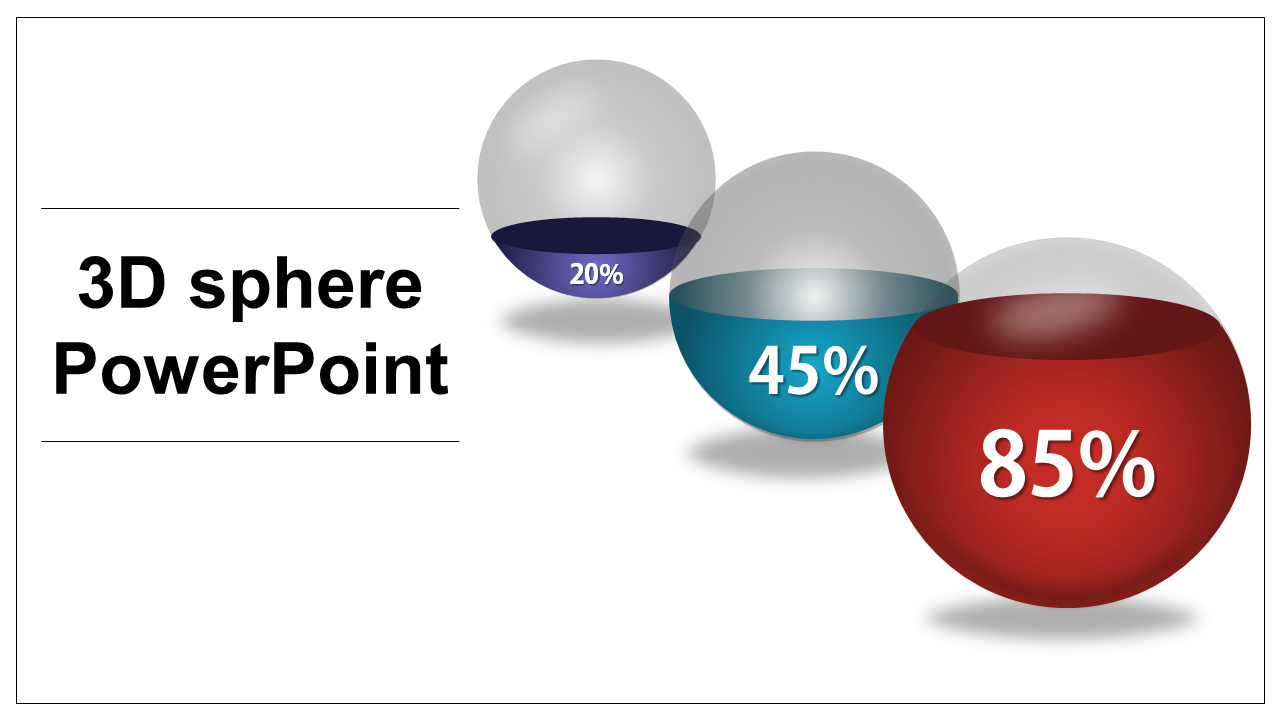
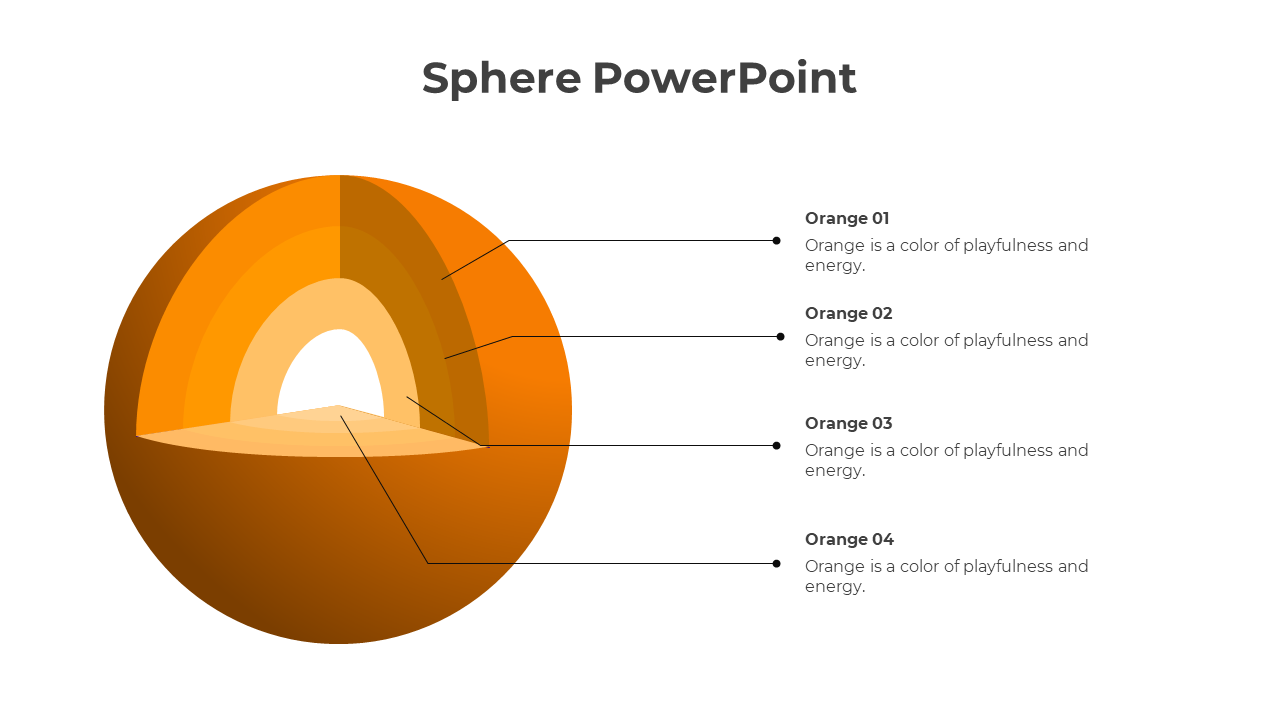
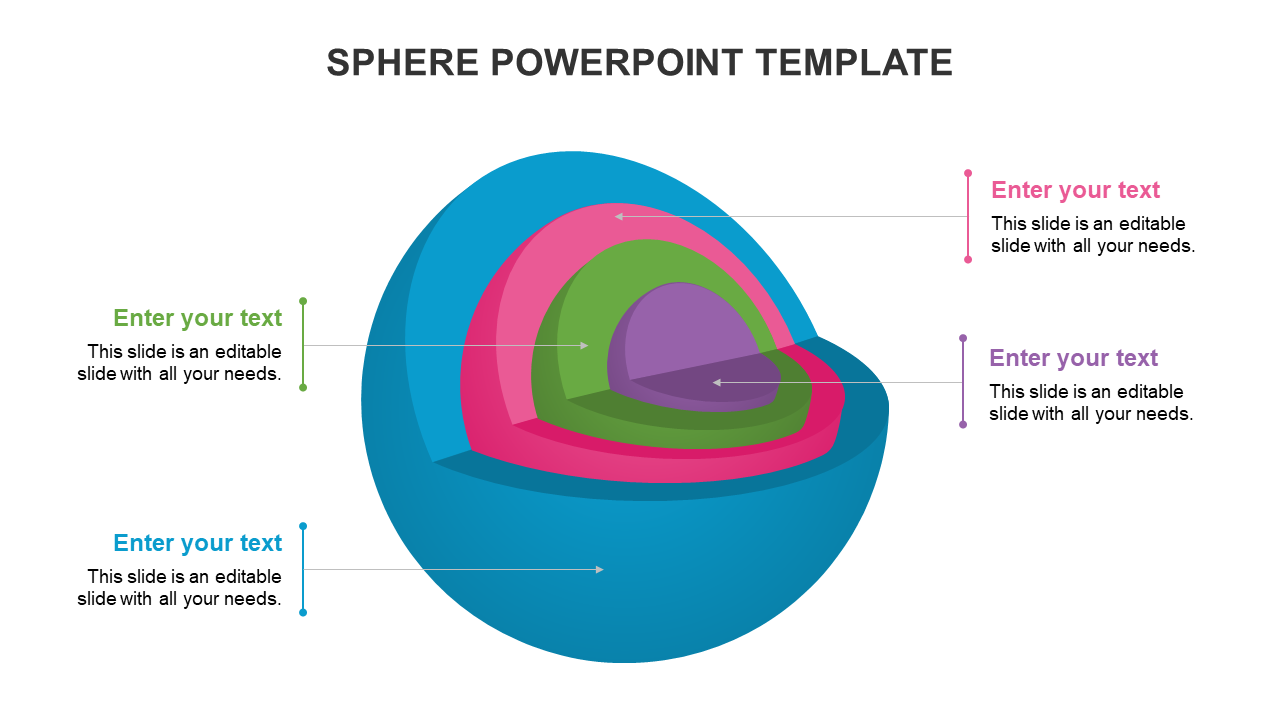
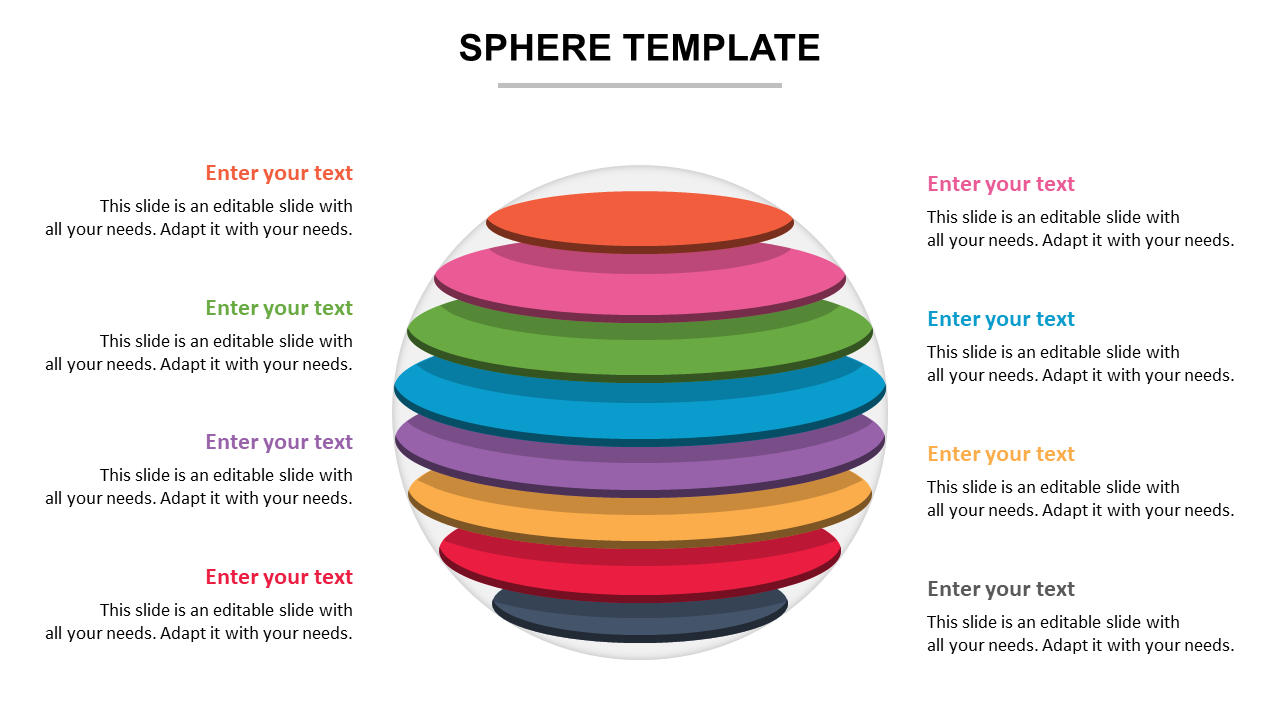
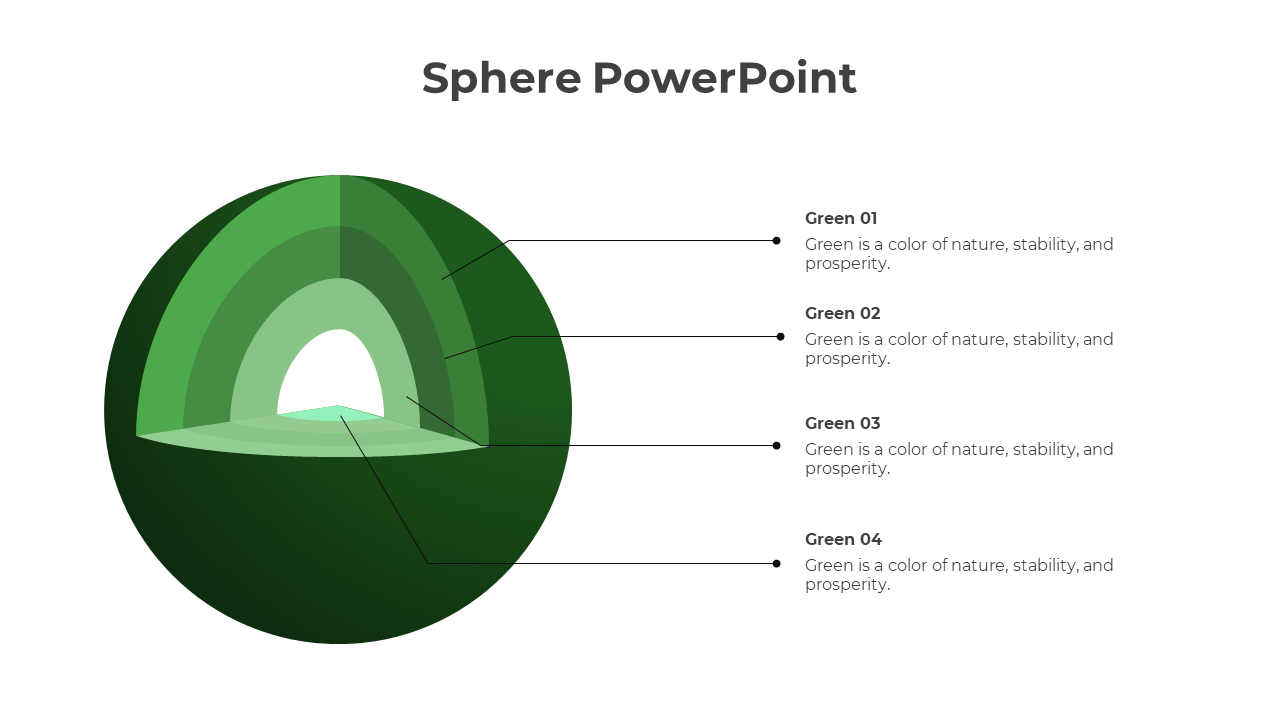
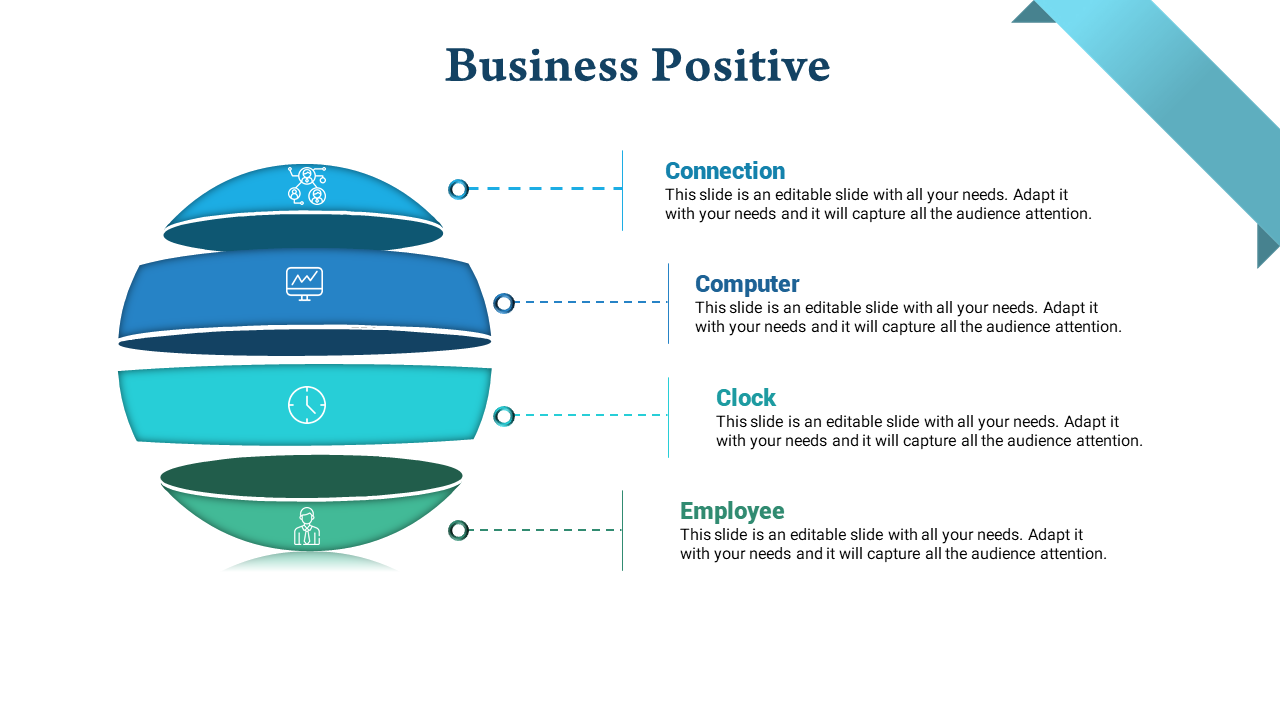
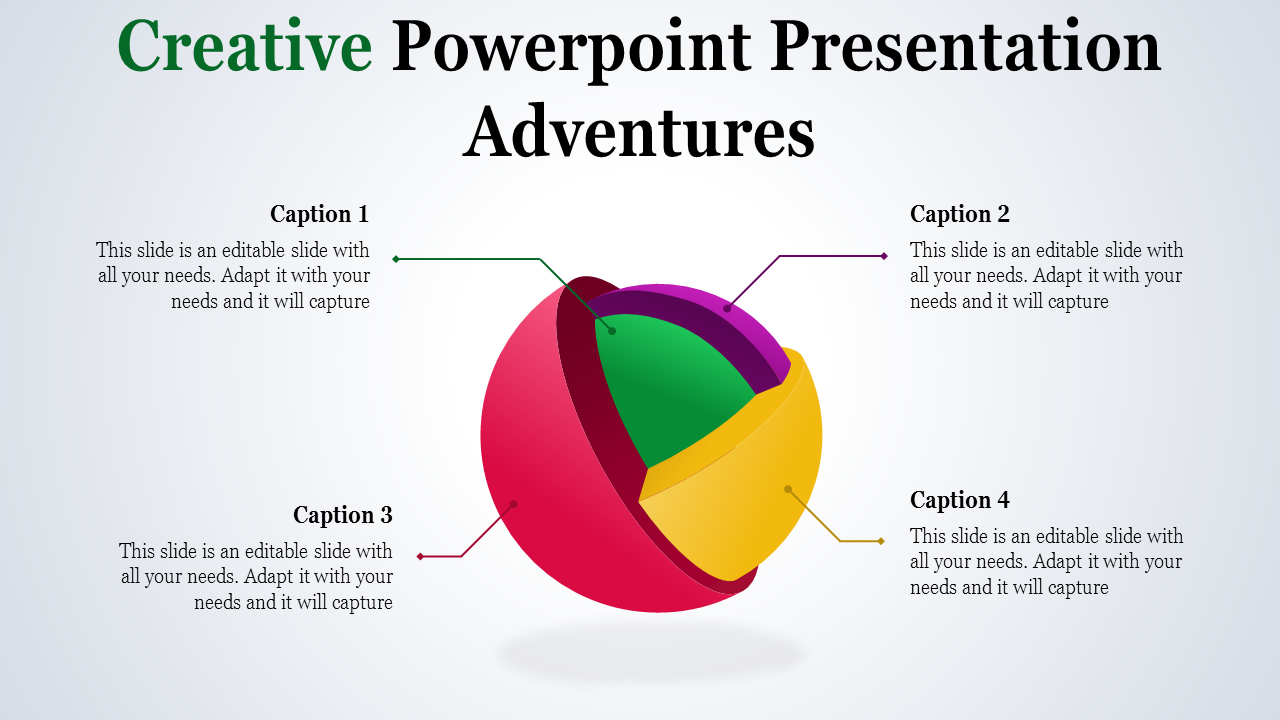
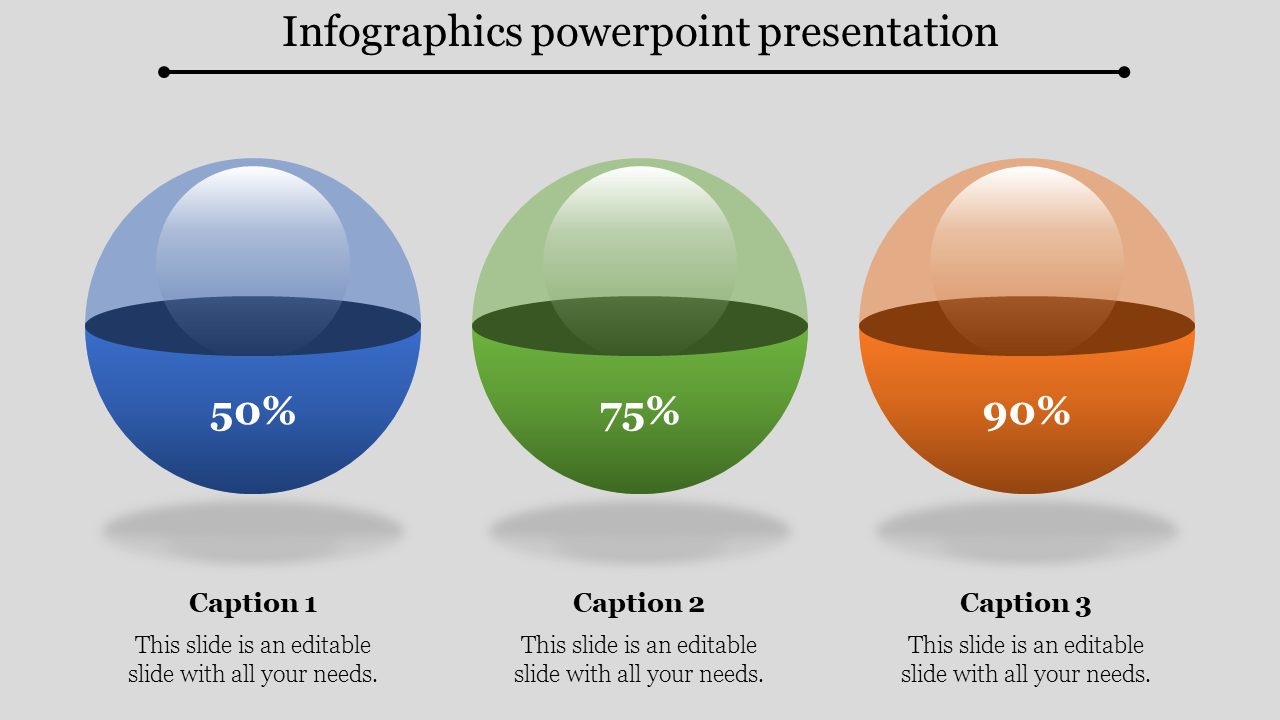
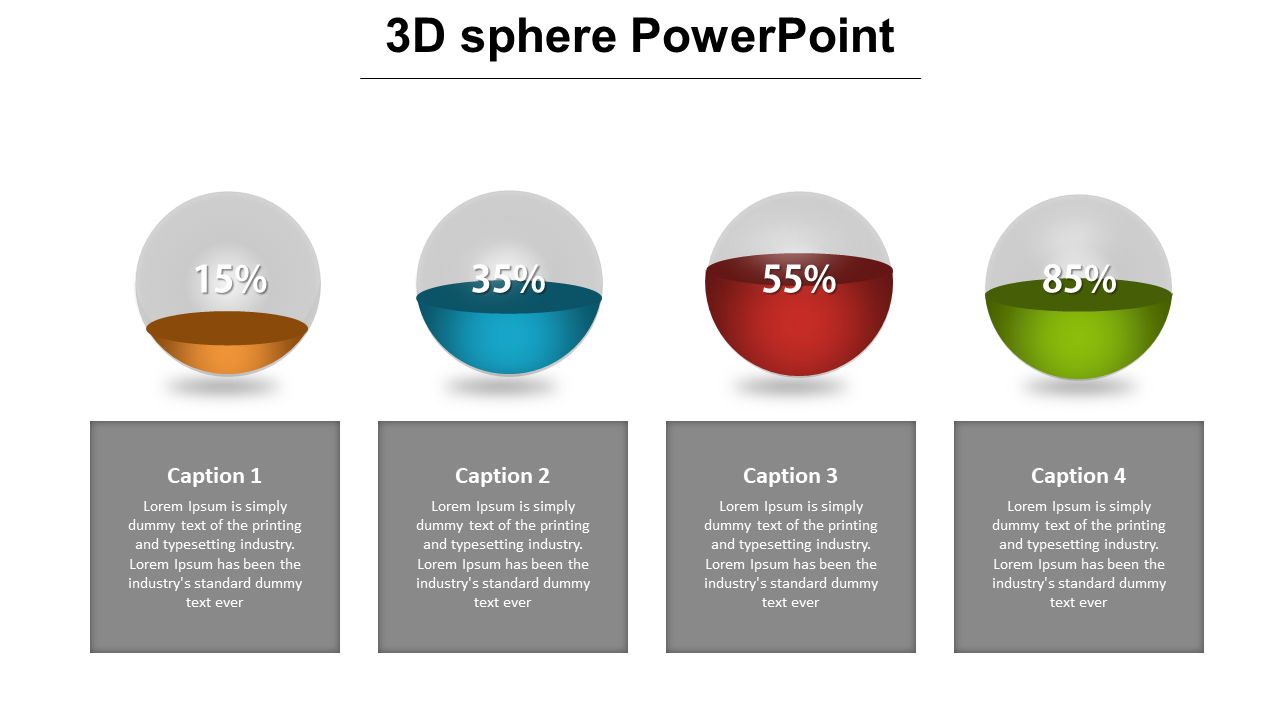
Sphere PowerPoint Templates are designed with colorful, creative, 3D, multilayered spheres that will help you present various business concepts in a visually engaging manner.
Where can we use these Sphere PPT Slides?
We can use these Sphere PPT Slides to present various business concepts, mathematical concepts, geometrical shapes, and creative ideas.
How can I make Sphere Slides in a presentation?
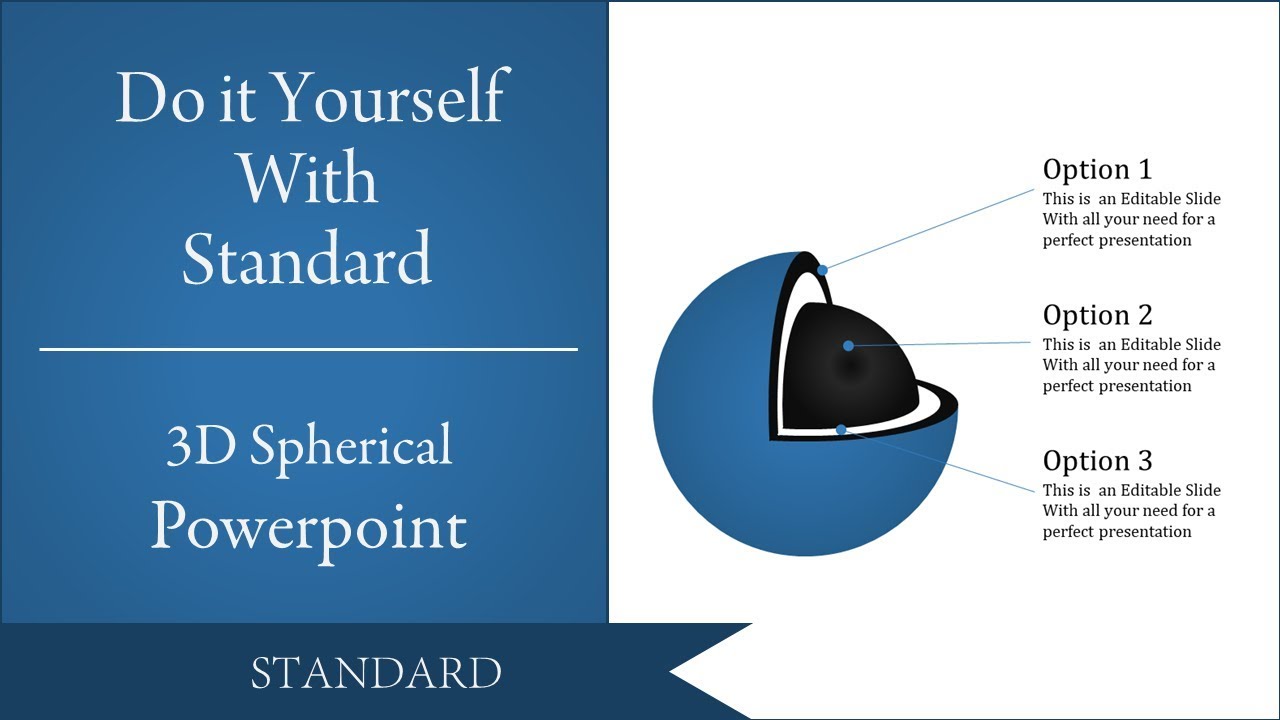
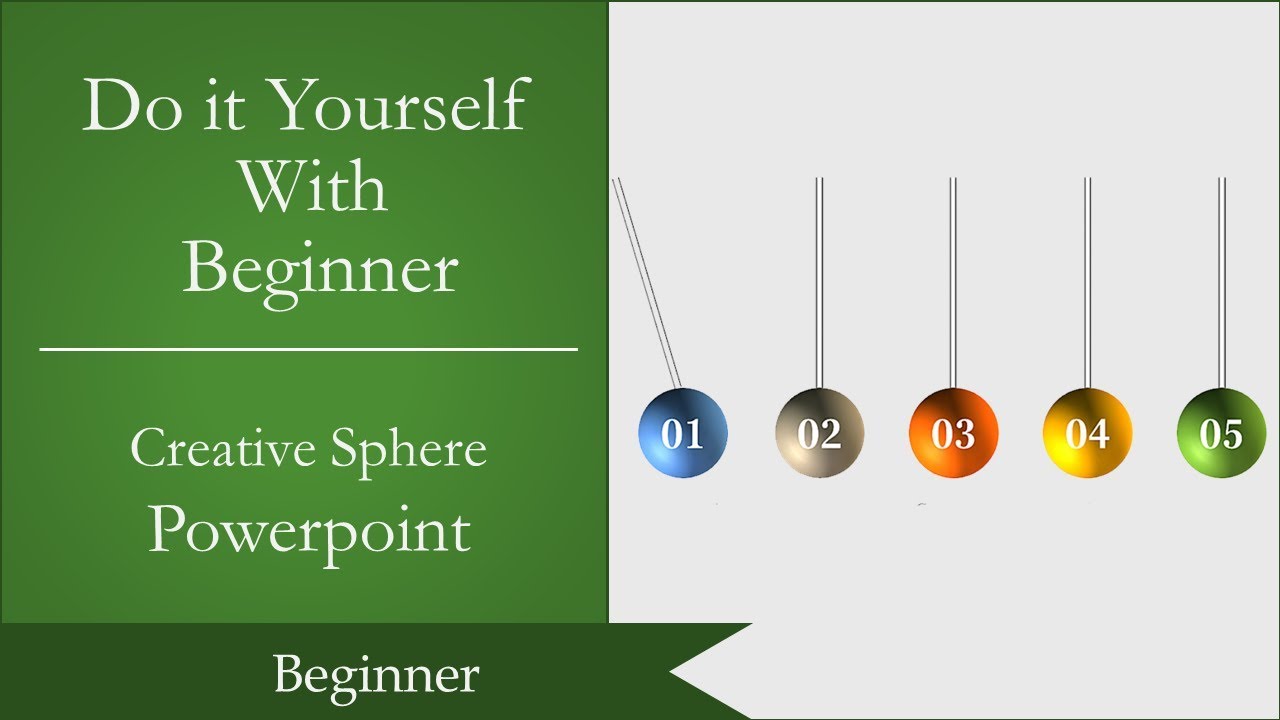
Step 1: Select the Oval tool from the Auto shapes menu. Hold the shift key to draw a perfect circle shape. Step 2: Right-click on the circle and go to Format shape to convert the circle into a sphere. Visit our YouTube tutorials to learn the steps in detail.
Who can use the Sphere PPT Templates?
Business people, mathematicians, teachers, artists, designers, and students can use these Sphere PPT Templates.
Why do we need Sphere PowerPoint Templates?
Sphere PowerPoint Templates will offer a seamless inclusion to your presentations. It will make your information visually engaging. These are easy to use and edit.
Where can I find Free Sphere PowerPoint Templates?
Try Slide Egg, one of the creative platforms, to explore 36+ Sphere PowerPoint Templates.