30+ Sales & Marketing Thank You Presentation Templates
Your ending is the last thing they remember. Thank you slides that display your contact clearly, answer the unspoken question 'how do I reach you?', and guide people toward their next step. Make your closing count.




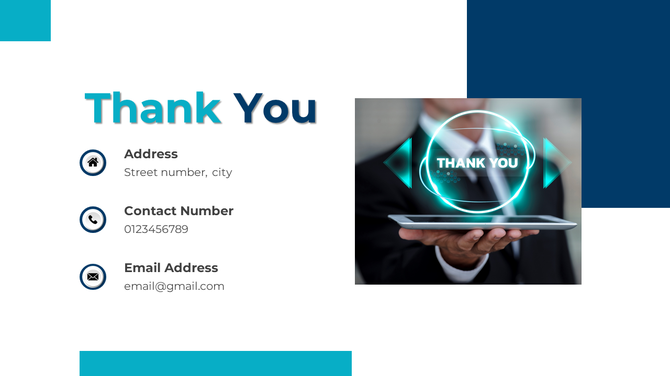





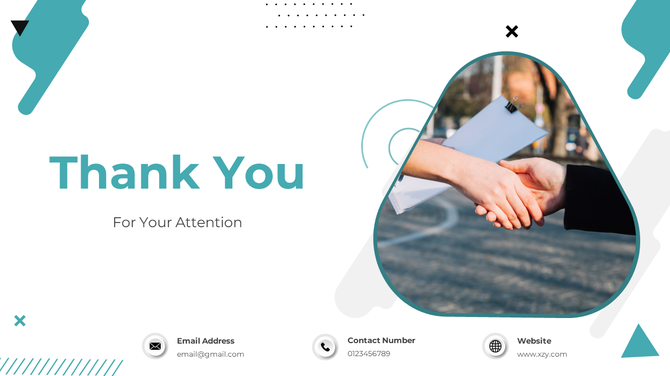









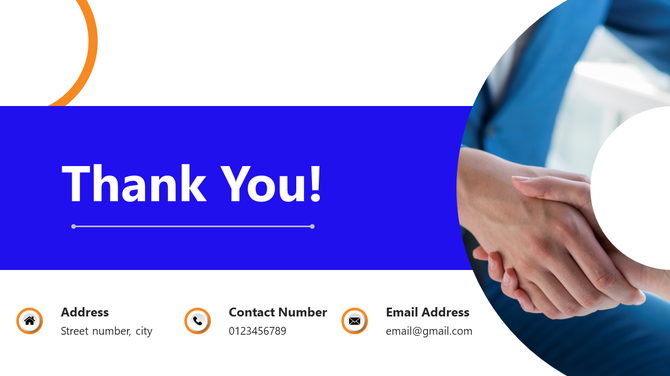





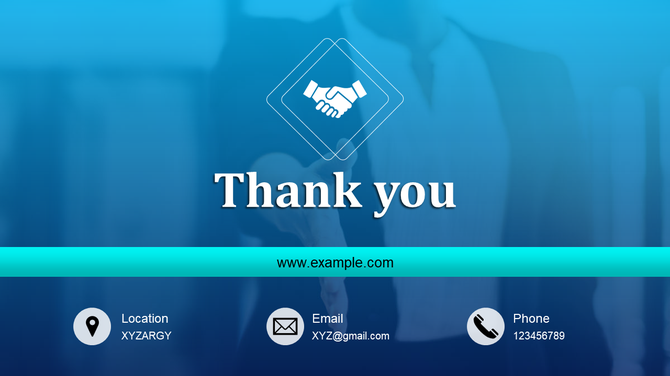
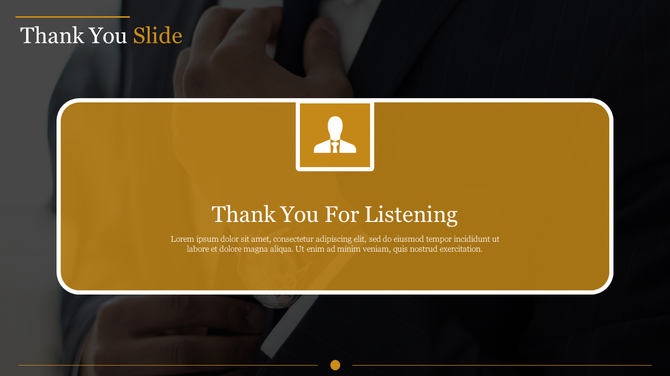



Why Your Sales Pitch Needs a High-Conversion Closing Slide
- It Drives Immediate Conversions: Bold, high-contrast CTAs, such as "Schedule a Demo" or "Claim Your Discount," prompt instant audience action during the decision-making window.
- It Reemphasizes Your Value Proposition: Dedicated space allows you to repeat your main benefit or "Unique Selling Point" next to your contact details for maximum recall.
- It Facilitates Special Thanks: Structured layouts allow you to credit partners, influencers, or team members who helped drive the campaign's success.
- It Captures Digital Leads Instantly: Integrated QR code zones allow clients to scan and visit landing pages or digital portfolios without typing a single URL.
- It Strengthens Brand Authority: High-resolution graphics and consistent color usage ensure you look like a market leader until the final second of your presentation.
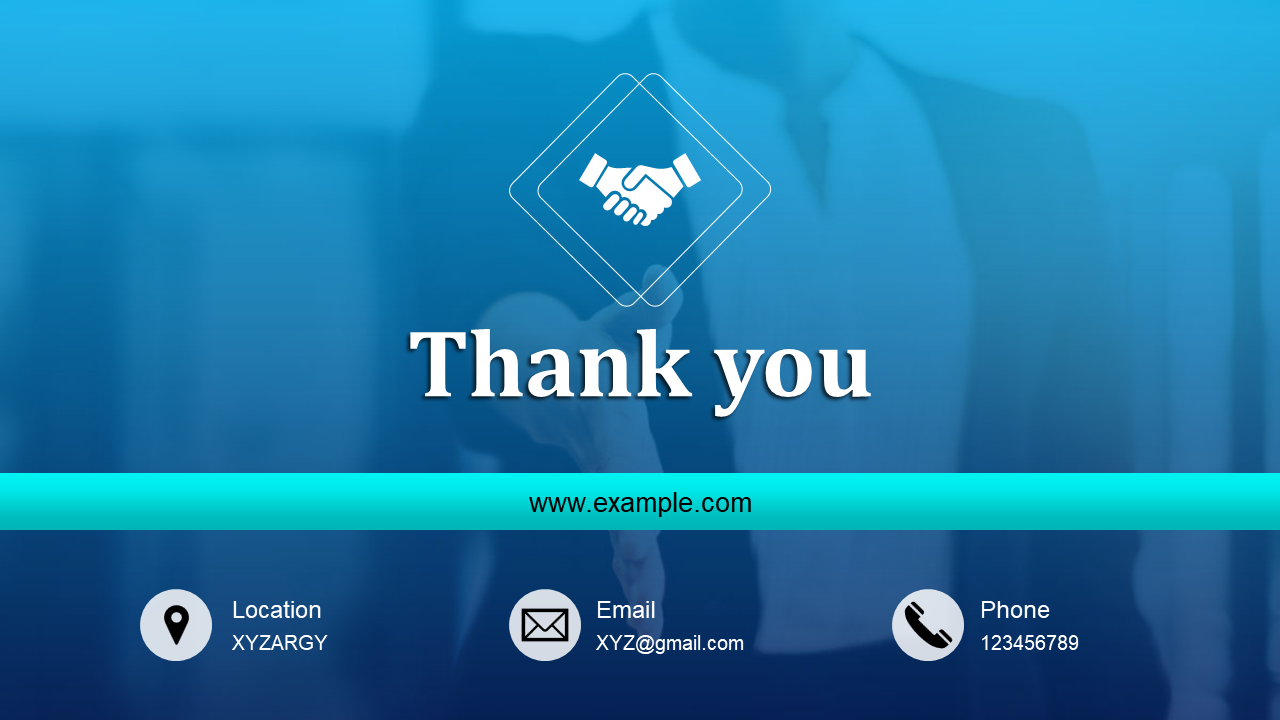


Technical Advantage: Dynamic Scaling & High-Resolution Precision
- 100% Vector Lead Icons: Every social media, phone, and website icon is a scalable vector shape that maintains absolute clarity on ultra-wide marketing displays.
- Free & Premium Marketing Access: We provide a versatile mix of Free and Premium templates to suit independent freelancers or high-budget agencies.
- High-Contrast "Sales Ready" Design: We use bold palettes and clear font hierarchies that ensure your contact info is the focal point, even in bright conference rooms.
- Total Customization Control: Every layer is fully editable, allowing you to adjust the "vibe" of the slide to match specific seasonal campaign themes.
- Smart Image Placeholders: Effortlessly drag and drop product shots, team photos, or client logos to personalize your pitch in seconds.
- Universal Format Compatibility: Our slides work perfectly across PowerPoint (4:3 & 16:9), Google Slides, and Canva without formatting errors.
- Royalty-Free Commercial Access: Use these templates for client pitches, social media ads, or internal agency reports without any hidden fees.
Explore Our Marketing Collections



- Lead Generation Layouts: High-energy designs focused on getting the user to click, call, or scan a QR code.
- Clean Pitch Deck Sign-offs: Professional, minimalist endings for formal sales meetings and investor updates.
- Multi-Platform Closing Slides: Layouts featuring large, recognizable icons for Instagram, LinkedIn, and TikTok engagement.
- Partner & Team Recognition: "Special Thanks" slides designed to highlight collaboration and project contributors.
How to Optimize Your Pitch for Lead Conversion
- The "One-Click" Strategy: Minimize friction by using a prominent, high-contrast QR code that links directly to a lead-capture form or product trial.
- The "Social Proof" Anchor: Place a brief testimonial or a "Trusted By" logo strip next to your contact info to build instant credibility while you answer Q&A questions.
- The "Fear of Missing Out" (FOMO): Use your final slide to display a limited-time offer or a "Next Steps" timeline to create a sense of urgency for stakeholders.
Turn Your Final Slide Into a Sales Engine
Drive Results Today!
Explore Similar Collections
Frequently Asked Questions
1. What should I include on a sales "Thank You" slide?
Never just write "Thank You." Always include your direct contact info (email, phone, LinkedIn), a clear Call to Action (CTA), and a website link or QR code so prospects can take immediate action.
2. Why is a "Thank You" slide so important in a pitch?
Your final slide stays on the screen the longest—usually during the entire Q&A. It acts as a digital billboard, keeping your branding and contact details front-and-center while you close the deal.
3. Are these templates customizable?
Yes, they are 100% editable. You can quickly change colors, fonts, drop in your company logo, and add your own headshots to perfectly match your brand.
4. Do these work with Google Slides and Canva?
Yes! They are natively built for PowerPoint, but you can easily import them into Google Slides or Canva without losing any formatting or quality.
5. Can I include "Next Steps" on these slides?
Absolutely. Many of our templates are designed specifically to combine your "Thank You" with a clear "Next Steps" checklist to seamlessly transition into contract signing or onboarding.