265+ Free Project Management PowerPoint Templates
SlideEgg’s 265+ project management templates help you plan tasks, track progress, and explain project goals without starting from scratch. You can easily customize the slides for timelines, workflows, team roles, and project updates. They are useful for project managers, business teams, students, and anyone who wants to present work clearly.
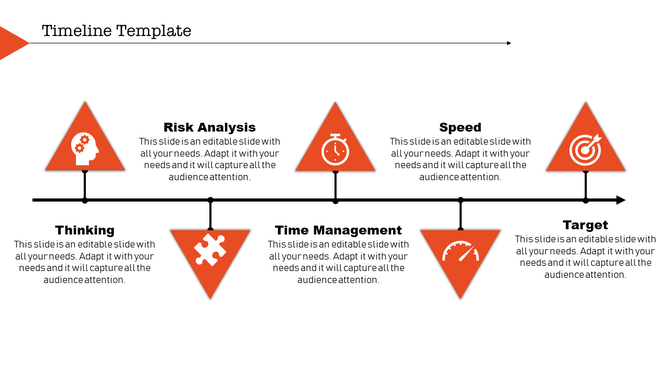
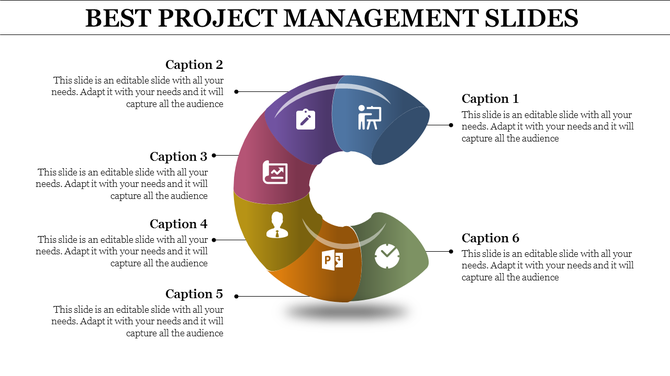
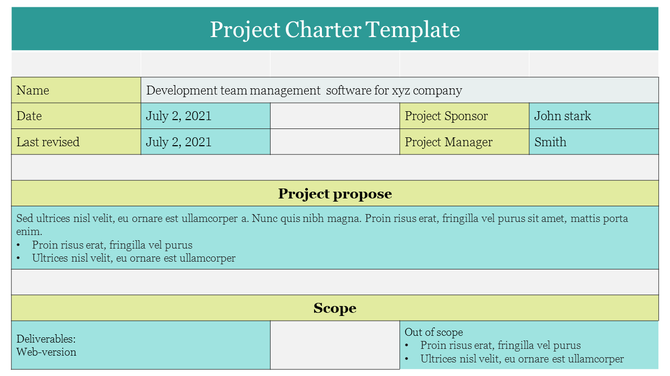
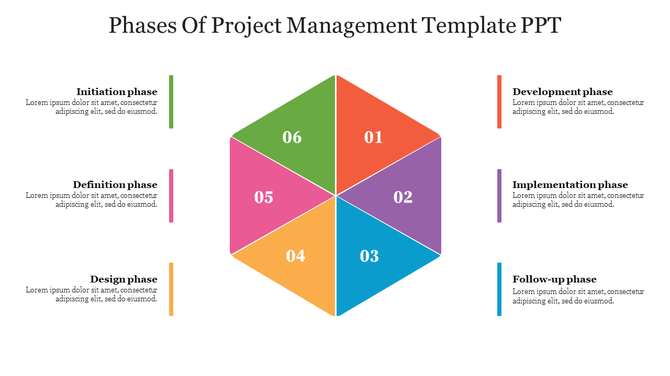
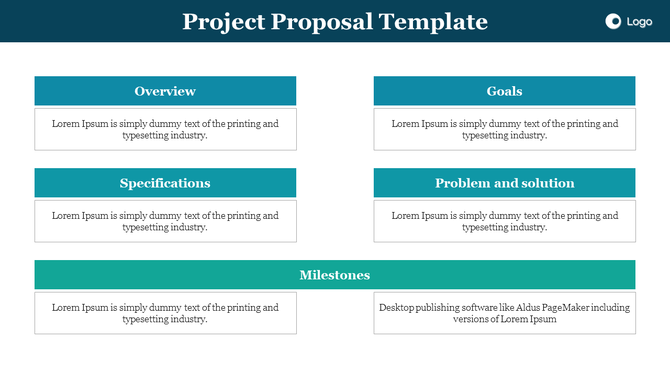
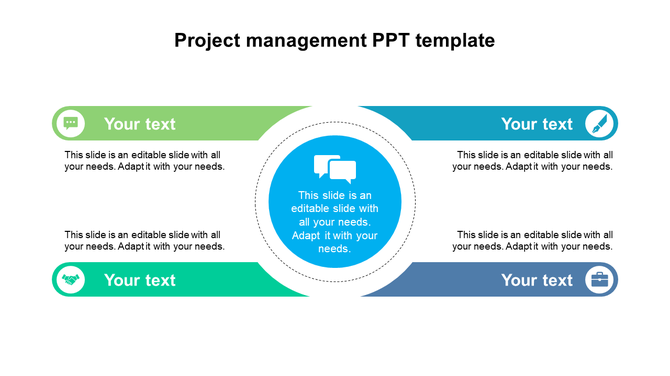
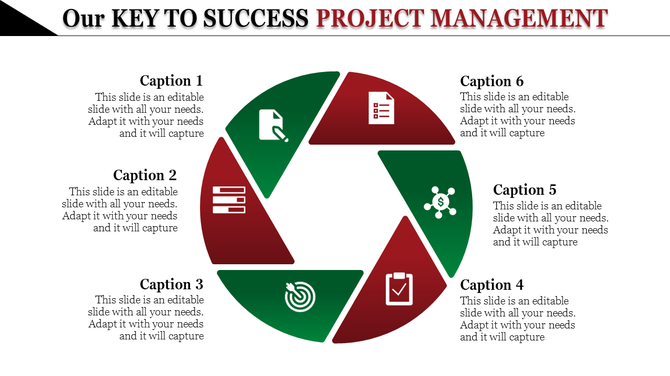
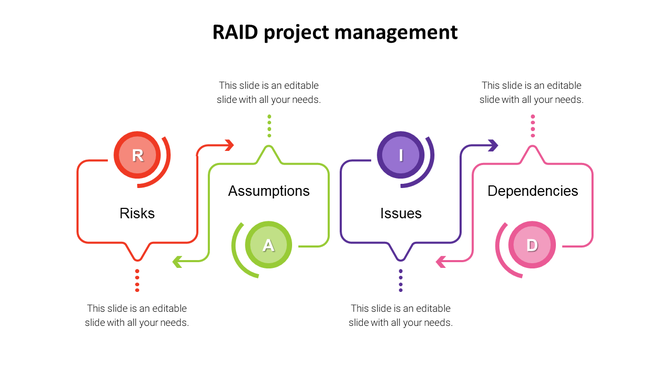

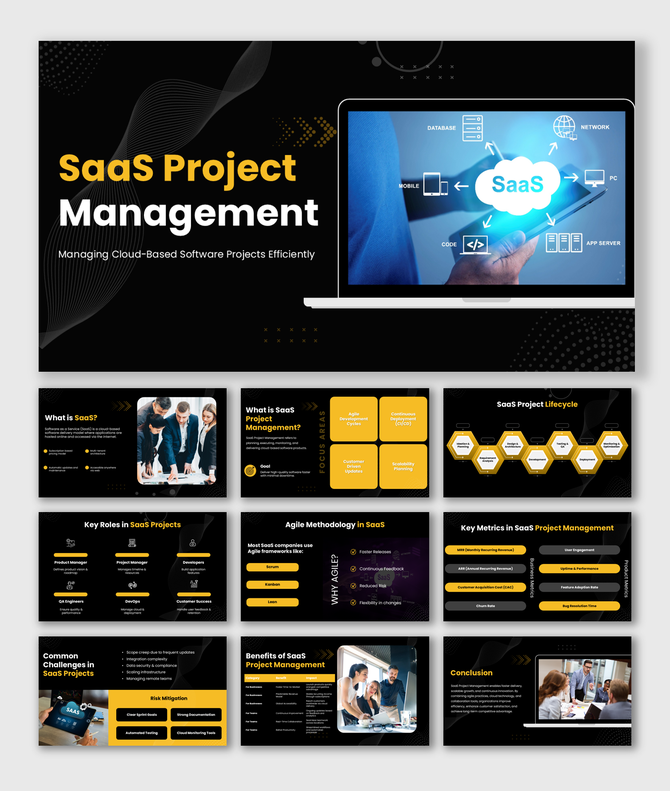
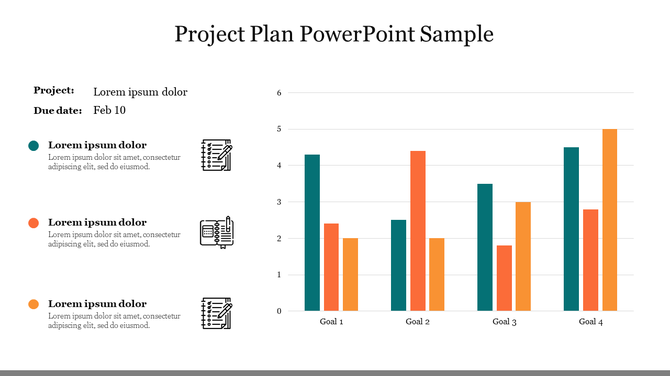
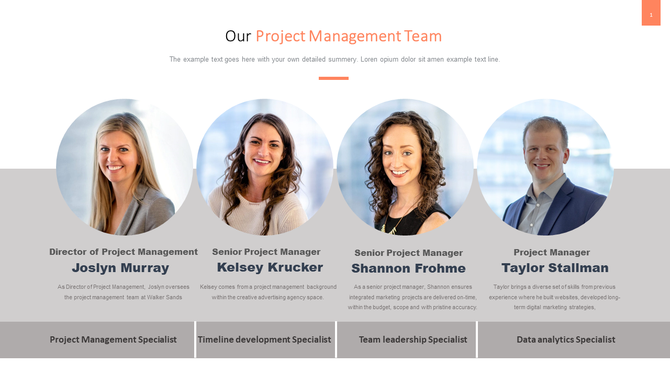
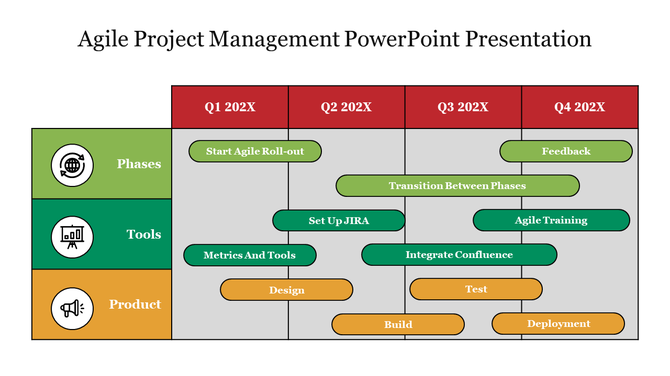
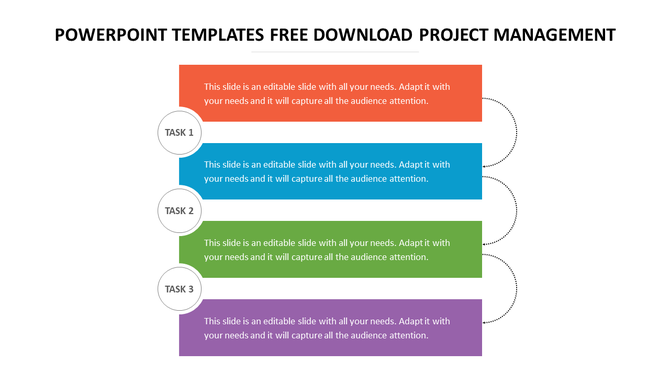
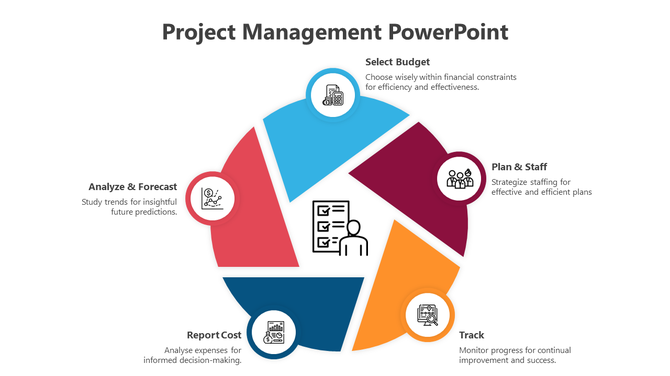
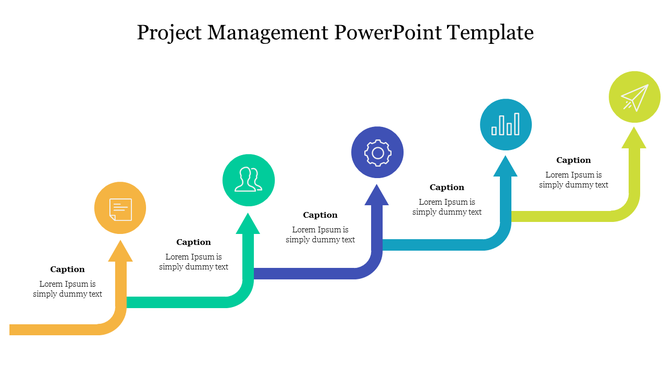


Improve Your Project Management with Premium Templates from SlideEgg
What is Project Management?
Types Of Project Management Templates
Agile & Scrum Project Management Templates
Manage sprint planning, Agile workflows, Scrum meetings, and collaborative project development with editable Agile and Scrum project management templates. These slides help teams organize tasks, monitor progress, improve communication, and streamline iterative project workflows effectively.
Our Agile presentation templates are ideal for:
Sprint planning
Scrum meetings
Product development
Task management
Kanban workflow presentations
Team collaboration reporting
Gantt Chart & Timeline Templates
Visualize project schedules, deadlines, milestones, dependencies, and workflow stages using professionally designed Gantt charts and project timeline templates.
These templates are useful for:
Business project planning
Construction schedules
Product launch timelines
Marketing campaign planning
Weekly project reporting
Project roadmap presentations
Gantt chart slides make complex schedules easier to understand and present professionally.
Risk Management Presentation Templates
Identify project risks, analyze challenges, and present mitigation strategies effectively with risk management presentation templates.
These templates help businesses:
Monitor project risks
Improve decision-making
Analyze project impact
Track issues and dependencies
Create contingency plans
Present risk assessment reports
Risk management slides are useful for stakeholder meetings, operational reviews, and strategic planning presentations.
Free Project Management Slides
Explore free project management PowerPoint templates and Google Slides to create professional presentations quickly and easily. Download editable slides for timelines, Agile workflows, dashboards, project status reports, and team planning presentations.
Free project management slides are perfect for:
Students
Startup teams
Small businesses
Classroom projects
Internal team meetings
Business reporting
Who Can Use our Project Management PowerPoint Template?
- Project Managers: These templates should be used to convey the intent, development and conclusion of projects to the interested parties.
- Teams: Submit progress reports for Team Meetings, Status Updates and Presentations effortlessly by using our Templates for efficient collaboration.
- Businesses: Upgrade your professionalism and leave your clients with a memorable first impression through a noteworthy and captivating display of your project management skills through the use of high-quality presentation.
- Students: This site helps to organize and present project information neatly for school work, presentation and final projects.
Why Go for Project Management Templates from SlideEgg?
Our Project Management PPT offers a comprehensive solution for effective project communication:
- Clarity and Structure: Knowledge management templates give a logical and structured way of presenting project information, thus being easy to use.
- Customization: Simply adapt our templates to your brand image and the attributes of your particular assignment.
- Visual Impact: It’s time to make your content more engaging; use our columns, charts, diagrams, and infographic designs.
- Time-Saving: Even though there may be some changes along the way, saving time is valuable by beginning with templates that can be adapted that are already there.
Discover a wide range of templates to suit your project needs
- Agile and Scrum: Most suitable for projects that are developed in cycles usually used in iterative development models.
- Waterfall: Ideal for a linear development model that follows phase by phase approach core to traditional project development style.
- Gantt Charts and Timelines: Plan out and represent object and process dependencies of a project.
- Risk Management and Status Reporting: Make sure that every task is on the right track, and know which risks may occur in future.
Incorporate these key stages into your presentation to clearly outline the project management process:
- Then use Project Initiation to examine and recognize project goals and requirements, products and timelines.
- Go to Project Scheduling and create a more complex schedule using the Gantt charts among other tools that are relevant to the project.
- Project Execution entails the necessity to assign work, allocate resources, and consequently the work performance inspection.
- Last, in the Project Monitoring will assist in the monitoring of the resultant and making of such changes if possible.
Key Benefits of SlideEgg's Templates
- Professional Design: Impress your audience with polished, expertly crafted PowerPoint templates, Google Slides themes, and Canva slides.
- Enhanced Collaboration: Foster teamwork and strengthen stakeholder relationships with versatile, customizable designs.
- Improved Decision-Making: Present data clearly and concisely using best practices for better decision-making.
- Increased Efficiency: Simplify your workflow and save time on project management with our easy-to-use templates.
Get Started Today
Additional Tips for a Successful Presentation:
- Practice your delivery: The other is to practice the presentation so that you are more relaxed and more confident.
- Engage your audience: Engage the audience by telling stories and using aspects such as games.
- Tailor your content: Remember, you have to provide the material in a manner that is best suited for your audience.
- Handle questions effectively: You should be ready to answer questions and respond to customers’ issues or complaints.
Explore Our Themes:

PipeLine
71 Templates
Project
906 Templates
Event management
55 Templates
Agile
124 Templates
GRPI Model
14 Templates
Project Status
217 Templates
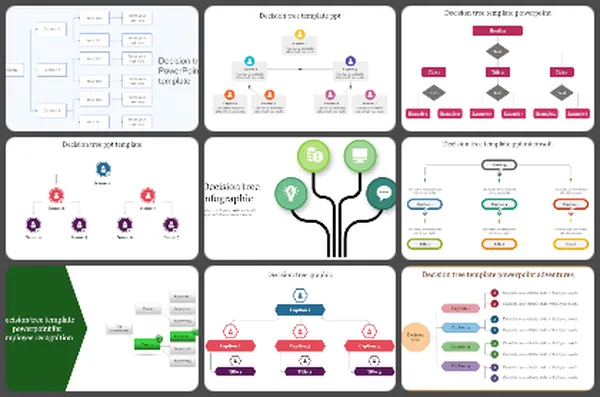
Decision Tree
41 Templates
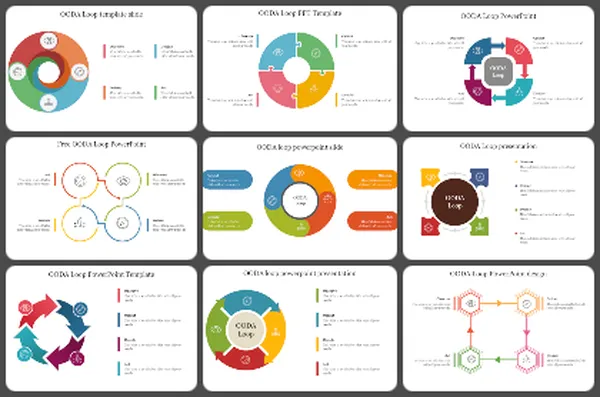
OODA Loop design
9 Templates
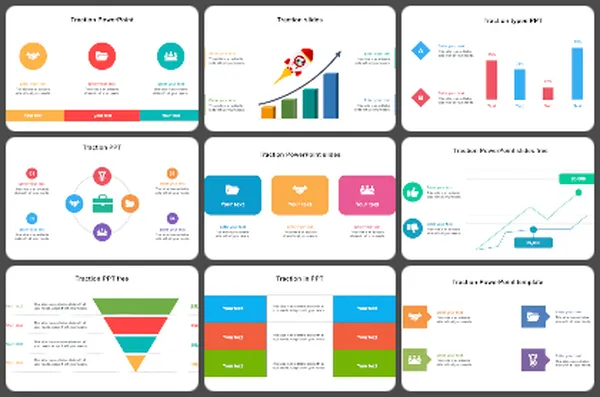
Traction
26 Templates
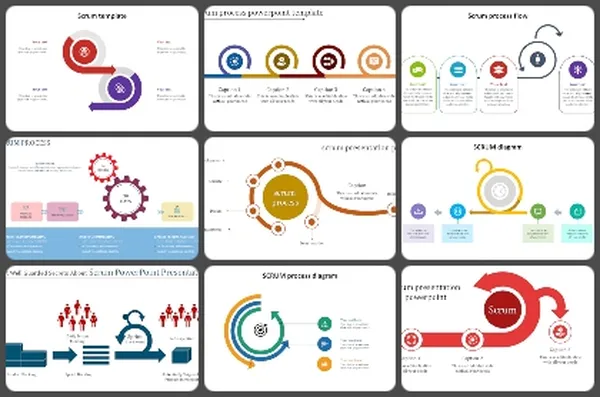
SCRUM
58 Templates
Challenges slide
29 Templates
RAIDAR
16 Templates
Operating model
27 Templates
Scenario planning
29 Templates
Kanban methodology
34 Templates
5s diagram
29 Templates
ADKAR change management
41 Templates
RASCI model
37 Templates
Waterfall model
24 Templates
Project Roadmap
24 Templates
Frequently Asked Questions
What are the key benefits of using Project Management presentation templates?
Project Management presentation templates save time, increase organization, and make stakeholders understand and be more engaged with the project details. Key benefits are grasped concerning the streamlined project planning front; not only are all the tasks and deadlines clear, but the visualization of tasks and milestones is crystal clear as well.
What software can I use to create and edit Project Management templates?
You will find numerous sources that can be used in making and modifying project management templates, such as Microsoft PowerPoint, Google Slides, Canva and Microsoft Excel or Google Sheets. Furthermore, designing and customizing can be done using tools like Adobe Illustrator.
What are the key design elements to consider in Project Management templates?
Some of the key design elements for the project management template include clarity, readability in the fonts used, effective visuals such as charts and timelines, consistency in the color schemes as well as usability that allows easy handling so one could easily customize and navigate through, hence, producing a professional and functional output.
How can I effectively use Project Management templates in my presentations?
Customize project management templates according to the specifics of your project and incorporate all that with the use of visual aids to highlight key activities, milestones, and deadlines, thereby consistently and effectively applying design elements. Thus, your message becomes clear, well-arranged, and presented professionally.
How do I choose the right Project Management template for my project?
One must choose the right project management template that would meet his needs best: whether it is to track tasks, timelines, or resources. A suitable template should reflect your project's complexity first, and then it should be easy enough to tailor it to the workflow of your team.
What types of Project Management templates are available?
Some very popular templates of project management tools are Gantt charts, for creating timelines; Kanban boards, for managing tasks; project roadmaps, for long-term goals; and a task list, to track deadlines; besides all this, template tools for resource allocation for managing team and resource distribution are also there.
How can I make my presentations more visually engaging?
Make your presentations appealing using good quality images, infographics, and charts that go hand in hand with the message you're trying to convey. Be consistent in terms of color usage, as well as the fonts, and be interactive while using animations or transitions to keep the audience's attention focused.