135+ Free Problem Solving PowerPoint Templates
Tackle any challenge with slides built for 5 Whys, Fishbone Diagram, Root Cause Analysis, PDCA Cycle, and Corrective Action Plans. Fully editable for PowerPoint, Google Slides, and Canva. Trusted by consultants, managers, and students to turn complex problems into clear visual stories. Free to download.
Editor's Choice (1 of5)
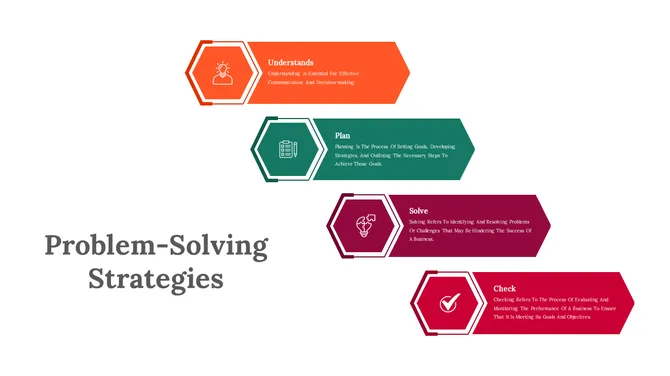
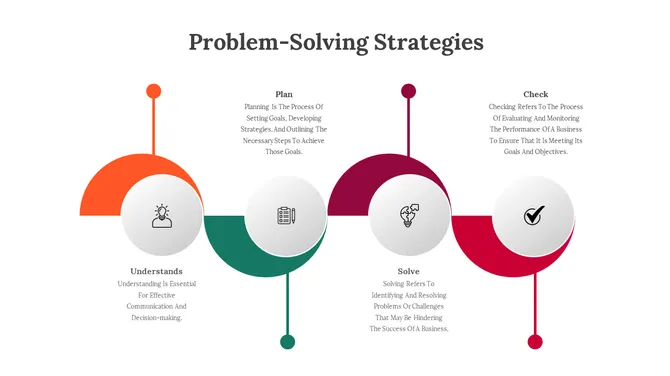
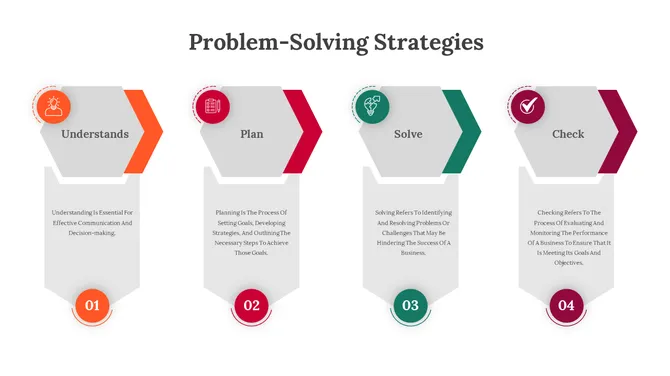
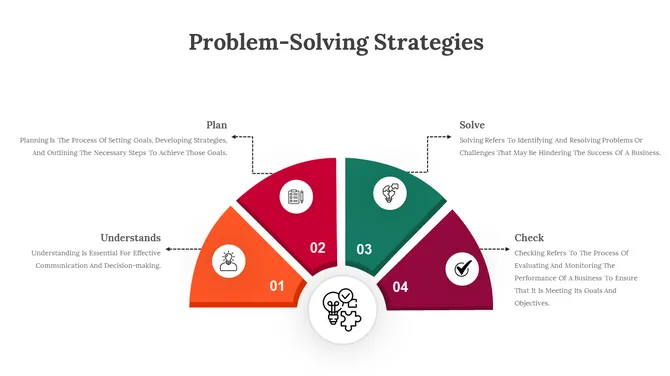
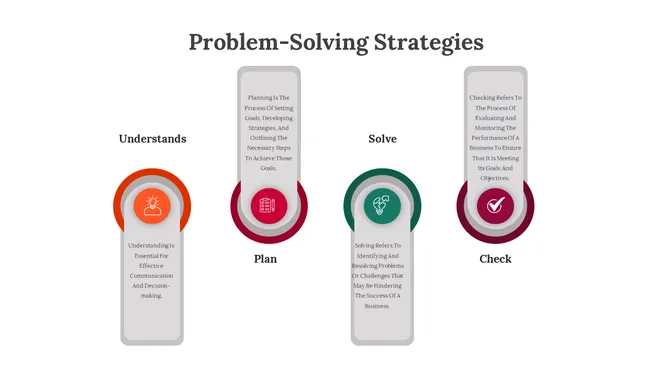
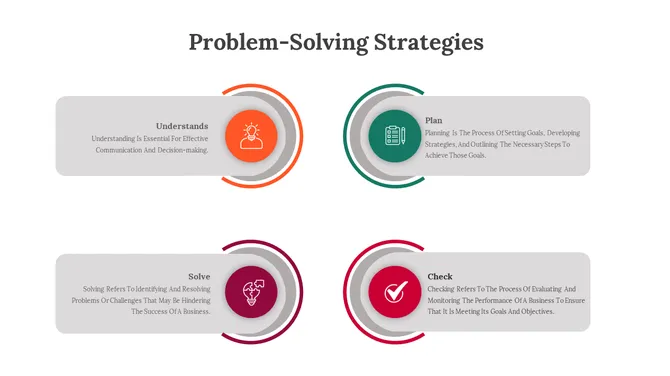
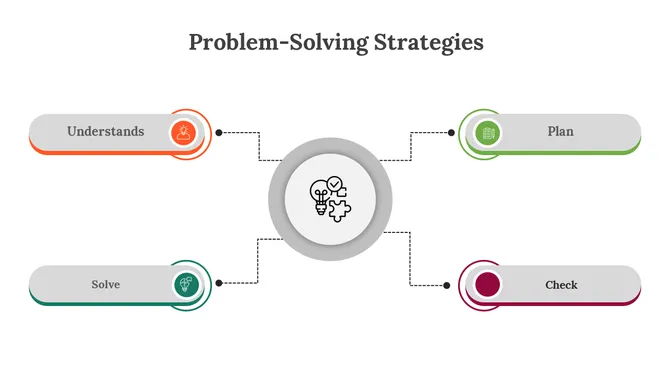

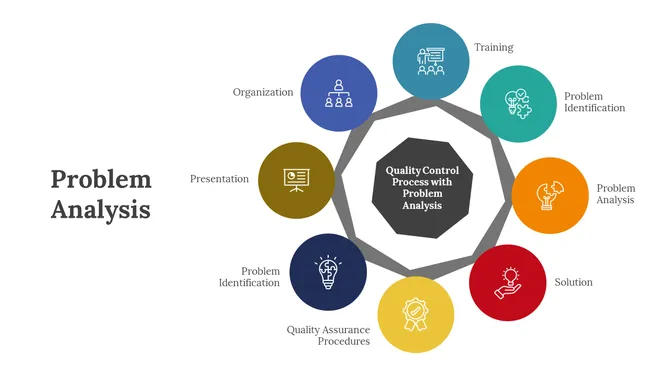
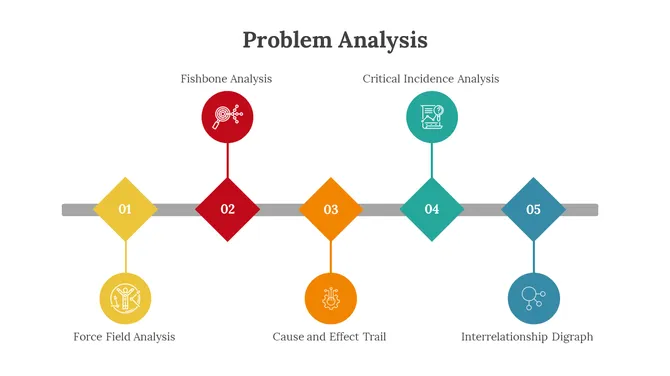
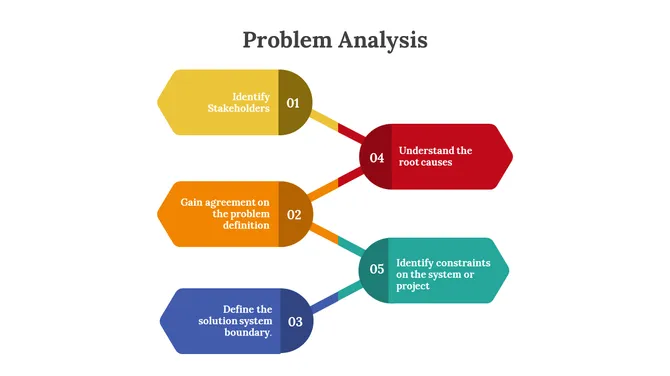
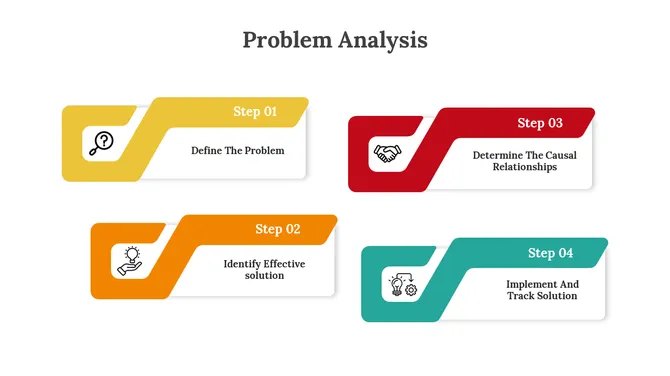
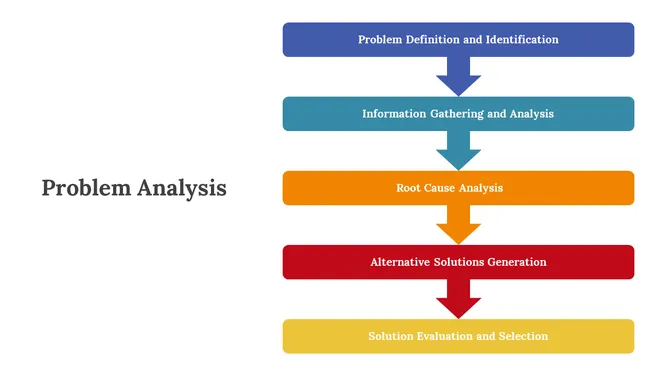
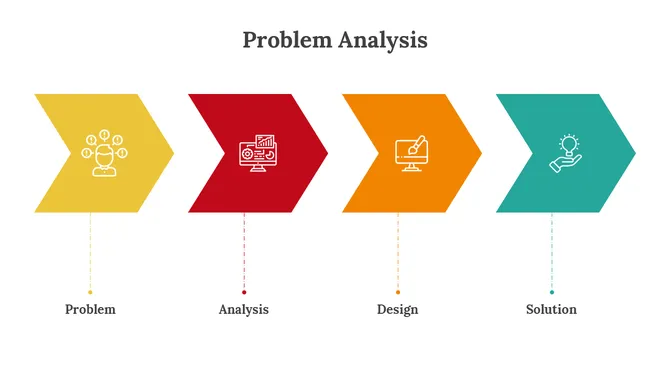
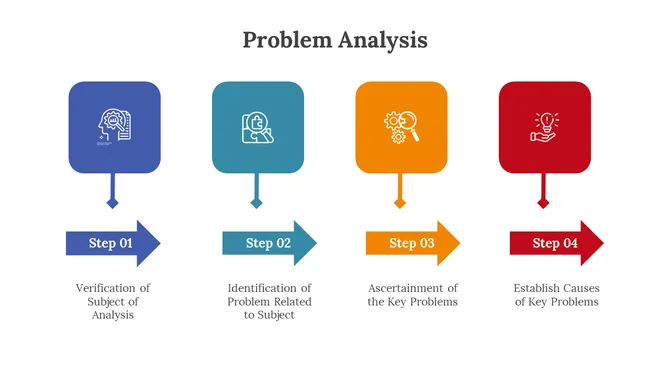
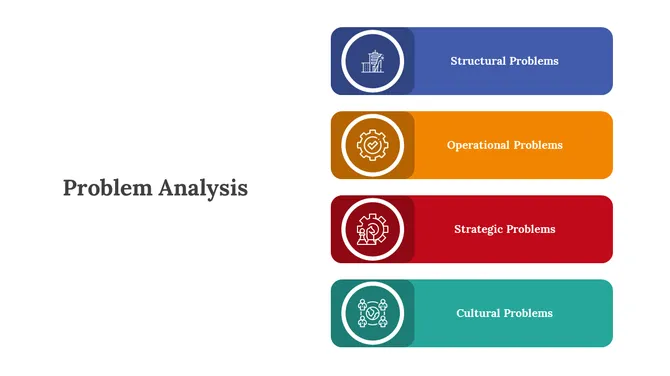
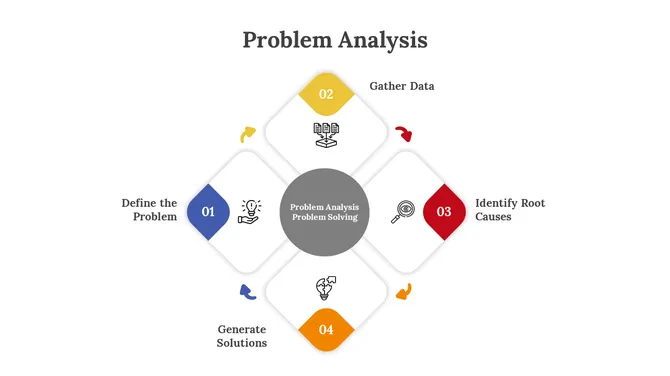
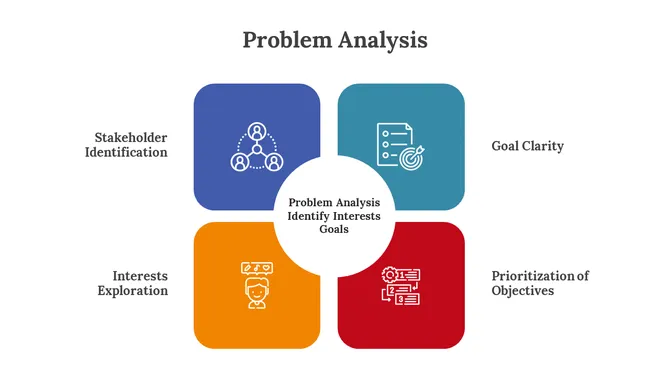


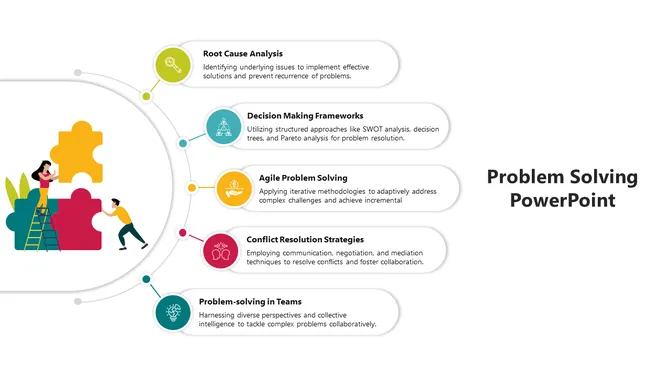

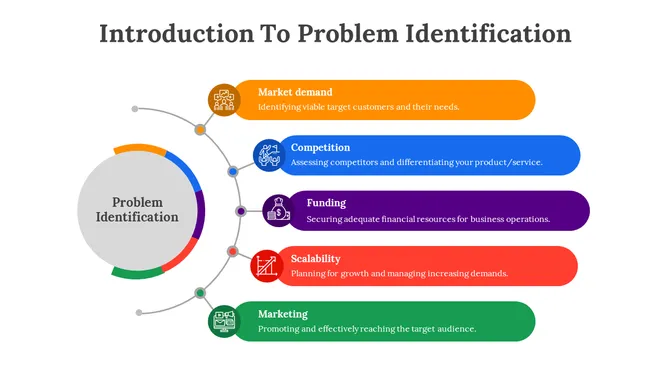
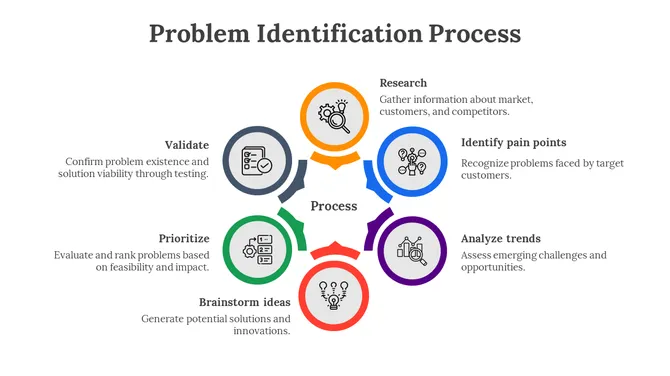
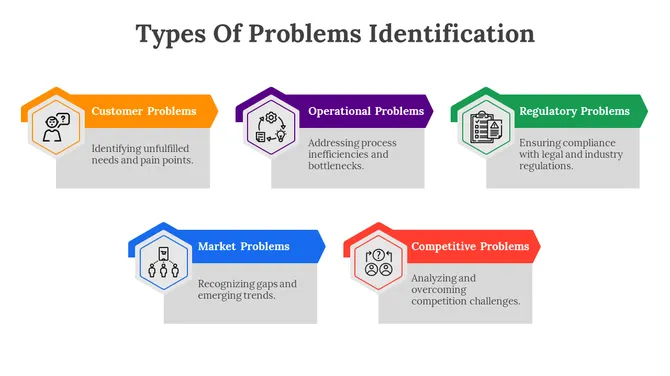
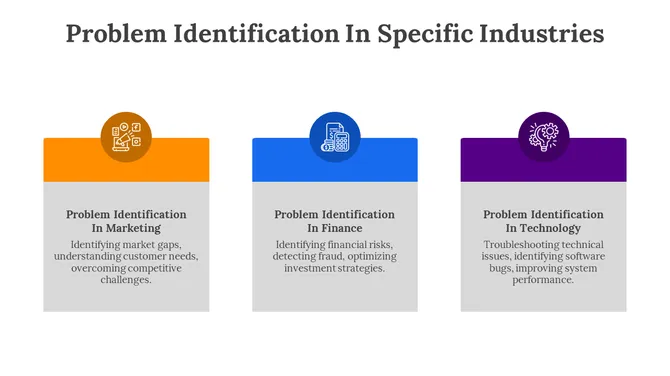
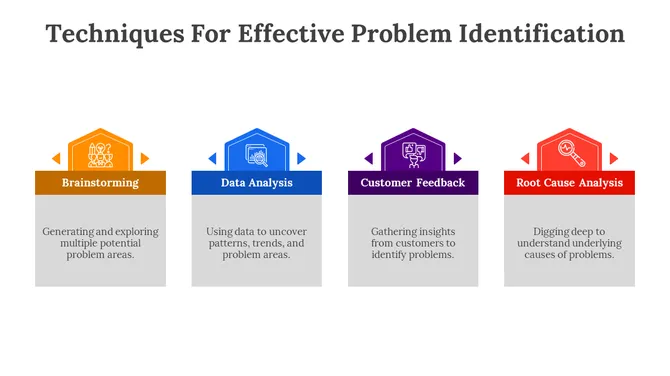
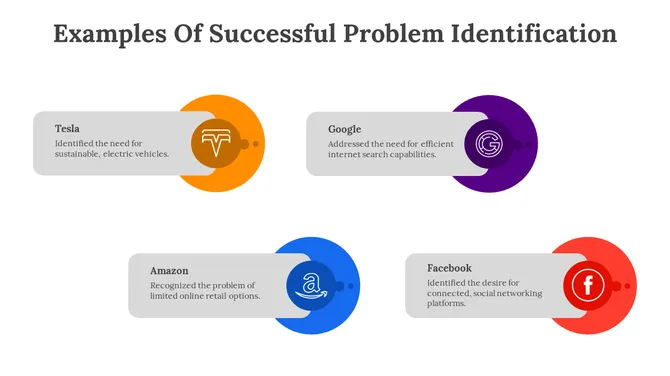

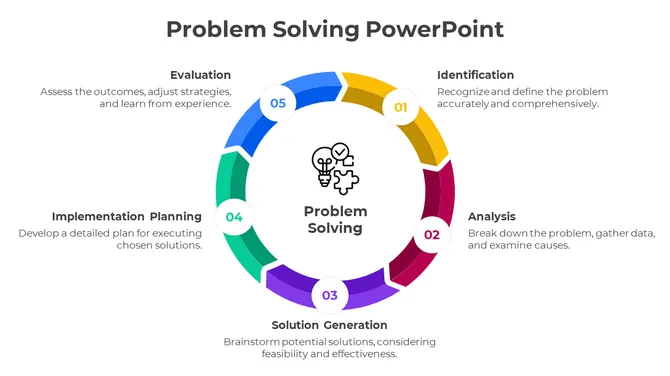
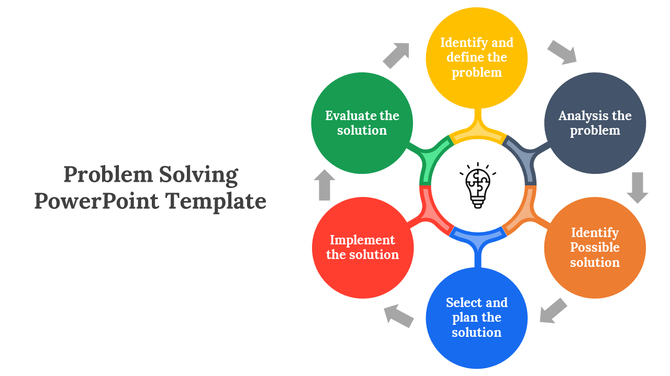
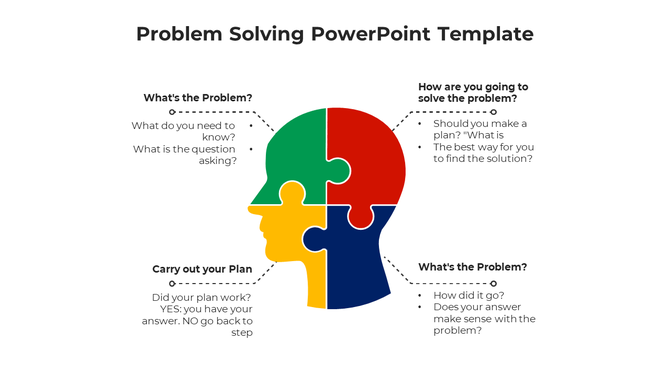
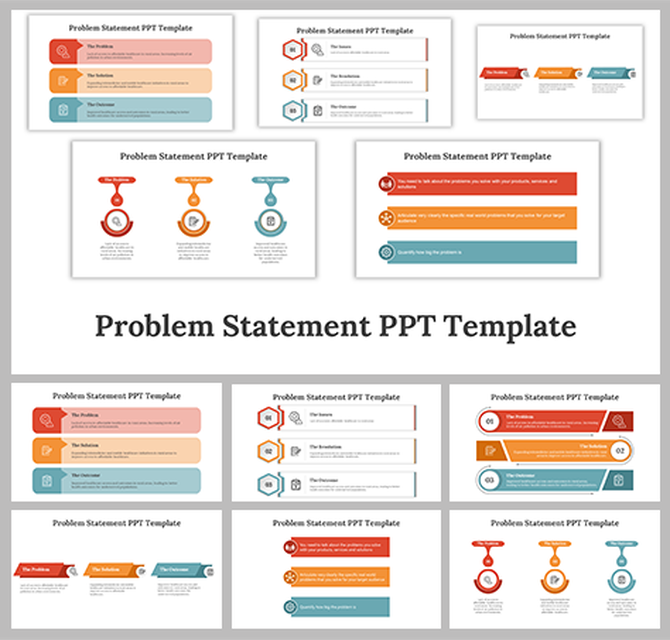
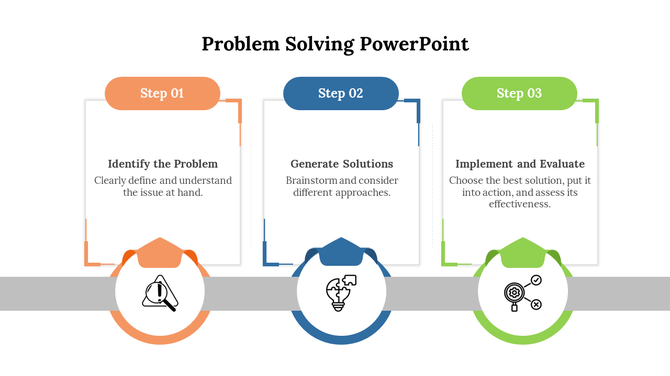
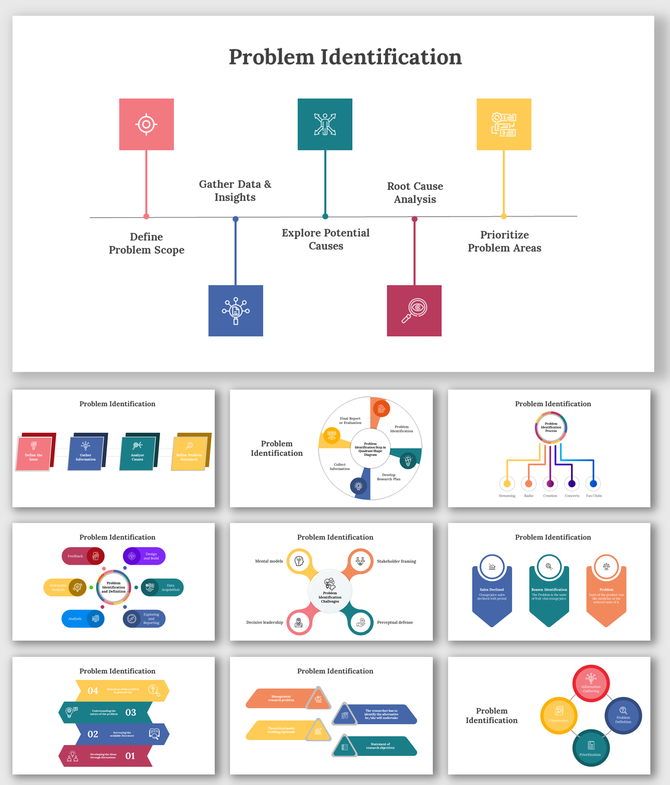
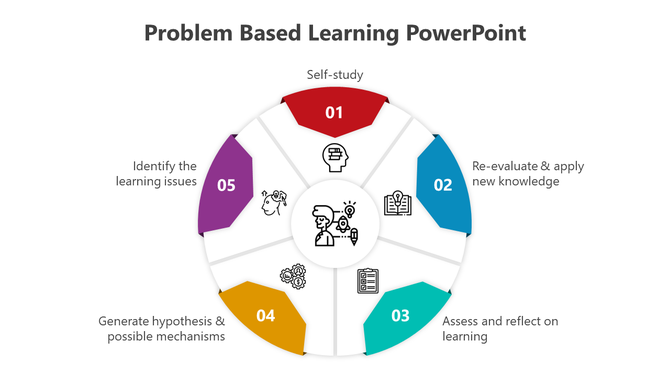
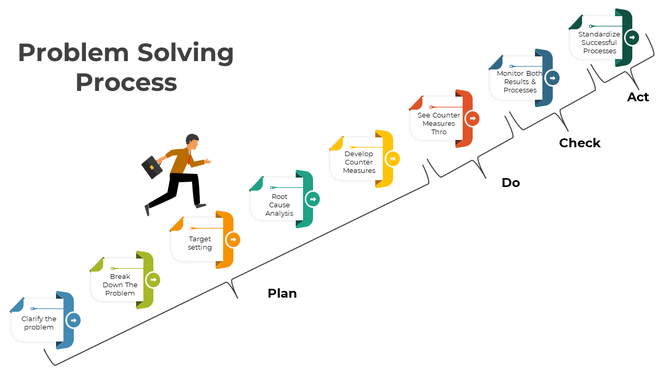
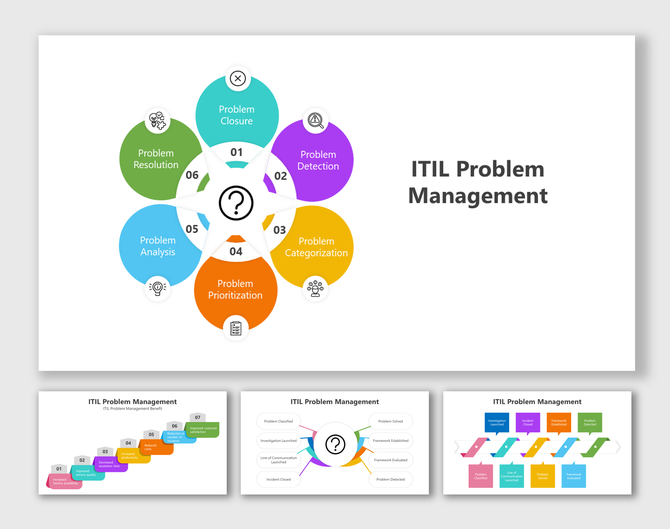

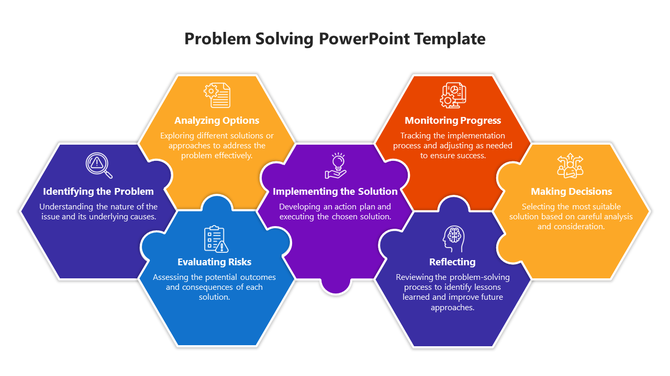
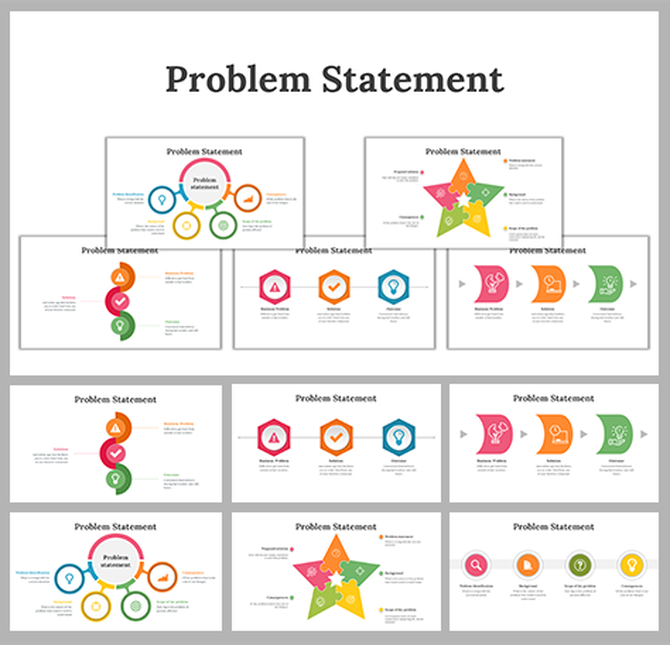
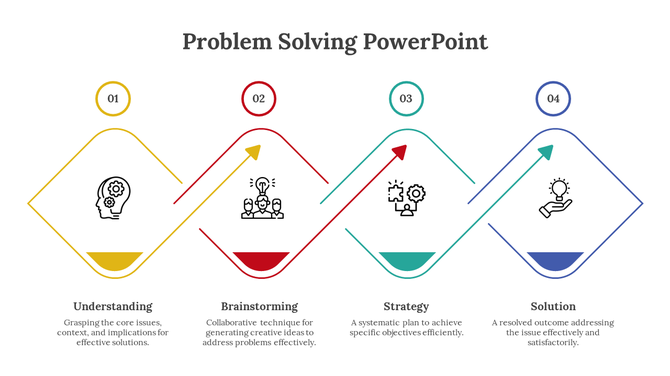
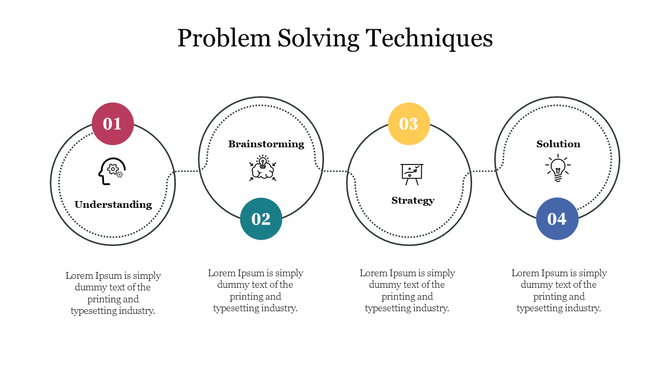
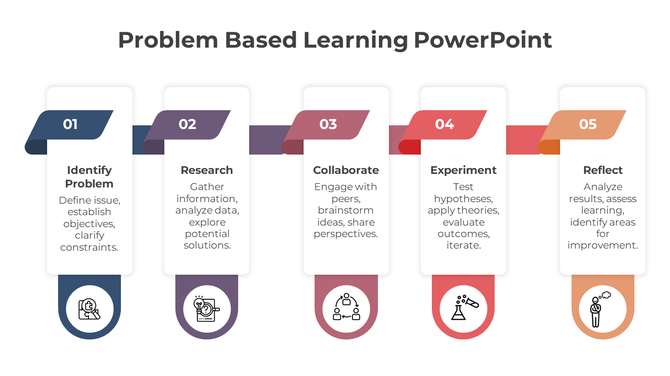
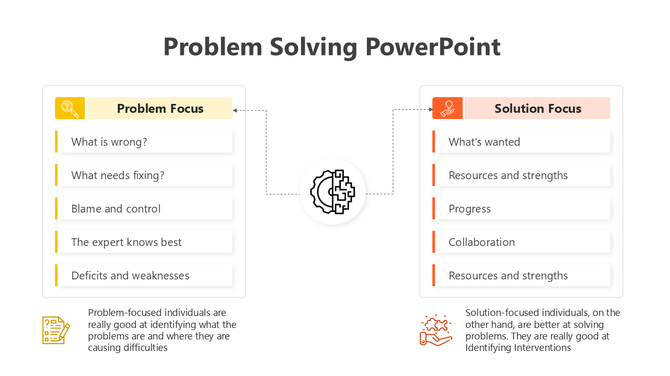
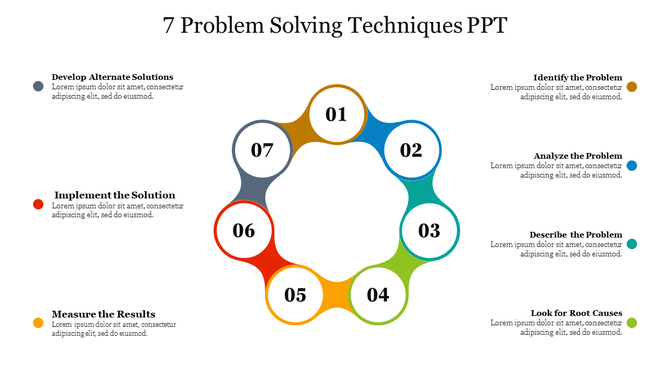
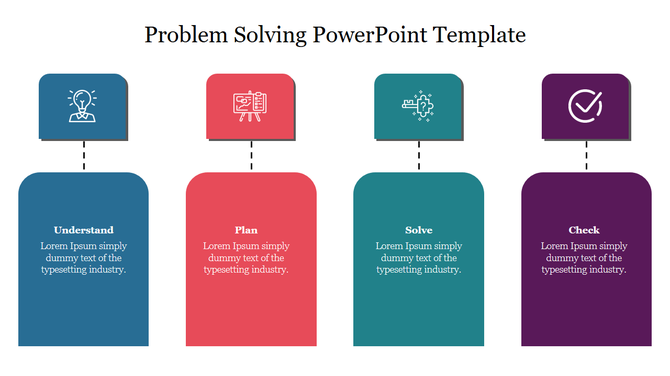
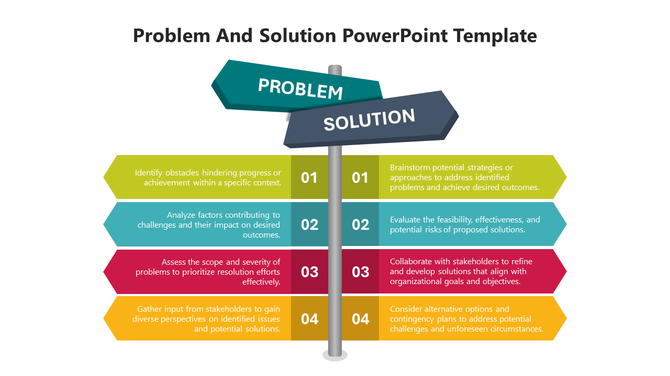
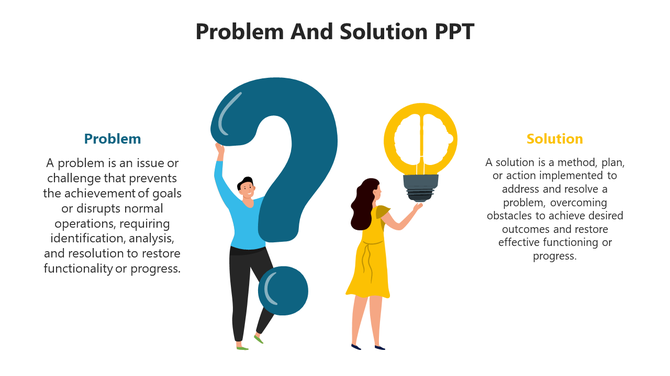
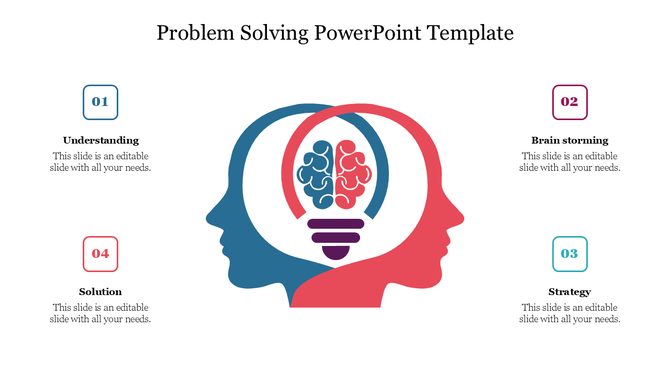
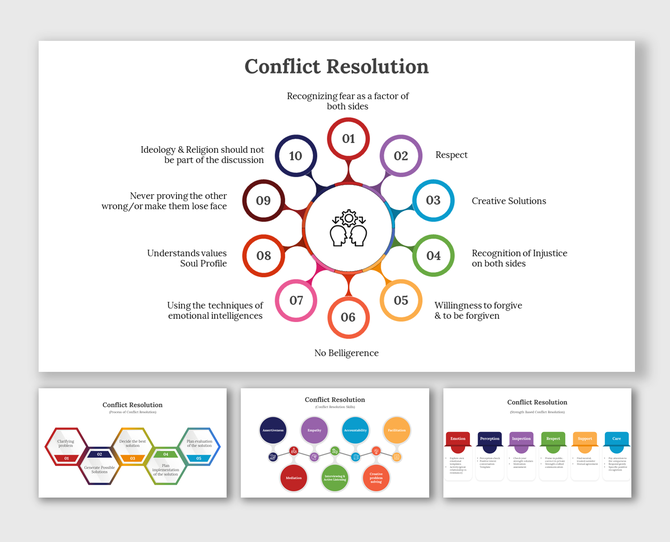
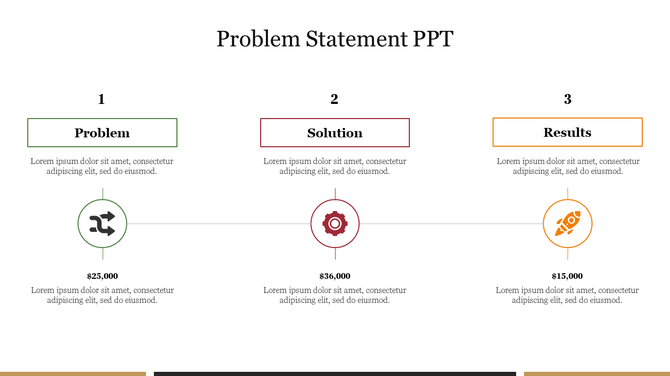
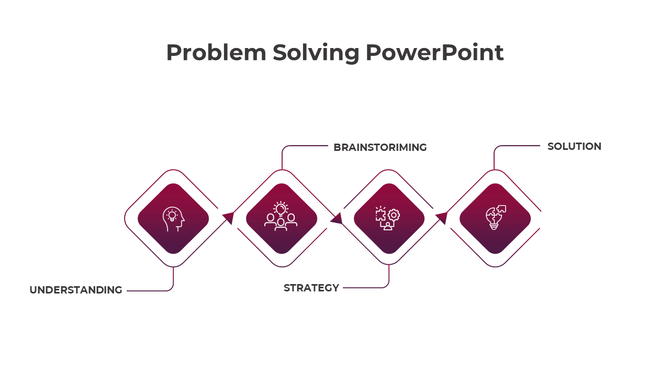
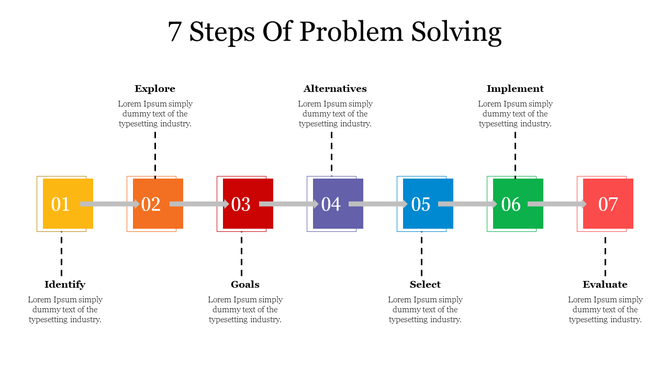
Problem Solving PowerPoint Templates for Clear Presentations
A good problem-solving presentation should not only look professional. It should help the audience understand what the problem is, why it happened, what options are available, and what action should be taken next. These problem solving PowerPoint templates and Google Slides themes are designed to organize that message clearly.
You can use these slides to present workplace issues, business challenges, classroom case studies, customer problems, process gaps, project risks, quality issues, and team improvement plans. Each template is editable, so you can change the text, colors, icons, diagrams, and layouts based on your topic.
What Can You Explain Using Problem Solving Templates?
A Clear Problem Statement
Use problem solving templates to explain the main issue in a simple and structured way. A good problem statement should show what is happening, who is affected, why the issue matters, and what needs to be solved. This helps the audience understand the problem before moving into causes or solutions.
The Root Cause Behind the Problem
These templates help you show why the problem happened, not just what happened. You can present root cause analysis, 5 Whys findings, Fishbone diagram insights, repeated errors, process gaps, or operational blockers in a clear visual format. This is useful when teams need to avoid temporary fixes and focus on the real cause.
The Impact of the Problem
A problem becomes easier to understand when the impact is clearly shown. Use these slides to explain how the issue affects time, cost, quality, customer experience, productivity, sales, or team performance. This helps stakeholders understand why the problem needs attention.
Possible Solutions and Alternatives
Problem solving templates can help you compare different solution options side by side. You can show each option’s cost, effort, risk, impact, timeline, and expected result. This is useful for business meetings, consulting reports, project reviews, classroom discussions, and decision-making presentations.
The Best Recommended Solution
After comparing options, use the slides to explain the recommended solution and why it should be chosen. This helps decision-makers understand the logic behind the recommendation instead of seeing only the final answer. You can support the recommendation with data, priority scores, benefits, or expected outcomes.
Action Steps and Ownership
A problem-solving presentation should not stop at analysis. Use action plan slides to show what needs to be done, who is responsible, when each step should be completed, and how progress will be tracked. This turns discussion into execution and gives the audience a clear next step.
Process Improvement Plans
These templates can help explain how an existing process will be improved. You can show current workflow issues, improvement areas, PDCA cycle steps, corrective actions, and expected outcomes. This is useful for operations reviews, quality management, internal training, and continuous improvement meetings.
Risks, Issues, and Preventive Actions
Use problem solving slides to explain the risks connected to the issue and what may happen if it is not solved. You can also present preventive actions, backup plans, and mitigation steps. This is useful for project management, leadership updates, business planning, and risk review meetings.
Team Ideas and Brainstorming Outcomes
For workshops and planning sessions, these templates can help organize ideas from different team members. You can group possible causes, shortlist solutions, compare suggestions, and present the final discussion outcome in a clean structure.
Common Problem Solving Frameworks You Can Present
5 Whys Analysis
The 5 Whys method helps identify the root cause of a problem by repeatedly asking why the issue happened. It is useful for finding the deeper reason behind delays, errors, quality issues, customer complaints, or process failures. A 5 Whys slide helps present each “why” step clearly.
Fishbone Diagram
A Fishbone diagram helps organize possible causes of a problem into categories such as people, process, tools, materials, methods, and environment. It is useful for team analysis, quality reviews, manufacturing issues, service problems, and brainstorming sessions.
Root Cause Analysis
Root cause analysis helps teams investigate the main reason behind a problem and decide what corrective action is needed. These slides can be used to present causes, evidence, impact, recommendations, and ownership in a structured way.
PDCA Cycle
The PDCA cycle stands for Plan, Do, Check, and Act. It is commonly used for continuous improvement and quality management. PDCA slides help show how a solution will be planned, tested, reviewed, improved, and implemented.
Corrective Action Plan
A corrective action plan explains how a problem will be fixed and prevented from happening again. These slides help present tasks, owners, deadlines, progress status, and expected outcomes. They are useful when teams need accountability after identifying a problem.
Design Thinking
Design thinking helps solve problems from the user’s point of view. It is useful for product development, customer experience, innovation workshops, and service improvement. Design thinking slides can show stages such as empathize, define, ideate, prototype, and test.
Decision Matrix
A decision matrix helps compare multiple solutions using clear criteria such as cost, effort, risk, urgency, and expected impact. It is useful when teams need to choose the most practical solution from several options.
Problem and Solution Comparison
A problem and solution comparison slide helps show the current challenge and the proposed fix side by side. This format is useful for business proposals, sales presentations, consulting decks, classroom topics, and internal planning meetings.
Who Can Use These Problem Solving Presentation Templates?
Business Teams
Business teams can use these templates to explain sales issues, customer problems, operational delays, workflow gaps, marketing challenges, and performance blockers. The slides help organize the problem, show causes, and present practical solutions to stakeholders.
Project Managers
Project managers can use problem solving slides to present project risks, delivery delays, resource issues, scope changes, and corrective actions. These templates make it easier to explain what went wrong, what needs to change, and who owns each action.
Consultants and Trainers
Consultants and trainers can use these templates for client reports, workshops, process improvement sessions, and training programs. The slides help explain frameworks such as root cause analysis, Fishbone diagrams, 5 Whys, PDCA, and corrective action planning.
Teachers and Students
Teachers and students can use problem solving templates for classroom activities, case studies, project presentations, and group discussions. These slides help break down a problem into causes, effects, possible solutions, and final recommendations.
HR and Operations Teams
HR and operations teams can use these slides to explain workplace challenges, training needs, process gaps, employee issues, productivity blockers, and improvement plans. The visual structure helps teams discuss sensitive or complex issues more clearly.
Startup Founders and Entrepreneurs
Startup teams can use these templates to explain market problems, customer pain points, product gaps, business challenges, and solution strategies. This is useful for pitch decks, investor meetings, internal reviews, and business planning sessions.
Why Use Problem Solving PowerPoint Templates?
To Explain Complex Problems Clearly
Complex problems become easier to understand when they are broken into smaller parts. These templates help you present the issue, causes, effects, and solutions visually so the audience can follow the logic without confusion.
To Save Time on Slide Design
Instead of building diagrams and layouts from scratch, you can start with ready-made problem solving slides and customize them for your topic. This saves time while keeping the presentation clean and professional.
To Support Better Decision-Making
Problem solving templates help decision-makers compare options, review risks, evaluate impact, and understand the recommended solution. This makes the presentation more useful than a simple list of problems and ideas.
To Align Teams Around Next Steps
A clear presentation helps teams move from discussion to action. You can use these slides to assign responsibilities, define timelines, track progress, and make sure everyone understands the next step.
To Make Analysis More Visual
Frameworks like 5 Whys, Fishbone diagrams, PDCA cycles, decision matrices, and corrective action plans are easier to explain visually. These templates help turn analysis into slides that are easier to present, discuss, and remember.
Where Can You Use Problem Solving Slides?
Problem solving slides can be used in business meetings, project reviews, consulting reports, classroom presentations, training sessions, team workshops, leadership updates, startup pitch decks, process improvement reviews, and operations discussions.
They are also useful for presentations related to customer complaints, sales challenges, quality problems, productivity issues, workflow delays, product improvement, risk management, and strategic planning.
Why Choose SlideEgg Problem Solving Templates?
SlideEgg’s problem solving PowerPoint templates and Google Slides themes are built to help users explain problems, causes, solutions, and action plans in a clear visual format. The collection includes editable layouts for root cause analysis, 5 Whys, Fishbone diagrams, PDCA cycles, problem statements, decision-making, and corrective action planning.
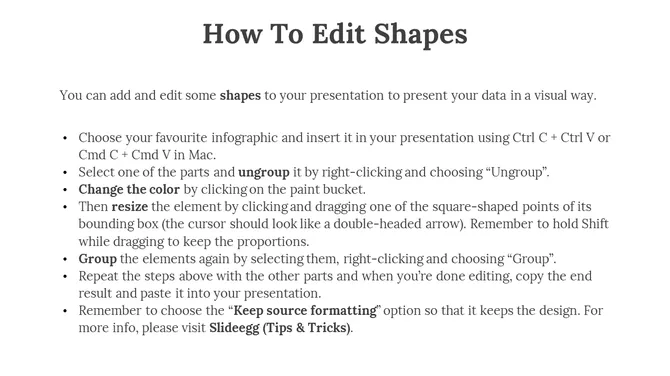
The slides are designed for different presentation needs, including business, education, training, consulting, project management, and team discussions. You can customize the text, icons, colors, diagrams, and shapes to match your topic and presentation style.
Frequently Asked Questions
What are problem solving PowerPoint templates?
Problem solving PowerPoint templates are pre-designed slides used to explain a problem, analyze its causes, compare possible solutions, and present an action plan in a clear visual format.
What can I explain using problem solving templates?
You can explain a problem statement, root cause, impact, possible solutions, recommended action, improvement plan, risk analysis, and team responsibilities using problem solving templates.
What should a problem solving presentation include?
A problem solving presentation should include the problem statement, background context, root cause analysis, impact, solution options, recommended solution, action steps, timeline, and expected outcome.
What is a 5 Whys problem analysis template?
A 5 Whys problem analysis template helps identify the root cause of an issue by asking “why” several times. It is useful for understanding repeated problems, process failures, customer complaints, and operational issues.
What is a Fishbone diagram slide used for?
A Fishbone diagram slide is used to organize possible causes of a problem into clear categories. It helps teams visually analyze causes during quality reviews, brainstorming sessions, operations meetings, and training programs.
Where can I find free Problem Solving Presentation Templates?
Many websites offer free Problem Solving Presentation Templates. Slide egg is one of the best PowerPoint providers. Our websites have uniquely designed templates that allow you to share the problem and help to track progress towards a solution.
Can I edit these problem solving templates?
Yes. These templates are editable, so you can change the text, colors, icons, shapes, diagrams, and layouts based on your presentation topic and brand style.