Free Matrix Organizational Chart Presentation Templates
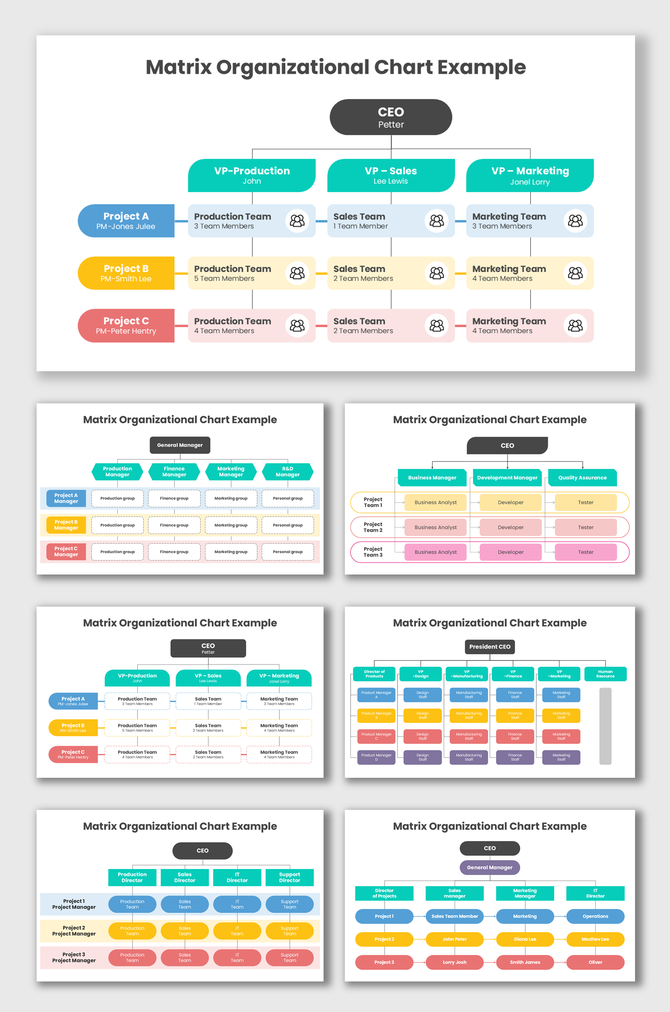
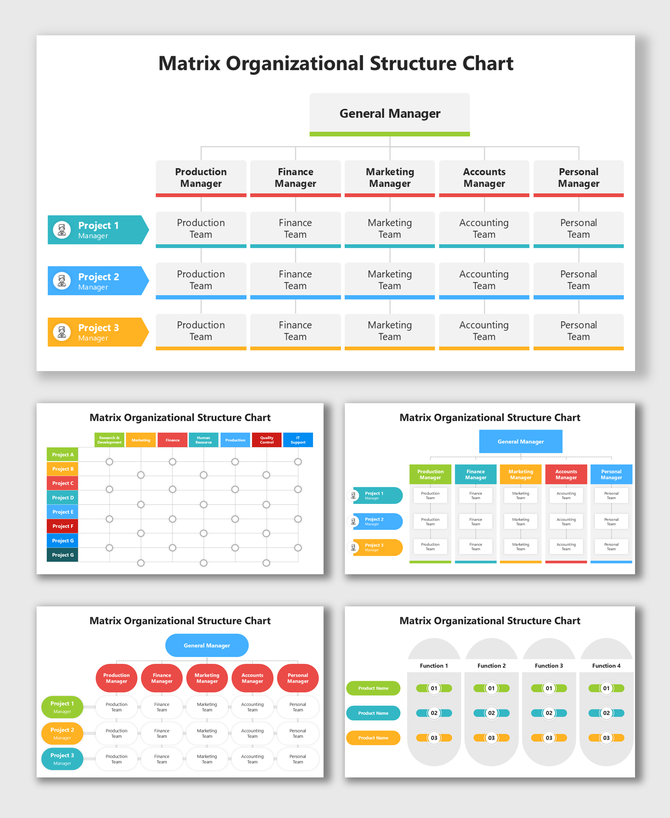
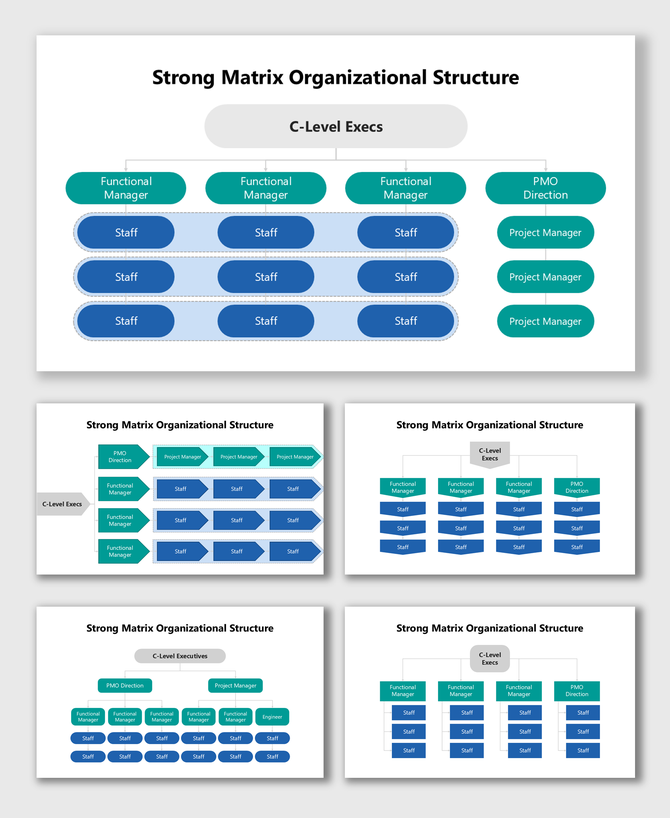
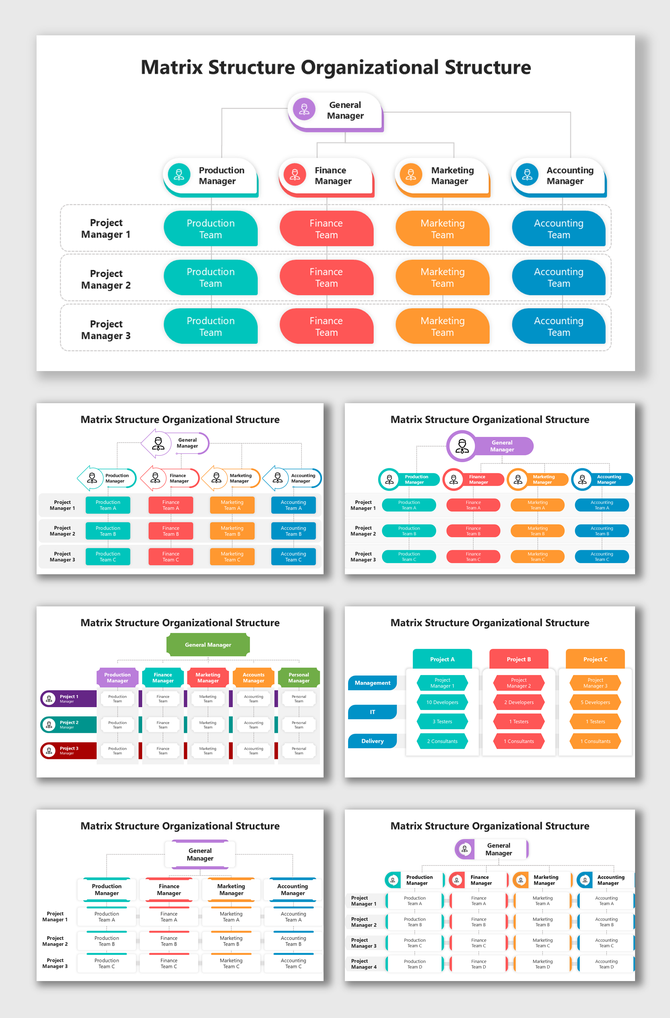
Manage complex teams with our Matrix Organizational Chart templates. Traditional charts only show one boss. These charts show "dual reporting" lines clearly. They are perfect for cross-functional teams and agile projects. Fully editable in PowerPoint, Google Slides, and Canva, they help you clarify roles in minutes. Download yours today!

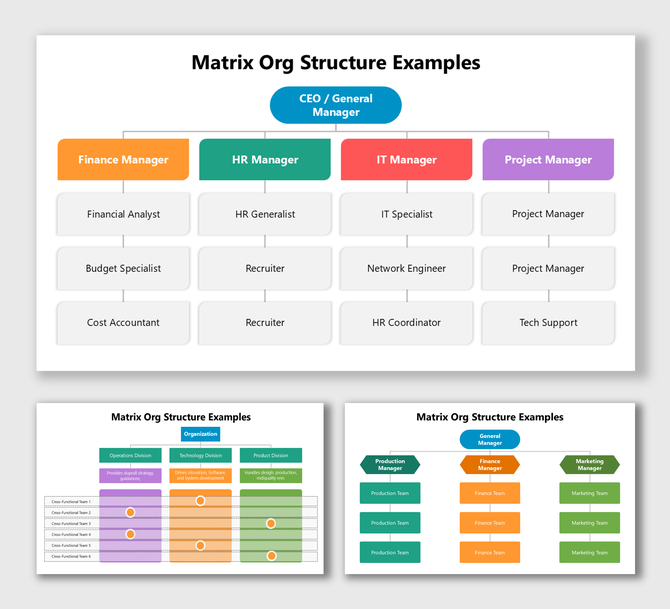
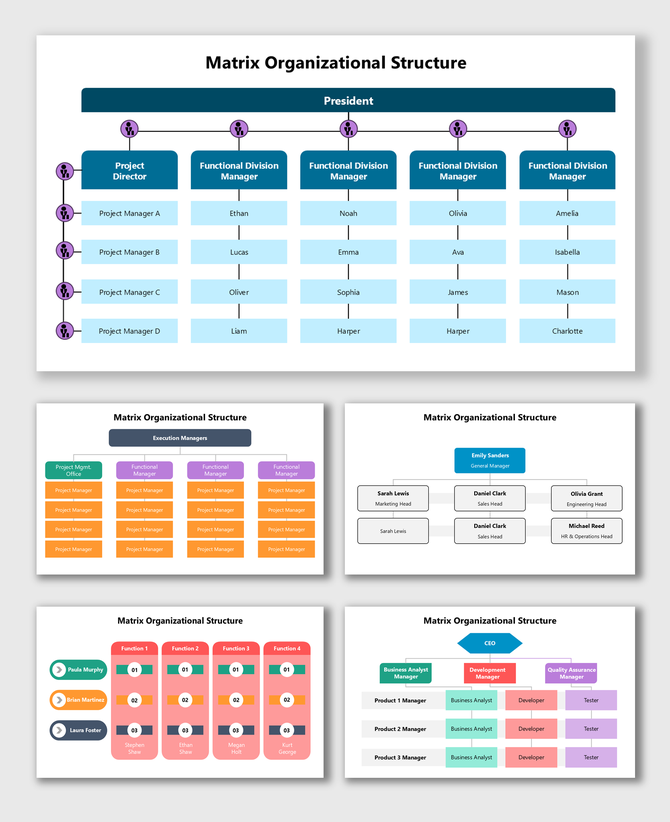
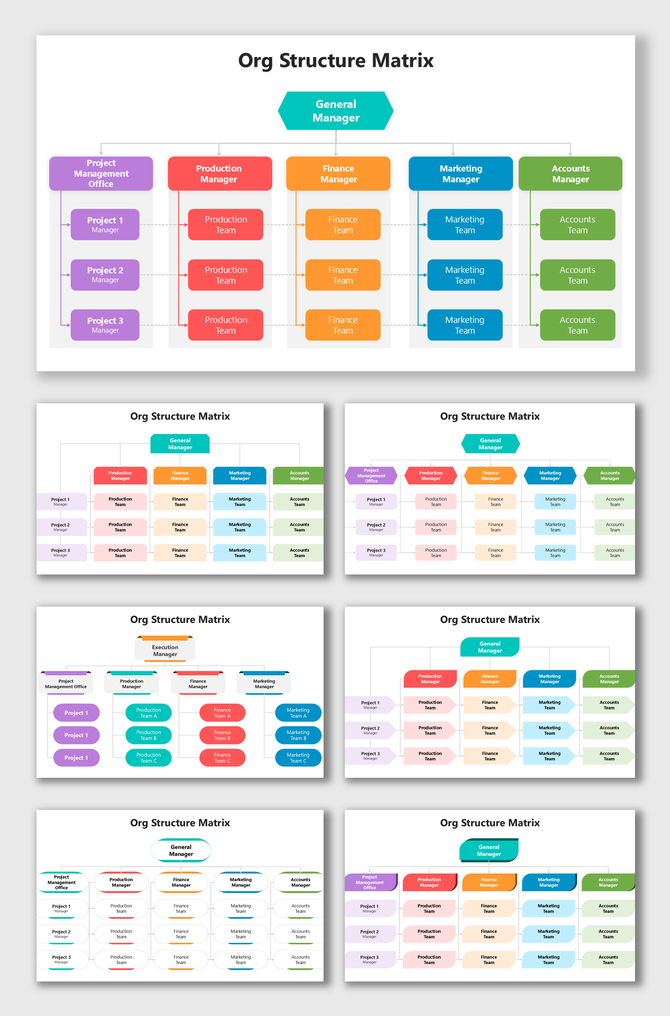
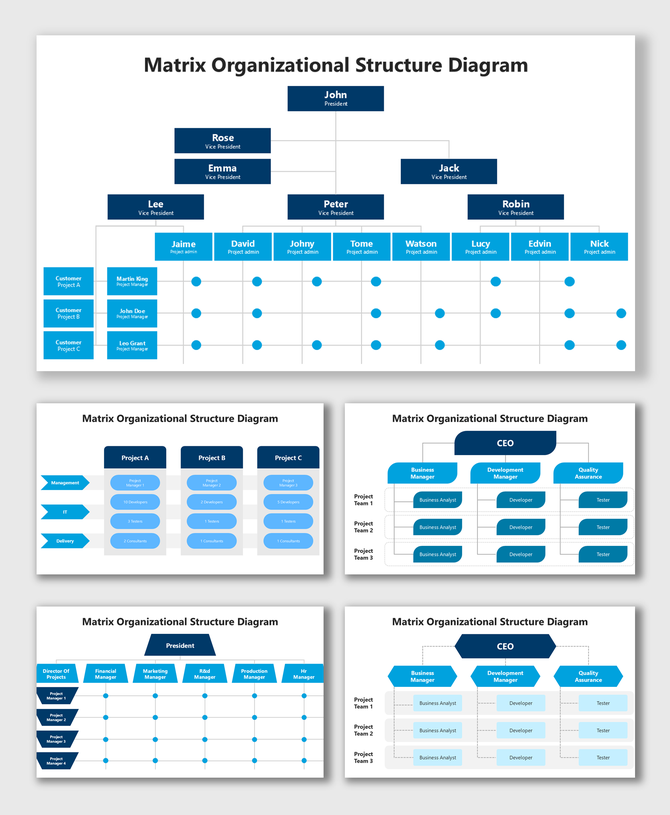
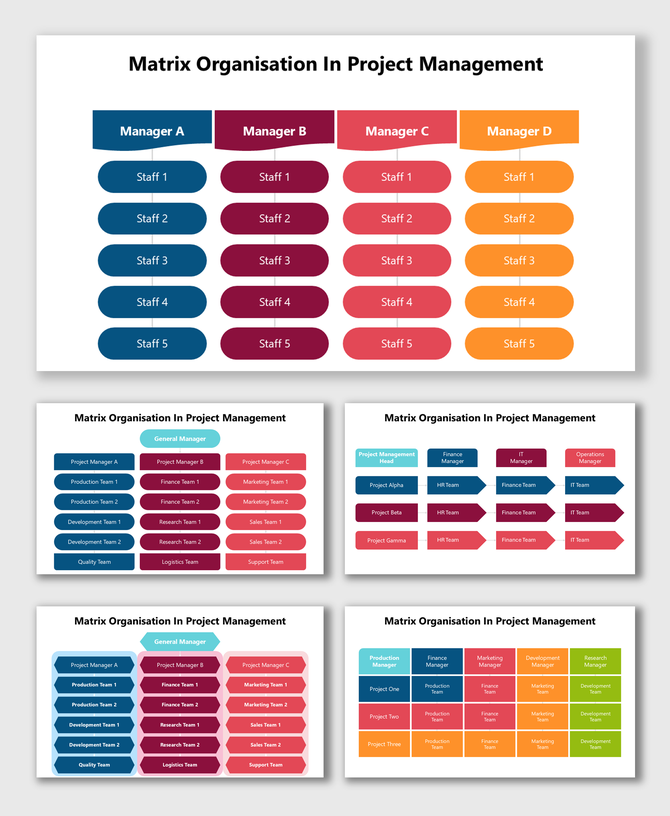
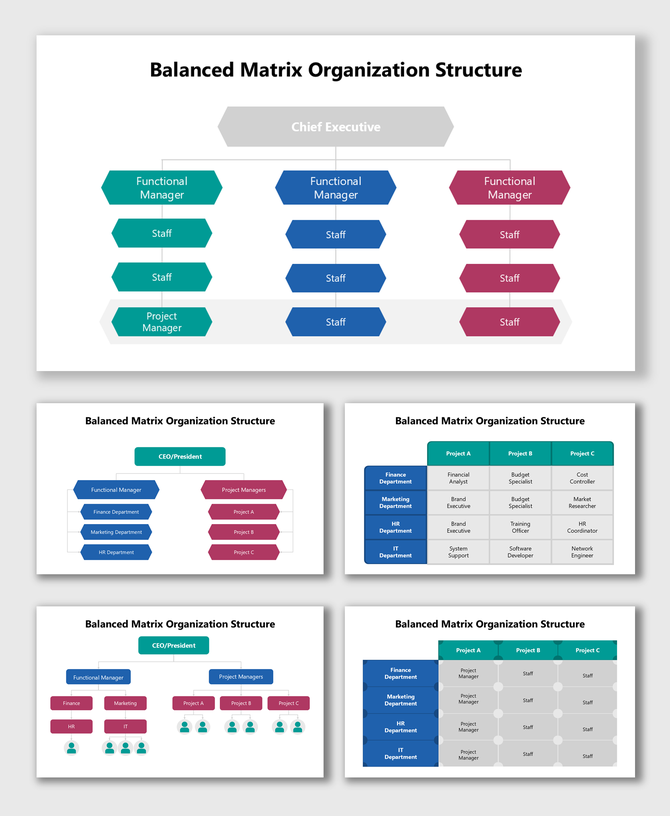
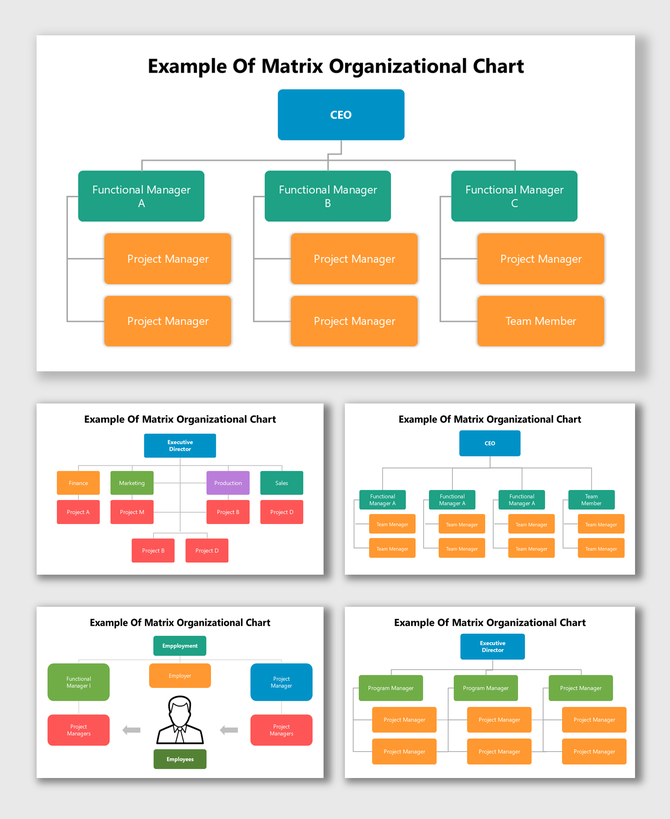
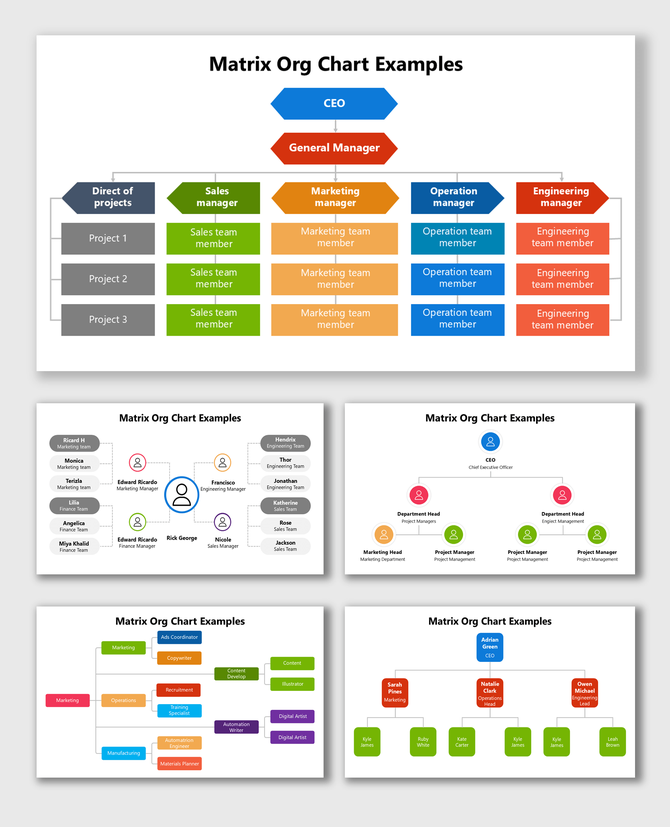
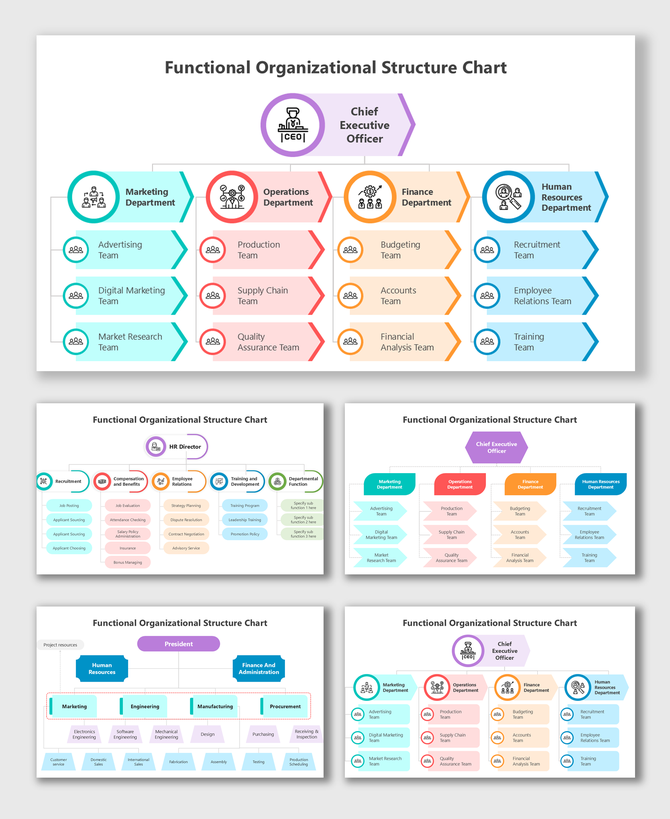
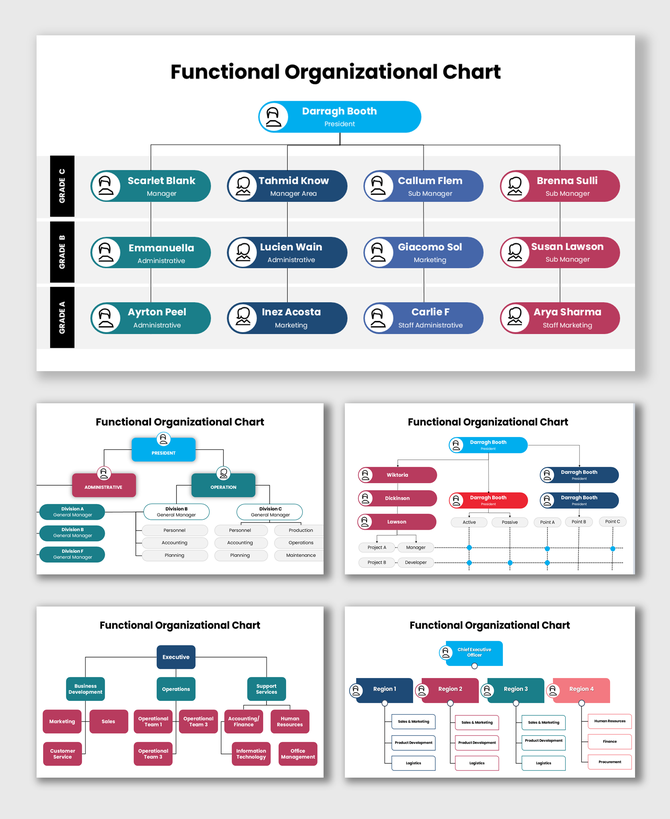
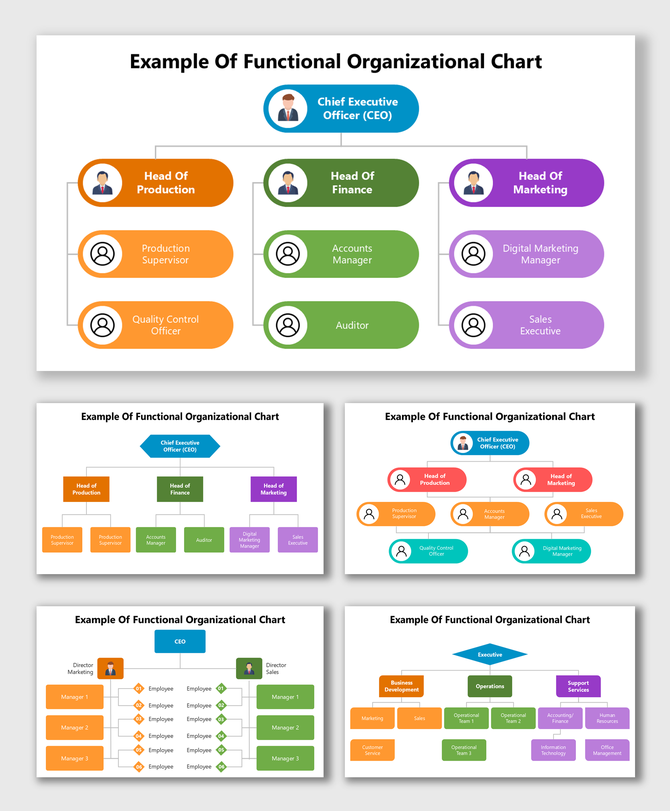
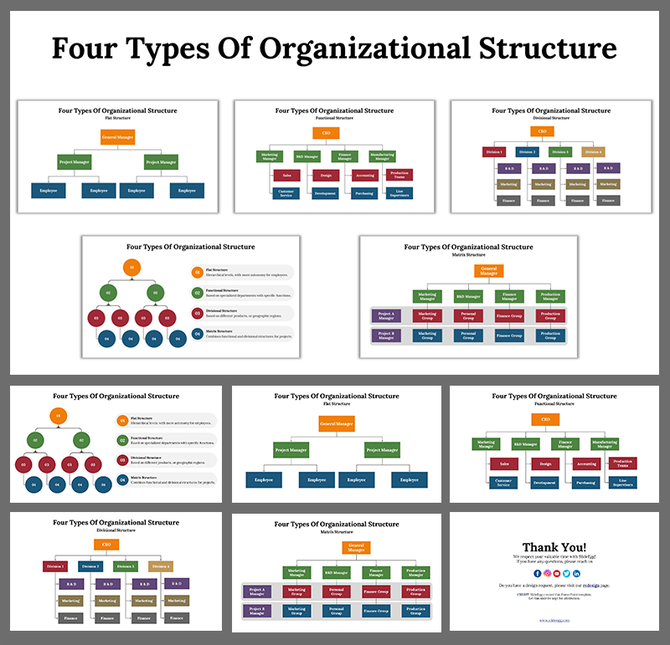

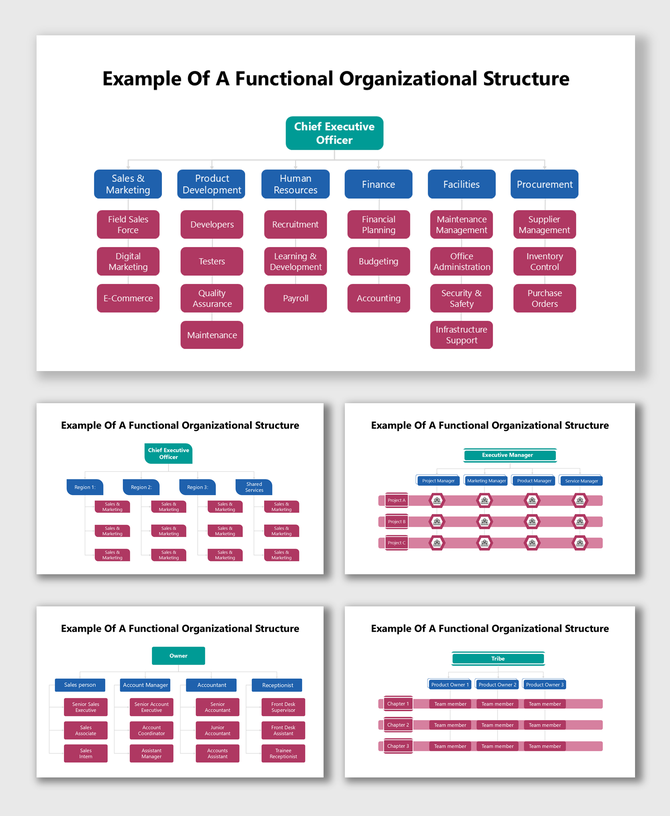
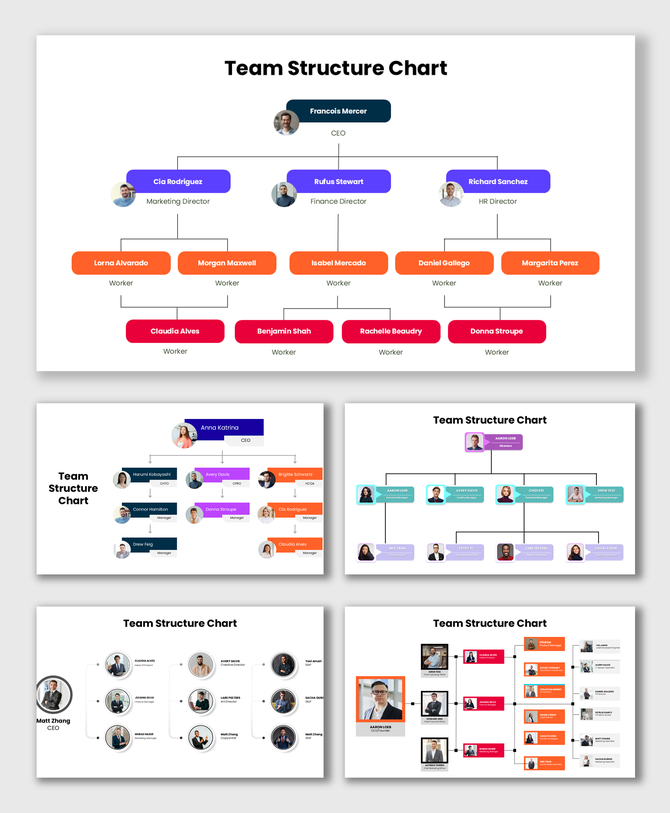
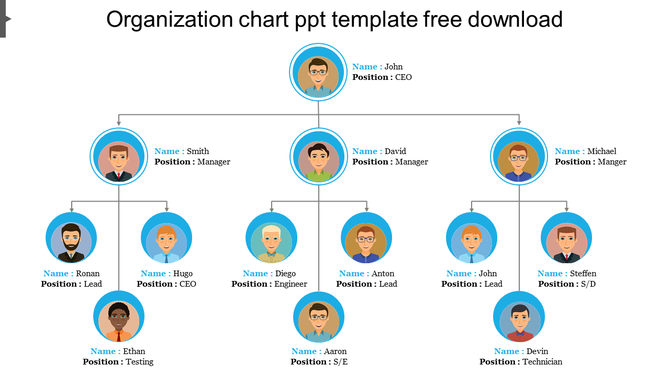
Showing25 of25
Visualize Complex Teams with Our Matrix Organizational Chart Templates
Why You Need a Dedicated Matrix Template
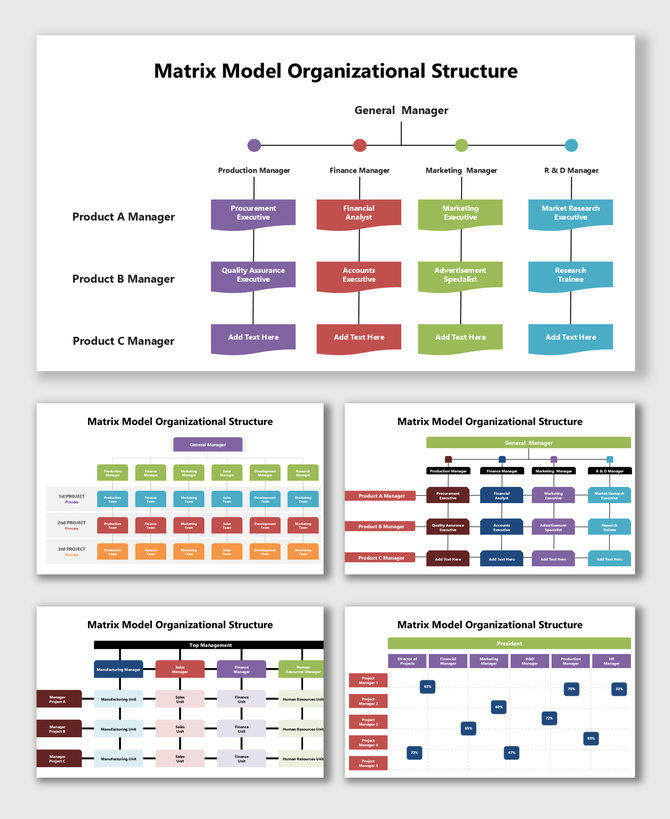
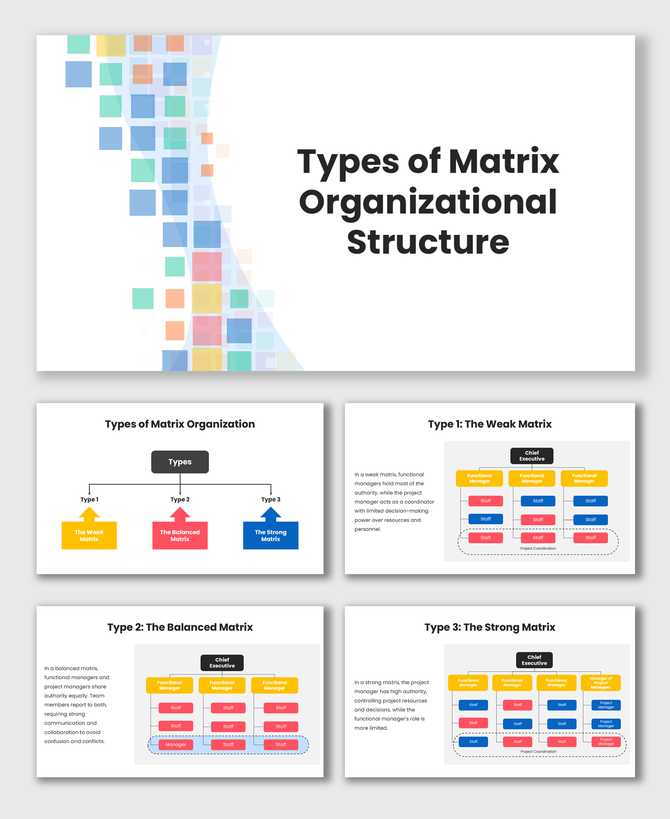
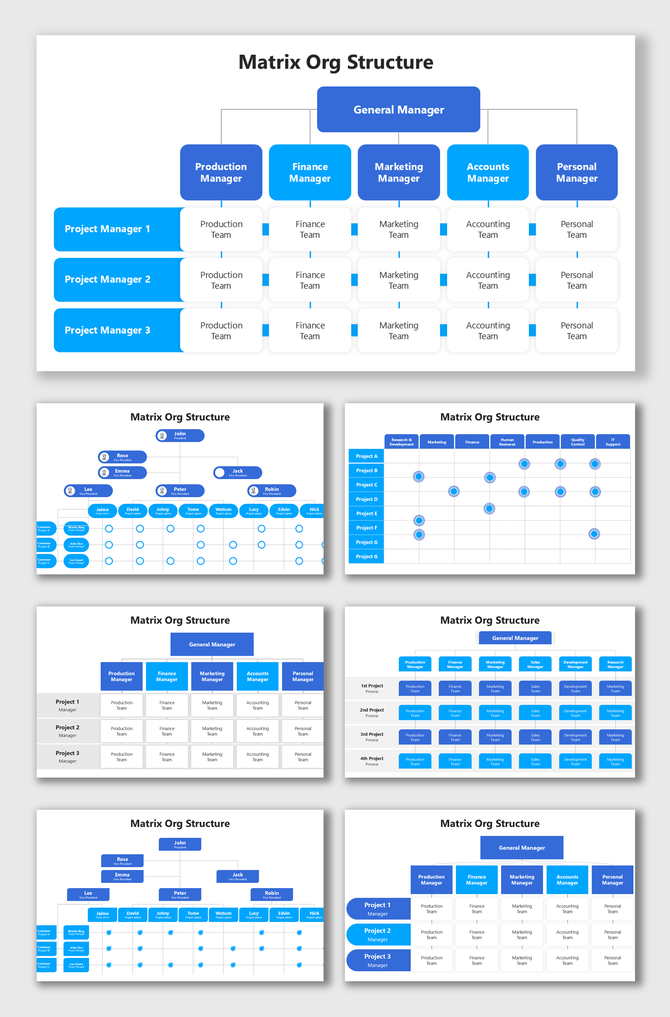
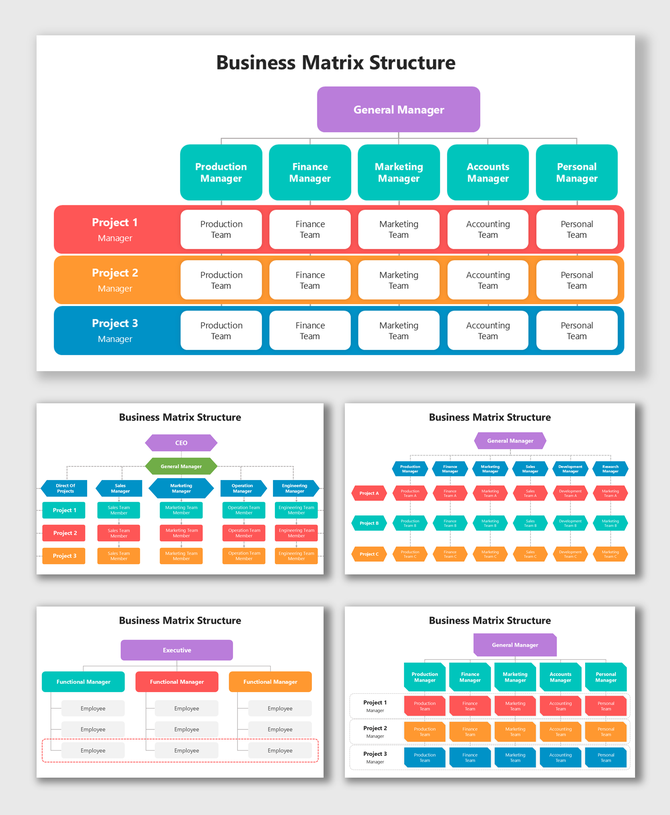
- Show Dual Reporting: We use clear visual cues. You can distinguish between a "primary" boss and a "project" boss.
- Track Resources: You can see if one team is doing too much work. It highlights bottlenecks instantly.
- Support Agile Teams: Teams change often. Our slides let you move people between projects quickly.
Key Features of Our Matrix Layouts
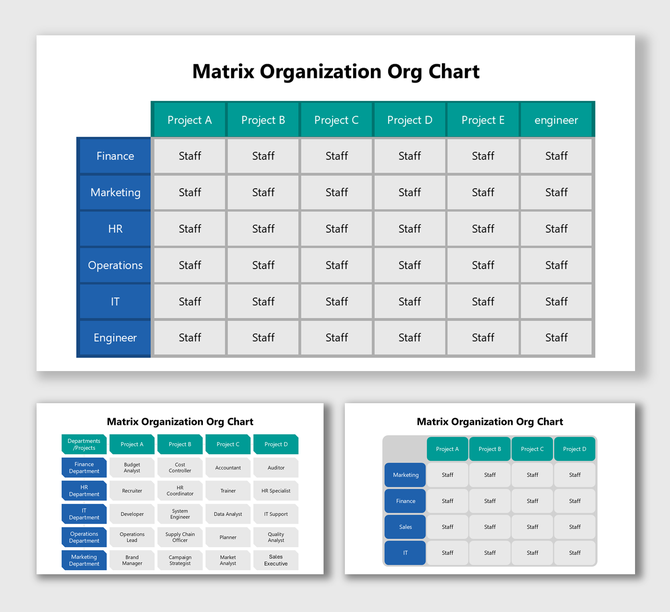
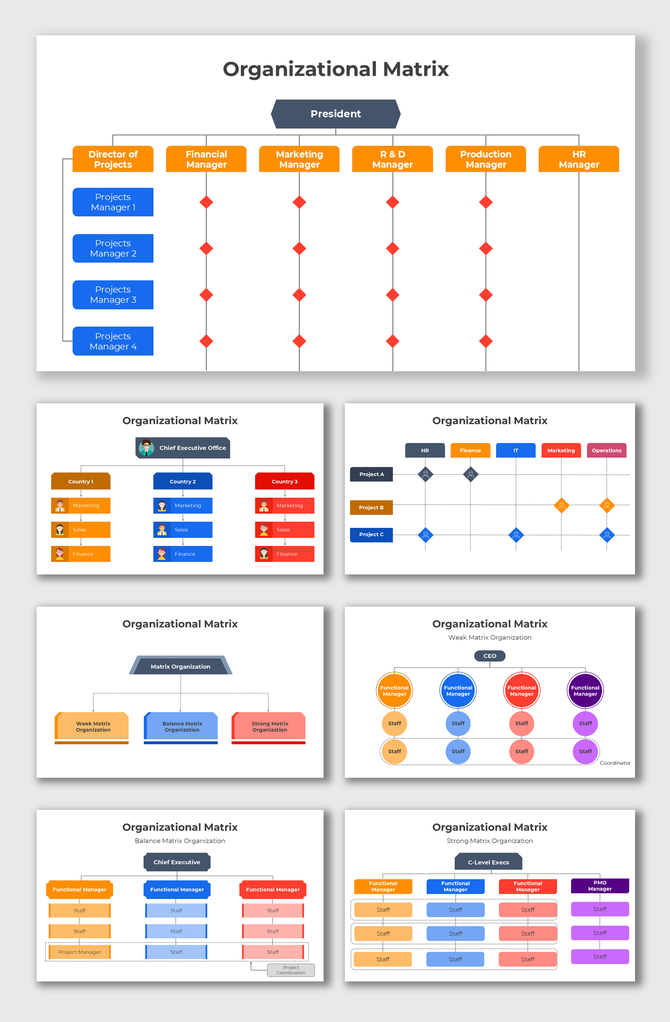
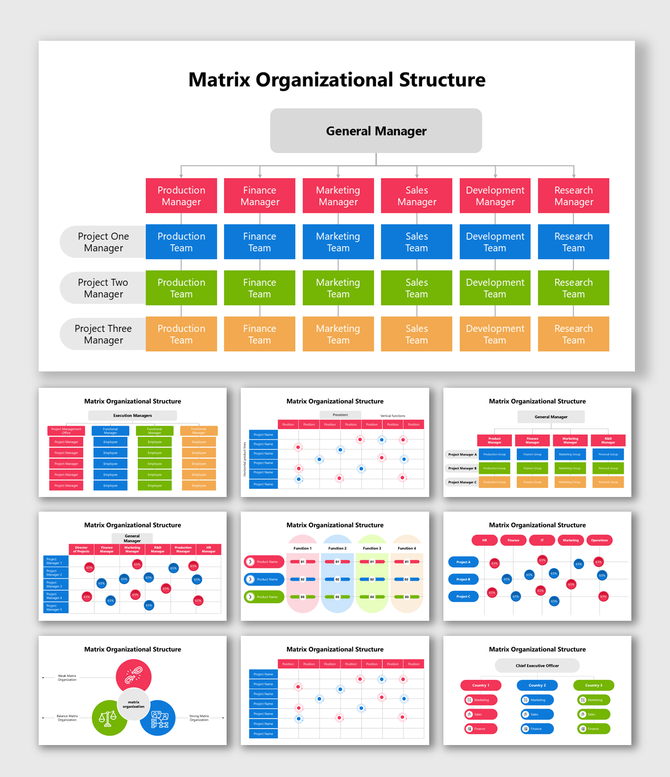
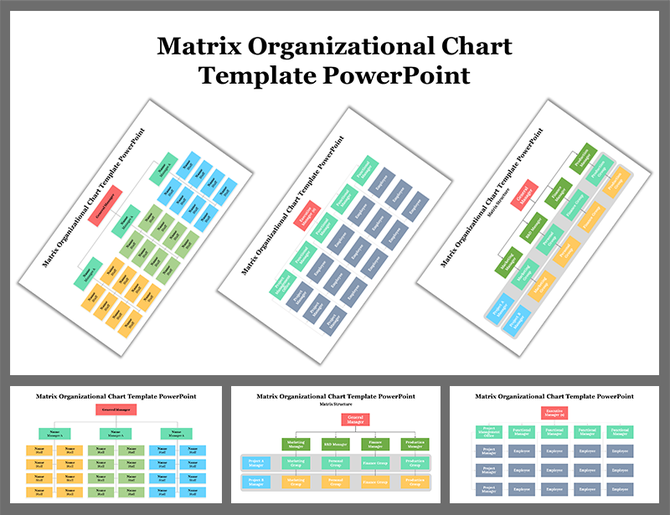
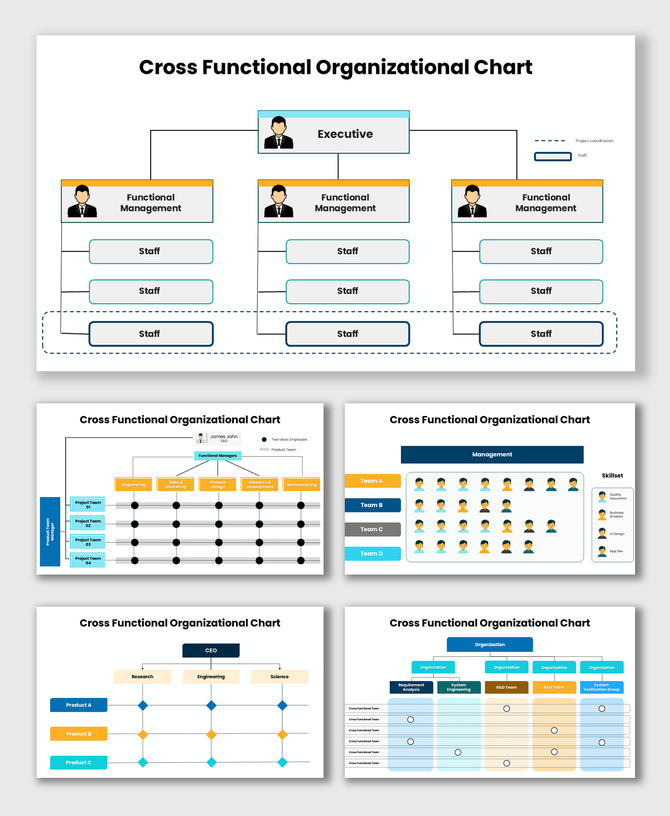
- Rows: These are your Departments (HR, Ops, Sales).
- Columns: These are your Projects (Product A, Product B).
- The Intersection: This shows the specific team working on that task.
- Benefit: This fits perfectly on widescreen monitors.
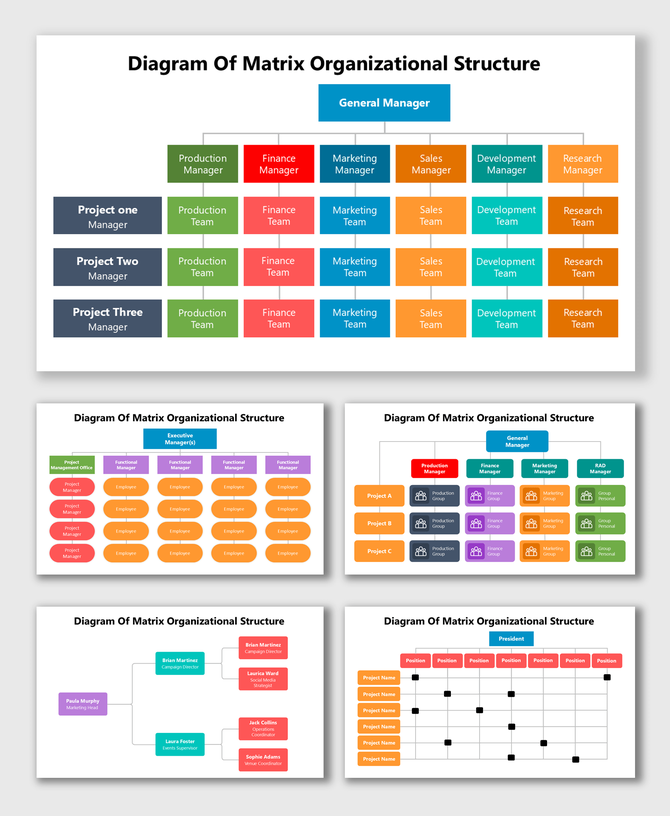
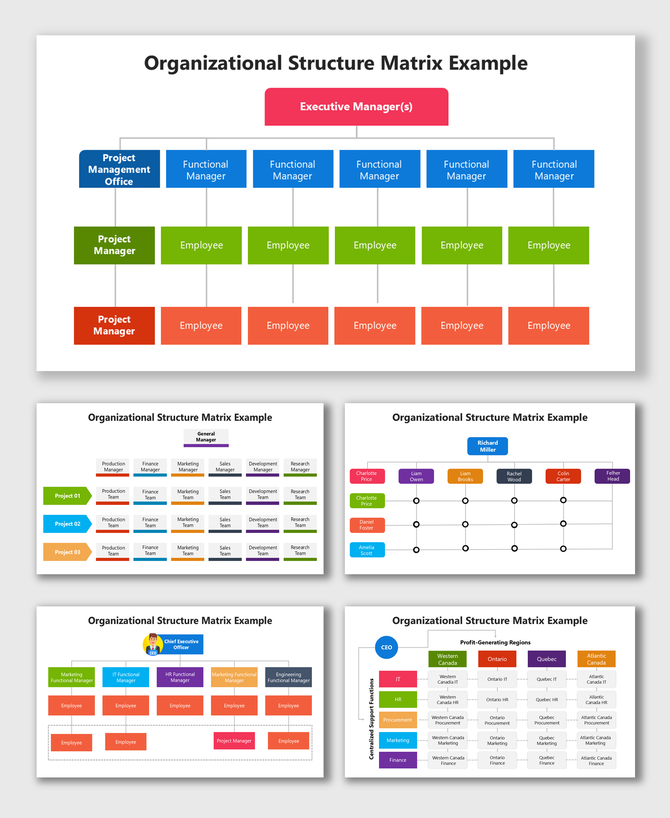
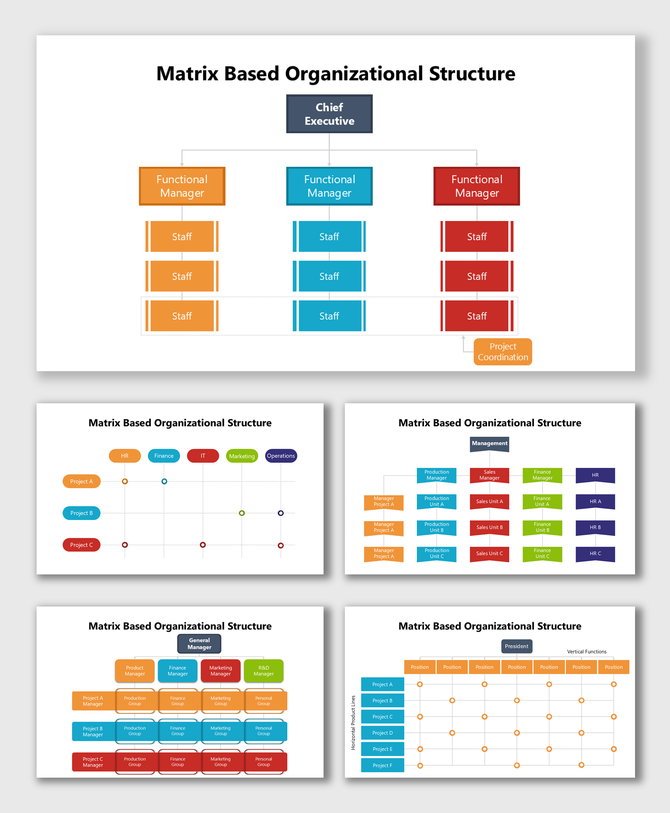
- Solid Lines: Use these for the main boss (Direct Report).
- Dotted Lines: Use these for the project manager (Secondary Report).
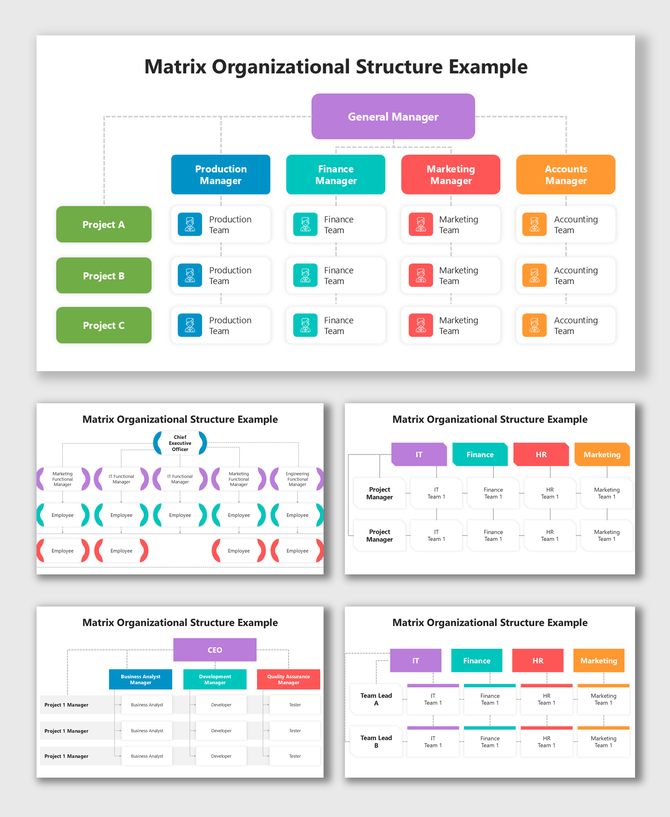
- Color-Coded Paths: Use Blue for one manager and Red for the other. This makes the chart easy to scan.
- Status Dots: Some templates have Red, Amber, and Green dots. This shows if a project is fully staffed.
- Role Icons: Add small icons to show who is the "Team Lead" inside the grid.
Who Should Use These Templates?
- Project Managers (PMs): You need to show your stakeholders the plan. These charts prove you have the right people. You can show which resources you borrowed from other departments.
- Operations Managers: You need to spot problems. A matrix chart shows if the "Design Team" is stretched too thin. It helps you balance the workload.
- Consulting Firms: Agencies work in a matrix. A consultant might work for three different clients. These charts help you track billable hours and client focus.
How to Build a Clean Matrix Chart
- Limit the Scope: Do not put the whole company on one slide. Make a separate slide for the "IT Department" and another for "Marketing."
- Use Color Wisely: Give each Project a color. If "Project Alpha" is Green, make every box in that column Green.
- Use a Legend: Always add a key. Explain what the "Dotted Line" means. Our templates have a spot ready for this.
- Keep Text Short: Do not write full paragraphs. Use names and titles only.
Technical Specifications
- PowerPoint: Best for secure editing on your desktop.
- Google Slides: Great for planning with your team online.
- Canva: Import the file to add photos and fun graphics.
- Royalty-Free: Download once. Use it forever. You can use it in internal docs or public decks without extra fees.
- Aspect Ratios: We provide 16:10 (Widescreen) for screens and 4:3 (Standard) for print.
Organize Your Agile Teams Today
Frequently Asked Questions
What is a Matrix Organizational Chart?
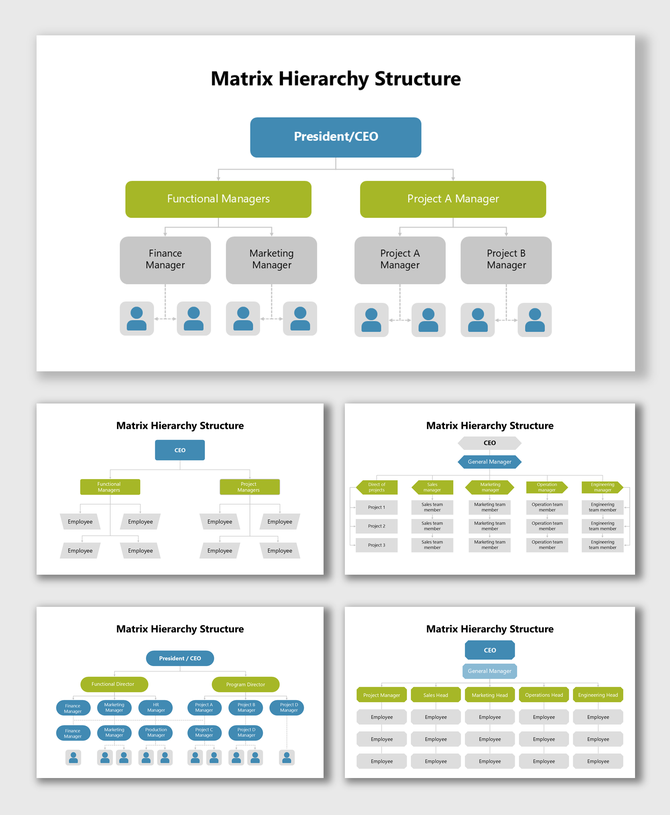
It is a chart that shows employees reporting to more than one manager. It usually mixes Departments and Projects.
How do I show "Dual Reporting" lines?
We use different line styles. Use a solid line for the main boss. Use a dotted line for the project boss.
Are these templates hard to edit?
No. The concept is complex, but the slide is easy. You just type names into the grid boxes.
Do these work in Google Slides?
Yes. You can upload the file to Google Drive. It works perfectly for team collaboration.
Can I color-code the projects?
Yes. All shapes are editable. You can color rows or columns to separate your projects.
Is the Widescreen format included?
Yes. Matrix charts are wide. They give you enough space to see everything clearly.
Can I add photos to a Matrix chart?
Yes. We include small photo placeholders. Keep the photos small so the chart stays readable.