Input And Output Diagram Presentation Templates
Effectively communicate complex concepts and data flows with clarity and simplicity using our professionally crafted input and output diagram presentation templates. 100% editable slides, compatible with Google Slides Themes and PowerPoint templates.

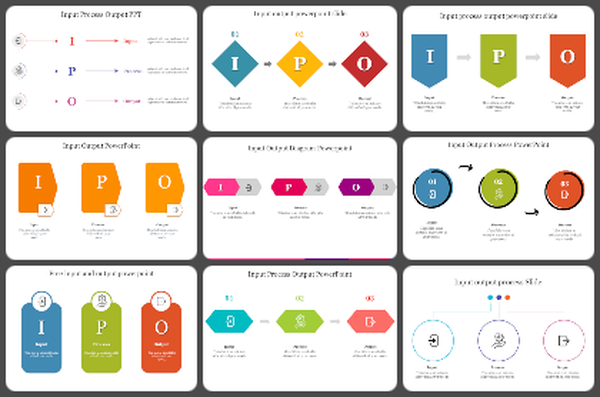

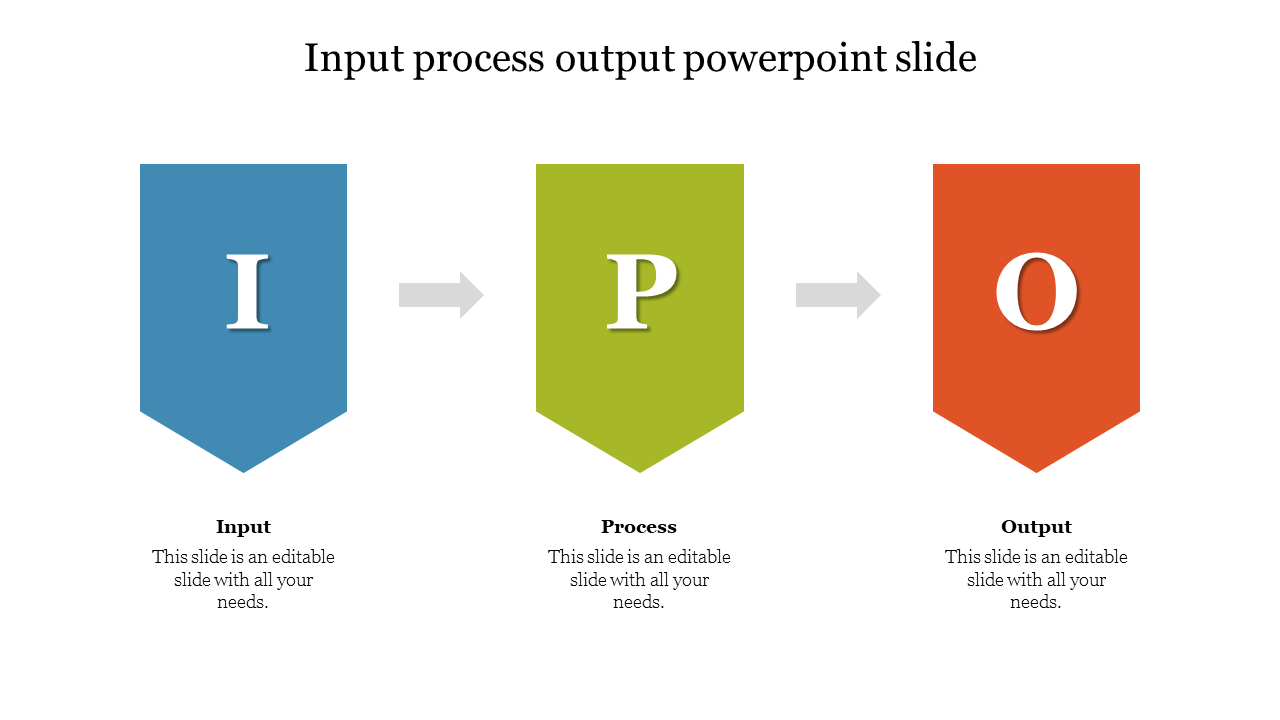
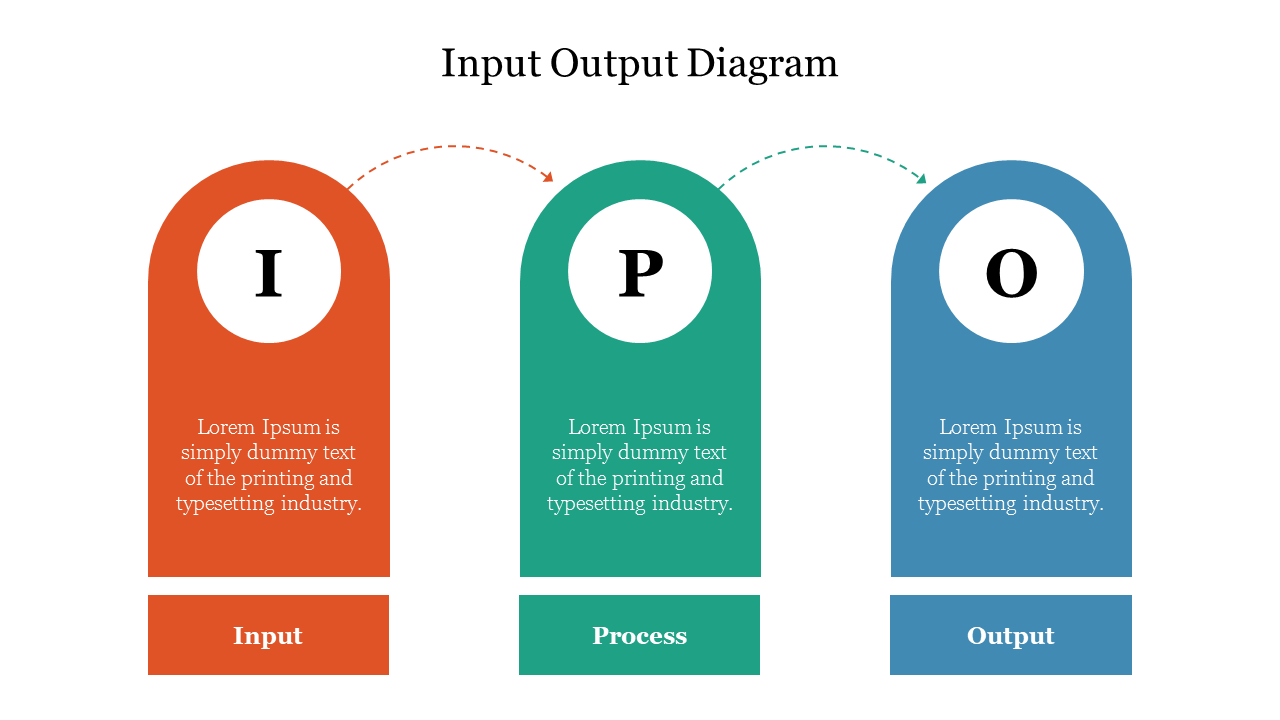

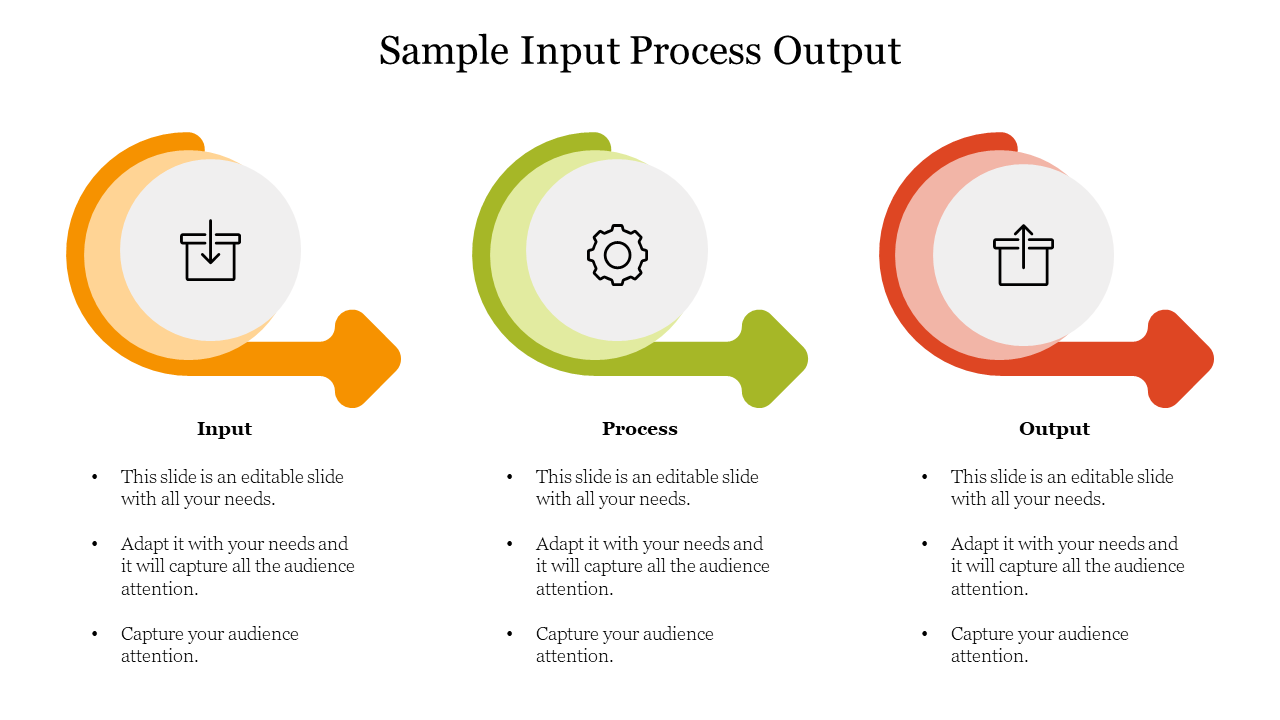
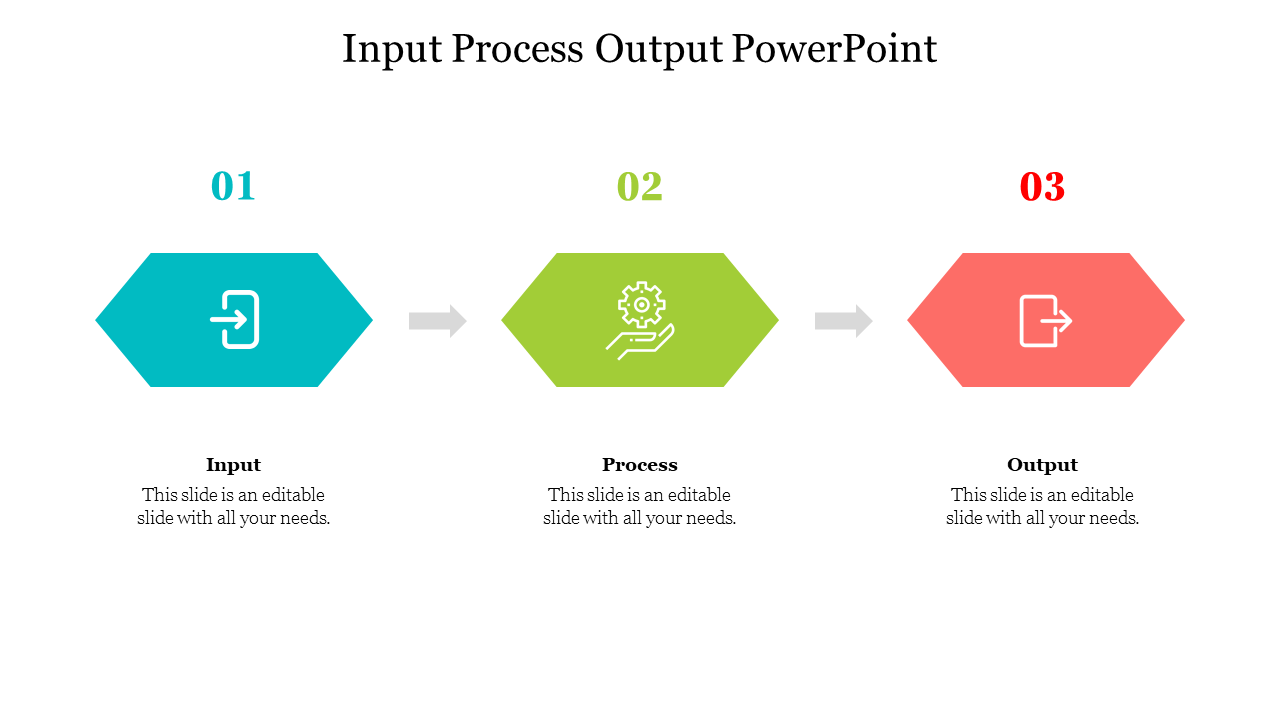
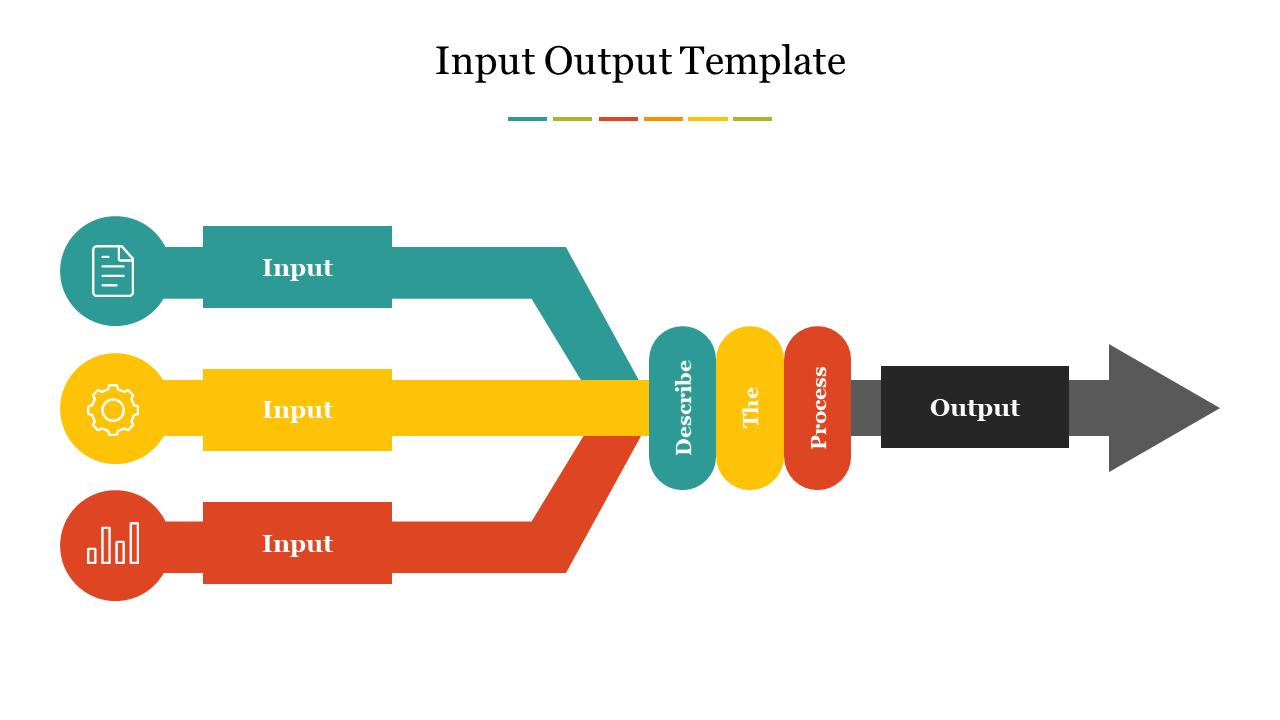
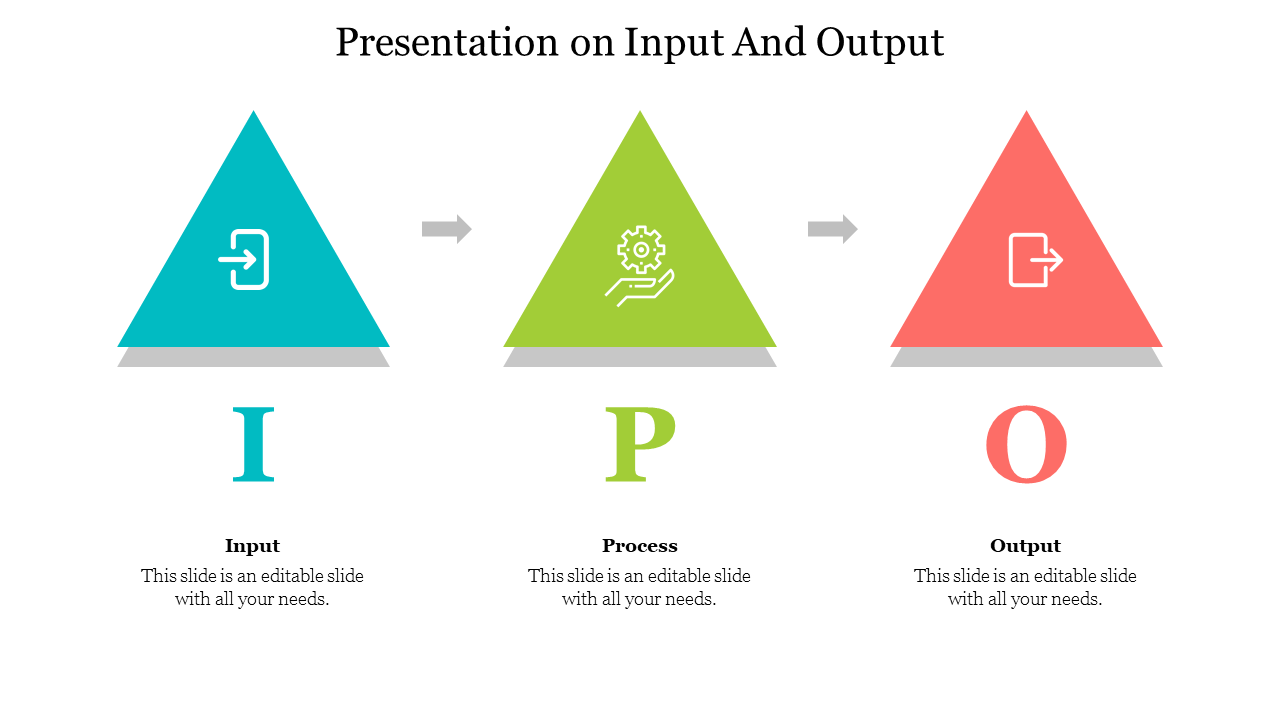
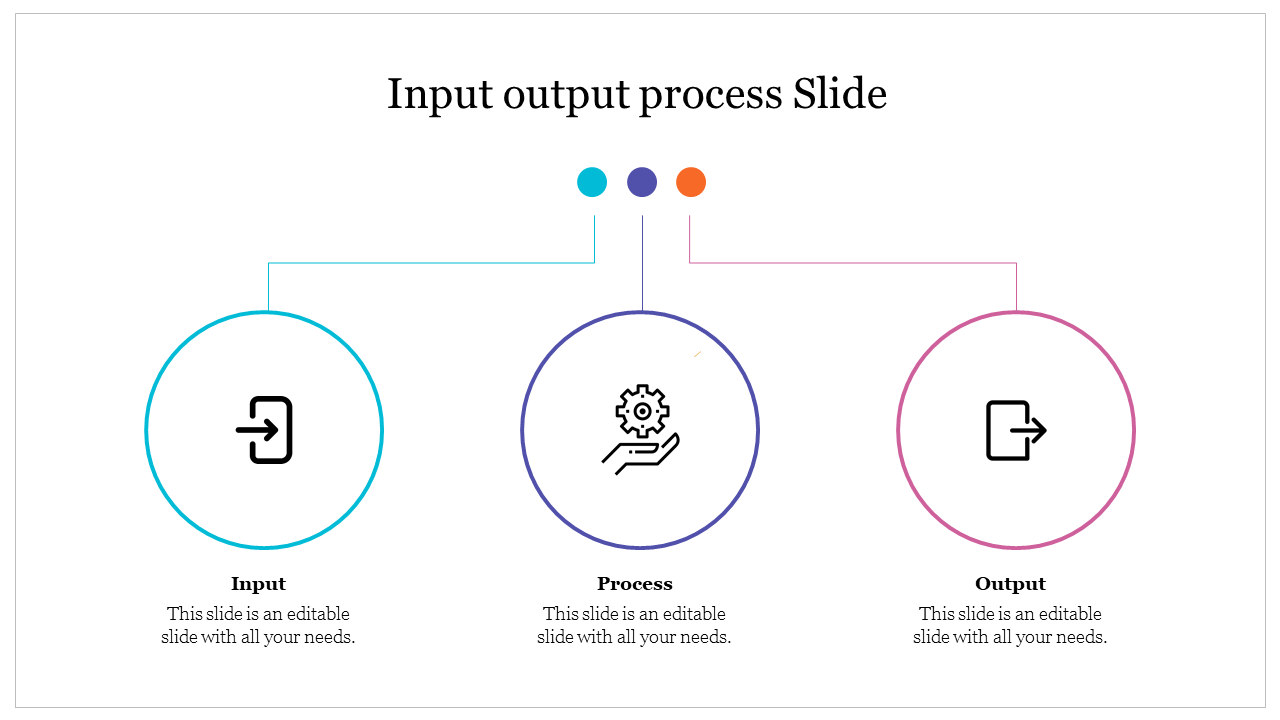
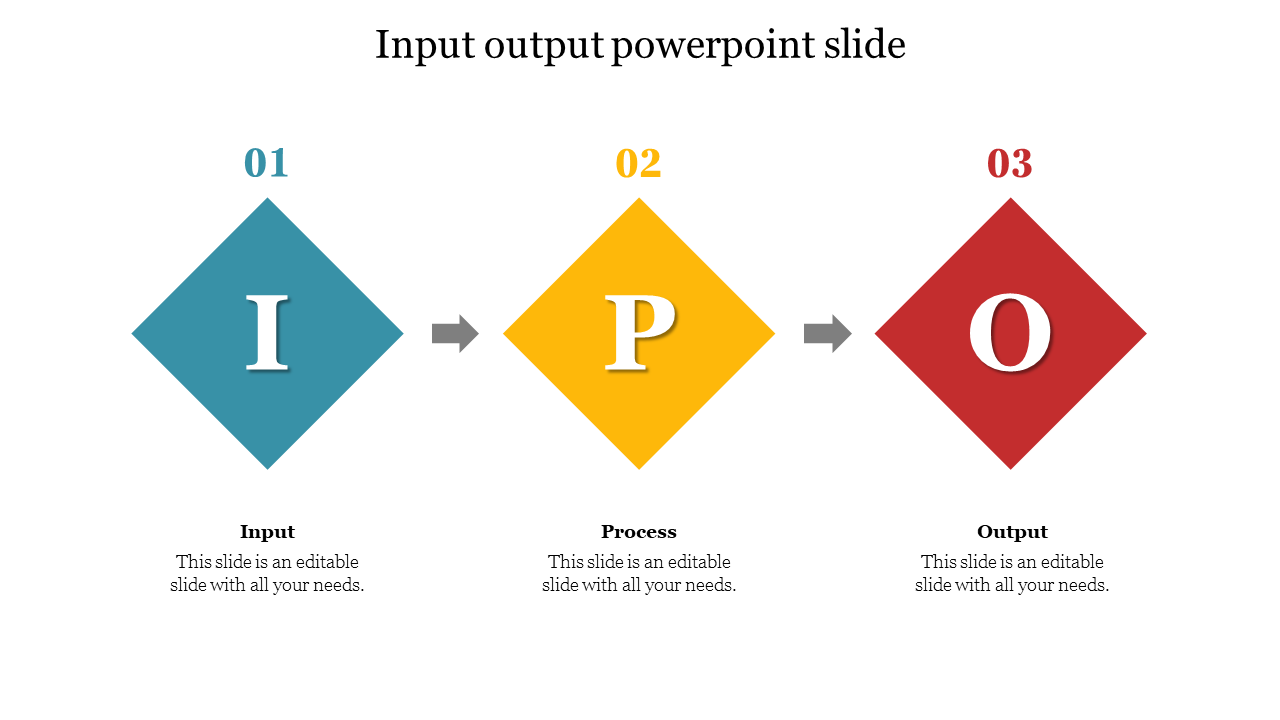
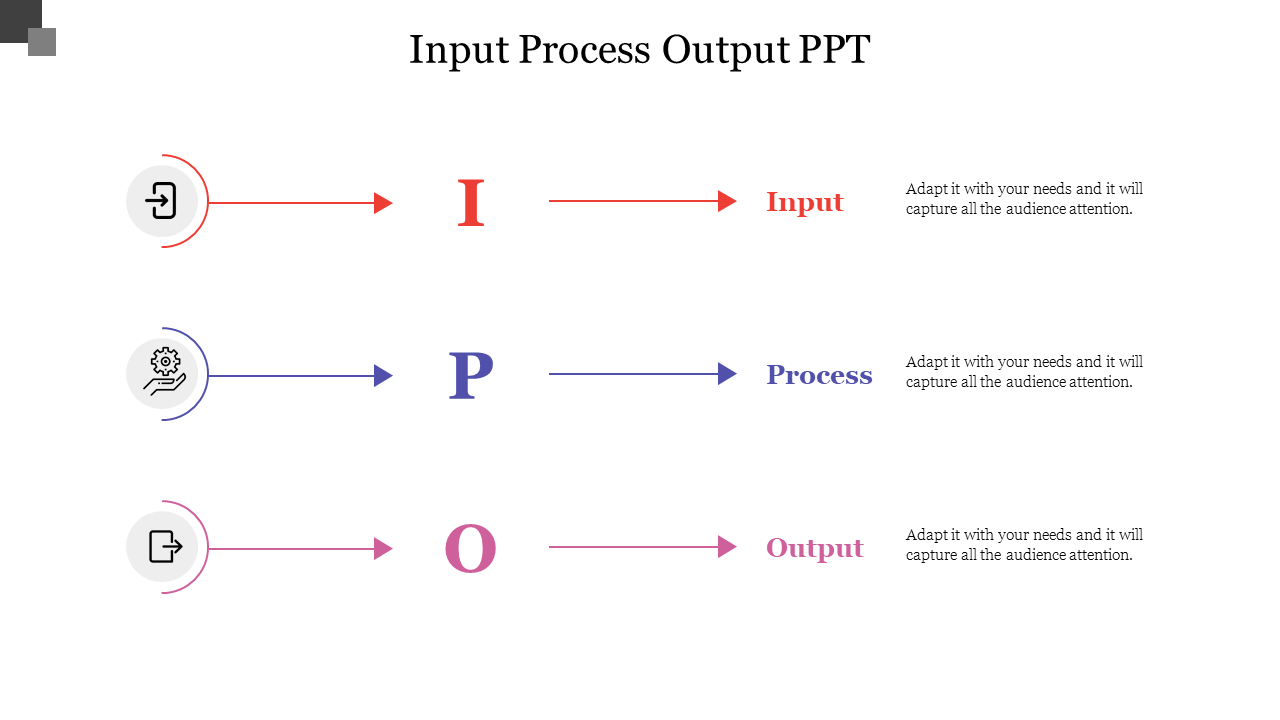
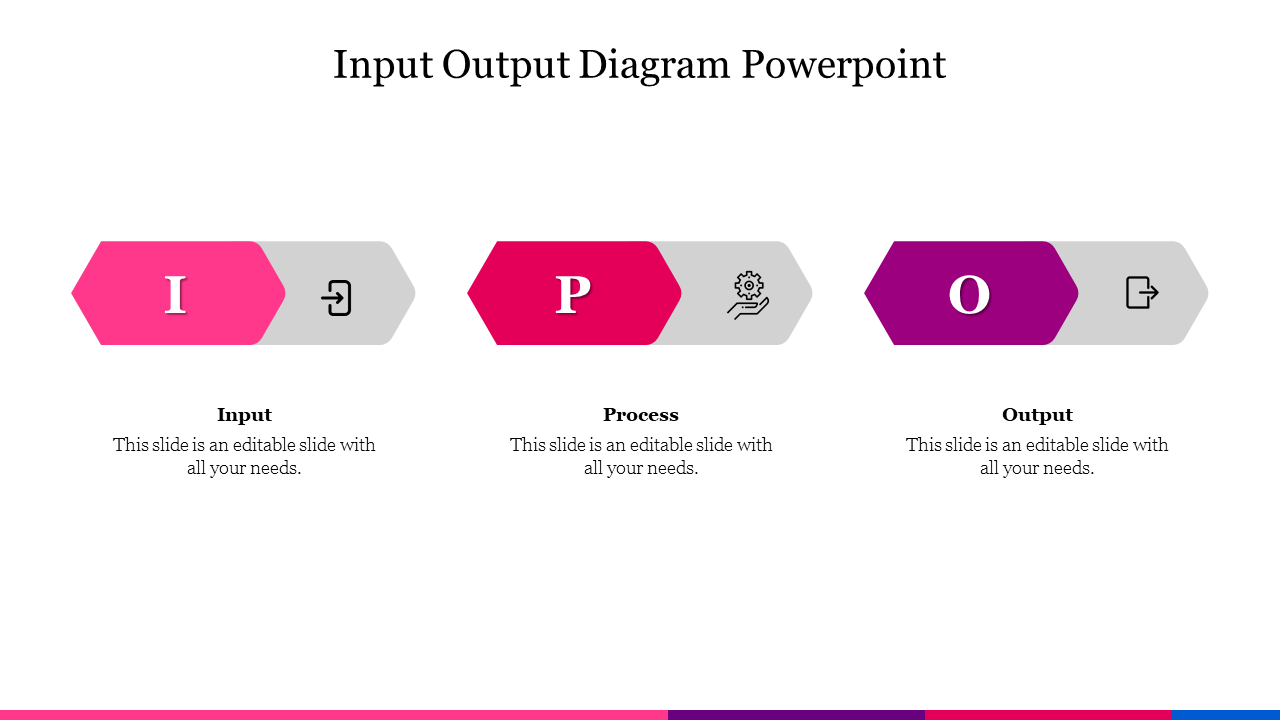
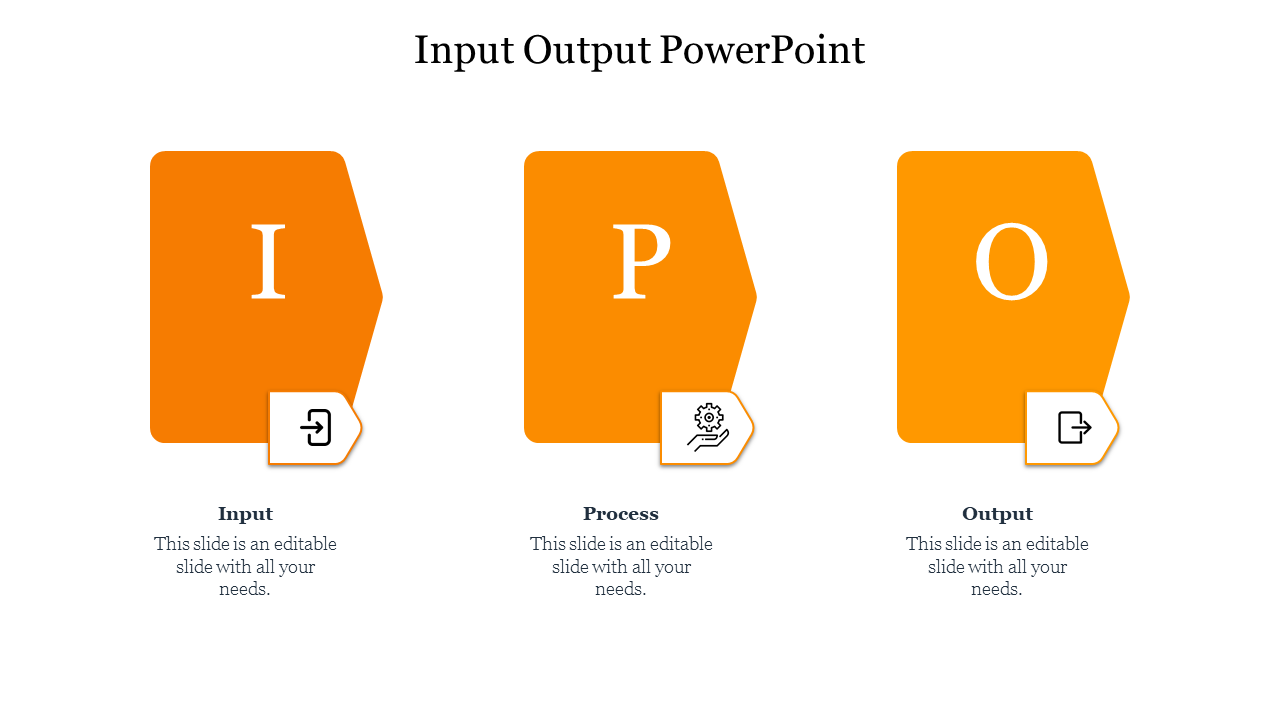
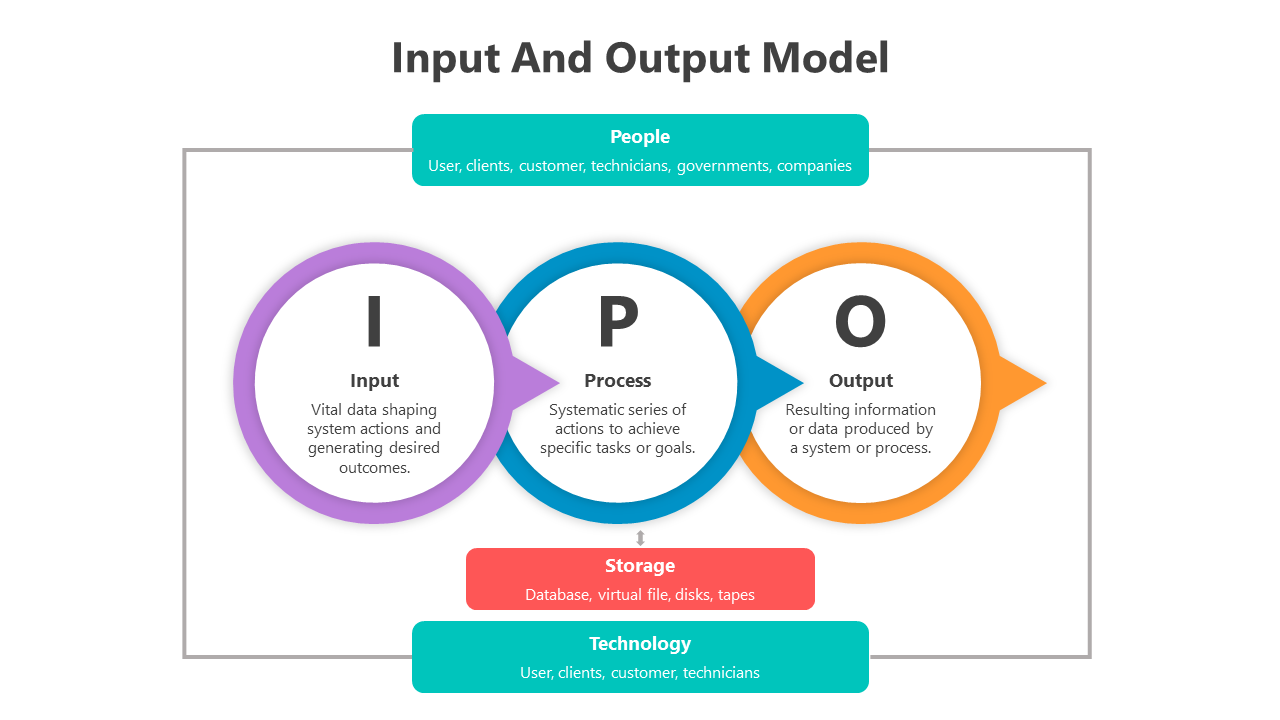
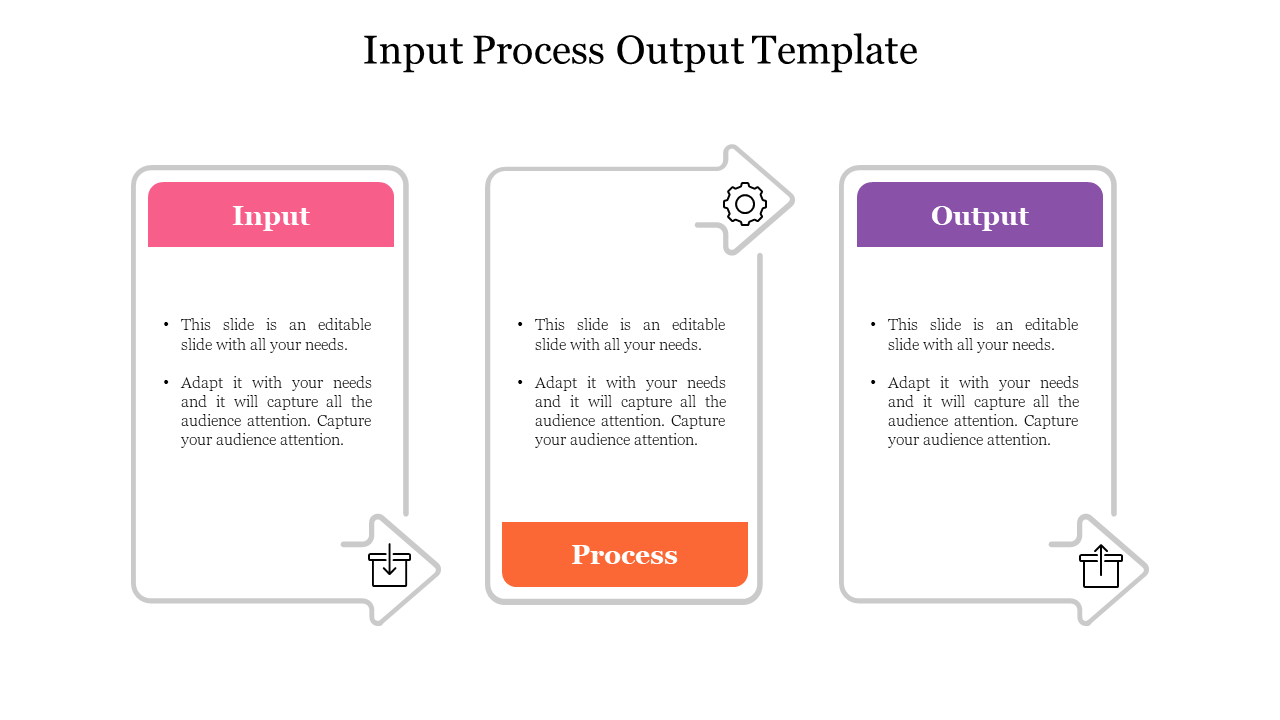
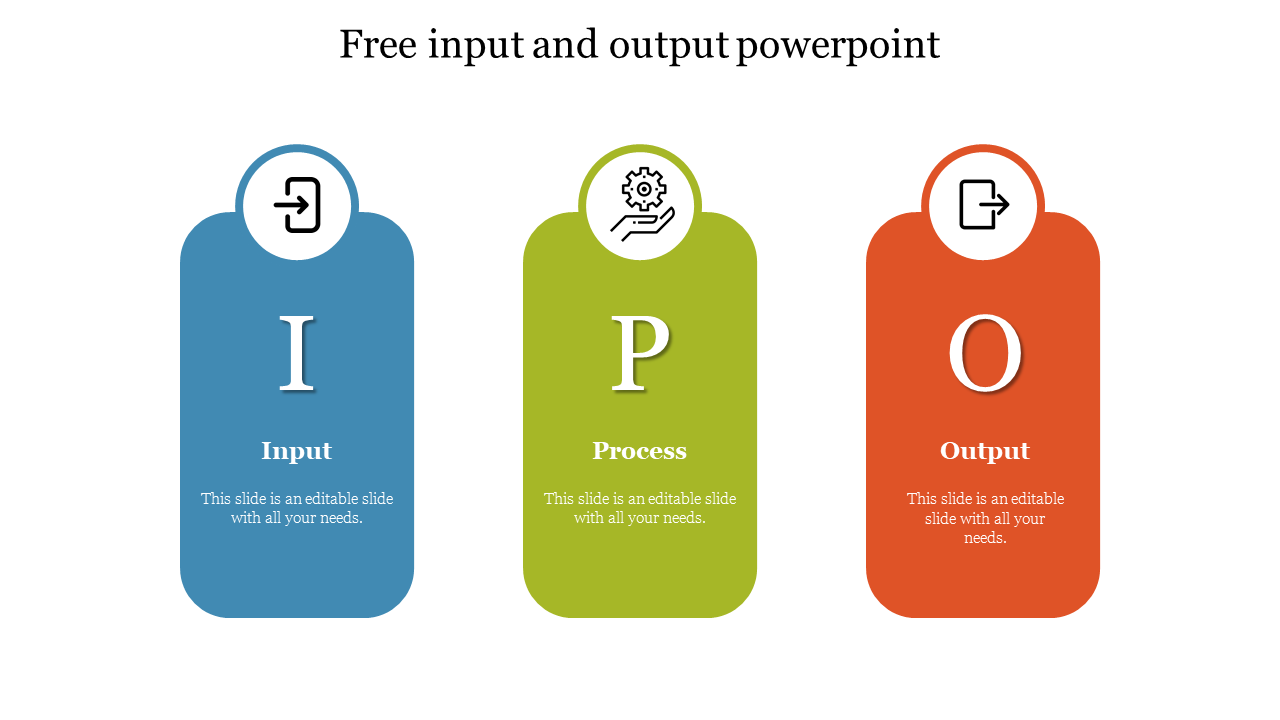
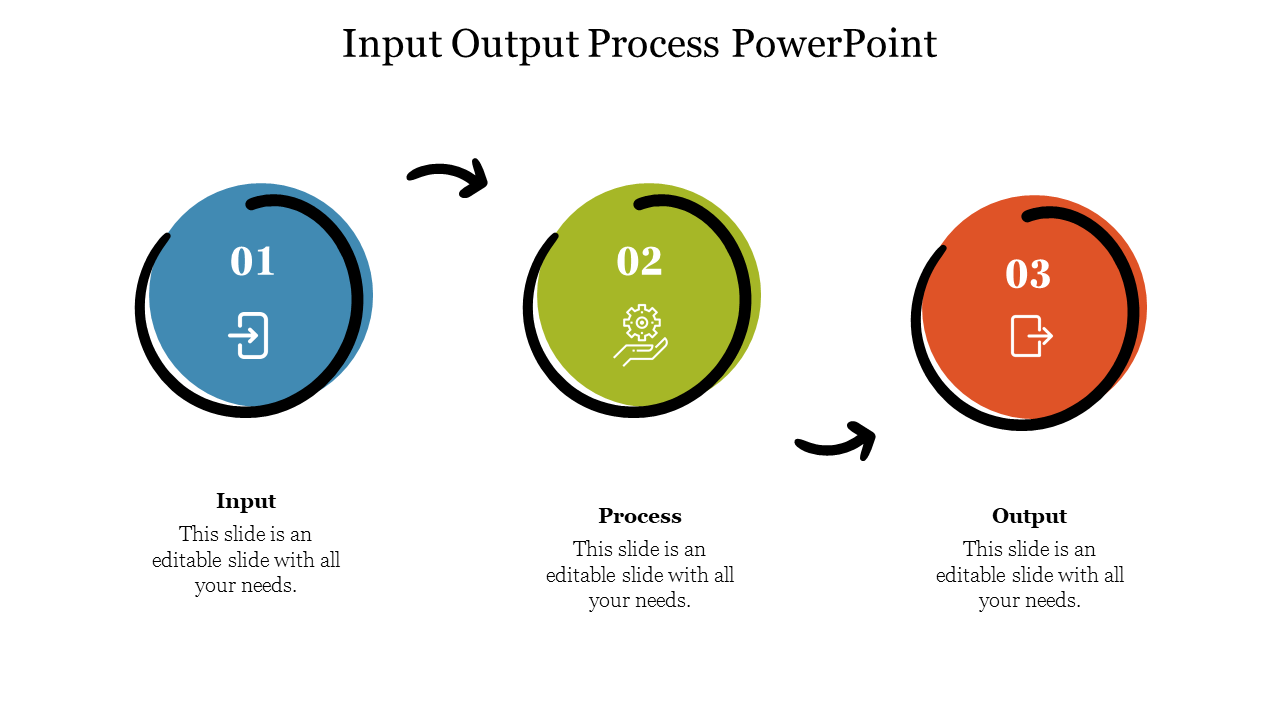
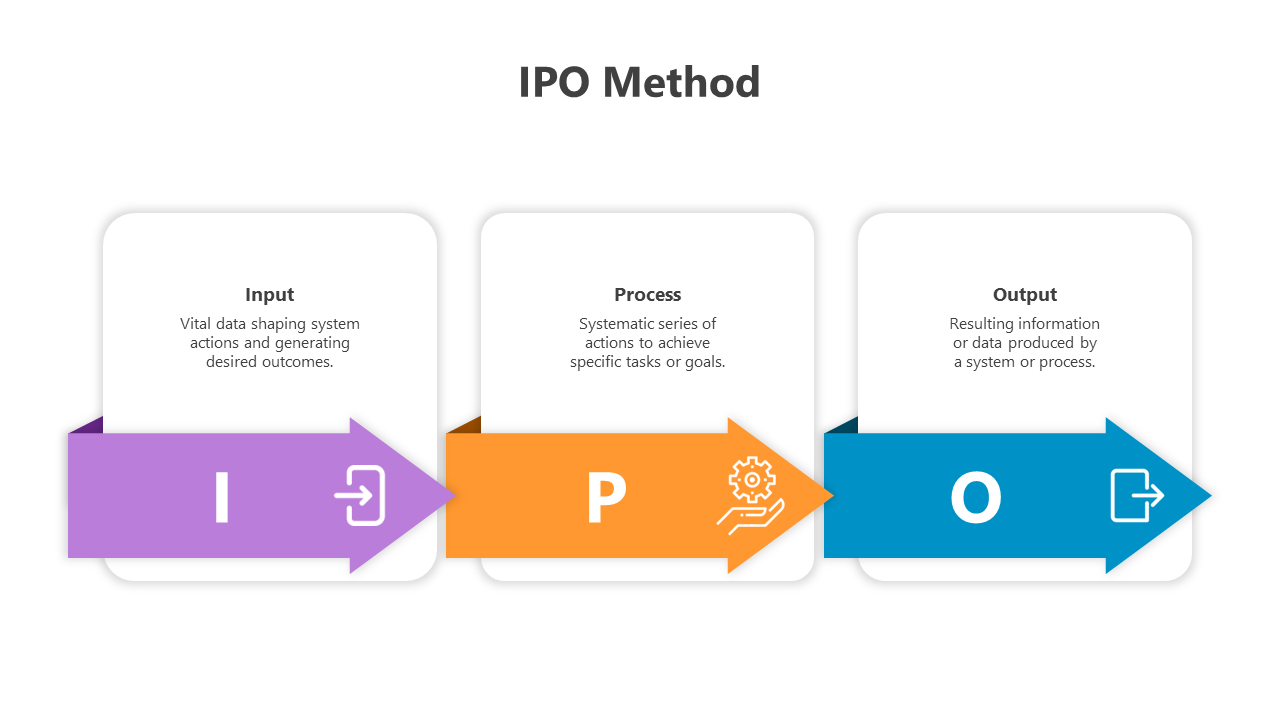
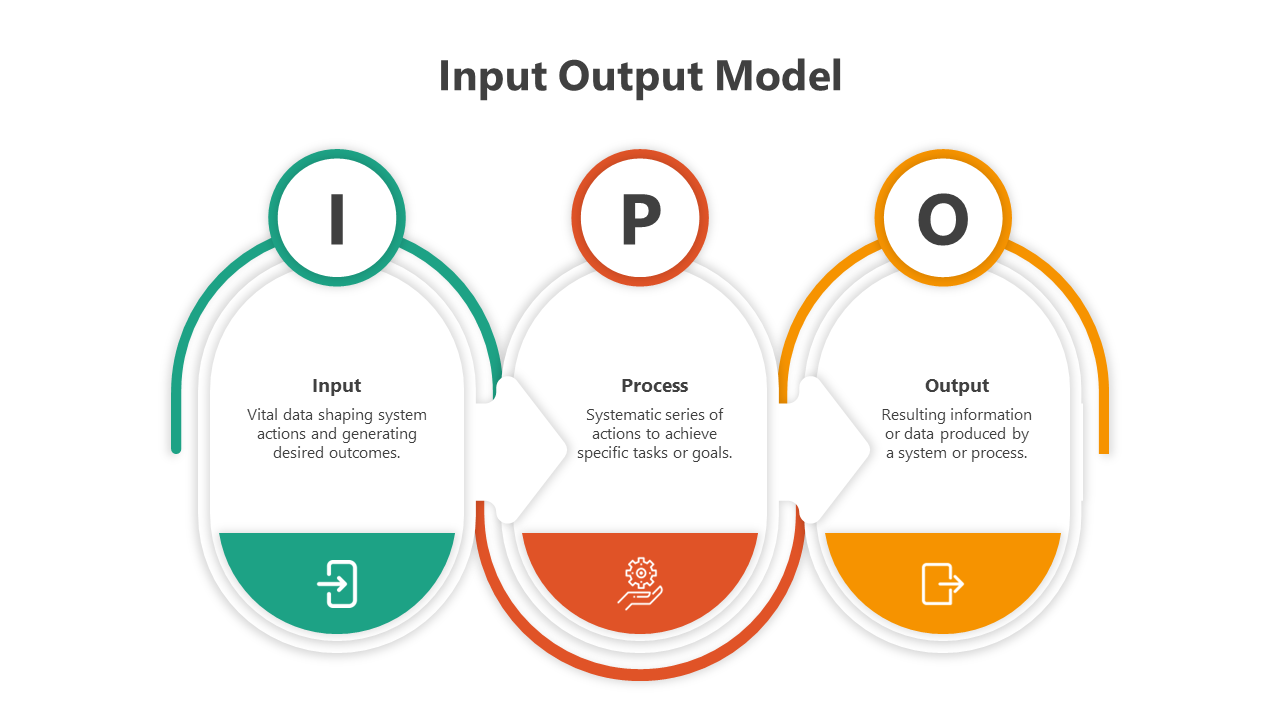
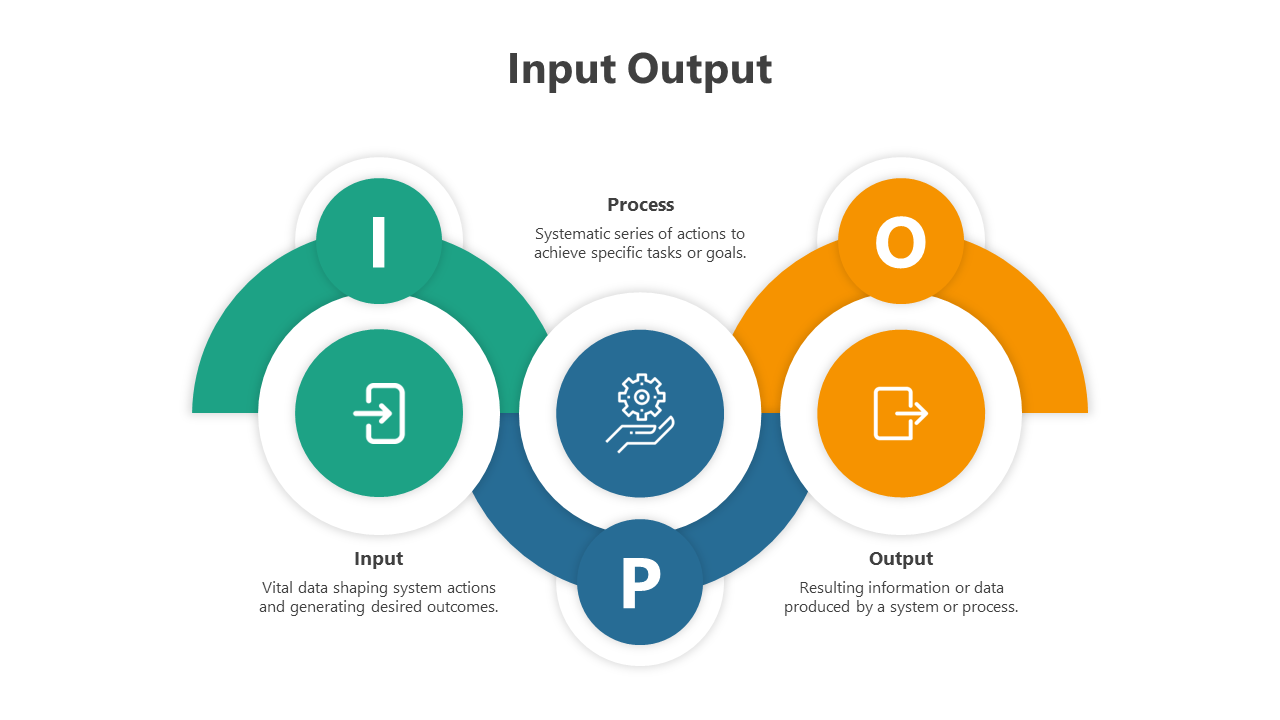
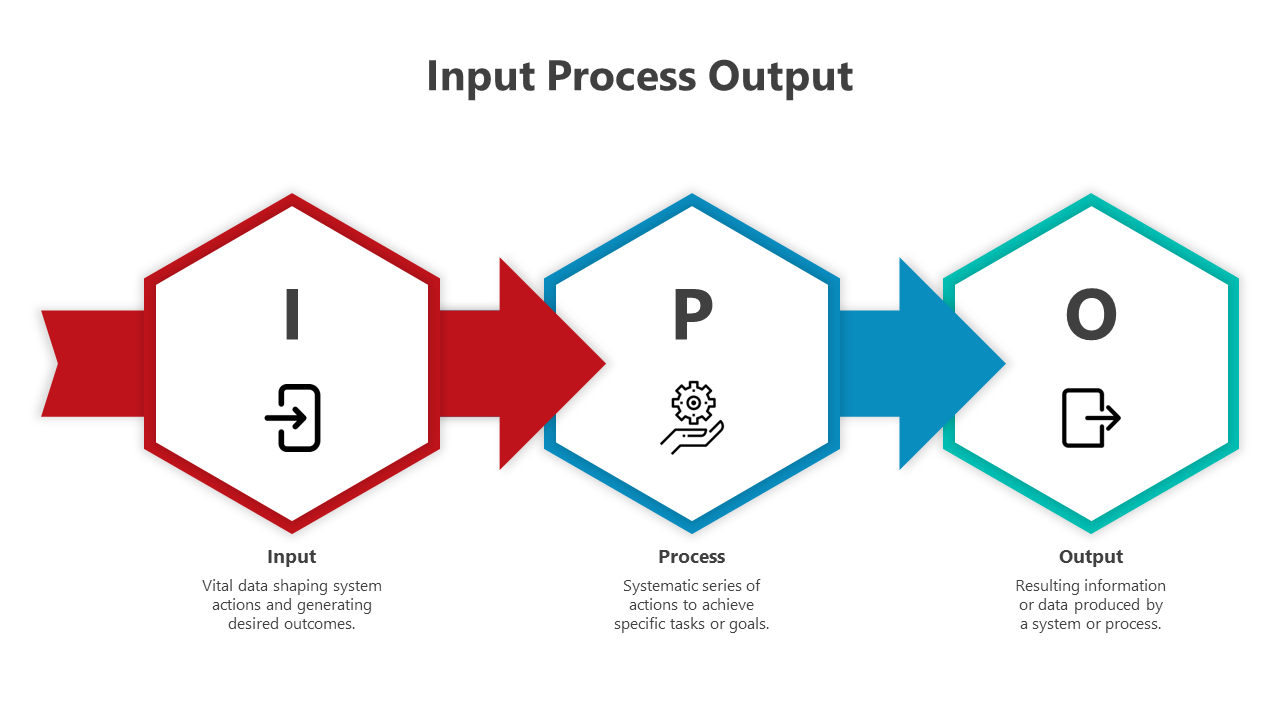
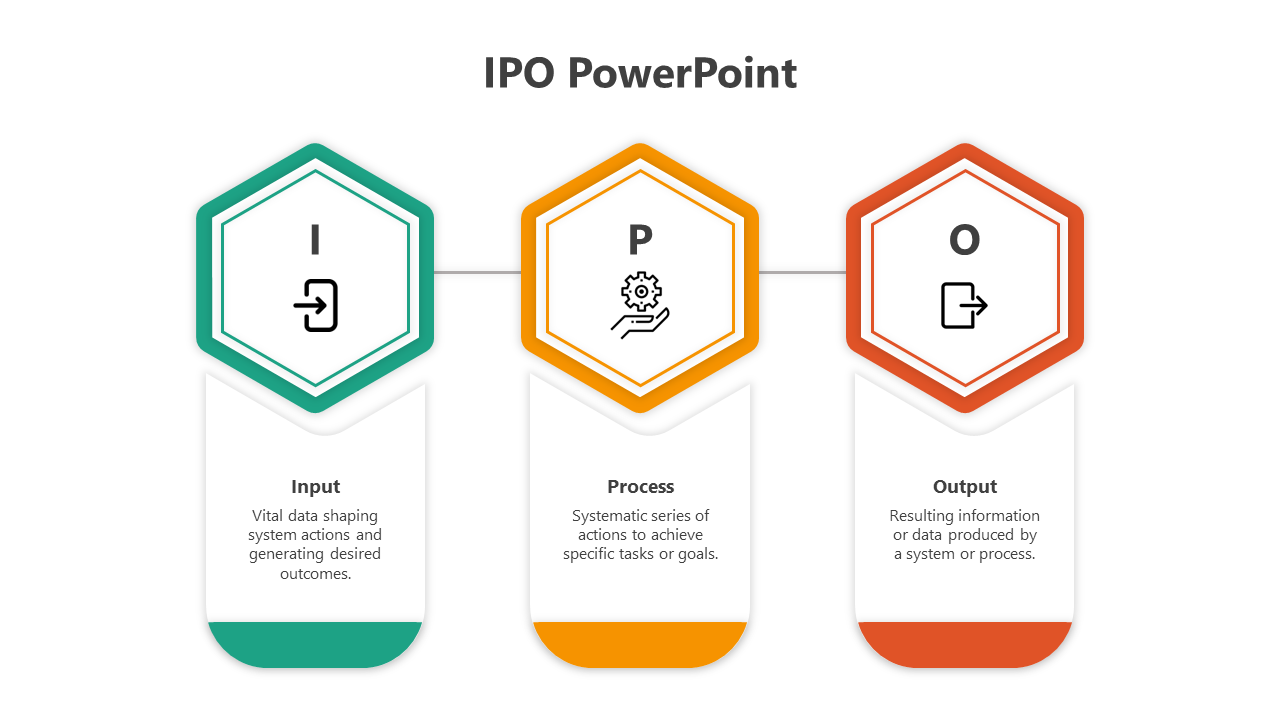
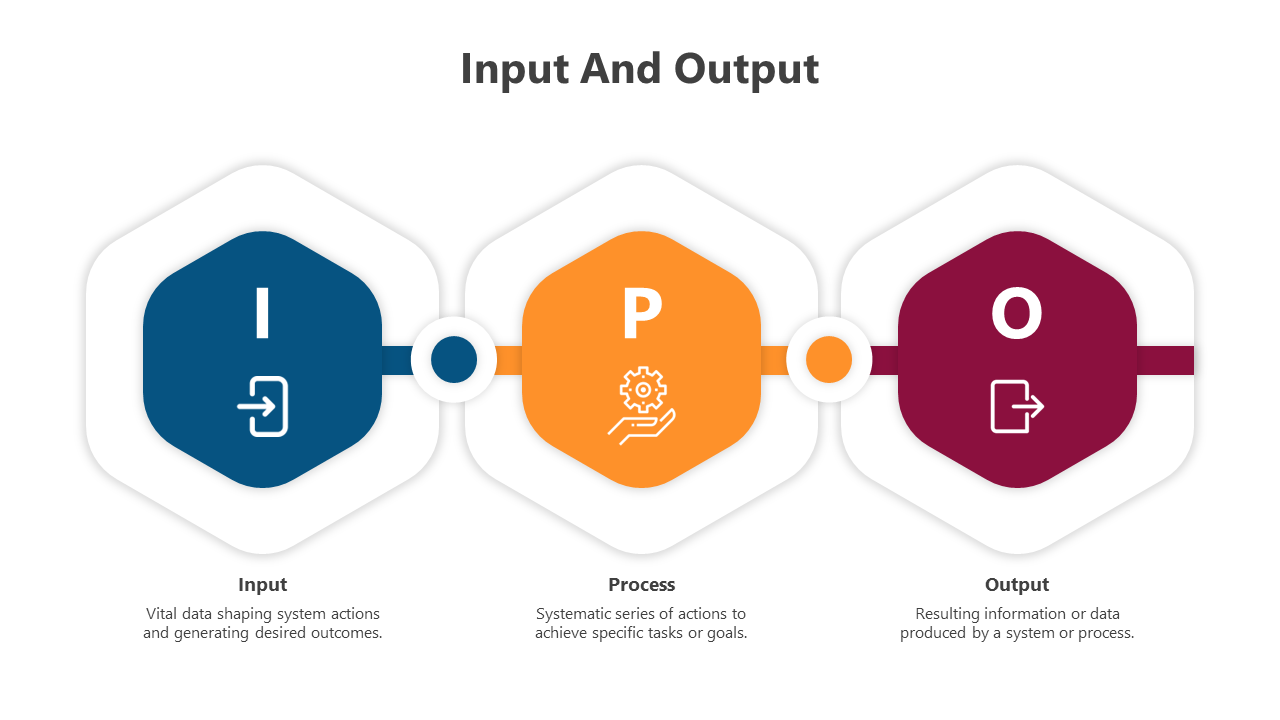
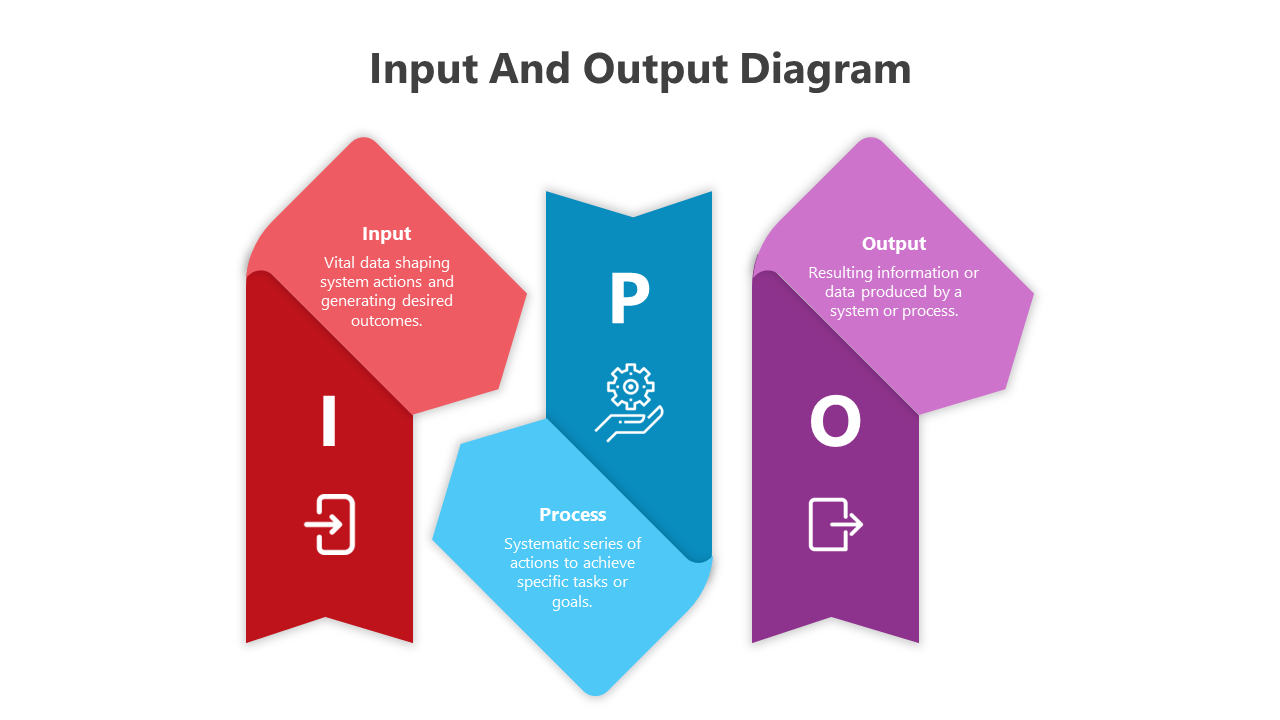
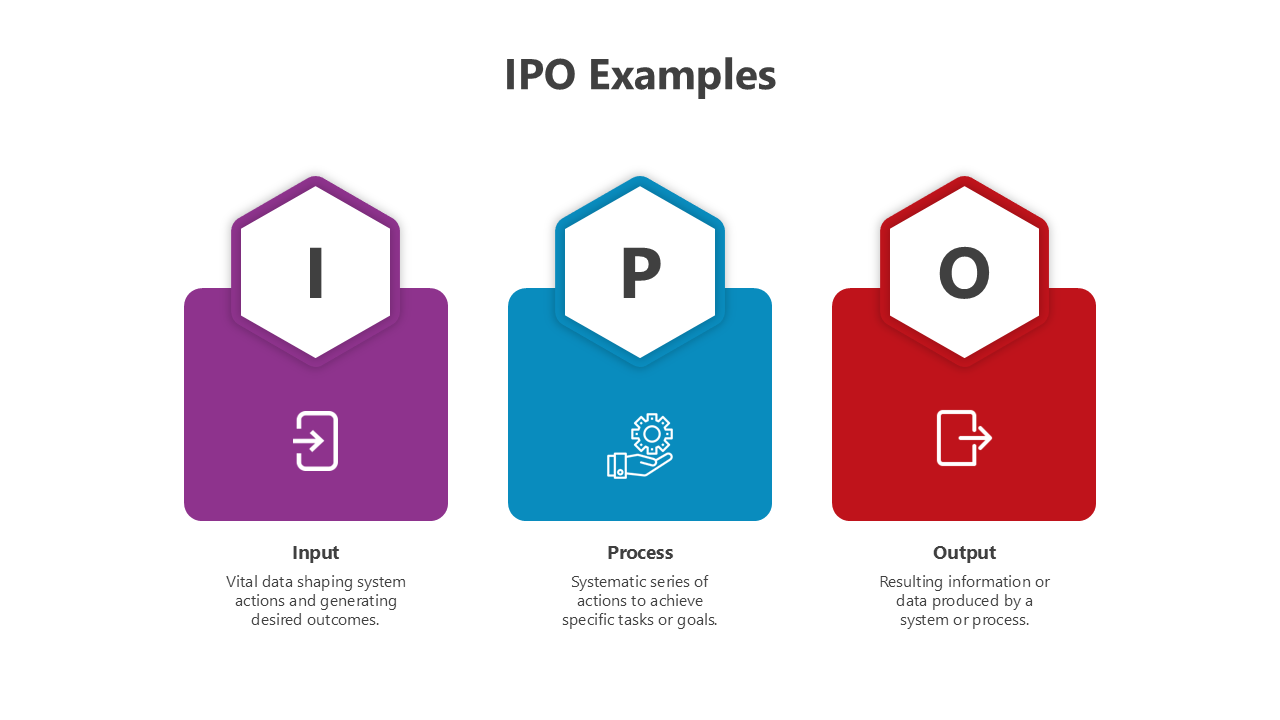
Easy Free Input Process Output Diagram PowerPoint Templates and Google Slides Themes for Your Presentations!
- Royalty-free: No need to worry about copyright issues. Use our templates without any restrictions.
- 100% Editable: Customize the slides to suit your specific requirements. Add your content, tweak the colors, and make it yours.
- Available in Multiple Formats: Whether you prefer PowerPoint or Google Slides, our templates are compatible with both. Choose the format that works best for you.
- Multiple Orientations: Whether you prefer a traditional 4:3 aspect ratio or a widescreen 16:9 format, we have templates to fit your screen perfectly.
- Free Slides Available: We offer free slides so you can experience the quality firsthand.
We're here to help you!
What is Input And Output Diagram?
Input and output diagrams are graphical illustrations used to represent a system's input and output components. These diagrams typically show the data flow from the input sources to the output destinations.
What are Input And Output Diagram PowerPoint Templates?
Input and Output Diagram PowerPoint templates are visual aids used to represent the input and output process in various ways. You can use these templates to create visually appealing diagrams to explain data flow, processes, and systems.
Where can we use these Input And Output Diagram Slides?
These Input And Output Diagram PowerPoints are used for business presentations, educational lectures, and training sessions. You can also use them in technical manuals, user guides, and software development and engineering projects.
How can I make Input And Output Diagram PPT Slides in a presentation?
Begin by researching input and output diagrams and familiarizing yourself with their purpose and structure. Add text and images to each slide to explain the diagram's purpose and how it relates to the rest of the presentation. Use visuals such as arrows, boxes, and lines to create the chart. Suppose you want to create slides by yourself. Visit Tips and tricks for detailed instructions.
Who can use Input And Output Diagram PPT Templates?
Input and Output Diagram PPT Templates can be helpful for any professional or student who needs to create visuals for presentations related to mathematics, engineering, science, or any other related field. The diagrams help you explain processes, relationships, and systems and demonstrate cause and effect.
Why do we need Input And Output Diagram PowerPoint Slides?
Input And Output Diagram PowerPoint Slides are essential for visualizing and presenting the flow of data and information between different system components. These slides provide a helpful way to communicate complex processes and relationships and effectively.
Where can I find free Input And Output Diagram PPT Templates?
Many websites offer free Input And Output Diagram PPT templates. Slide egg is one of the best PowerPoint providers. Our websites have uniquely designed templates that allow you to explain the data flow between different system components.