1450+ Education Powerpoint Templates
You don't have design skills. That's completely okay. Most educators don't. Templates don't require design skills. They handle design work. You handle content. It's a perfect match.
Editor's Choice (1 of5)
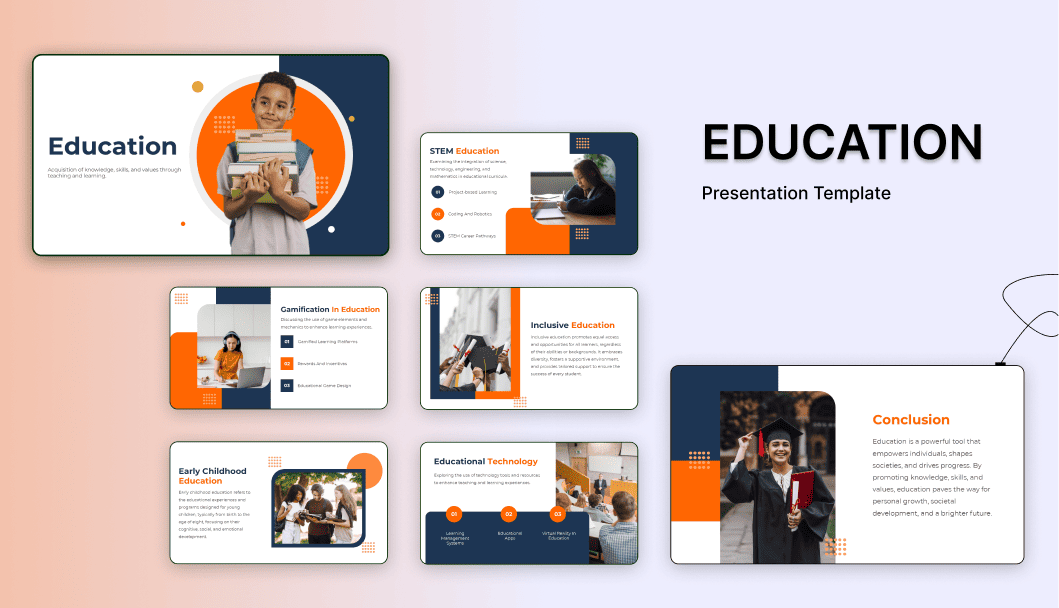


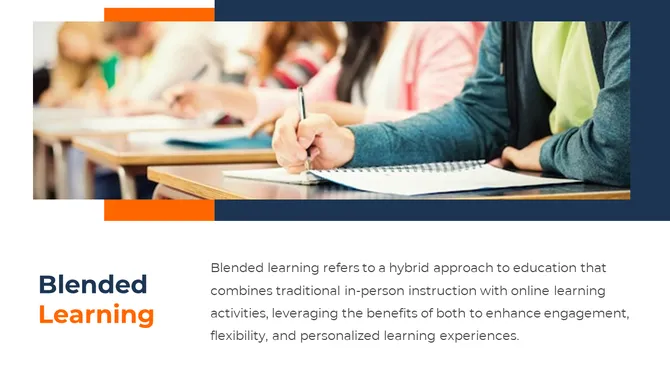


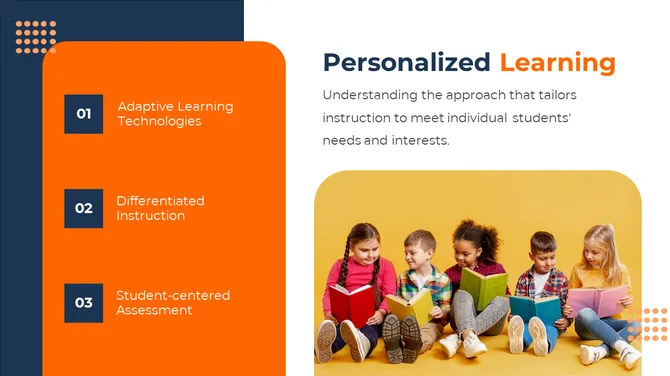


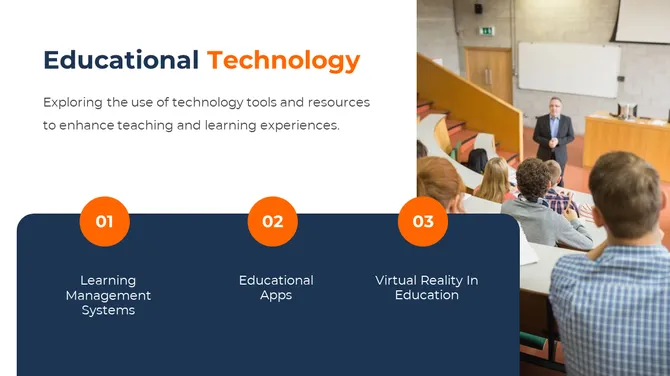

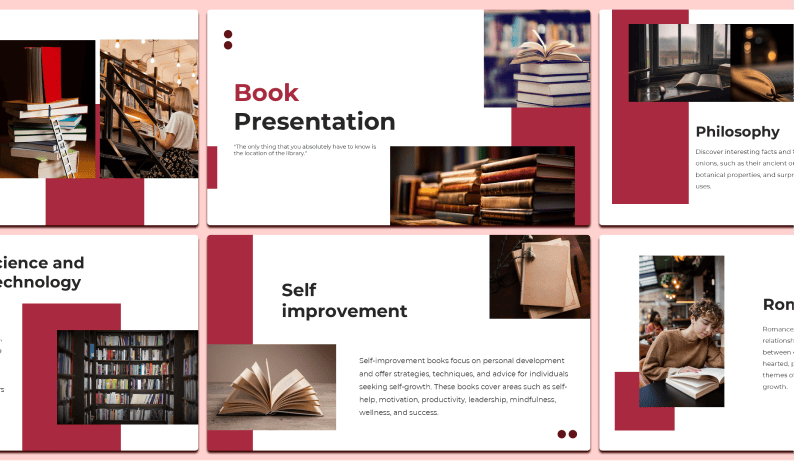


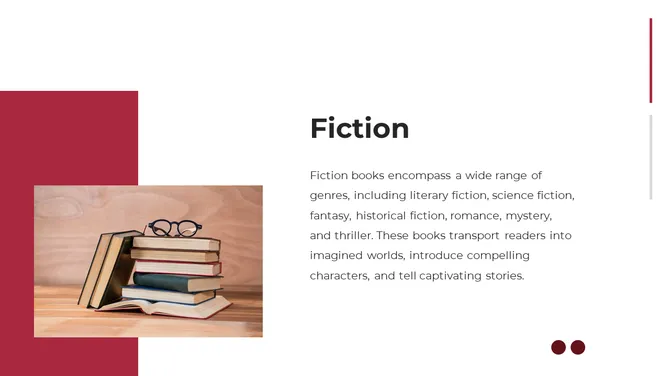
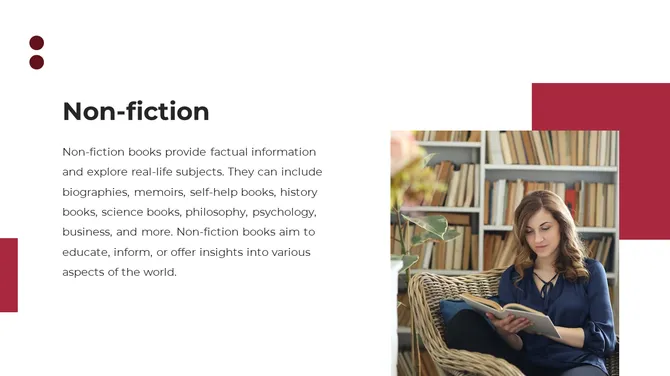
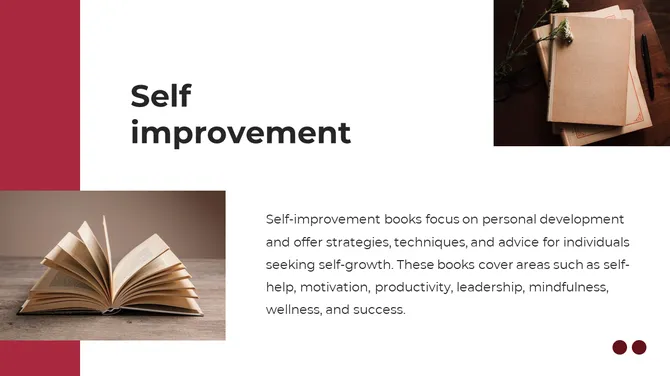
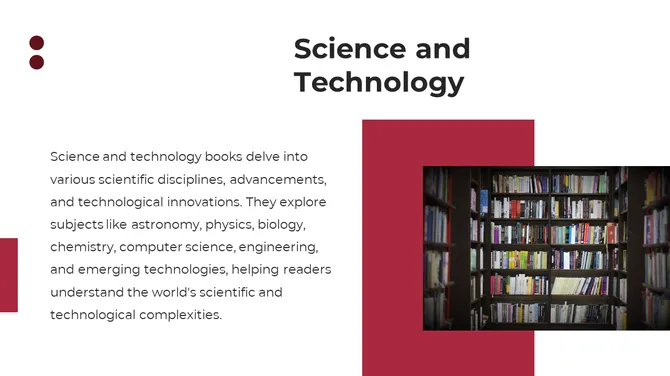
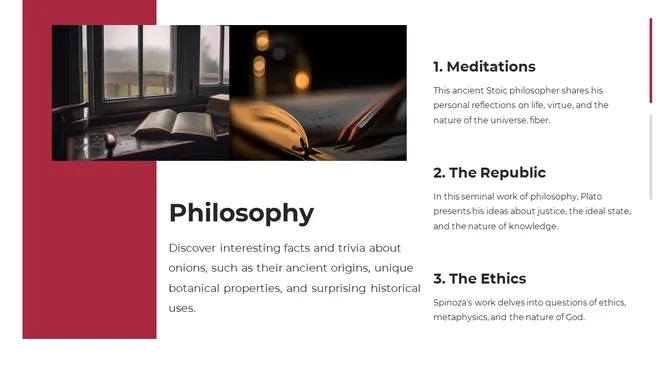
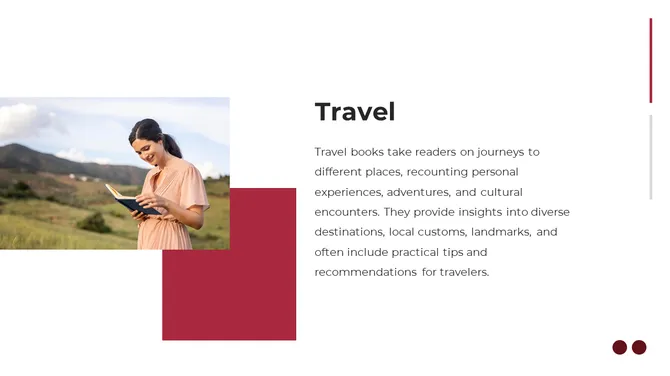
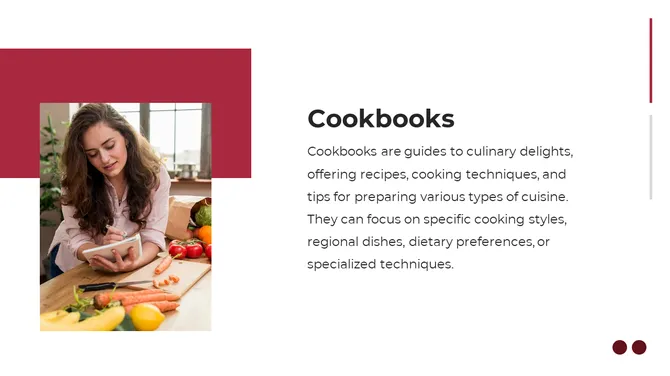
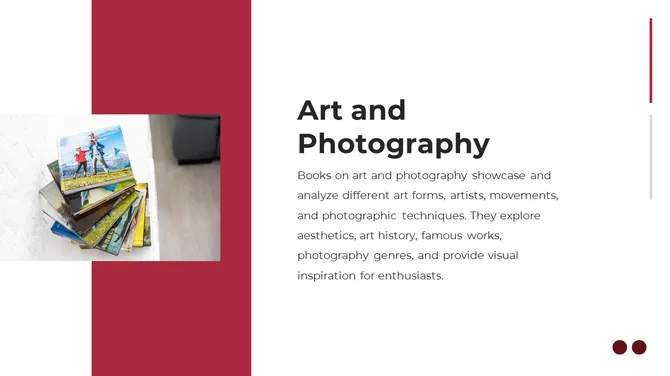
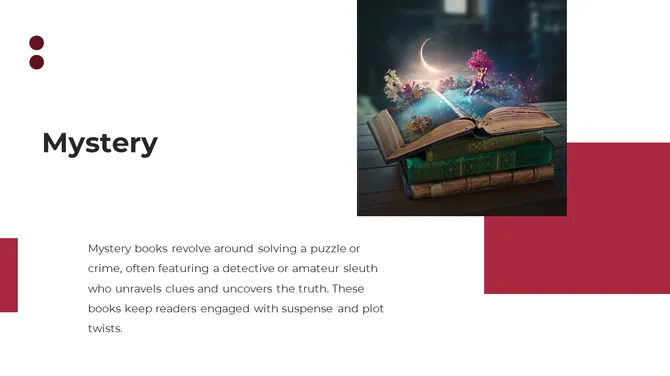
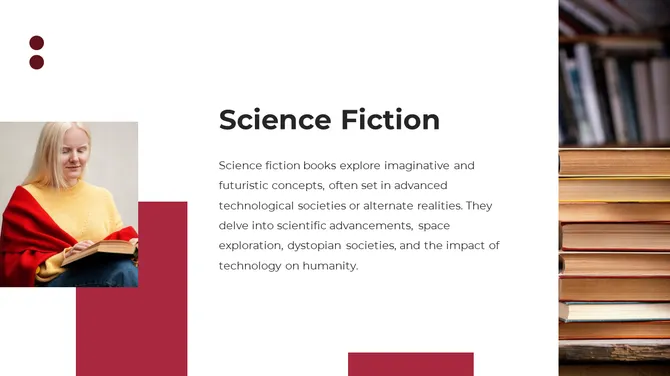
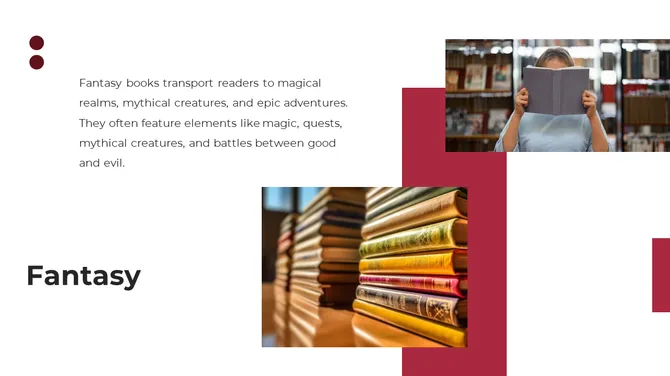


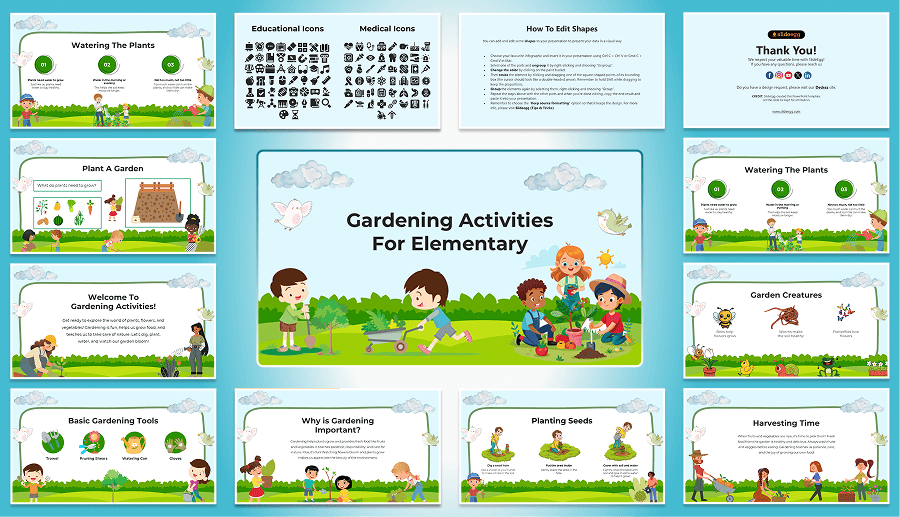
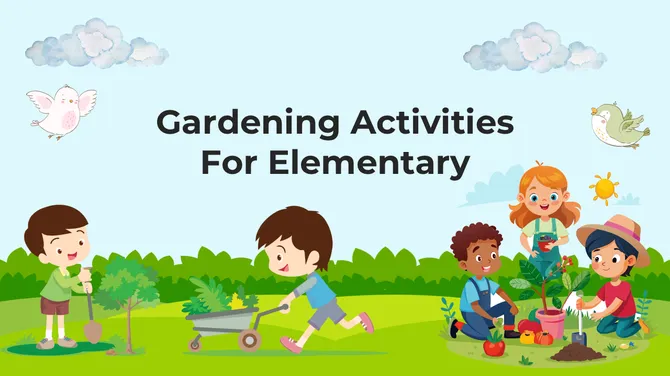
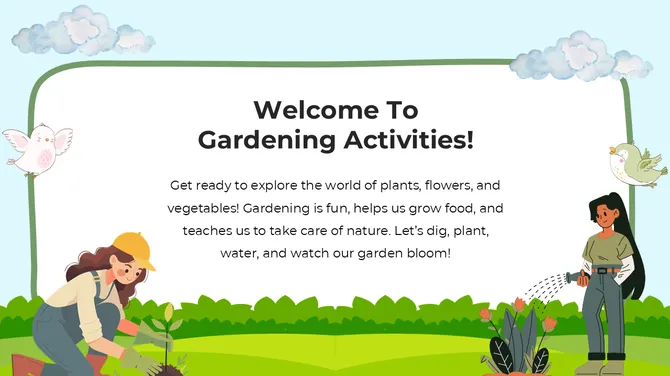
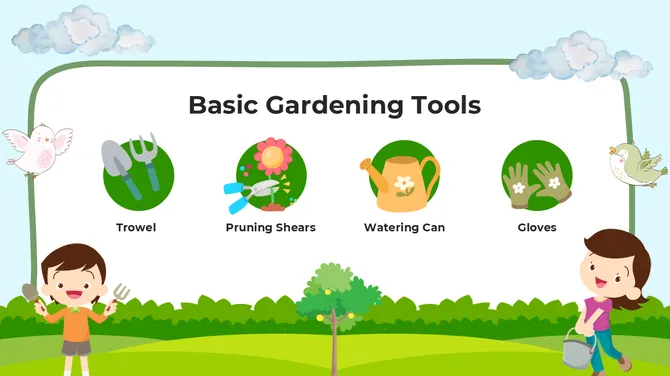
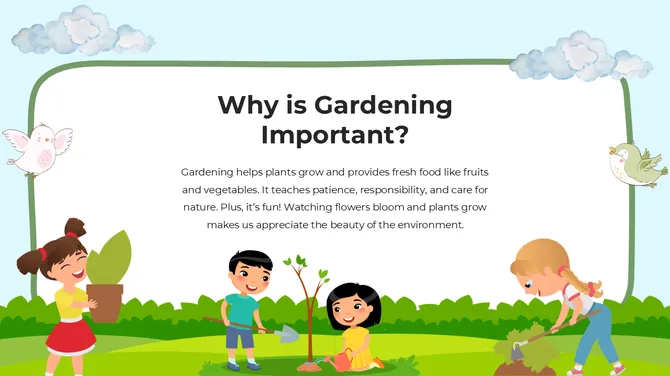
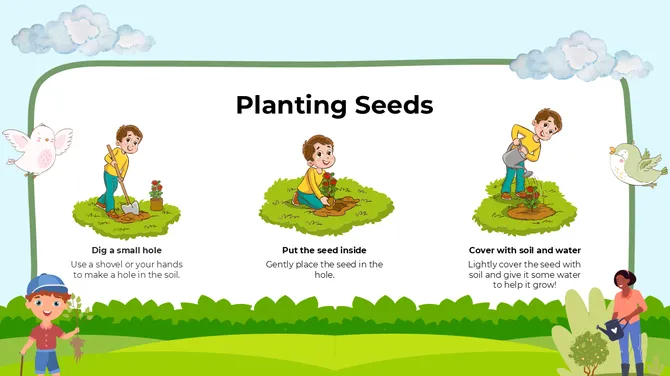
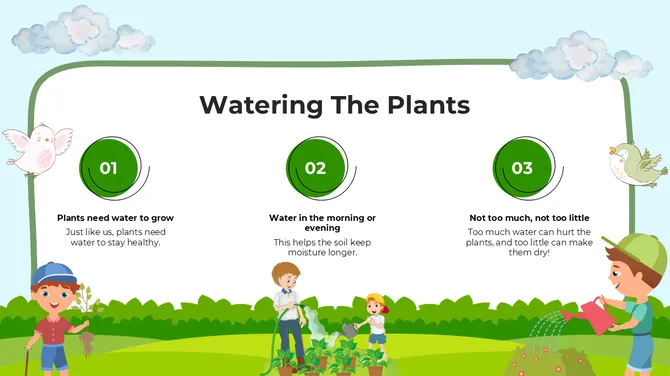
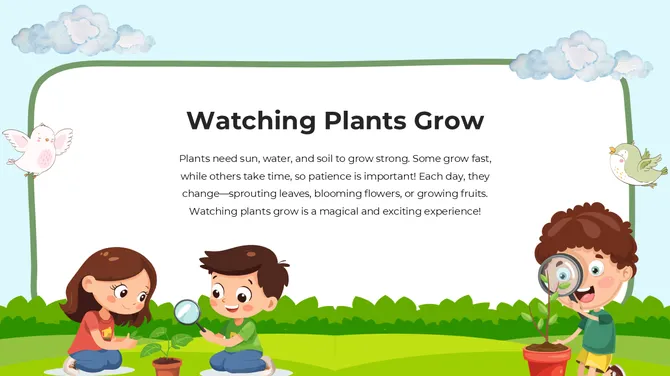
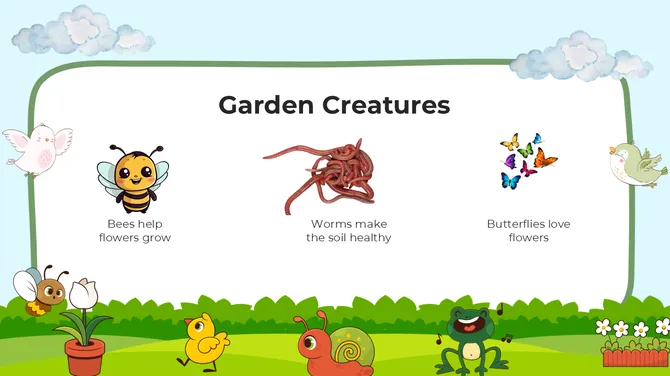
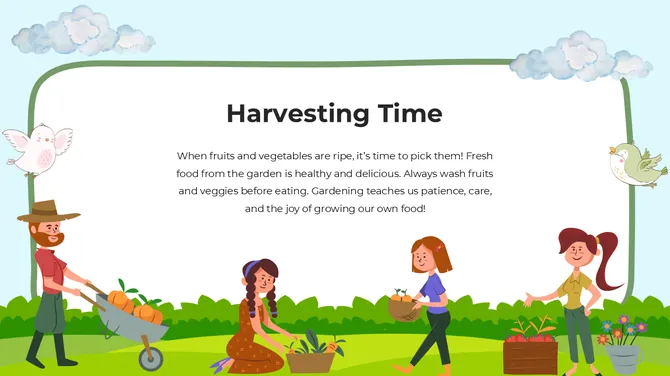
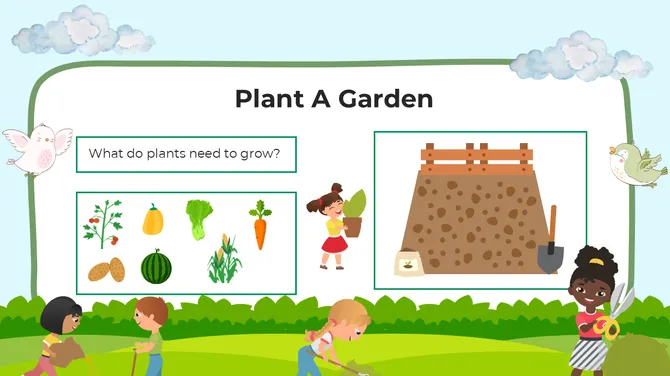
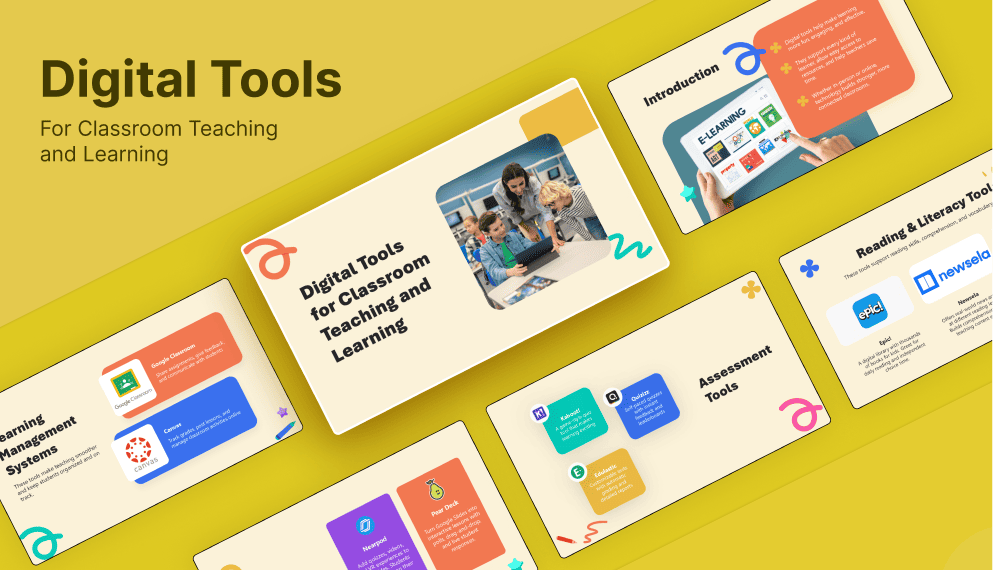

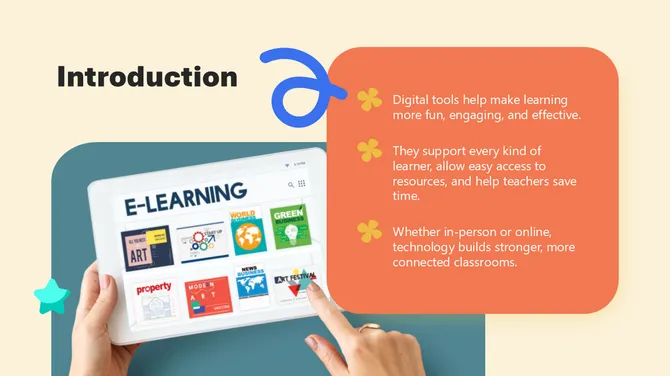
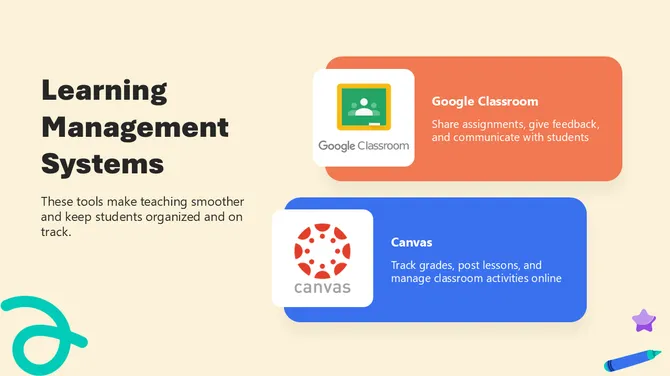
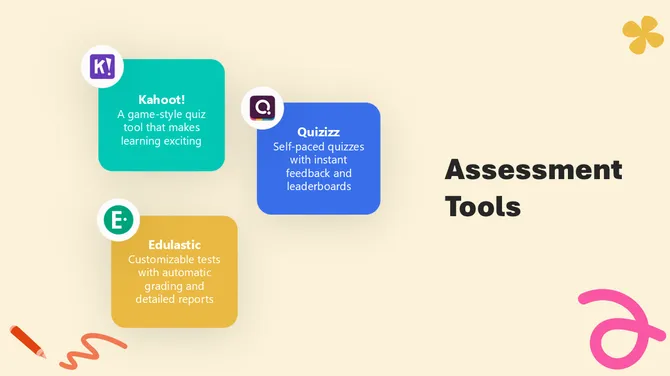
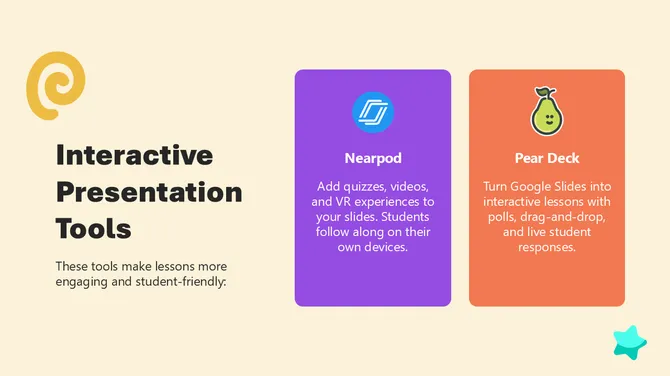
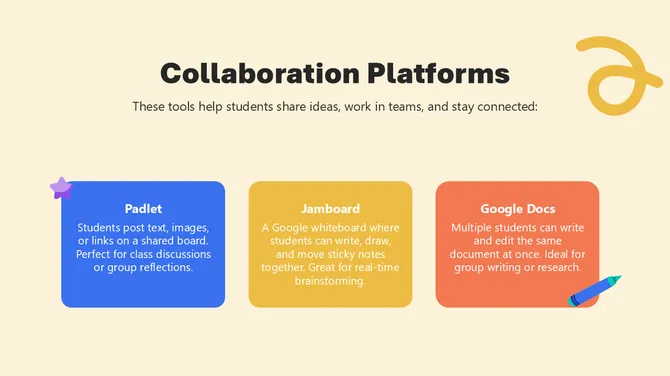
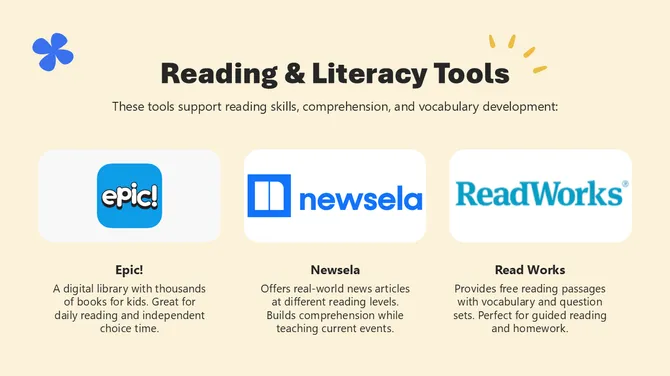
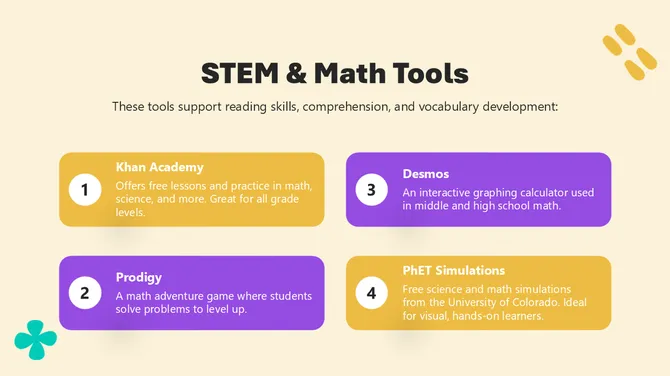
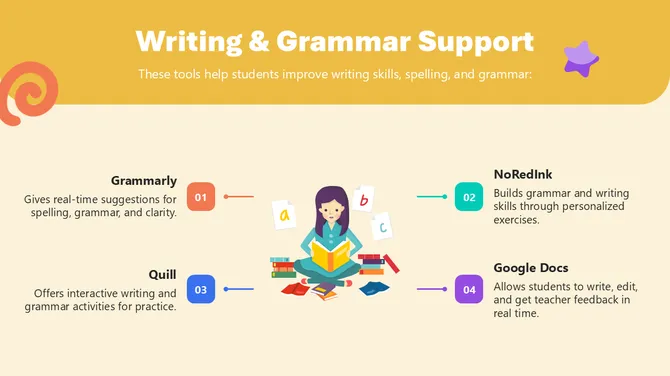
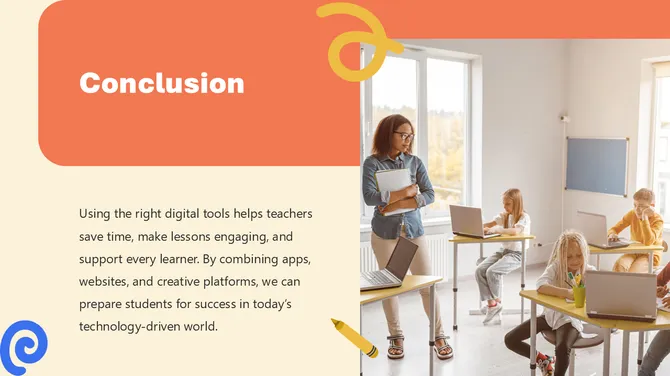



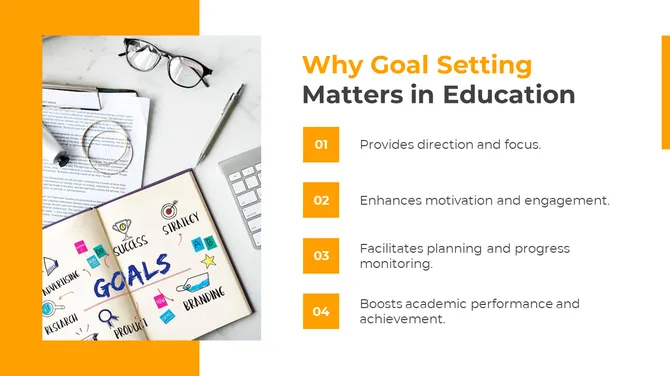
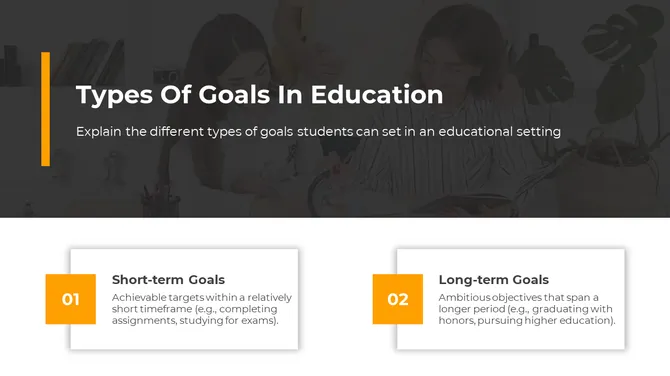
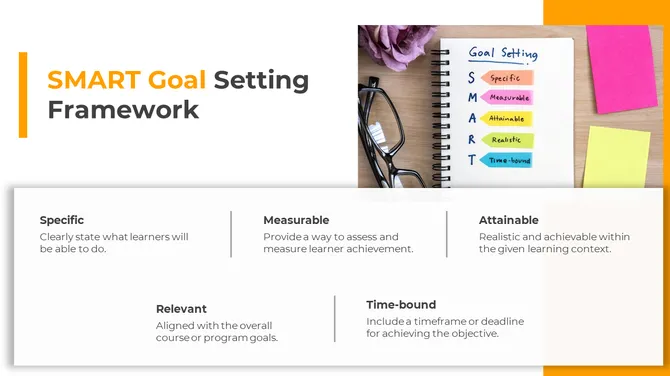

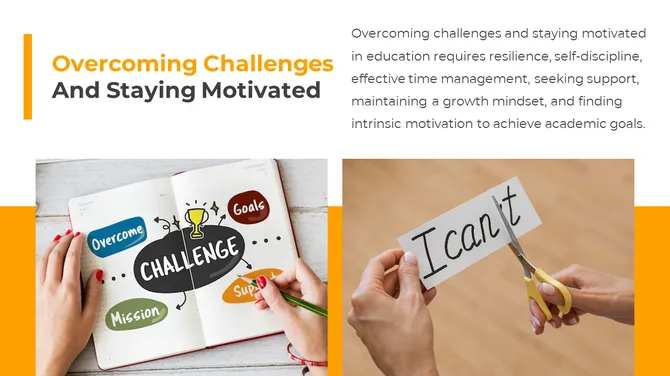
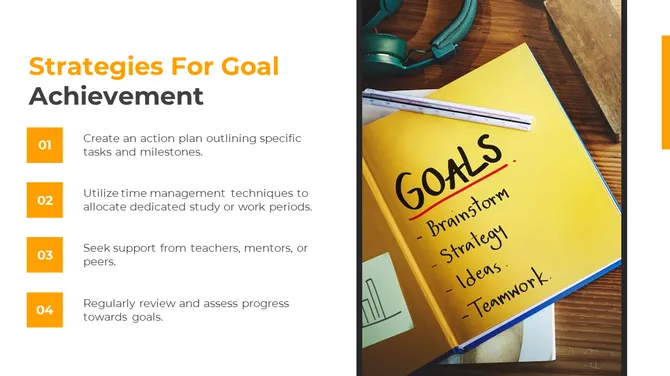


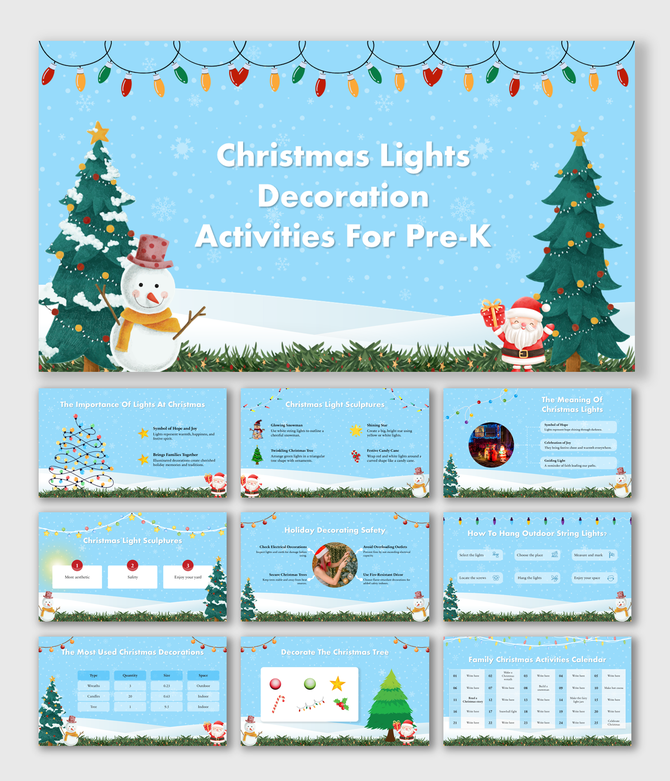
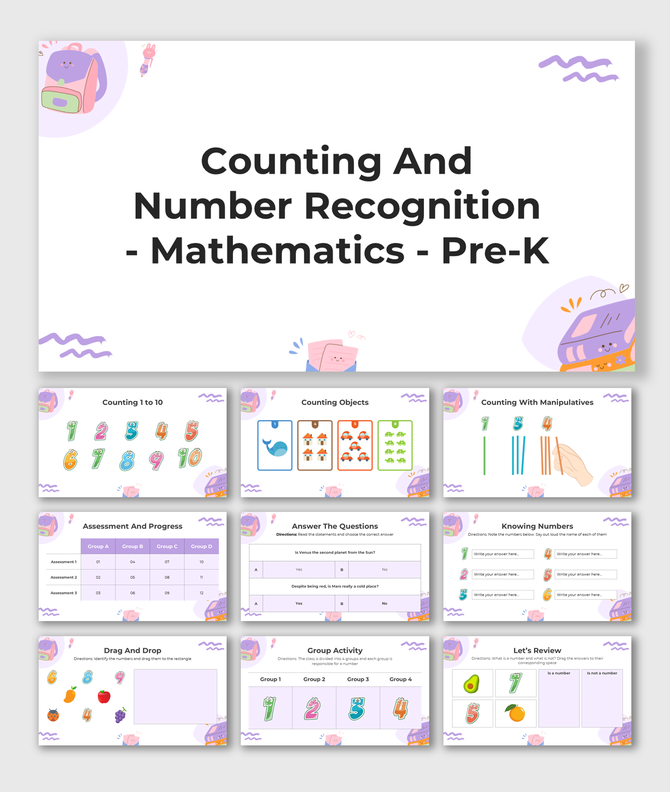
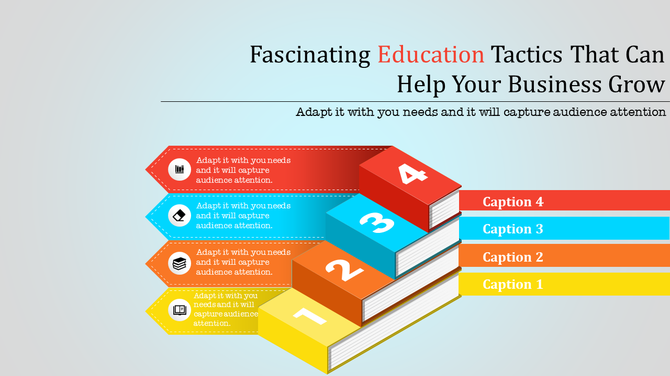
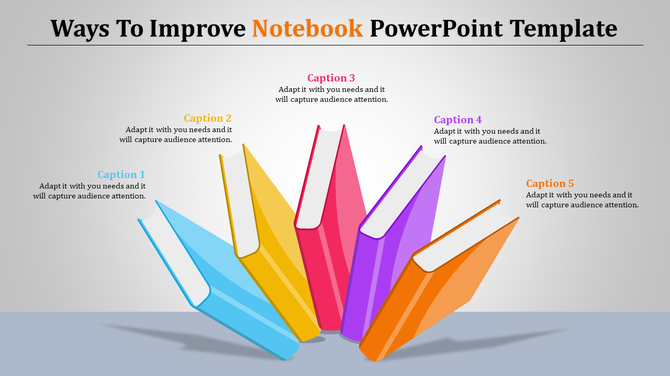



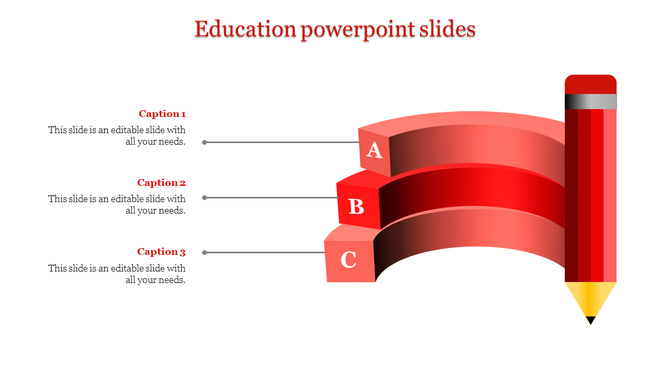
Make Teaching and Learning Easy with Our Education Presentation Templates
Why Good Slides Matter
Slides do more than just show words—they capture attention and explain ideas quickly. Consider a science class on planets. A lengthy page of text can be difficult to grasp, but a well-designed slide can convey the information in seconds. That’s the power of visual storytelling. Words alone can feel dry, but slides keep students engaged, making lessons more active and enjoyable.
Classroom Activity Slides
Use these slides for daily classroom activities, group tasks, and discussions.
Lesson Plan Templates
Plan your lessons with structured slides to improve teaching flow.
E-Learning and Online Course Slides
Perfect for online classes like Zoom or Google Meet.
School Project Presentation Templates
Help students present ideas and research in a clean format.
College and University Templates
Best for seminars, research, and academic presentations.
Teacher Introduction Slides
Introduce yourself clearly with simple slides.
Quiz and Game Templates
Make learning interactive with quiz and activity slides.
Graduation Ceremony Slides
Use these slides for school events and celebrations.
Back to School Templates
Start the academic year with engaging presentations.
Kindergarten and Kids Learning Slides
Colourful slides designed for young learners.
- Catch attention: Bright designs make lessons engaging.
- Make it simple: Break big ideas into small steps.
- Help memory: Pictures and words stick longer.
- Grow curiosity: Students ask more questions.
- Build skills: Kids learn to present clearly.
- Save time: Teachers prepare less, teach more.
- Fit all styles: Good for visual and reading learners.
Why Choose SlideEgg
Teachers explain lessons faster and with more clarity.
Students share projects and research in an organized, professional manner.
No design skills required—just add text or pictures.
Every template saves you hours and adds value to the classroom experience.
What You Get SlideEgg Education Templates
Templates for every subject: Math, science, art, history, and more.
Clean, colorful layouts that look professional.
Easy-to-use tools to change text, colors, and images.
Charts, polls, and quizzes ready to be added to any slide.
Simple, user-friendly slides anyone can use.
Key Features Of Our Templates
100% Editable: Quickly modify all parts of the templates to suit your needs.
Clear Design: Templates are designed to work well on both large and small screens.
Easy to Use: Fully compatible with PowerPoint, Google Slides, and Canva.
Expert Look: Templates are designed for clear and simple teaching.
Flexible Sizes: Both 4:3 and 16:9 aspect ratios included.
Royalty-Free: Buy once, reuse forever.
Use Cases For Education Templates
Teachers: Create lessons, assignments, and tests with ease.
Students: Share projects, research, and group work professionally.
Schools: Plan events and parent meetings with clear, visual presentations.
Online Classes: Deliver presentations on Zoom or Google Meet.
Training: Use templates to explain complex topics step-by-step.
Slides work anywhere teaching or learning takes place—whether in a classroom, during online sessions, or for home study.
Show Progress and Growth
Make Every Lesson Count
Teachers save time and effort.
Students share ideas with confidence.
Classrooms stay energized and engaged.
With SlideEgg templates, teaching becomes simple and learning becomes effective and enjoyable.
Become an expert with SlideEgg

Frequently Asked Questions
1. Will this template work for my specific subject or grade level?
Templates come in different versions for different subjects and grades. Pre-K templates look different from high school templates. Find the one that matches your content. If the exact subject isn't there, the structure still works for any topic. You just customize the content.
2. Can I reuse the same template for different lessons or lessons throughout the year?
Yes. That's the idea. One template structure works for multiple lessons. Change the content, keep the layout. You build a consistent lesson structure your students recognize. Consistency helps them learn.
3. How do I add my own content, images, or activities to these templates?
Everything is editable. Text boxes, images, all of it. You replace placeholder content with yours. You can add worksheets, quizzes, or activities. The structure stays intact. Your content fills it.
4. Will these work for both in-person and online teaching?
Yes. Use in a classroom projected on a screen or in a video call. Works in Zoom, Google Meet, and Teams. Export as PDF for students. Templates are flexible. Whatever delivery method you use, they work.
5. How much content should I put on each slide so students don't get overwhelmed?
Templates are designed with that in mind. They guide you on how much content fits per slide. They're built to avoid overwhelming information. Follow the template structure, and you'll naturally keep slides focused.
6. Can I update the content easily if I want to change something after I create the lesson?
Yes. Everything is editable. You can update text, replace images, and move content around. No rebuilding from scratch. Changes take minutes. You're not locked into anything.
7. Will my students understand how to follow the lesson structure?
Yes. Templates use clear, logical structure. Intro, content, examples, activities, summary. Students follow this pattern across lessons. Consistency helps understanding. The structure supports learning.