Cylinder Presentation Templates
Want to be unique and creative when designing your presentations? Try our Free Cylinder PowerPoint Templates and Google Slides Themes today! Add these cylindrical shapes to your PPT presentations to express yourself better and engage your crowd. Pop up! Make your selection and treat your slide audiences positively!

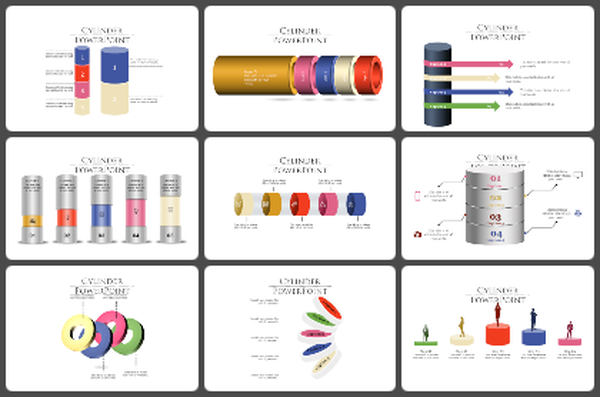

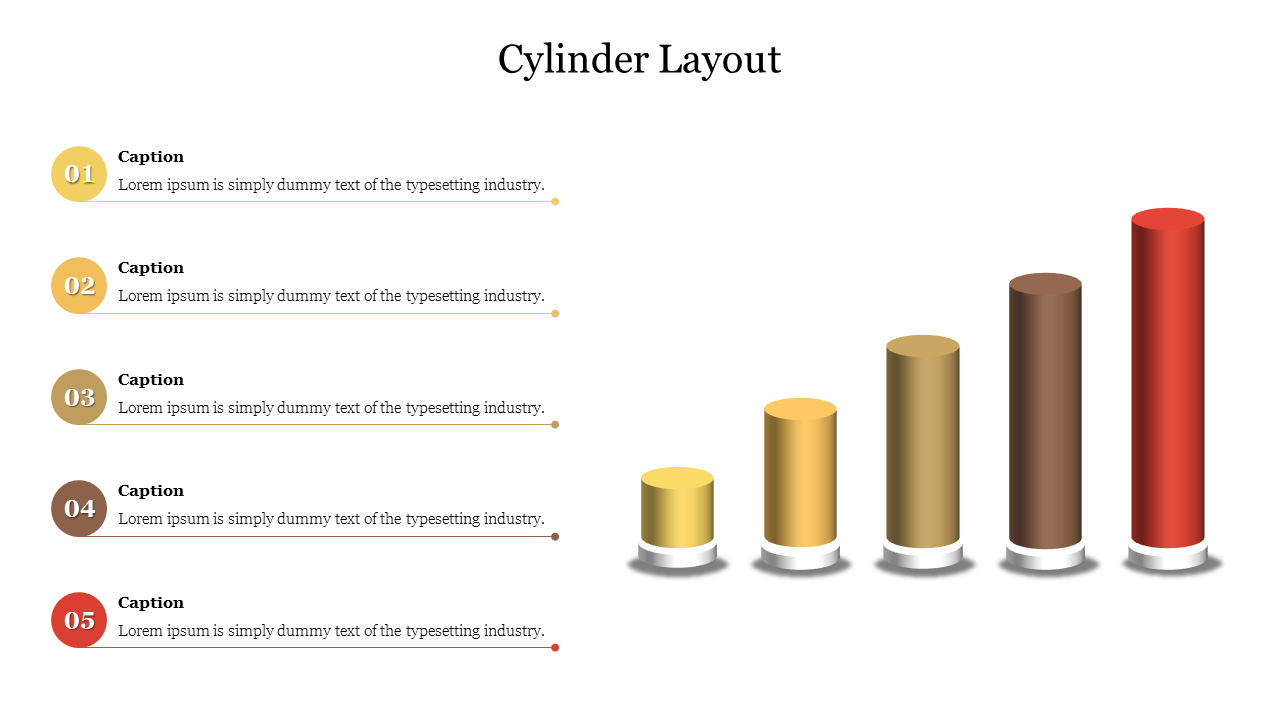
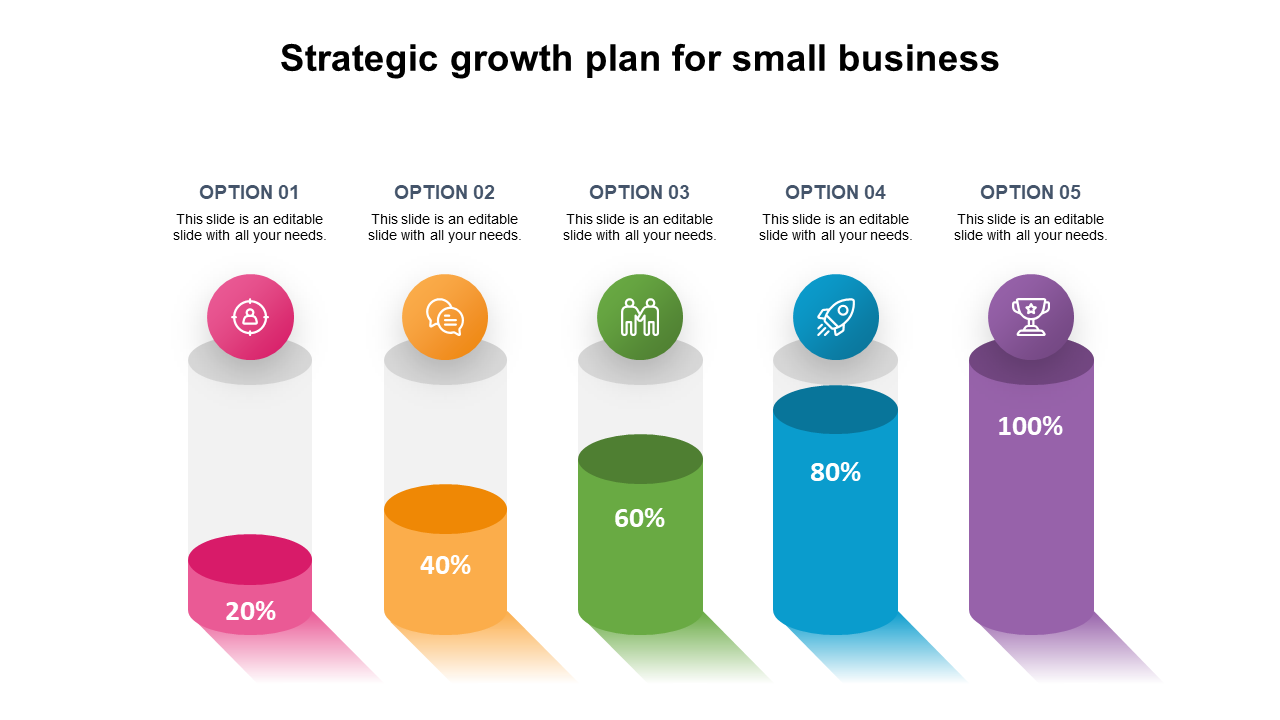
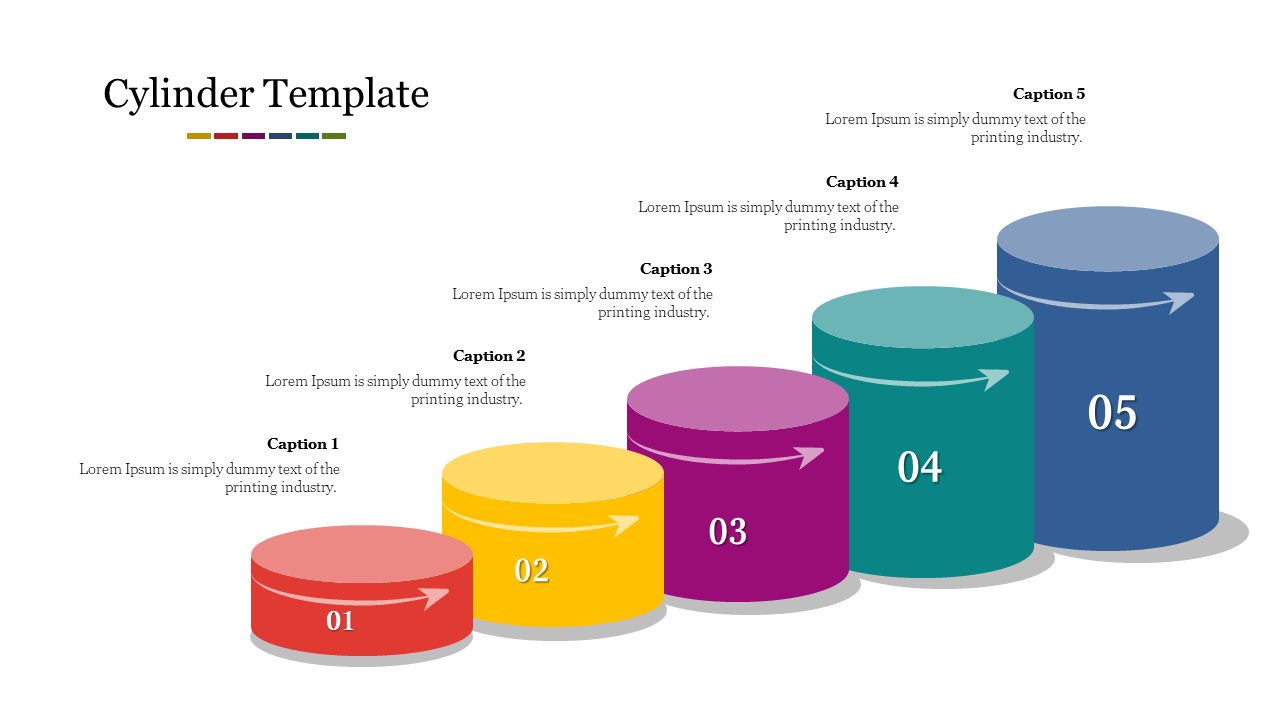
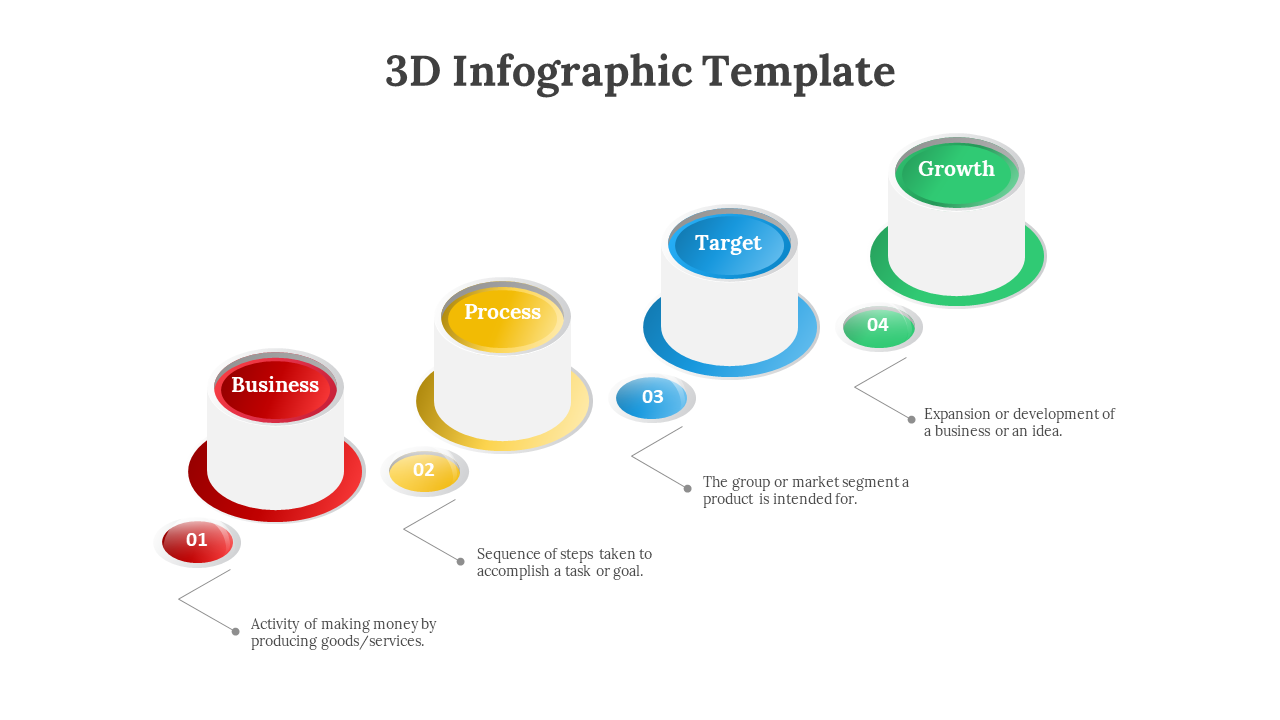
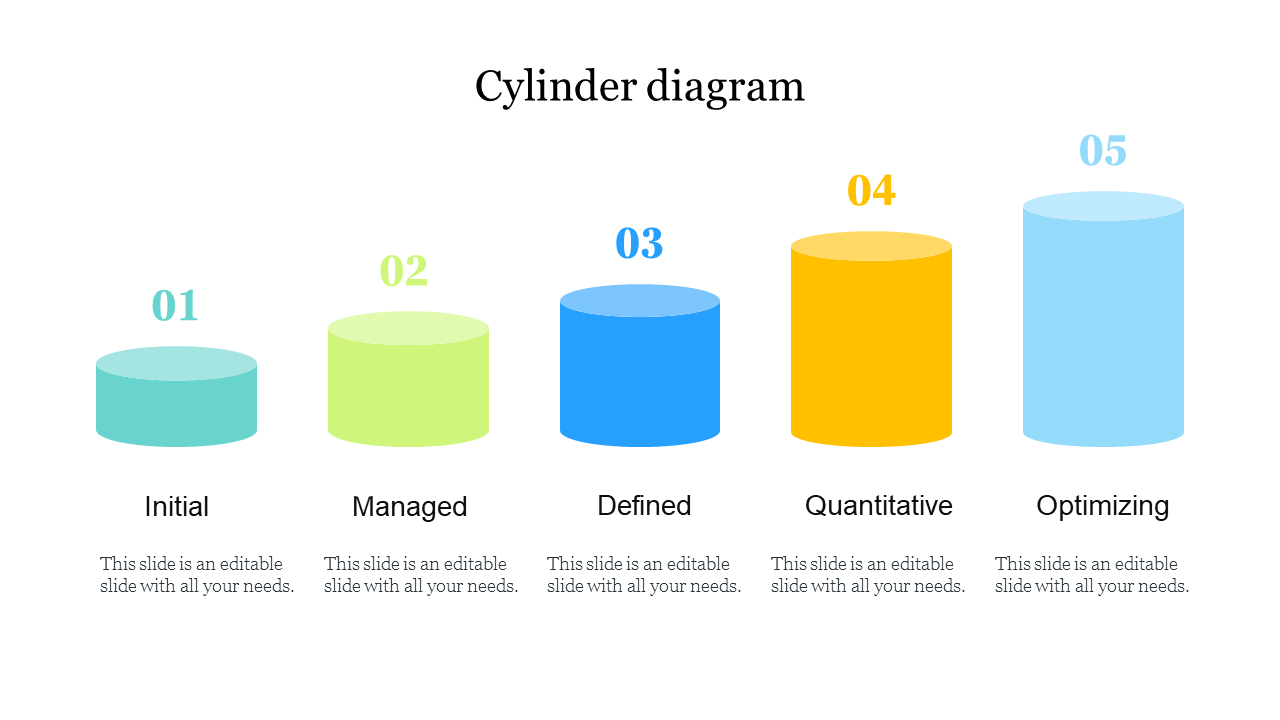
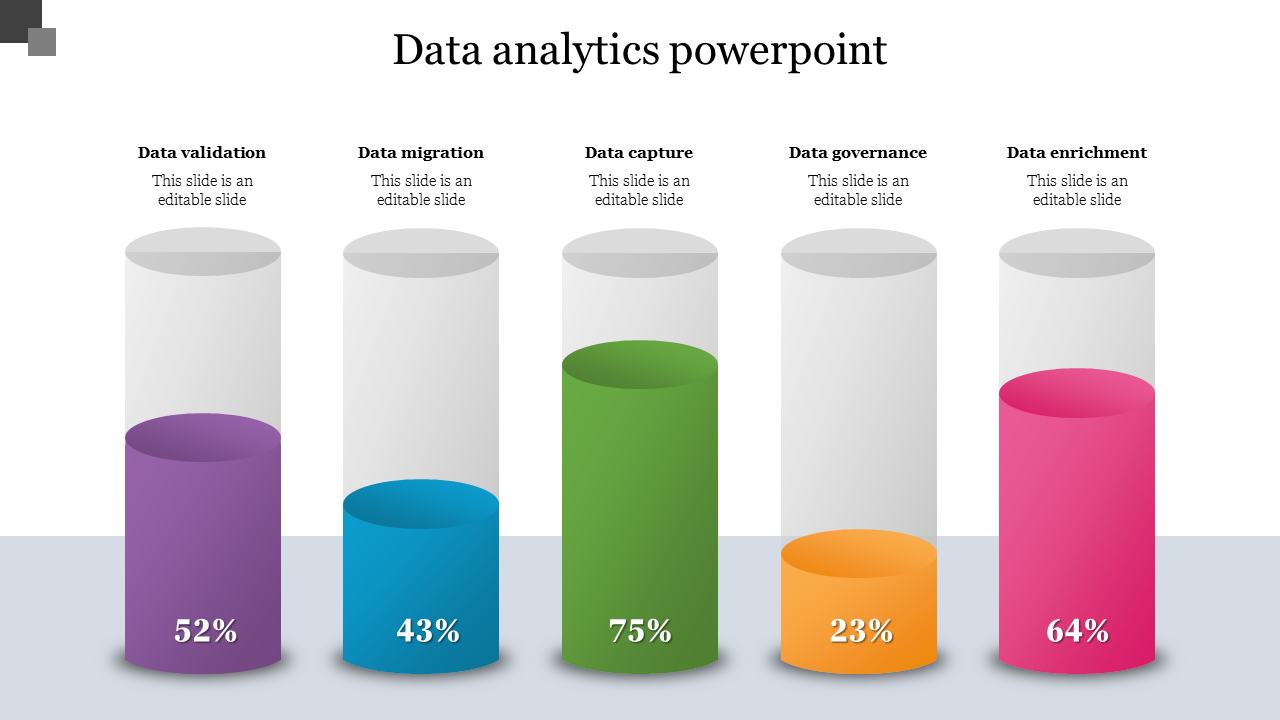
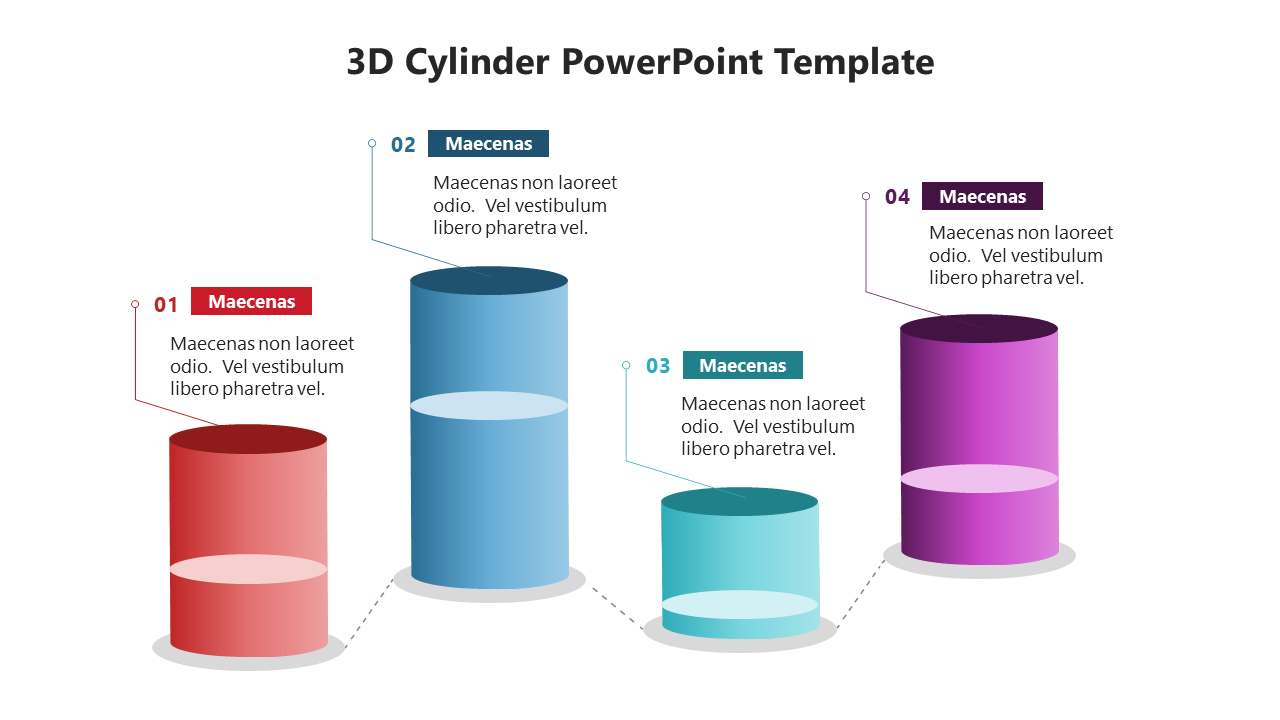
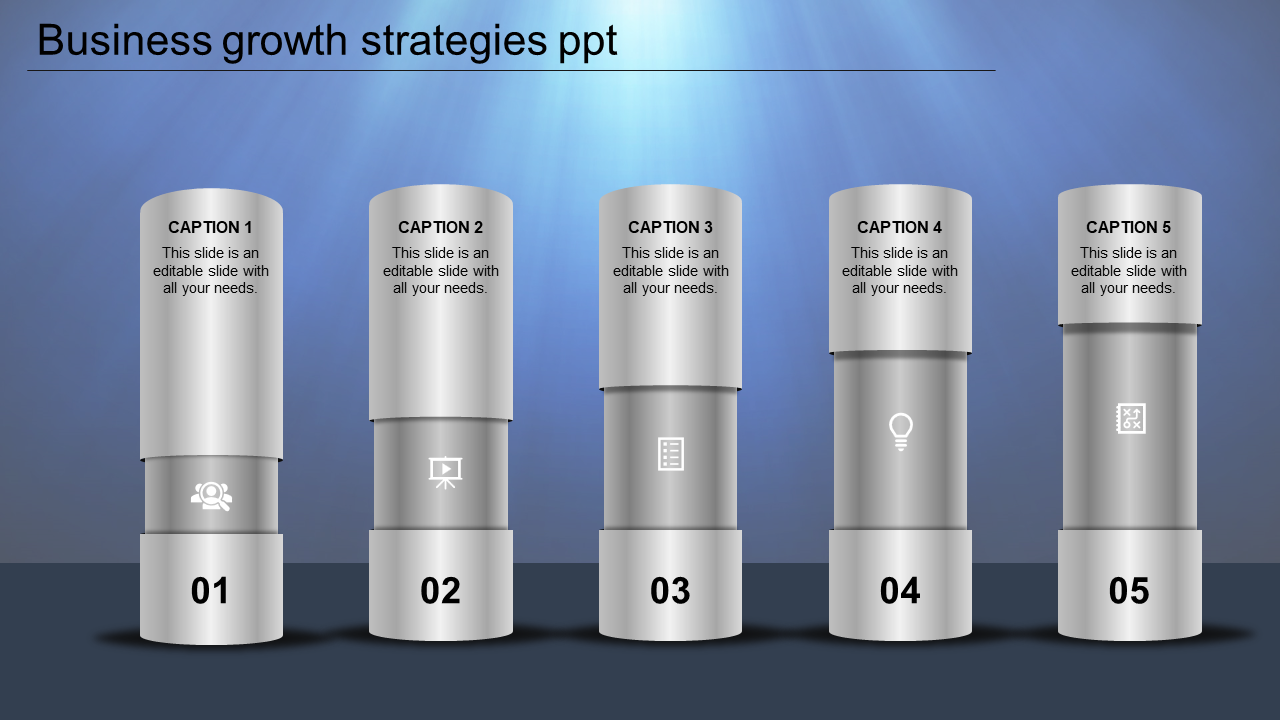
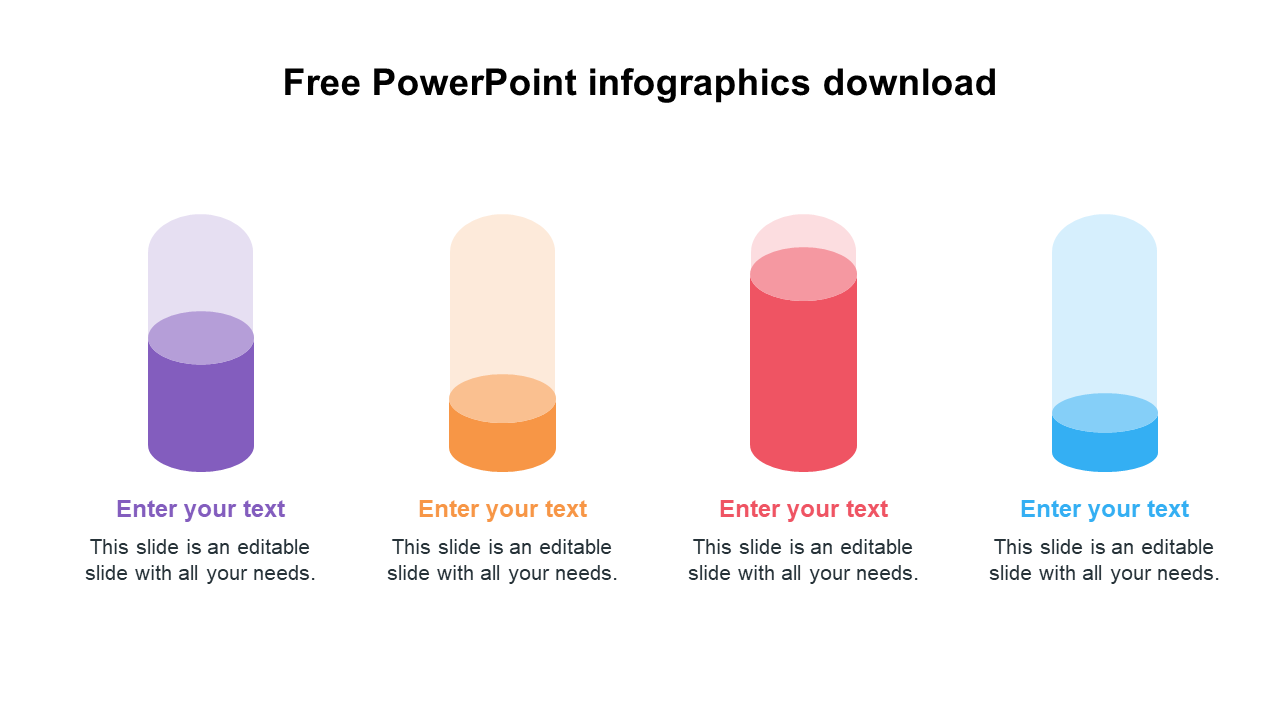
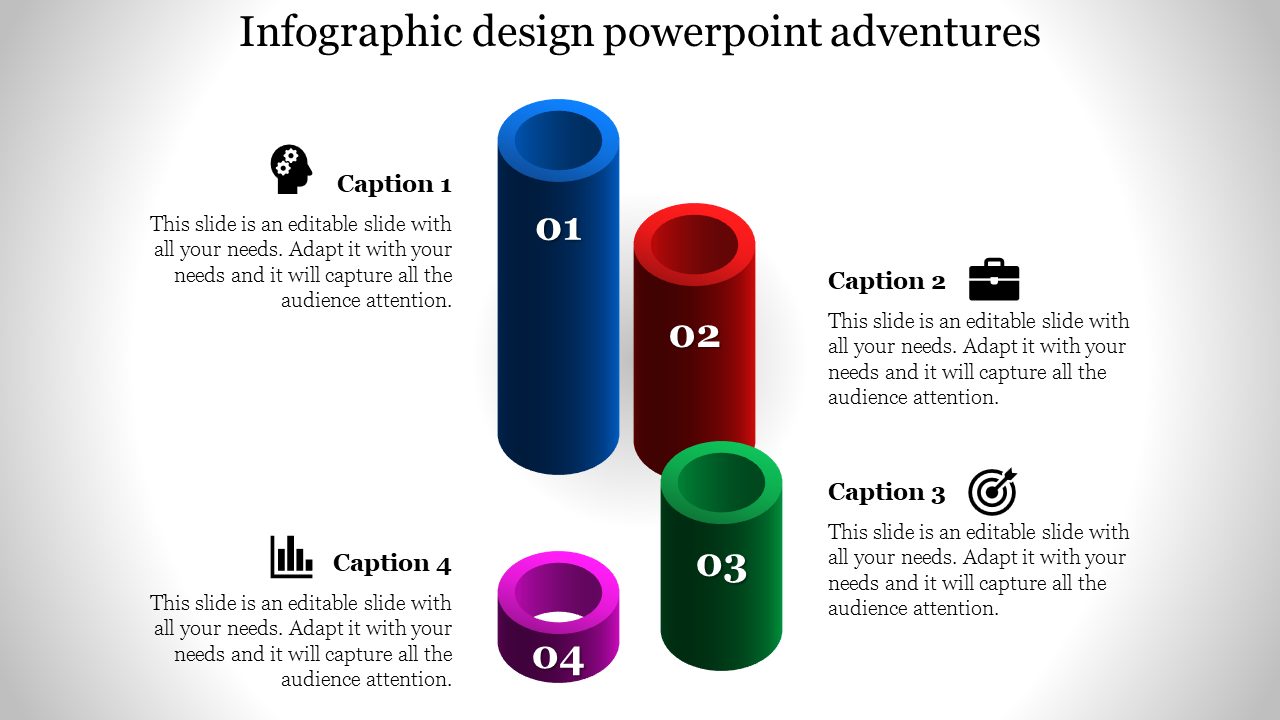
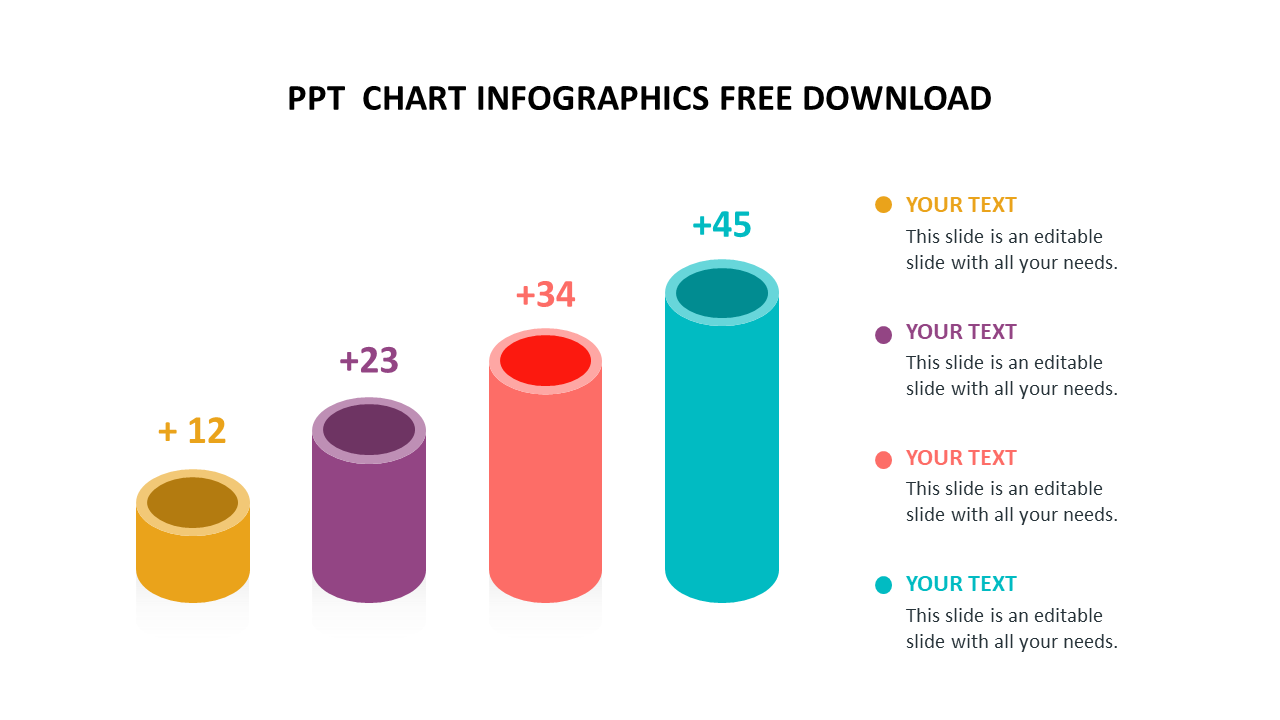
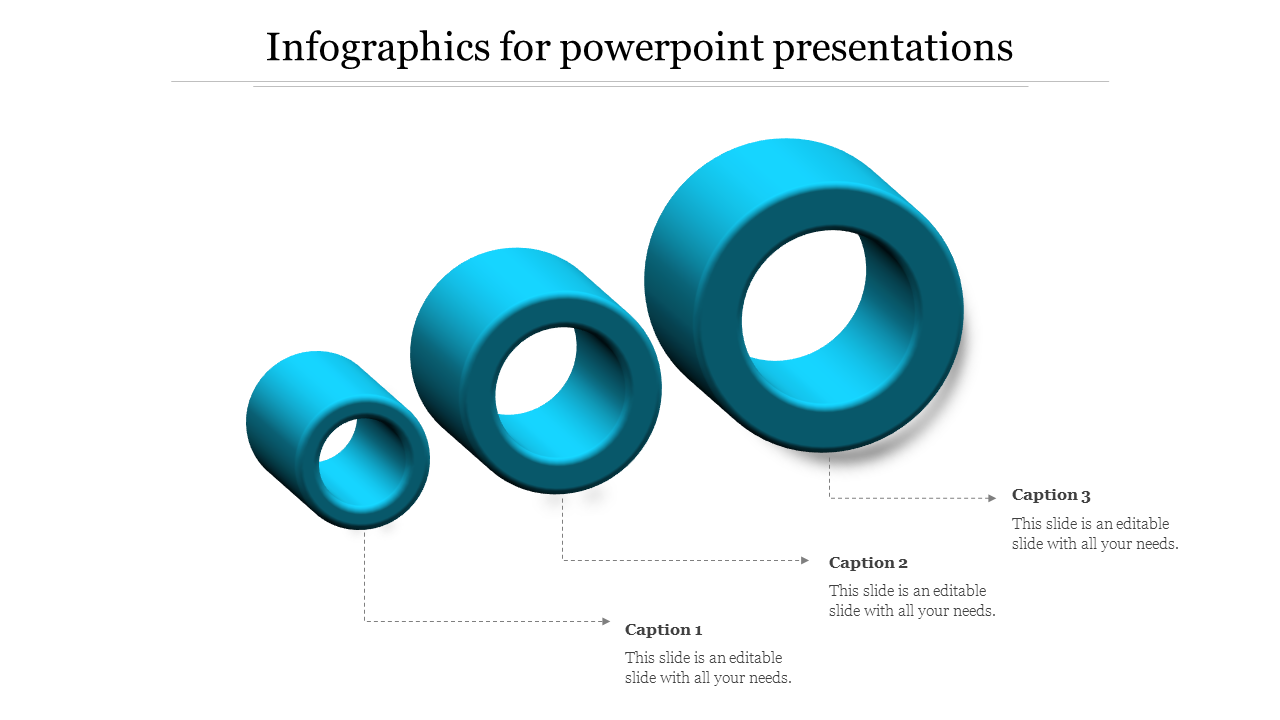
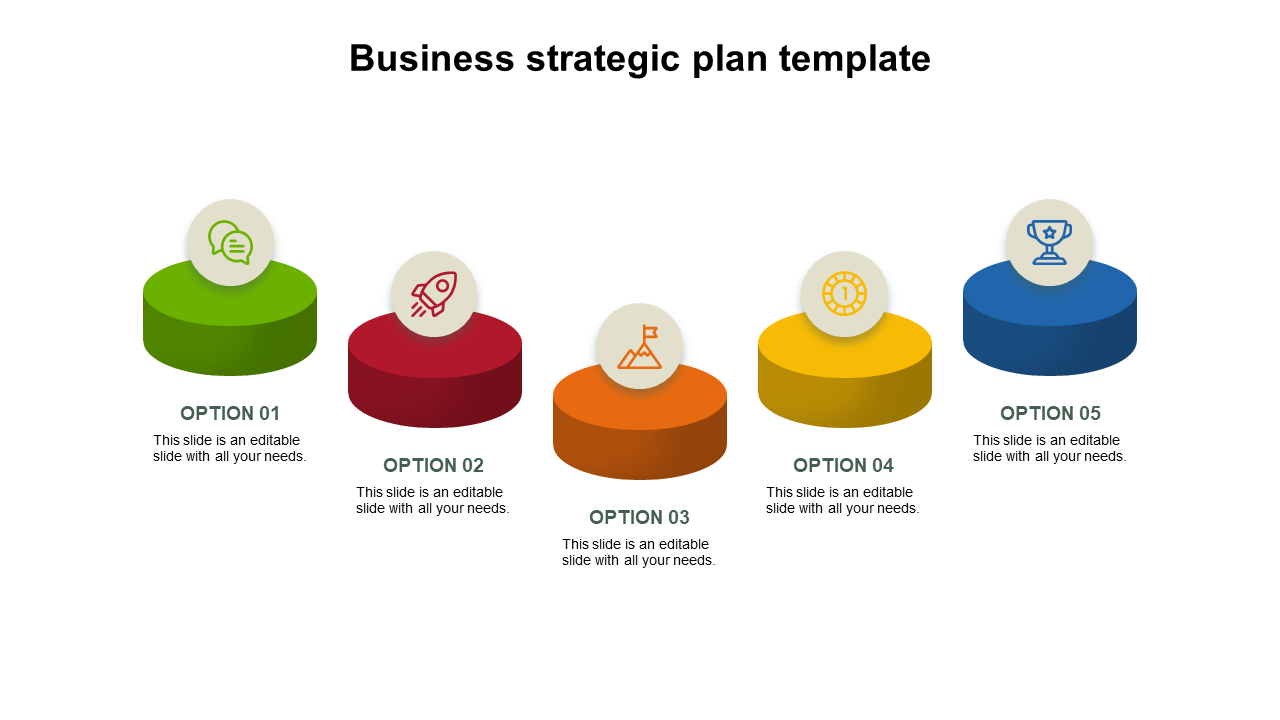
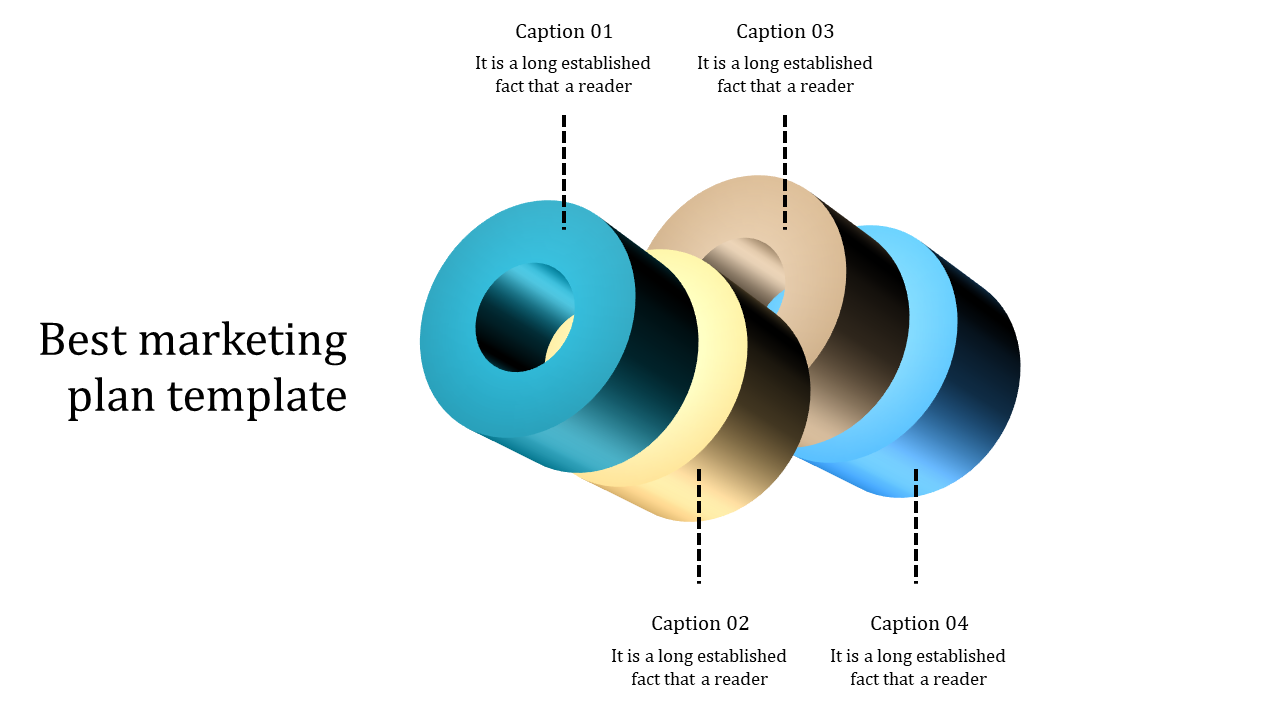
- Easy to Understand: Cylinder diagrams simplify complex ideas. Whether it's science, history, or math, they make abstract concepts clear. Imagine teaching the water cycle with a 3D cylinder—it makes things easy to grasp.
- Clear Business Communication: Clarity is crucial in the corporate world. Cylinder diagrams help convey strategies and plans effectively. Picture a colorful 2D cylinder showing market segments or a 3D one illustrating revenue streams.
- Customize as You Like: Our templates offer editable graphics and text. Change colors, fonts, and layouts to fit your brand or topic. Whether it's reports or brainstorming sessions, these slides adapt to your needs.
- Colorful Infographics: Choose from a variety of 2D & 3D infographics to make your data memorable.
- Easy Node Selection: Highlight specific points or processes effortlessly.
- No Copyright Issues: Our slides are royalty-free, so you can use them worry-free.
- Various Formats: Whether you need traditional or widescreen formats, we've got you covered.
- Free Slides: Some of our best slides are free to use.
- Educators and Students: Simplify lessons and presentations for better learning.
- Business Professionals: Communicate strategies and ideas effectively.
- Nonprofits and Community Organizations: Share stories and reports easily.
Become an expert with SlideEgg
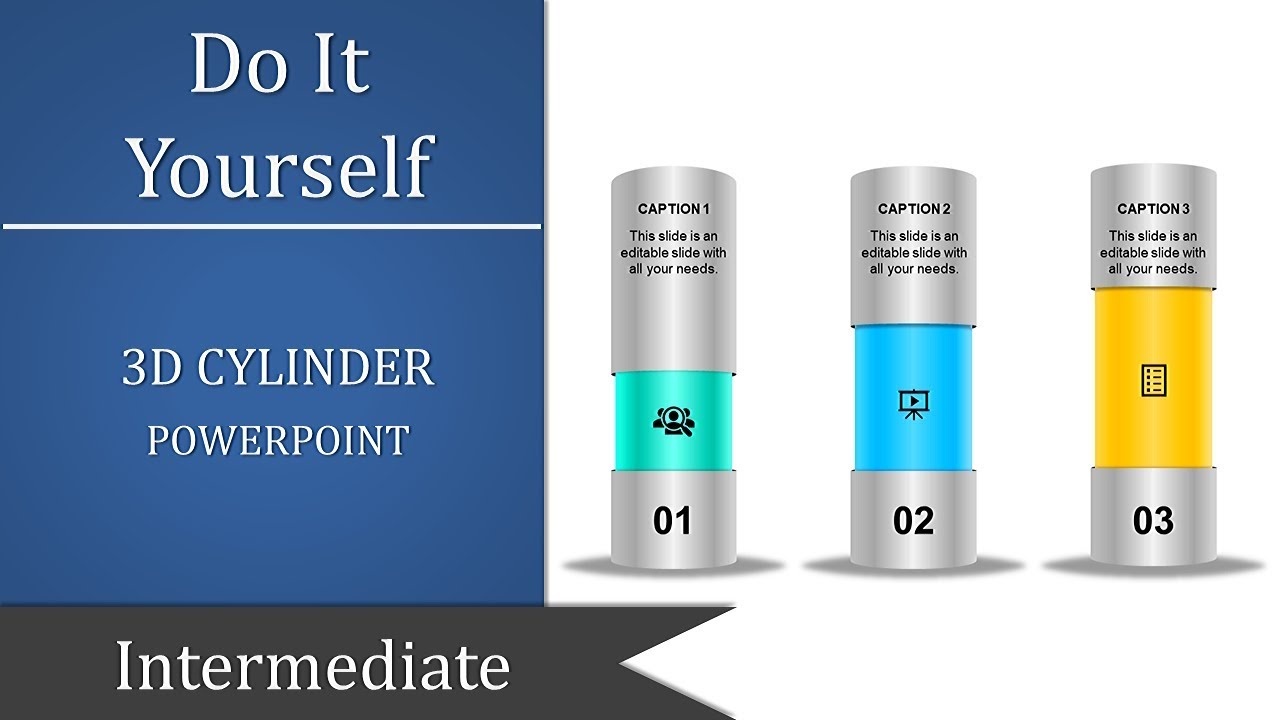

We're here to help you!
What are Cylinder PowerPoint Templates?
Cylinder PowerPoint templates have multi-colored cylindrical figures that can help you to amuse the audience. These designs are entirely modifiable; you may change the fonts, colors, and sizes.
Where can we use these Cylinder Templates?
These slides are ideal for showing charts using cylinder patterns so your audience can quickly grasp the data.
How can I make a Cylinder Template in a presentation?
To add a cylinder to a PowerPoint slide, go to that slide. 1. On the Home tab, click. 2. In the ribbon, select the "Shapes" button. 3. Insert the cylinder form by clicking it on your slide. You can also use the pre-made templates if you have a short time to prepare your presentation.
Who can use these Cylinder Templates?
All presenters can commonly use these templates to make their slides look innovative and attractive.
Why do we need to use Cylinder slides?
When exhibiting processes or identity content, the layered cylinder appearance works best. The template includes overview slides revealing how each layer fits inside the others and individual presentations.
Where can I find Cylinder templates for free?
You may get slides for free from a lot of websites. Visit Slide Egg right away to get a high-level slide for free.