1100+ Agenda Presentation Templates

Meetings feel disorganized when people don't see the flow. The presenter knows what's coming. The audience doesn't. You're thinking about pacing. They're confused about direction. You're out of sync from the start.

Got a Unique Idea? Craft with AI
PRO
Credits left : 0
Add to Wishlist
Download
AI Customize
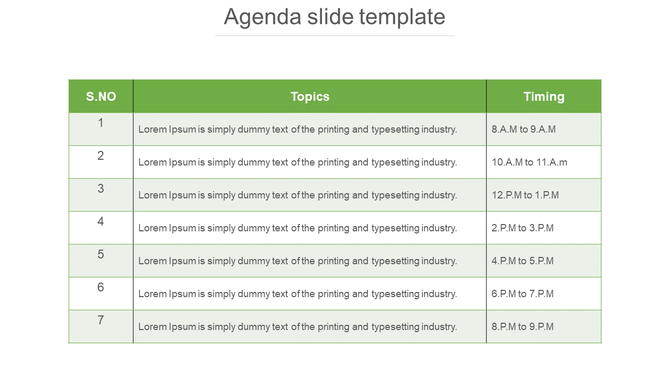
Table layout featuring agenda details with seven rows and three columns, framed by green headers on a white background.
Add to Wishlist
Download
AI Customize
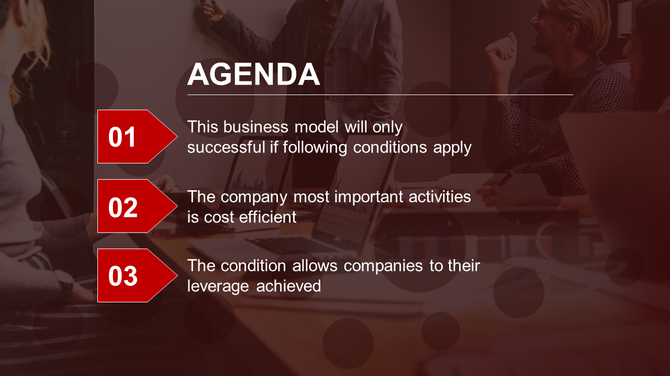
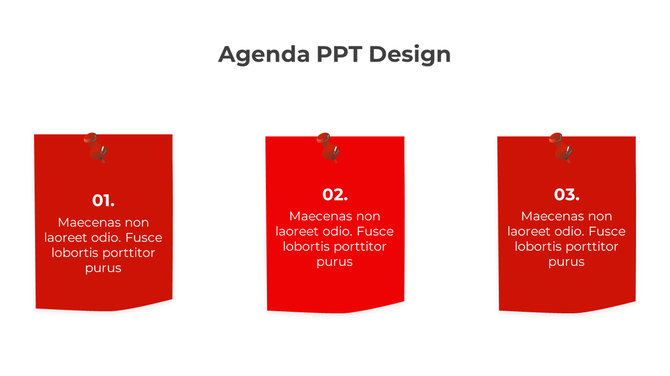
Business agenda slide showing three red numbers on arrows, overlaying on a dark office meeting scene.
Add to Wishlist
Download
AI Customize
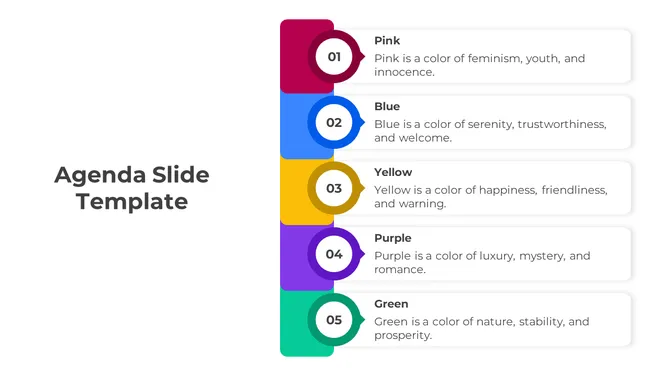
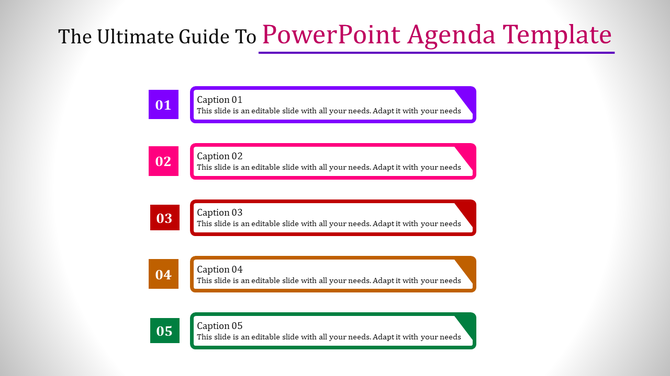
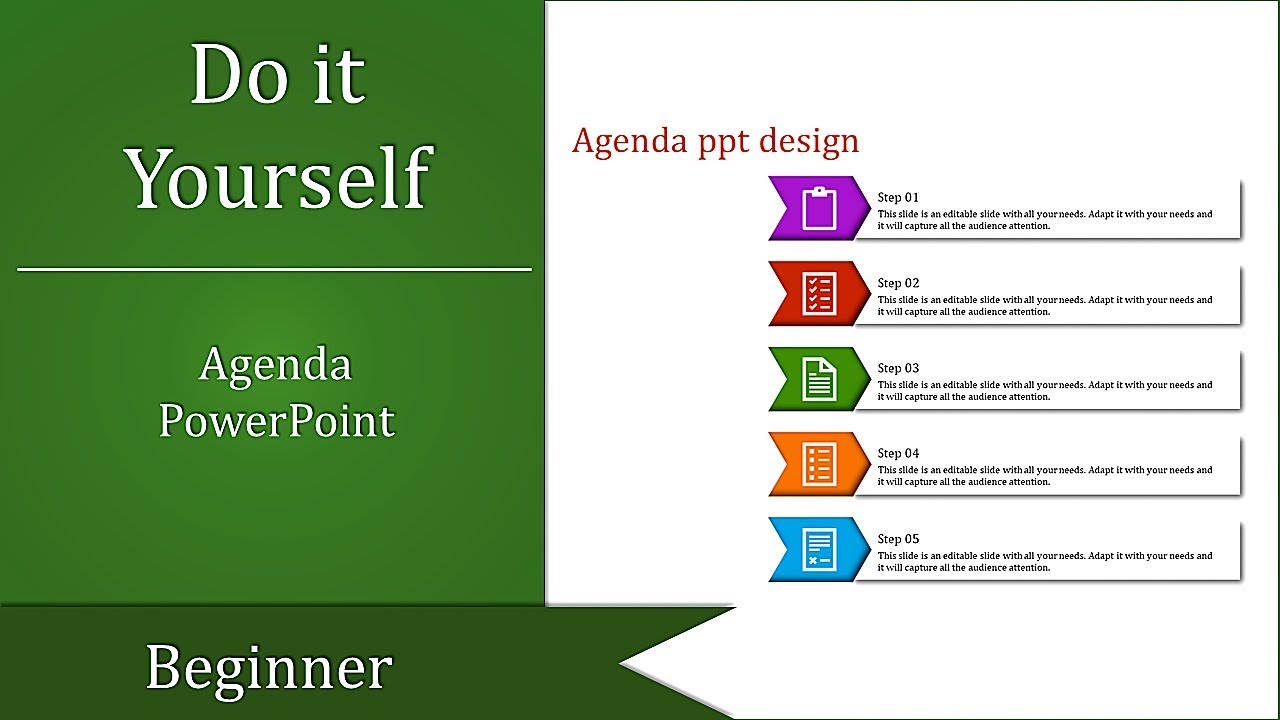
Agenda slide showing five color-coded sections with numbered captions, from 01 to 05, each featuring placeholder text.
Add to Wishlist
Download
AI Customize
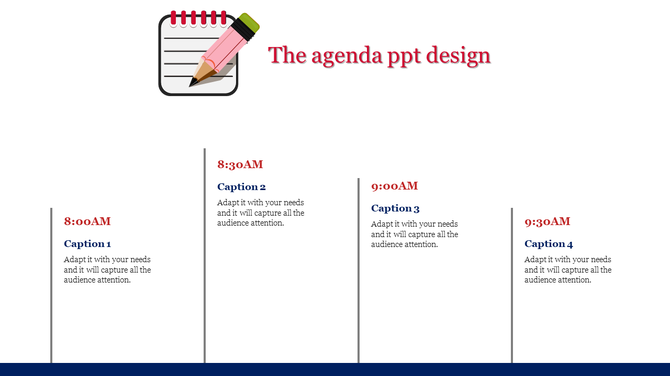
Agenda slide with a notebook and pencil icon at the top, followed by four time slots and captions in a timeline format.
Add to Wishlist
Download
AI Customize
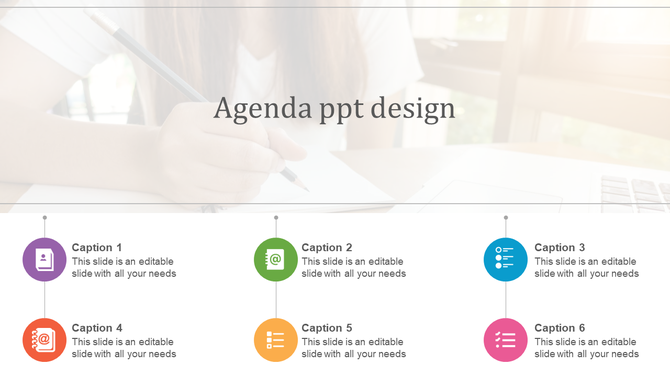
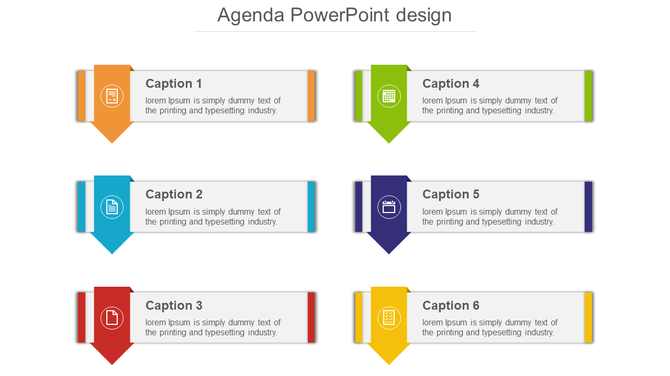
Agenda PPT design slide featuring colorful icons and caption sections with a background image.
Add to Wishlist
Download
AI Customize
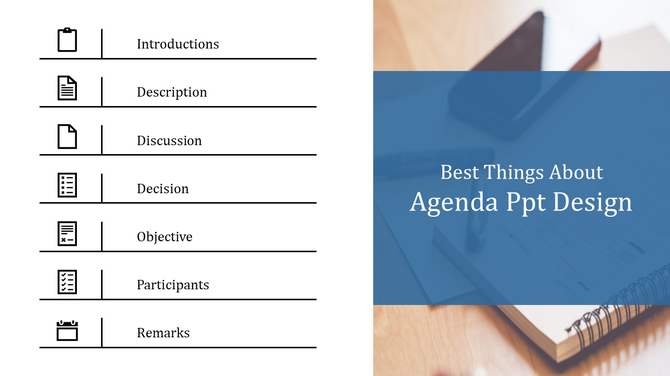
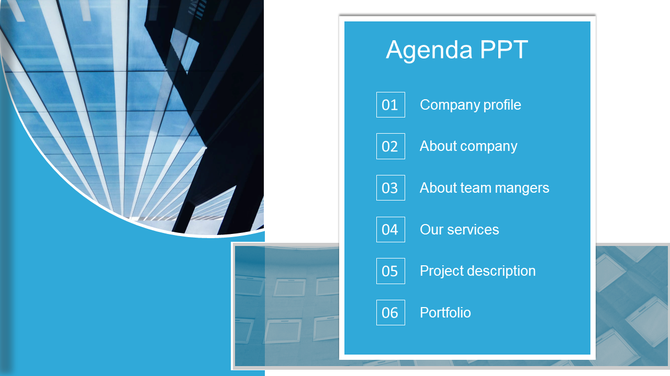
Split layout with a list of agenda items on the left paired with a blue themed overlay on the right.
Add to Wishlist
Download
AI Customize
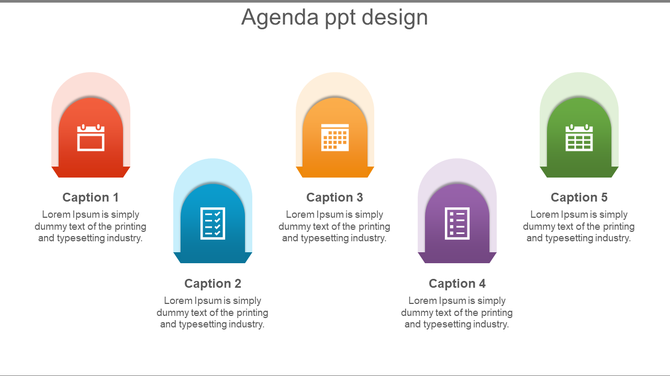
Five colorful arches in red, blue, orange, purple, and green with icons and captions below, on a white background.
Add to Wishlist
Download
AI Customize
Agenda Design  PowerPoint Template And Google Slides
Add to Wishlist
Download
AI Customize
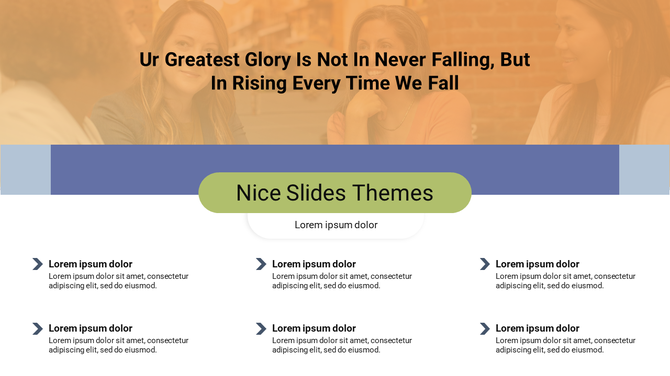
Slide with a quote at the top yellow background of women in a warm setting, and six bullet points below.
Add to Wishlist
Download
AI Customize
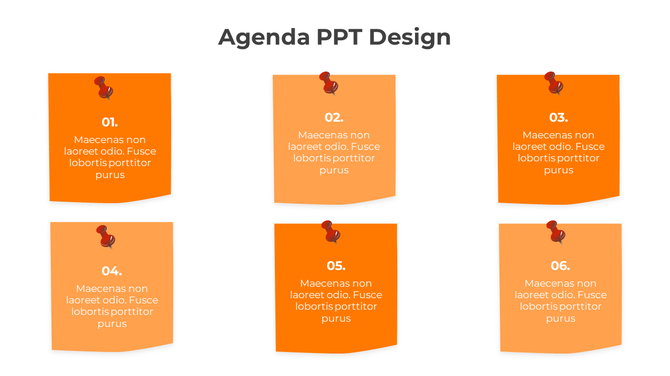
Agenda PowerPoint design with six orange pinned notes, each numbered from 01 to 06, displaying placeholder text.
Add to Wishlist
Download
AI Customize
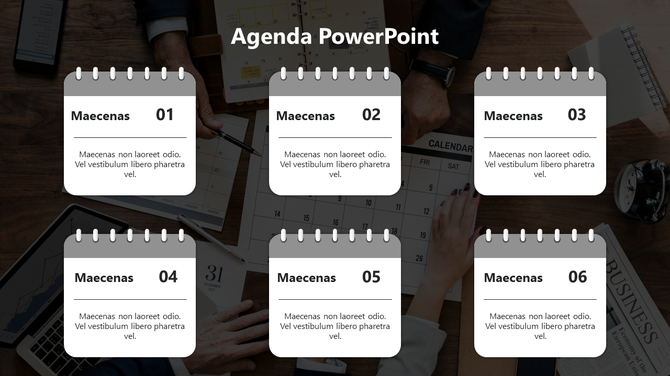
Agenda PPT slide featuring six gray calendar style blocks over a background of hands working on a physical calendar.
Add to Wishlist
Download
AI Customize
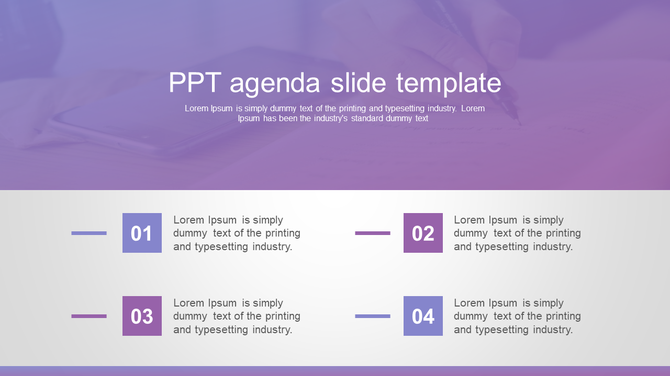
Agenda slide with a gradient purple background and four numbered sections in blue and pink boxes below.
Add to Wishlist
Download
AI Customize
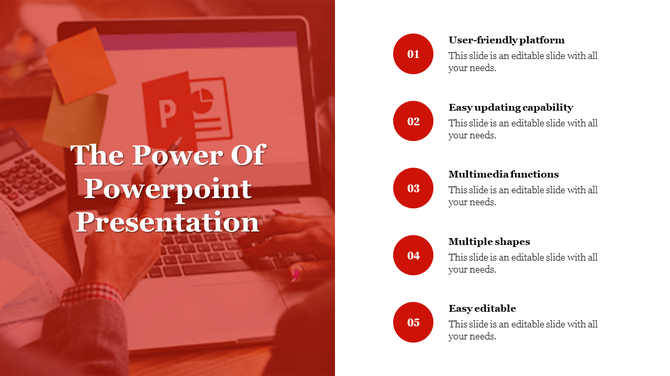
The Power Of PowerPoint Presentations & Google Slides
Add to Wishlist
Download
AI Customize
Split slide design with a blurred hand holding a pen and five colorful numbered captions on the right.
Add to Wishlist
Download
AI Customize
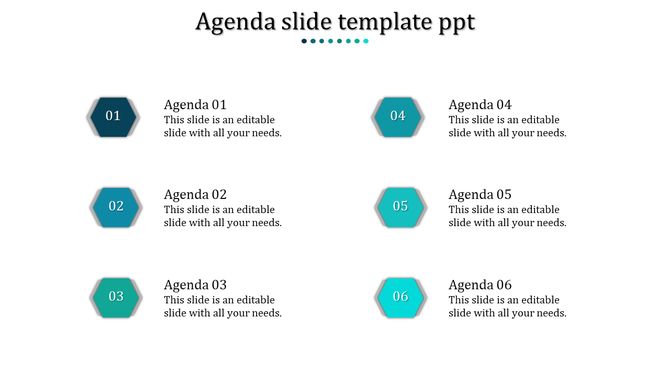
Slide with six teal hexagonal shapes arranged in two columns, each paired with agenda text on a white background.
Add to Wishlist
Download
AI Customize
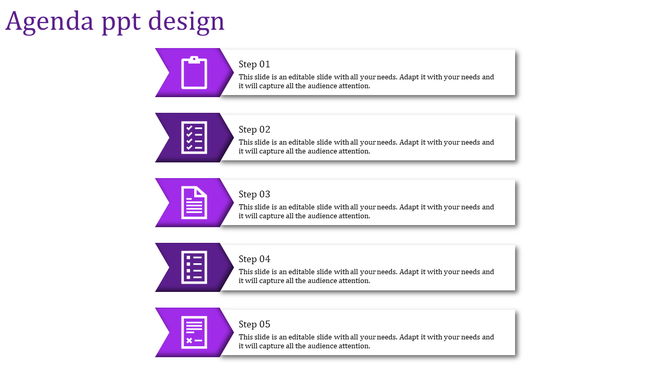
Process flow agenda slide featuring five horizontally aligned steps with purple icons and text sections.
Add to Wishlist
Download
AI Customize
Yellow, red, and blue money stacks labeled with money pictures, visually comparing financial figures.
Add to Wishlist
Download
AI Customize
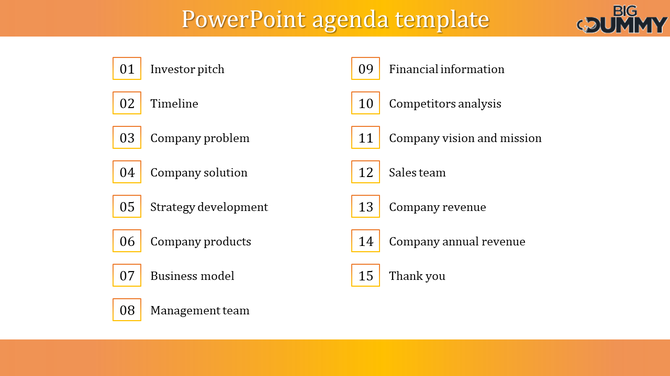
Agenda slide with a numbered list of business topics, divided into two columns with an orange gradient banner at the top.
Add to Wishlist
Download
AI Customize
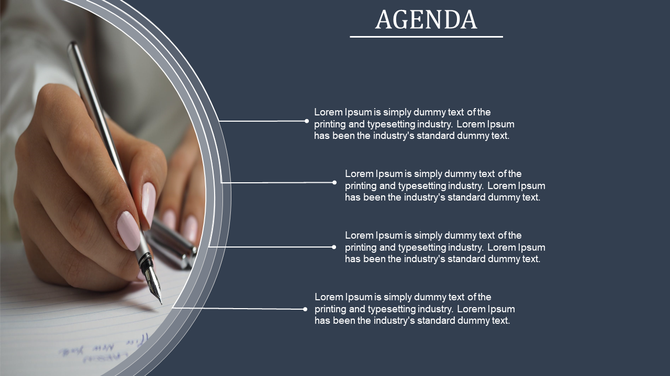
Agenda PowerPoint slide with a close up of a person writing on paper with a pen, accompanied by four bullet points.
Add to Wishlist
Download
AI Customize
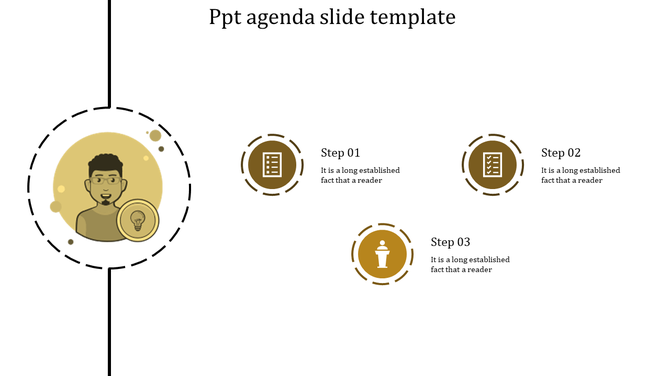
Agenda PowerPoint slide with a person icon and three numbered steps with corresponding icons in yellow tones.
Add to Wishlist
Download
AI Customize
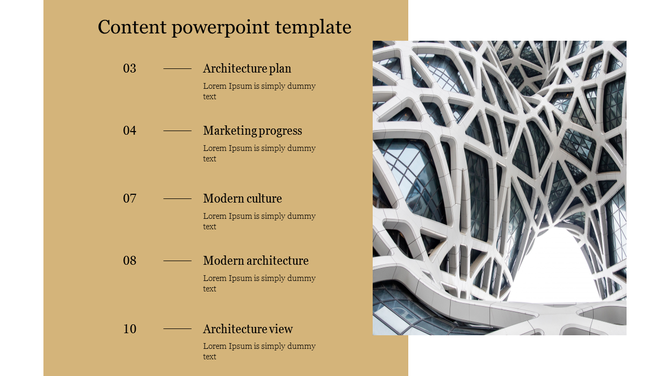
Content PowerPoint template showcasing sections like from architecture plan to view with a modern architectural image.
Add to Wishlist
Download
AI Customize
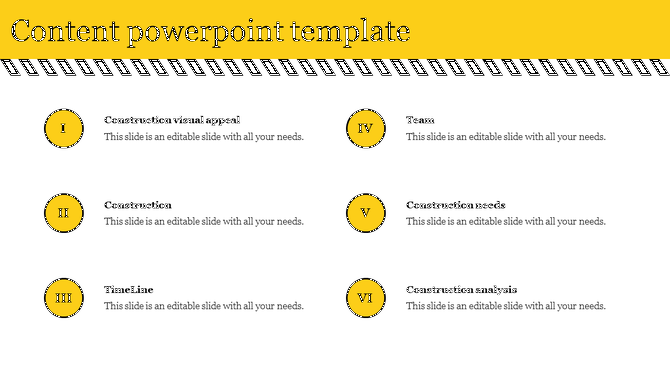
Content PPT slide with a yellow and black header, showcasing six topics related to construction in a structured layout.
The Best Agenda PowerPoint Templates and Google Slides Themes for Your Next Presentation

In the digital age, presentations play an indispensable role in conveying information, driving decision-making, and creating lasting impressions. And what's the foundation of a solid presentation? An organized agenda. Introducing the agenda presentation templates from Slide Egg – your one-stop solution for all things presentation!

Understanding the Power of an Agenda

An agenda, at its core, is a roadmap. Whether you're navigating a business meeting, directing a workshop, or setting the mood for an event, an agenda provides direction. It offers structure, ensures key points aren’t missed, and helps attendees anticipate what’s next.

Agendas encapsulate the plan, purpose, and trajectory of your presentation. They work as a snapshot, showing the broad strokes and specifics in one view.

Why Agendas are Important?

The thin line between a standout performance and a forgettable one in presentations is frequently marked by attention to the nuances. One such critical nuance is the incorporation of an effective agenda. It's the anchor of your presentation. Let's check the reasons behind its significance:

  • Organization: A well-structured agenda means an organized presentation. It sets the tone, making sure you’re on track and your audience knows where the journey is heading.
  • Engagement: By providing a clear overview, an agenda lets your audience mentally prepare for each segment, maintaining interest and engagement.
  • Time Management: An agenda is like a timekeeper. It ensures you spend the right amount of time on each topic, preventing overruns and rushed endings.


What is an Agenda in a PowerPoint Presentation?

In a PowerPoint presentation, an agenda acts as a table of contents. Typically placed near the beginning, it outlines the subjects you’ll cover. By providing an agenda, you're informing your audience that these topics will be covered, and in the order presented.

Elevate Your Presentations with Slide Egg’s Agenda Templates

Our agenda PowerPoint templates can help you make your agenda presentations visually appealing and effective. Whether you need agenda slides for a meeting checklist, a business conference, a workshop, a special event, or a daily agenda, we've got you covered. Our templates are aesthetically pleasing, functional, as well as 100% editable.

And if you're wondering about variety, rest assured. From the classic templates to the more specific agenda slides, our collection boasts a diverse range. For those who lean towards Google Slides, we have tailored themes just for you under our collection.

What's even better? You can try it before you buy. We also offer a free download option for many of our agenda templates. This allows you to get a feel of the design, and understand how it aligns with your content.

In conclusion, every presentation deserves a solid start. With the right agenda, you set the stage for success, clarity, and engagement. With Slide Egg’s vast array of Agenda PowerPoint Templates and Google Slides Themes, creating that perfect agenda is just a few clicks away. Explore, download, and elevate your presentations today!

Related Collections

Frequently Asked Questions

1. How many agenda items should I include?

4-8 items work best. Fewer than 4 feels too simple. More than 8 overwhelms people. People remember 5-7 items easily. Match your time — if you have 60 minutes, 5 items gives 12 minutes each. If you have 90 minutes, 6-7 items works. Keep it proportional.

2. Should I show timing for each agenda item?

Yes, especially for longer meetings. Show start time or duration. People use timing to understand pacing and prepare mentally. Without timing, they don't know if something takes 5 minutes or 30 minutes. Timing creates alignment between what you plan and what they expect.

3. Should the agenda be the first slide after the title?

Yes. Show it immediately. That's when people need alignment most — at the beginning. They form expectations from the agenda. If you wait until mid-presentation to show it, people have already made wrong assumptions about where you're going.

4. What if my presentation changes mid-way?

Acknowledge the change. Say "We're adjusting the agenda because..." Then show the new order. Don't pretend nothing changed. People notice. When you acknowledge adjustments, you stay aligned with your audience even though the plan shifted.

5. Do I need to reference the agenda during the presentation?

Yes. As you move between topics, say "Next on the agenda..." or "We're now at item 3." This keeps the audience anchored. They remember seeing it on the first slide and now they know exactly where you are. It maintains alignment throughout.

6. Should different audiences see different agendas?

Maybe. Board meetings need different agendas than team meetings. Client presentations need different agendas than internal meetings. Think about what each audience needs to know about the structure. Alignment depends on showing them what matters to THEM.

7. What if my presentation is short — do I still need an agenda?

Yes, but simpler. Even a 15-minute presentation benefits from showing 3-4 agenda items. People want to know the structure immediately. It takes 10 seconds to show but saves confusion for 15 minutes. Short presentations still need alignment between presenter and audience.