Free - Six Noded Infographics in PowerPoint for Engaging Visuals
Free
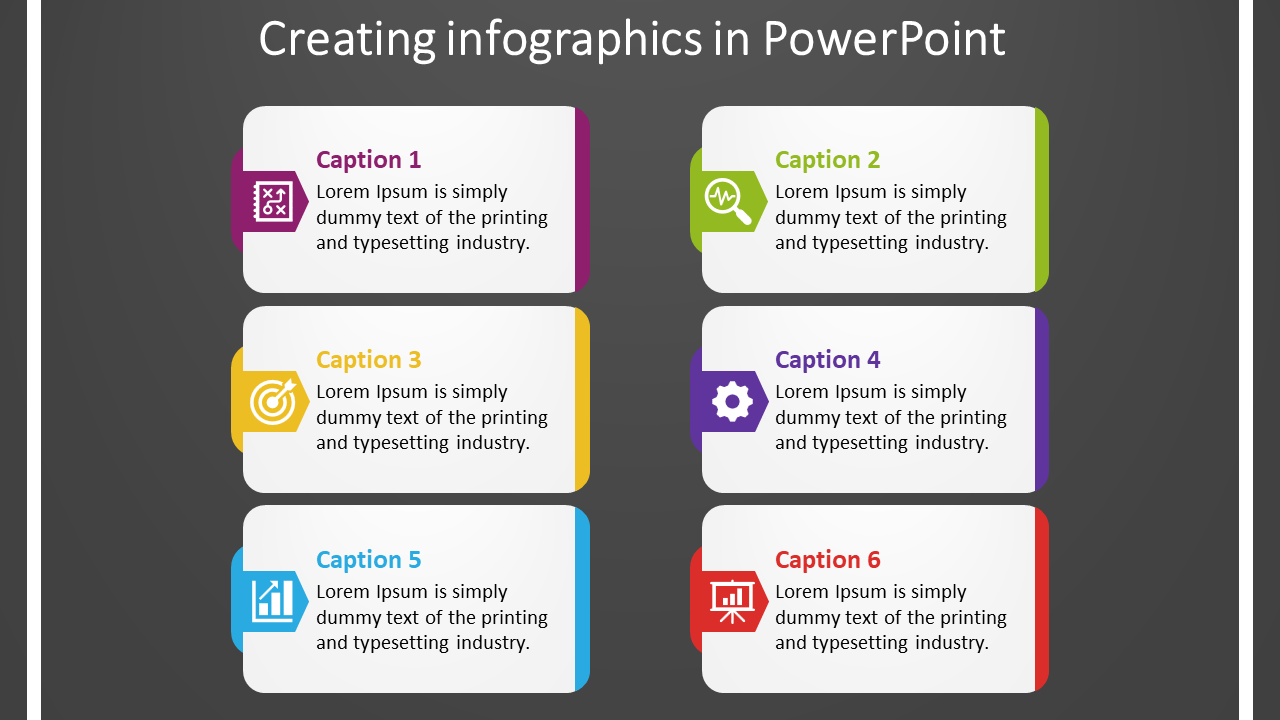










Creating Infographics in PowerPoint
You are interested in creating a visually appealing presentation, you will want to use unique graphic elements for your graphic design. Most graphic designers are not familiar with creating infographic presentations. To begin your project, you should start by listing down what is essential and which items you want to include in your presentation. Here are some tips for adding list:
Think of your audience. If your audience is composed of teenagers, you need to include multimedia elements like photos and videos. A video presentation is often preferred for small presentations.
You should know what your graphic designer wants before you begin the project. If your graphic designer asks you to fill in a form, go through and answer all the questions. Make sure you are clear about what you want your graphic designer to achieve.
Examples of successful online projects include Google's Inbox by Bing. This inbuilt email feature helps people in real-time to see the conversations they are having with others. A common challenge with this type of project is that there is not a lot of feedback from the people involved to tell you if your design is well received or not.
Create a portfolio that includes a variety of different designs and publish them to sites like Behance, WordPress, and Dribbble. This allows you to show off your work and also make it available to the public.
Once you have chosen your graphic designer, get their portfolio together, and read through it. This will give you a good idea of how creative they are and how much detail they can provide when you ask them to show you a rough draft.
Finally, try to schedule a meeting with your graphic designer before you go into production. This way, you can discuss what you both think should be done and go from there.









You May Also Like These PowerPoint Templates
Showing20 of69,218 templates